



- Detaljer
- Skrevet af: IT Pro
- Kategori: How to Articles
- Visninger: 5303
1. Åbn Microsoft Word

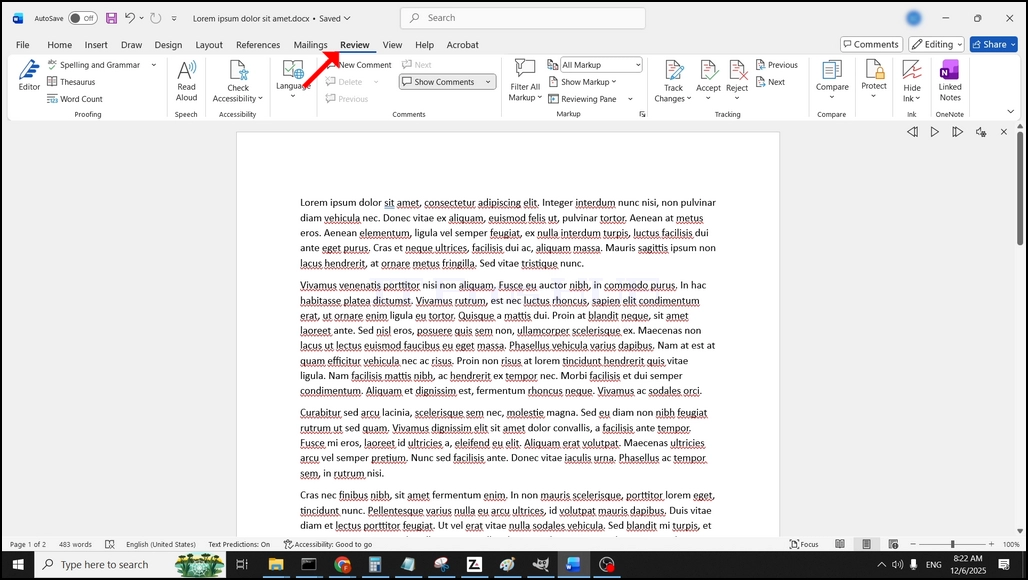
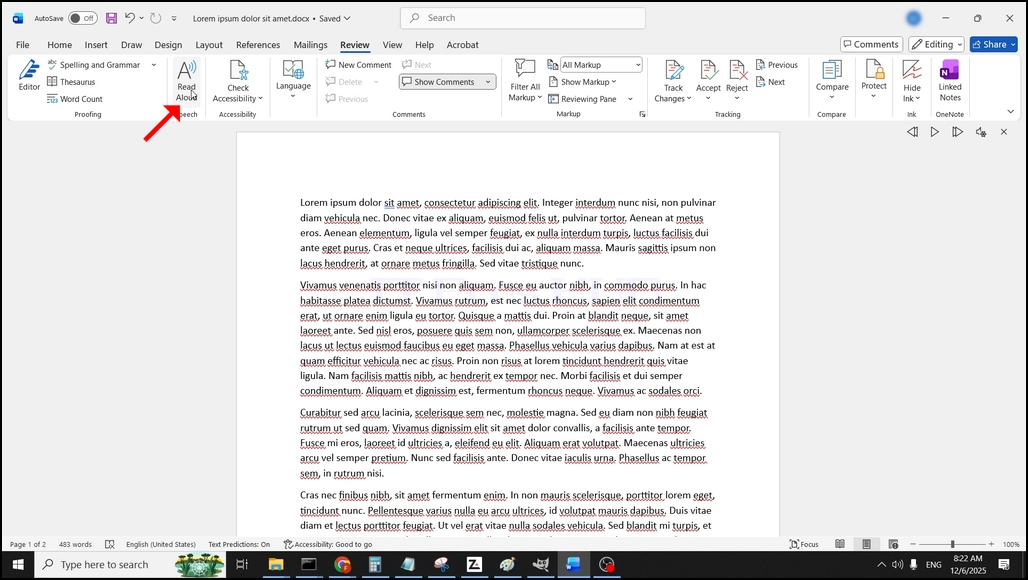
3. Under anmeldelse, se efter en stor "A"ikon der siger"Læs højt"og klik på det for at aktivere tekst til tale funktion af Word:
- Detaljer
- Skrevet af: IT Pro
- Kategori: How to Articles
- Visninger: 5731
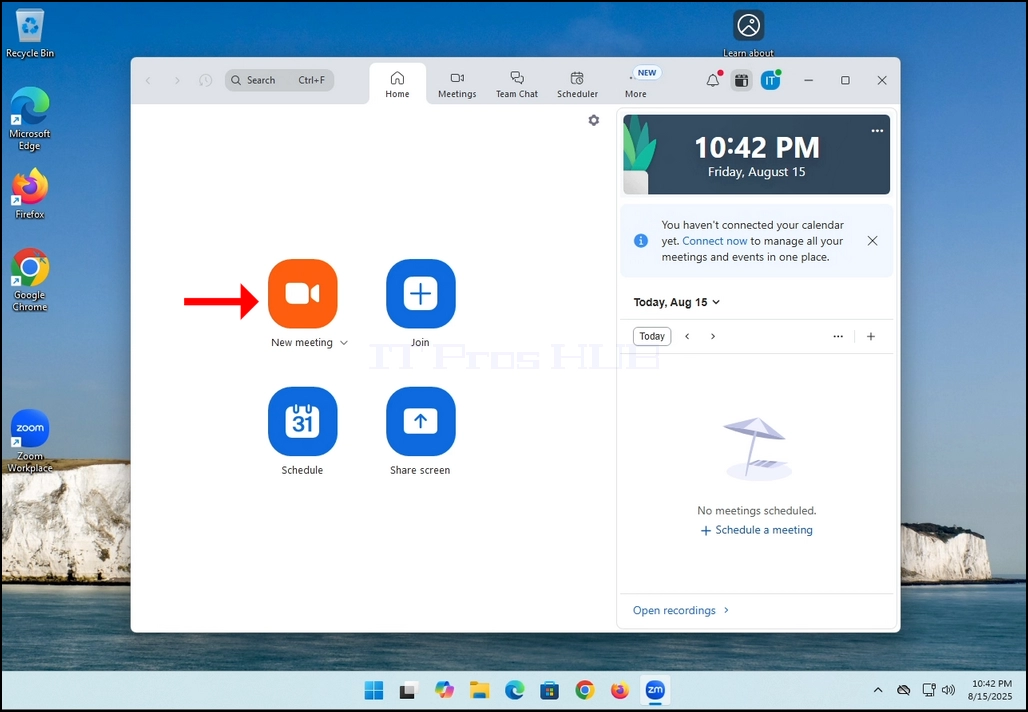
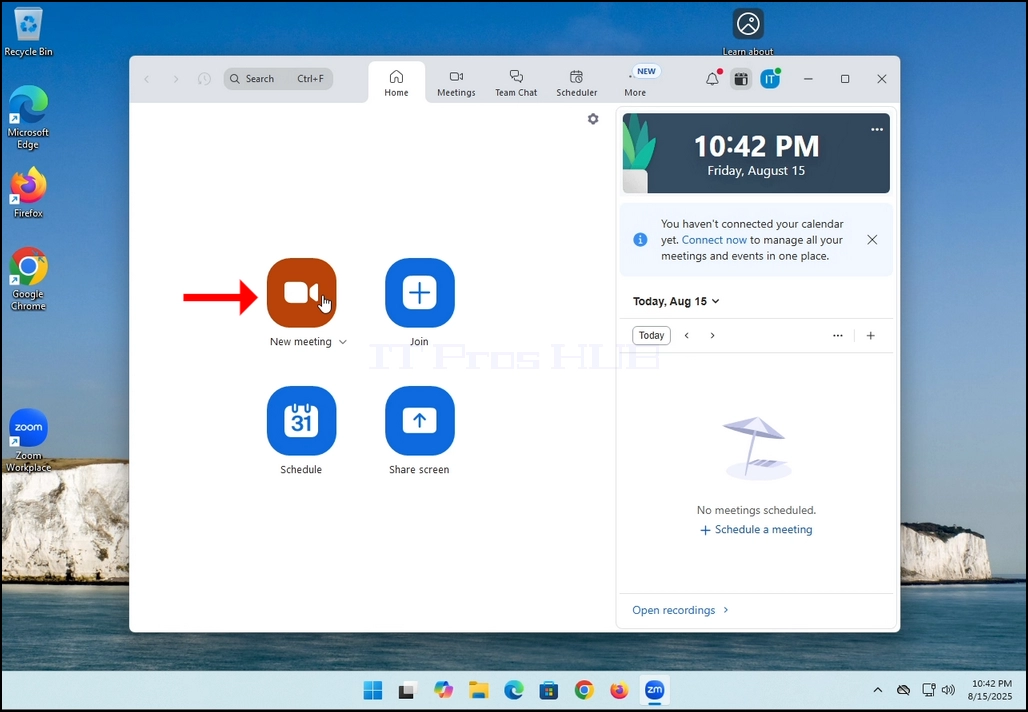
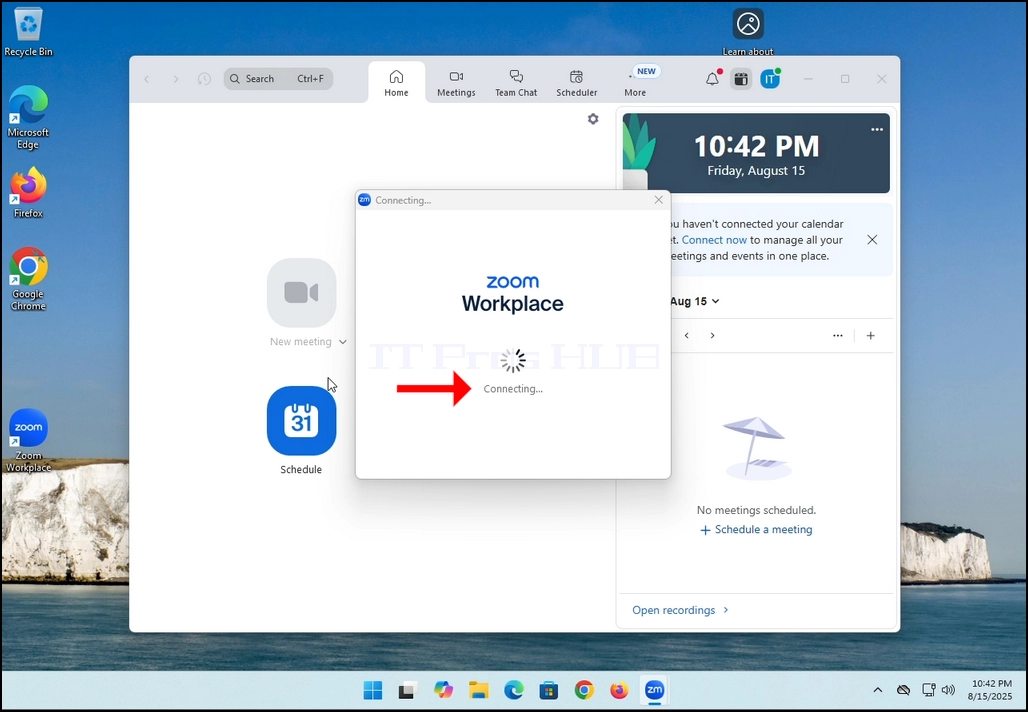
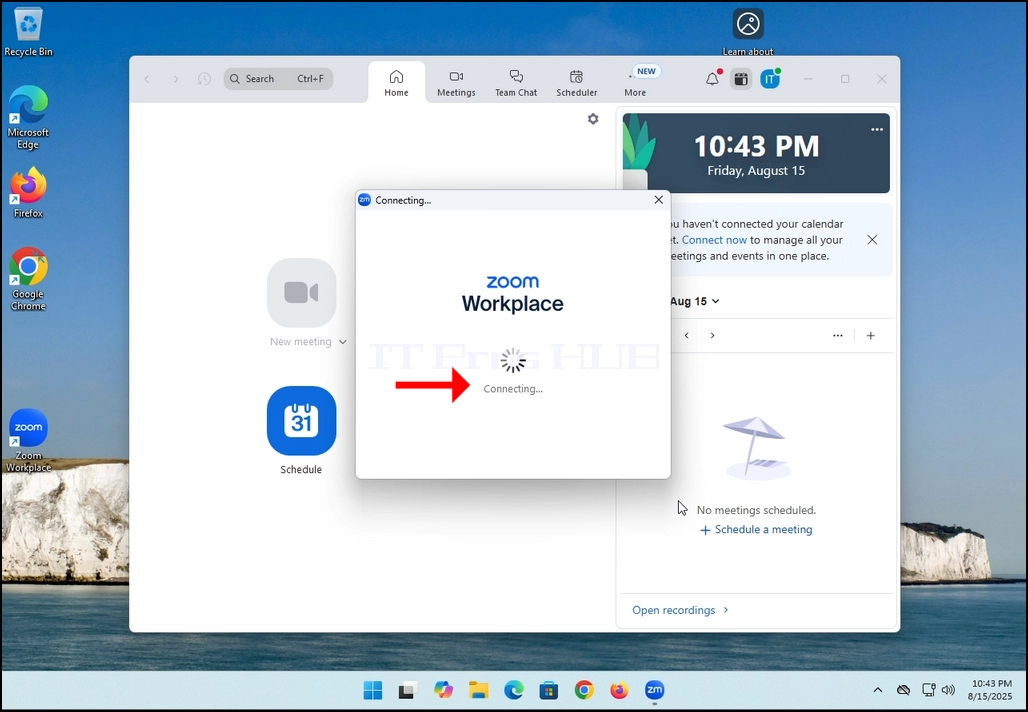
2. Once clicked, a new small window should appear. The window will show "connecting" and an animation progress circle.
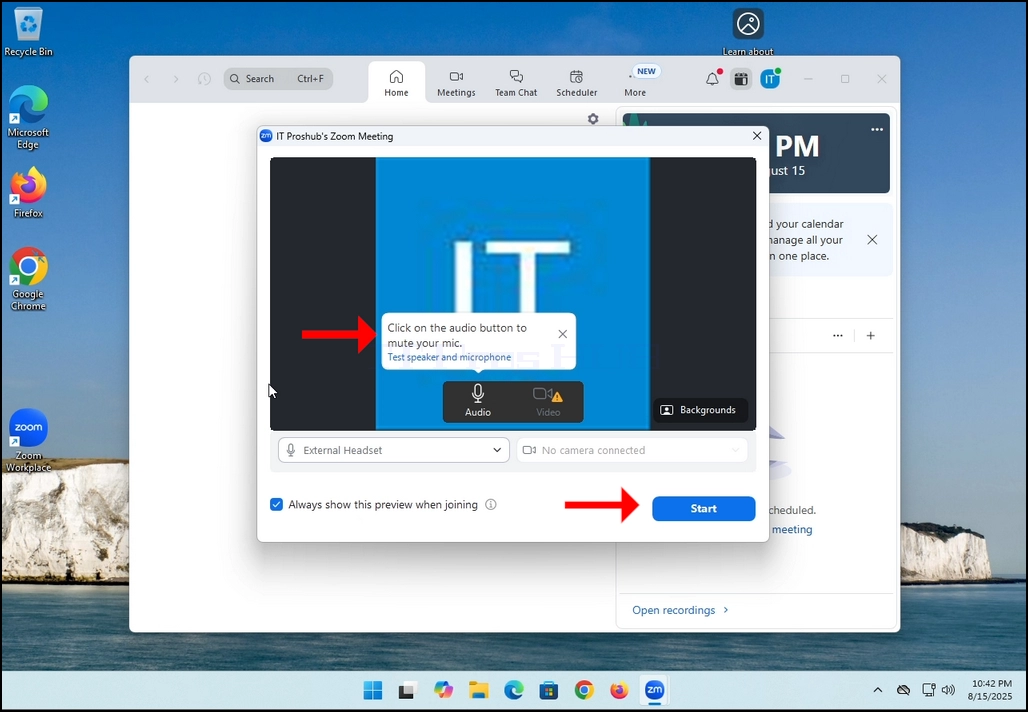
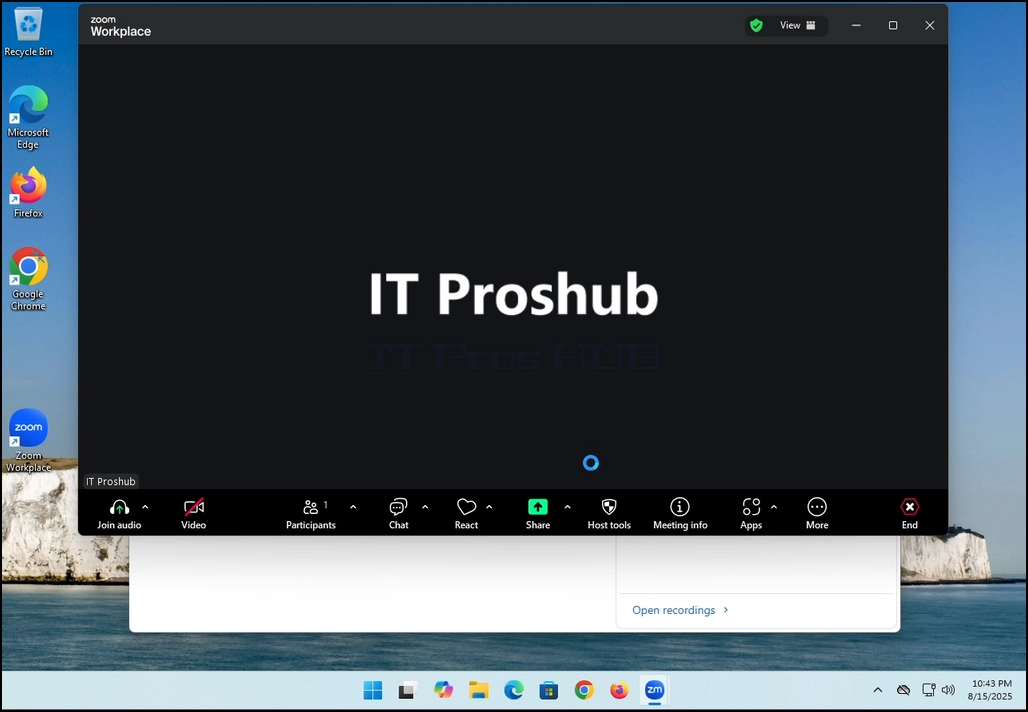
3. Once it's done loading, a new window will appear. Usually its title should say something along the lines of: "User's Zoom Meeting". In this article's case, it says "IT Proshub's Zoom Meeting" since the user that uses Zoom is called that way.
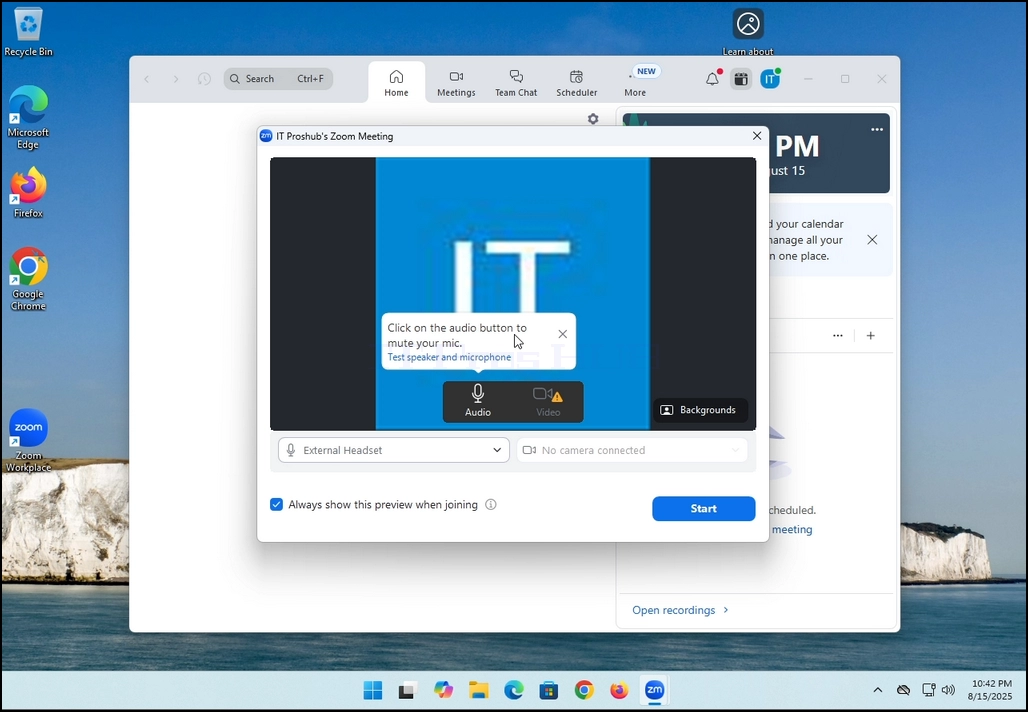
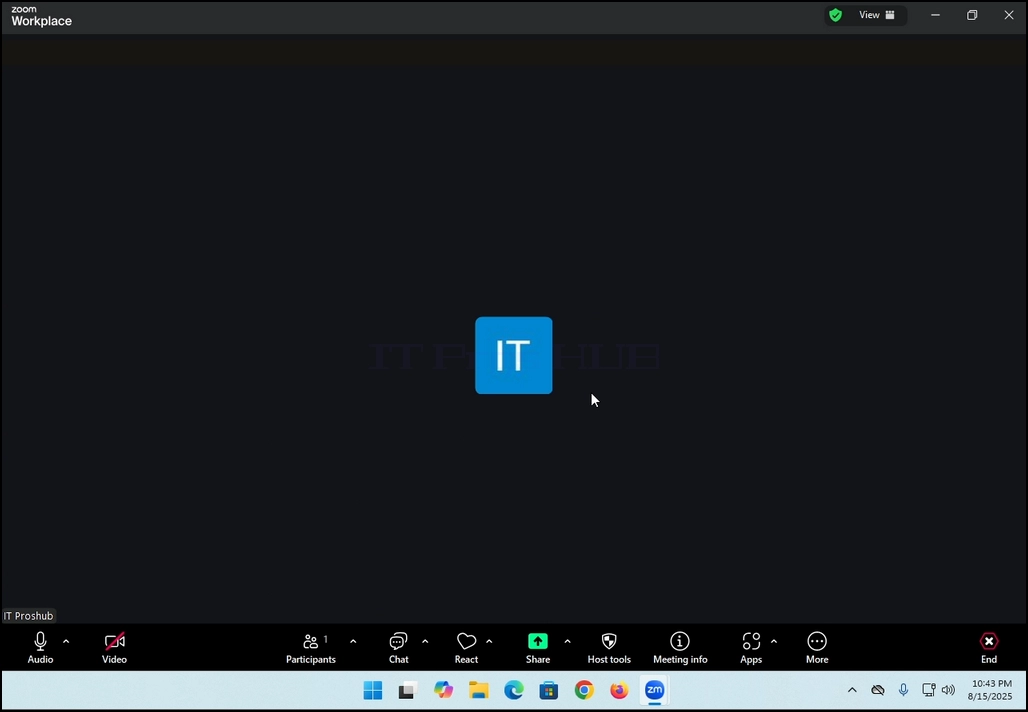
4. Here, you can mute your mic by clicking on the mic icon and you can also turn your camera off/on by clicking the Video icon.
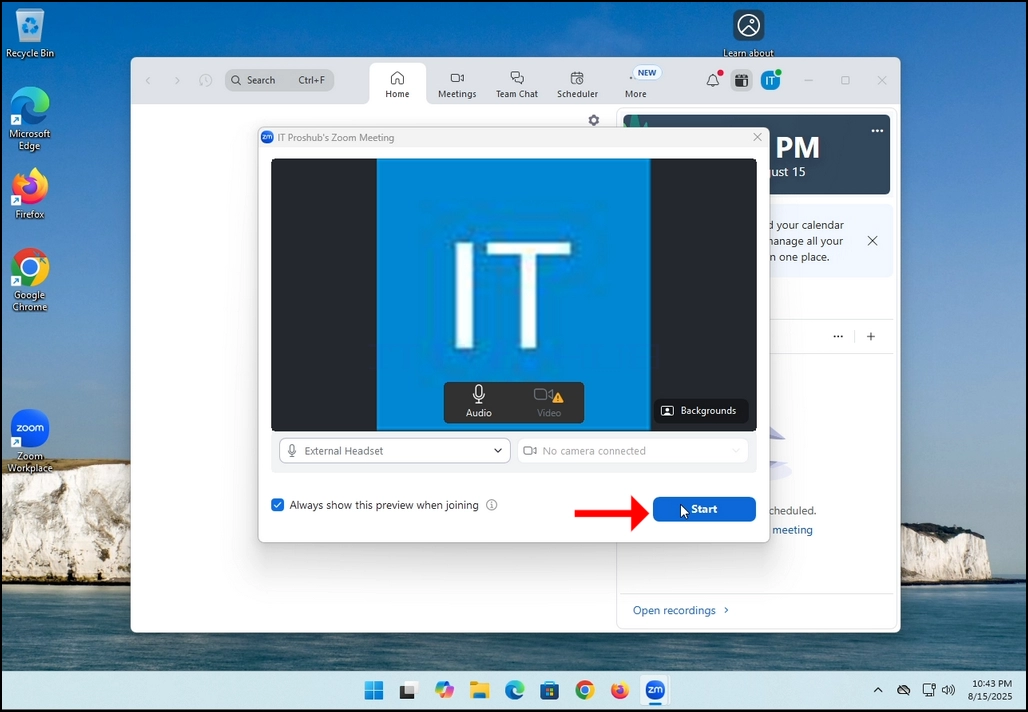
7. That's it! the new meeting is in progress. At this stage the meeting contains only the host which is IT Proshub in this article's case.
- Detaljer
- Skrevet af: IT Pro
- Kategori: How to Articles
- Visninger: 5423
In this article we will demonstrate how to delete a stripped volume in Windows 11
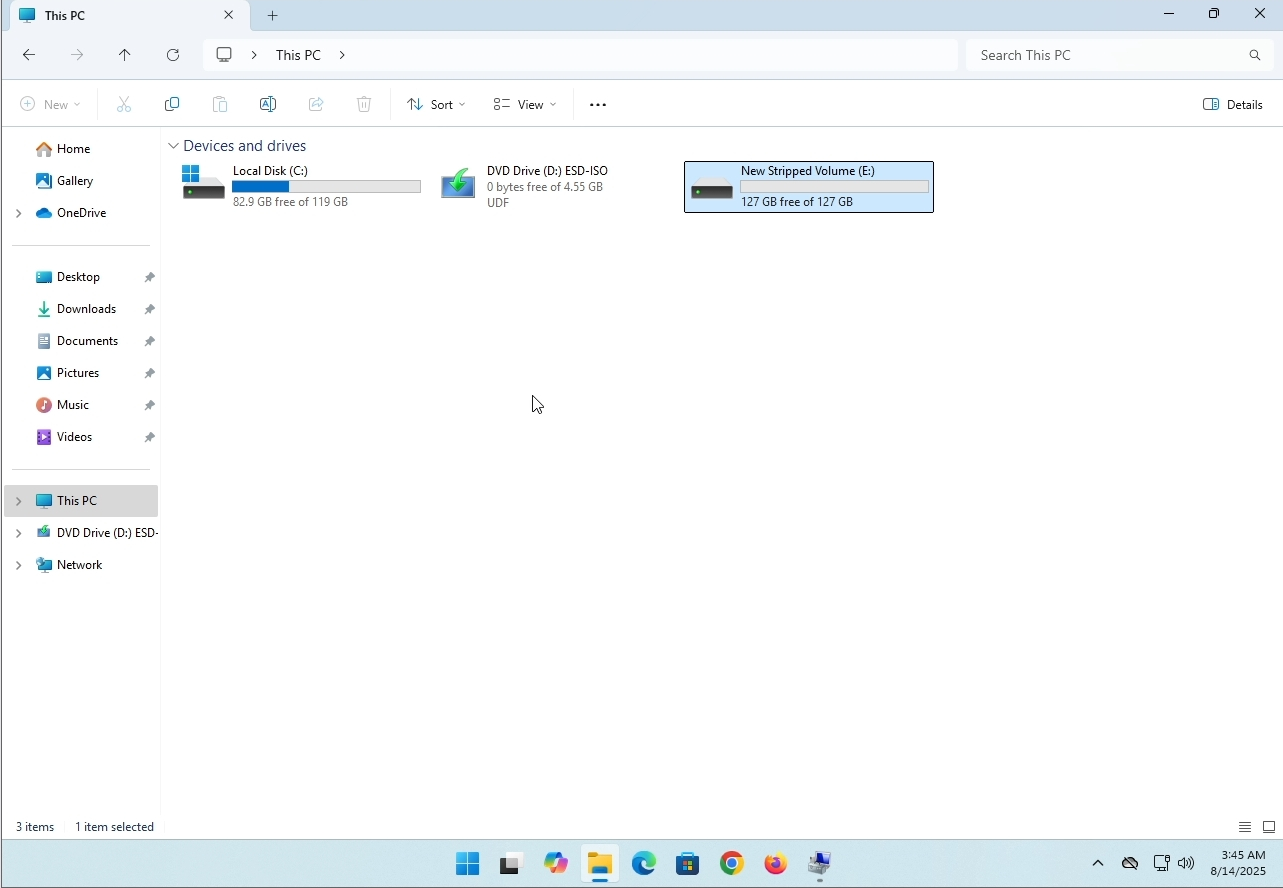
1. Make sure what is the stripped volume's drive letter is. In this case the drive letter is (E:):
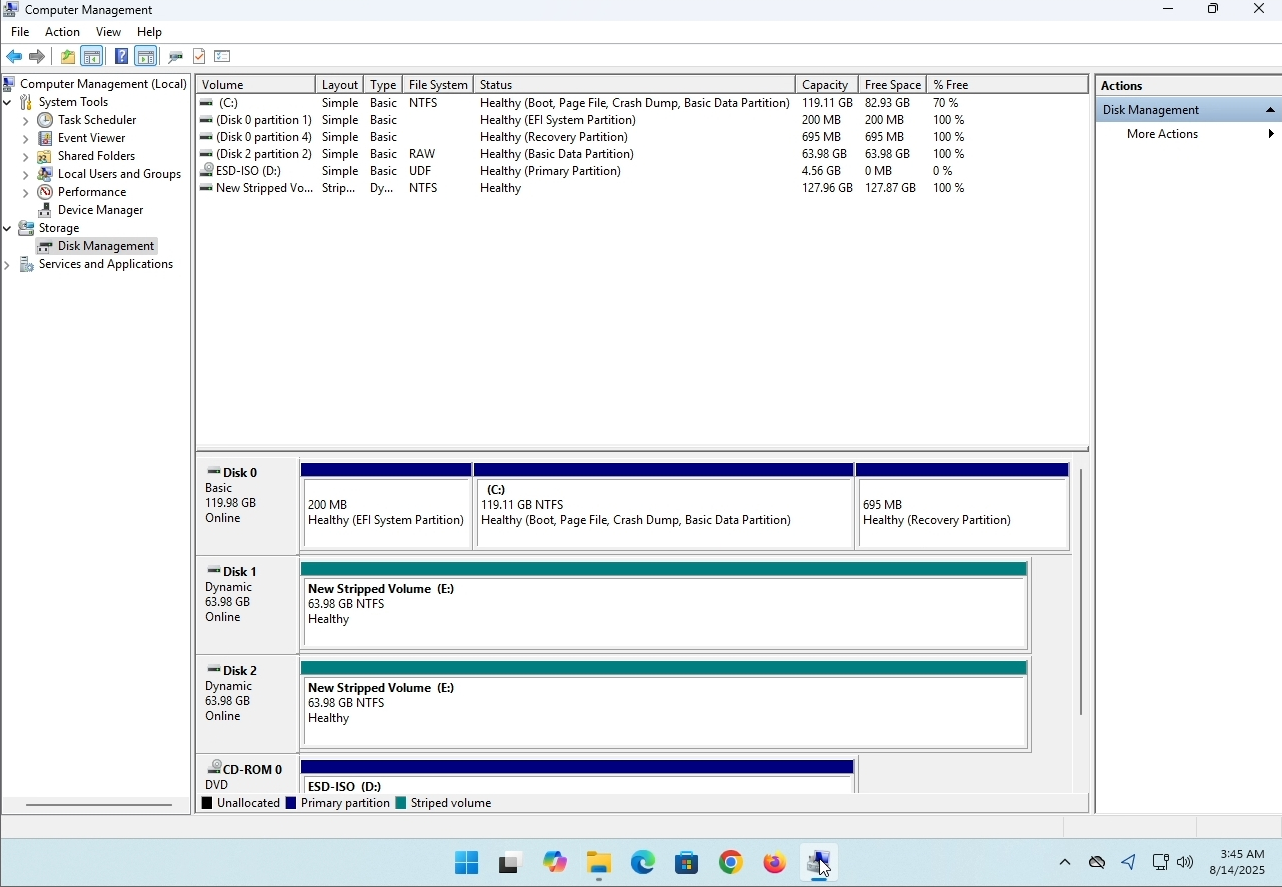
3. On the left pane. Look for Disk Management and click on it once.
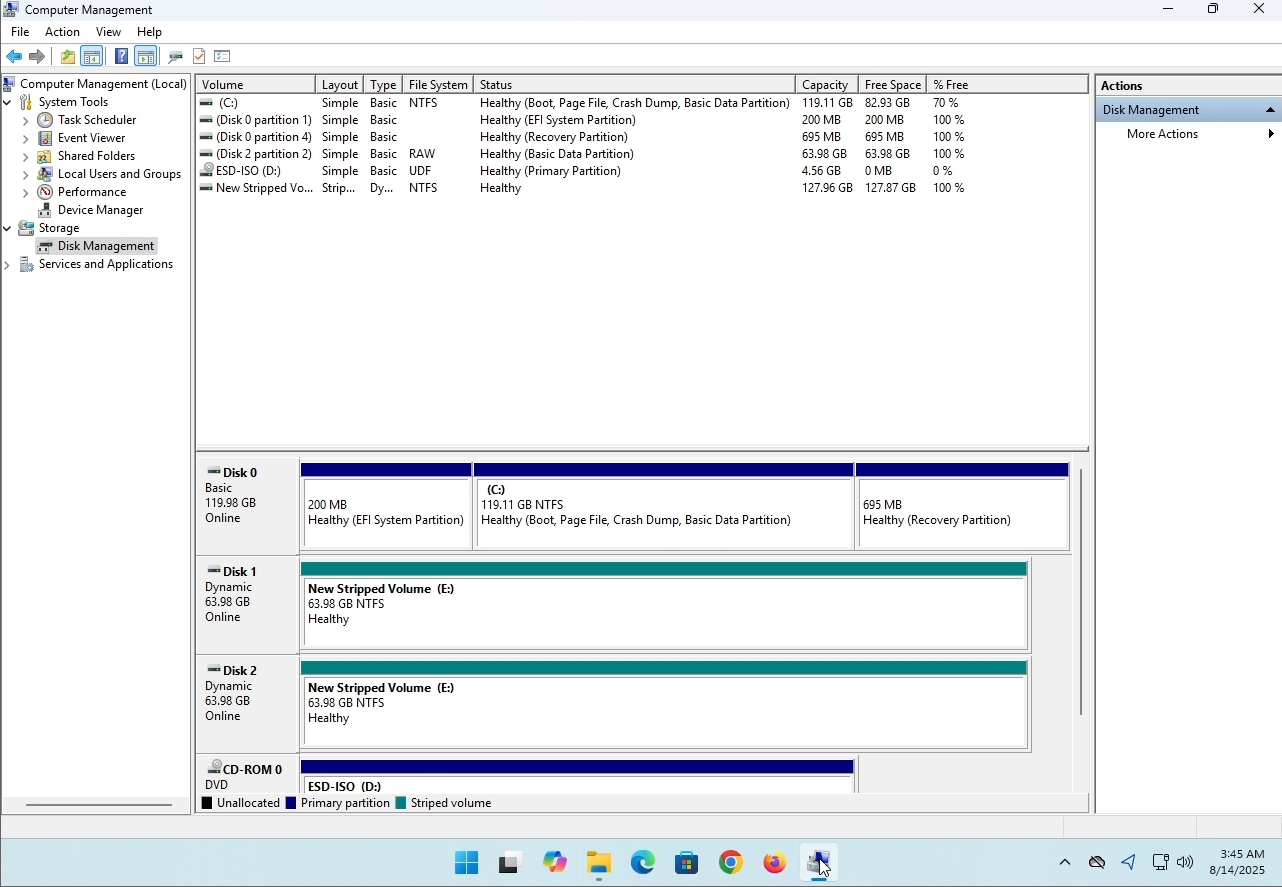
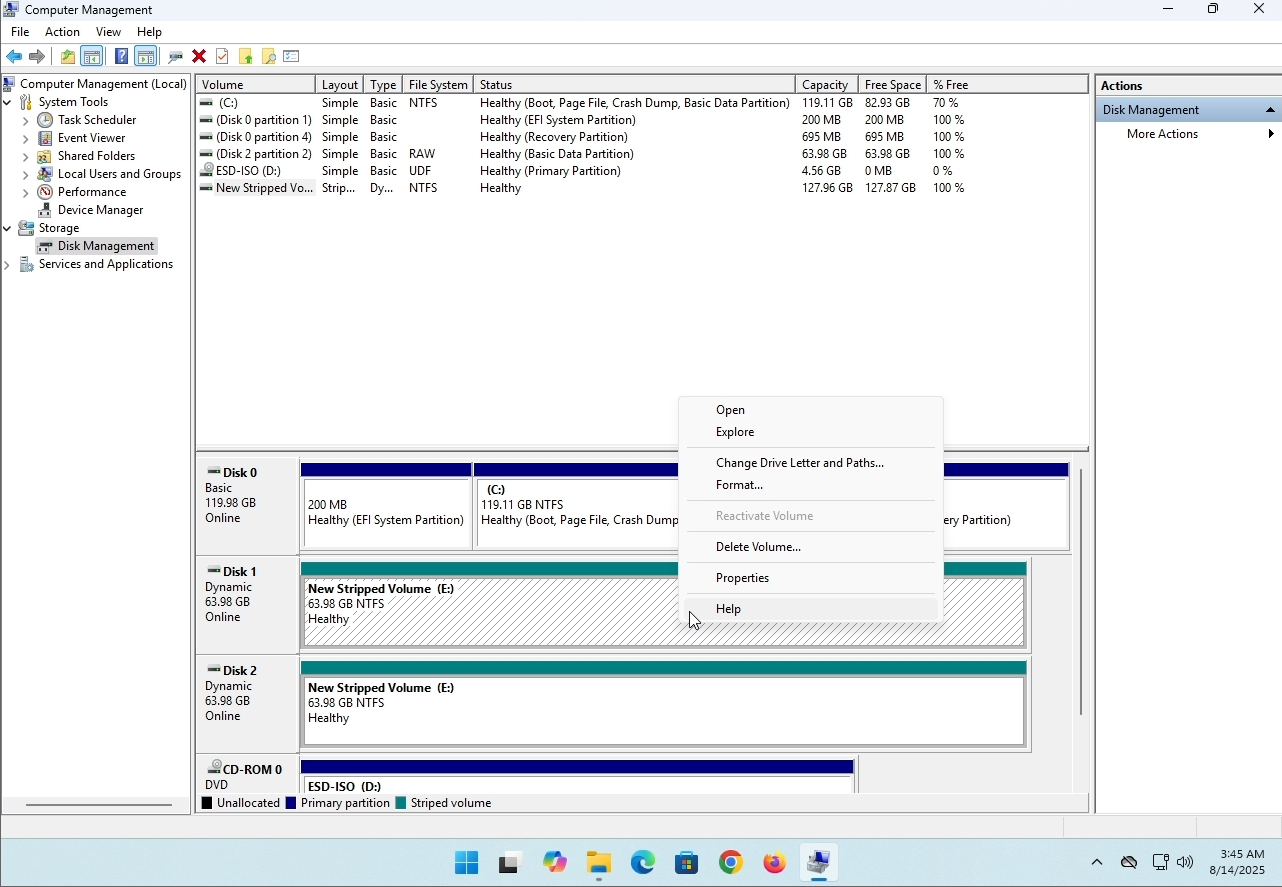
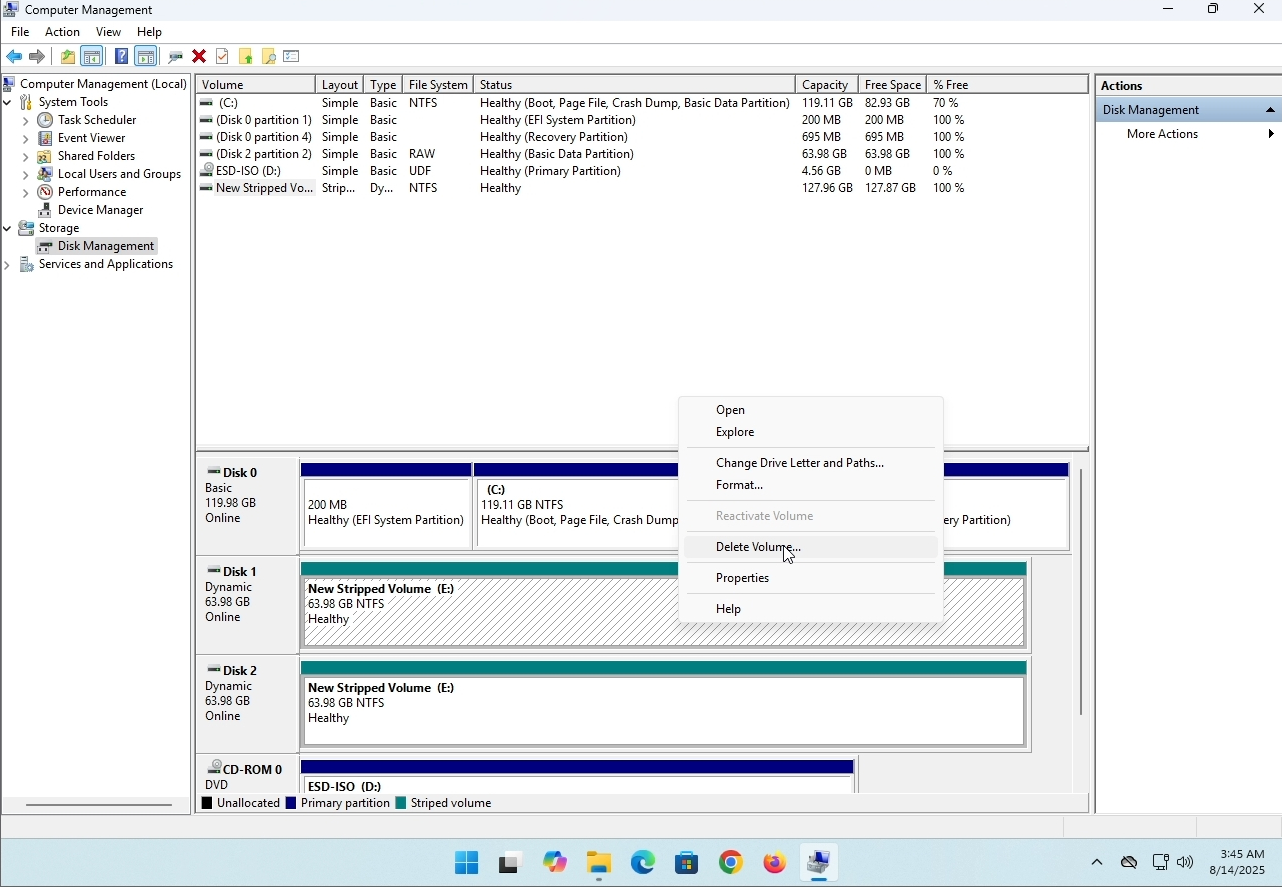
6. You will be shown a confirmation window. Click on Yes to confirm deleting the drive.
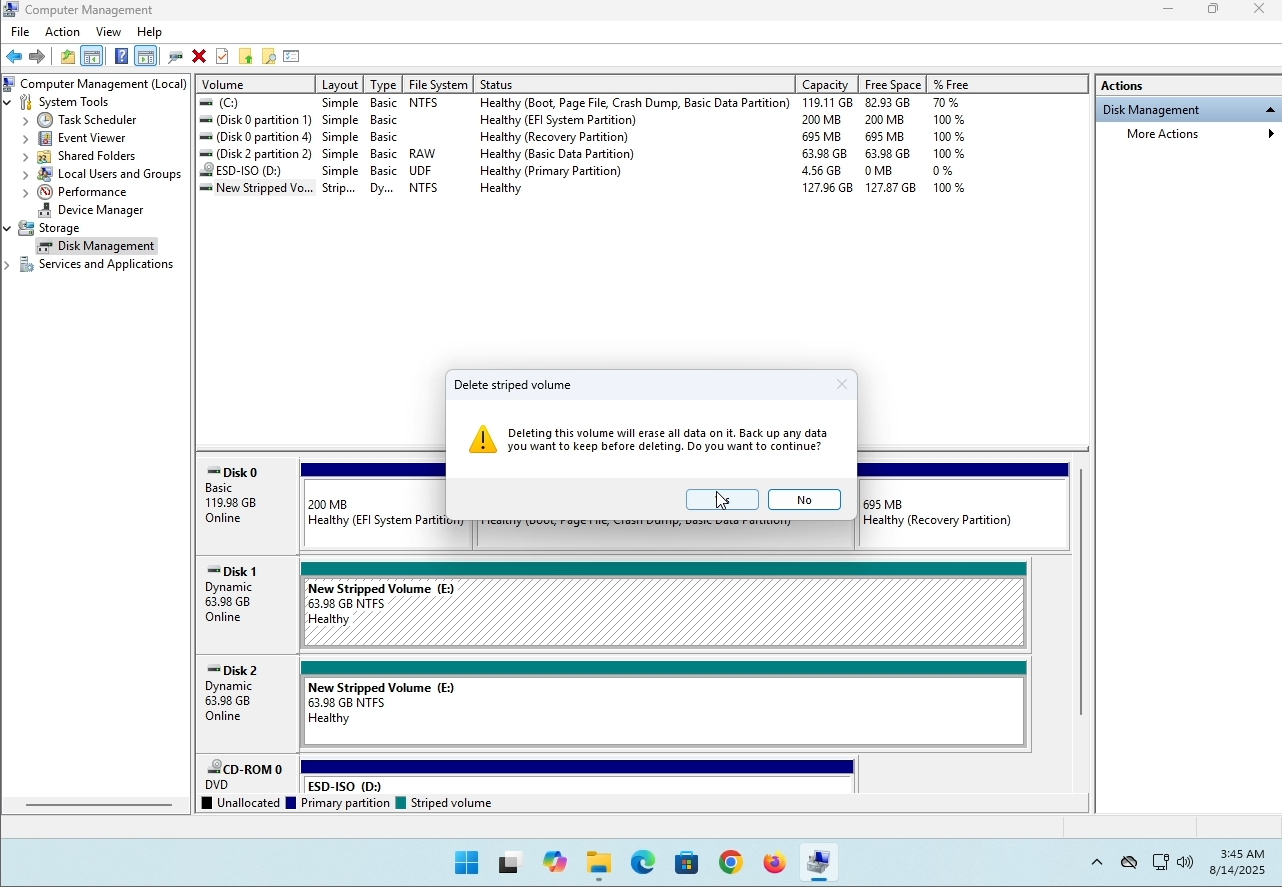
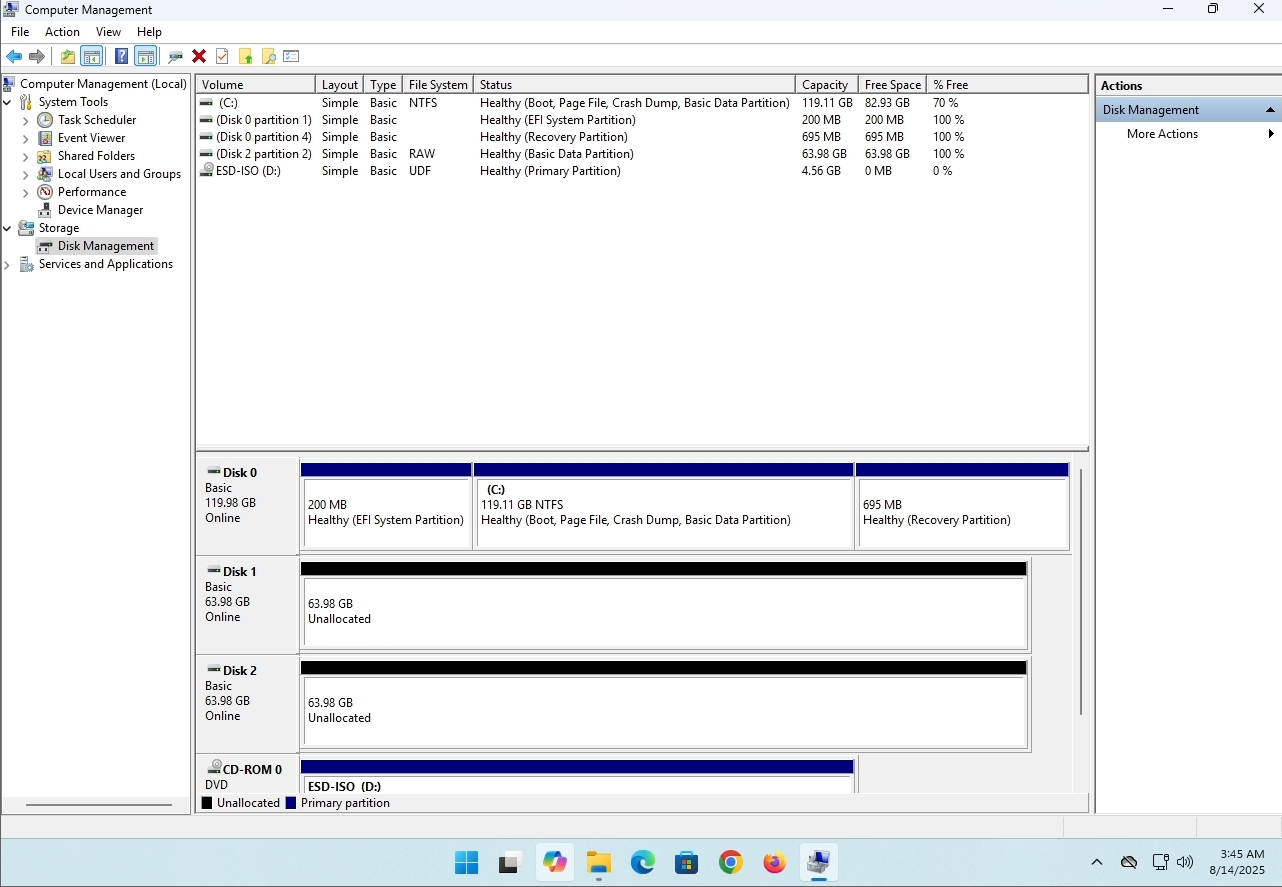
7. The drive is now deleted and the disks that were part of the stripped array are now unallocated.
- Detaljer
- Skrevet af: IT Pro
- Kategori: How to Articles
- Visninger: 8211
Indledning:
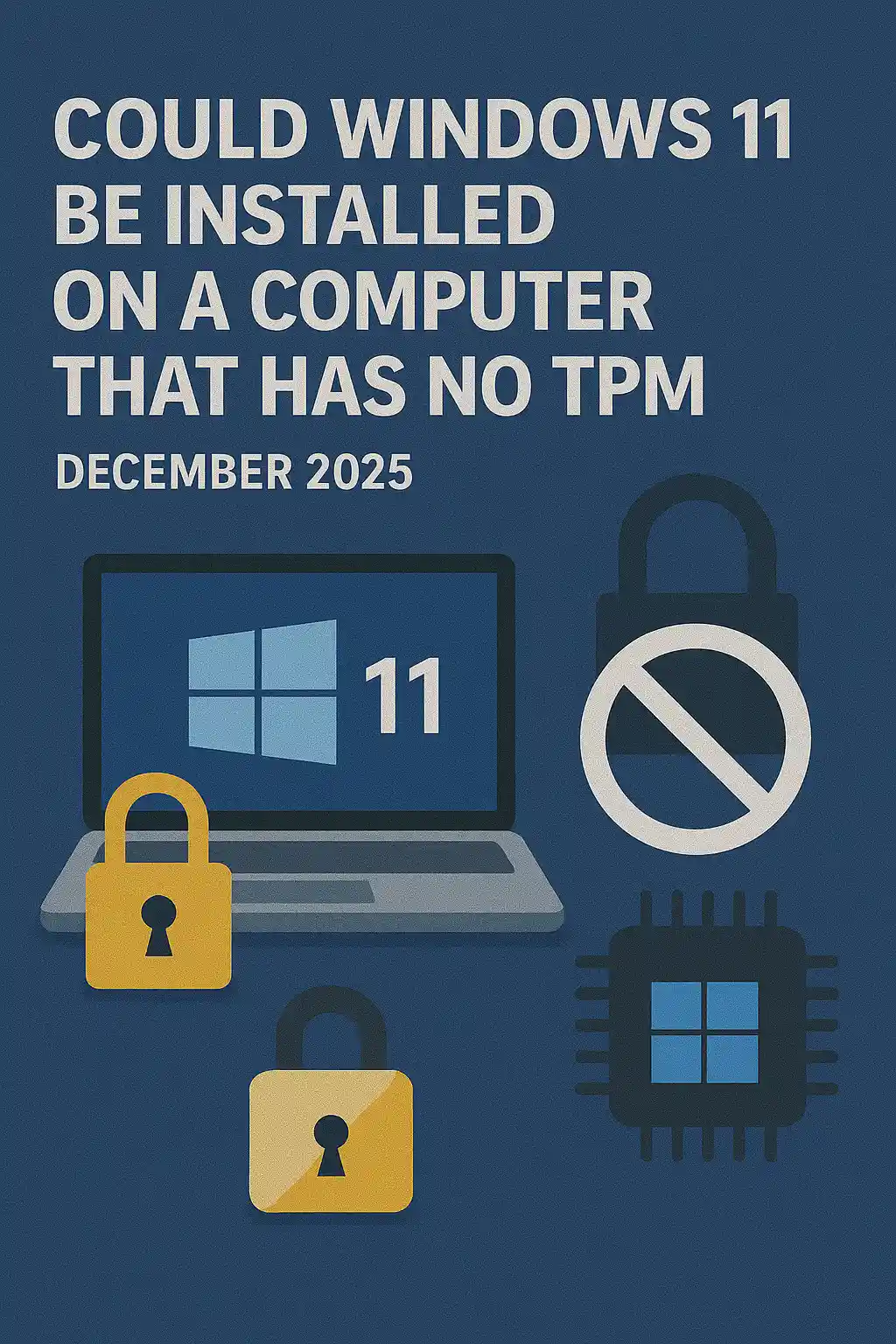
I denne artikel vil vi undersøge, om Windows 11 kan installeres på en computer, der ikke har nogen TPM-chip.
Kort sagt: NEJ.
Windows 11 kan ikke installeres på en computer uden et minimum af en TPM version 2.0 chip.
Følgende er en illustration af et forsøg på installation af Windows 11 på en sådan computer.
Den Windows-version, der blev forsøgt at blive installeret var 24H2.
1. Opstart i Windows installation


2. Indstil sprog

3. Indstilling af installationsmetode

4. Produkt nøglefase


5. Valg af Windows 11 Pro


6. Kontrol af PC-scenen

7. Blocker

Konklusion:
Der er ikke meget at sige her. Vi måtte selv se det. Der er en stor diskussion om dette emne, og det synes at holde vand i dette tilfælde. Installation- wise - Windows 11 kan ikke installeres på en computer eller et system uden en TPM-version 2.0 chip.
Det betyder ikke, at Windows 11 ikke kan være RUN på nævnte system. For mere, kan du besøge vores artikel om dette emne: http: / / itproshub.com / en / windows / can- windows- 11-run- on- a- computer-that-has- no-tpm- chip- at- all- decembet- 2025
- Detaljer
- Skrevet af: IT Pro
- Kategori: How to Articles
- Visninger: 7259
1. Start installationen af Thunderbird ved at klikke på dens opsætningsfil
2. Klik på NEXT på velkomstskærmen.
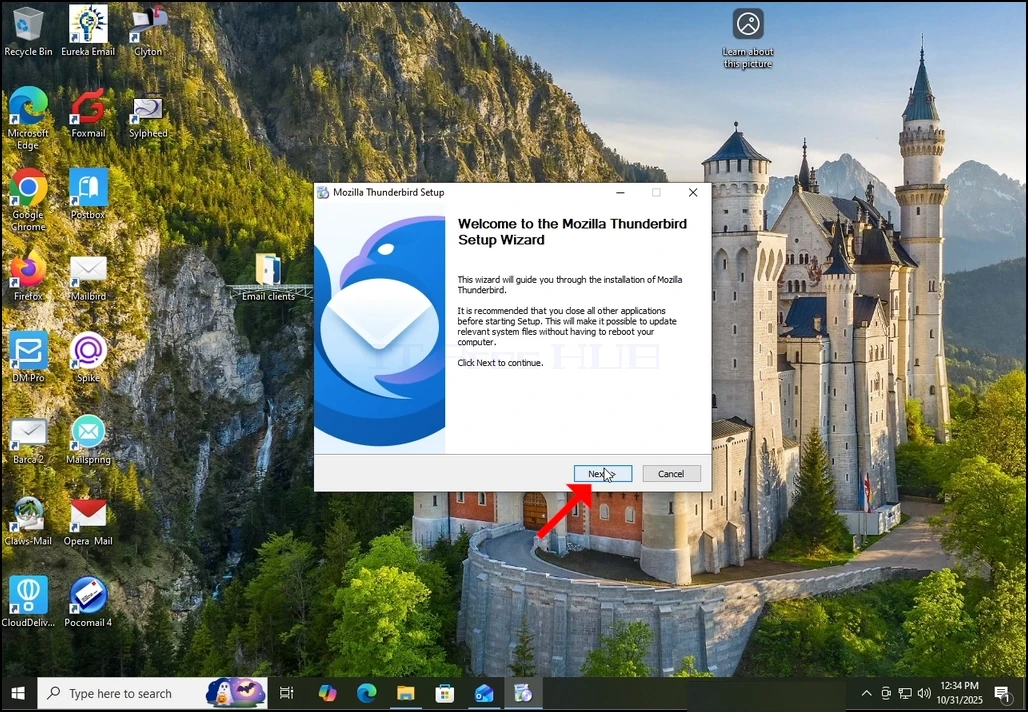
3. Vælg standardindstillingen og klik på NEXT.
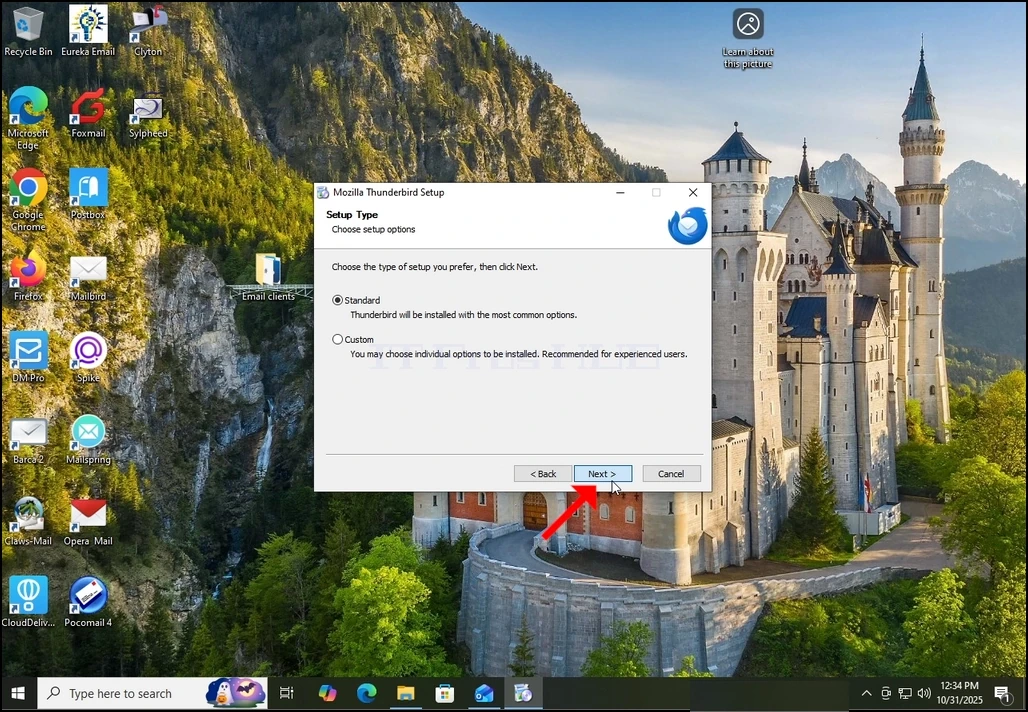
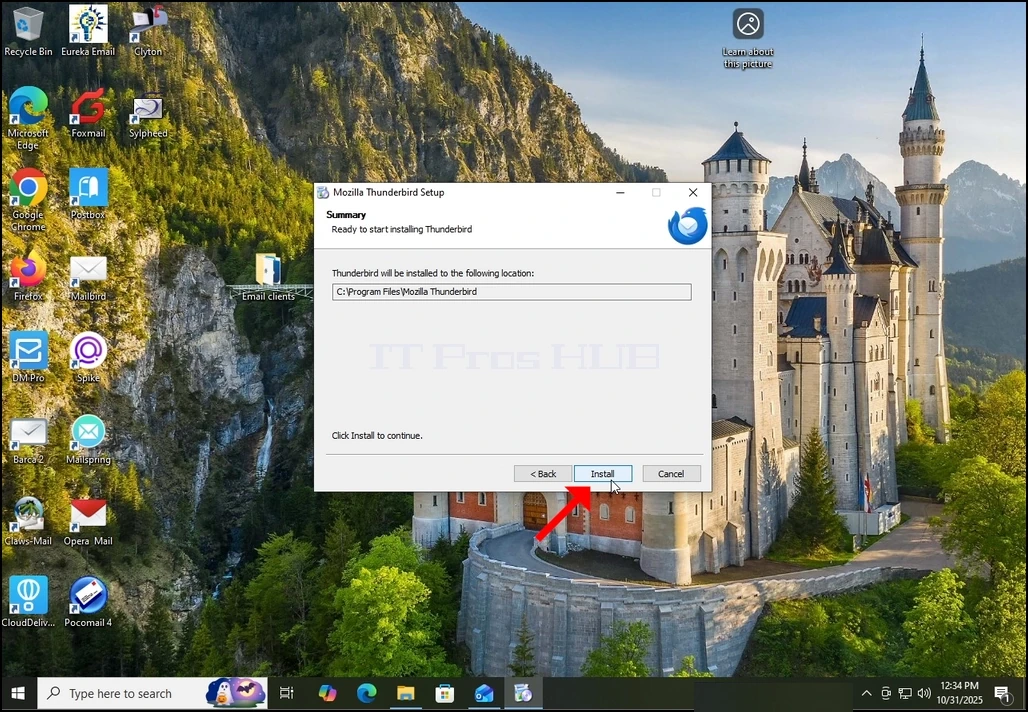
4. Klik på knappen Installer.
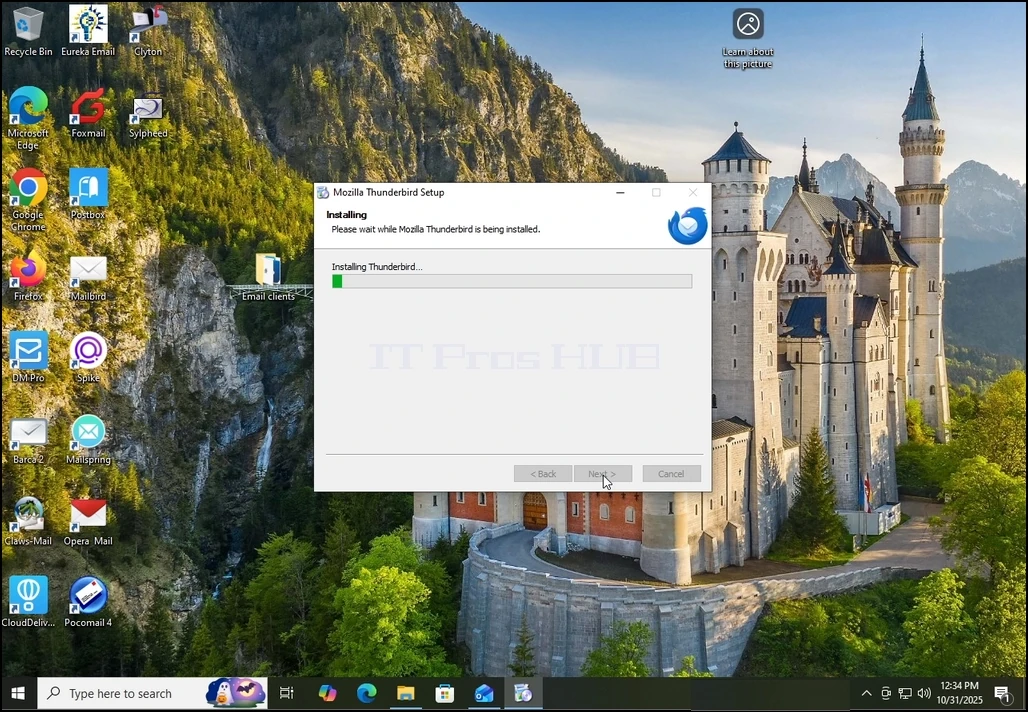
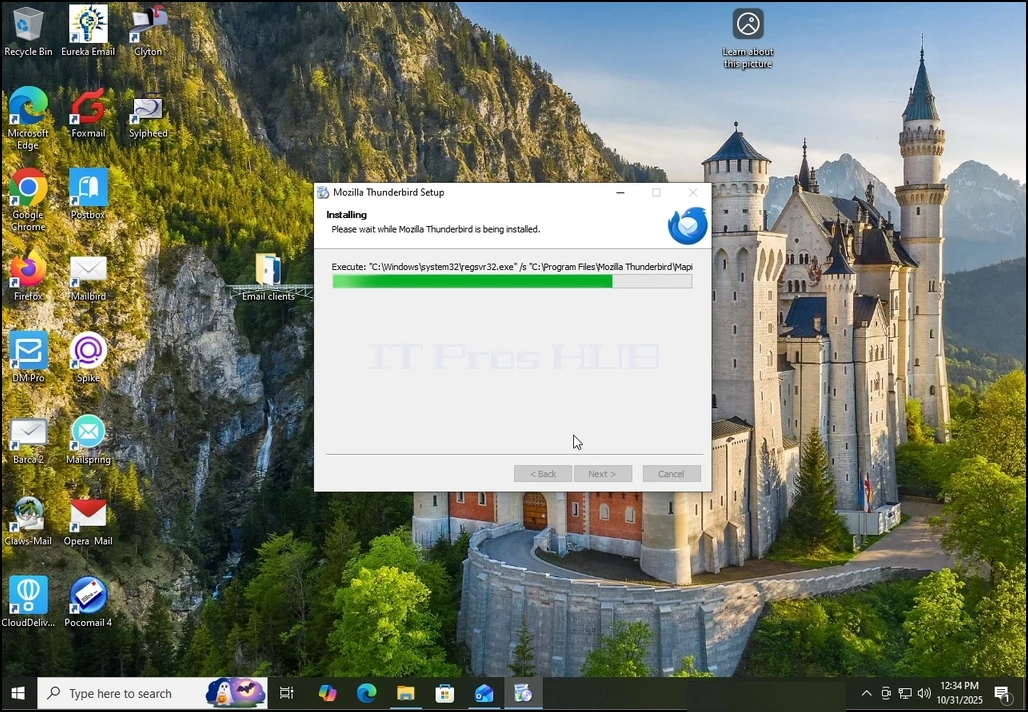
5. Vent tålmodigt for installationsprocessen at afslutte
6. Afkryds Start Mozilla Thunderbird nu mulighed og tryk på Finish knappen
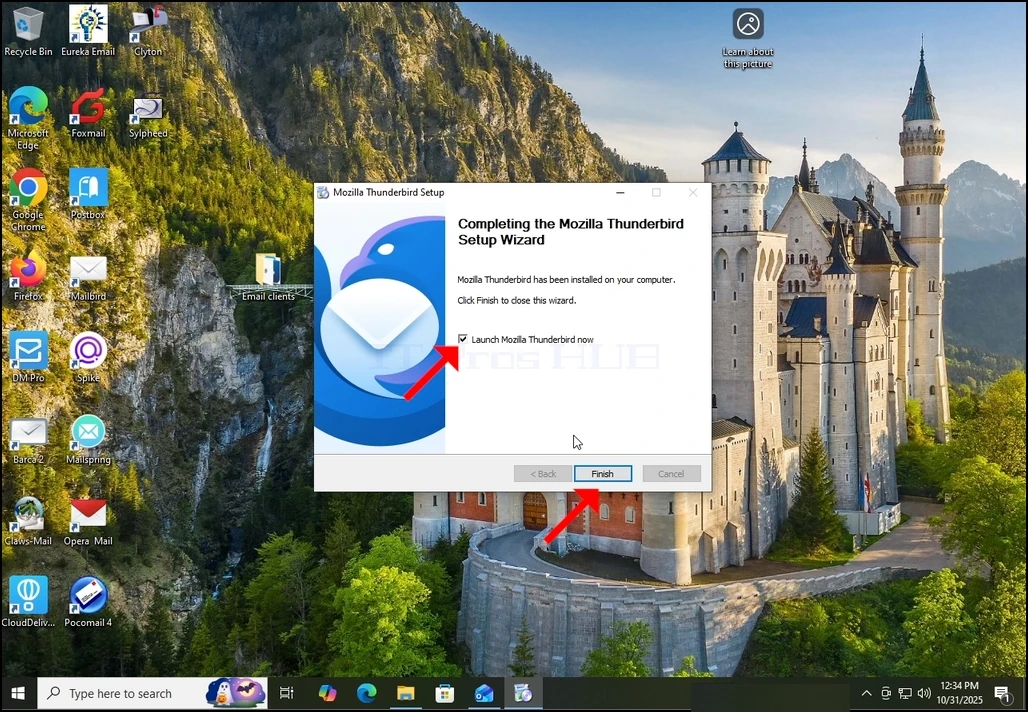
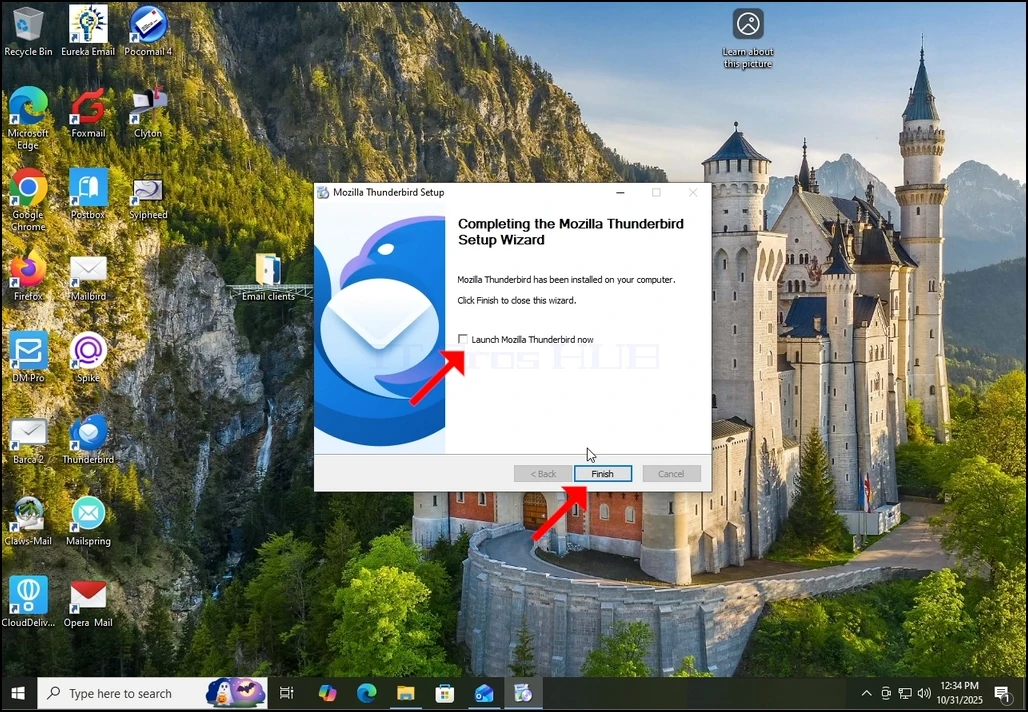
7. Mozilla Thunderbird er nu installeret!