



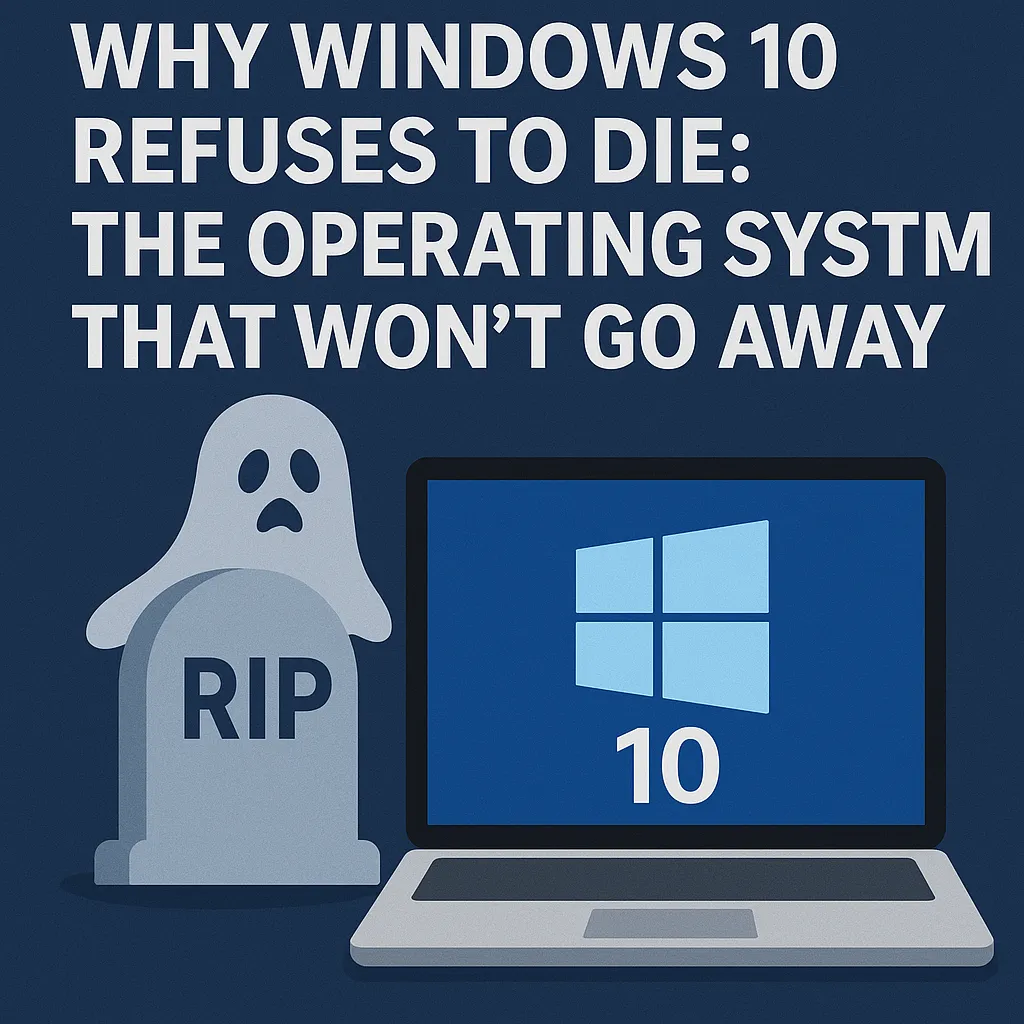
Trotz eines aggressiven Vorstoßes von Microsoft und kontinuierlichem Messaging rund um die Modernisierung bleibt Windows 10 in globalen Unternehmensumgebungen tief verwurzelt. Auch wenn Windows 11 ausgereift ist und Unternehmen mit der Planung langfristiger Supportübergänge beginnen, bleibt die Akzeptanzdynamik langsam. Für viele IT-Experten besteht Windows 10 nicht aus Nostalgie, sondern weil es weiterhin Stabilität, Kompatibilität und Betriebsvorhersagbarkeit bietet, die neuere Plattformen noch nicht vollständig repliziert haben.
Dieser Artikel untersucht, warum Windows 10 nach wie vor eine dominierende Kraft im Corporate Computing ist und warum Versuche, es auslaufen zu lassen, weiterhin auf Widerstand von Unternehmen, IT-Abteilungen und Endnutzern stoßen.
Nachgewiesene Stabilität Unternehmen vertrauen
Windows 10 hat von jahrelanger iterativer Verfeinerung, erweiterten Patch-Zyklen und einer weit verbreiteten Bereitstellung in Millionen von Systemen profitiert. Seine lange Betriebsdauer hat es IT-Teams ermöglicht, das Betriebssystem in ihren Umgebungen gründlich zu testen, zu härten und zu dokumentieren, wodurch ein Reifegrad erreicht wurde, den Windows 11 noch nicht erreicht hat.
Diese Stabilität erstreckt sich auf:
• Anwendungsverhalten
• Fahrerkompatibilität
• Konfigurationsmanagement
• Konsistenz der Gruppenpolitik
• Bekannte operative Basislinien
Für Unternehmen mit unternehmenskritischen Systemen überwiegt das vorhersehbare Verhalten oft die Faszination neuer Funktionen, was Windows 10 zur sichereren Wahl macht, bis Windows 11 eine vergleichbare Reife erreicht.
Legacy Application Dependencies halten immer noch stark
Ein erheblicher Teil der Unternehmensumgebungen basiert auf Legacy-Anwendungen, die für Windows 7 oder früher erstellt wurden, von denen viele nie vollständig für moderne Frameworks aktualisiert wurden. Diese Anwendungen hängen oft von veralteten APIs, älteren Treibern oder älteren architektonischen Annahmen ab, die Windows 11 entweder einschränkt oder nicht mehr unterstützt.
Das Umschreiben, Ersetzen oder Modernisieren von Legacy-Systemen ist mit Kosten, Risiken und Betriebsausfällen verbunden. Windows 10 bietet eine stabile Brücke zwischen veralteter Software und moderner IT-Infrastruktur, so dass Unternehmen teure Überholungen verzögern oder vermeiden können.
Hardware-Kompatibilität und die TPM 2.0 Barriere
Die strengen Hardwareanforderungen von Windows 11 - insbesondere die Notwendigkeit von TPM 2.0, Secure Boot und unterstützten CPU-Generationen - schließen Millionen von ansonsten funktionierenden Geräten von der Berechtigung zum Upgrade aus. In vielen Unternehmen erfüllen große Teile der Hardwareflotte diese Anforderungen nicht, was zu schwierigen Budgetierungs- und Beschaffungsentscheidungen führt.
Anstatt Geräte vorzeitig zu ersetzen, entscheiden sich Unternehmen oft dafür, die Lebensdauer von Windows 10 zu verlängern. Dies gilt insbesondere für:
• Bildung
• Gesundheitsversorgung
• Herstellung
• Öffentliches Umfeld
Für viele IT-Abteilungen passen Hardware-Aktualisierungszyklen einfach nicht zu den Upgrade-Zeitlinien von Microsoft.
Ein vertrautes Interface, das die Trainingsbelastung minimiert
Die neu gestaltete Benutzeroberfläche in Windows 11 ist zwar modern und optisch ansprechend, unterbricht jedoch viele Workflows, die Windows 10-Benutzern seit langem bekannt sind. Änderungen des Startmenüs, des Datei-Explorers, des Taskleistenverhaltens und der Kontextmenüs erfordern häufig Umschulungen, Anpassungen der Dokumentation und eine erhöhte Arbeitsbelastung des Helpdesks.
Die Benutzeroberfläche von Windows 10 bleibt vorhersehbar, weitgehend verstanden und tief in bestehende Benutzergewohnheiten integriert. Für Unternehmen, die Produktivität priorisieren und Störungen minimieren, überwiegen die Vorteile einer vertrauten Benutzeroberfläche die Notwendigkeit, vorzeitig ein neues UI-Paradigma einzuführen.
Einfachere Integration mit vorhandenen Management- und Bereitstellungstools
Jahrelange Unternehmensakzeptanz hat dafür gesorgt, dass Windows 10 nahtlos in etablierte Management-Frameworks integriert wird, wie:
• SCCM / MECM
• Gruppenpolitik
• WSUS
• Legacy Imaging Systeme
• On-Premises-Domainstrukturen
Während Windows 11 die gleichen Tools unterstützt, melden Early Adopters häufig Inkonsistenzen, subtile Verhaltensunterschiede und laufende Kompatibilitätsanpassungen, die für einen reibungslosen Betrieb erforderlich sind. Die langfristige Präsenz von Windows 10 im Unternehmen hat zu tief getesteten Deployment-Pipelines geführt, die viele Teams nur ungern aufgeben.
Erweiterte Support-Optionen bieten Atemraum
Microsofts Einführung von Extended Security Updates (ESUs) für Windows 10 stellt sicher, dass Unternehmen das Betriebssystem auch über das offizielle End-of-Life-Datum hinaus sicher ausführen können. Diese ESUs bieten wichtige Sicherheitsupdates, ohne dass eine sofortige Migration zu Windows 11 erforderlich ist.
Für große Unternehmen, die konkurrierende Prioritäten wie Cloud-Migration, Infrastrukturmodernisierung und Cybersicherheitsinvestitionen ausbalancieren, ermöglicht die Verfügbarkeit von ESUs es ihnen, die Einführung von Windows 11 zu verzögern, bis Budgetzyklen, Personalausstattung und technische Bereitschaft übereinstimmen.
Kompatibilität mit älteren Fahrern und Peripheriegeräten
Branchen, die auf spezialisierte Peripheriegeräte wie Barcode-Scanner, medizinische Instrumente, industrielle Steuerungen und Legacy-Drucker angewiesen sind, stoßen unter Windows 11 häufig auf Treiberprobleme. Viele dieser Geräte wurden lange vor modernen Treiber-Frameworks oder Sicherheitsrichtlinien gebaut.
Windows 10 behält eine breitere Kompatibilität mit älterer Hardware aufgrund seiner mehr permissive Treibermodell und längere Legacy-Unterstützung Track Record. Für Unternehmen, die auf Geräte angewiesen sind, die nicht einfach ersetzt werden können, ist die Wartung von Windows 10 oft die einzige praktikable Option.
Geringere Ressourcenanforderungen für alternde Geräte
Windows 11 führt neue UI-Frameworks und Sicherheitsebenen ein, die die RAM-Auslastung, die GPU-Abhängigkeit und die CPU-Anforderungen erhöhen. Auf älteren Geräten führt dies zu einer Leistungsminderung, die Benutzer als langsam oder instabil empfinden.
Windows 10 läuft reibungsloser auf alternder Hardware und gibt Unternehmen die Möglichkeit, bestehende Gerätelebenszyklen zu maximieren und vorzeitige Investitionsausgaben zu reduzieren.
Nutzerresistenz und organisatorische Veränderungsmüdigkeit
Große OS-Migrationen sind selbst unter idealen Bedingungen störend. Benutzer widerstehen oft Änderungen, die bekannte Workflows verändern oder neue Lernkurven einführen. Da viele Unternehmen bereits Cloud-Übergänge, Sicherheitsüberholungen und Modernisierungsbemühungen jonglieren, kann sich eine weitere wichtige Benutzeroberfläche und operative Verschiebung überwältigend anfühlen.
Die Persistenz von Windows 10 ist ebenso ein kulturelles und organisatorisches Problem wie ein technisches. Viele Unternehmen ziehen es einfach vor, die Migration zu verzögern, bis die Benutzerbereitschaft und die IT-Kapazität effektiver ausgerichtet sind.
Schlussfolgerung
Windows 10 weigert sich zu sterben, weil es zuverlässig, kompatibel und tief in Enterprise-Ökosysteme eingebettet bleibt. Während Windows 11 bedeutende Fortschritte in den Bereichen Sicherheit, Design und Cloud-Integration bietet, werden diese Vorteile oft von Bedenken hinsichtlich Kompatibilität, Kosten, Schulungen und Workflow-Störungen überschattet.
Für IT-Profis besteht die Herausforderung darin, die richtige Balance zwischen Modernisierung und operativer Kontinuität zu finden. Windows 10 wird irgendwann verblassen, aber vorerst stellt sein persistenter Wert sicher, dass es lange nach offiziellen Support-Fristen Teil der Unternehmenslandschaft bleibt.


 12977
12977  IT Pro






















