



- Details
- Geschrieben von: IT Pro
- Kategorie: How to Articles
- Zugriffe: 9840
1. Microsoft Word öffnen

2. Gehen Sie in der oberen Menüleiste von Home zu Review:
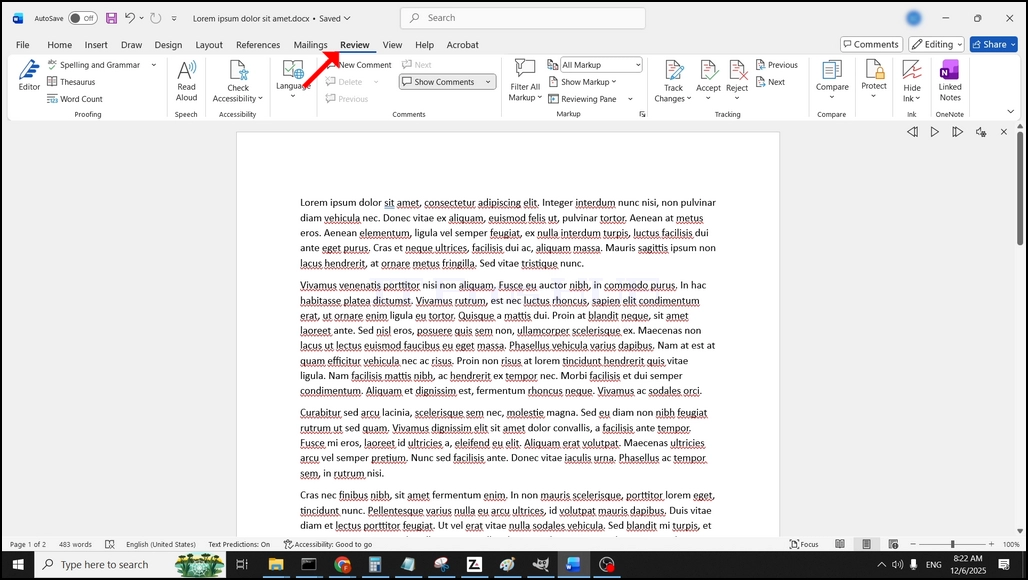
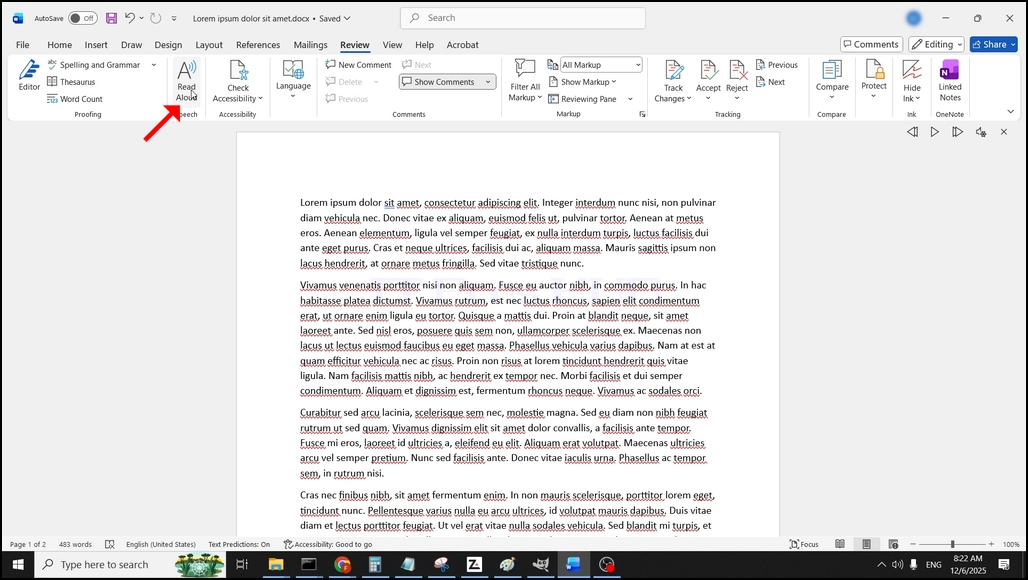
3. Unter Review, suchen Sie nach einem großen "A" Symbol, das sagt"Lesen Sie Aloud" und klicken Sie darauf, um die Text to Speech-Funktion von Word zu aktivieren:
- Details
- Geschrieben von: IT Pro
- Kategorie: How to Articles
- Zugriffe: 7462
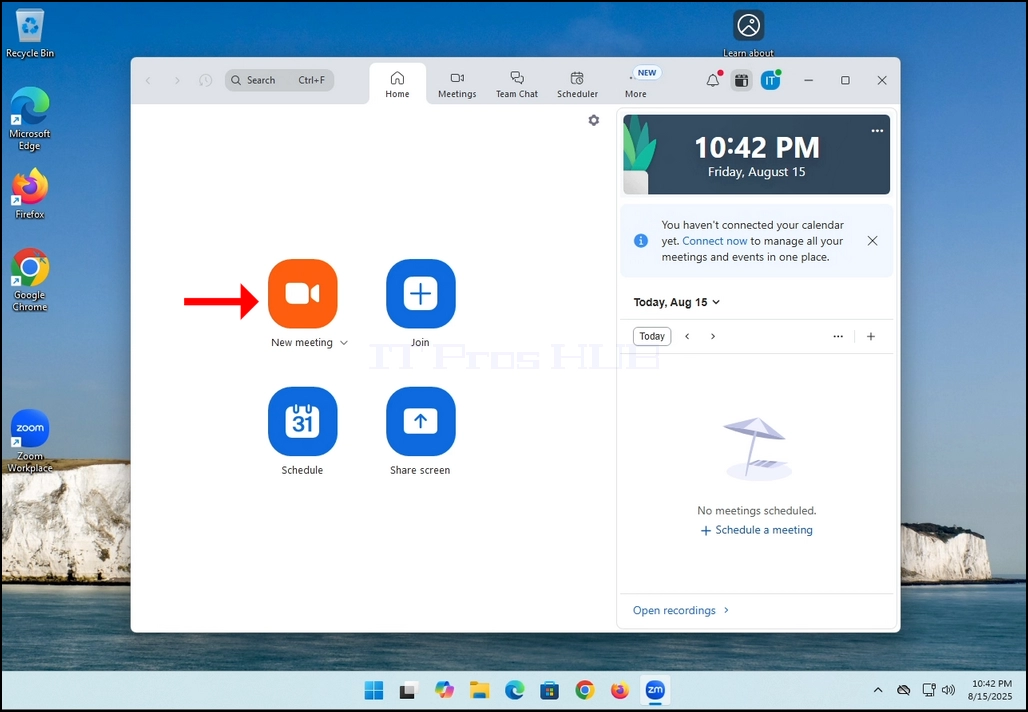
1. Beginn ZoomSuchen Sie nach dem orangenen Knopf, der sagt: Neues Treffen Klicken Sie einmal darauf.
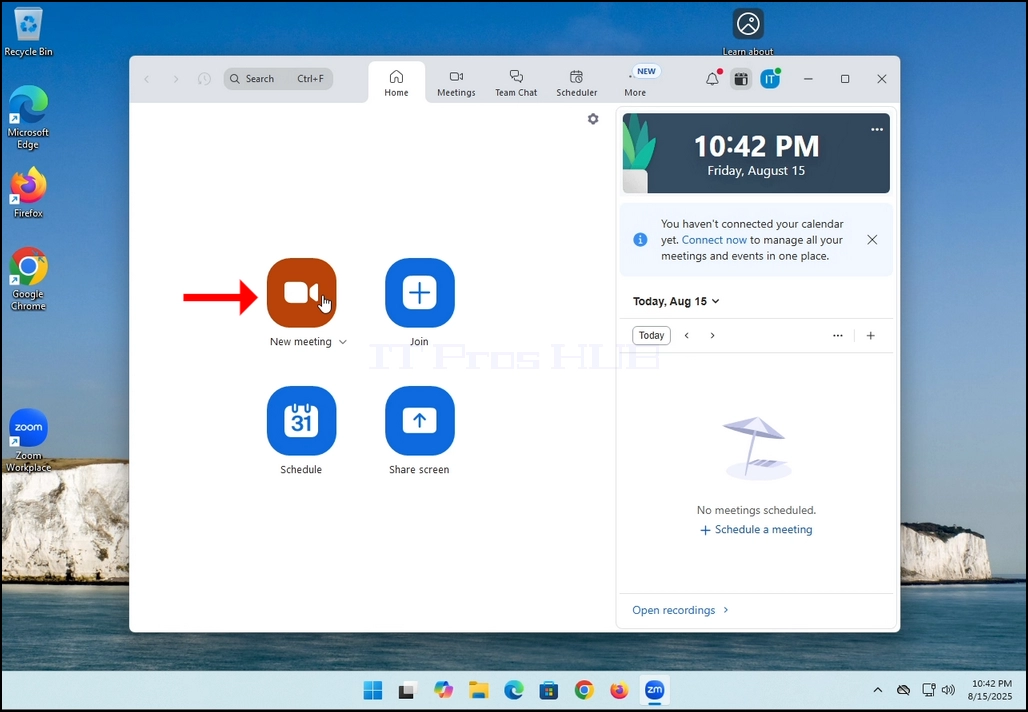
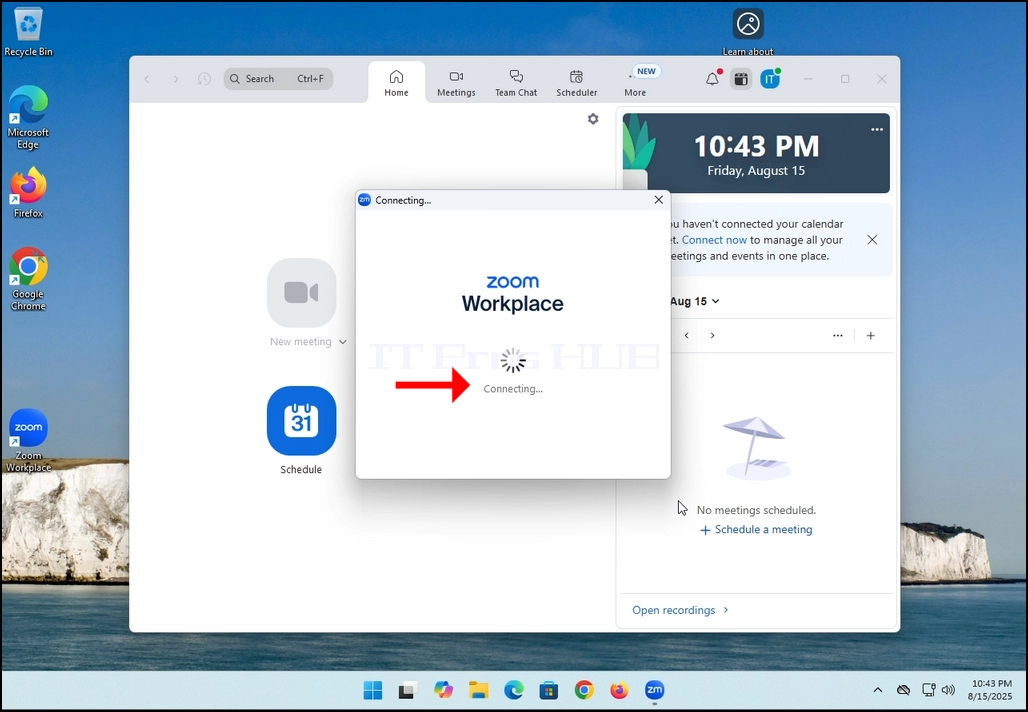
2. Einmal angeklickt, sollte ein neues kleines Fenster erscheinen. Das Fenster wird zeigen "Verbindenund einen Animations-Fortschrittskreis.
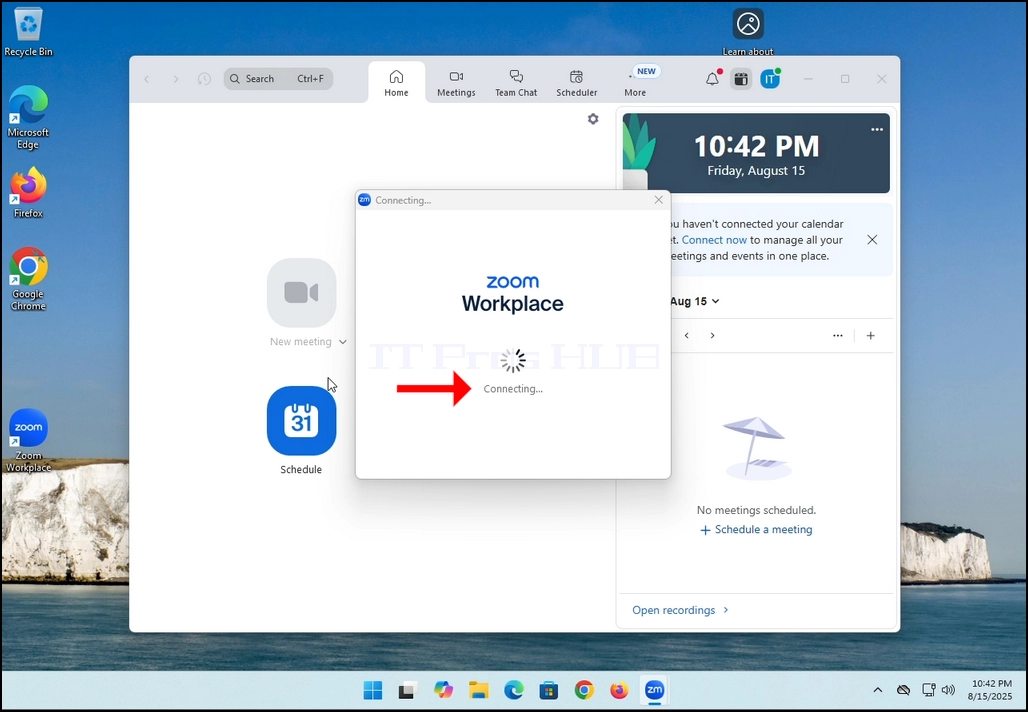
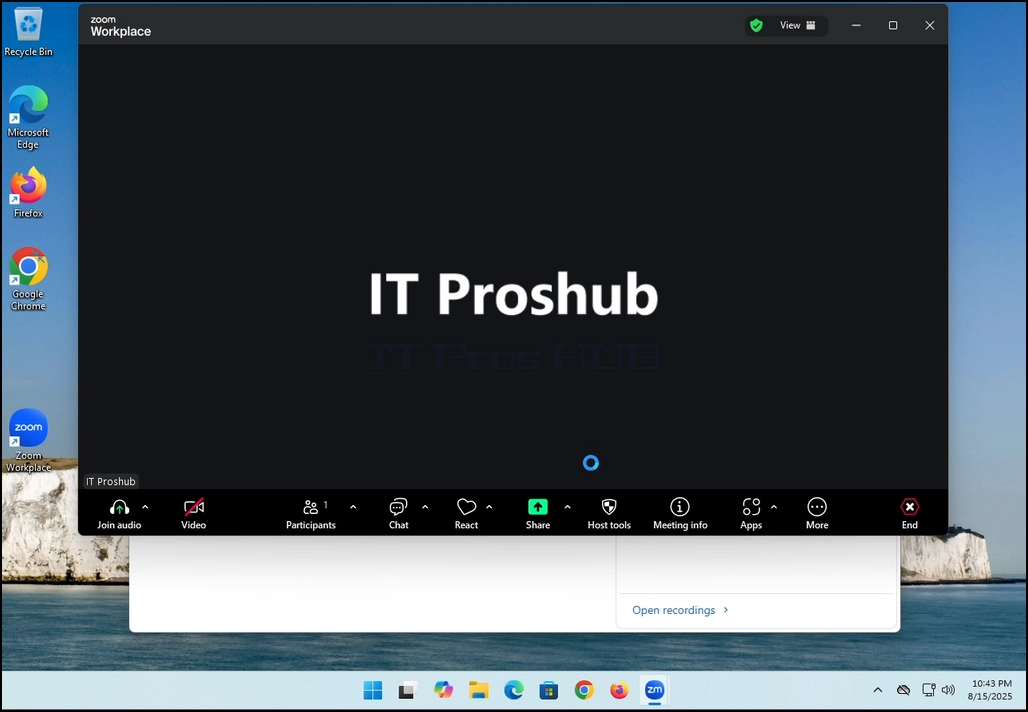
3. Sobald das Laden abgeschlossen ist, wird ein neues Fenster angezeigt. Normalerweise sollte sein Titel etwas in der Art von sagen:Zoom Meeting des Benutzers„. Im Fall dieses Artikels heißt es:Zoom Meeting von IT Proshub„da der Benutzer, der Zoom verwendet, so genannt wird.
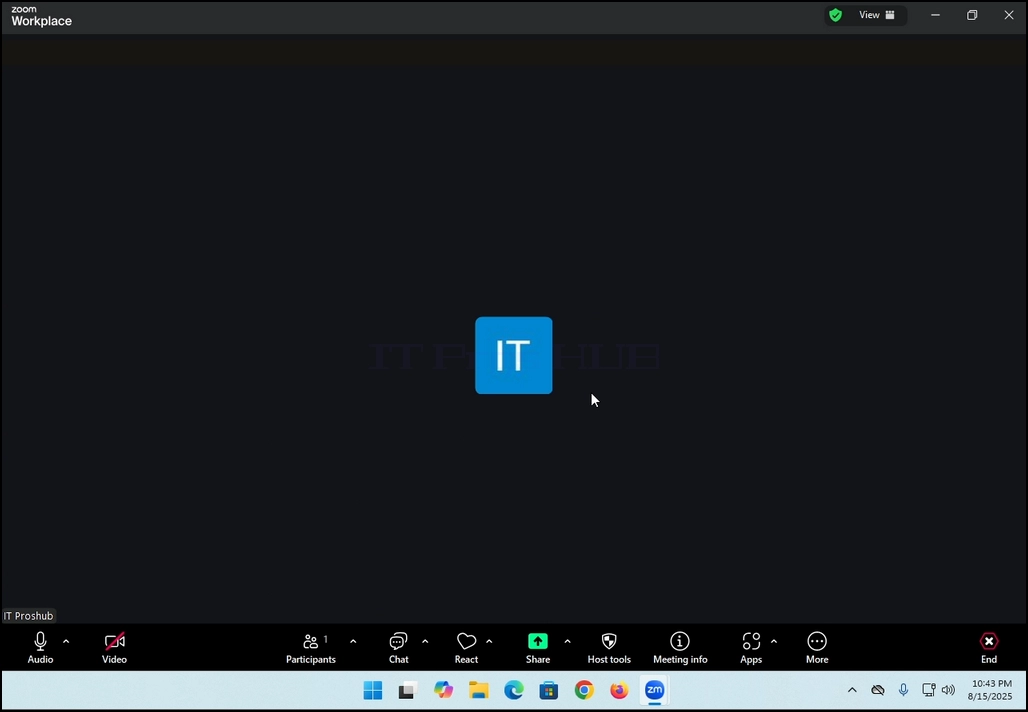
4. Hier können Sie Ihr Mikrofon stummschalten, indem Sie auf die Mikrofonsymbol und Sie können Ihre Kamera auch aus/einschalten, indem Sie auf die Videosymbol.
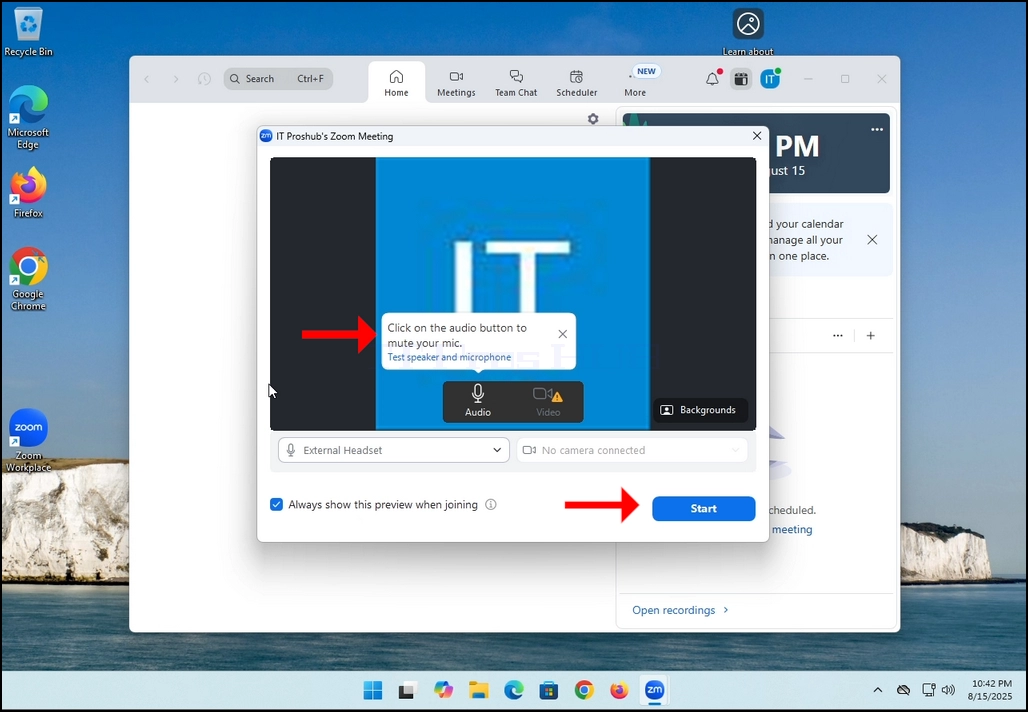
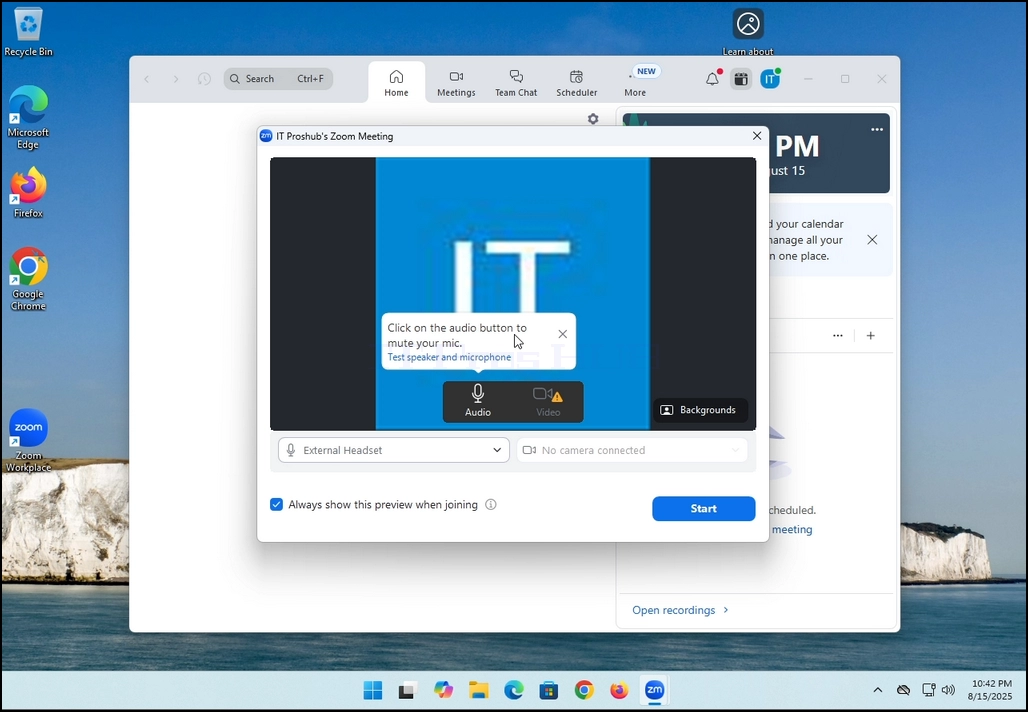
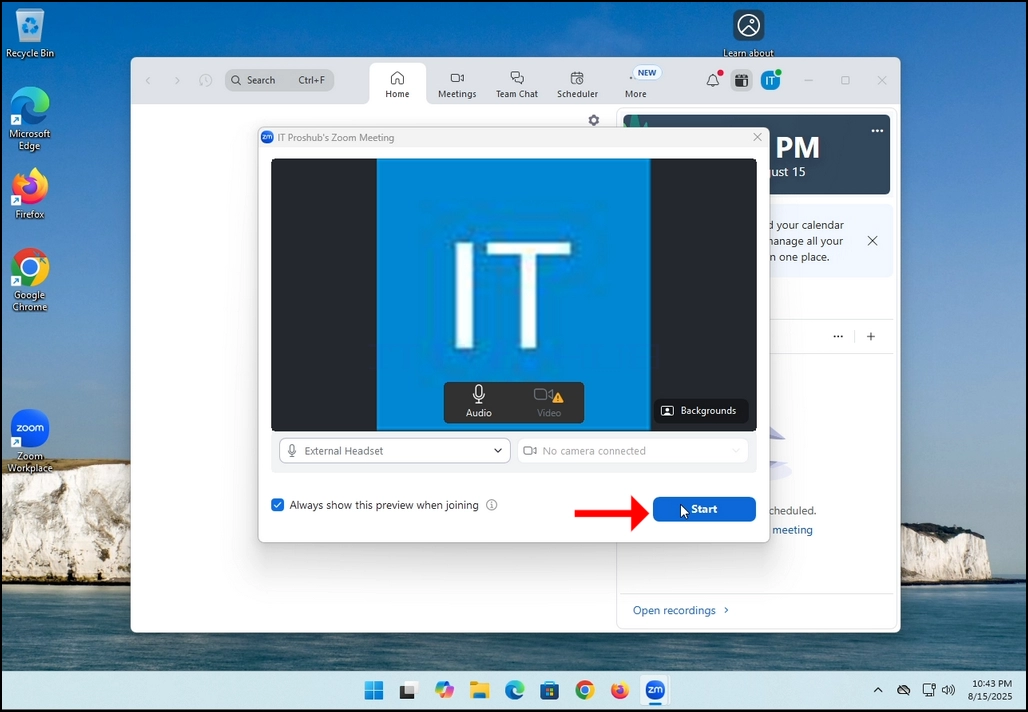
7. Das ist es! Das neue Treffen ist im Gange. Zu diesem Zeitpunkt enthält das Meeting nur den Host, der im Fall dieses Artikels IT Proshub ist.
- Details
- Geschrieben von: IT Pro
- Kategorie: How to Articles
- Zugriffe: 6929
In diesem Artikel zeigen wir, wie Sie ein abgestreiftes Volume in Windows 11 löschen
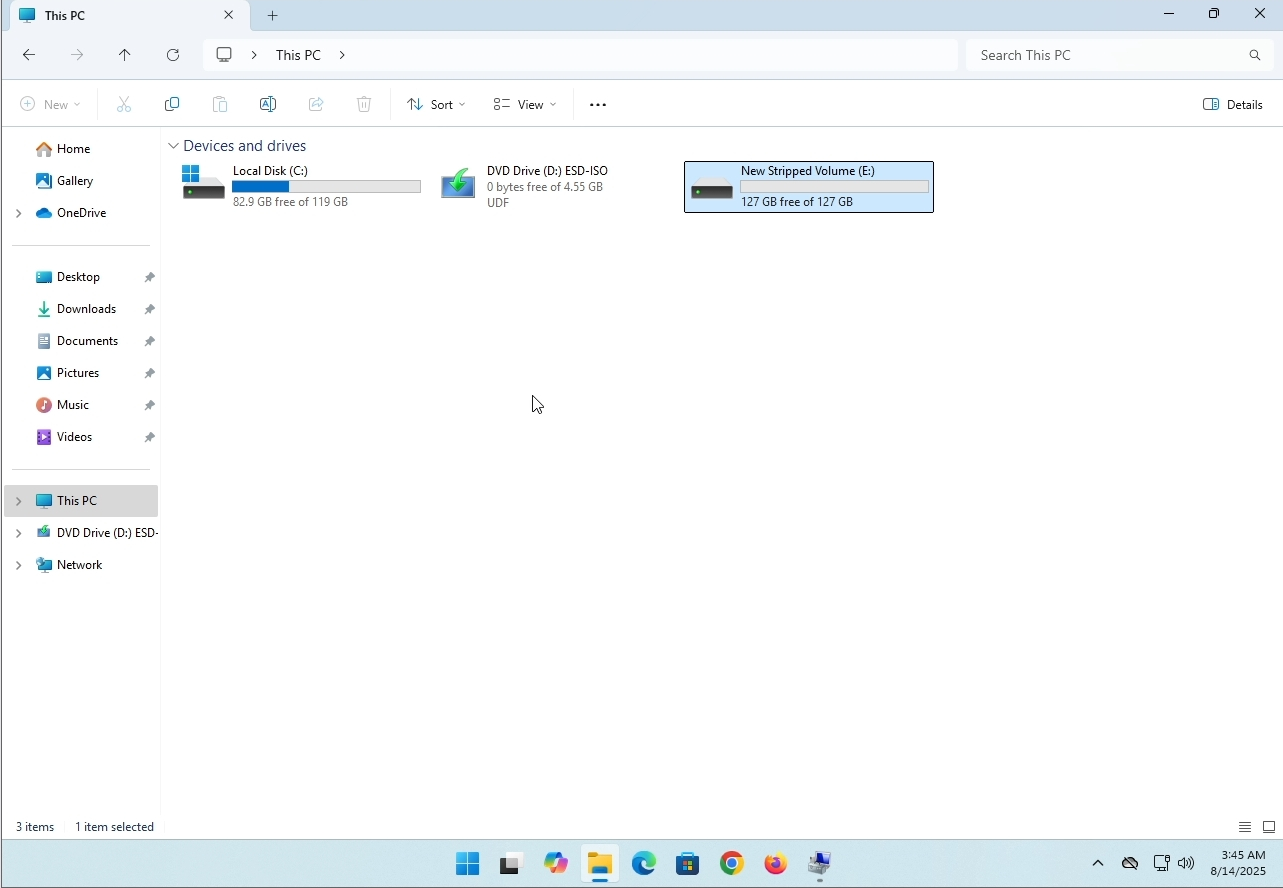
1. Stellen Sie sicher, was der Laufwerksbuchstabe des abgestreiften Volumens ist. In diesem Fall lautet der Laufwerksbuchstabe (E:):
2. Gehen Sie über das Startmenü von Windows zur Computerverwaltung.
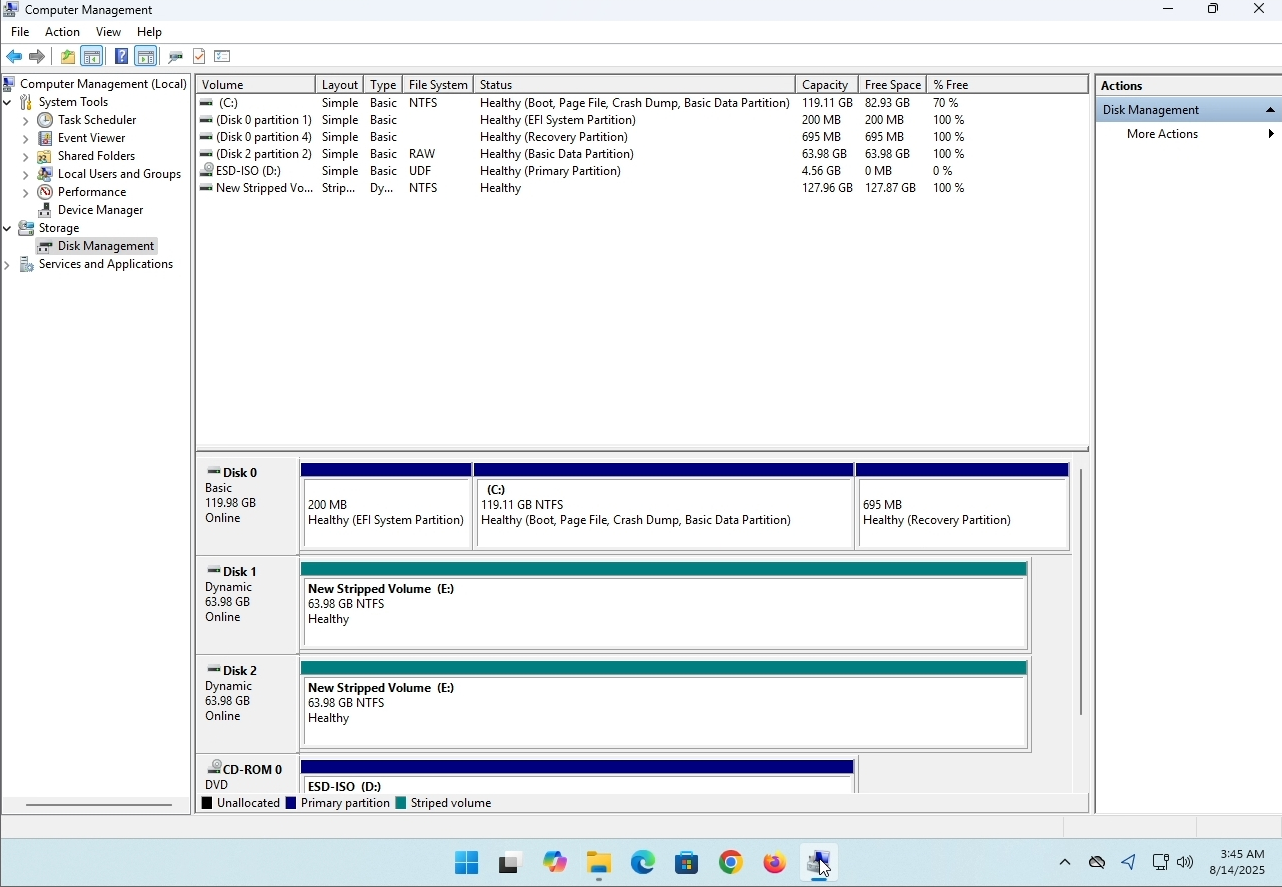
3. Auf der linken Seite. Suchen Sie nach Disk Management und klicken Sie einmal darauf.
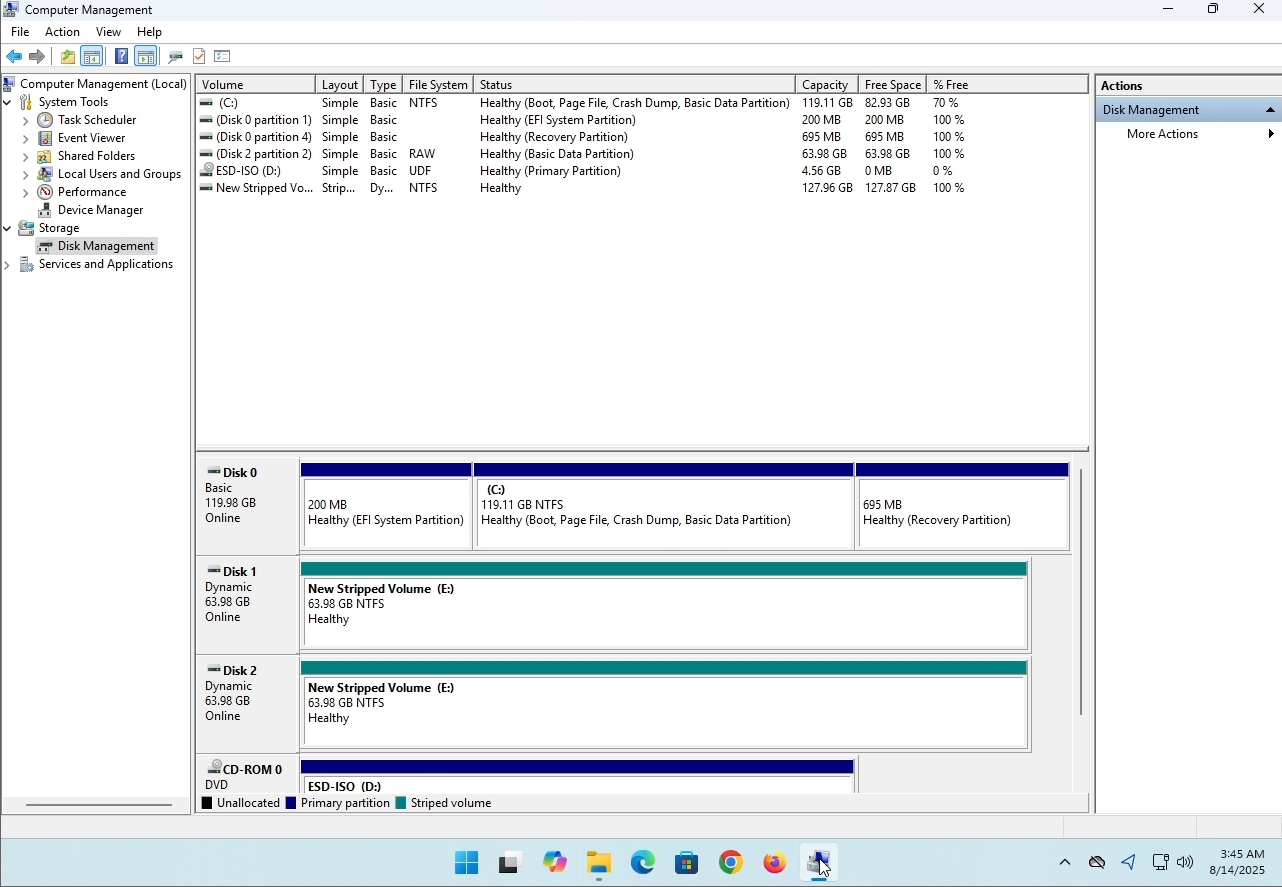
4. Suchen Sie nach dem Stripped Drive. In diesem Artikel Fall würde es (E:). Klicken Sie mit der rechten Maustaste auf eine der Festplatten im Array und warten Sie, bis ein Seitenmenü erscheint:
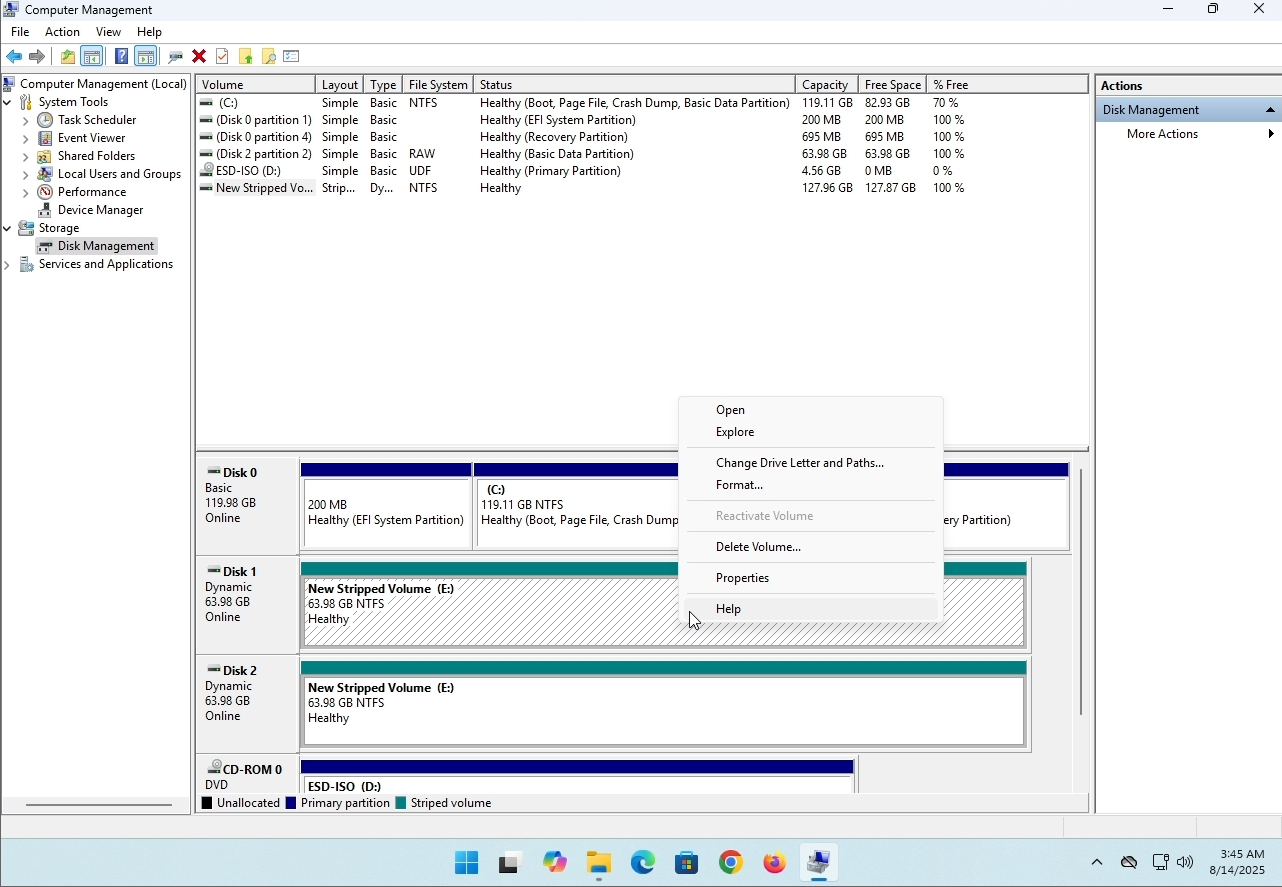
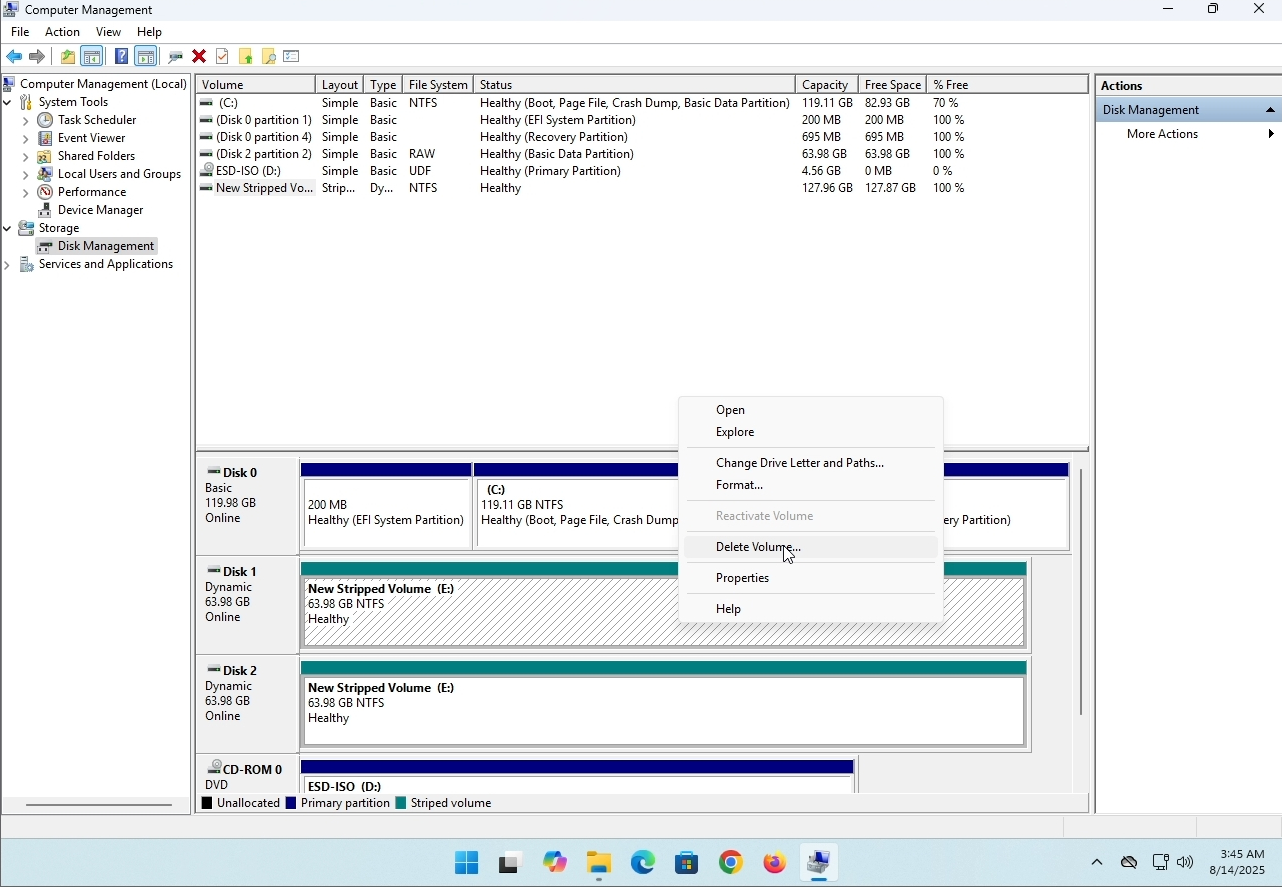
5. Klicken Sie im Seitenmenü auf Volume löschen:
6. Ihnen wird ein Bestätigungsfenster angezeigt. Klicken Sie auf Ja, um das Löschen des Laufwerks zu bestätigen.
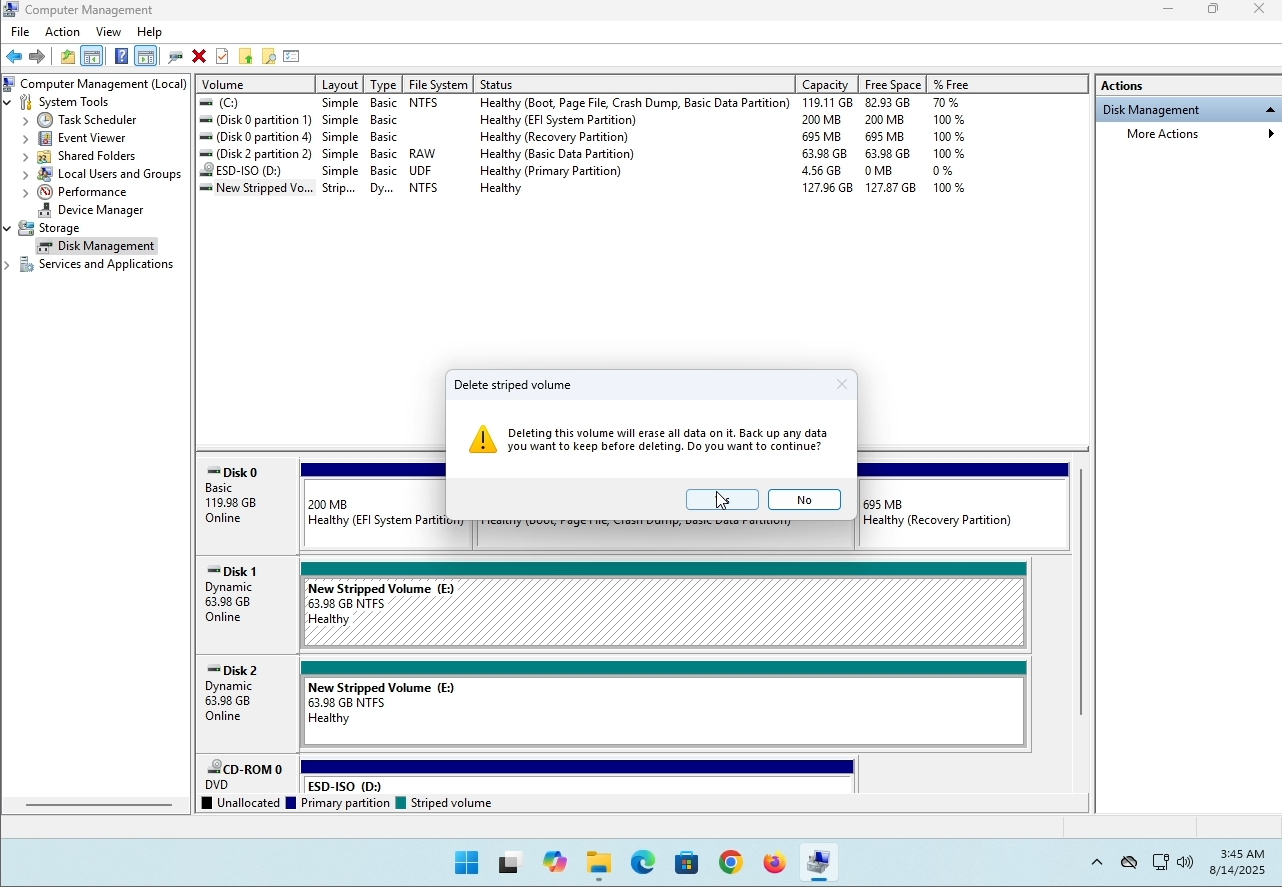
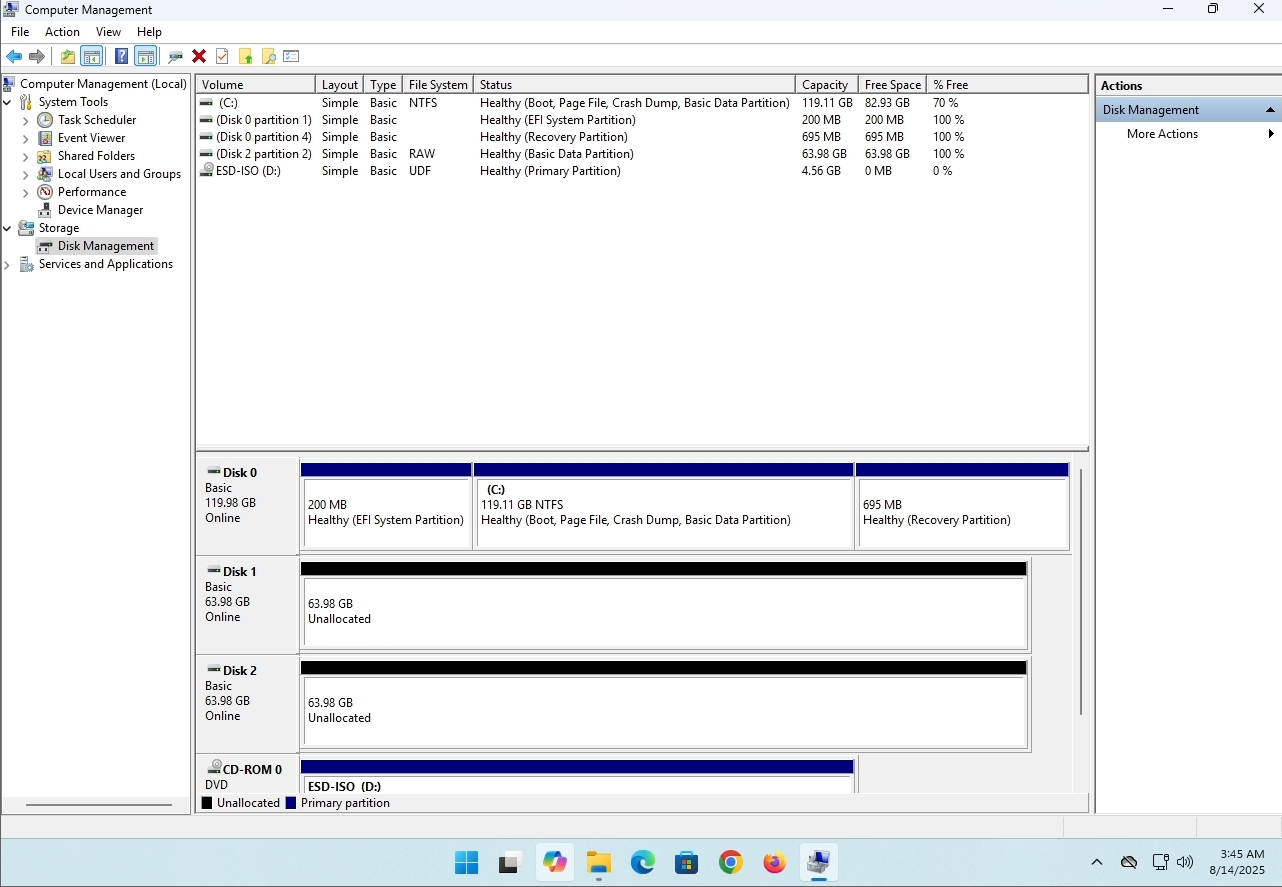
7. Das Laufwerk ist jetzt gelöscht und die Festplatten, die Teil des Stripped-Arrays waren, sind jetzt nicht zugeordnet.
- Details
- Geschrieben von: IT Pro
- Kategorie: How to Articles
- Zugriffe: 10336
Einleitung:
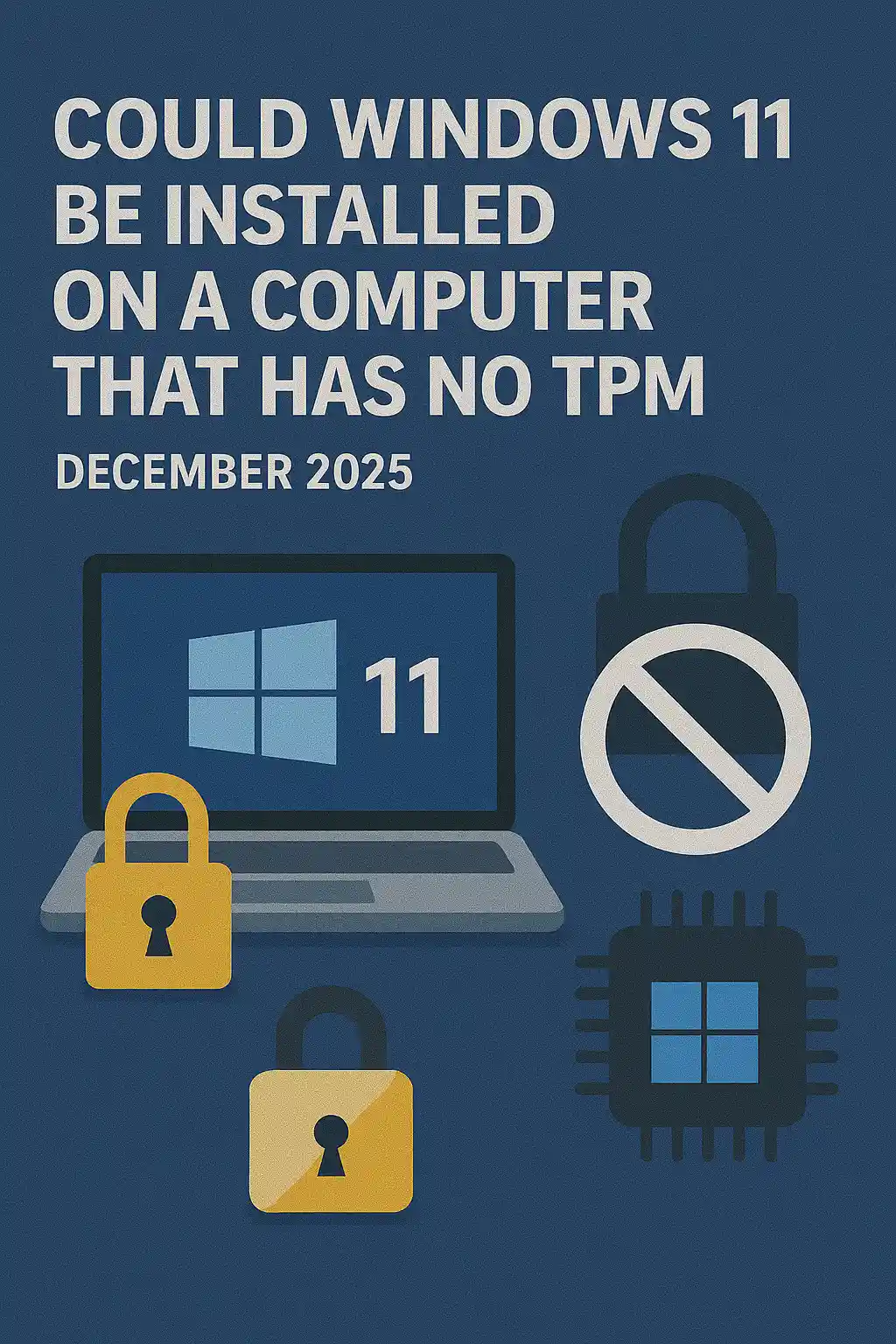
In diesem Artikel werden wir untersuchen, ob Windows 11 auf einem Computer installiert werden könnte, der keinen TPM-Chip hat.
Kurzum: NEIN.
Windows 11 kann nicht auf einem Computer ohne mindestens einen TPM Version 2.0 Chip installiert werden.
Das Folgende ist eine Illustration einer versuchten Installation von Windows 11 auf einem solchen Computer.
Die Windows-Version, die installiert werden sollte, war 24H2.
1. Booten in Windows-Installation


2. Sprache konfigurieren

3. Verfahren zur Konfiguration der Installation

4. Schlüsselstufe Produkt


5. Auswahl von Windows 11 Pro


6. PC-Prüfung

7. Blocker ☹

Schlussfolgerung:
Nicht viel zu sagen hier. Wir mussten es selbst sehen. Es gibt einen großen Diskurs über dieses Thema, und es scheint in diesem Fall Wasser zu halten. Installationstechnisch - Windows 11 kann nicht auf einem Computer oder System ohne einen TPM Version 2.0 Chip installiert werden.
Das bedeutet nicht, dass Windows 11 auf diesem System nicht ausgeführt werden kann. Für mehr, besuchen Sie bitte unseren Artikel zu diesem Thema: https://itproshub.com/en/windows/can-windows-11-run-on-a-computer-that-has-no-tpm-chip-at-all-decembet-2025
- Details
- Geschrieben von: IT Pro
- Kategorie: How to Articles
- Zugriffe: 8442
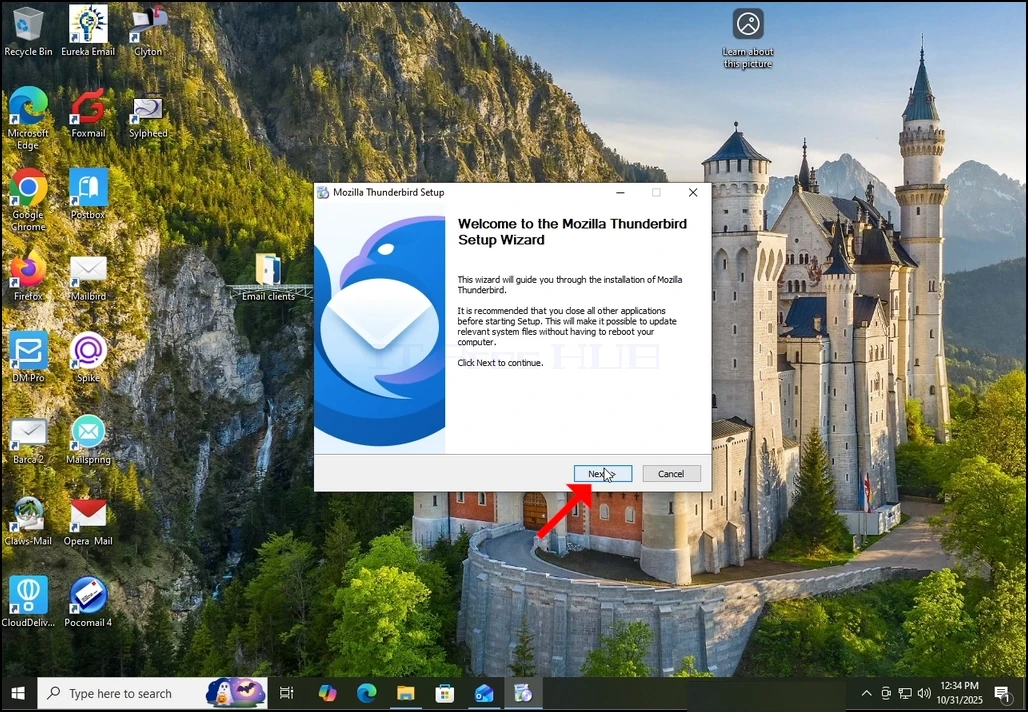
1. Starten Sie die Installation von Thunderbird, indem Sie auf die Setup-Datei klicken
2. Klicken Sie im Begrüßungsbildschirm auf NEXT.
3. Wählen Sie die Option Standard und klicken Sie auf NEXT.
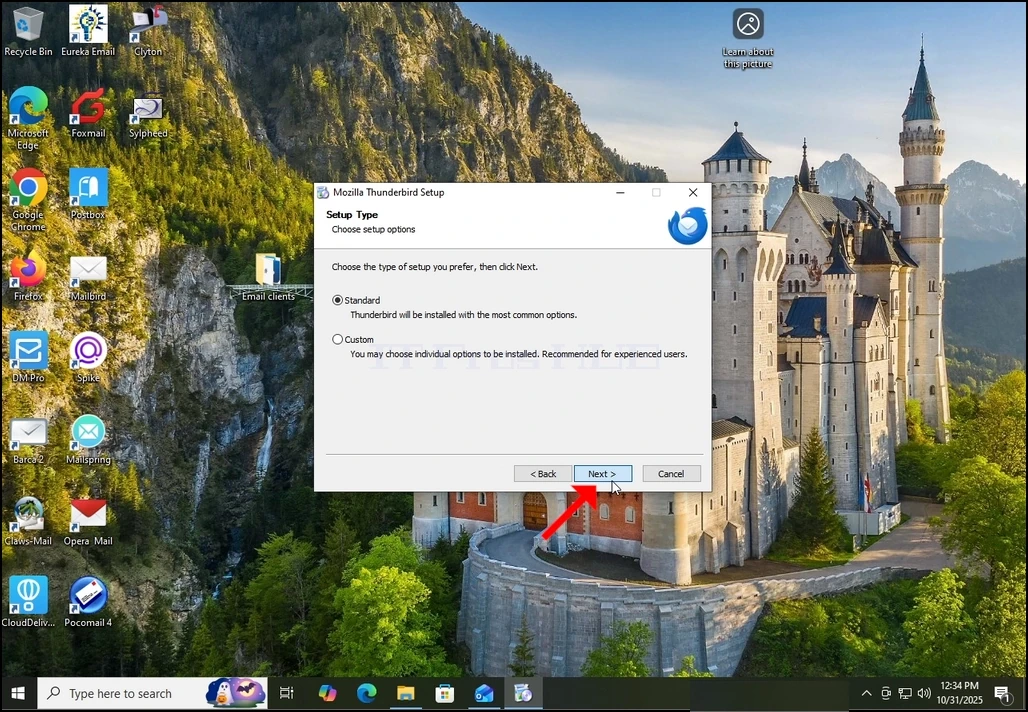
4. Klicken Sie auf die Schaltfläche Installieren.
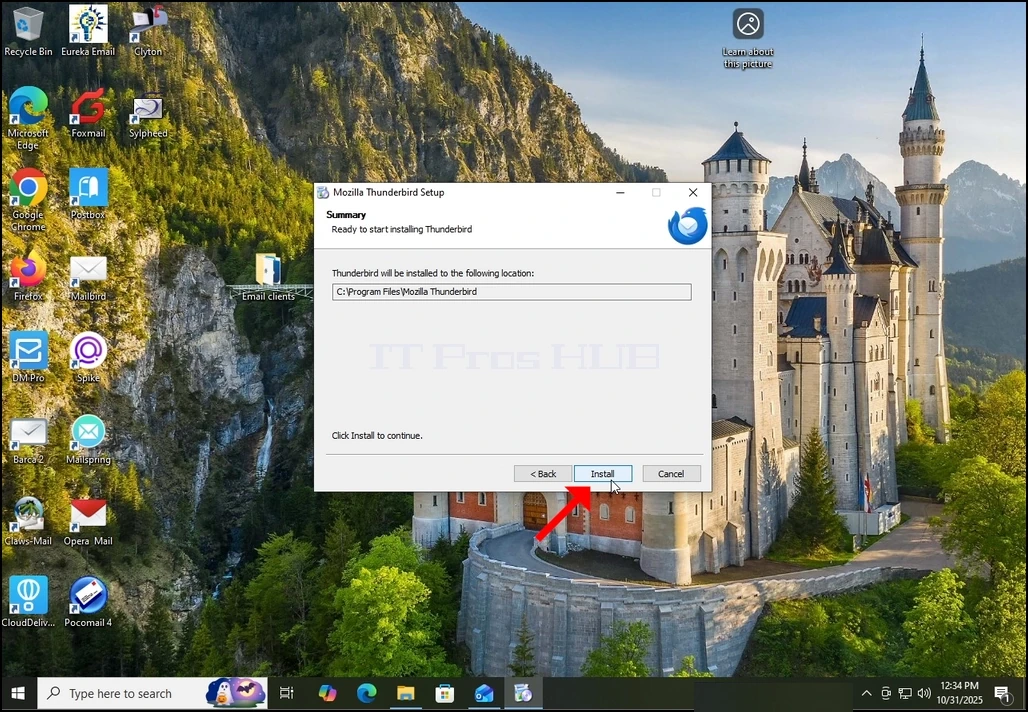
5. Warten Sie geduldig, bis der Installationsprozess abgeschlossen ist
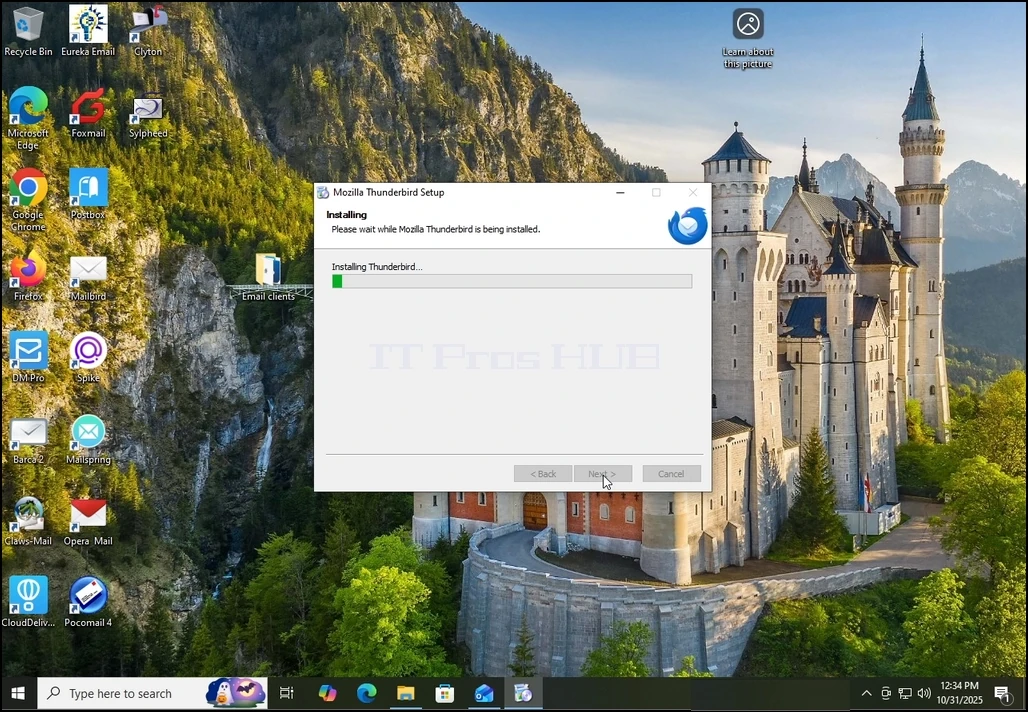
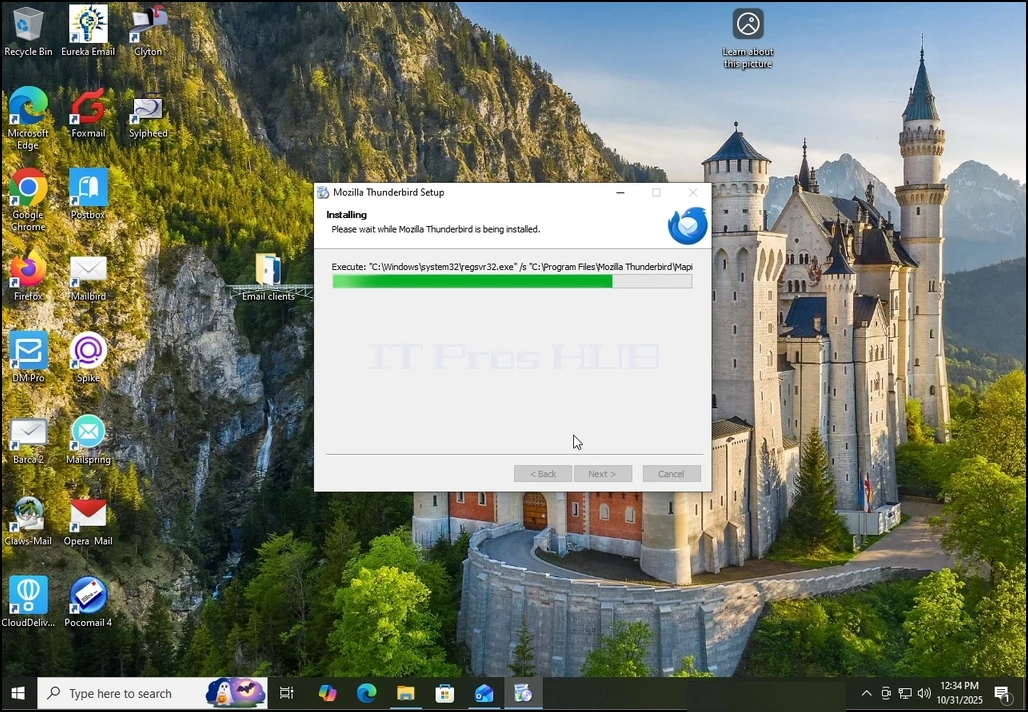
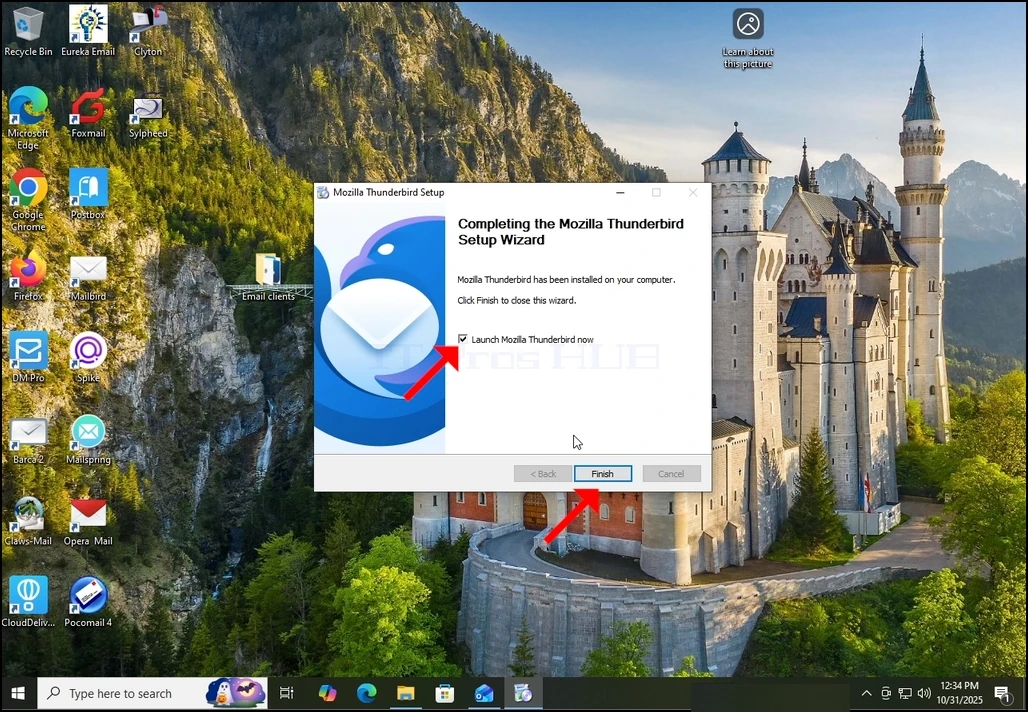
6. Aktivieren Sie die Option Mozilla Thunderbird jetzt starten und drücken Sie auf die Schaltfläche Ziel
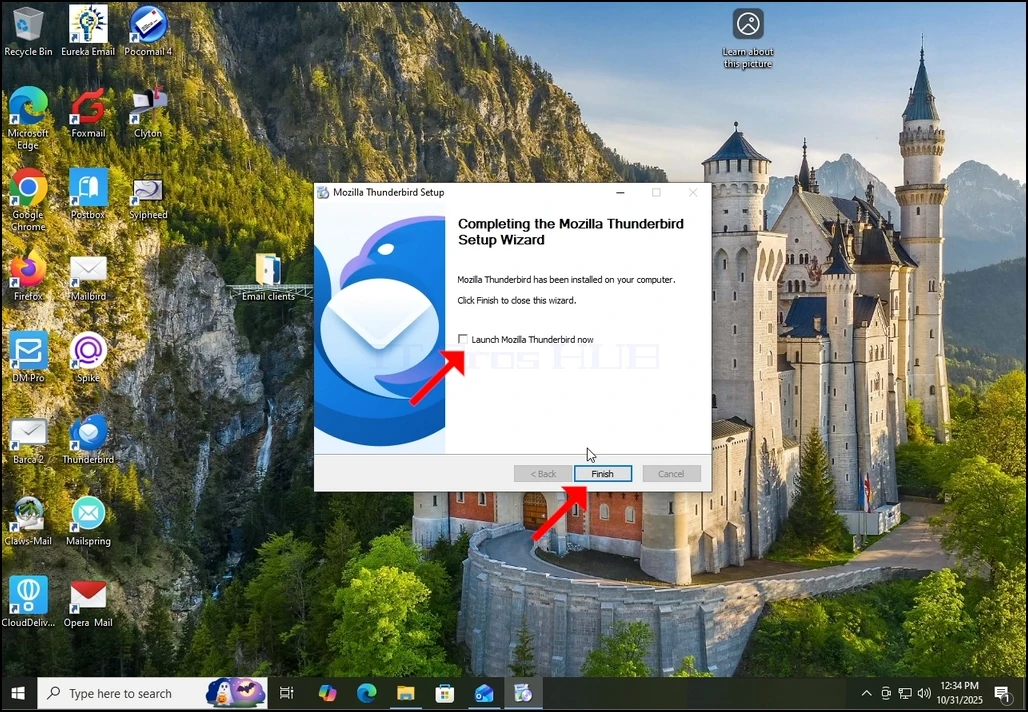
7. Mozilla Thunderbird ist jetzt installiert!