



Tagline:HowtoActiavteTheReadAloudFeatureinWord
1. Open Microsoft Word

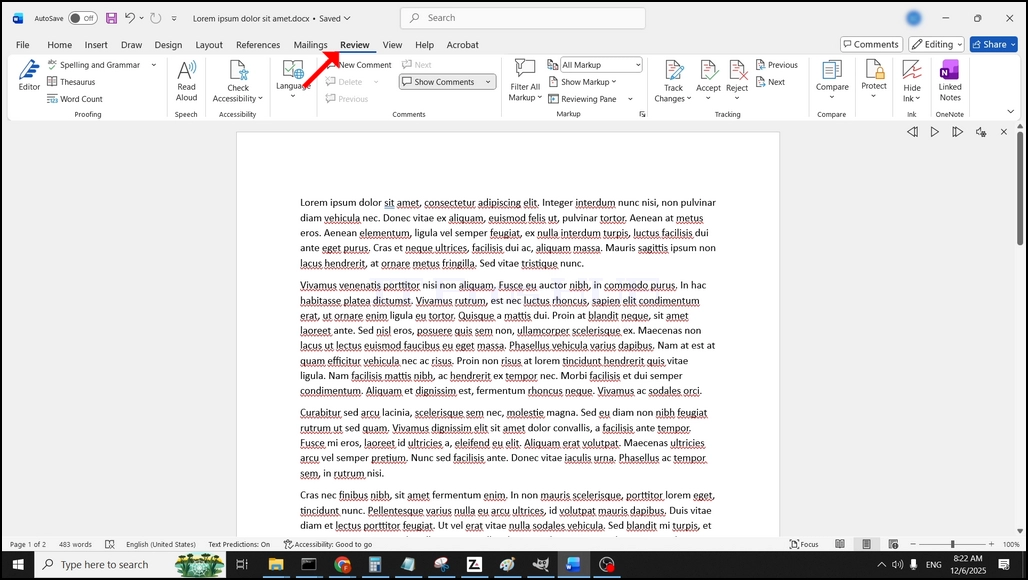
3. Under Review, look for a big "A" icon that says "Read Aloud" and click on it to activate the Text to Speech feature of Word:
|
Online:
728 online | Members: 0 | Guests: 728
|
Sunday, July 19, 2026
|
|
|
|
|
1. Open Microsoft Word
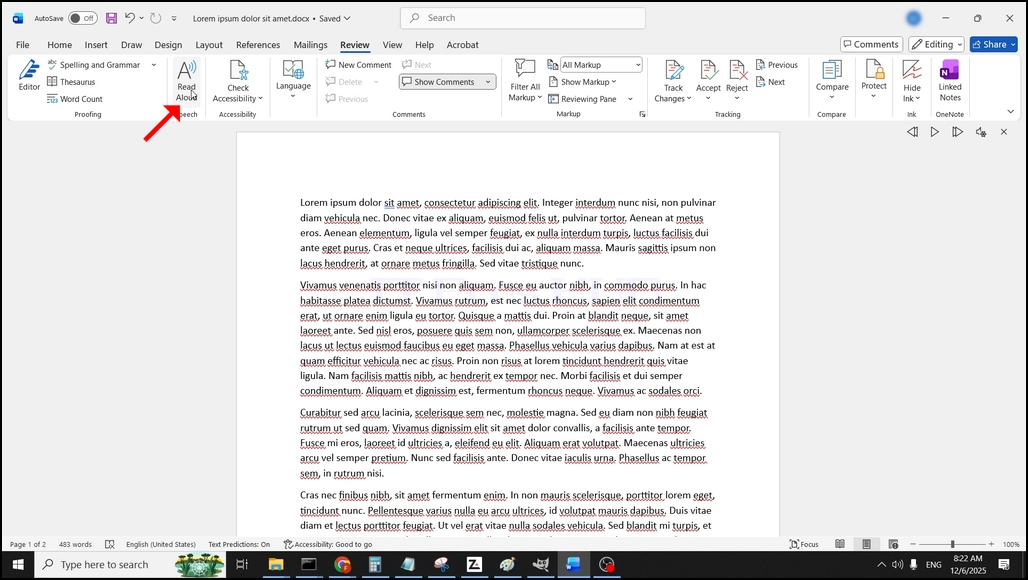
3. Under Review, look for a big "A" icon that says "Read Aloud" and click on it to activate the Text to Speech feature of Word: