Tagline:HowtoAddStockImagesinWord
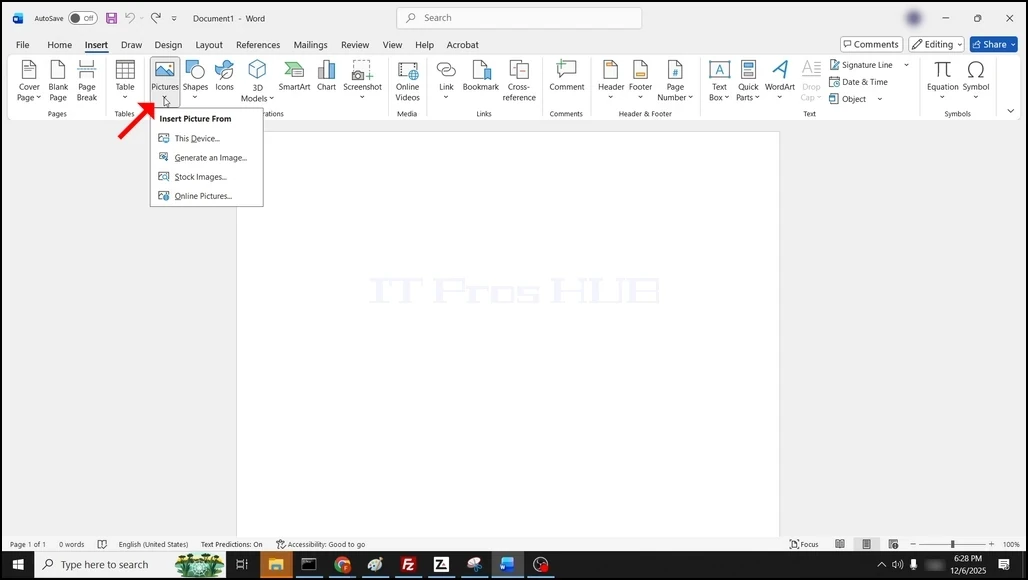
1. Open Word. Go to the Insert button on the menu ribbon, click on it, then go to Pictures:

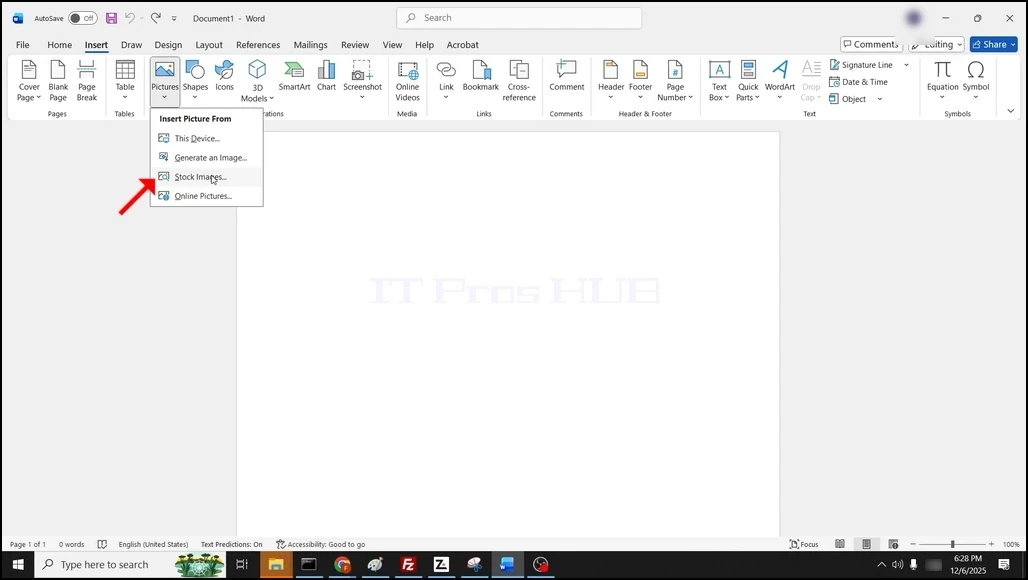
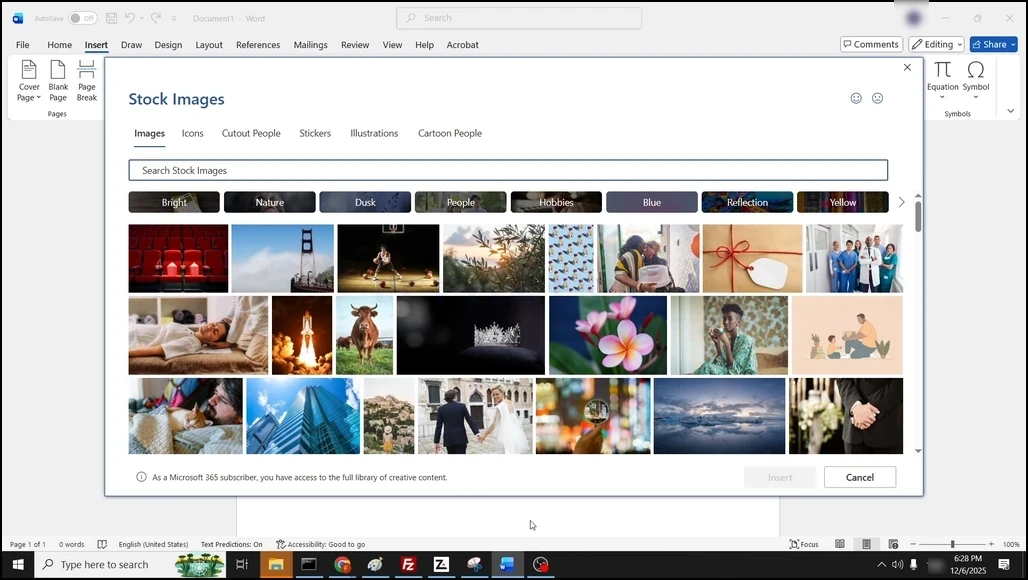
3. Choose Stock Images... and wait for a window to load.
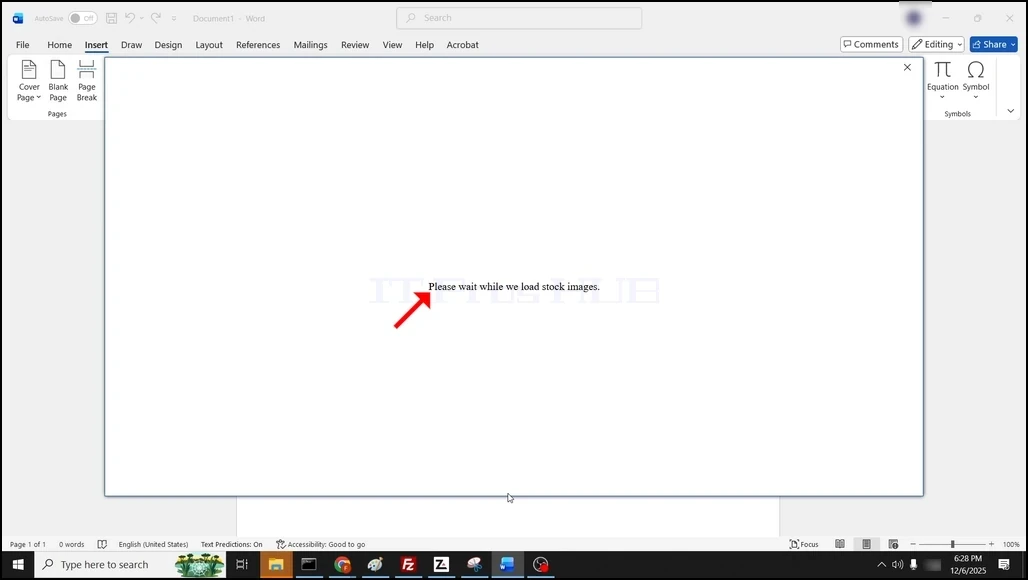
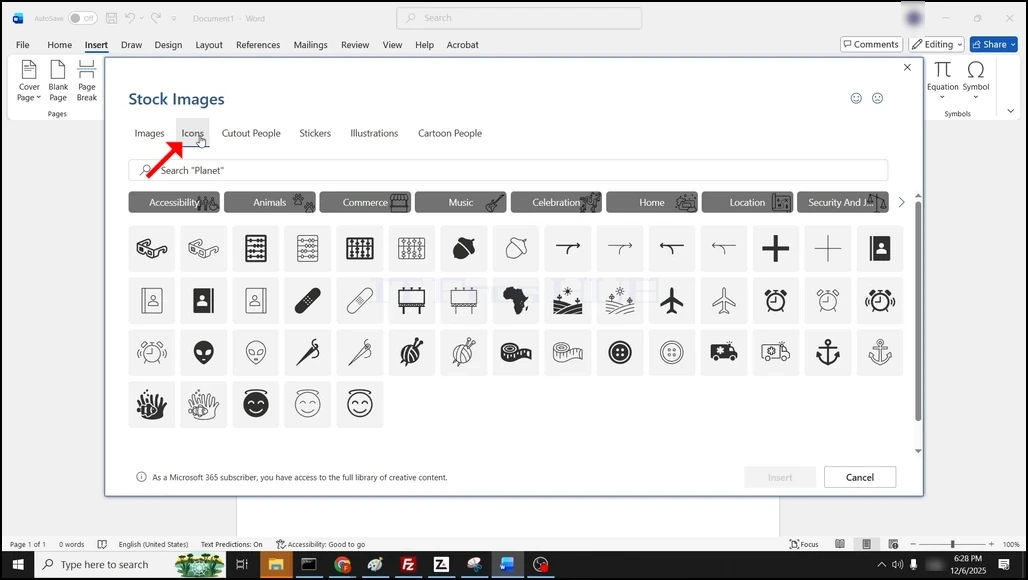
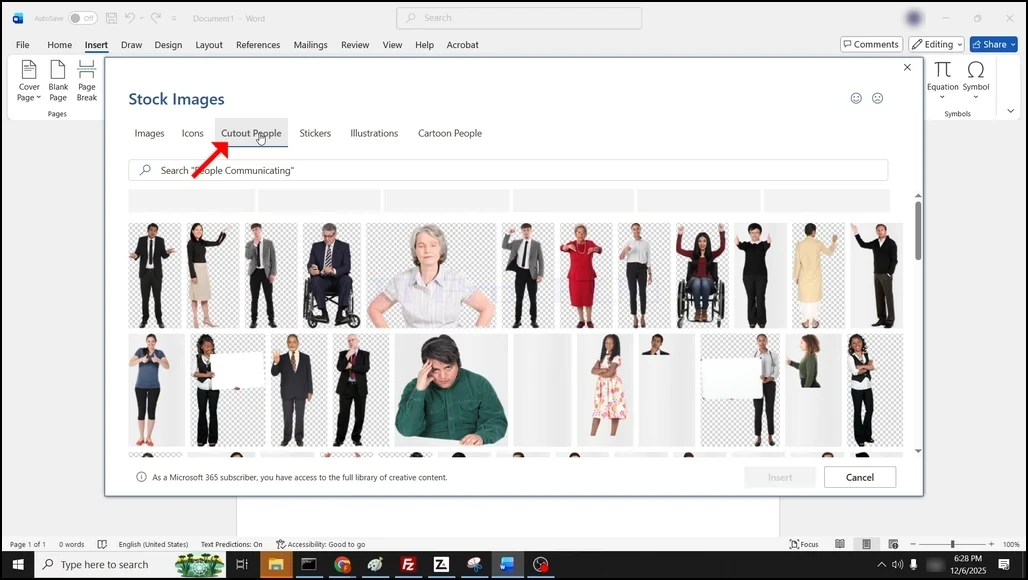
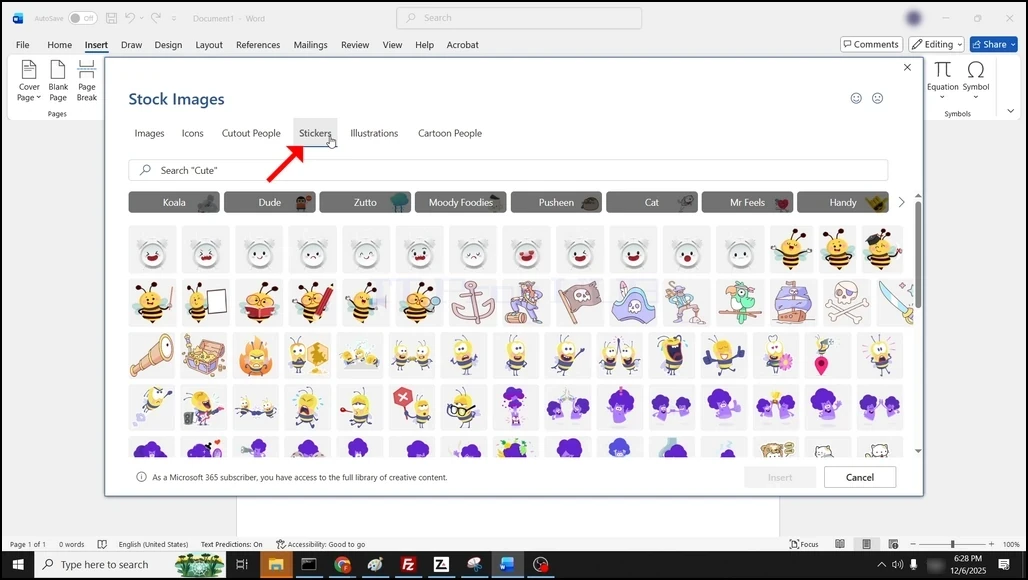
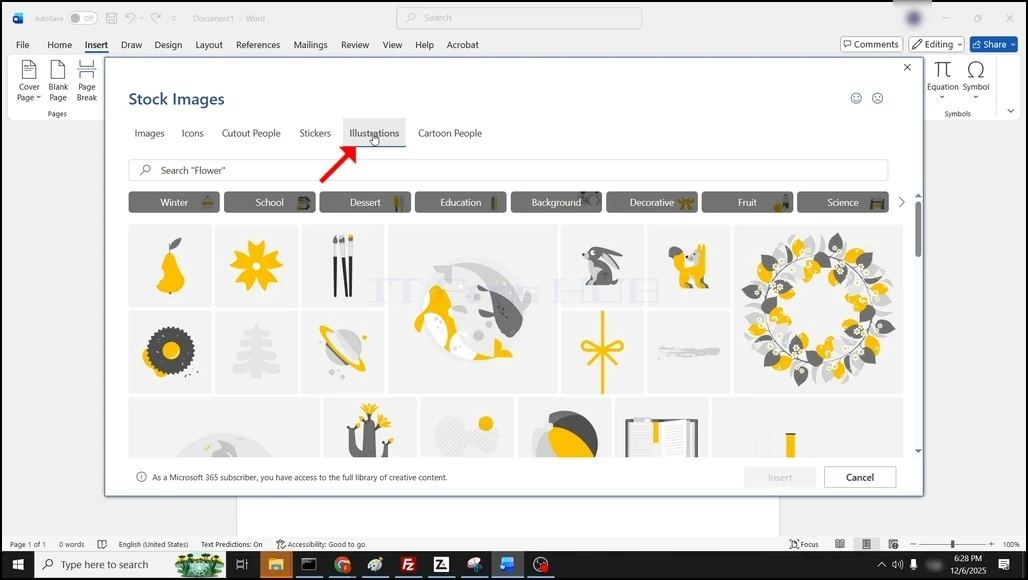
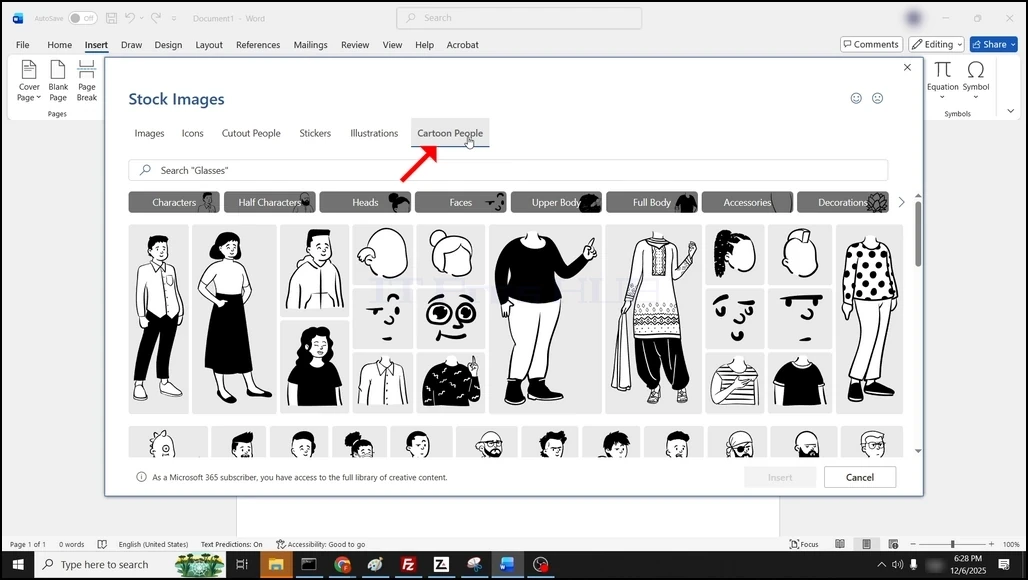
4. Once loaded, you will be presented by the various stock images options:
- Images
- Icons
- Cutout People
- Stickers
- Illustrations
- Cartoon People
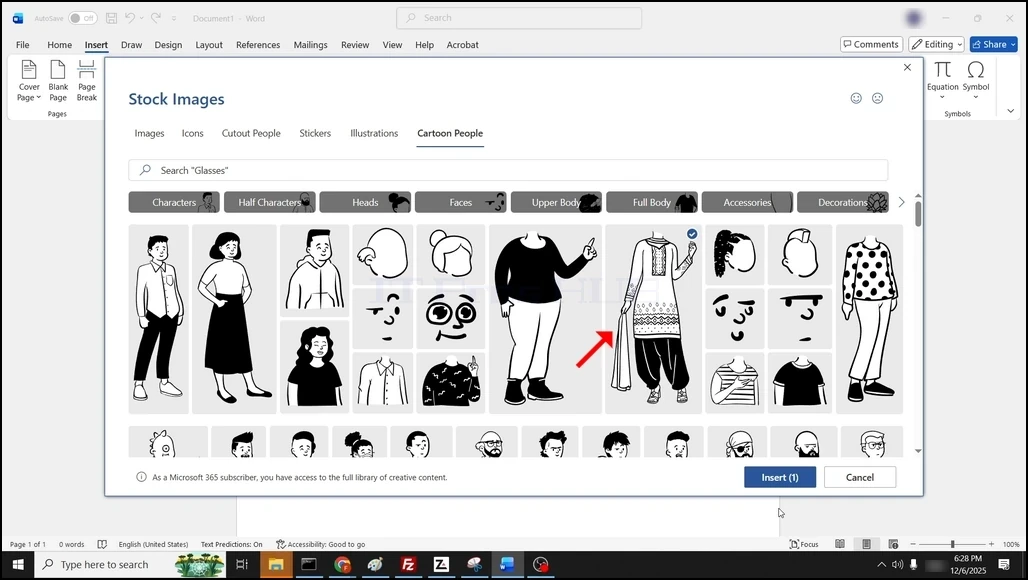
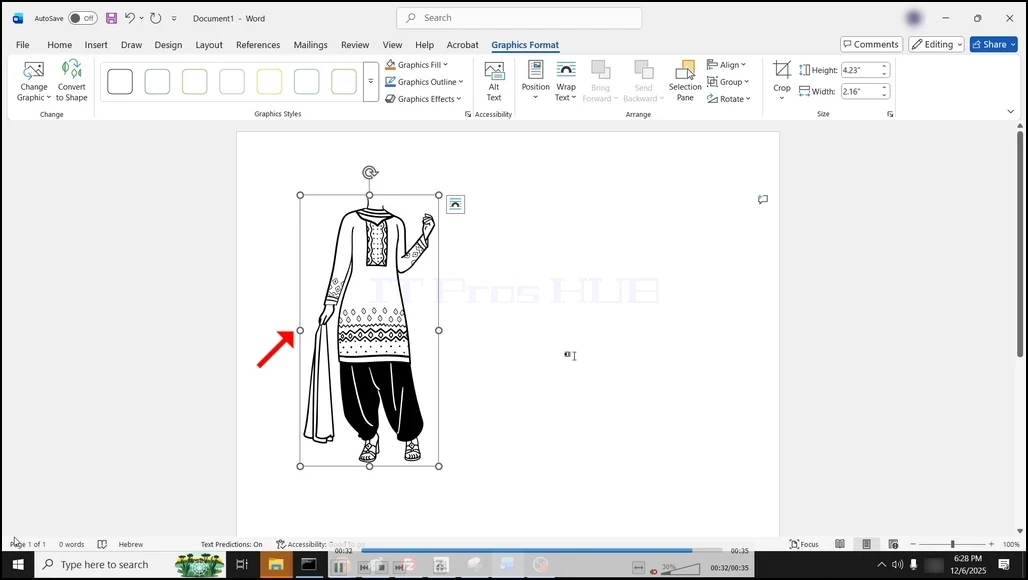
6. The stock image is now added to the Word document: