



As organizations continue evaluating or initiating migrations from Windows 10 to Windows 11, one of the most visible and disruptive shifts users encounter is the redesigned Start Menu. For IT professionals managing user expectations, rollout strategies, and helpdesk load, the frustration surrounding this UI overhaul is not just an aesthetic complaint—it reflects deeper workflow disruptions, productivity concerns, and compatibility issues with enterprise configurations. Understanding these pain points is essential for planning a smooth transition and mitigating user resistance.
The Loss of Familiar Structure
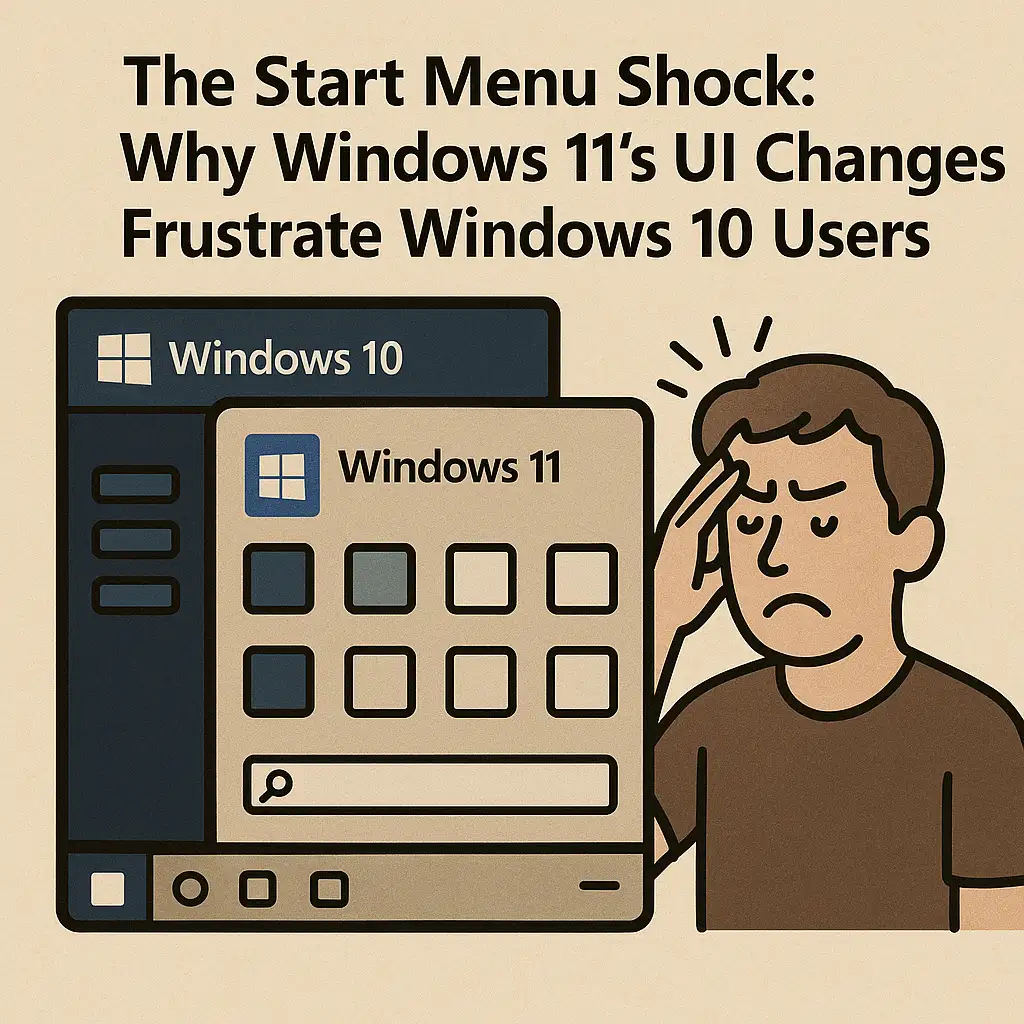
Windows 10 users are accustomed to a predictable, grid-based Start Menu containing tiles, folders, and a well-organized navigation structure. Windows 11 replaces this with a simplified, centered layout emphasizing pinned apps and machine-learned recommendations. While visually cleaner, the change removes the hierarchical organizational system many enterprises relied on. Users who depended on custom Start layouts—particularly in controlled environments such as education, healthcare, and retail—find themselves struggling to adapt, often reporting that essential apps feel “buried” or less accessible.
Reduced Customization Options
IT teams have long used Start Menu customization to standardize desktop experiences, guide users toward approved software, and enforce compliance. Windows 11 significantly limits these capabilities. Live Tiles are gone, grouping options are reduced, and customization controls available through Group Policy or MDM solutions are more constrained compared to Windows 10. The inability to deeply tailor the Start Menu forces organizations to rethink long-standing UX strategies and complicates the transition for departments with highly structured workflows.
The Impact of Centered Alignment
Centered app alignment, while aesthetically modern, poses challenges for users who have worked with left-aligned Start buttons for decades. Muscle memory is a major factor in user productivity, and this redesign interrupts established habits. Although Windows 11 allows reverting to a left-aligned taskbar, many users express frustration with the additional steps required to replicate their previous workflow. For enterprise environments with thousands of endpoints, this contributes to a spike in helpdesk tickets during the first weeks of deployment.
Disruptions to Search and Navigation
Search behavior in Windows 11 is another area where changes to the Start Menu lead to friction. While Windows Search has improved in indexing speed and relevance, the separation of Search into a standalone UI component introduces an additional cognitive step for users accustomed to integrated search within the Start Menu itself. The new interface also displays more cloud-based and Microsoft-promoted results, which some organizations consider unnecessary clutter, especially in security-focused environments with controlled access policies.
Enterprise Start Menu Deployment Complexities
Windows 10 allowed IT teams to deploy highly curated Start Menu layouts through XML-based configuration files. In Windows 11, Microsoft has shifted the deployment model, creating compatibility hurdles for administrators relying on existing tooling. Partial layout controls, inconsistencies between Intune and Group Policy behavior, and limited pinning capabilities complicate the creation of a standardized user experience. These shortcomings require additional planning, testing, and in some cases the introduction of third-party tools to regain previous levels of control.
The Removal of Live Tiles
While not universally loved, Live Tiles served important functions in many environments. Real-time updates to calendars, mail, weather, and dashboards enabled some users to monitor critical information at a glance. Their removal in Windows 11 eliminates a feature set that had become integrated into the daily workflow of certain departments. Users now must rely on widgets, which function differently, are less customizable, and are positioned outside the Start Menu area—forcing behavior changes and increasing interface fragmentation.
Start Menu Recommendations and Privacy Concerns
Windows 11’s Start Menu introduces recommended content—recent files, suggested actions, and cloud-driven insights. Although useful for personal productivity, this feature raises concerns in enterprise environments that emphasize privacy, data governance, or strict separation of local and cloud workflows. IT teams often disable recommendations through policy, but users may initially find the unpredictability of the suggestions distracting or intrusive, further contributing to negative perceptions of the new UI.
Workflow Interruptions and Helpdesk Impact
Across organizations that have already transitioned to Windows 11, support teams consistently report an uptick in user tickets related to navigation, missing shortcuts, taskbar behavior, and confusion around the reorganized UI. These issues are not technically complex, but they collectively reflect a broader challenge: Windows 11 changes many interaction patterns that were stable for over a decade. This retraining burden can slow adoption, create frustration, and reduce early-stage productivity until users adjust to the new environment.
Adapting UI Expectations to the New Ecosystem
For IT professionals, addressing Windows 11 Start Menu friction is not just about providing training resources. It involves understanding how the new interface fits into Microsoft’s broader ecosystem of cloud services, telemetry, AI-driven UX, and hardware modernization. Over time, organizations may choose to reshape their standard operating environments to align with evolving Microsoft design principles. Until then, empathetic change management and careful endpoint configuration remain essential to easing the transition.
Conclusion
The Start Menu redesign in Windows 11 represents one of the most disruptive UX shifts since the introduction of the Windows 8 interface. For users deeply rooted in Windows 10’s layout and workflow, the changes can feel abrupt and counterintuitive, resulting in resistance and productivity dips. By understanding the sources of frustration and proactively addressing customization gaps, IT professionals can better prepare users and ensure a more seamless migration experience. With appropriate guidance and policies, the new Start Menu can eventually become a familiar and efficient component of the Windows 11 environment.


 12993
12993  IT Pro






















