



- Išsami informacija
- Parašė: IT Pro
- Kategorija: How to Articles
- Peržiūros: 5400
1. Open Microsoft Word

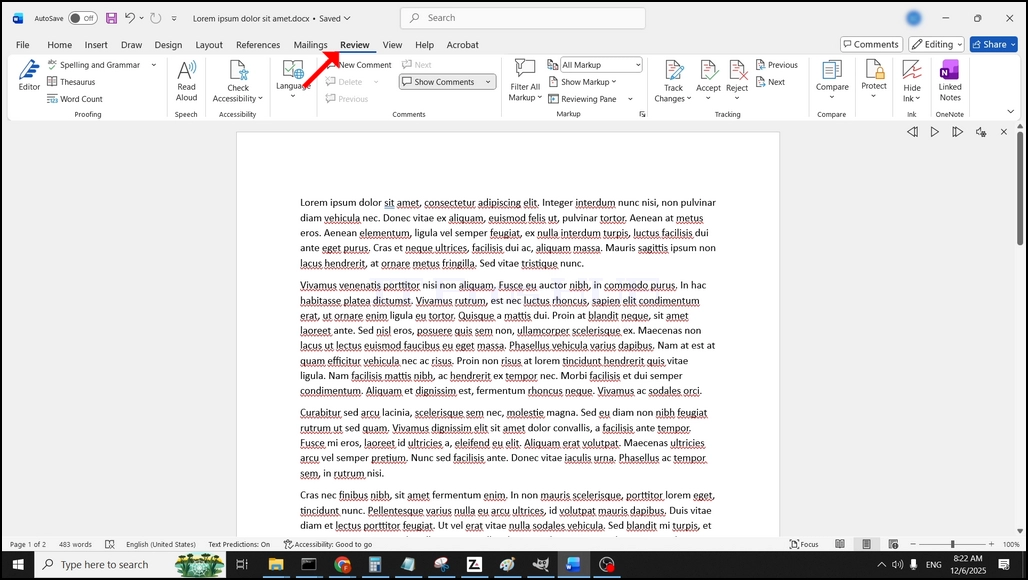
2. Viršuje meniu juostoje, iš namų, eikite į apžvalgą:
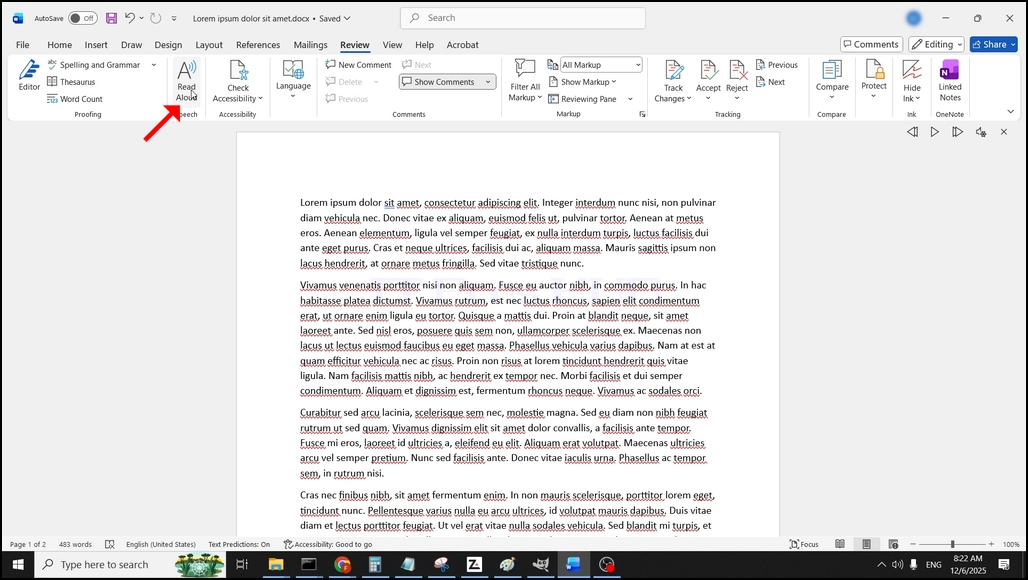
3. Pratęsimas, ieškoti didelis "A"piktograma, kuri sako"Skaityti garsiai"ir paspauskite ant jo, kad aktyvuoti tekstą į kalbą funkcija žodis:
- Išsami informacija
- Parašė: IT Pro
- Kategorija: How to Articles
- Peržiūros: 5746
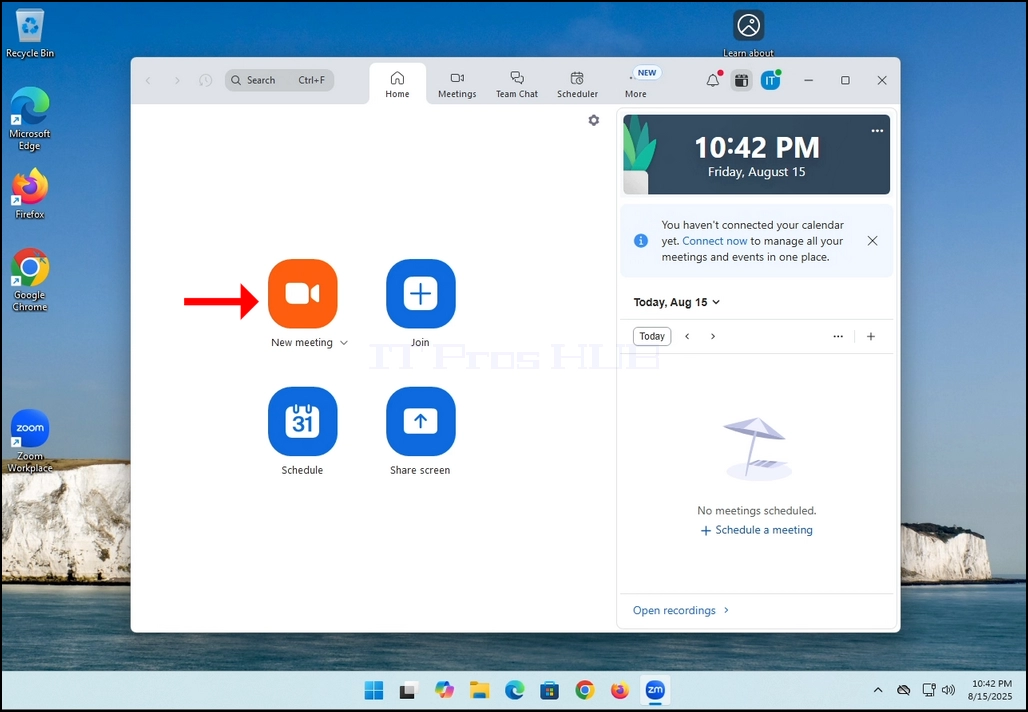
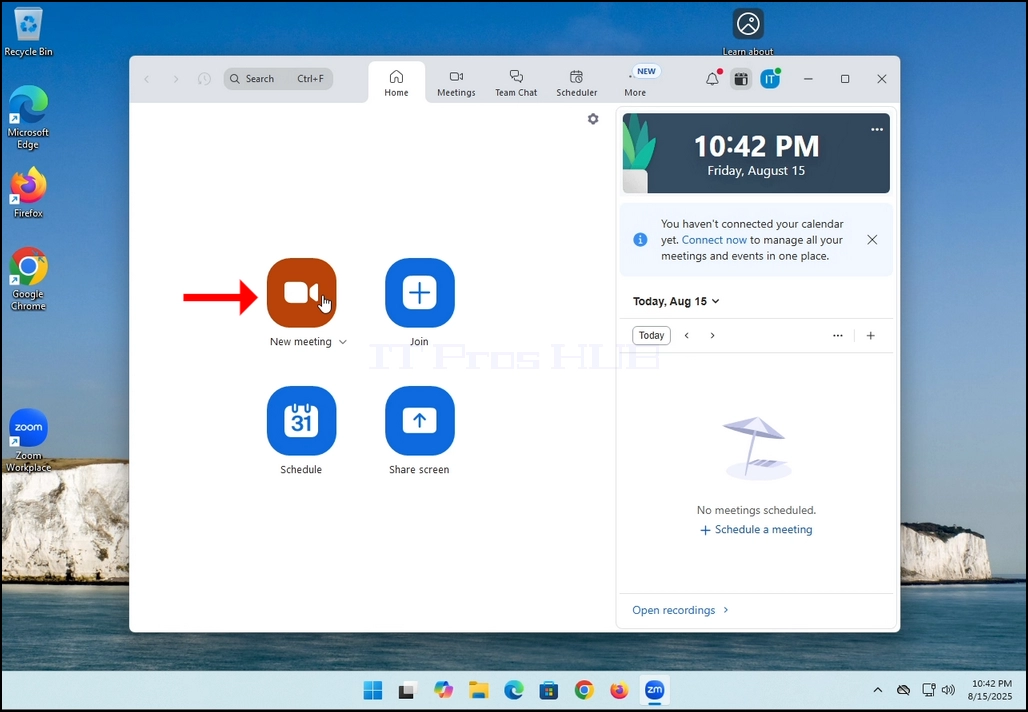
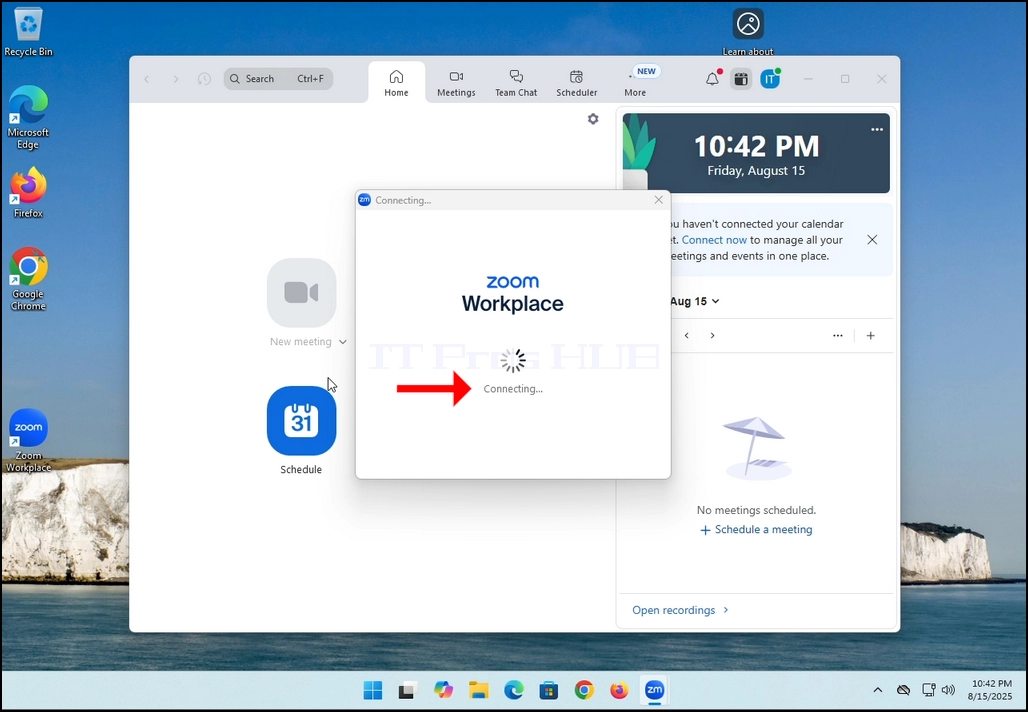
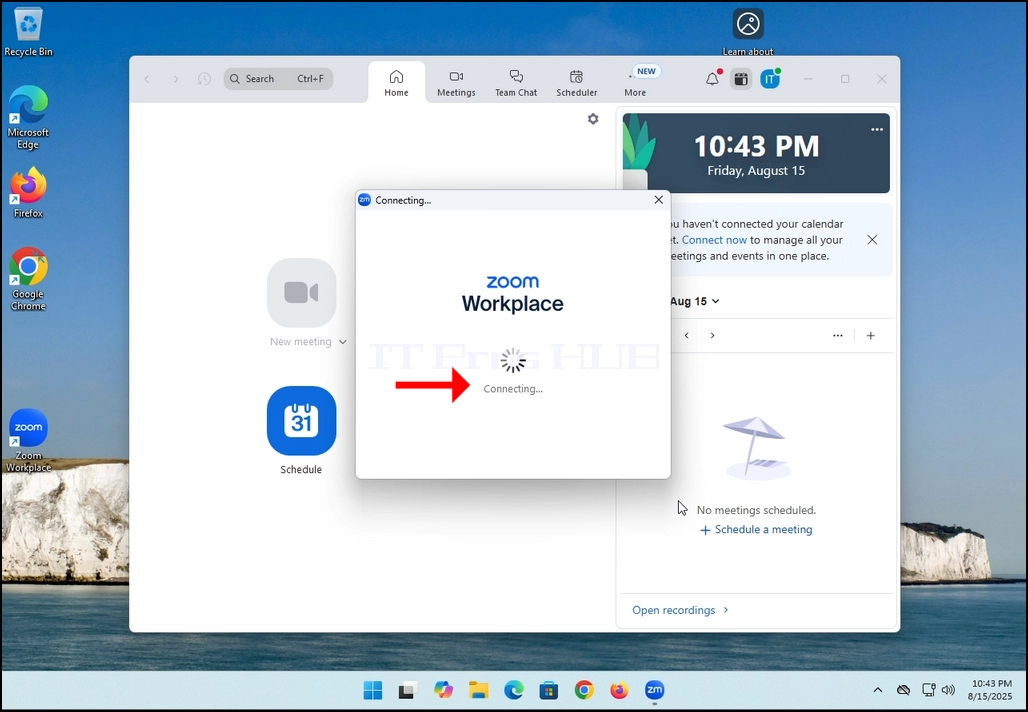
2. Once clicked, a new small window should appear. The window will show "connecting" and an animation progress circle.
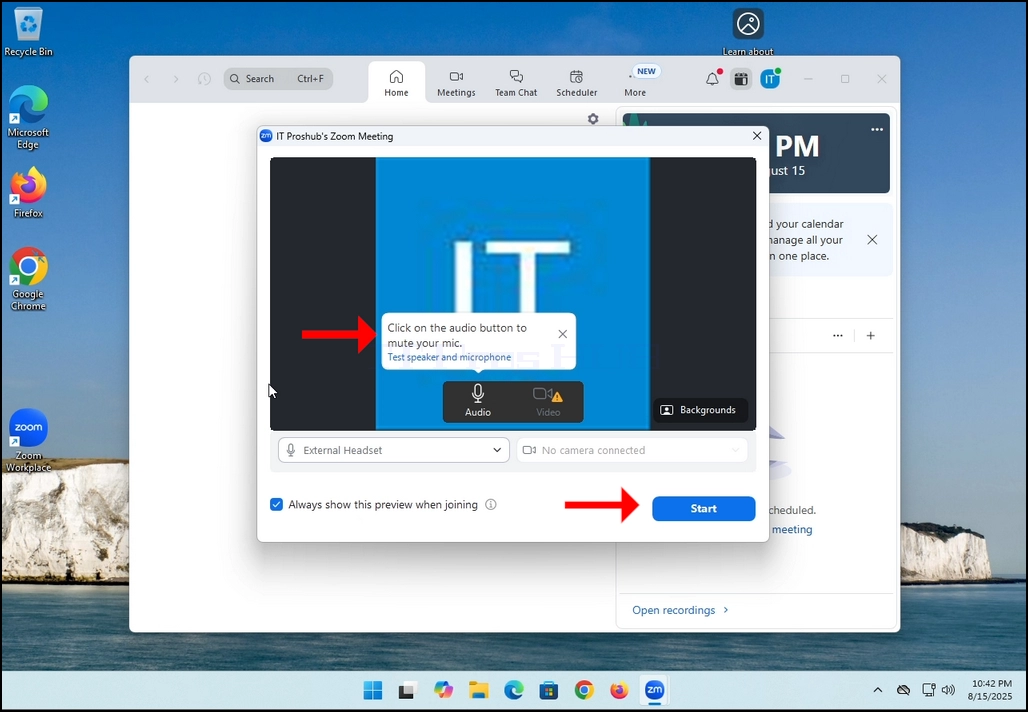
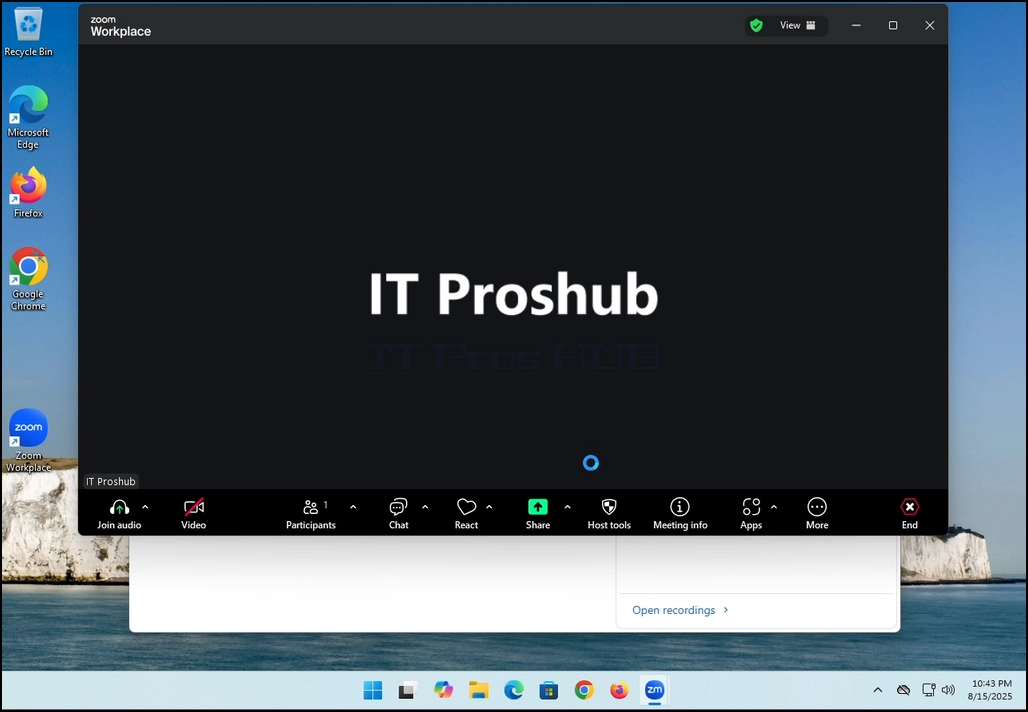
3. Once it's done loading, a new window will appear. Usually its title should say something along the lines of: "User's Zoom Meeting". In this article's case, it says "IT Proshub's Zoom Meeting" since the user that uses Zoom is called that way.
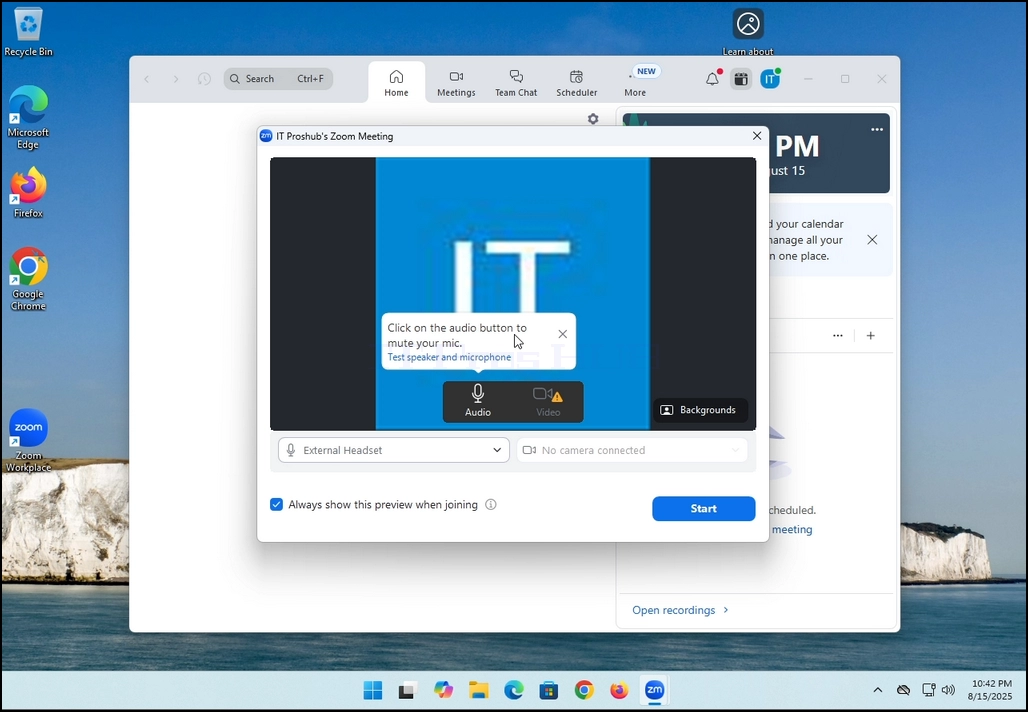
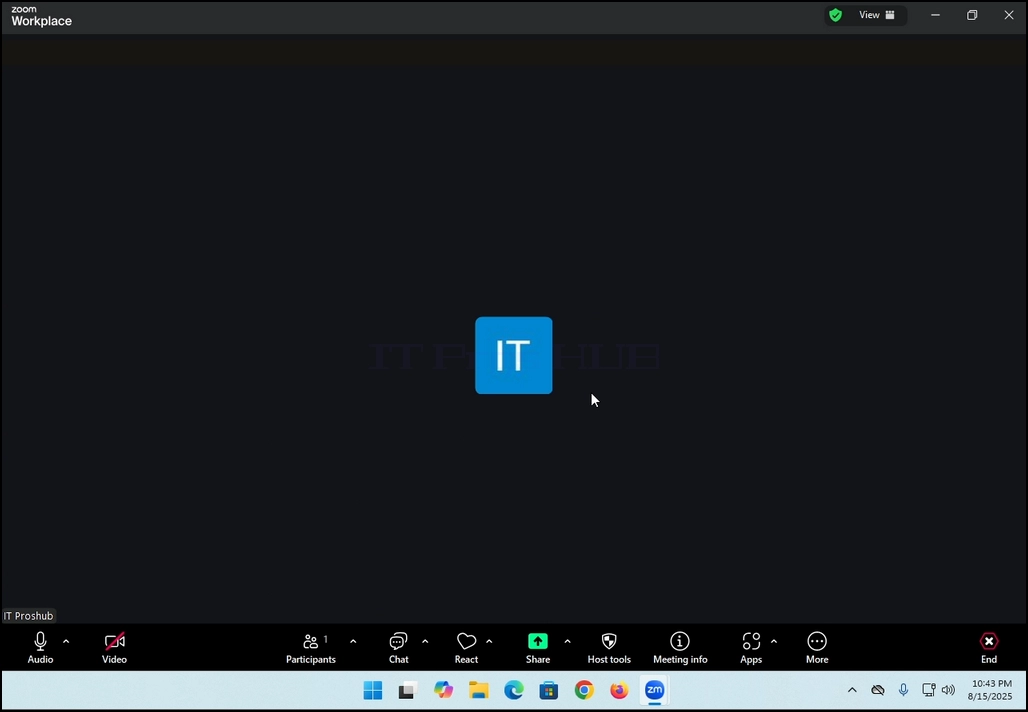
4. Here, you can mute your mic by clicking on the mic icon and you can also turn your camera off/on by clicking the Video icon.
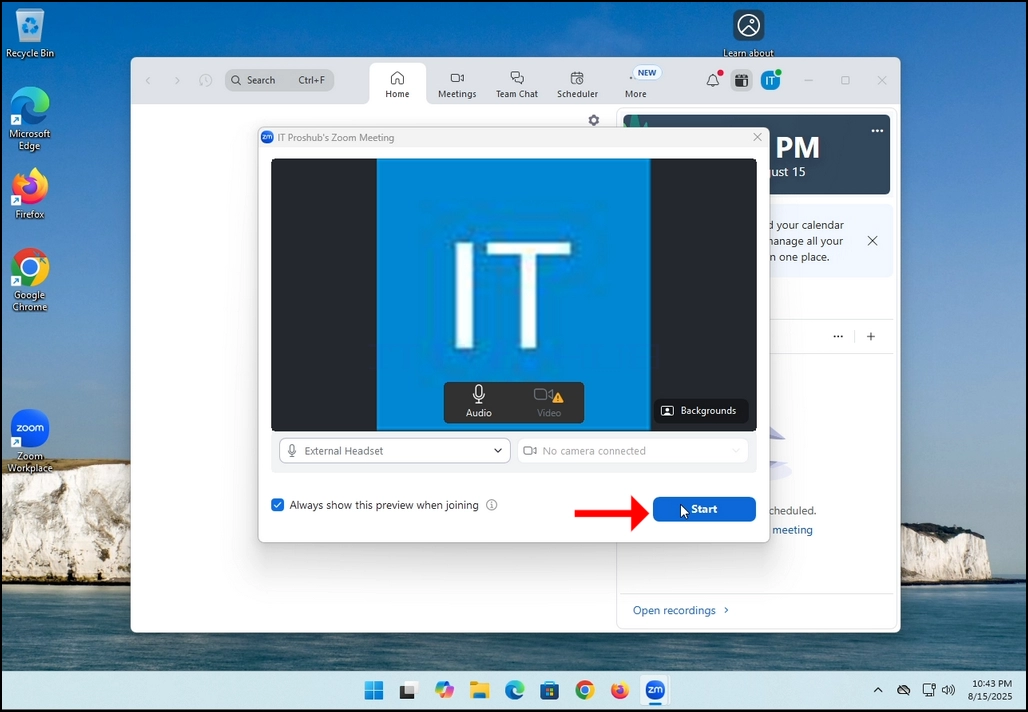
7. That's it! the new meeting is in progress. At this stage the meeting contains only the host which is IT Proshub in this article's case.
- Išsami informacija
- Parašė: IT Pro
- Kategorija: How to Articles
- Peržiūros: 5431
In this article we will demonstrate how to delete a stripped volume in Windows 11
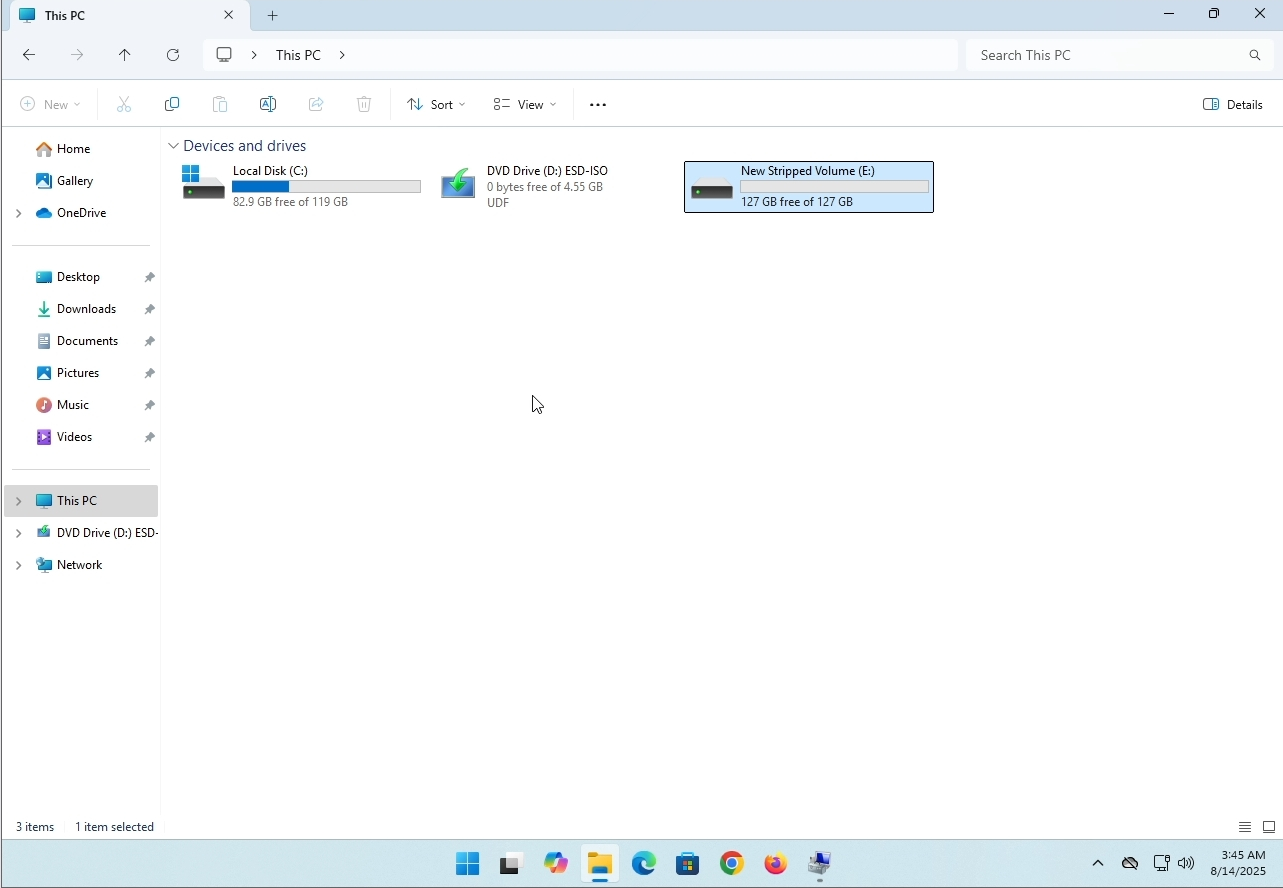
1. Make sure what is the stripped volume's drive letter is. In this case the drive letter is (E:):
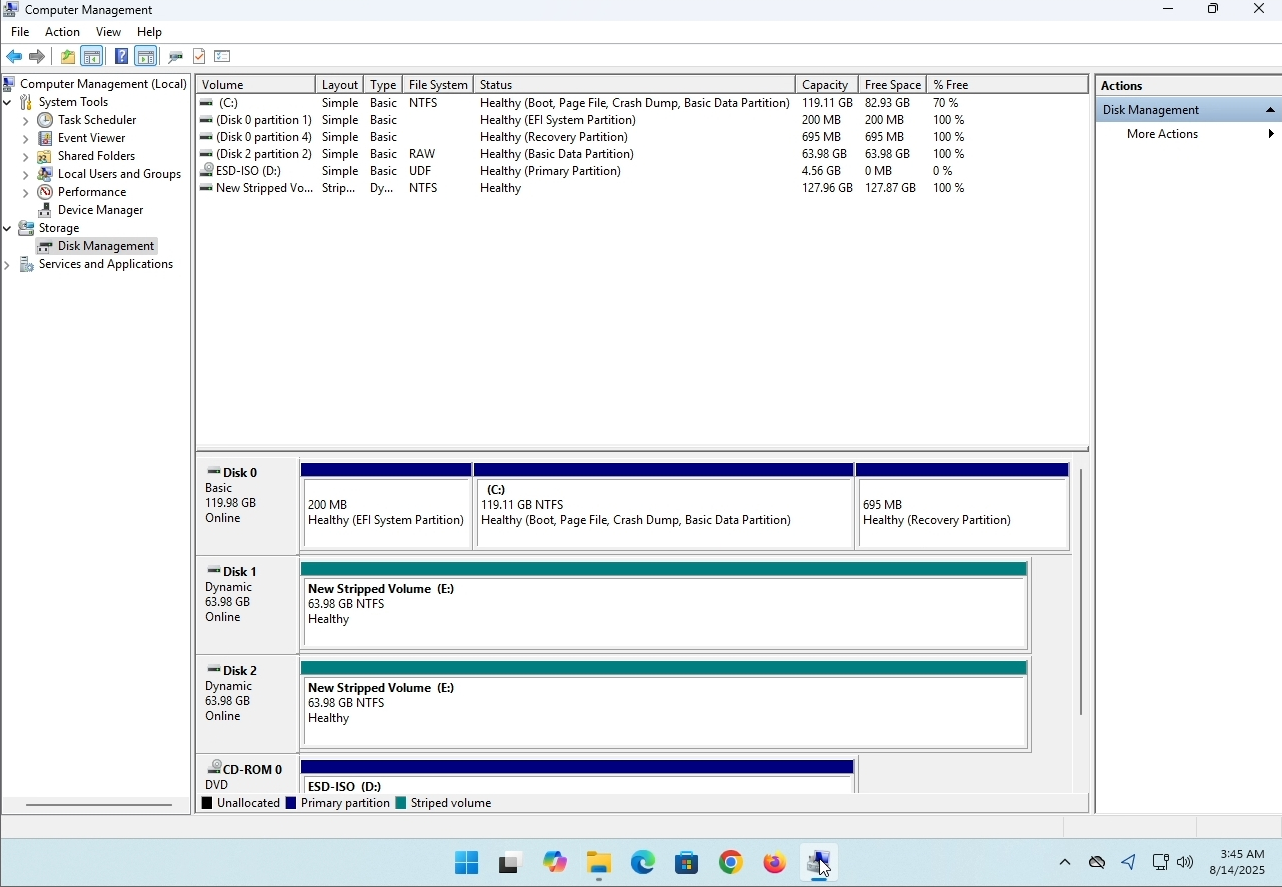
3. On the left pane. Look for Disk Management and click on it once.
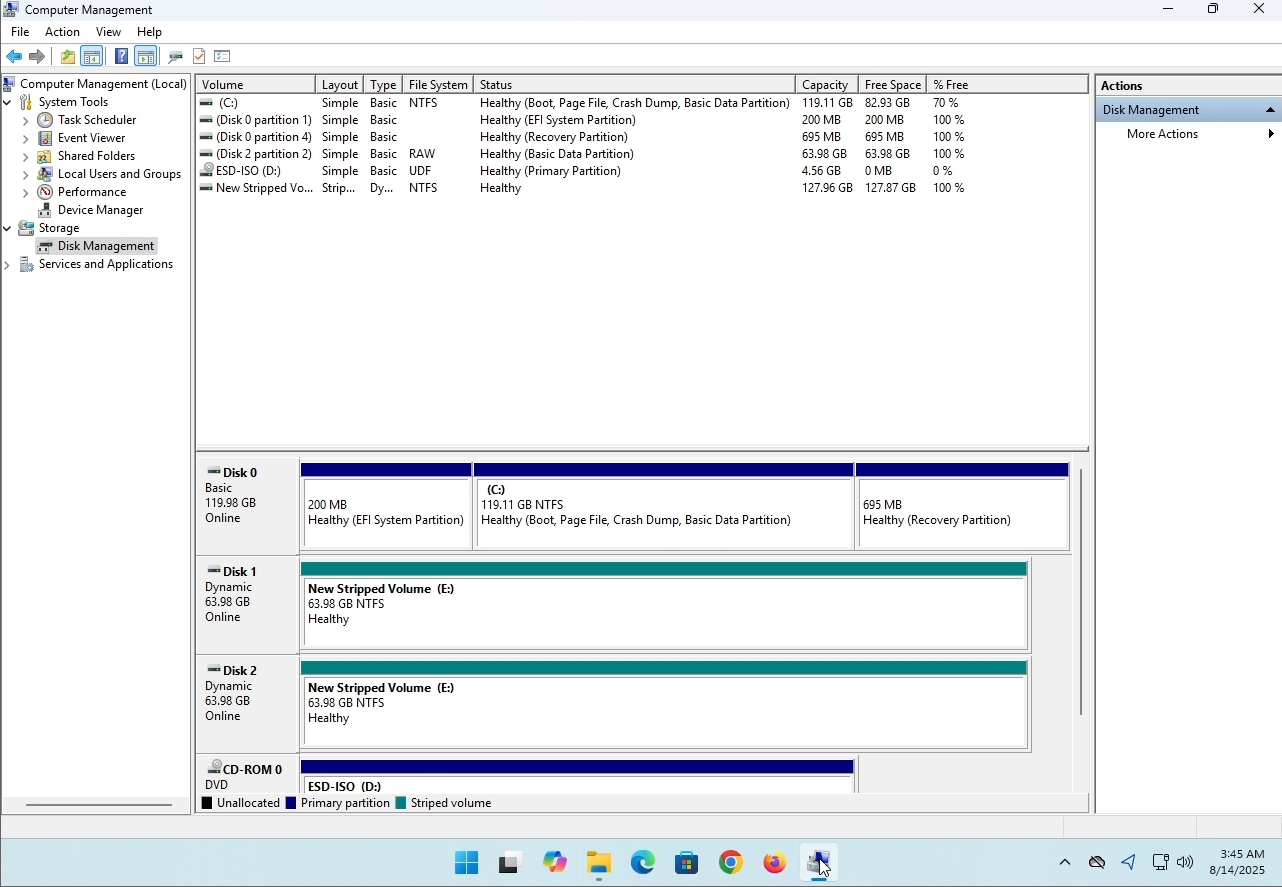
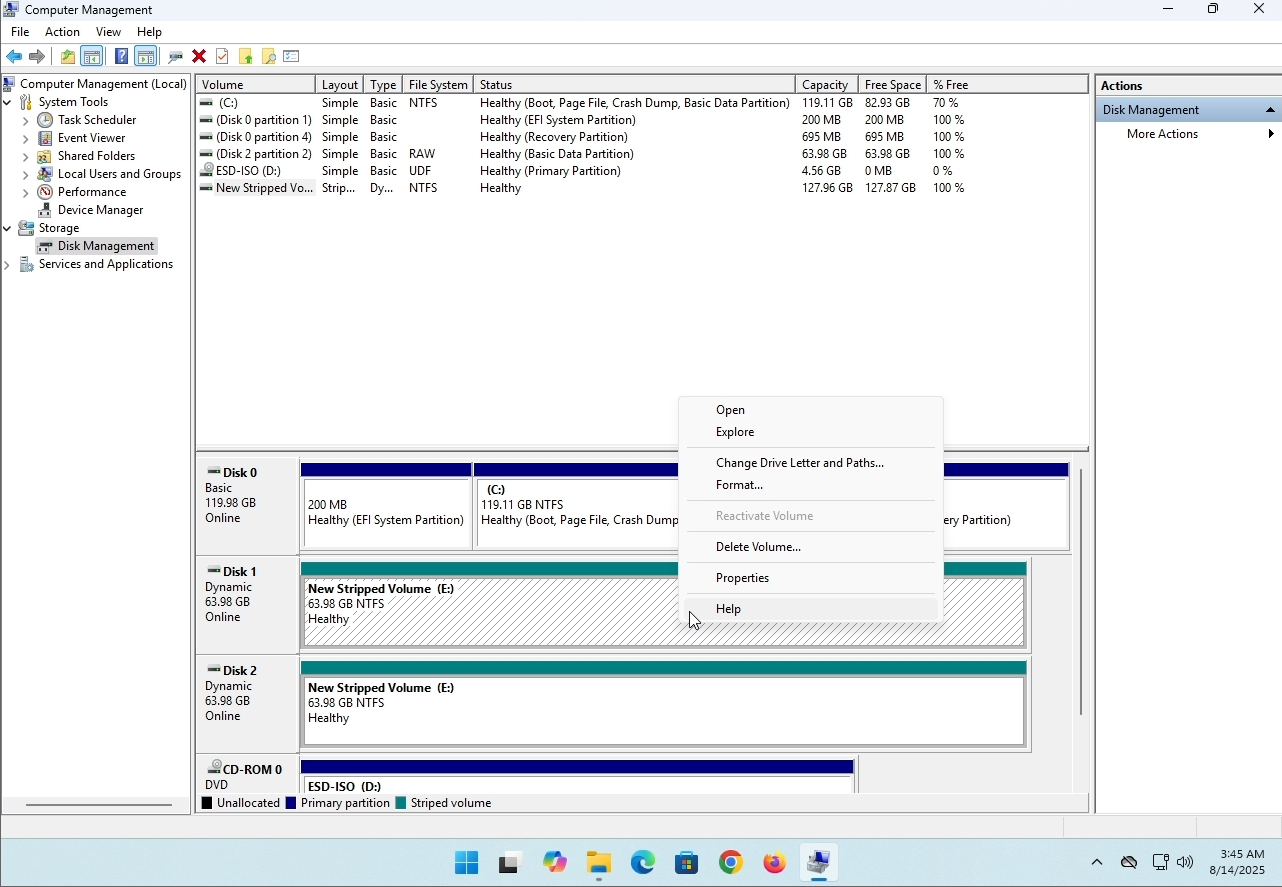
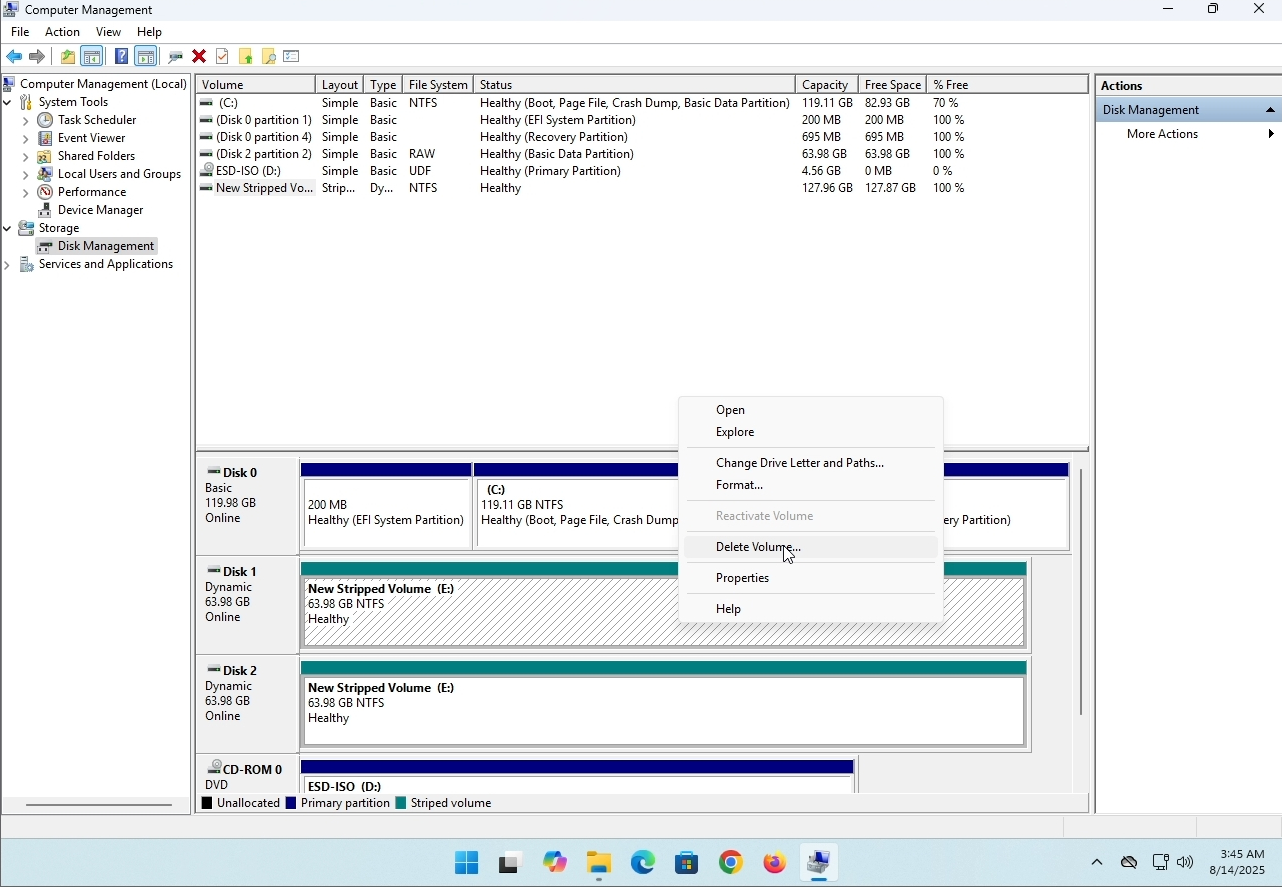
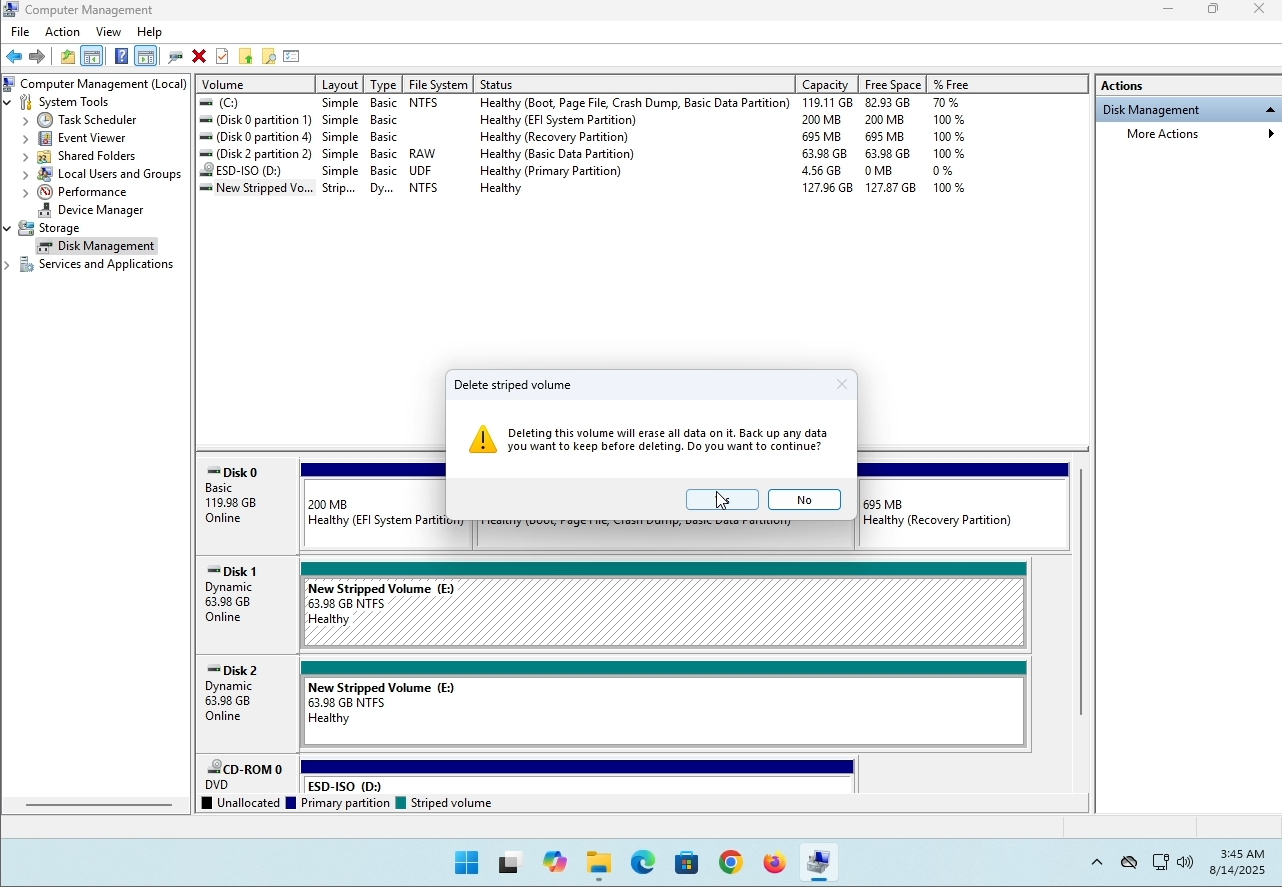
6. You will be shown a confirmation window. Click on Yes to confirm deleting the drive.
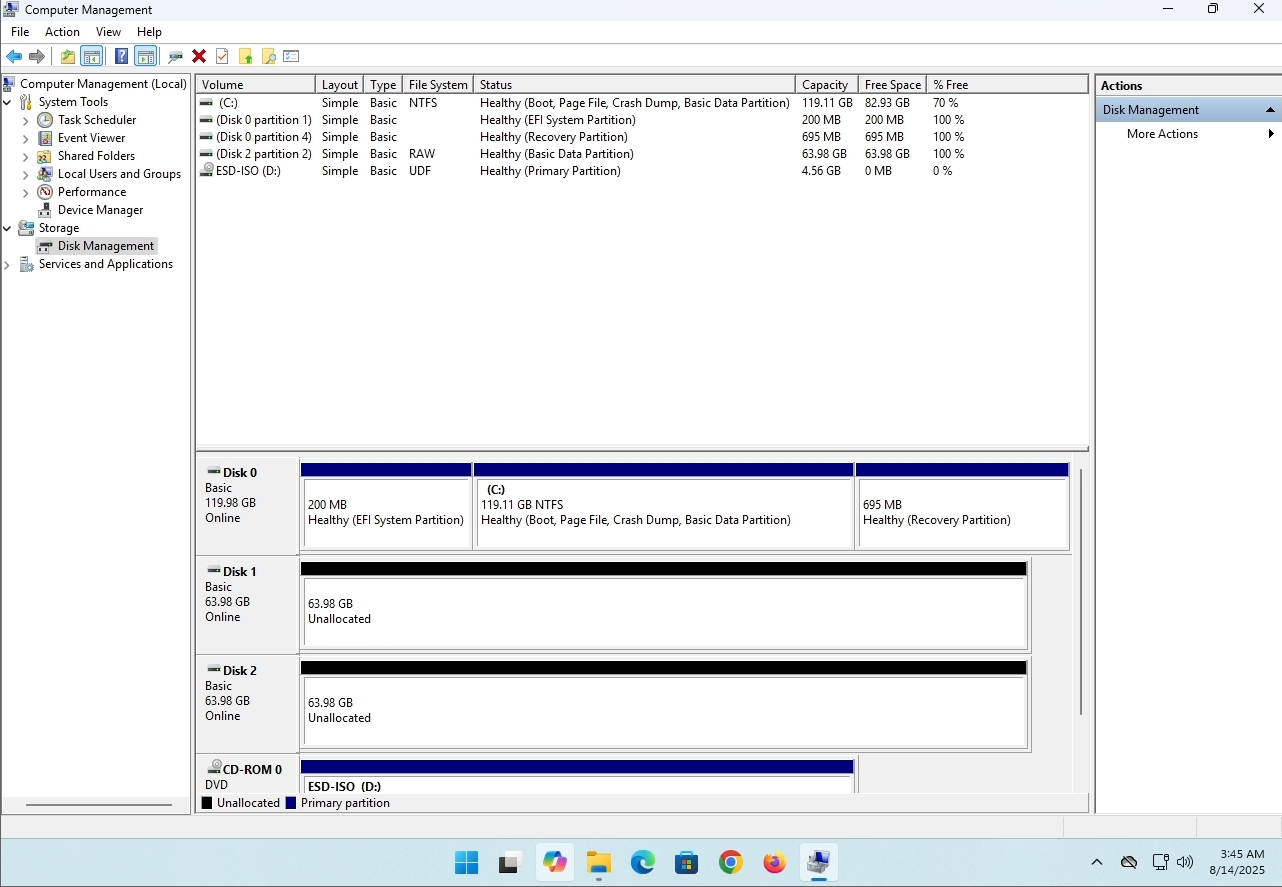
7. The drive is now deleted and the disks that were part of the stripped array are now unallocated.
- Išsami informacija
- Parašė: IT Pro
- Kategorija: How to Articles
- Peržiūros: 8244
Įžanga:
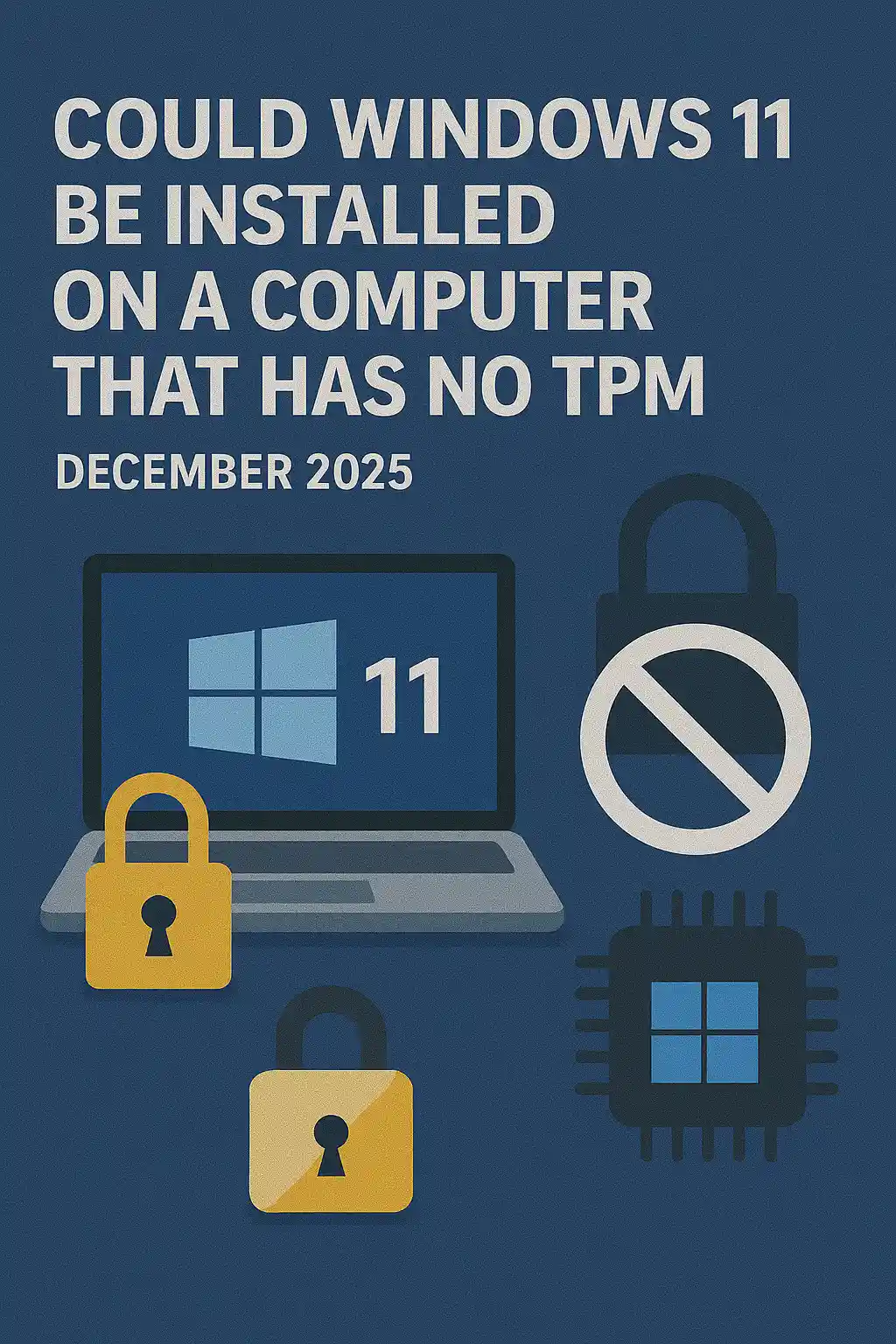
Šiame straipsnyje ištirsime, ar "Windows 11" galėtų būti įdiegta kompiuteryje, kuris neturi TPM lusto.
Trumpai: NE.
Windows 11 negali būti įdiegta kompiuteryje be TPM versijos 2.0 lusto.
Čia yra bandymas įdiegti Windows 11 ant tokio kompiuterio pavyzdys.
Mėginta įdiegti Windows versiją 24H2.
1. Budėjimas į Windows diegimą


2. Konfigūruojama kalba

3. Montavimo metodo nustatymas

4. Pagrindinis produkto etapas


5. Renkantis "Windows 11 Pro"


6. AK etapo tikrinimas

7. Blokas ®

ŽALA
Čia ne daug ką pasakyti. Mes turėjome tai pamatyti patys. Kalbama šia tema, ir šiuo atveju atrodo, kad joje yra vandens. Instaliacija - Windows 11 negali būti įdiegta kompiuteryje arba sistemoje be TPM versijos 2.0 lusto.
Kalbu ne apie "Windows 11", bet apie šią sistemą. More, apsilankykite mūsų straipsnyje šia tema: https: / / itproshub.com / lt / winds / can-windows- 11-run- on-a-computer-that-has-no-tpm-chip- at-all-decembet-2025
- Išsami informacija
- Parašė: IT Pro
- Kategorija: How to Articles
- Peržiūros: 7283
1. NAME OF TRANSLATORS
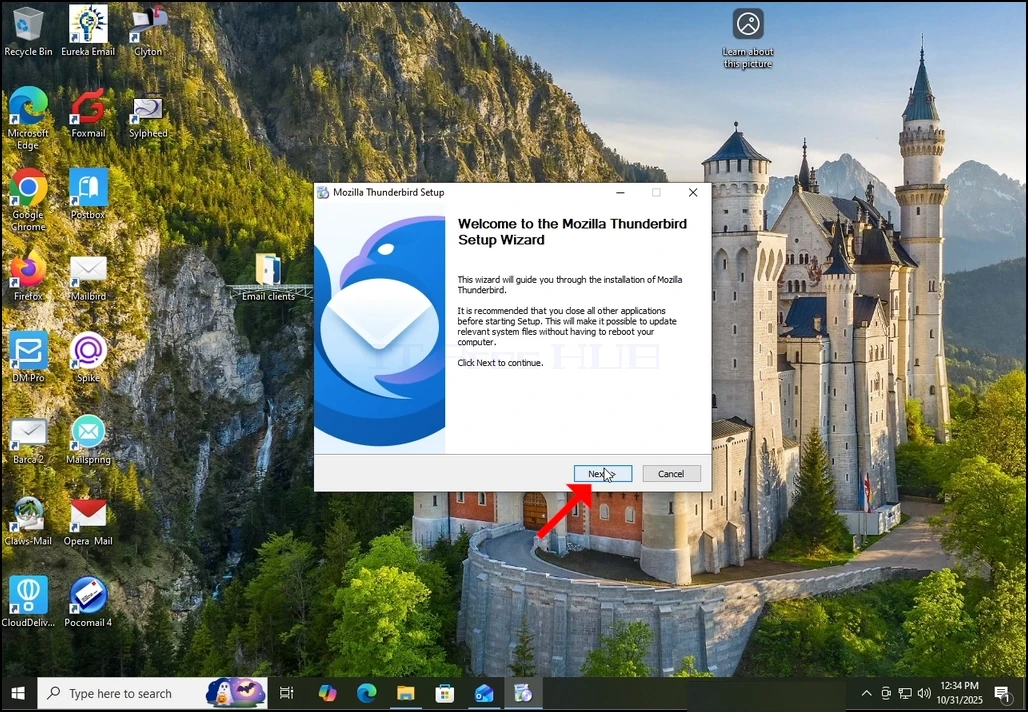
2. Sveikinimo ekrane spustelėkite NEKSĄ.
3. Pasirinkite standartinę parinktį ir spustelėkite NEXT.
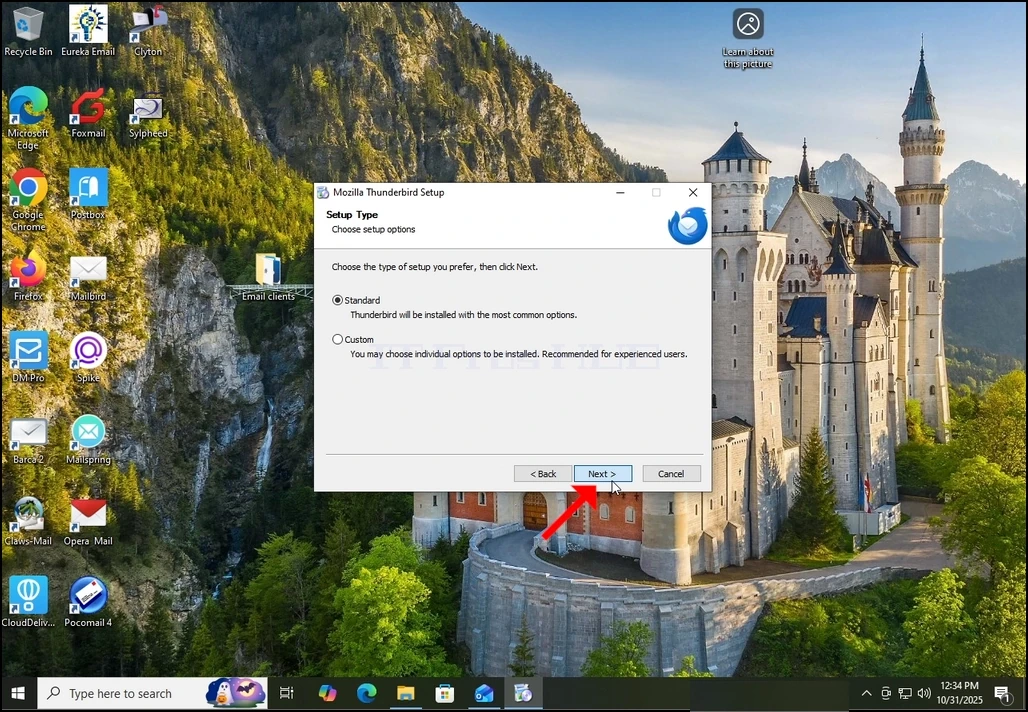
4. Spauskite mygtuką Install.
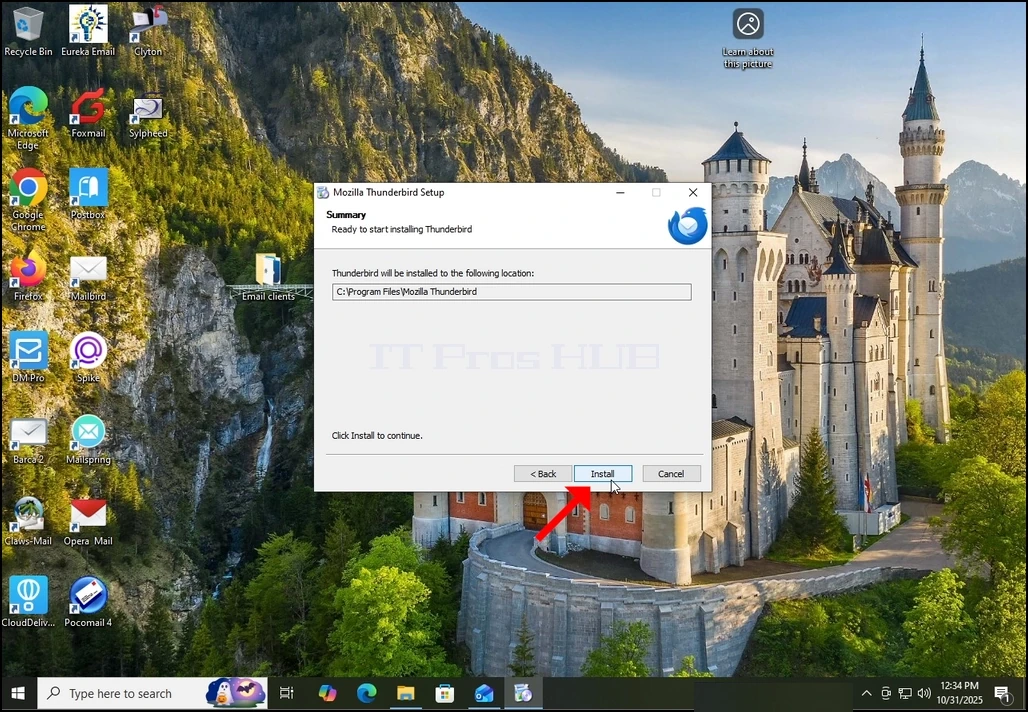
5. Laukti, kol bus baigtas įrengimo procesas
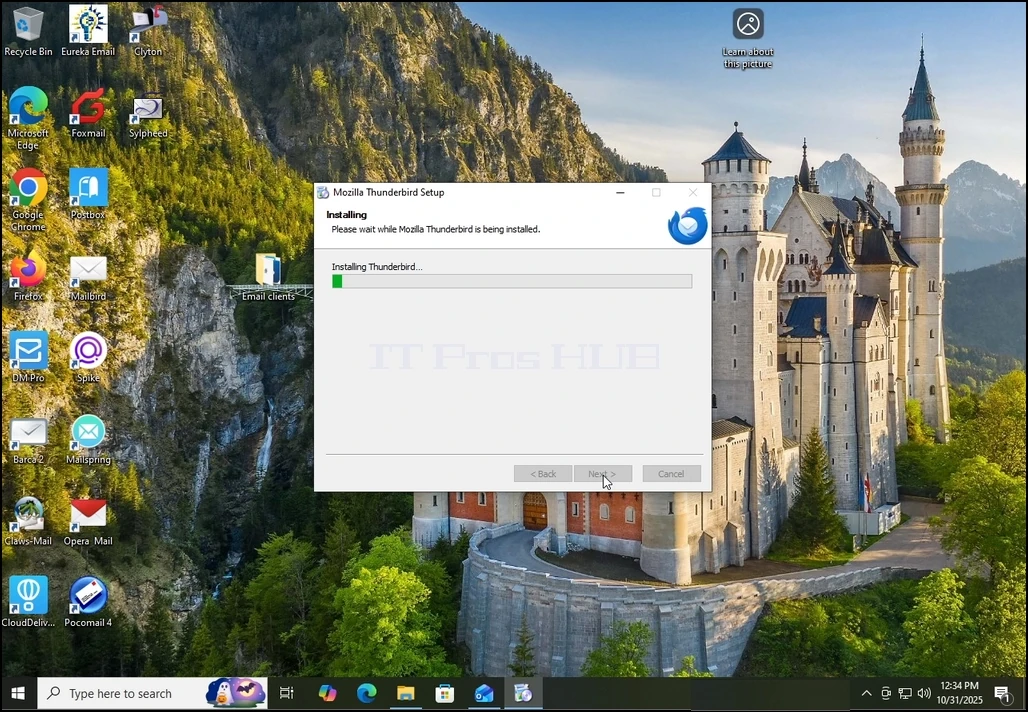
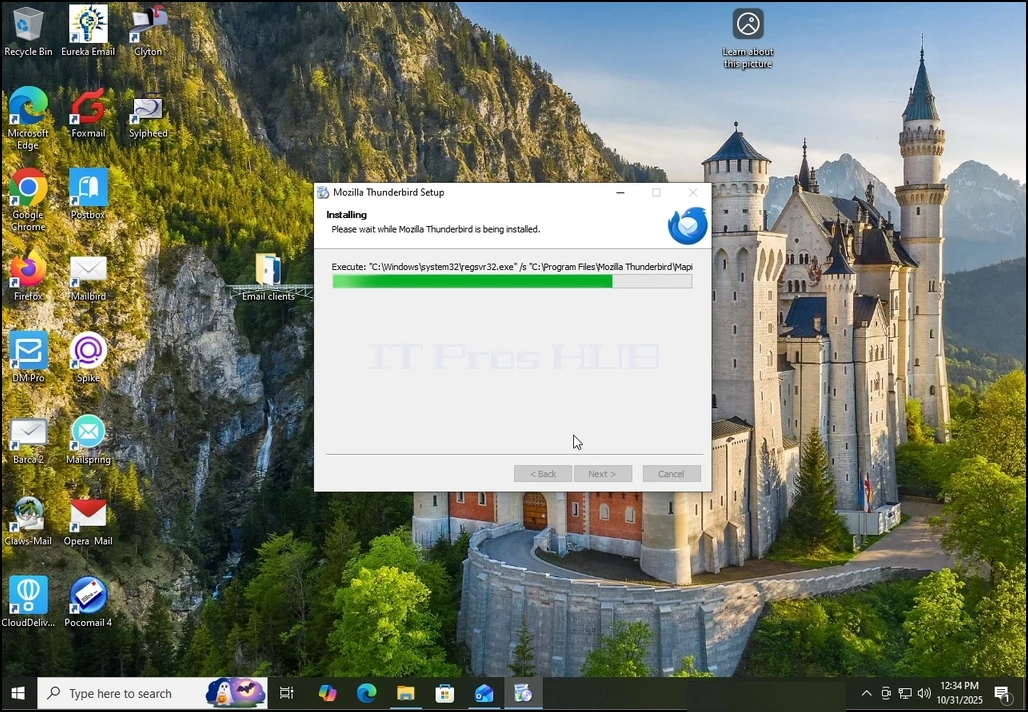
6. Atraskite paleidimo Mozilla Thunderbird dabar parinktį ir paspauskite Baigti mygtuką
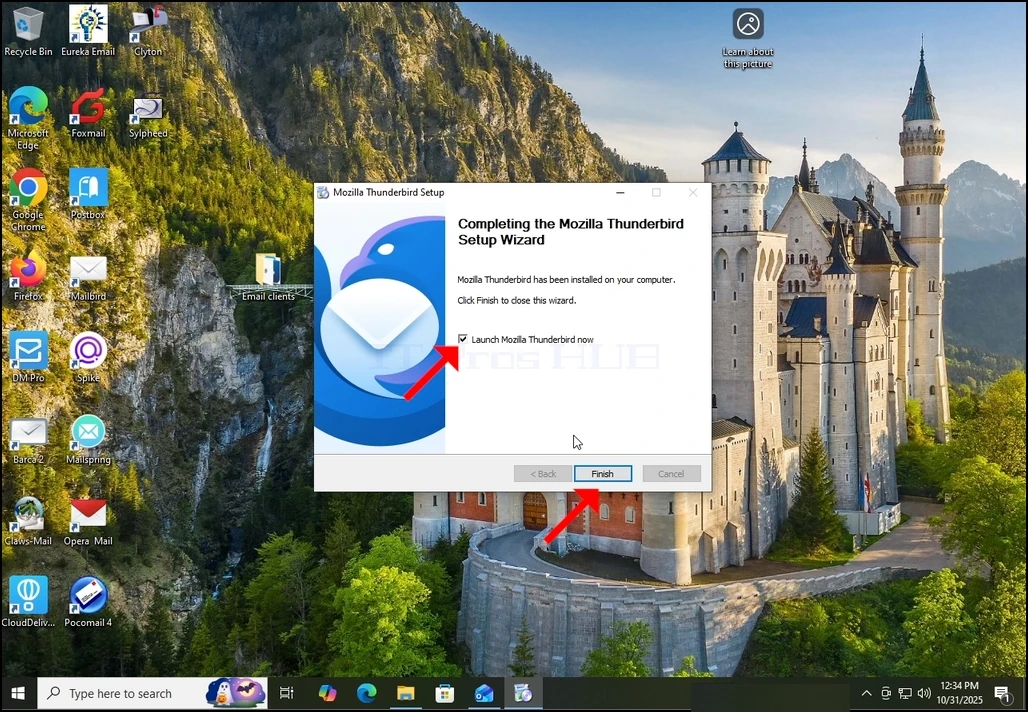
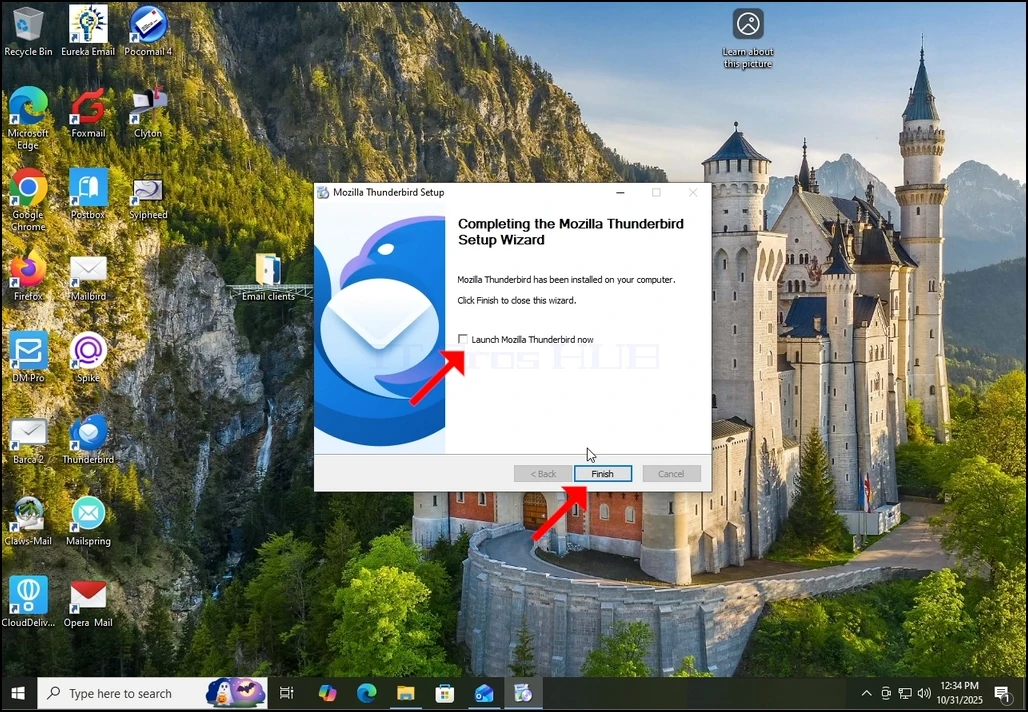
7. Mozilla Thunderbird jau įdiegta!