



Lokale (host-based) firewalling is nog steeds een van de hoogste hefbomen die je kunt inzetten op eindpunten en servers in 2026. Zelfs in omgevingen met next-gen netwerk firewalls, SASE, en zero-trust toegang lagen, het laatste wurgpunt is de host: de plaats waar processen paaien, sockets openen, en data daadwerkelijk verlaat de machine. Voor IT-professionals betekent "beste" zelden de meeste functies. Het betekent voorspelbaar gedrag onder belasting, duidelijke beleidsintentie, sterke logging, minimale gebruikersfrictie, en integraties die uw EDR/MDM stack niet bestrijden.
Dit artikel richt zich op lokale firewall software U installeert en handhaaft op eindpunten of lokaal beheerde systemen (werkstations, laptops en servers), geen clouddiensten. Waar nuttig, het roept ook lokale-op-je-eigen-hardware

Wat IT-professionals moeten eisen van een lokale firewall
Voordat tools te kiezen, uitlijnen op wat Success... lijkt in uw omgeving. Een sterke lokale firewall oplossing moet u helpen deze vragen snel, consistent en op schaal te beantwoorden.
- Beleidsduidelijkheid: Kun je de intentie netjes uitdrukken (door app, service, gebruiker, poort, protocol, richting, profiel, interface)?
- Veilige standaardinstellingen: Kun je naar de deny-by-default zonder te breken core OS en management verkeer?
- Veranderingscontrole: Zijn regels auditable, versionable en gebonden aan goedgekeurde workflows?
- Telemetrie: Zijn logs actief (procesnaam/pad/hash, gebruikerscontext, bestemming, vonnis, regel-ID, tijdstempels)?
- Betrouwbaarheid: Blijft het stabiel tijdens updates van het besturingssysteem, wijzigingen van de bestuurder, VPN-toggles, roaming, en slaap/hervatte cycli?
- Prestatie: Introduceert het meetbare latency, CPU pieken, of netwerk doorvoer regressie?
- Beheerbaarheid: Steunt het gecentraliseerde implementatie (GPO/Intune/Jamf/MDM/Ansible), beleidsovererving en rapportage?
- Verenigbaarheid: Kan het naast EDR, VPN, DLP en WFP/kernel filteren zonder rare racevoorwaarden?
Best-Practice architectuur voor Host Firewalling in 2026
In veel organisaties is de beste aanpak gelaagd: een stabiele platform-native firewall motor voor handhaving, plus een managementlaag (of een gehard front-end) voor zichtbaarheid, bruikbaarheid en beleidsbestuur.
- Vensters: Gebruik Windows Defender Firewall voor handhaving; voeg gecontroleerde tooling voor regelhygiëne, prompts en auditing.
- MacOS: Liefst speciaal gebouwde firewalls die gebruik maken van moderne systeemextensies en per-app controle bieden.
- Linux: Standaardiseren op nftables via firewalld/ufw (of direct) voor helderheid en automatisering; regels behandelen als code.
- Gateways on-prem (facultatief): pfSense/OPNsense/VyOS blijven solide voor lokaal beheerde perimeter of segmentatie.
Windows: Local Firewall Software Worth Deploying
Windows omgevingen winnen vaak door leunen in de native firewall stack (stabiliteit, OS integratie, enterprise controls), dan het verbeteren van de operationele ergonomie: regel review, tijdelijke uitzonderingen, en drift control.
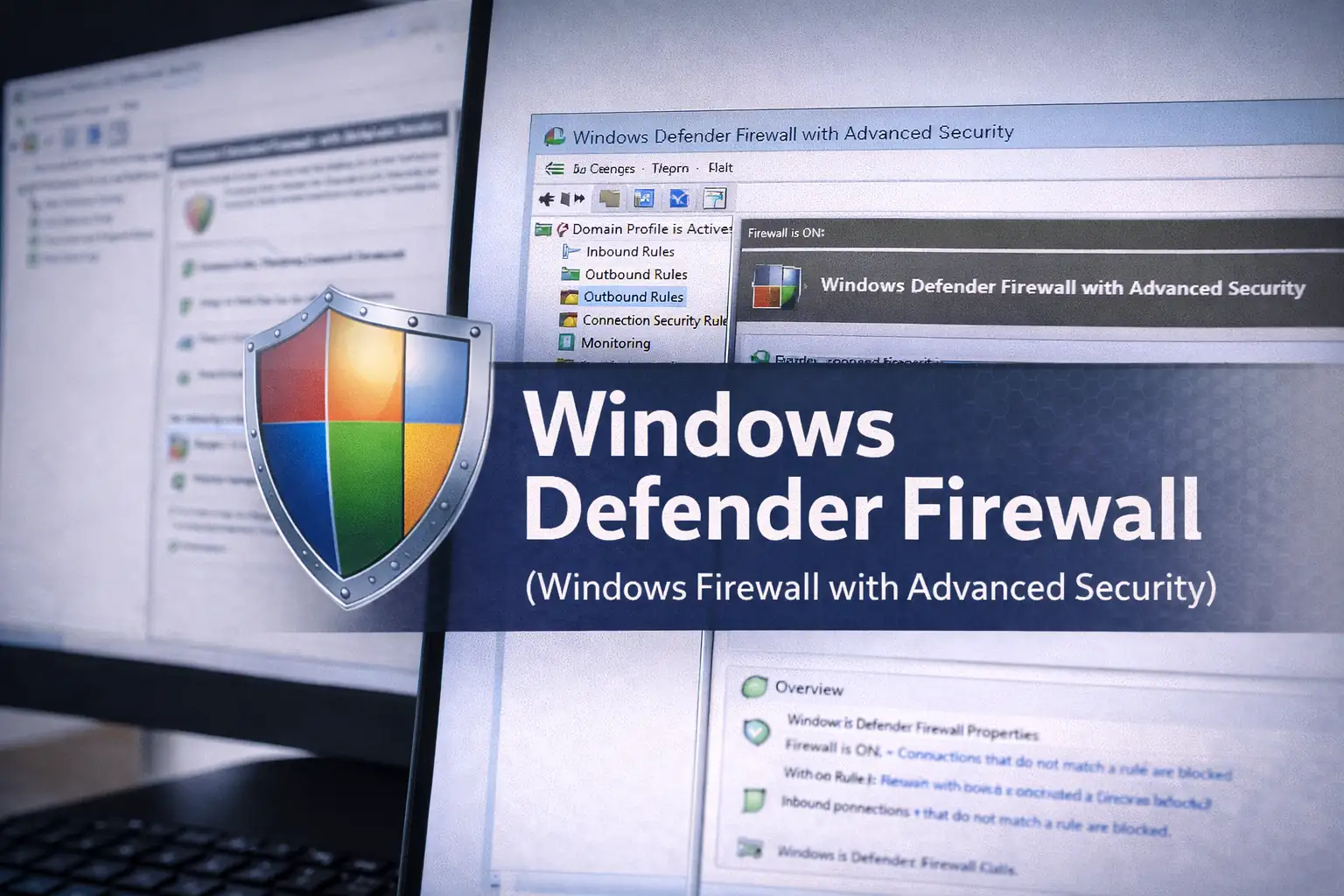
Windows Defender Firewall (Windows Firewall met geavanceerde beveiliging)
Voor enterprise Windows-vloten blijft de ingebouwde firewall de standaardaanbeveling omdat het nauw geïntegreerd, goed begrepen door security tooling, en centraal beheersbaar via Group Policy, MDM, en endpoint management platforms. Het ondersteunt korrelige inbound/outbound regels, profielen, IPsec, service targeting, en robuuste gebeurtenis logging wanneer correct geconfigureerd.
Waar het glanst voor IT profs is de mogelijkheid om firewall beleid te behandelen als onderdeel van uw basislijn verharding: definieer standaard inbound vergoedingen (beheer, vereiste diensten), verscherpen uitgaande door klasse van apparaat waar mogelijk, en voortdurend audit voor de moderne regels die rustig werd permanent.
Windows Firewall Control (WFC)
WFC is een management- en UX-laag die bovenop Windows Defender Firewall zit, waardoor beheerders en stroomgebruikers sneller regel workflows, duidelijkere prompts en vereenvoudigde regel review zonder vervanging van de onderliggende handhavings-engine. Voor IT-teams kan dit de tickets voor Mysterie connectiviteit verminderen door de toestemmings-/ontkenningsbeslissingen transparanter en gemakkelijker te controleren.
Het is vooral nuttig in kleinere omgevingen of op admin werkplekken waar uitgaande controles en snelle uitzonderingen zijn gebruikelijk, en waar de inheemse MMC ervaring is te traag voor het dagelijks oplossen van problemen.
simplewall
simplewall is een lichtgewicht Windows Filtering Platform (WFP) front-end gericht op eenvoud en controle. Het wordt vaak gebruikt door geavanceerde gebruikers en beheerders die willen een mager interface voor uitgaande controle en regel inspectie zonder het toevoegen van een zware security suite voetafdruk.
In IT-workflows kan het nuttig zijn voor labsystemen, geharde admin-eindpunten of forensische omgevingen waar je deterministisch uitgaand gedrag en snelle zichtbaarheid nodig hebt in wat probeert te praten op het netwerk.

TinyWall
TinyWall is een kleine metgezel tool die Windows Het wordt vaak gebruikt om de vermoeidheid van de gebruiker te verminderen van constante prompts en om eindpunt gedrag te sturen naar goedgekeurde toepassingen.
Voor IT-professionals, de belangrijkste waarde is in gecontroleerde omgevingen waar u een eenvoudige toegelaten apps model op eindpunten wilt zonder het implementeren van een volledige endpoint suite uitsluitend voor firewall prompting.

GlassWire
GlassWire wordt vaak aangenomen voor zijn zichtbaarheid en netwerkactiviteit visualisatie. Hoewel niet een vervanging voor het beheer van het ondernemingsbeleid, is het waardevol wanneer u een snelle toewijzing wilt: welke toepassing sprak met welke bestemming, wanneer, en hoeveel.
In IT-operaties kan dit incident triage versnellen, waarom is deze laptop uploaden? ... onderzoeken, en validatie na software installeert of updates.

ZoneAlarm Firewall
ZoneAlarm is een lang bestaande consumentengerichte firewall met toepassingscontrole en gebruiksvriendelijke prompts. Het kan een geschikt zijn voor persoonlijke systemen, kleine kantoren, of rand gevallen waar u een eenvoudige app firewall op Windows nodig hebt zonder te vertrouwen op enterprise tooling.
Voor IT-professionals is de belangrijkste overweging operationele consistentie: als je het implementeert, de configuratie standaardiseert, het prompte gedrag documenteert, en valideert het niet conflicteert met je EDR- of VPN-drivers.
Comodo Firewall
Comodo Firewall staat bekend om een agressievere aanpak met insluiting/sandboxing en applicatiecontrole. Het kan aantrekkelijk zijn in scenario's waar u wilt sterkere onbekende app te hanteren op Windows-eindpunten.
In professionele omgevingen, behandel het als een kernel-adjacent netwerkcomponent: test grondig in pilots, let op driver interacties, en zorg ervoor dat logging uitlijnt met uw IR-playbooks.

macOS: Firewalls voor lokale toepassingen Dat IT Pro's eigenlijk gebruiken
macOS firewalling is vaak minder over de havens en diensten en meer over toepassingsniveau-uitgangscontrole: weten welke app probeert uitgaande verbindingen en het nemen van beslissingen die overleven OS-updates.
Kleine verklikker
Little Snitch is de referentiestandaard voor macOS applicatie firewalling: per-proces prompts, regelgroepen, profielen, op tijd gebaseerde regels, en een sterke zichtbaarheid in uitgaand verkeer. Het wordt op grote schaal gebruikt door ingenieurs, security professionals, en beheerders die behoefte hebben aan duidelijke, verklarende netwerkgedrag op macOS.
Voor IT-activiteiten is het bijzonder effectief op bevoorrechte/admin-machines en rollen met een hoog risico, waar uitgaande governance de blootstelling aan gegevensexfiltratie en stealthy C2-patronen vermindert.
LuLu (doelstelling-zie)
LuLu is een populaire, op beveiliging gerichte macOS firewall die de nadruk legt op helderheid en per-applicatie toestemming/ontkenning beslissingen. Het is vaak gekozen wanneer u wilt een lichtgewicht, transparante tool met een sterke veiligheidsgemeenschap reputatie.
In IT-contexten kan LuLu een sterke optie zijn voor organisaties die applicatie egress controle willen, terwijl tooling minimaal en begrijpelijk blijft voor beheerders en power gebruikers.

Linux: Moderne lokale firewalltool voor servers en werkstations
Linux firewalling is op zijn best wanneer gestandaardiseerd. De beste software is vaak de combinatie die uw team kan automatiseren, beoordelen en problemen oplossen consistent over distributies en rollen. In 2026, nftables-gebaseerde benaderingen zijn gebruikelijk, met managementlagen helpen verminderen complexiteit.
firewalld
firewalld wordt veel gebruikt op Linux als een dynamische firewall manager die zones, services en runtime/permanente configuraties ondersteunt. Het is goed geschikt voor servervloten waar u wilt standaard
Voor IT-professionals vermindert het zonemodel het risico op verkeerde configuratie en maakt het het makkelijker om tijdens onderhoudsramen veilig wijzigingen aan te brengen.
UFW (Ongecompliceerde firewall)
UFW is populair omdat het maakt gemeenschappelijke host firewall taken toegankelijk en minder foutgevoelig. Het is een praktische optie voor small-to-mid Linux landgoederen, ontwikkelaar werkstations, en snelle harding van cloud VM's waar je nog steeds een lokale beleidslaag wilt, zelfs als er beveiligingsgroepen stroomopwaarts bestaan.
In professionele omgevingen is de grootste kracht van UFW de operationele eenvoud: het is gemakkelijker om te onderwijzen, te beoordelen en te standaardiseren.

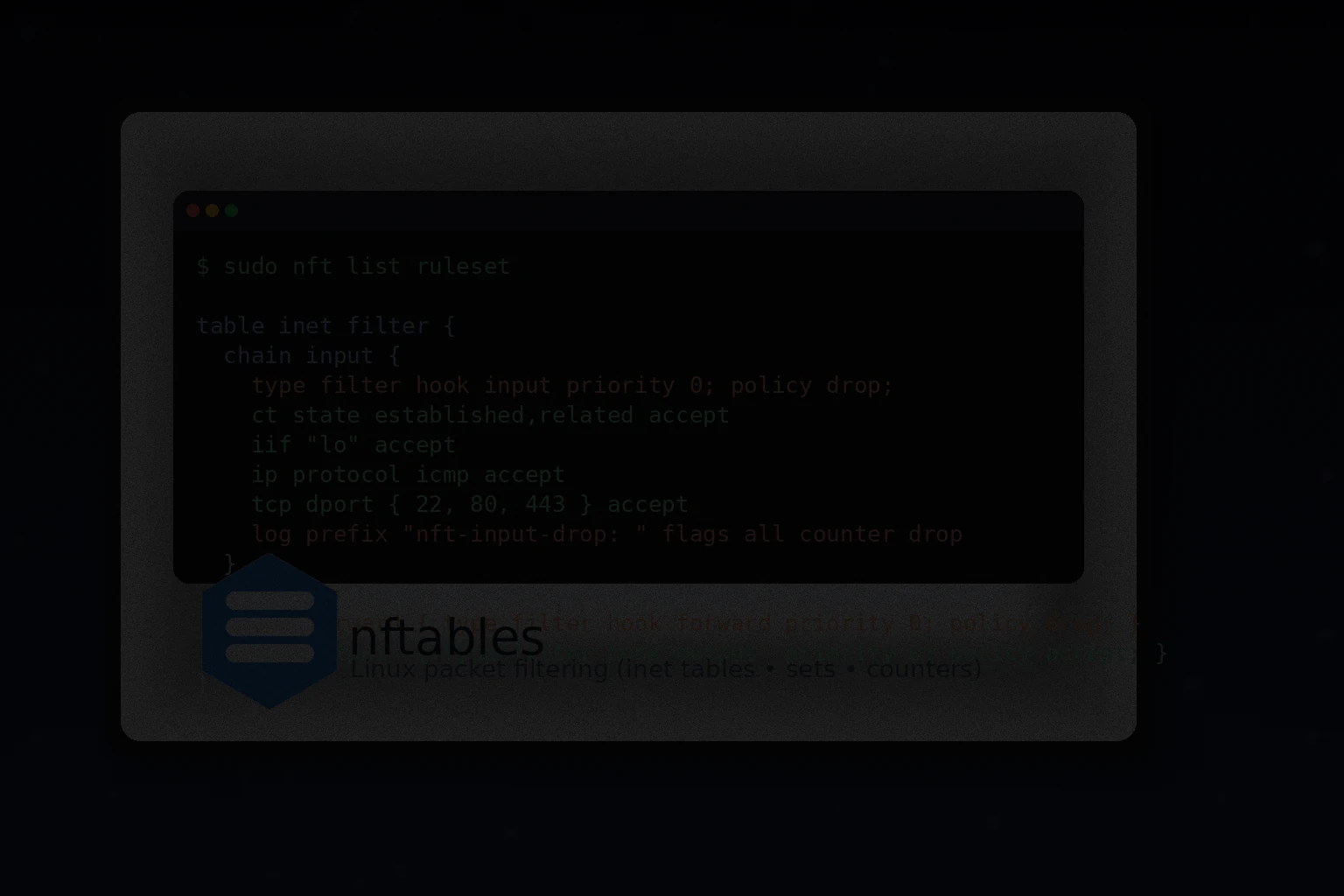
nftables
nftables is het moderne pakketfilterkader op Linux en ondersteunt vele beheerlagen. Voor teams die firewallbeleid als code beschouwen, kunnen directe nftables regels de schoonste, meest expliciete uitdrukking van intentie bieden.
Het is het meest geschikt voor volwassen operaties waar regels zijn gesjableerd, peer-reviewed, getest, en uitgerold door middel van automatisering.
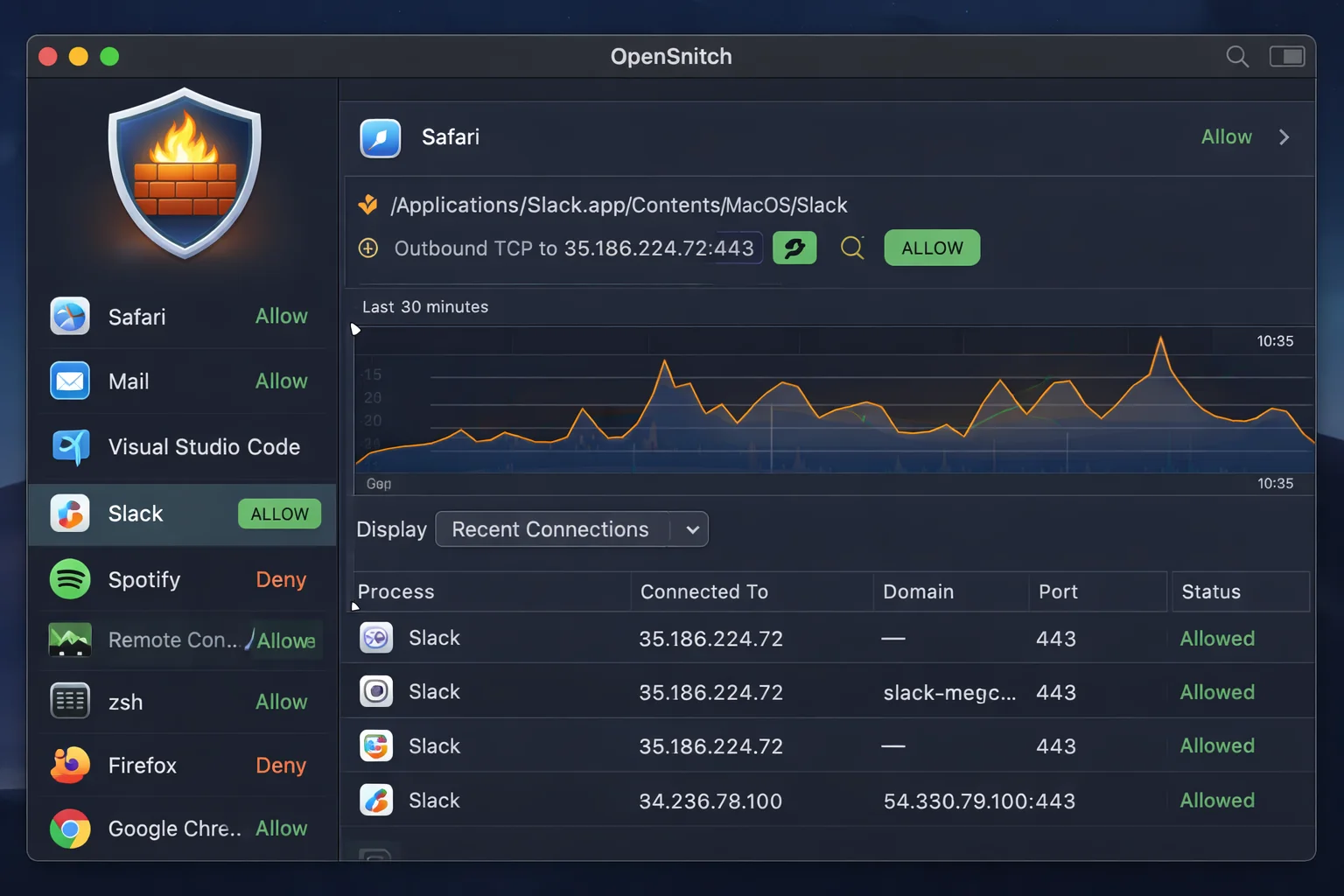
OpenSnitch
OpenSnitch brengt interactieve, applicatie-aware outbound control naar Linux, conceptueel vergelijkbaar met een applicatie firewall. Het kan nuttig zijn op developer werkstations of high-risk eindpunten waar u wilt prompts en per-app egress beslissingen, niet alleen netwerk-layer regels.
Voor IT-professionals, de belangrijkste waarde is zichtbaarheid en gedragscontrole op systemen waar uitgaande verkeer is anders moeilijk snel toe te schrijven.
Local-On-Your-Own-Hardware Firewall Platforms (facultatief, maar gewoon)
Sommige teams interpreteren lokale firewallsoftware als firewalling die we zelf uitvoeren, niet als cloudservice. Als je branch gateways, lab segmentatie of on-prem perimeter beheert, blijven deze platforms relevant in 2026.
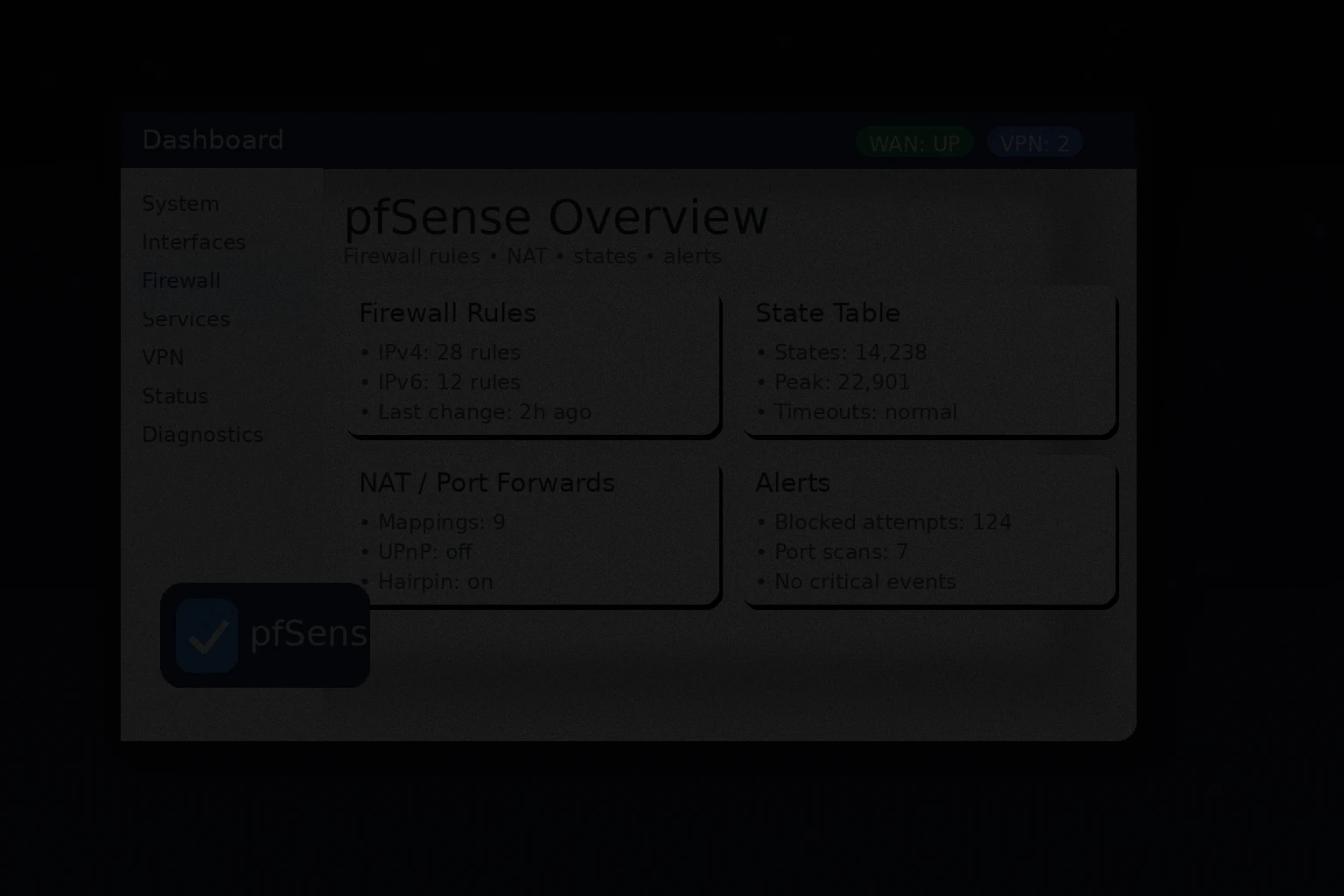
pfSense
pfSense is een breed inzetbaar firewall/router platform voor on-prem gebruik. Het ondersteunt gemeenschappelijke enterprise behoeften zoals VLAN segmentatie, VPN beëindiging, policy routing, en uitgebreide package-based functionaliteit. Het wordt vaak gebruikt in KMO's, labs en branch implementaties waar u sterke controle wilt zonder zich te binden aan een hardware verkoper stack.
OPNsense
OPNsense is een populaire open-source firewall distributie die usability, frequente updates en een moderne UI benadrukt. Het wordt gebruikt voor beveiliging, segmentatie en VPN in omgevingen die liever hun eigen lokale firewall stack draaien.

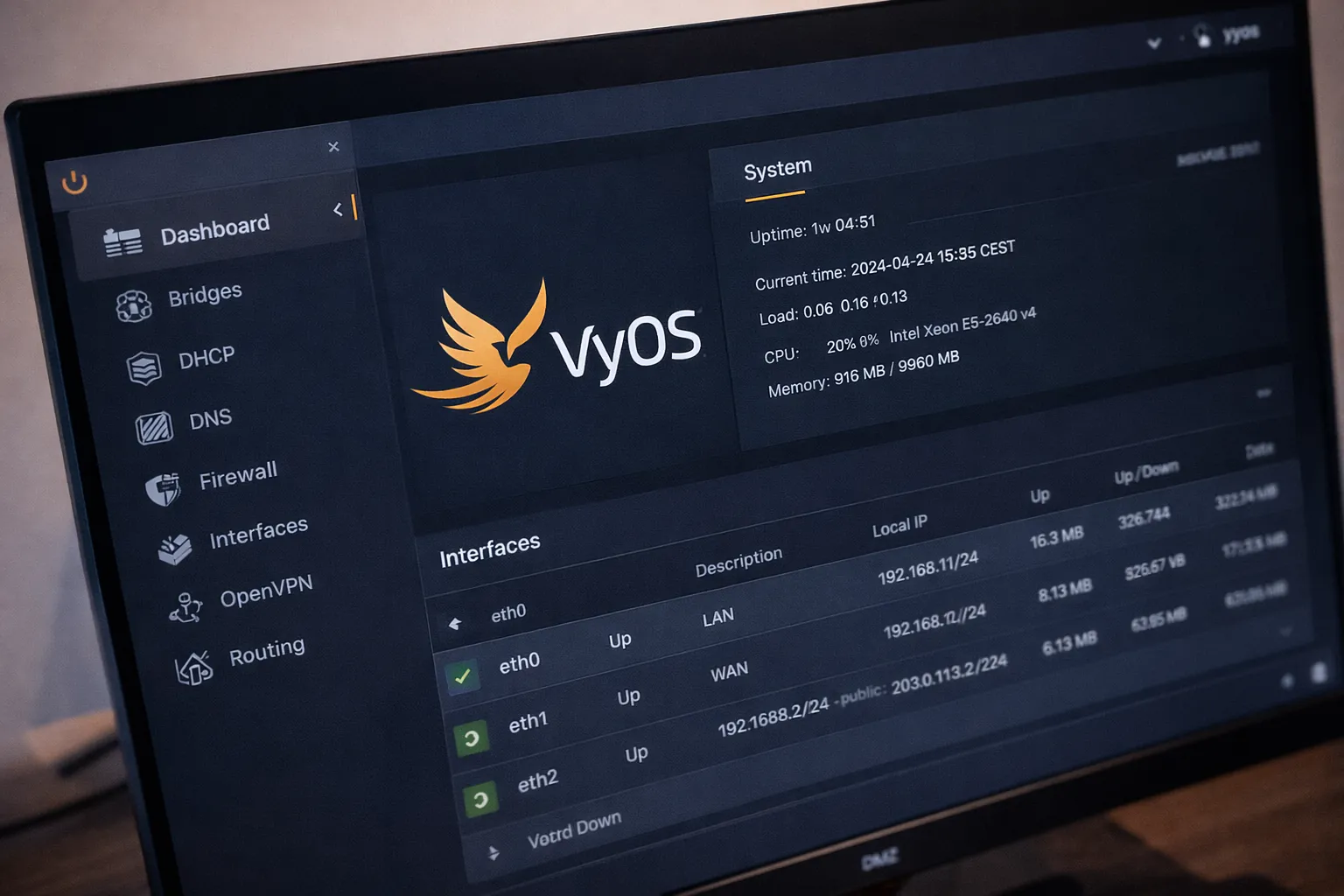
VyOS
VyOS is een router/firewall platform dat vaak wordt gekozen door teams die de voorkeur geven aan CLI-gestuurde, automatiseringsvriendelijke configuratie. Als uw bedrijfscultuur GitOps-achtig is en u wilt reproduceerbaar netwerkbeleid en routing, kan VyOS goed passen.
Hoe de juiste optie kiezen door milieu
Het beste is afhankelijk van het bedrijfsmodel. Hetzelfde product kan een perfecte pasvorm zijn in de ene omgeving en een ticketgenerator in de andere. Hieronder volgen praktische selectiepatronen die meestal werken voor IT-teams.
Enterprise Windows Vloot
Aanbidding Windows Defender Firewall als de handhaving basislijn, beheerd via uw standaard endpoint tooling. Voeg een management/visibility laag alleen toe als deze de operationele wrijving duidelijk vermindert en regelgovernance strikt houdt. De winnende strategie is consistentie: één beleidsmodel, één logpijpleiding en duidelijke uitzonderingsbehandeling.
Admin-werkstations en high-privilege eindpunten
Overweeg uitgaande aanscherping en toepassing-bewuste controles. Hulpmiddelen zoals WFC of simplewall op vensters en Kleine verklikker of LuLu op macOS helpen afdwingen alleen wat er nodig is... en maken onverwachte uitgang snel zichtbaar.
Linux-servers en gemengde vloot
Standaardiseren op een beheersbare stack zoals firewalld (zones/diensten) of UFW (simpliciteit), met meer geavanceerde teams nftables rechtstreeks onder automatisering. Waar het werkstation uitwijkt, OpenSnitch kan attributie en prompts toevoegen.
Labs, branches en segmentatie op de première
Als uw doel is een lokaal beheerde gateway firewall, platforms zoals pfSense, OPNsense, of VyOS Dat zijn gemeenschappelijke keuzes. De operationele differentiator is niet de feature list
Operationele begeleiding die Firewall voorkomt
Het is gemakkelijk om een firewall te implementeren en toch krijgen weinig echte risico reductie. De grootste overwinningen komen uit gedisciplineerde operaties: het definiëren van hoe normaal het eruit ziet, het beperken van uitzonderingen, en het voortdurend herzien van drift.
Beginnen met schone basislijnen
Bouw op rollen gebaseerde profielen: ontwikkelaar werkstation, standaard kantoor eindpunt, admin eindpunt, kiosk, server rol. De vereiste inkomende diensten en beheerkanalen vastleggen. Behandel uitgaande beleid wijzigingen zorgvuldig, omdat het ..waar u kunt breken business workflows snel.
Uitzonderingen standaard laten verlopen
Een groot percentage van het firewall risico komt uit de huidige regels die nooit zijn verwijderd. Implementeer een verlopend patroon: time-box regels, vereisen rechtvaardiging, en regelmatig herzien. Als uw tool op tijd gebaseerde regels ondersteunt, gebruik die mogelijkheid agressief.
Logs centraliseren en corrigeren met Endpoint Telemetrie
Firewall logs alleen zijn zelden genoeg. Corrigeer ze met procesuitvoering, EDR gebeurtenissen, DNS logs, en proxy/SASE telemetrie. Het doel is snelle toeschrijving: welk proces, welke gebruiker, welk apparaat, welke bestemming, welke regel, die verzoek wijzigen.
Valideren na OS en stuurprogramma wijzigingen
Kernel-niveau netwerkcomponenten zijn gevoelig voor OS-upgrades, VPN-drivers en security suite-updates. Behoud een kleine regressie checklist: VPN connect/disconnect, slaap/resume, captive portal overgangen, roaming tussen netwerken en kritieke interne app connectiviteit.
Vaak voorkomende valkuilen (en hoe ze te vermijden)
- Te veel aanwijzingen: Gebruiker prompt vermoeidheid leidt tot reflexieve Prefereer normale standaards en samengesteld regel sets.
- Schaduwbeleidsdrift: Lokale uitzonderingen stapelen zich op. Gecentraliseerd beleid versterken en eindpunten voor drift evalueren.
- Overlappende filters: Meerdere beveiligingsagenten kunnen de netwerkstapel koppelen. Piloot zorgvuldig en let op conflicten.
- Uitgaande vergrendeling te vroeg: Aanscherpen is krachtig, maar storend. Faseren door rol en valideren afhankelijkheden.
- Loggen zonder actie: Als logs niet worden beoordeeld of gewaarschuwd, verminderen ze het risico niet. Definieer use cases en eigenaren.
Een praktische samenvatting in 2026
Als u een conservatieve, ondernemingsvriendelijke aanbeveling die schaalt wilt: gebruik Windows Defender Firewall op Windows, versterken macOS met Kleine verklikker of LuLuLinux standaardiseren firewalld of UFW (met nftables indien de looptijd van het beleid als code bestaat). Hulpmiddelen toevoegen zoals WFC, simplewall, TinyWall, GlassWire, of OpenSnitch waar ze meetbaar verbeteren zichtbaarheid, governance, en incident response
De echte differentiator in 2026 is niet de merknaam. Het is hoe goed de firewall integreert in uw operationele realiteit: geautomatiseerde uitrol, auditable beleid, snelle probleemoplossing, en duidelijke telemetrie. Wanneer die op hun plaats zijn, lokale firewalling stopt met zijn controlebox beveiliging en wordt een betrouwbare controle die consequent krimpt uw aanval oppervlak.


 12984
12984  IT Pro






















