



- Детаљи
- Аутор: IT Pro
- Категорија: How to Articles
- Прегледа: 5365
1.

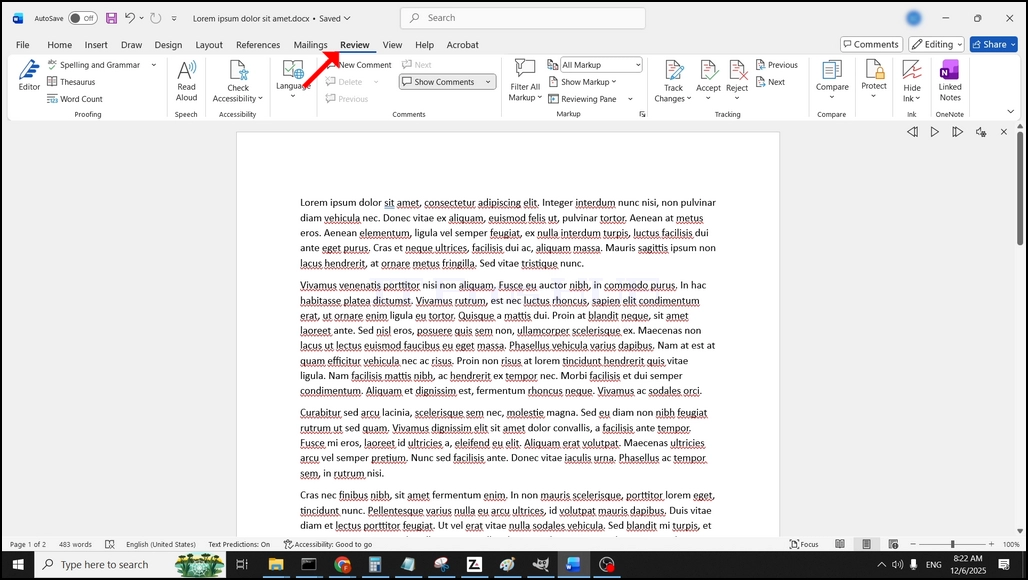
U gornjem meniju, od kuæe, idi u Review:
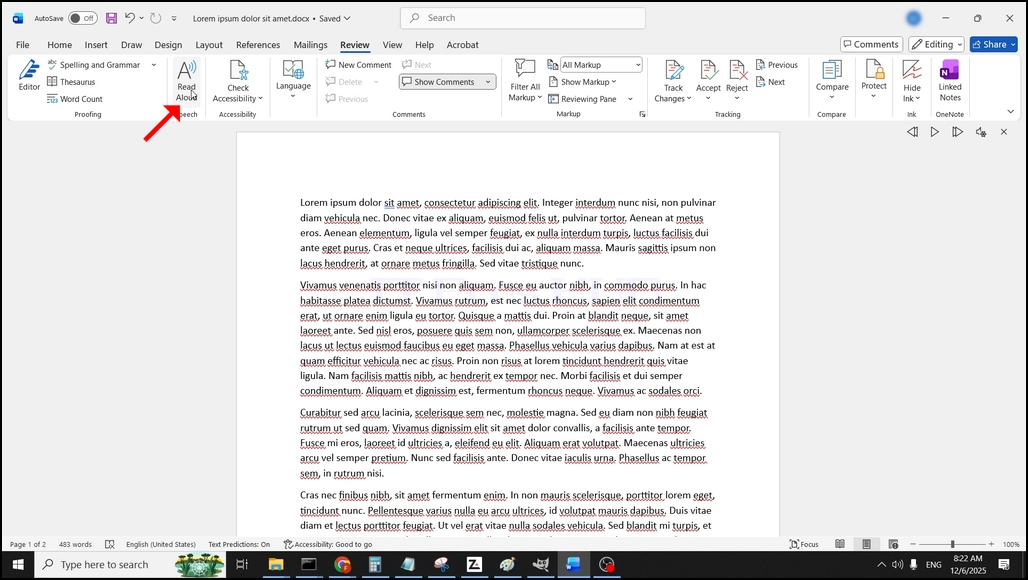
Pod Review, traži veliku "A"ikona koja kaže"Читај Алоуд"и кликните на њега да активирате текст у говор могућност речи:
- Детаљи
- Аутор: IT Pro
- Категорија: How to Articles
- Прегледа: 5742
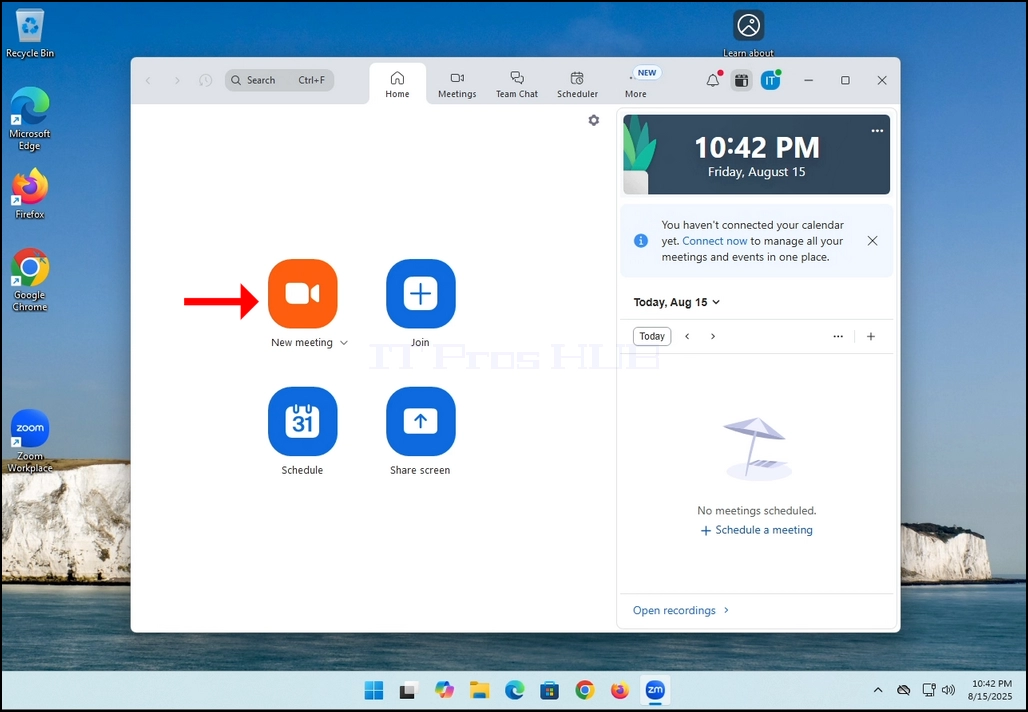
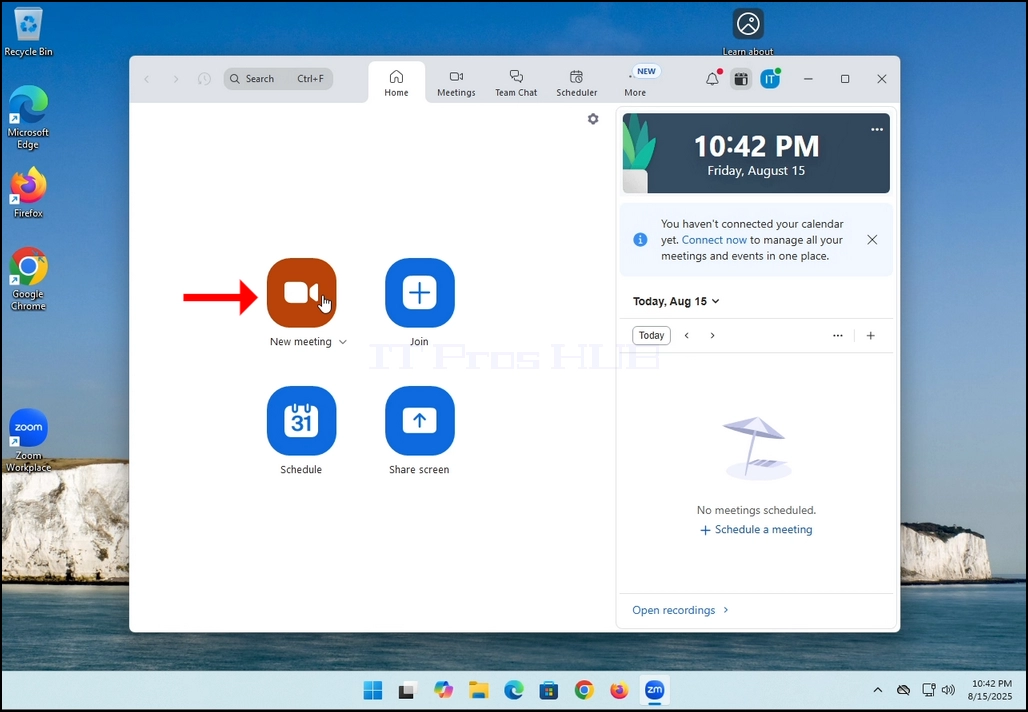
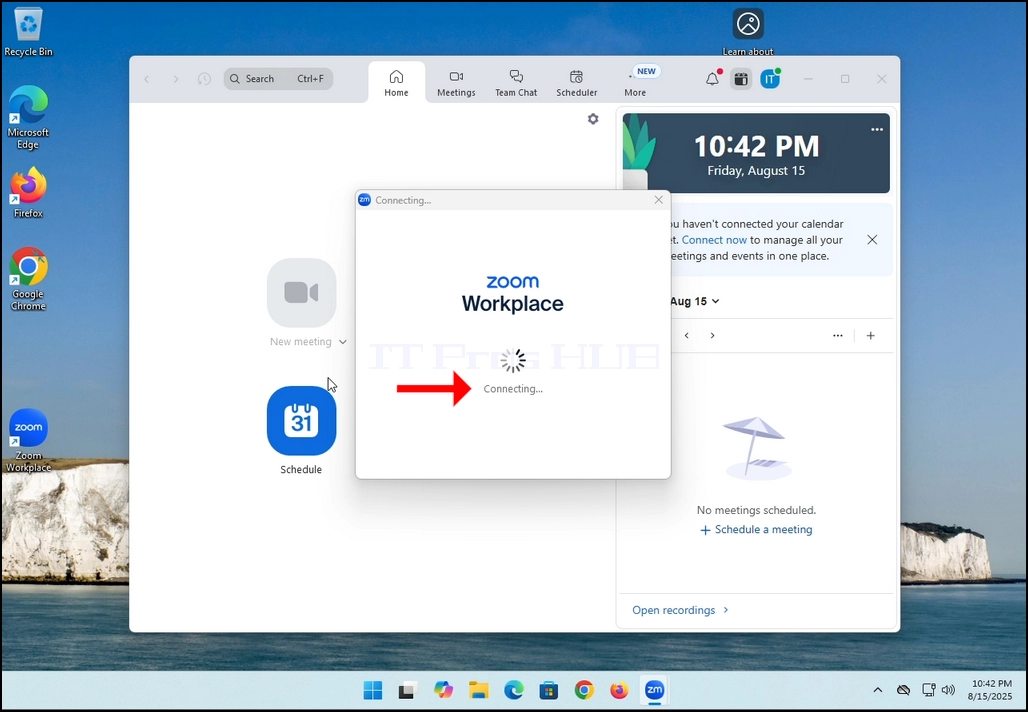
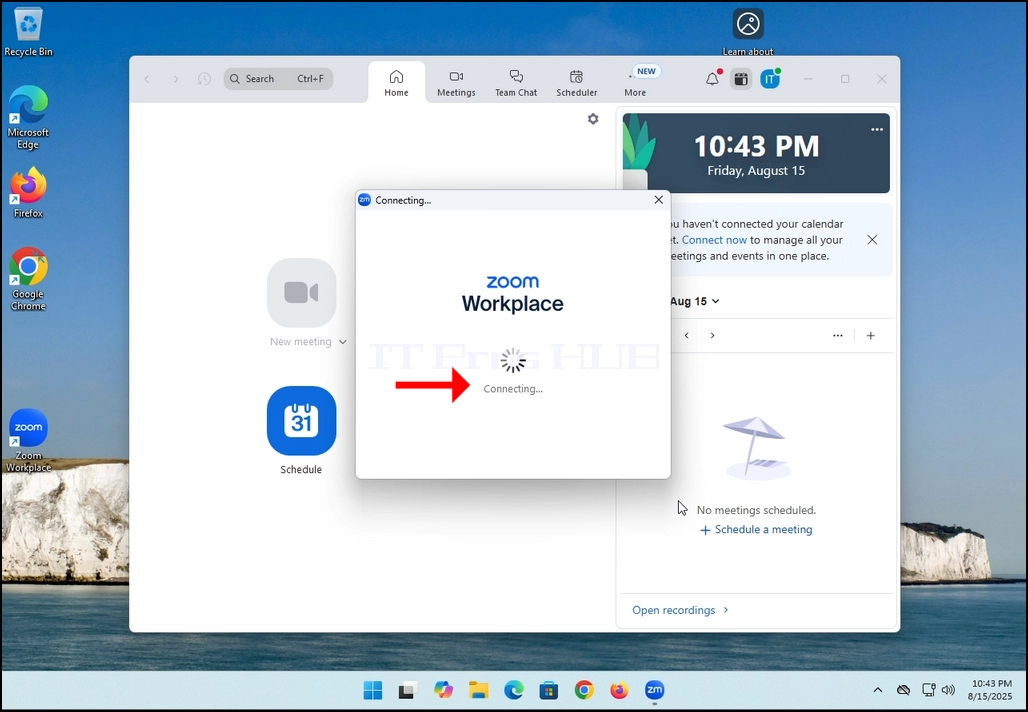
2. Once clicked, a new small window should appear. The window will show "connecting" and an animation progress circle.
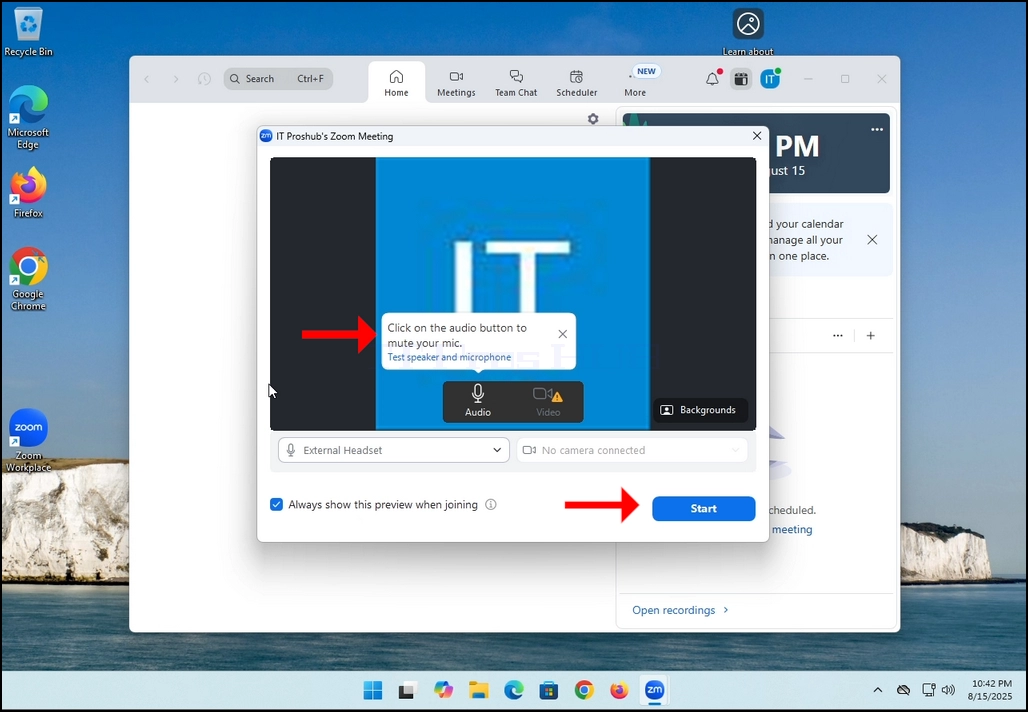
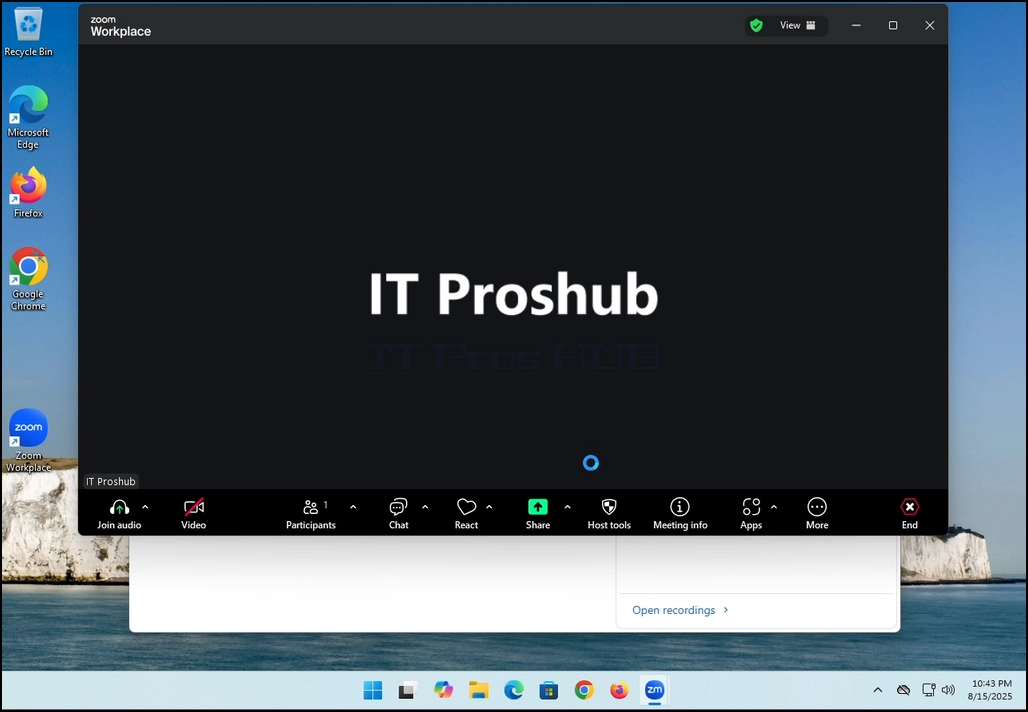
3. Once it's done loading, a new window will appear. Usually its title should say something along the lines of: "User's Zoom Meeting". In this article's case, it says "IT Proshub's Zoom Meeting" since the user that uses Zoom is called that way.
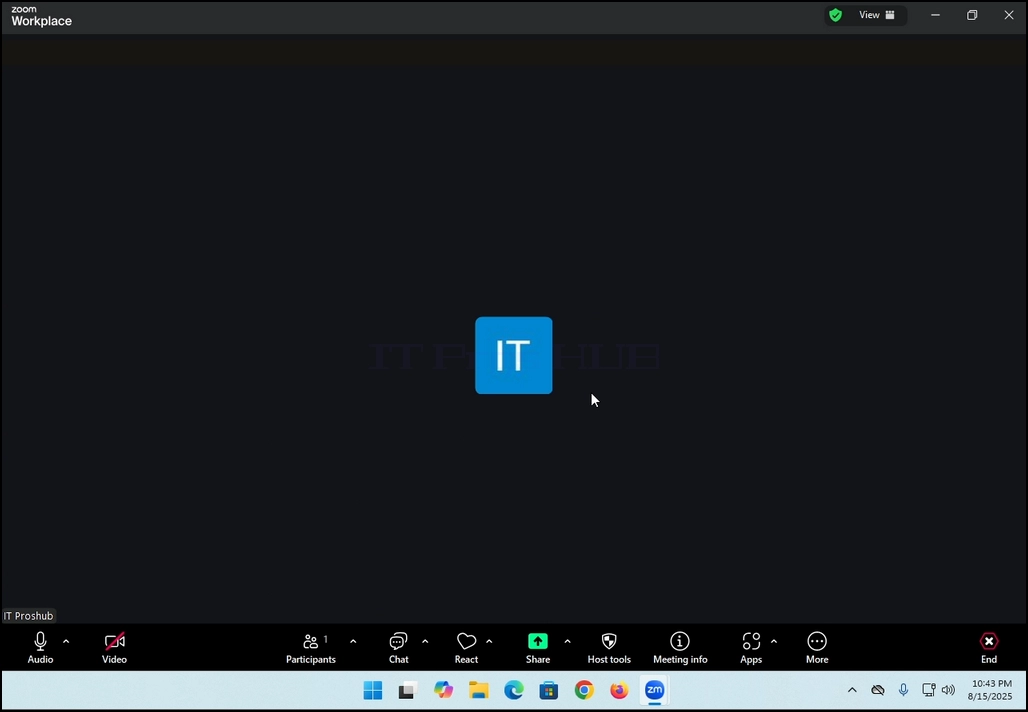
4. Here, you can mute your mic by clicking on the mic icon and you can also turn your camera off/on by clicking the Video icon.
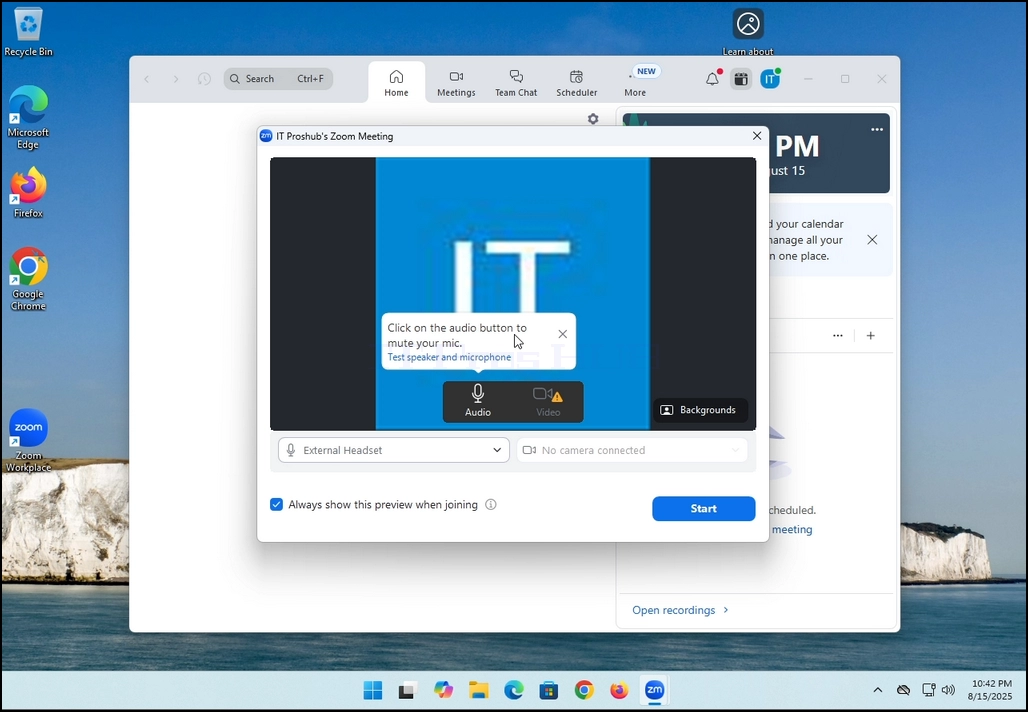
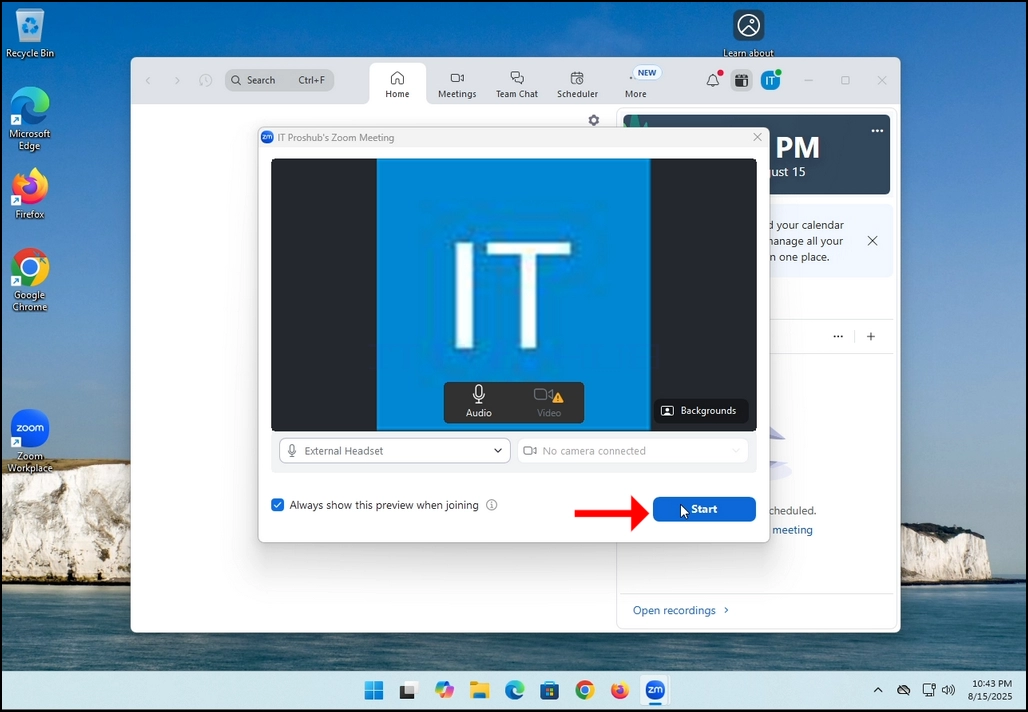
7. That's it! the new meeting is in progress. At this stage the meeting contains only the host which is IT Proshub in this article's case.
- Детаљи
- Аутор: IT Pro
- Категорија: How to Articles
- Прегледа: 5429
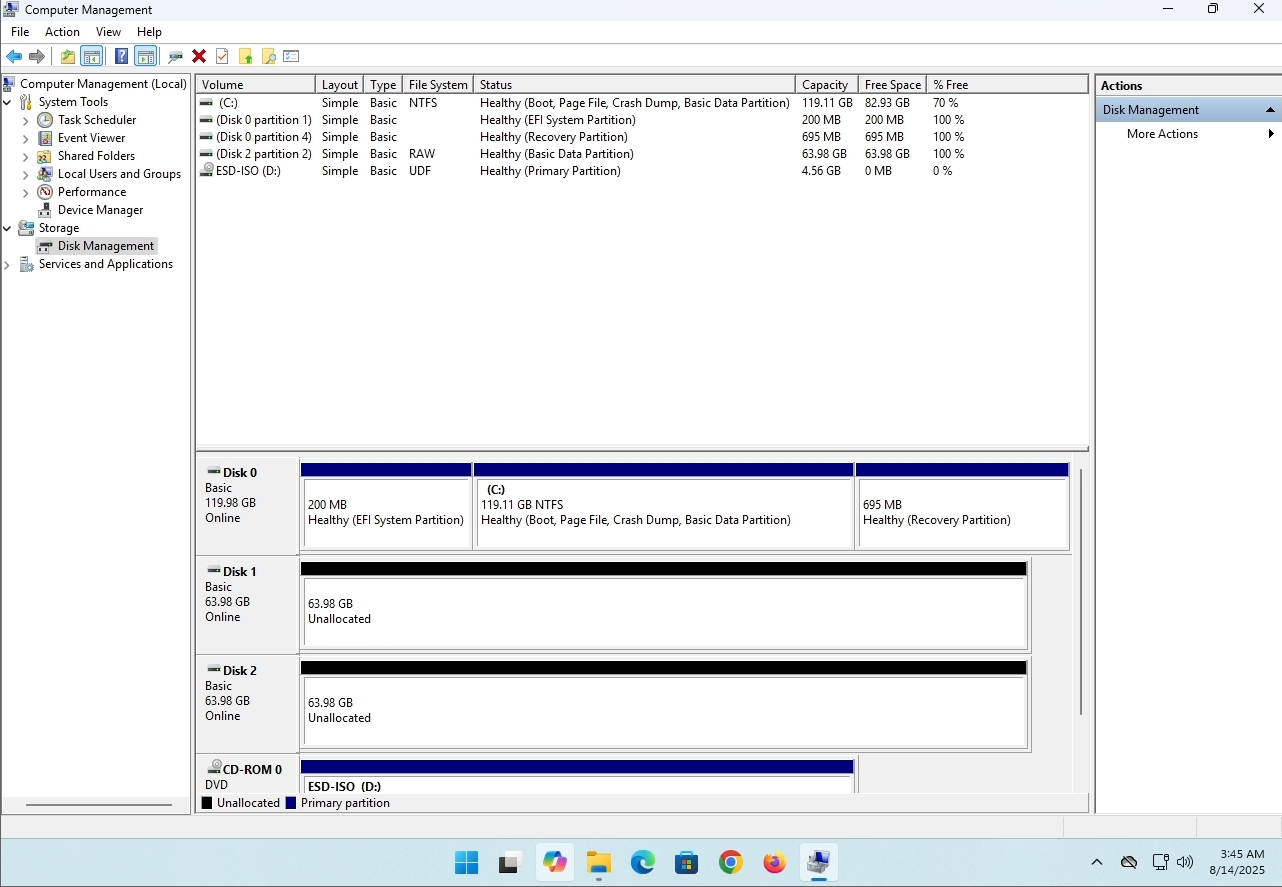
In this article we will demonstrate how to delete a stripped volume in Windows 11
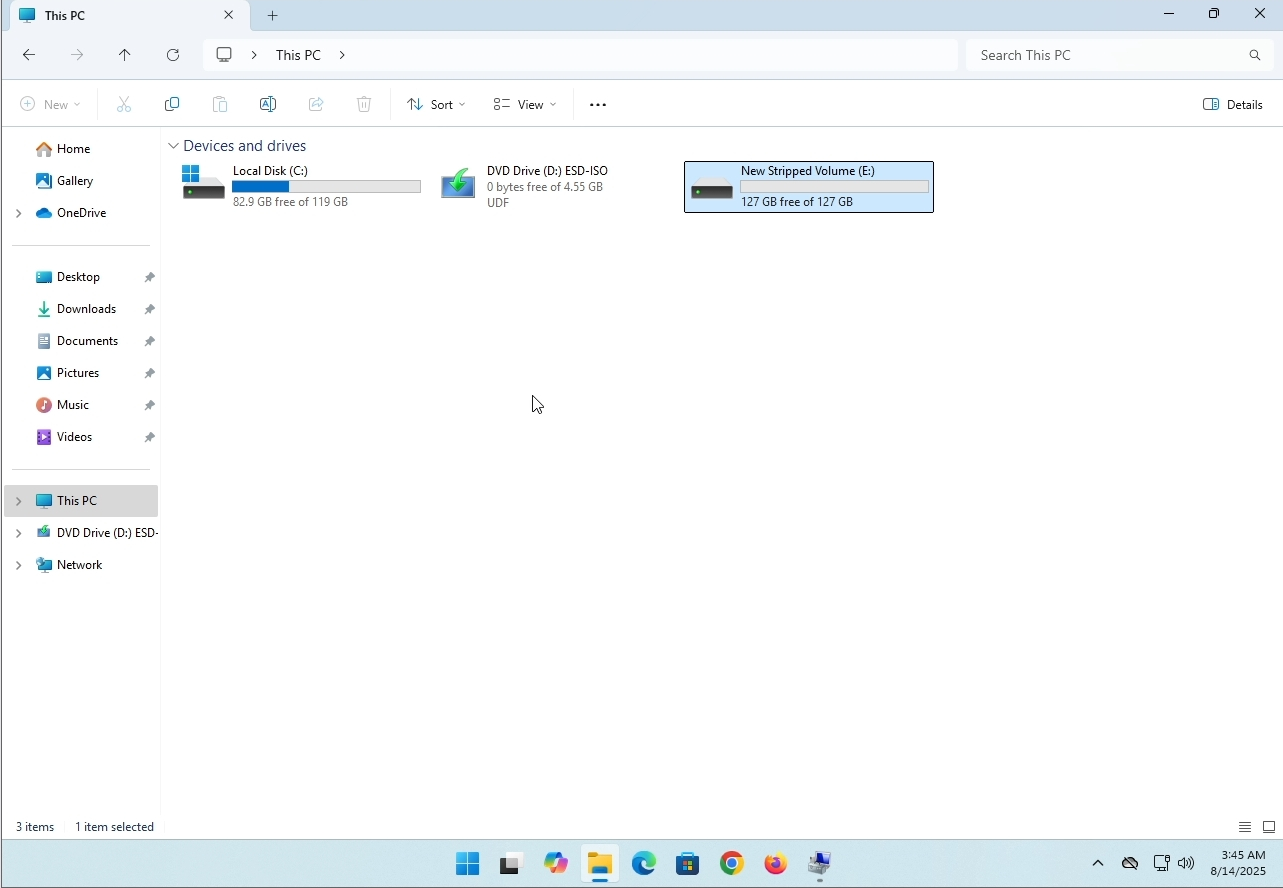
1. Make sure what is the stripped volume's drive letter is. In this case the drive letter is (E:):
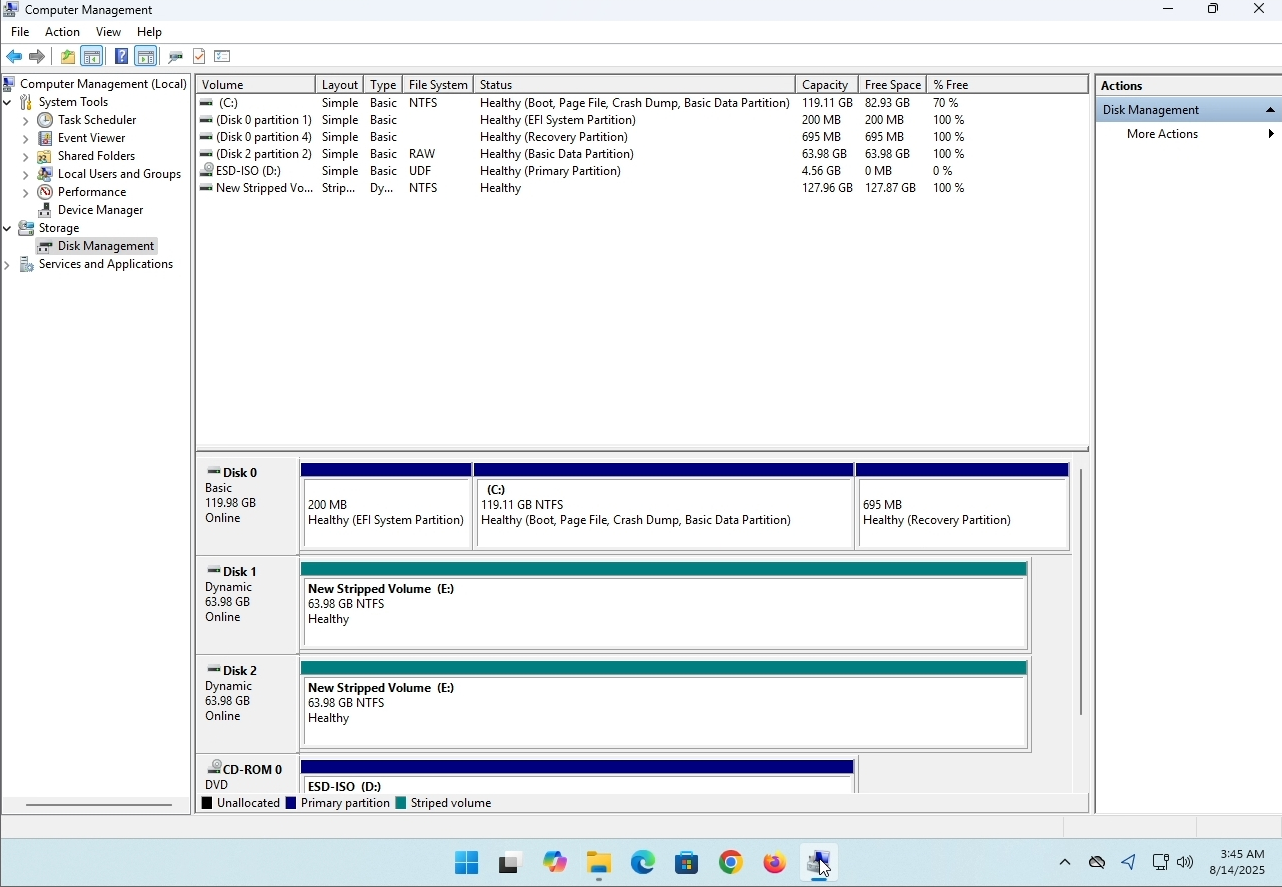
3. On the left pane. Look for Disk Management and click on it once.
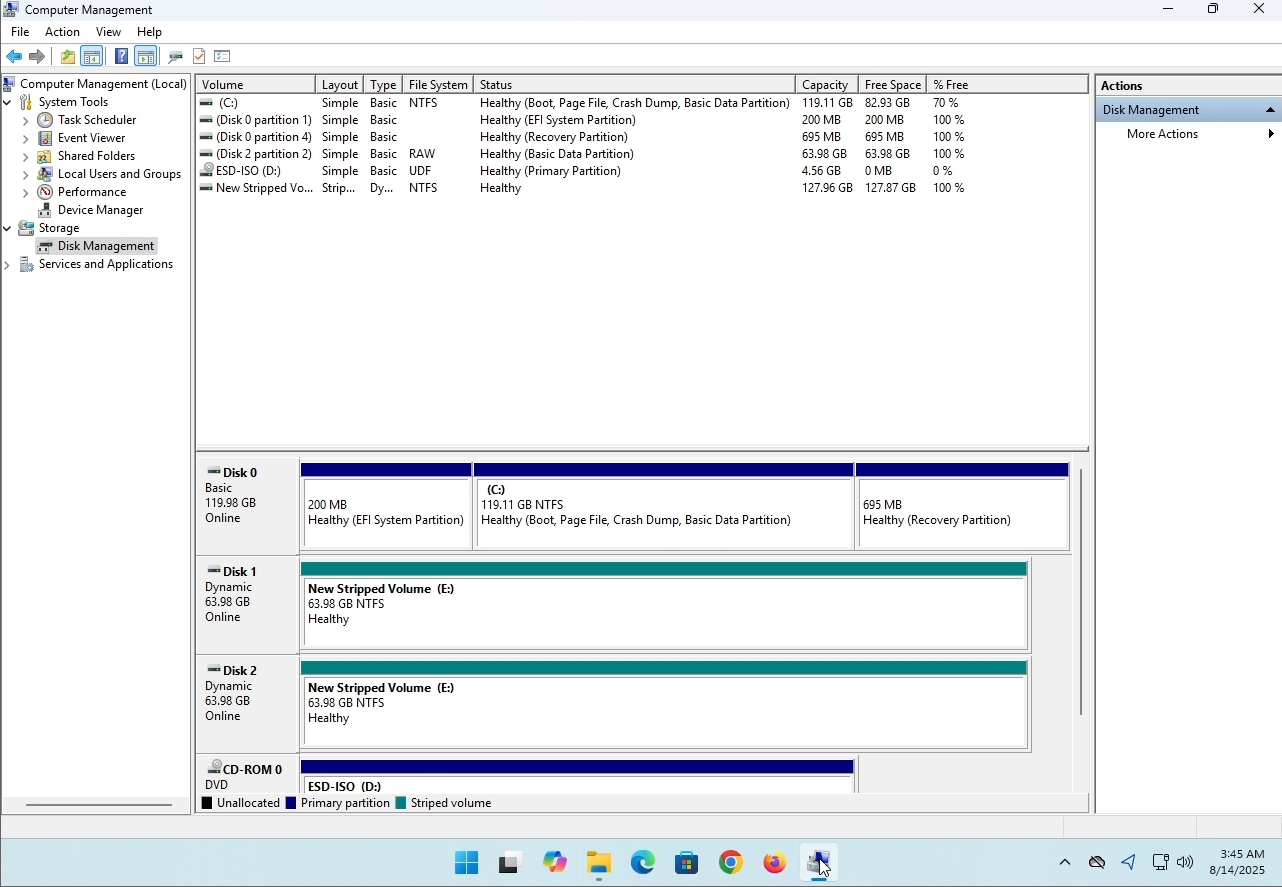
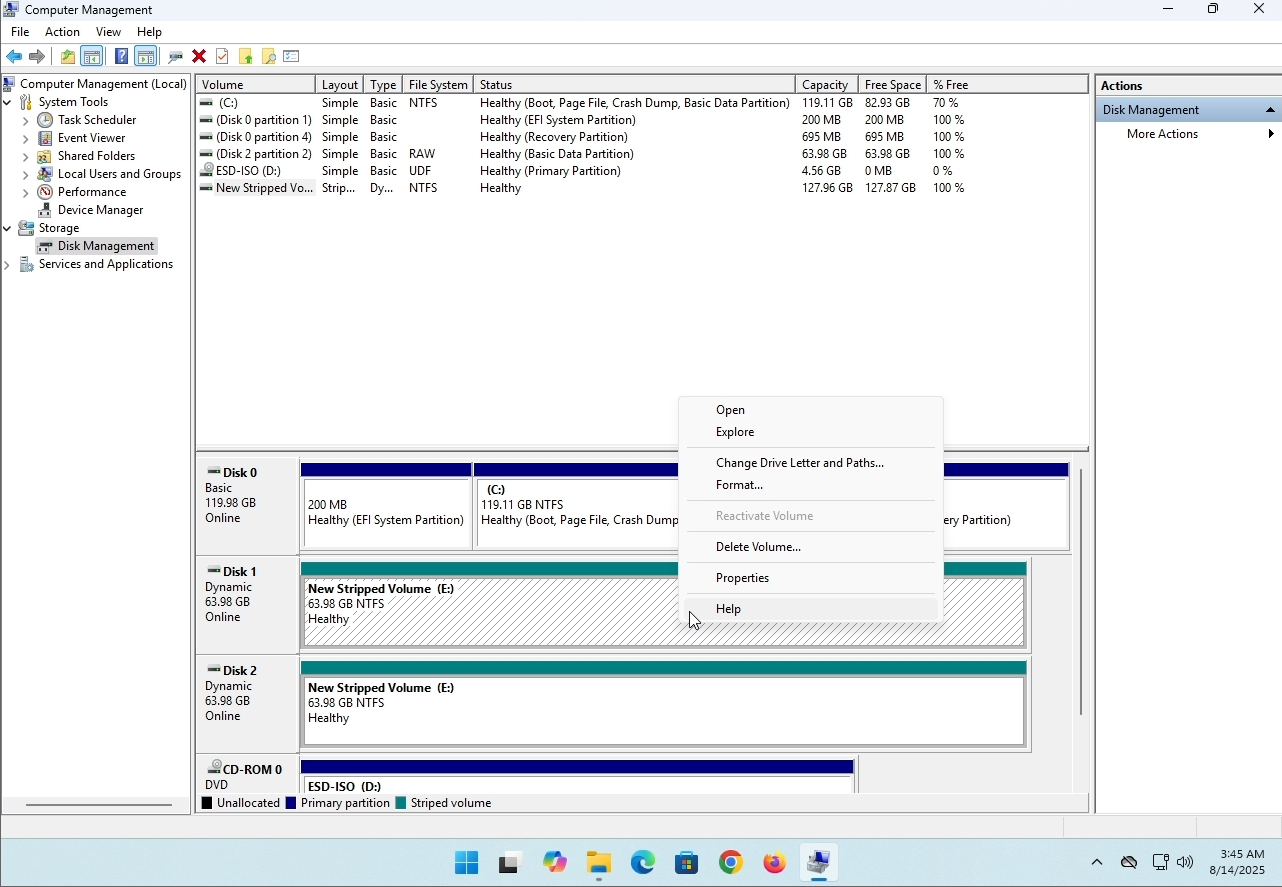
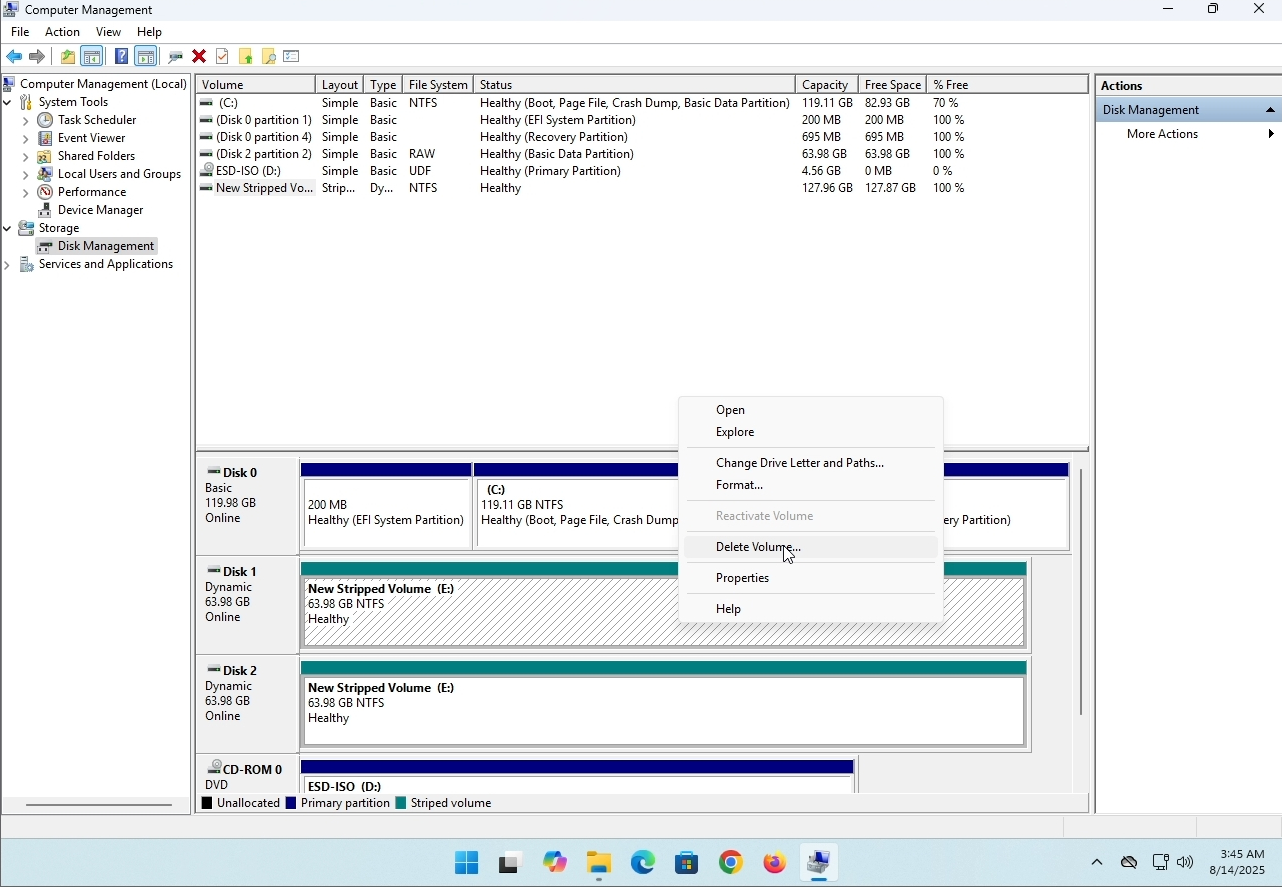
6. You will be shown a confirmation window. Click on Yes to confirm deleting the drive.
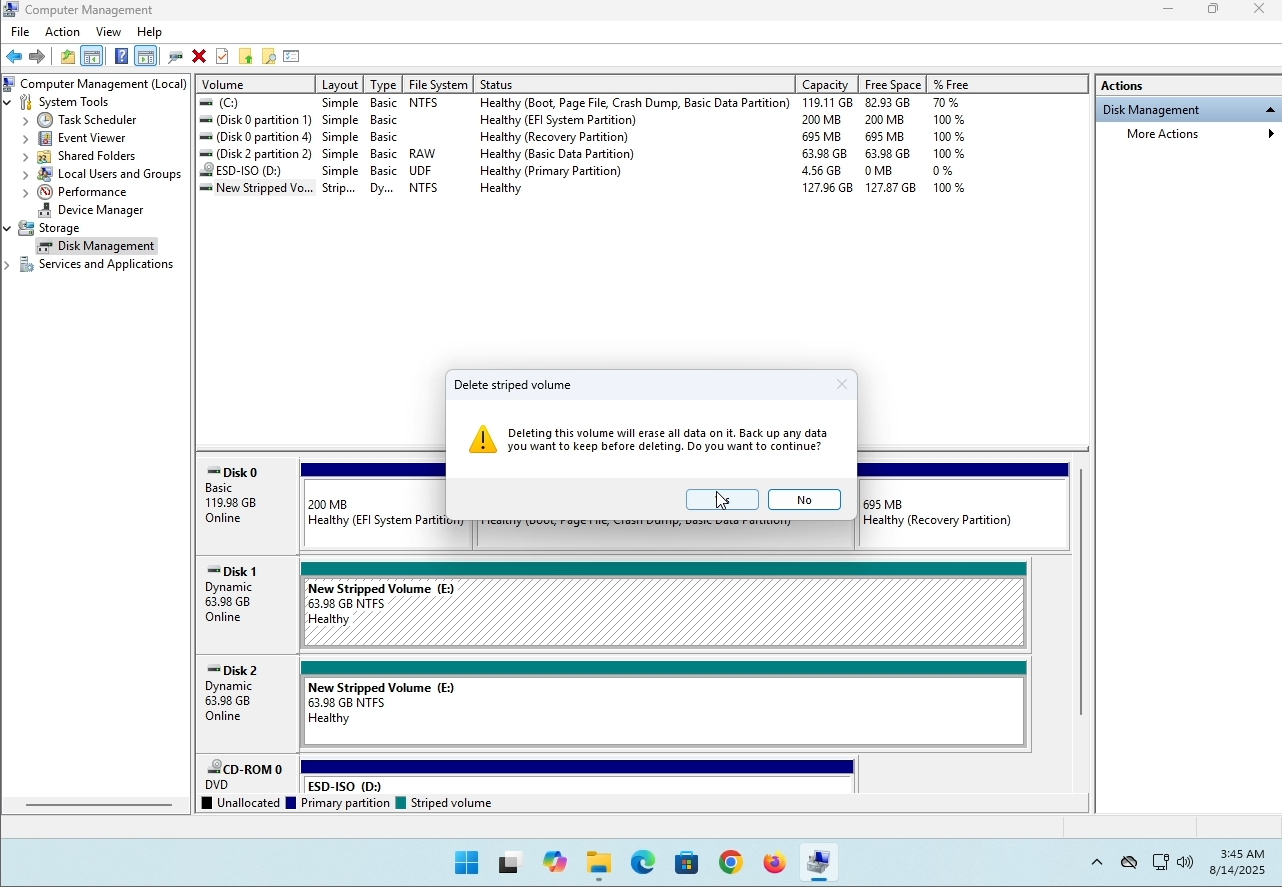
7. The drive is now deleted and the disks that were part of the stripped array are now unallocated.
- Детаљи
- Аутор: IT Pro
- Категорија: How to Articles
- Прегледа: 8239
Uvod:
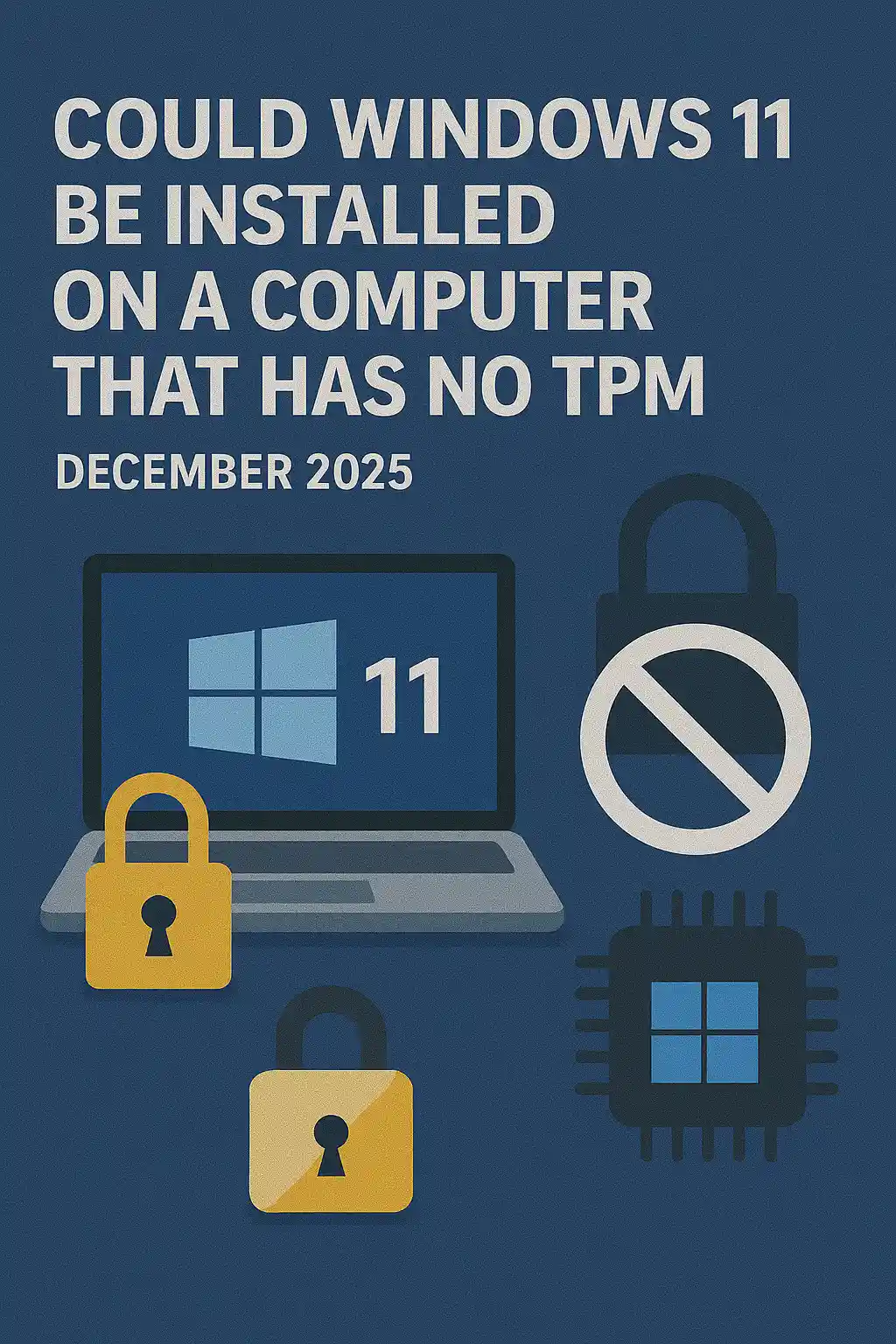
U ovom èlanku æemo ispitati da li Windows 11 može biti instaliran na kompjuteru koji nema TPM èip.
Ukratko: Ne..
Windows 11 ne može biti instaliran na kompjuteru bez minimuma TPM verzija 2.0 čipa.
Следи илустрација покушаја инсталације прозора 11 на таквом рачунару.
Виндоуз верзија која је покушана да се инсталира била је 24 Х2.
1. Убацујем у инсталацију прозора


2. Подешавање језика

3. Подешавање метода инсталације

4. Производ кључне фазе


5. Избор прозора 11 про


6. Провера фазе ПЦ ‑ а

7.

Zakljuèak:
Nema tu šta da se kaže. Morali smo to sami da vidimo. Postoji veliki razgovor o ovoj temi, i izgleda da drži vodu u ovom sluèaju. Инсталација-мудро - Виндоуз 11 не може бити инсталиран на рачунару или систему без ТПМ верзије 2.0 чипа.
To ne znaèi da se Windows 11 ne može pokrenuti na pomenuti sistem. Za više, posetite naš èlanak o ovoj temi: https: / / itproshub.com / en / windows / can-windows - 11-run- on-a-computer - that-has- no-tp- chip- at - all - decembet- 2025
- Детаљи
- Аутор: IT Pro
- Категорија: How to Articles
- Прегледа: 7279
1. Start the installation of Thunderbird by clicking its setup file
2. In the welcome screen, click NEXT.
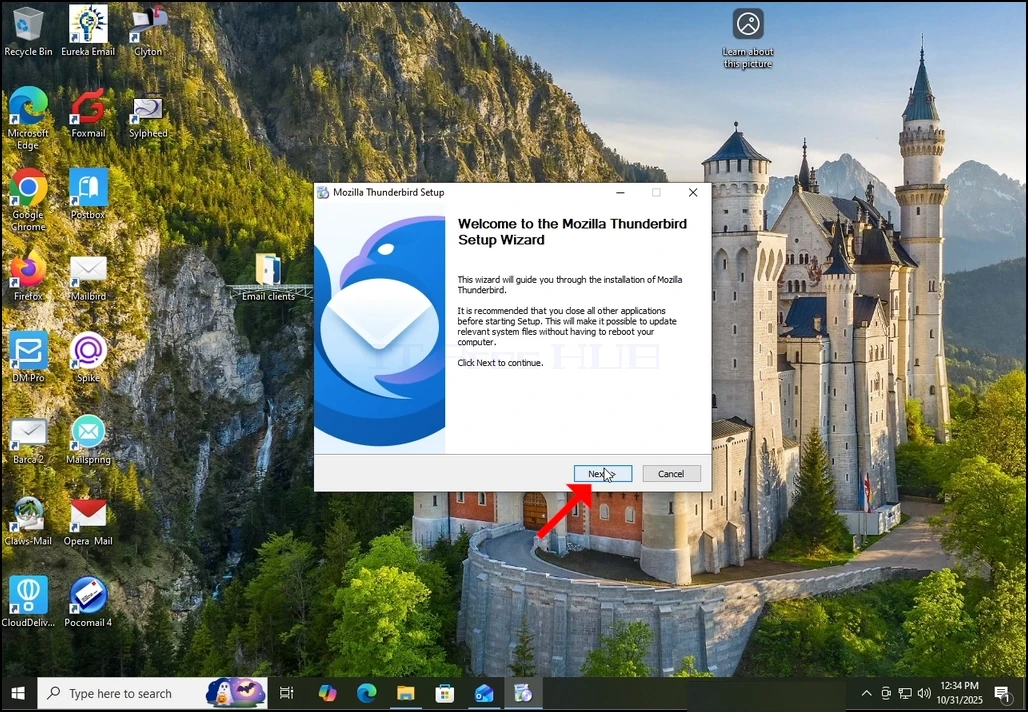
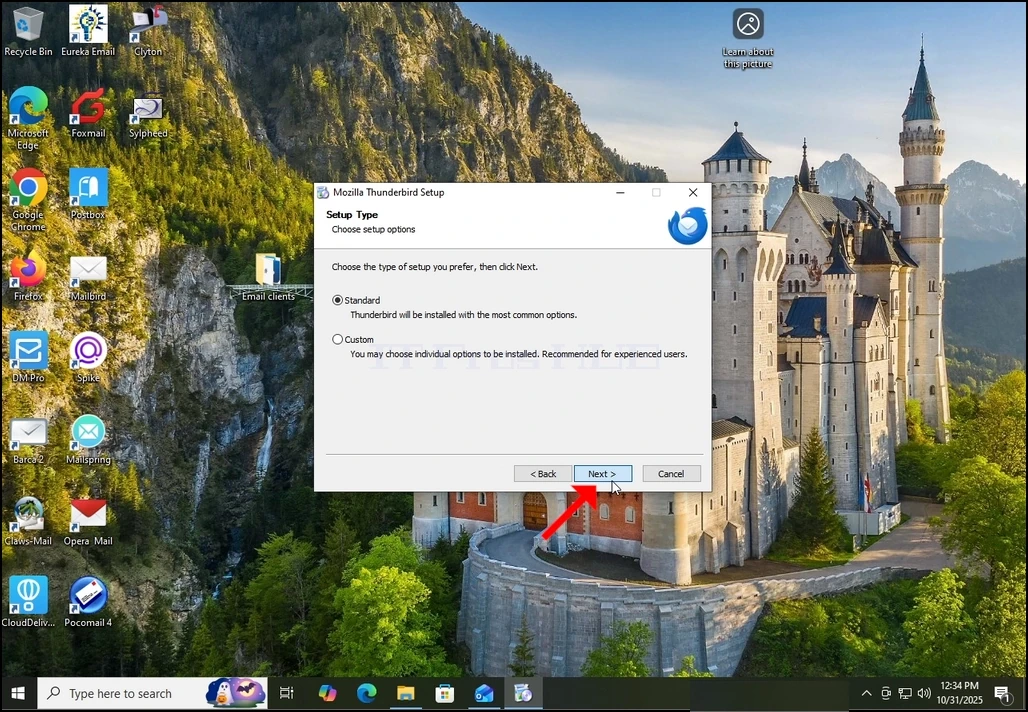
3. Choose the Standard option and click NEXT.
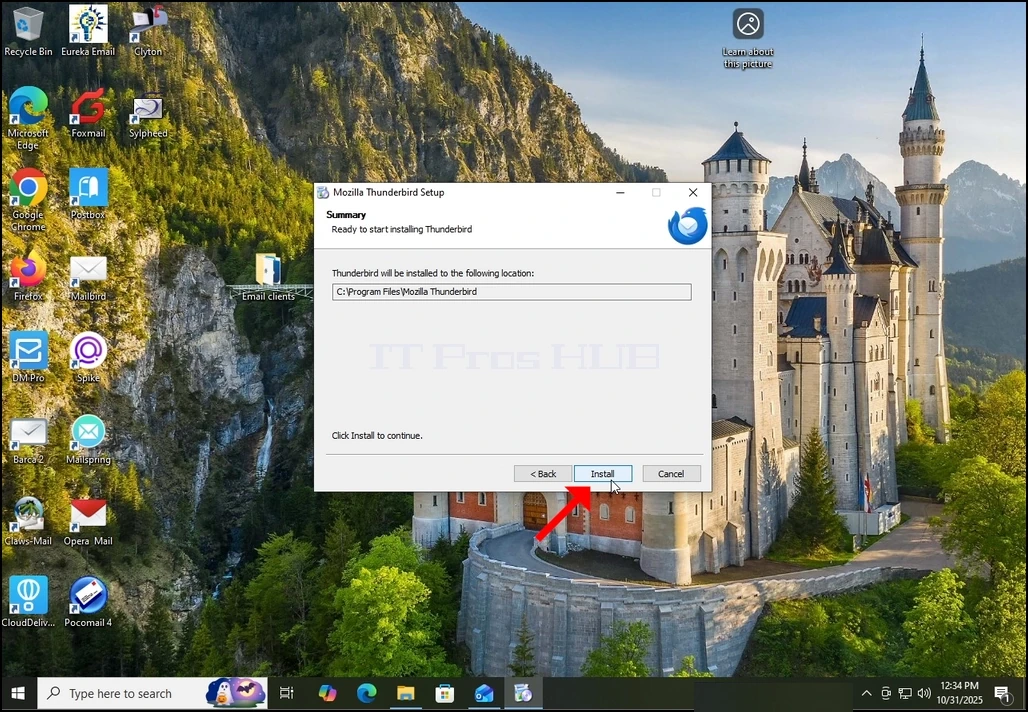
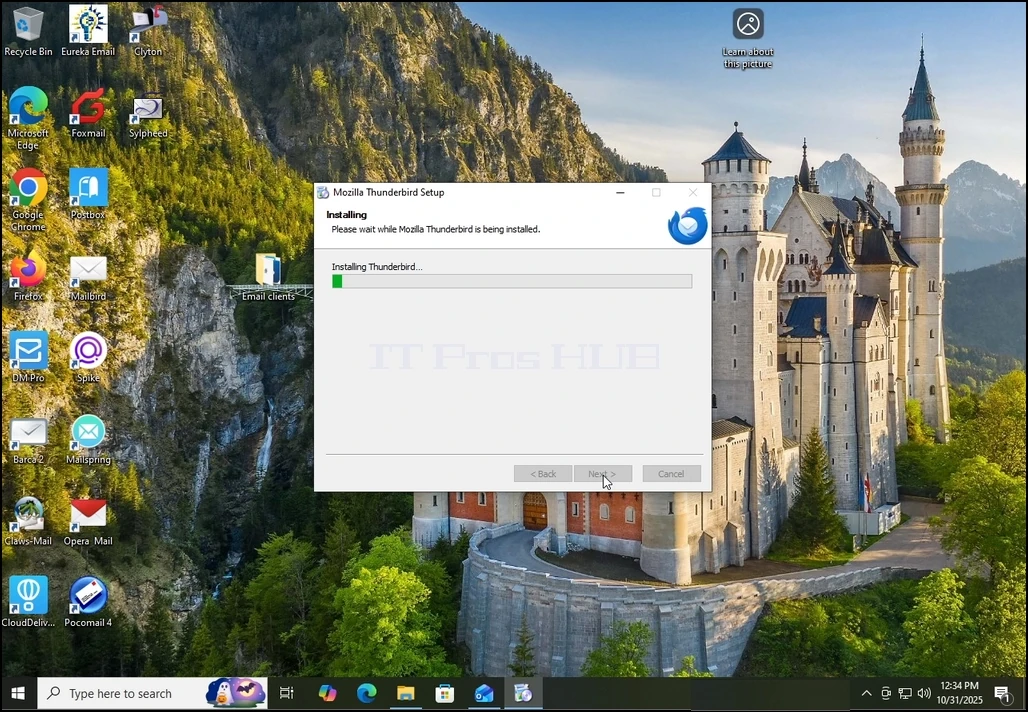
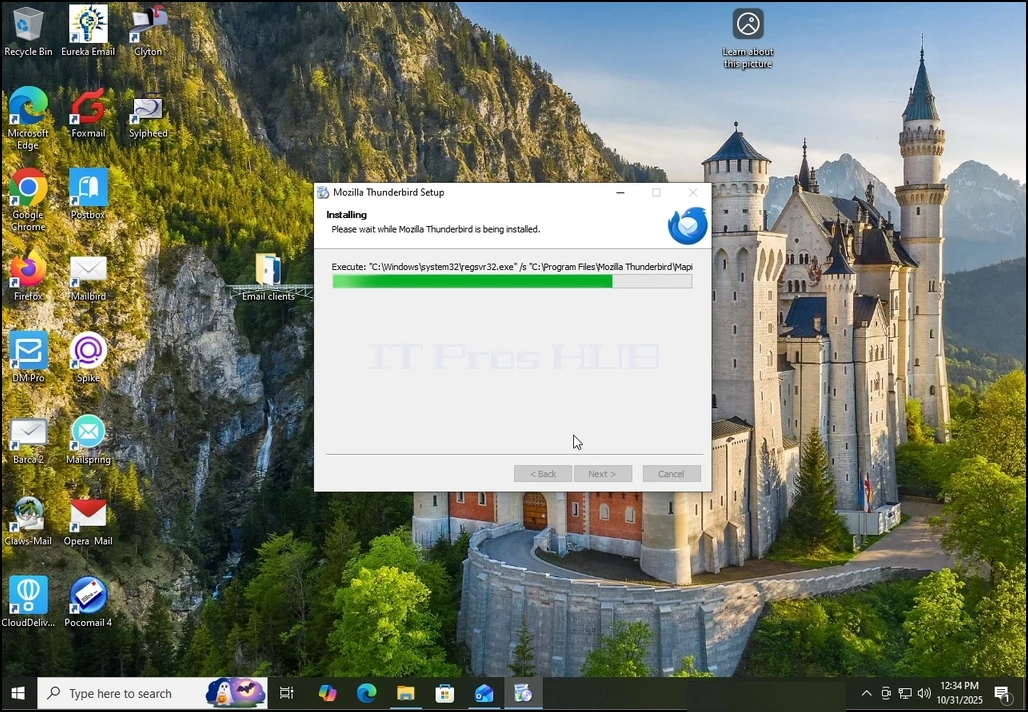
5. Wait patiently for the installation process to finish
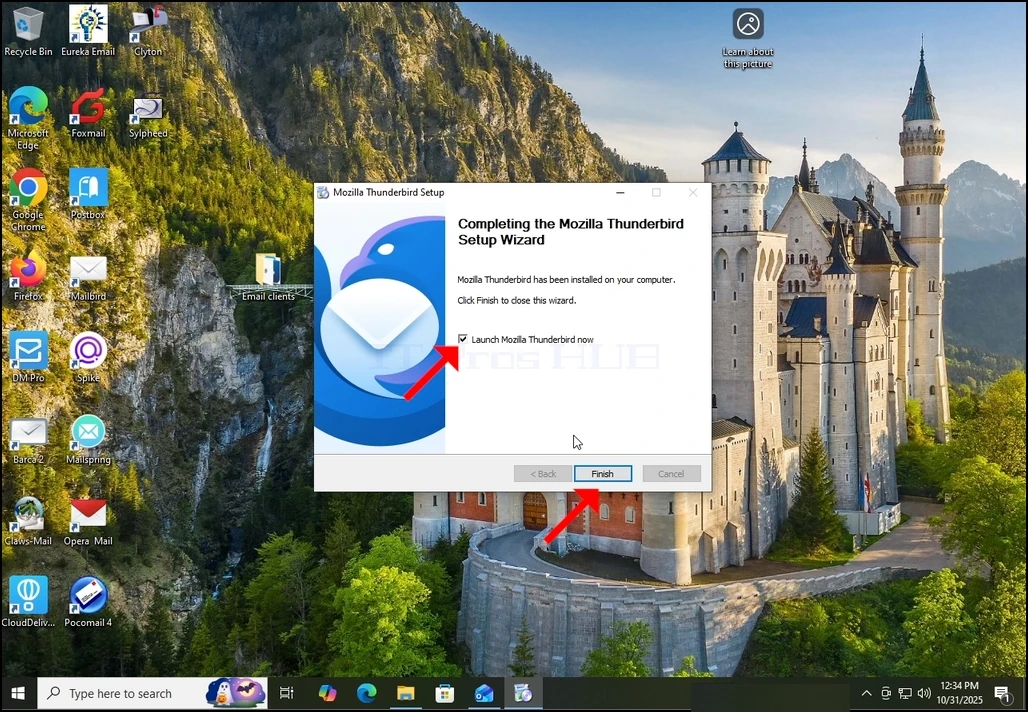
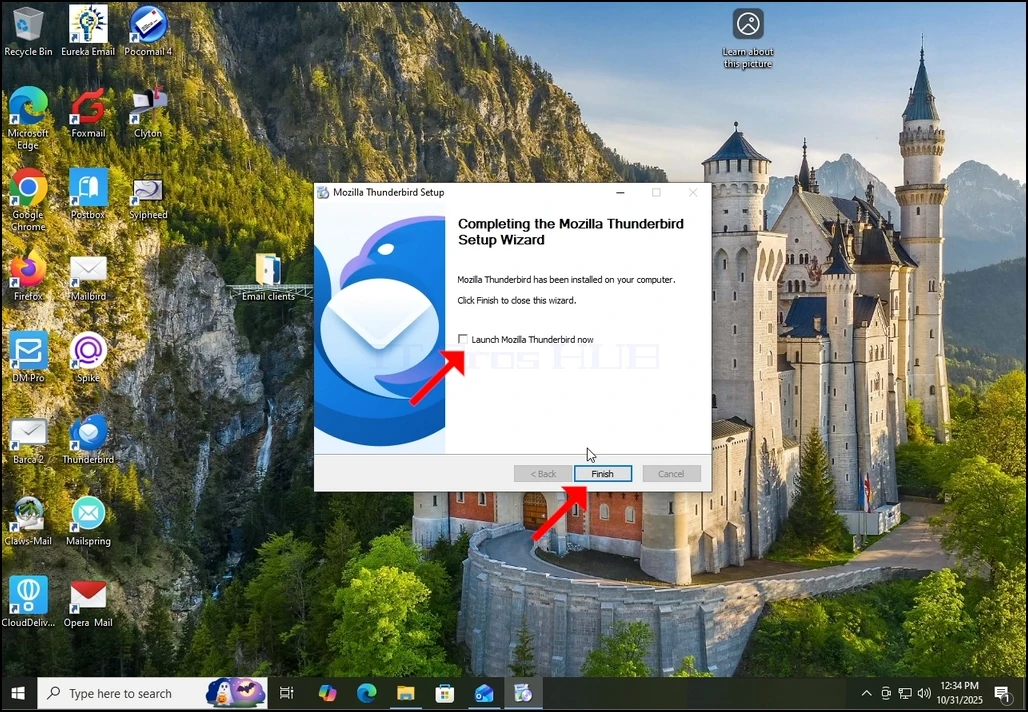
7. Mozilla Thunderbird is now installed!