



Tagline:HowtoAddSquareShapeinWord+1
There is no translation available.
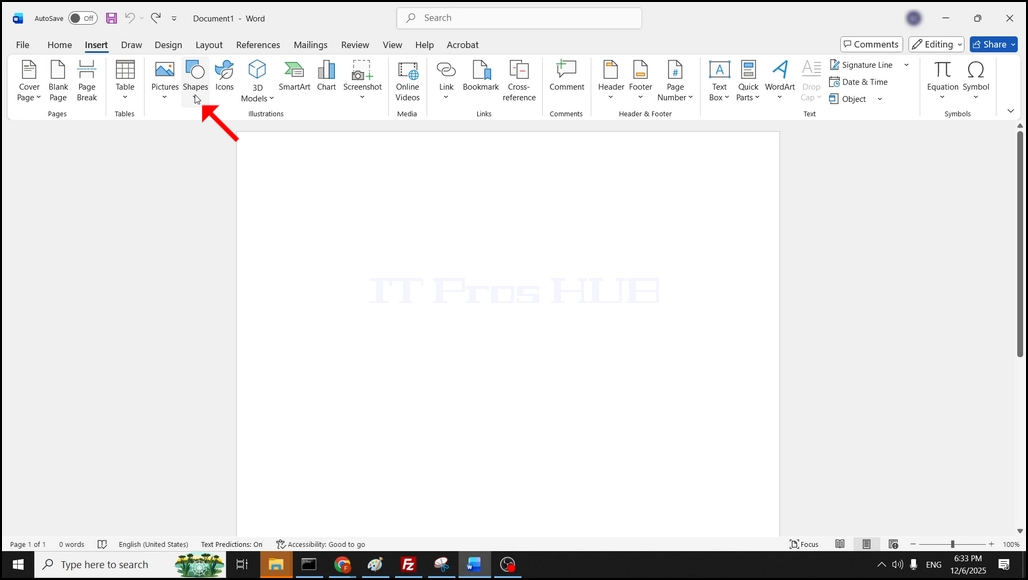
1. Open Word. In the top menu ribbon, go to Insert and click on it once:

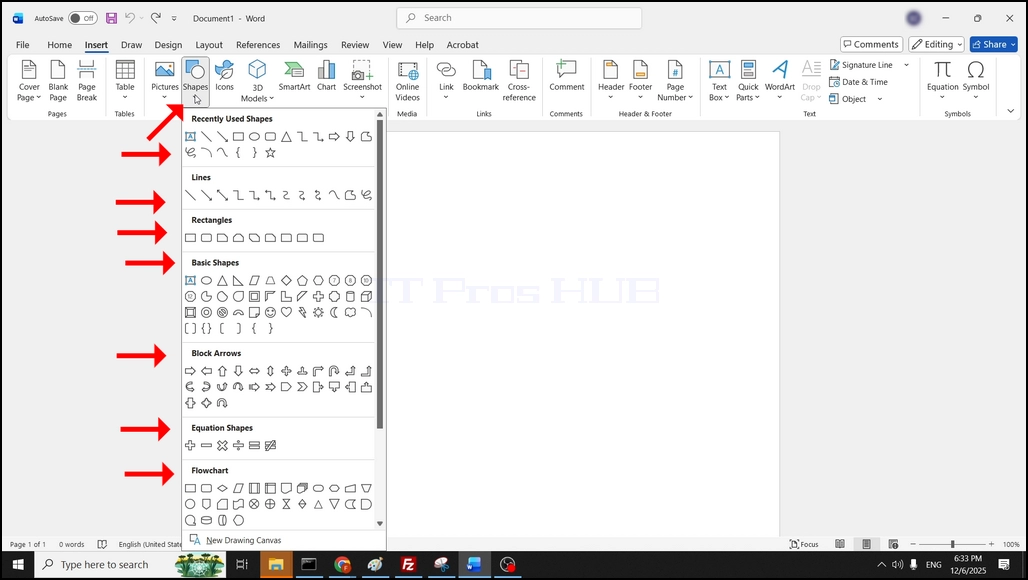
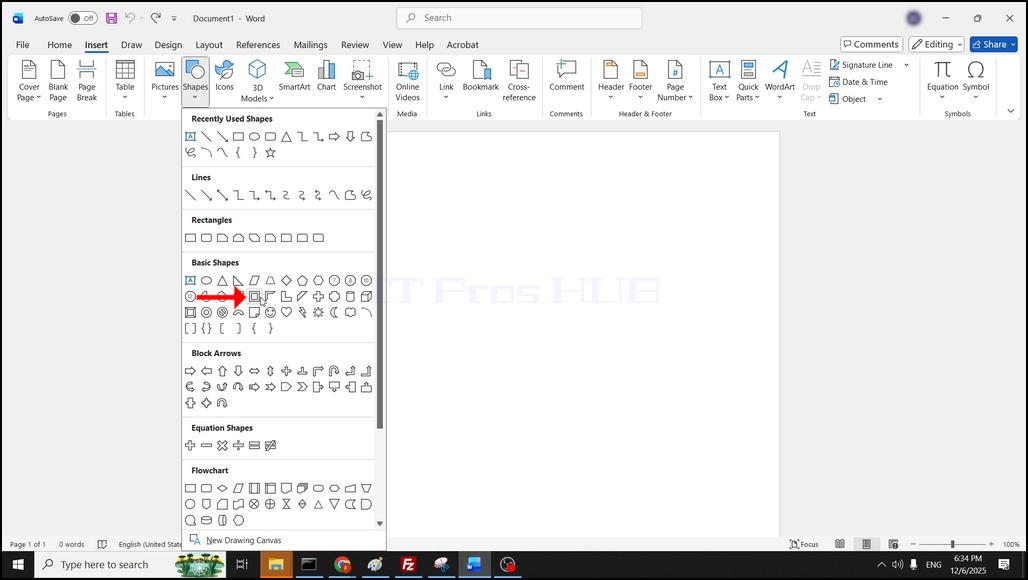
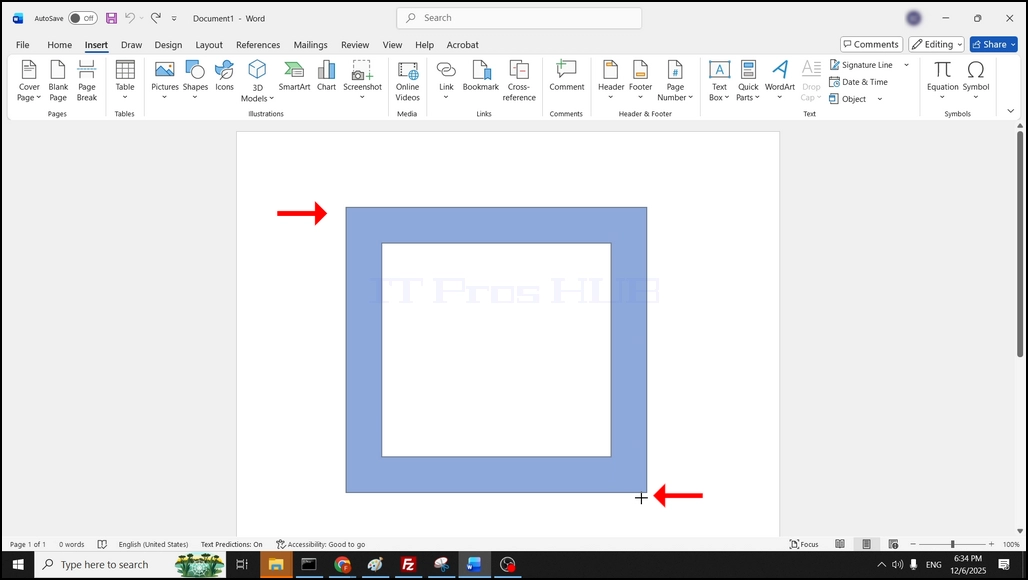
4. Once clicked, the shape will be added into the Word document:
|
Online:
596 online | Members: 0 | Guests: 596
|
Sondag, Julie 19, 2026
|
|
|
|
|
1. Open Word. In the top menu ribbon, go to Insert and click on it once:
4. Once clicked, the shape will be added into the Word document: