



Introduction:
In this article we will demonstrate what happens when the entire Users folder is deleted from Windows 11.
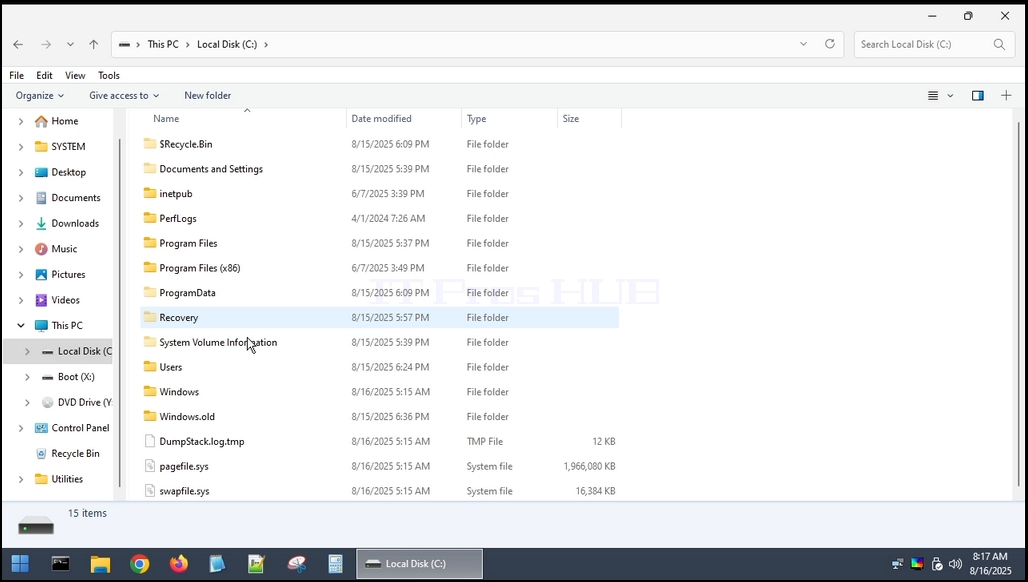
1. The Users folder resides in the root of where Windows was installed. In most cases it would be the C: drive as can be seen below:
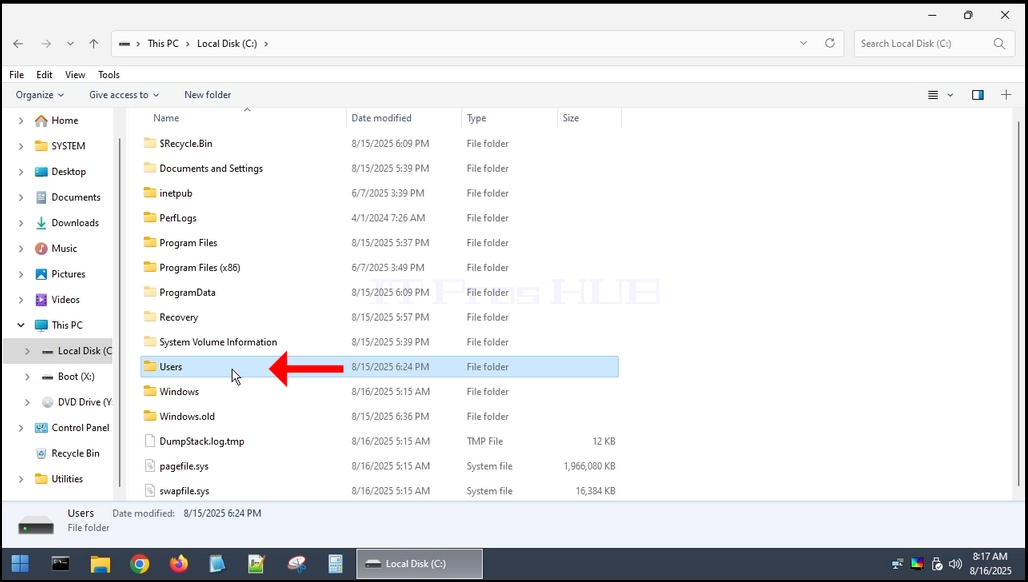
2. Like a lot of other system folders and files, the Users folder cannot be deleted entirely from within Windows itself. We would need to use another operating system for that. In this article we will use the Hiren Boot CE WINPE (HBCD) OS.
3. Deleting the Users folder from within HBCD
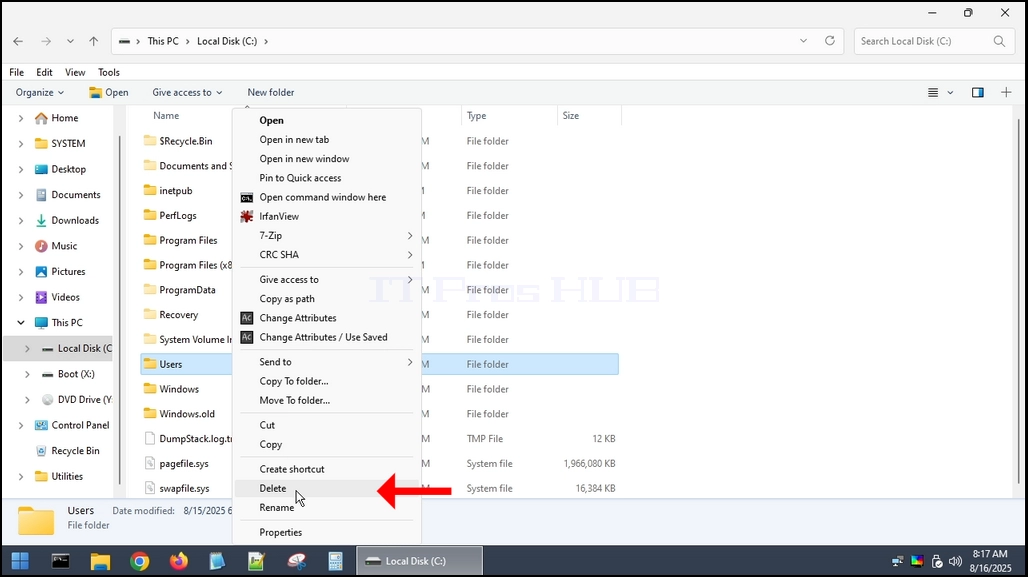
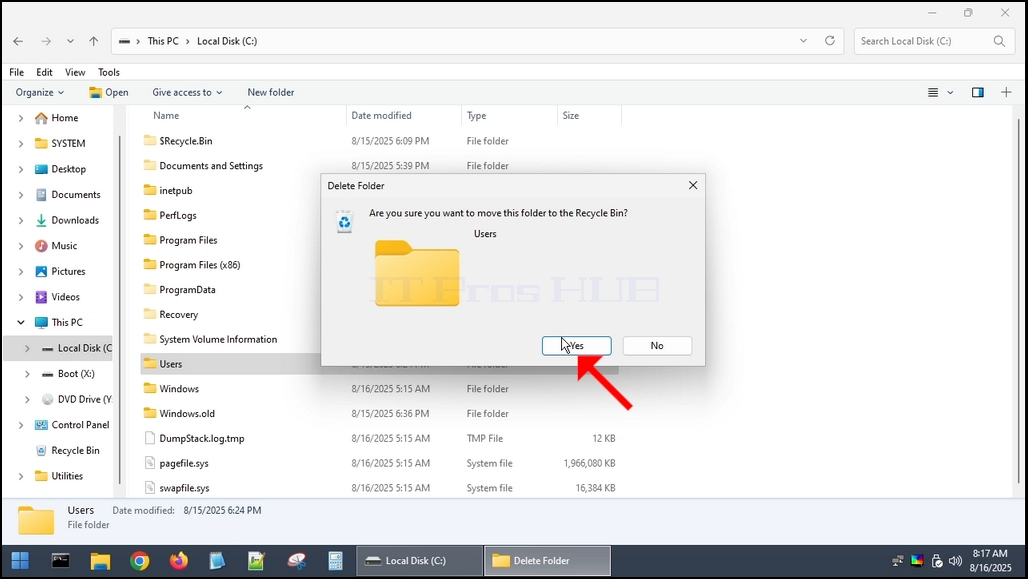
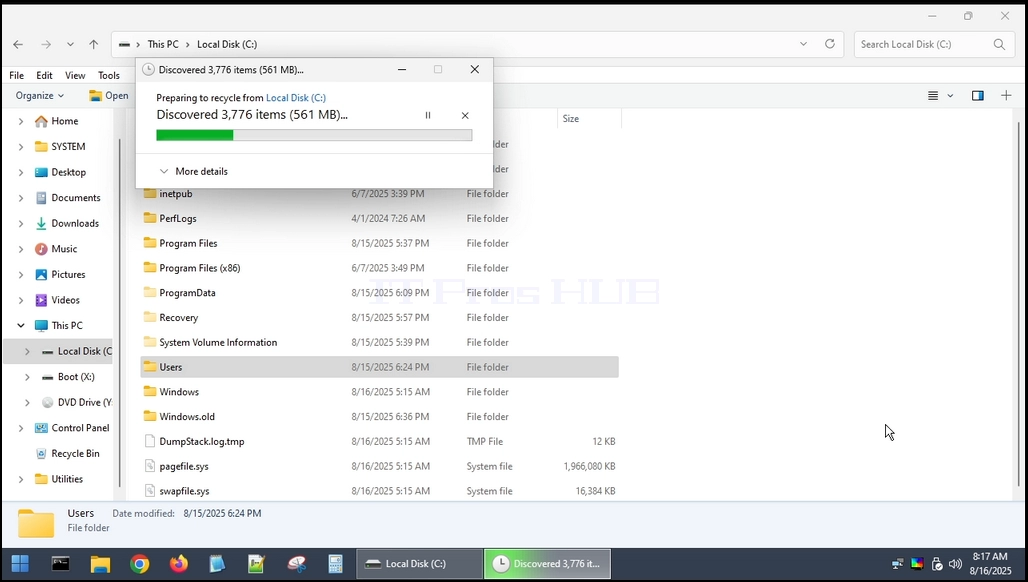
4. The Users folder is deleted.
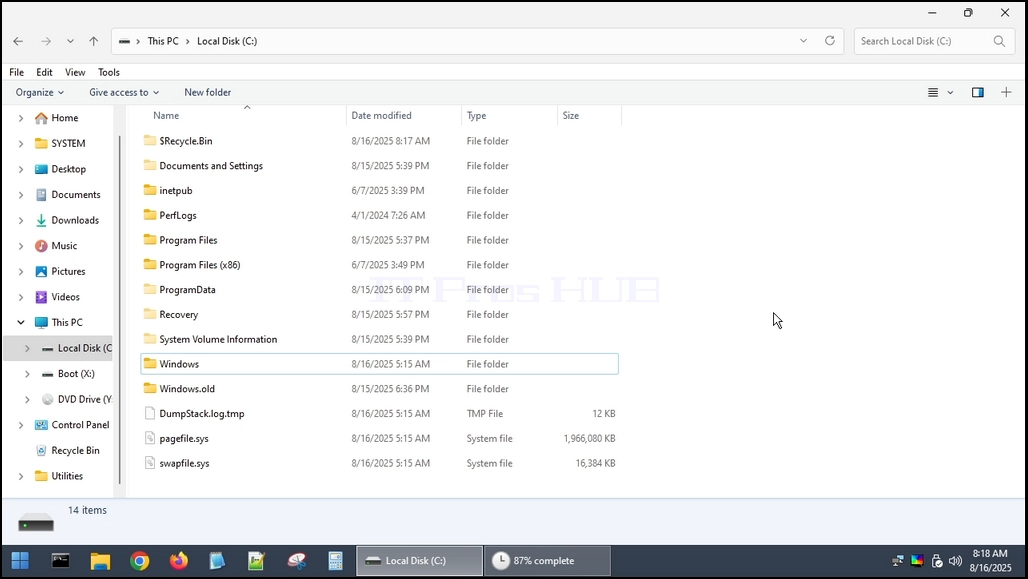
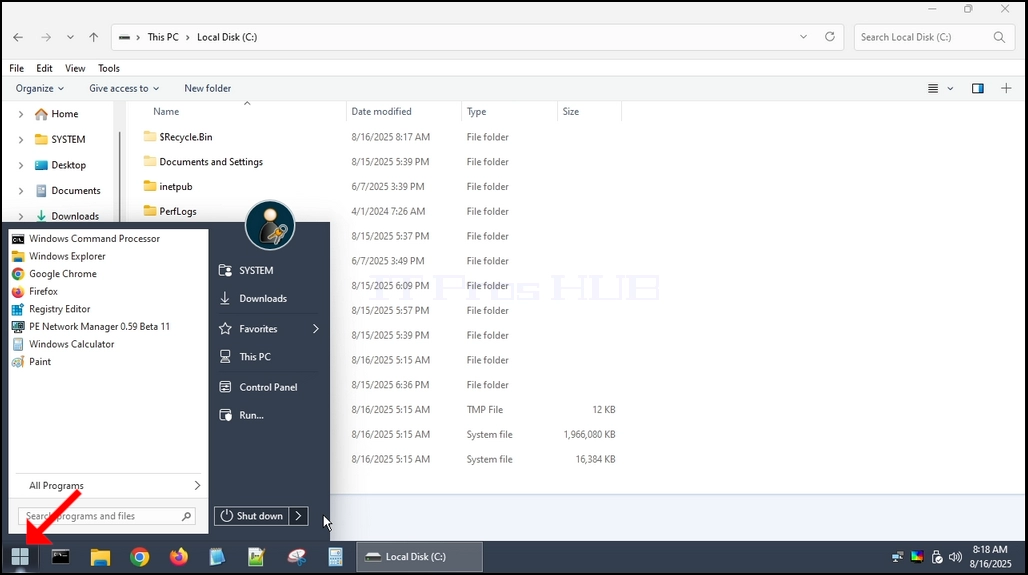
5. Restarting the computer and booting back into Windows.

6. As you can see, Windows is able to boot up but NOT TO START UP.
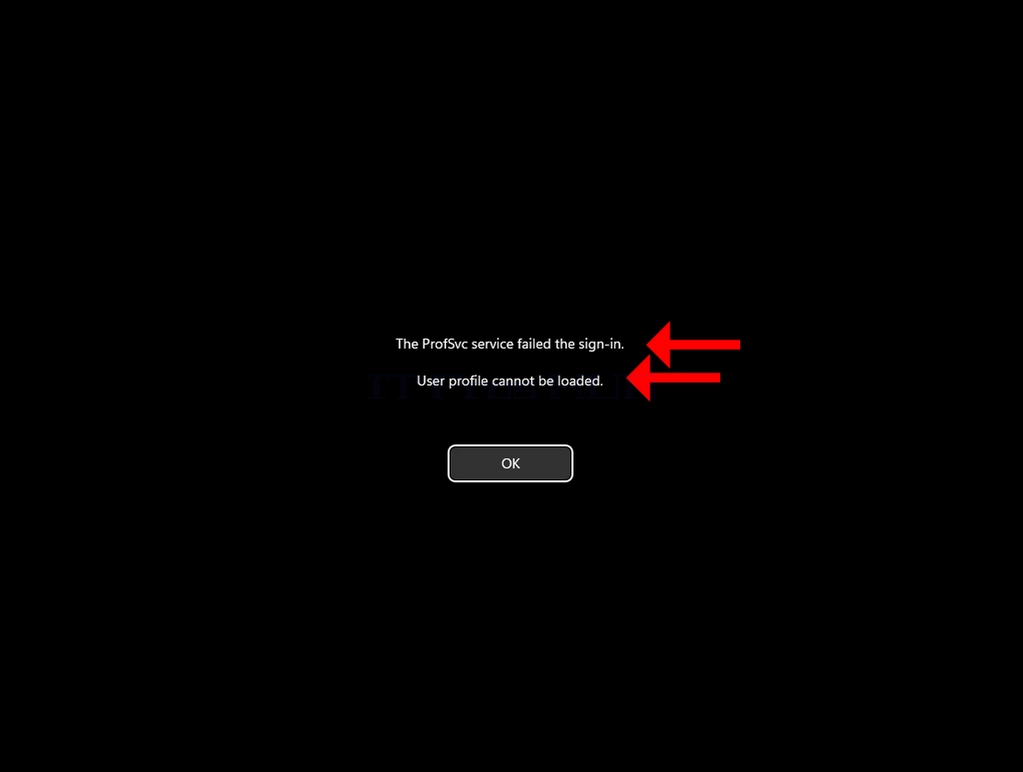
7. We can see the following error:
a. The ProSvc service failed the sign-in
b. User profile cannot be loaded.
8. Those two lines are usually one single Windows logon error — the service is actually ProfSvc (User Profile Service), and it typically fails when the user profile is corrupted or Windows logged you into a temporary profile and can’t stitch the real one back.
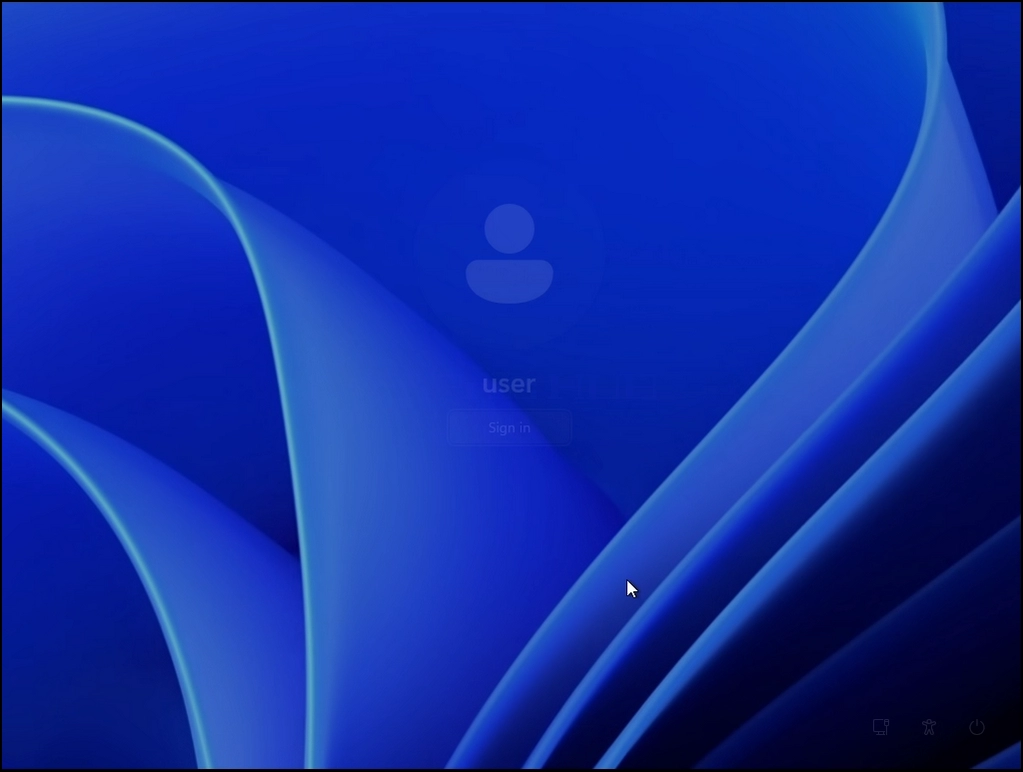
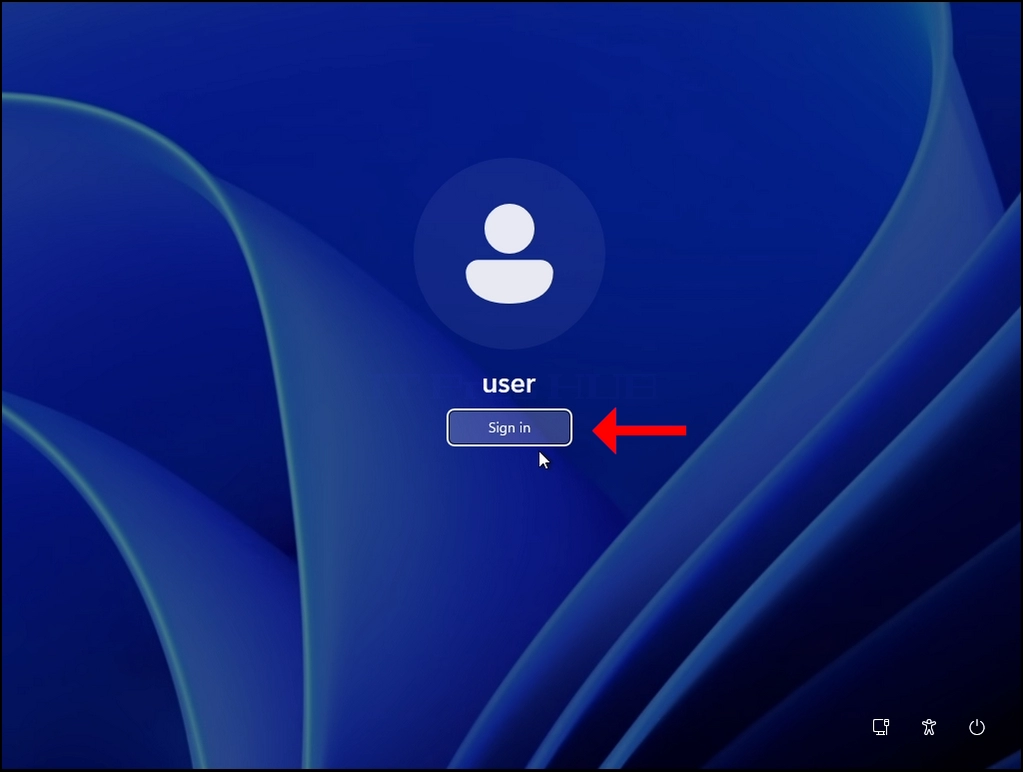

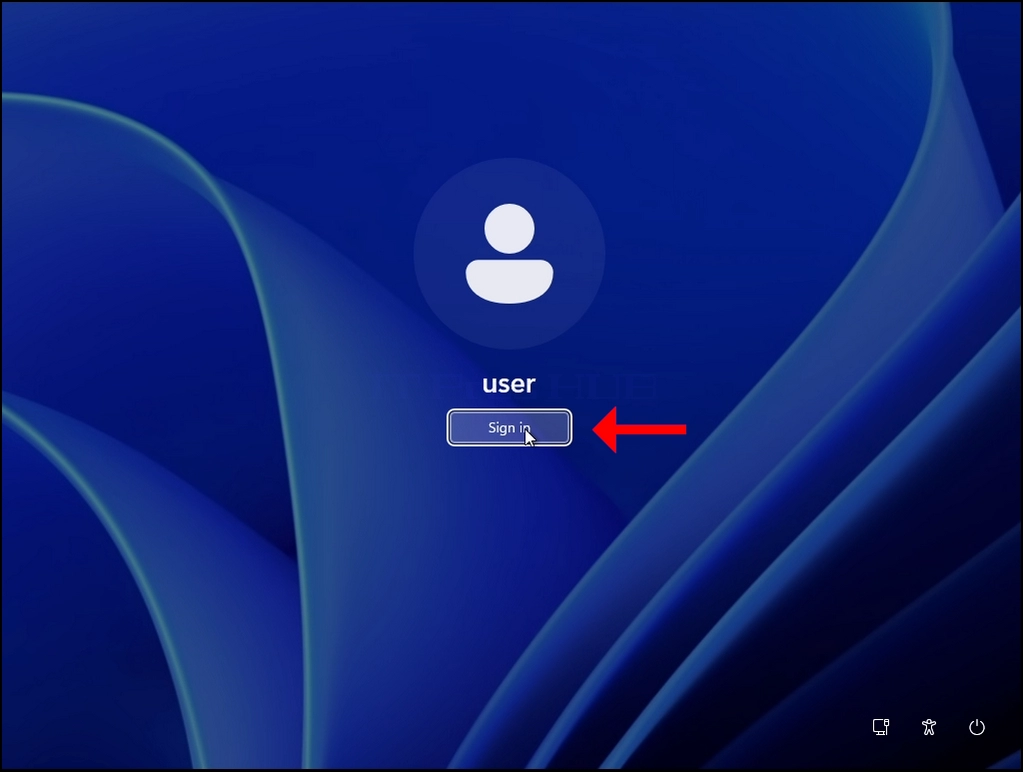



9. As you can see, after we click OK on the error, Windows goes back to the logon screen and no matter how many times we try to sign in, the result is the same.