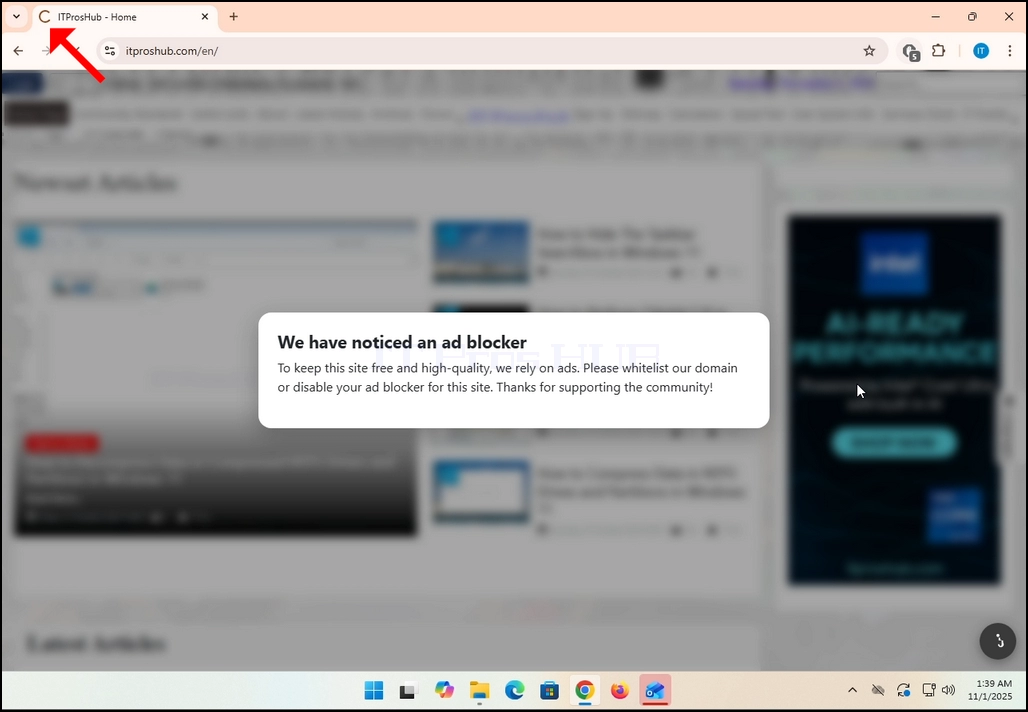
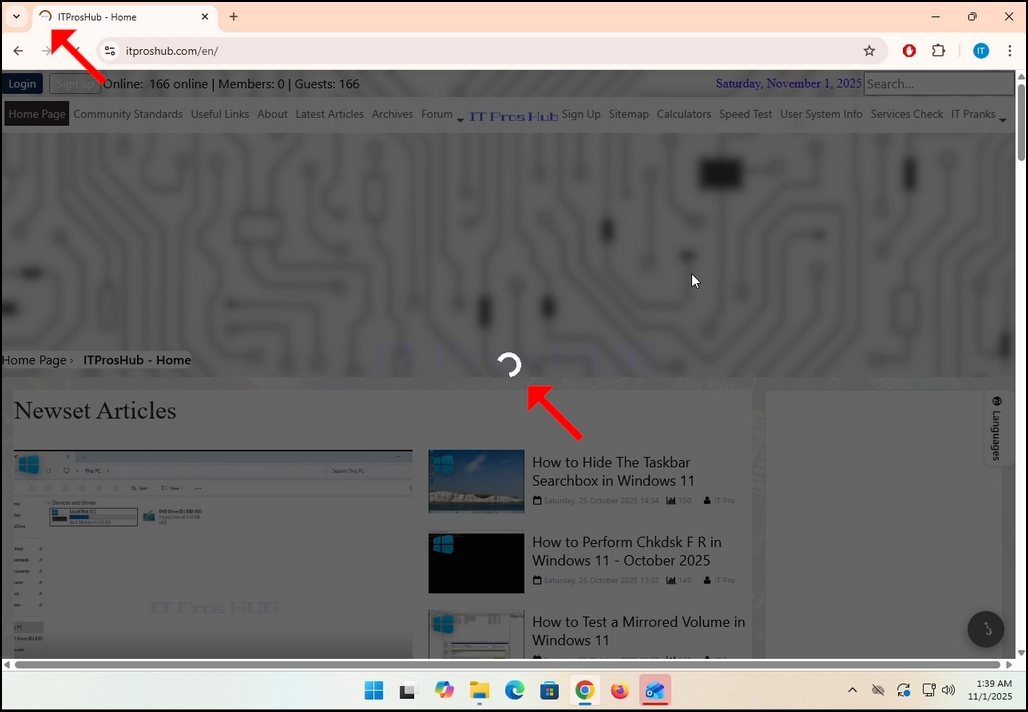
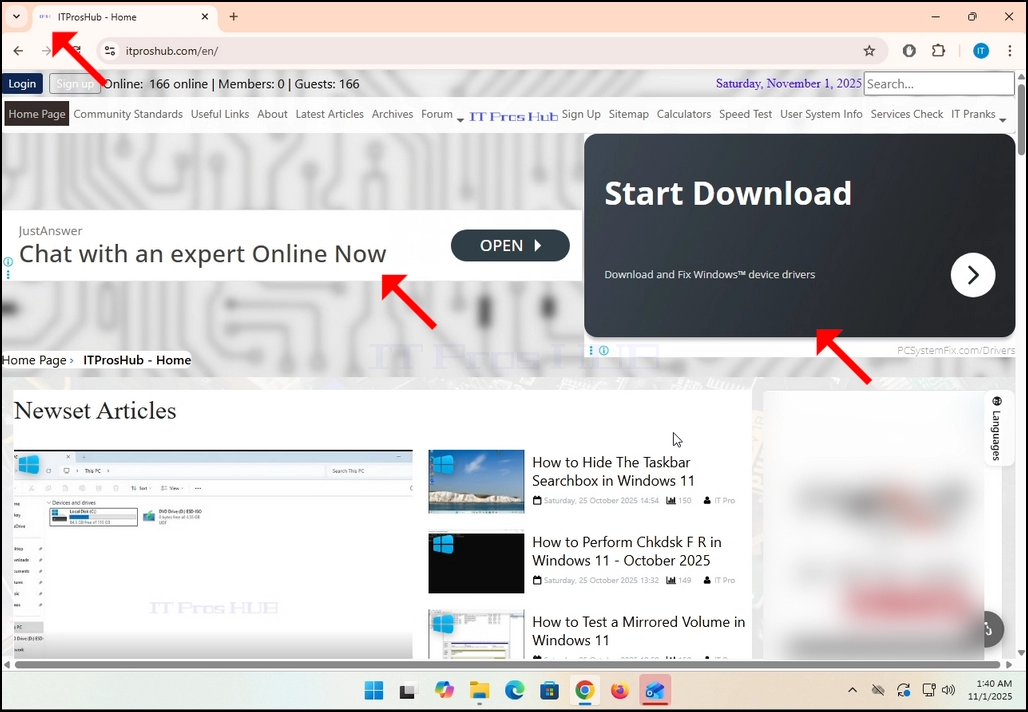
1. За тази статия вече сме заредили itproshub.com от браузър Chrome с инсталираното разширение Adblock и включено. Както можете да видите, алгоритъмът Adblock детектор в iproshub.com откри наличието на Anblock софтуер в Chrome браузър.
2. В Chrome отидете в горната дясна част на екрана и потърсете иконата за разширение на Adblock Chrome.
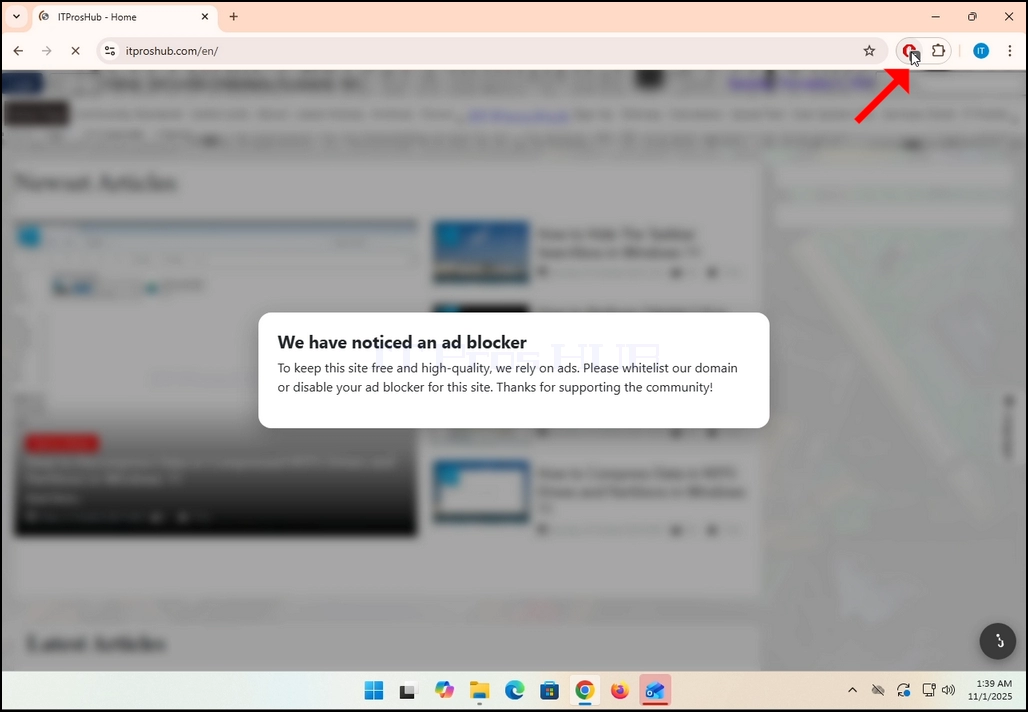
3. Кликнете върху него веднъж и изчакайте малкото си странично меню да се появи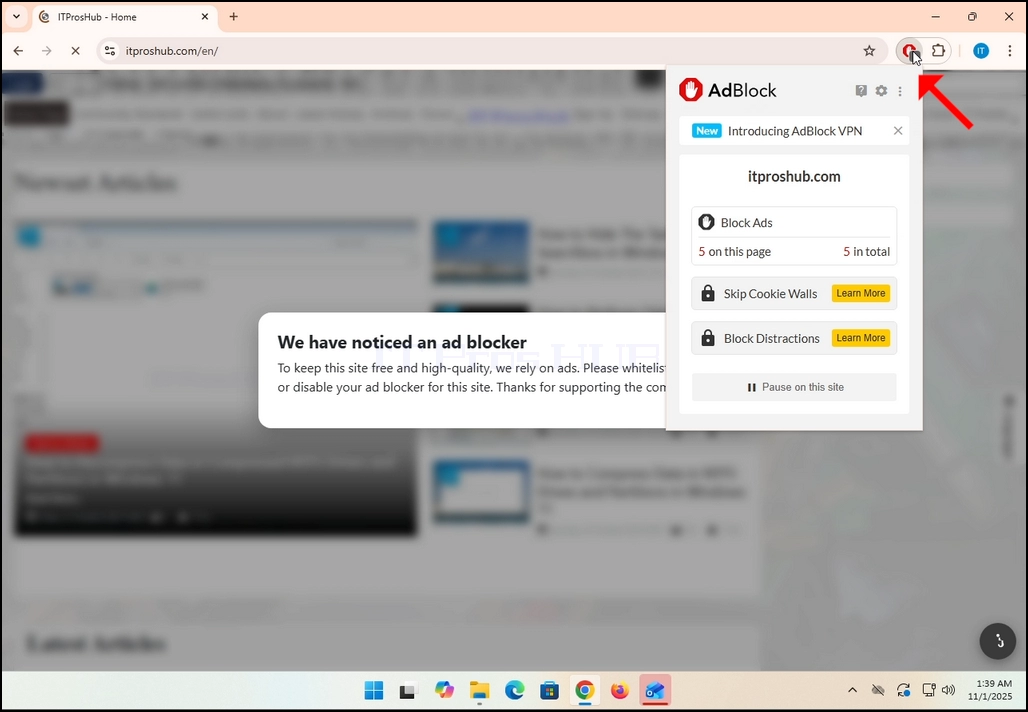
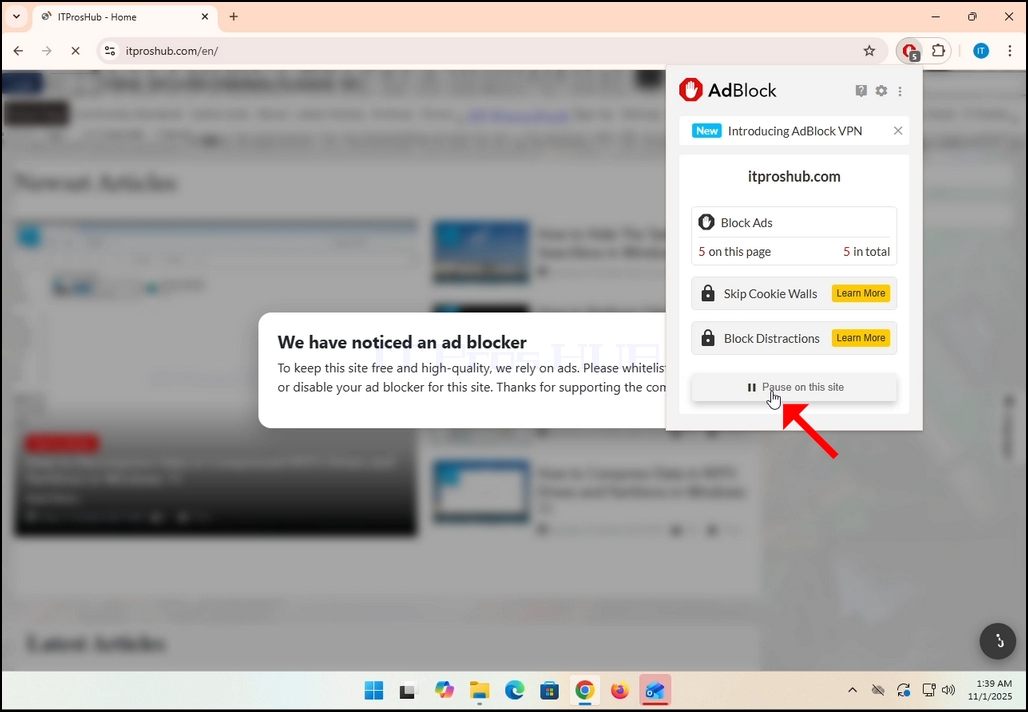
4. След като това меню се появи, отидете на дъното на менюто и потърсете бутон, който казва пауза на този сайт.
5. Щракнете върху паузата на бутона на сайта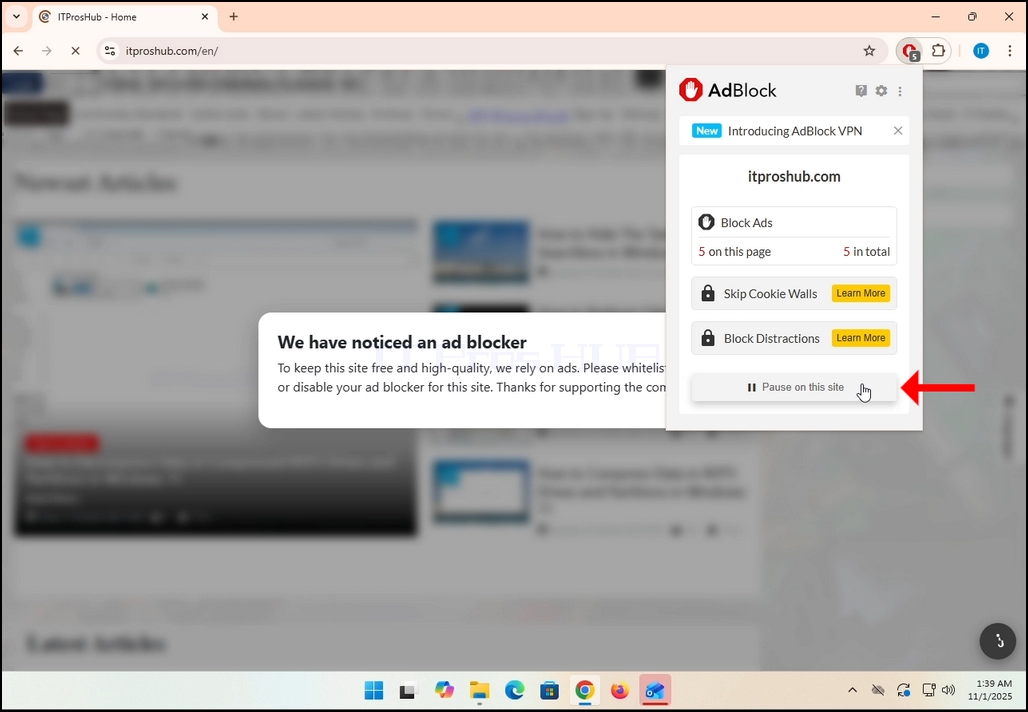
6. След като кликнете, въпросният сайт, в нашия случай; itproshub.com, ще бъде автоматично презареден, този път обаче с всички реклами очевидно.