



- Detalls
- Escrit per: IT Pro
- Categoria: How to Articles
- Visites: 5362
1. Obre Microsoft Word

2. A la barra de menú superior, des de casa, aneu a Revisió:
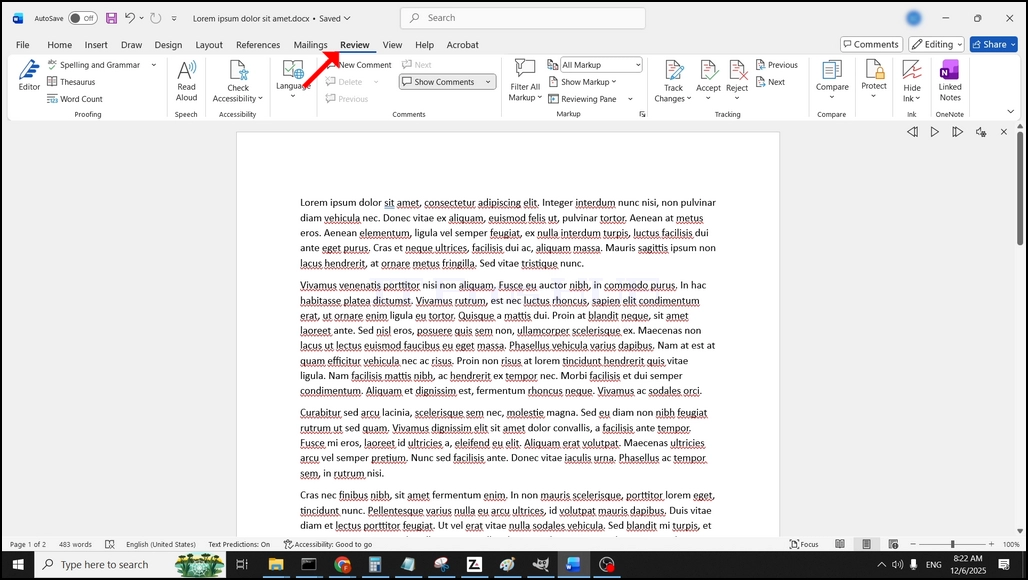
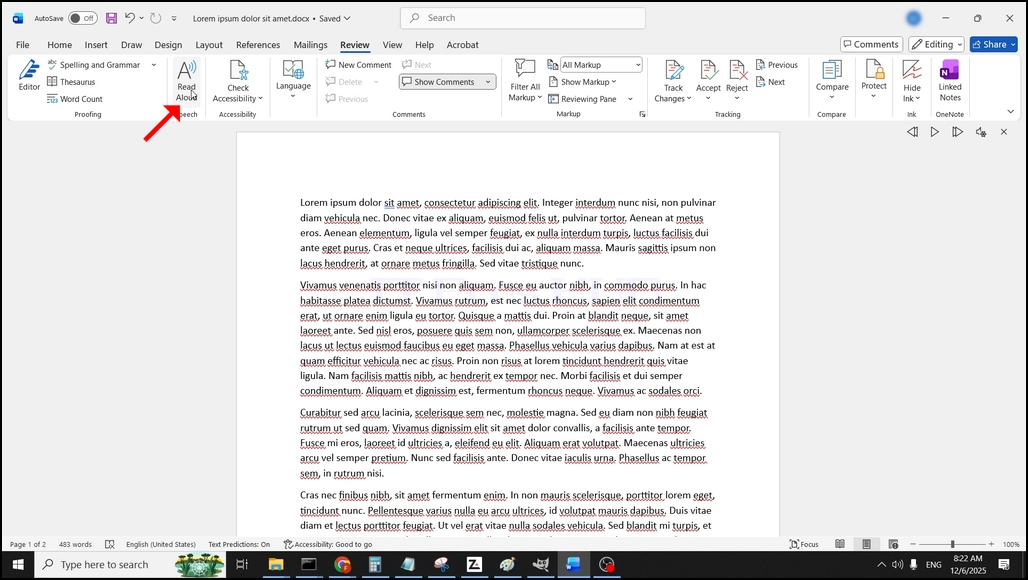
Tres sota revisió, buscant un gran "Acard symbol"la icona que diu"Llegeix el proveïdor"i cliqueu-hi per activar la característica de text a veu de Word:
- Detalls
- Escrit per: IT Pro
- Categoria: How to Articles
- Visites: 5742
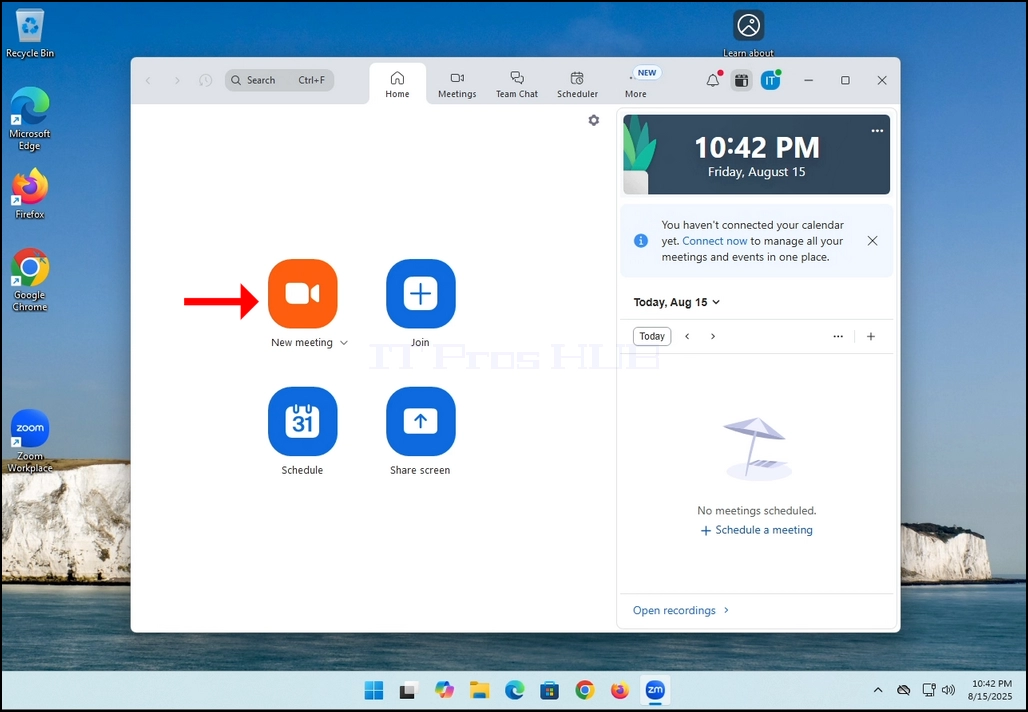
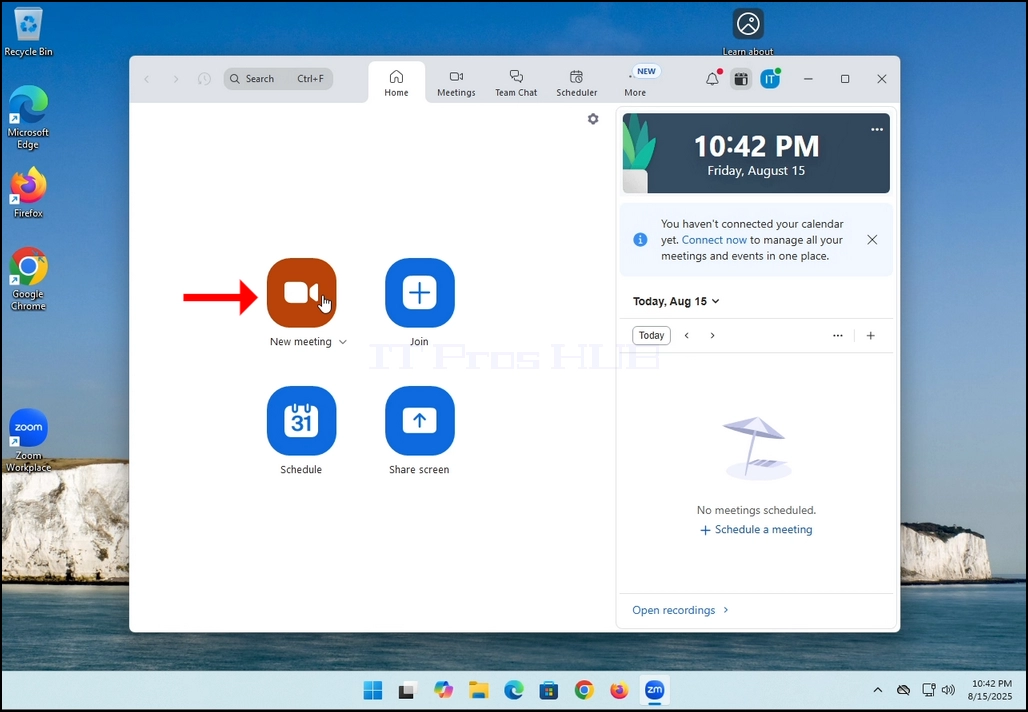
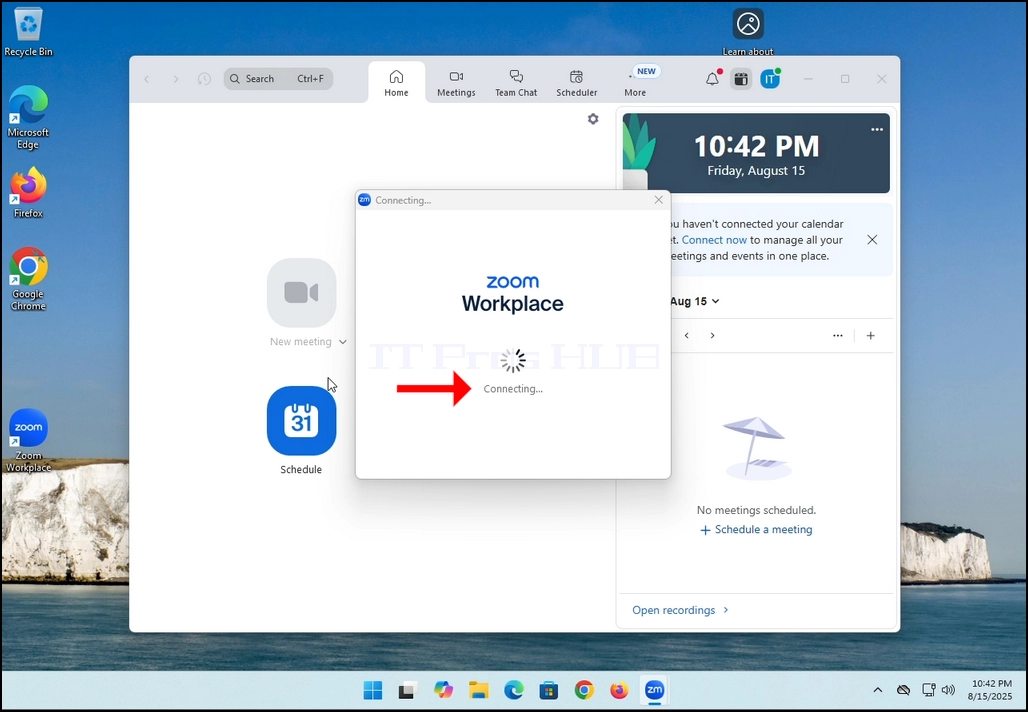
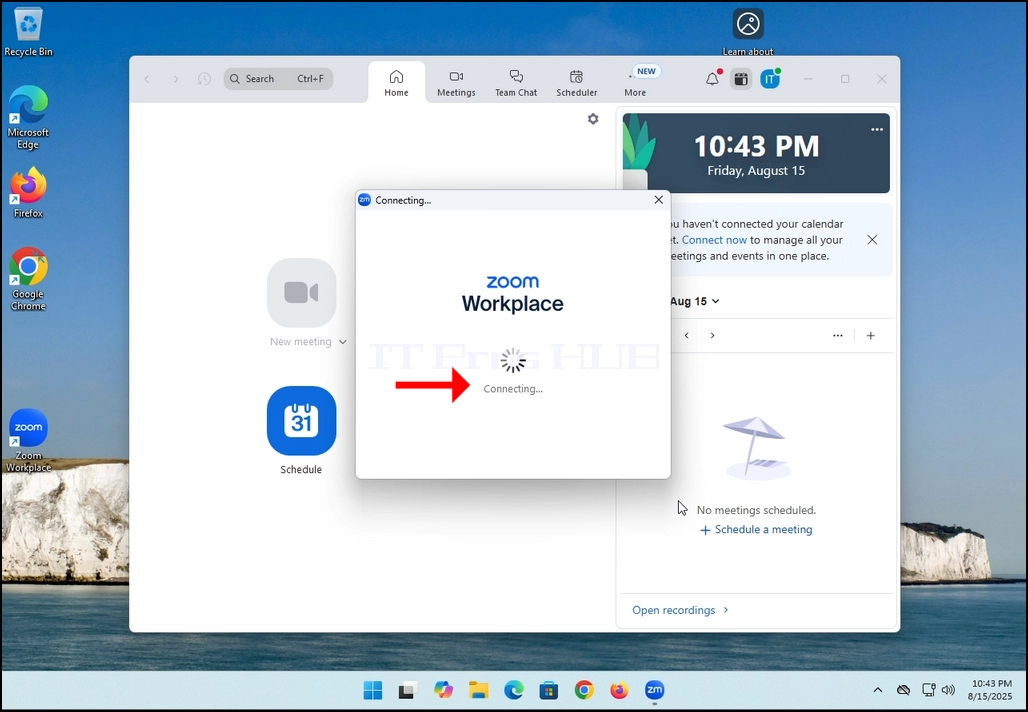
2. Once clicked, a new small window should appear. The window will show "connecting" and an animation progress circle.
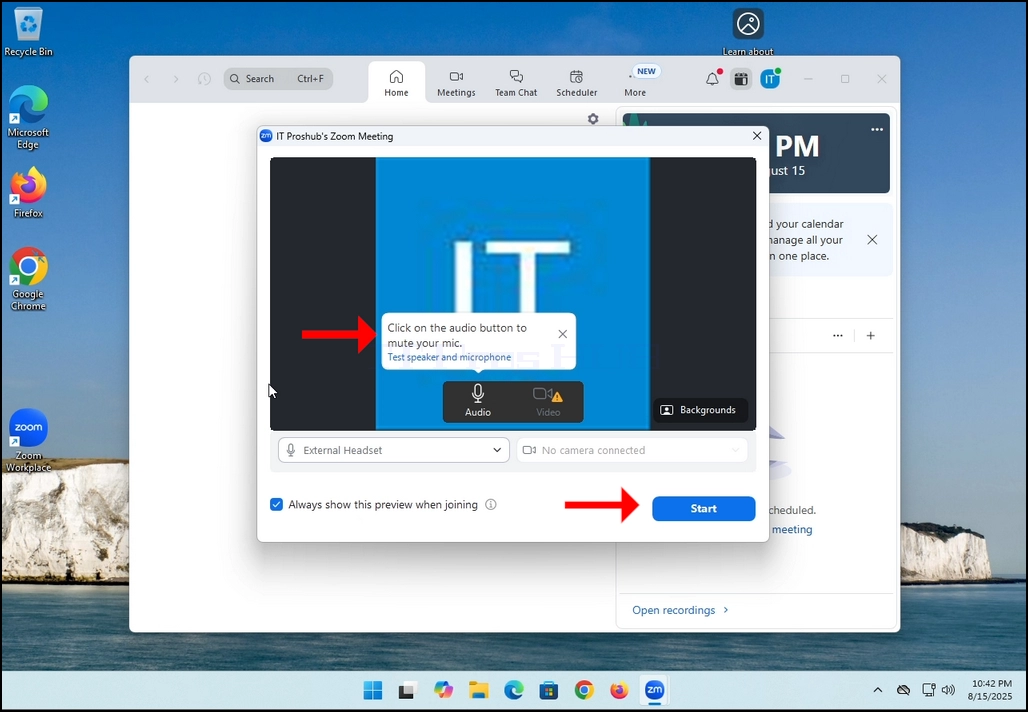
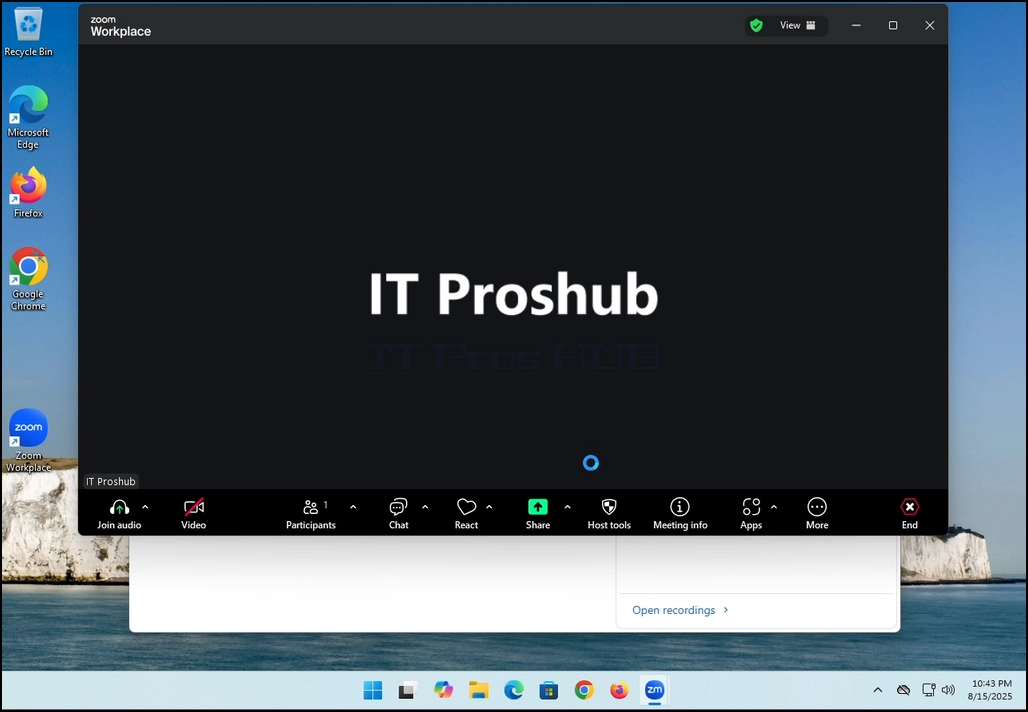
3. Once it's done loading, a new window will appear. Usually its title should say something along the lines of: "User's Zoom Meeting". In this article's case, it says "IT Proshub's Zoom Meeting" since the user that uses Zoom is called that way.
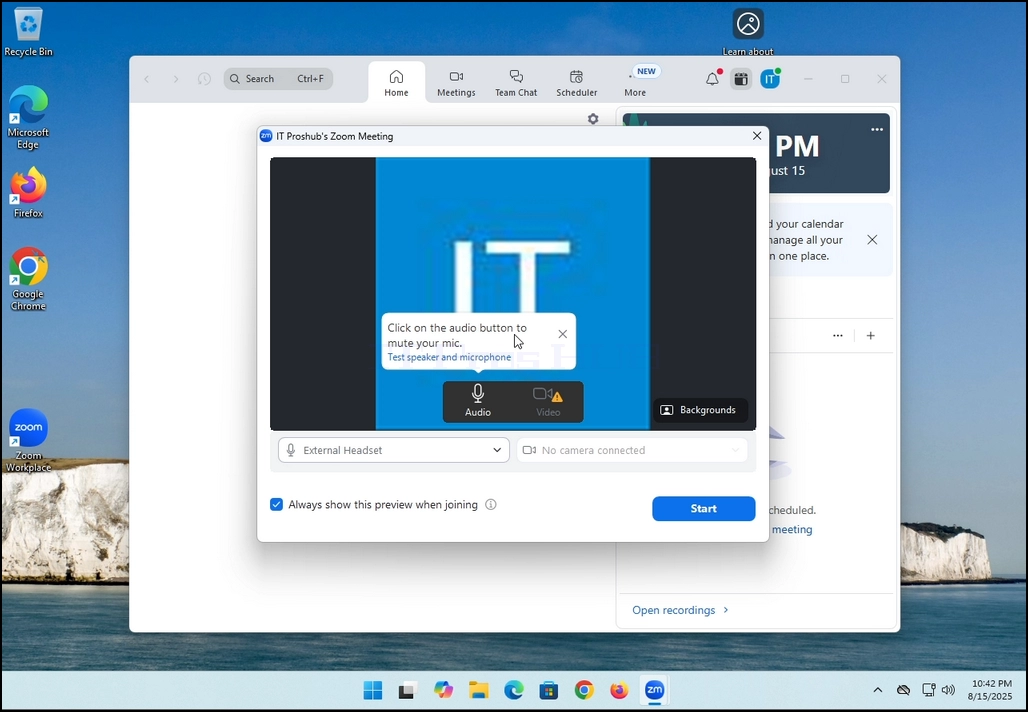
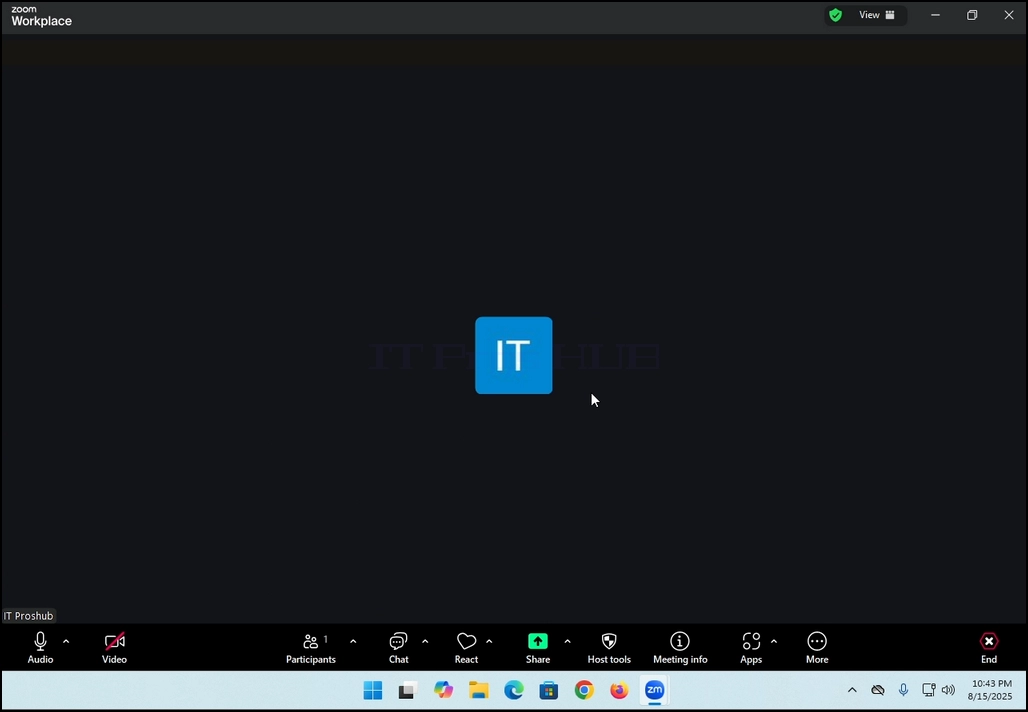
4. Here, you can mute your mic by clicking on the mic icon and you can also turn your camera off/on by clicking the Video icon.
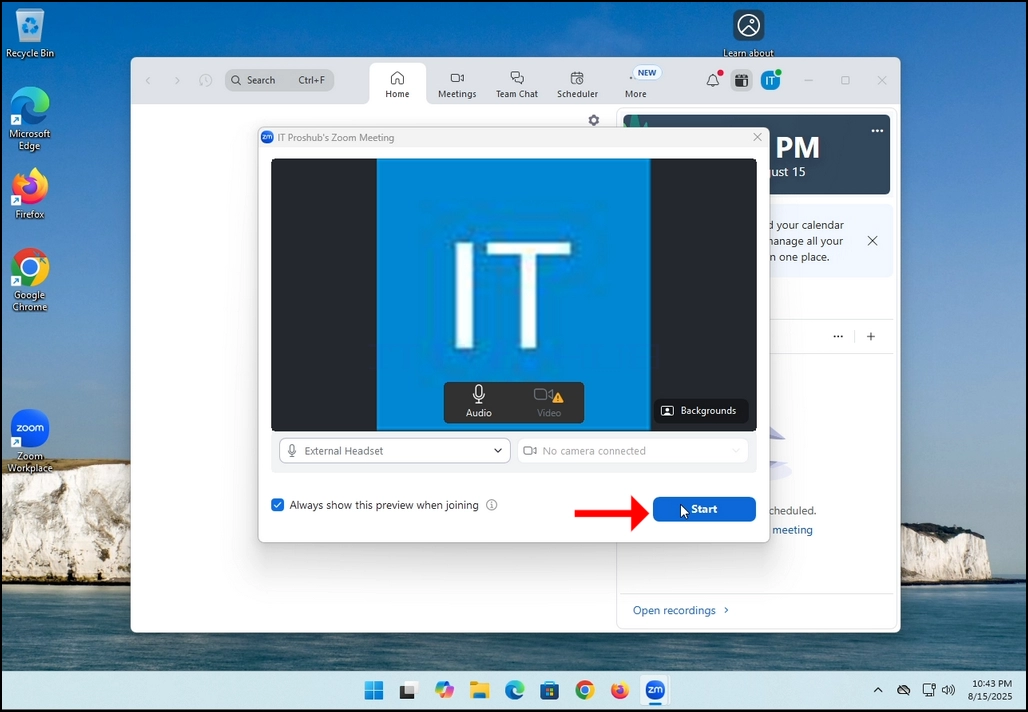
7. That's it! the new meeting is in progress. At this stage the meeting contains only the host which is IT Proshub in this article's case.
- Detalls
- Escrit per: IT Pro
- Categoria: How to Articles
- Visites: 5429
In this article we will demonstrate how to delete a stripped volume in Windows 11
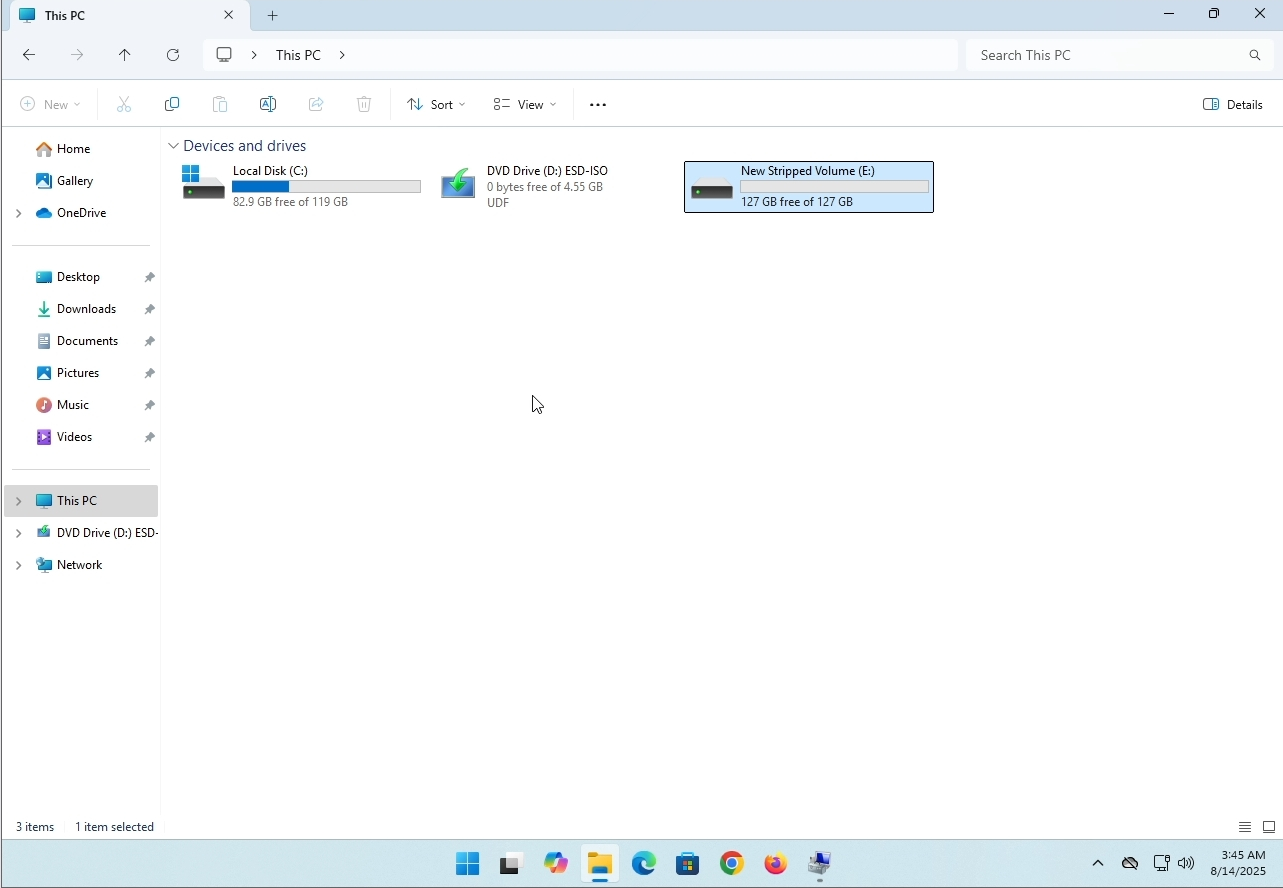
1. Make sure what is the stripped volume's drive letter is. In this case the drive letter is (E:):
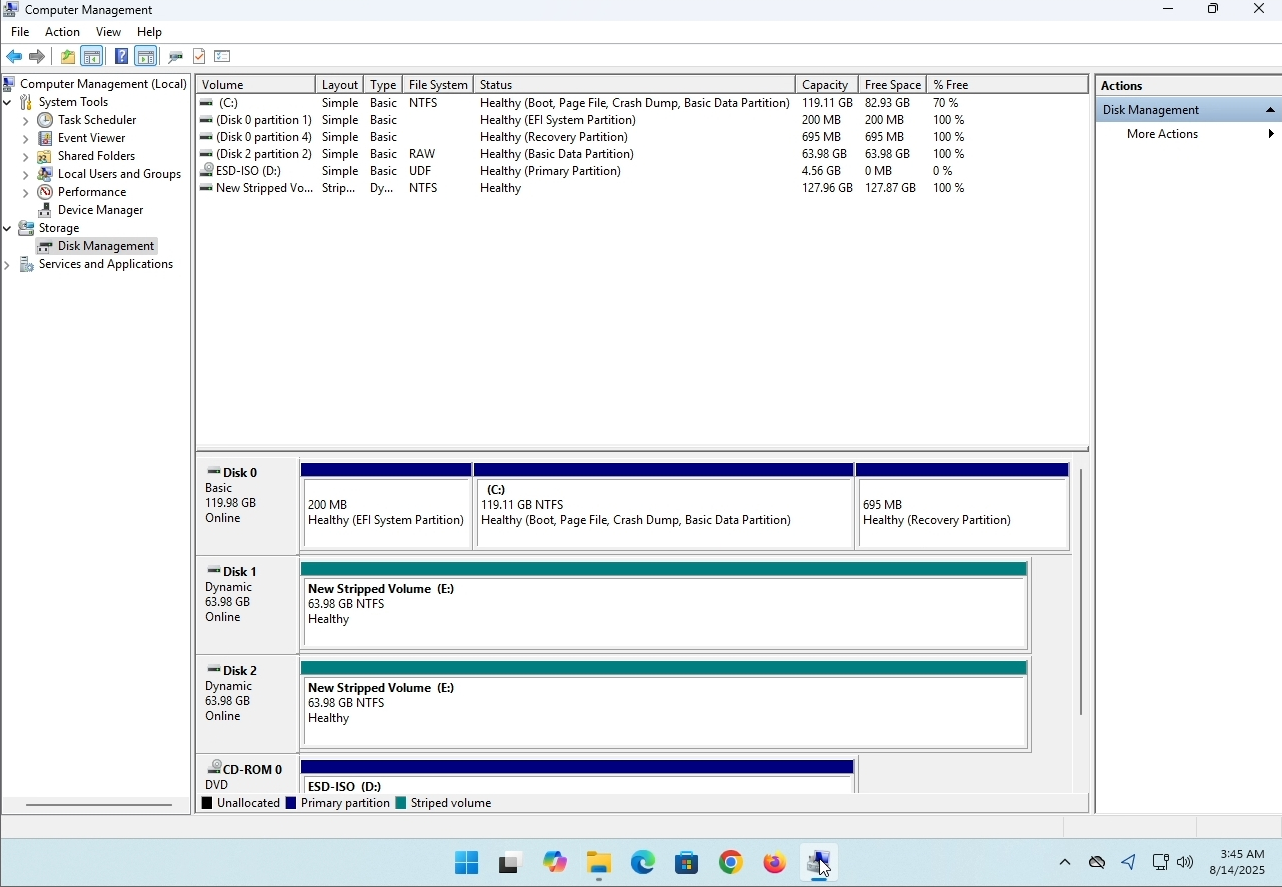
3. On the left pane. Look for Disk Management and click on it once.
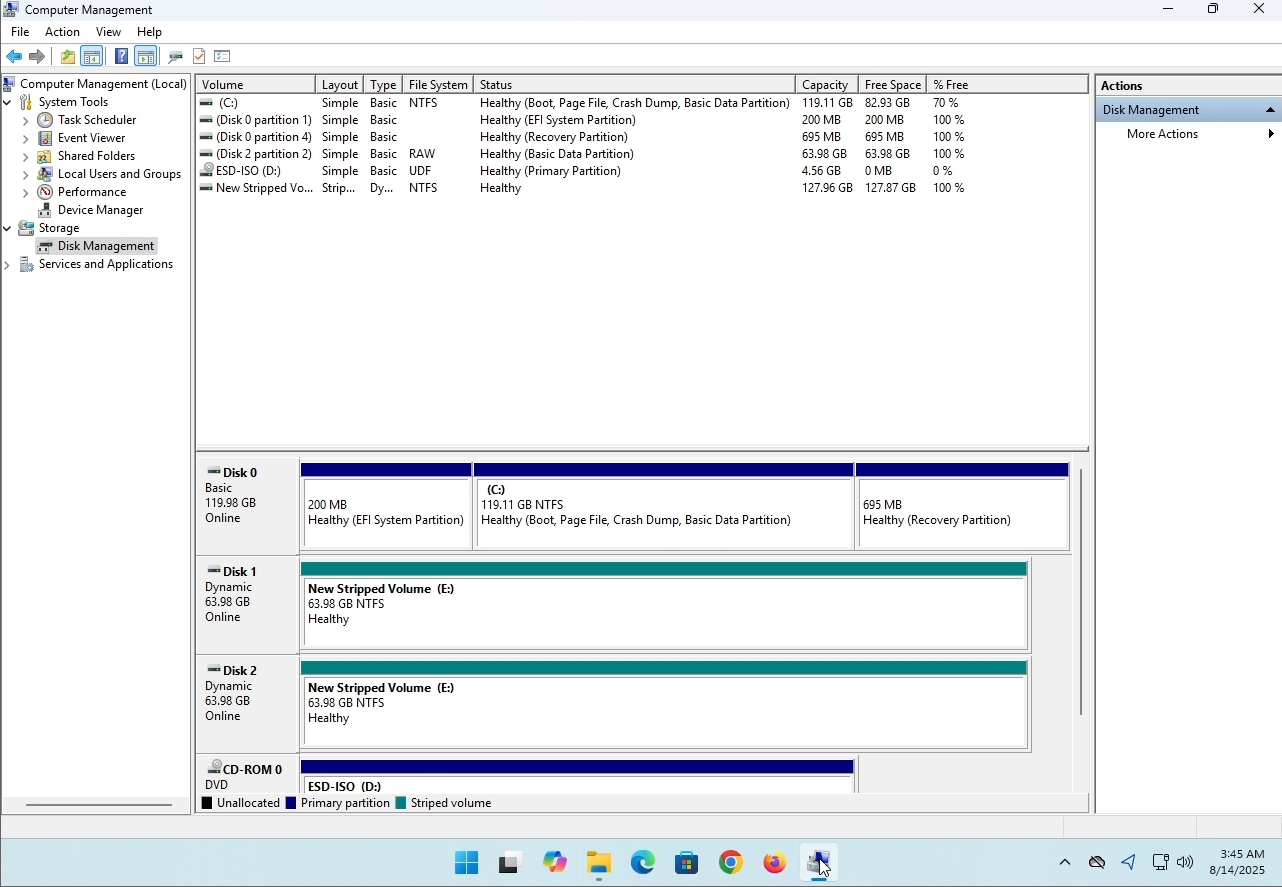
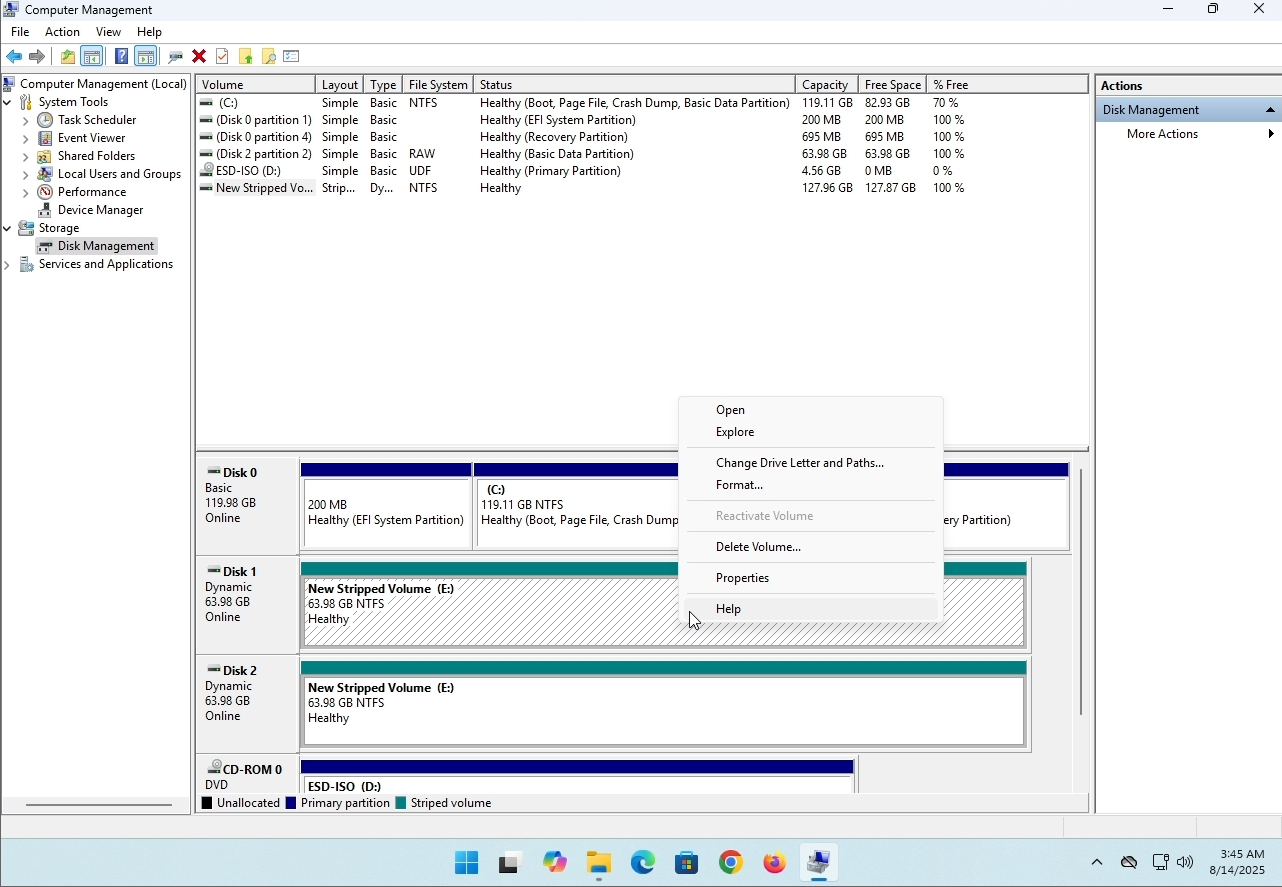
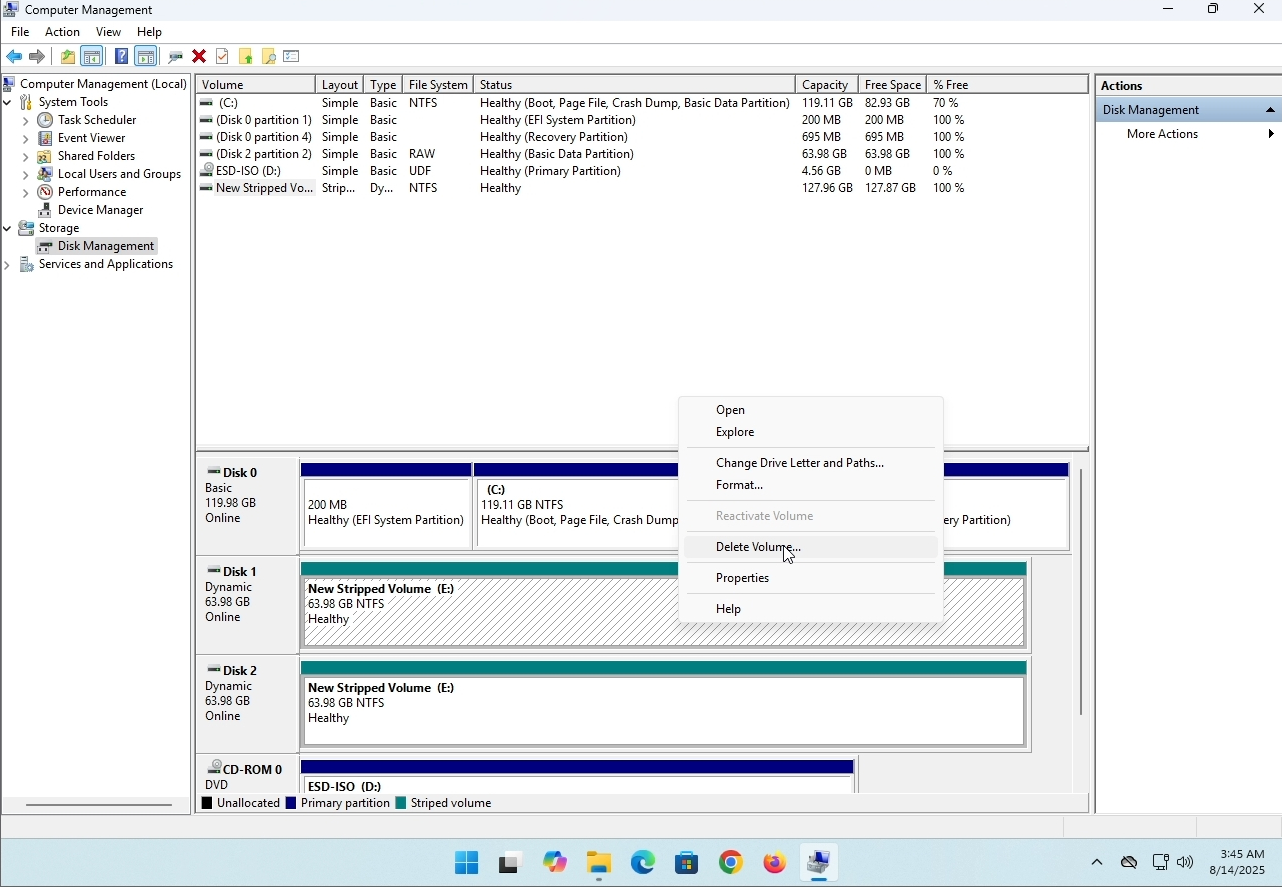
6. You will be shown a confirmation window. Click on Yes to confirm deleting the drive.
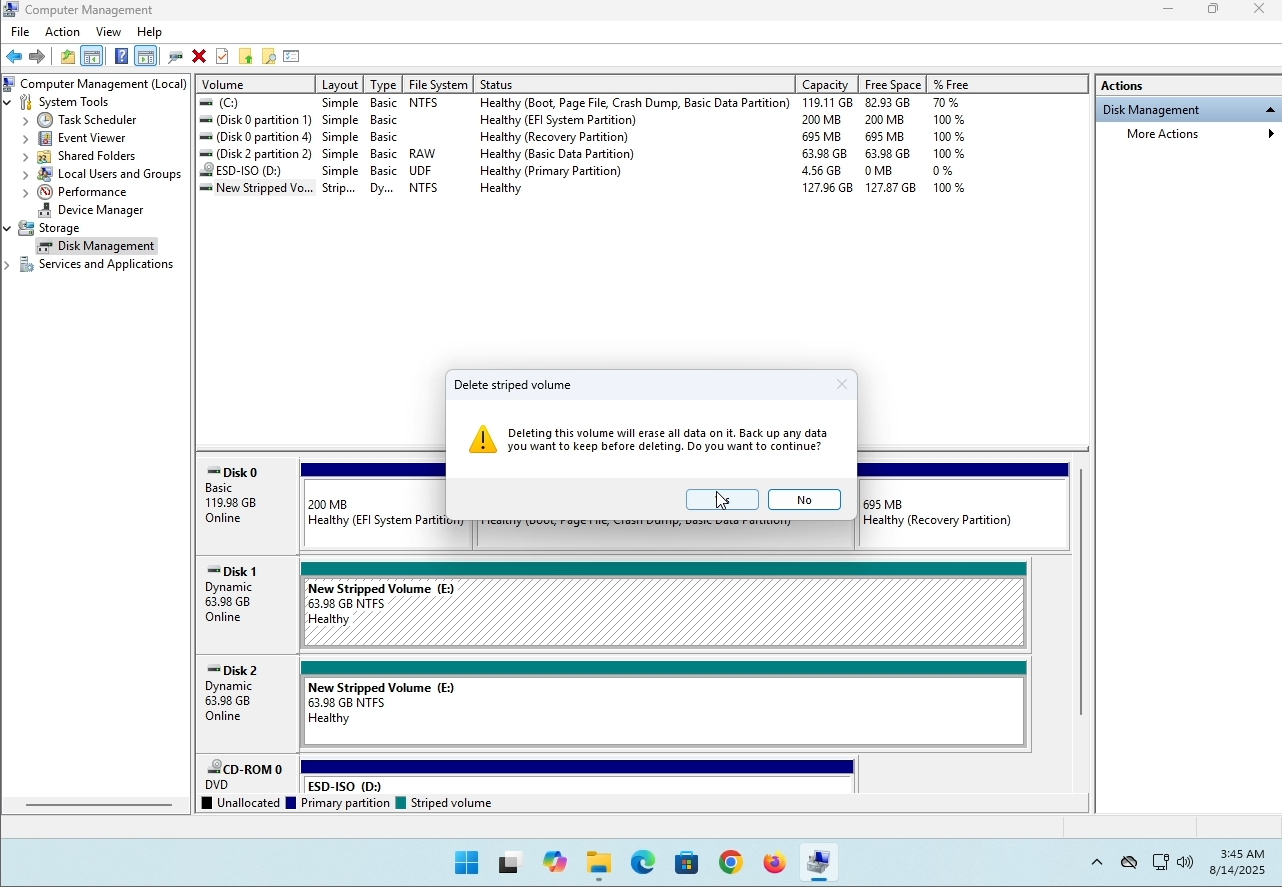
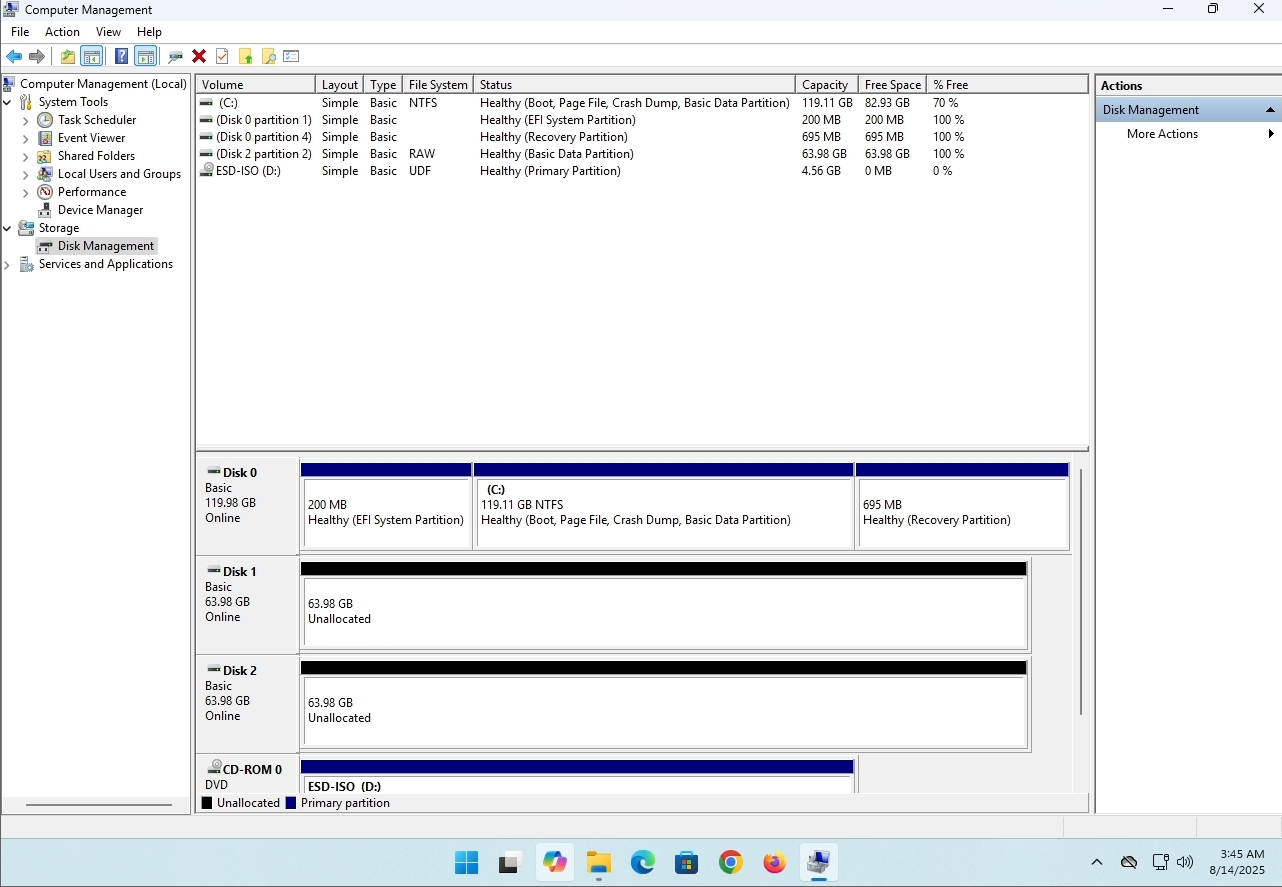
7. The drive is now deleted and the disks that were part of the stripped array are now unallocated.
- Detalls
- Escrit per: IT Pro
- Categoria: How to Articles
- Visites: 8229
Introducció:
En aquest article s'examinaran si es poden instal·lar Windows 11 en un ordinador que no té xip TPM.
En resum: NO.
L' onze Windows no es pot instal· lar en un ordinador sense un xip mínim d' una versió TPM 2. 0.
La següent és una il·lustració d'un intent d'instal·lació de Windows 11 en un ordinador com aquest.
La versió Windows que es va intentar instal· lar va ser 24H2.
1. S' està enviant a la instal· lació del Windows


2. Configurar l' idioma

3. Configurar el mètode d' instal· lació

Base de claus de 4. producte


5. Escollir Windows 11 Pro


6. Comprovant l' etapa del PC

7, Blocker 1]

Conclusió:
No hi ha molt a dir aquí. Vam haver de veure-ho per nosaltres mateixos. Hi ha un gran discurs sobre aquest tema, i sembla tenir aigua en aquest cas. No s' ha pogut instal· lar l' instal· lació de Windows a un ordinador o un sistema sense un xip de versió TPM 2. 0.
Això no significa que Windows 11 no pugui ser CORr en el sistema dit. Per a més, si us plau, visiteu el nostre article sobre aquest tema: https://itproshub.com/en/ windows/can- windows- 11- rut- on- a-ordinador- que- no- n- t- thip- a- all- decebt- 2025
- Detalls
- Escrit per: IT Pro
- Categoria: How to Articles
- Visites: 7279
1. Inicia la instal· lació del Thunderbird clicant el seu fitxer de configuració
A la pantalla de benvinguda, fes clic sobre el proper.
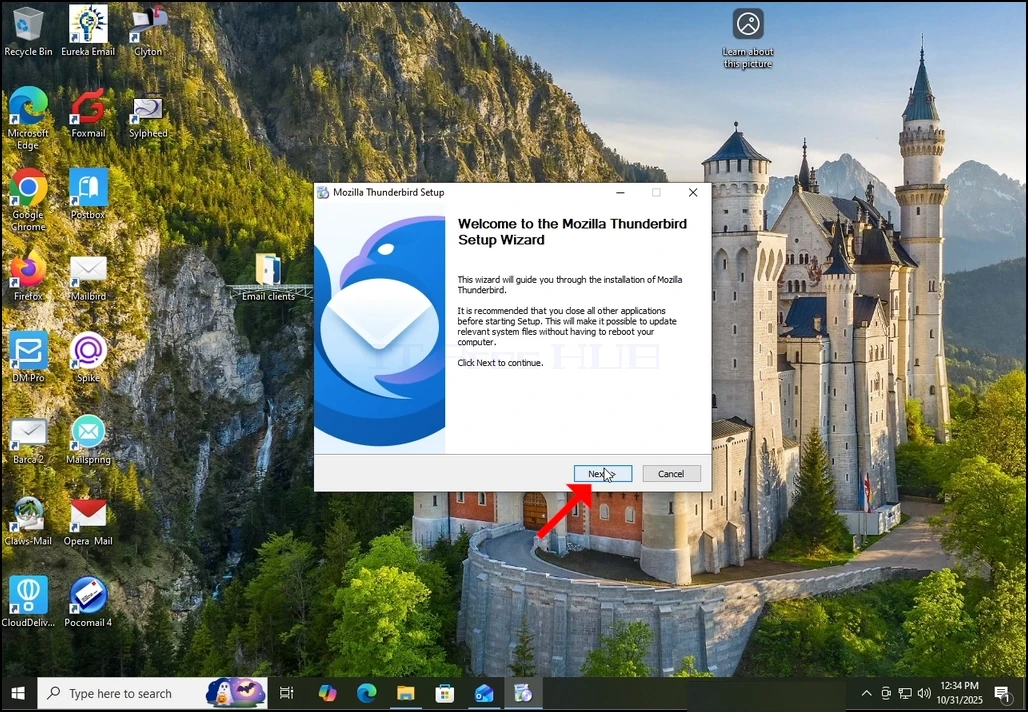
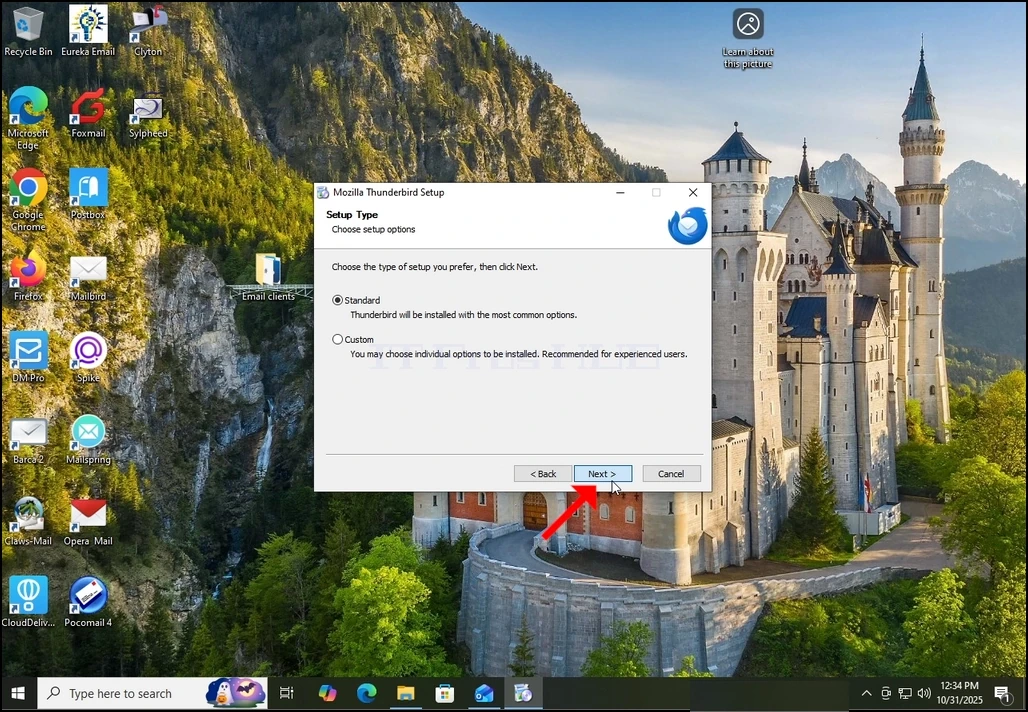
3. Seleccioneu l' opció estàndard i feu clic sobre el proper.
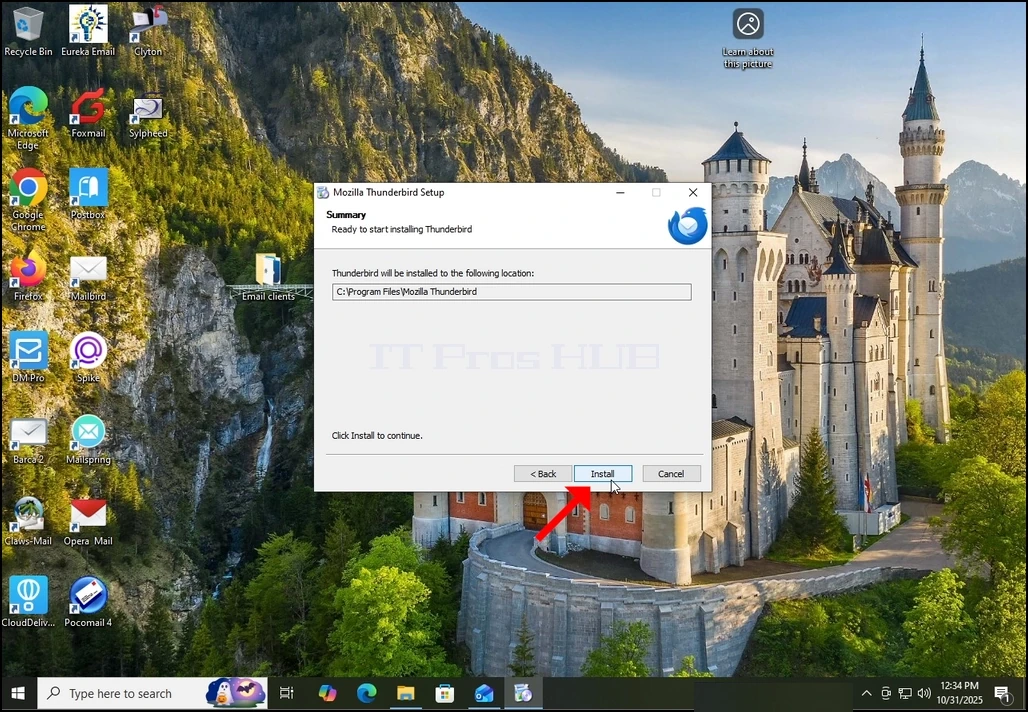
4. Cliqueu el botó Instal· la.
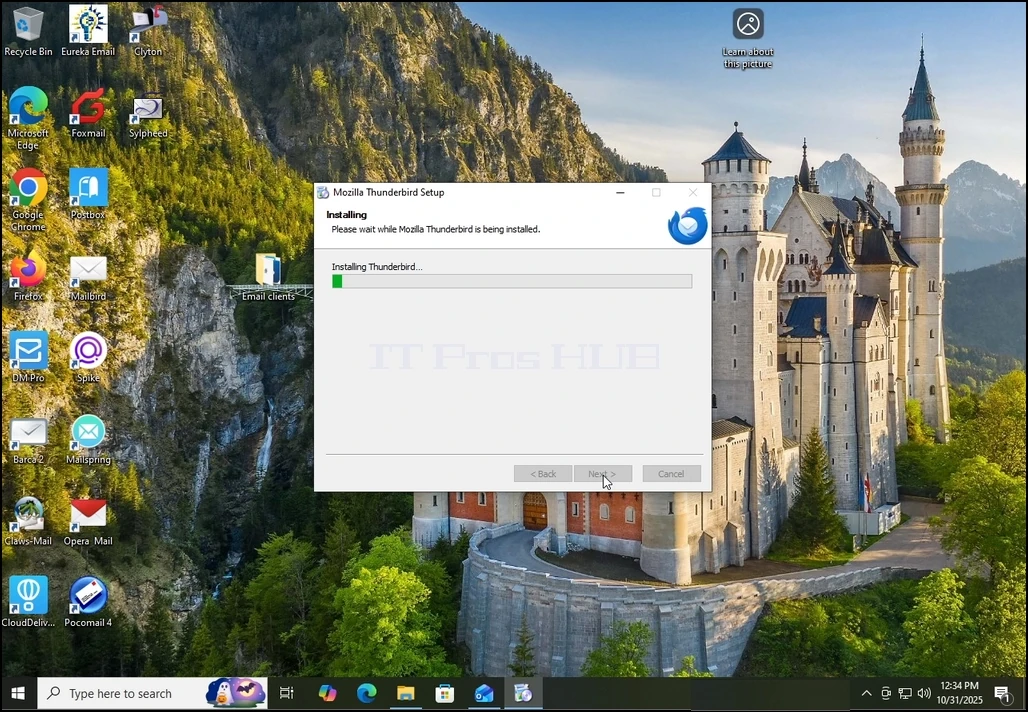
5. Espera pacientment el procés d' instal· lació per acabar
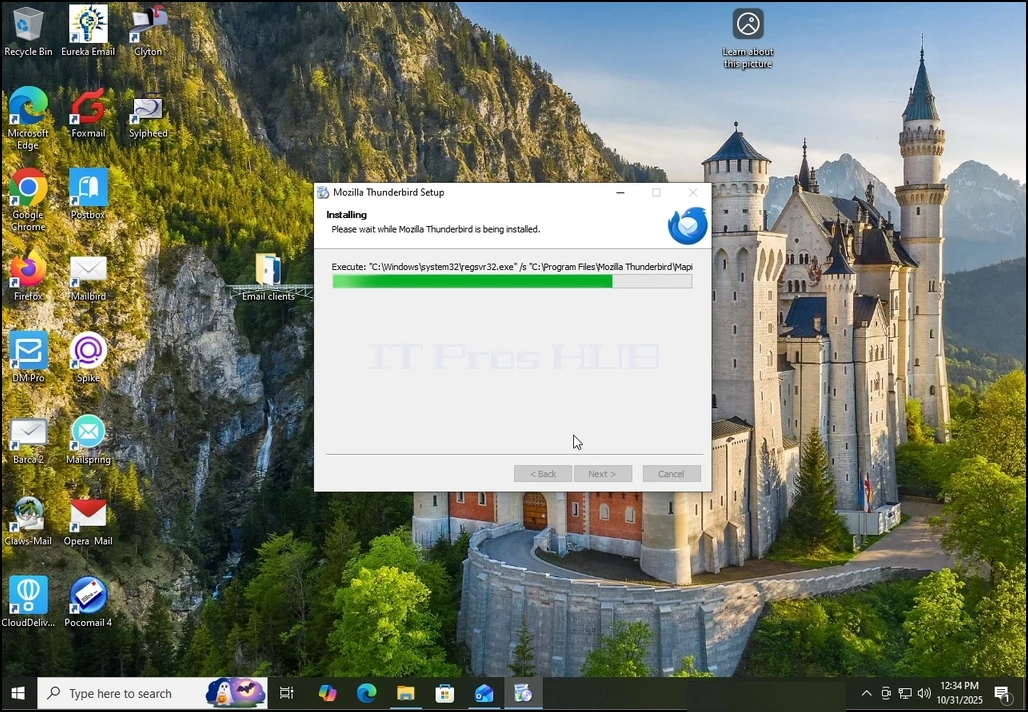
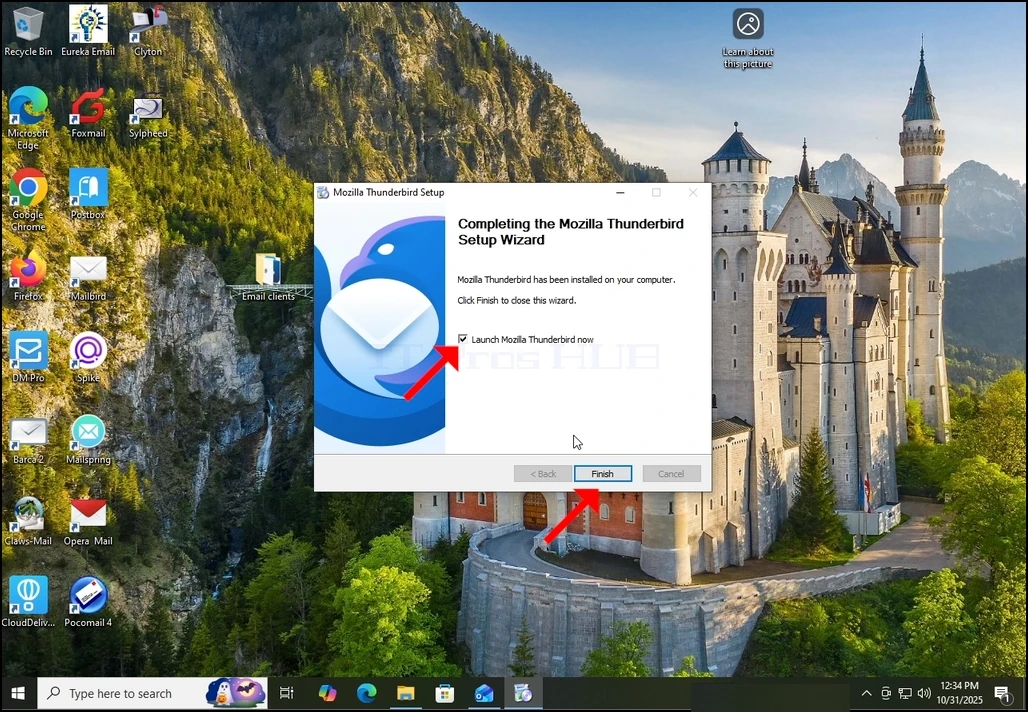
6. Descrémer l' opció Executa el Thunderbird ara i premeu el botó Finalitza
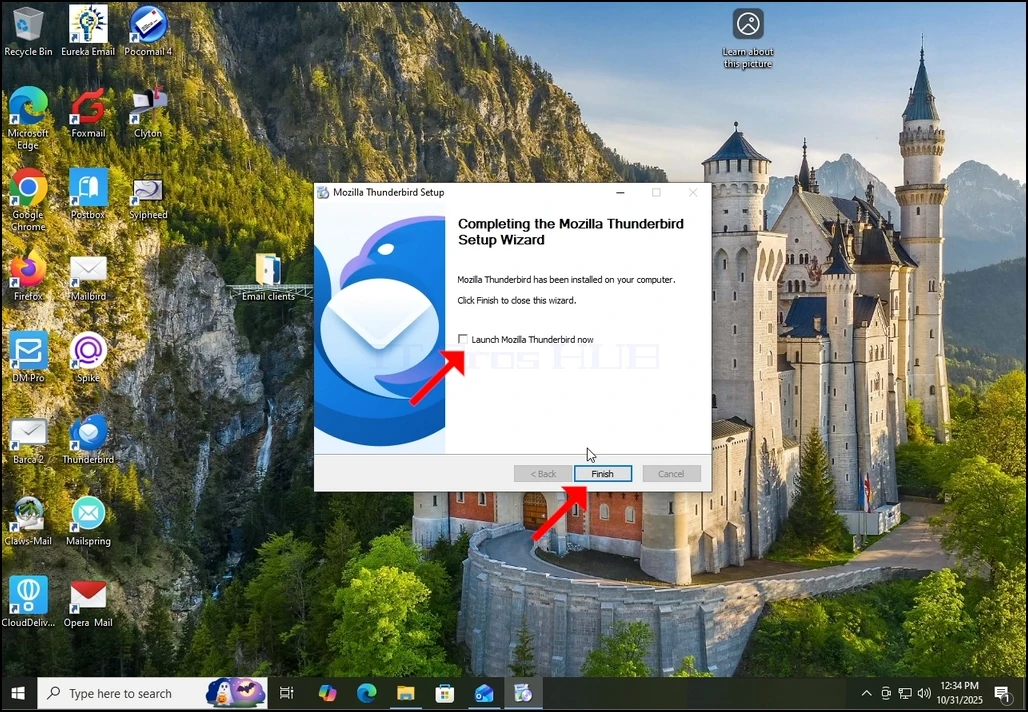
7. Mozilla Thunderbird està instal·lat!