Tagline:HowtoChangeResolutioninMacOSMavericks+2
There is no translation available.
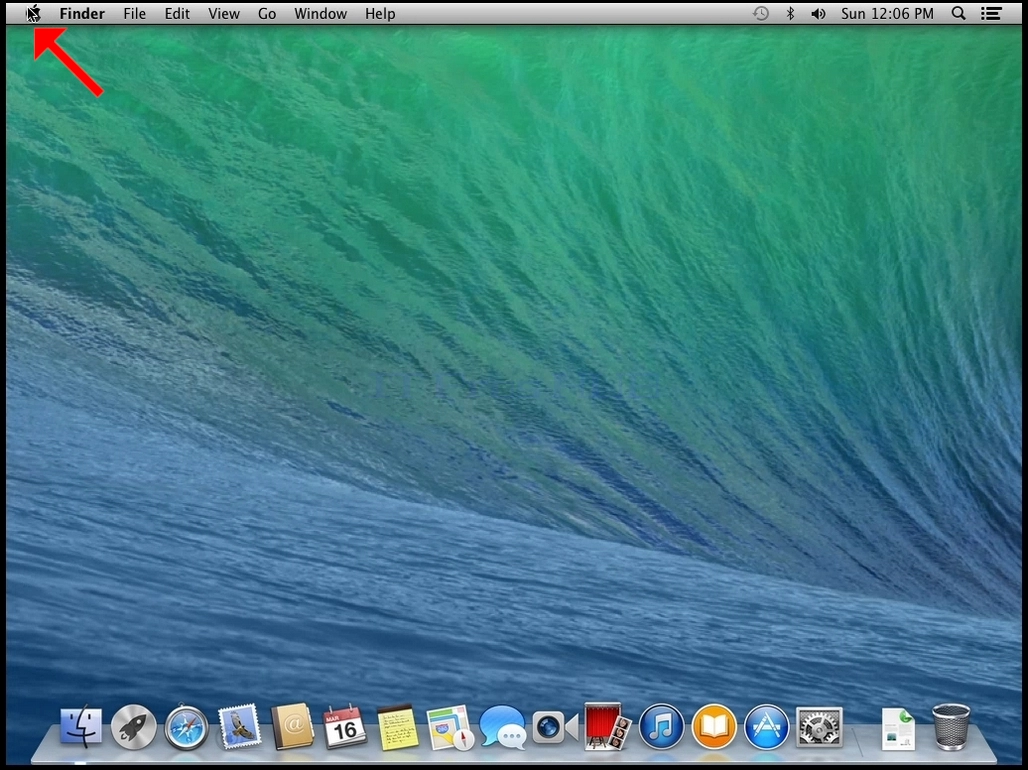
1. Look for the Apple icon on the top left corner of the screen and click it.
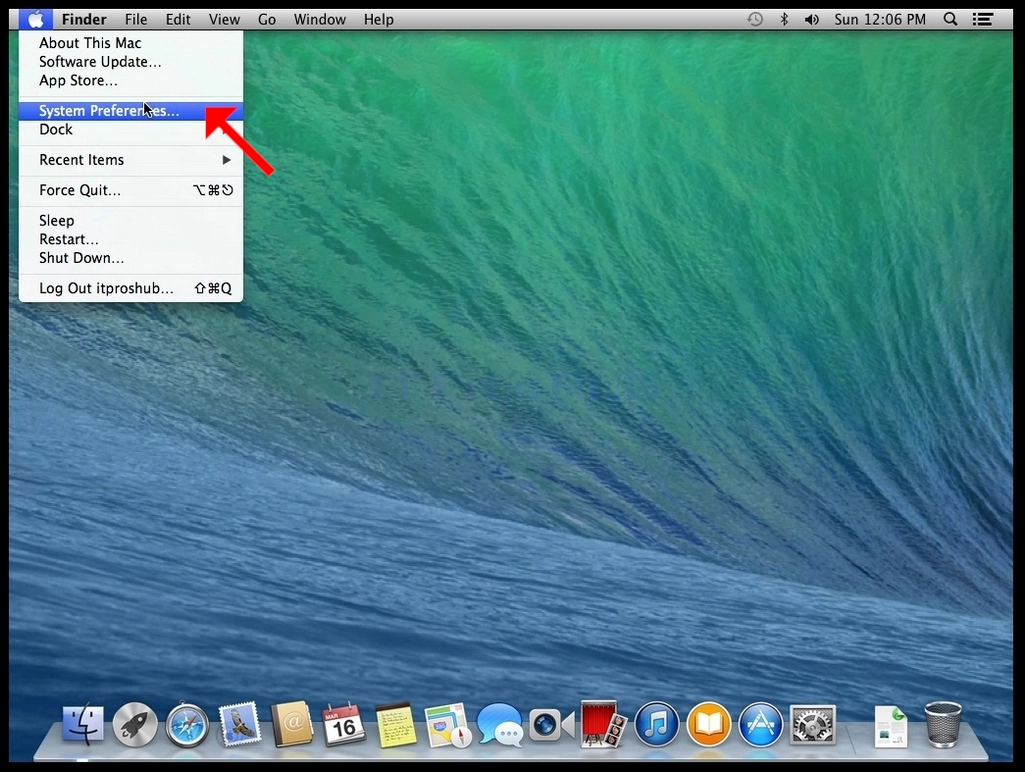
- Click System Preferences
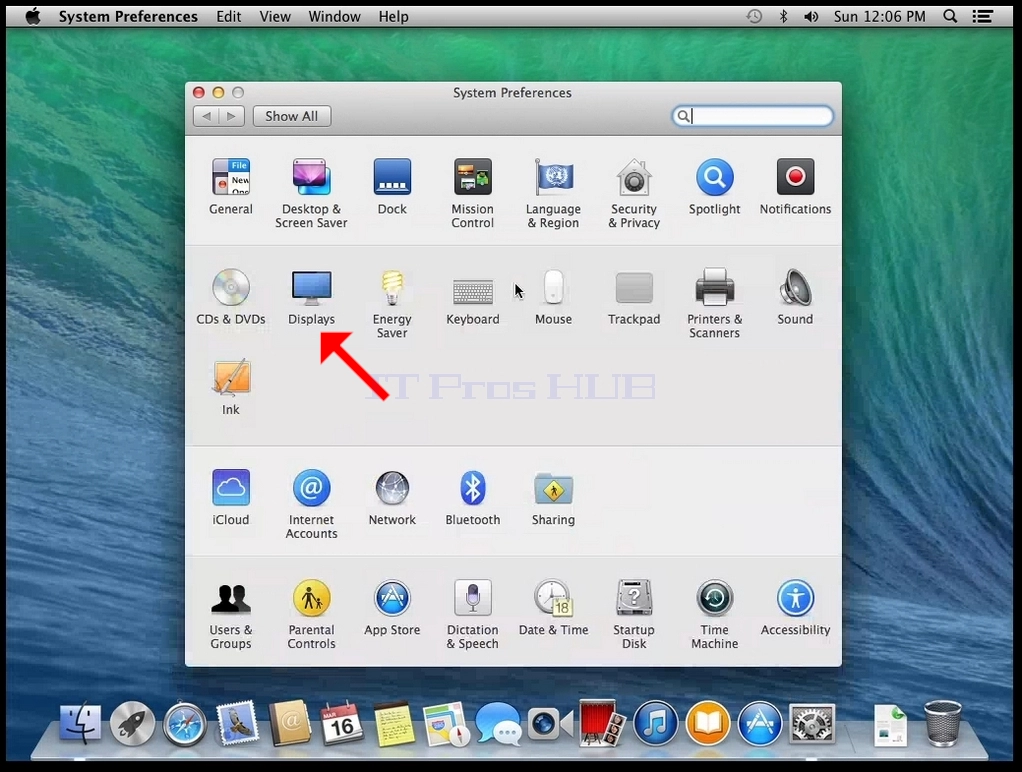
- In the new System Preferences window, find the Displays icon.
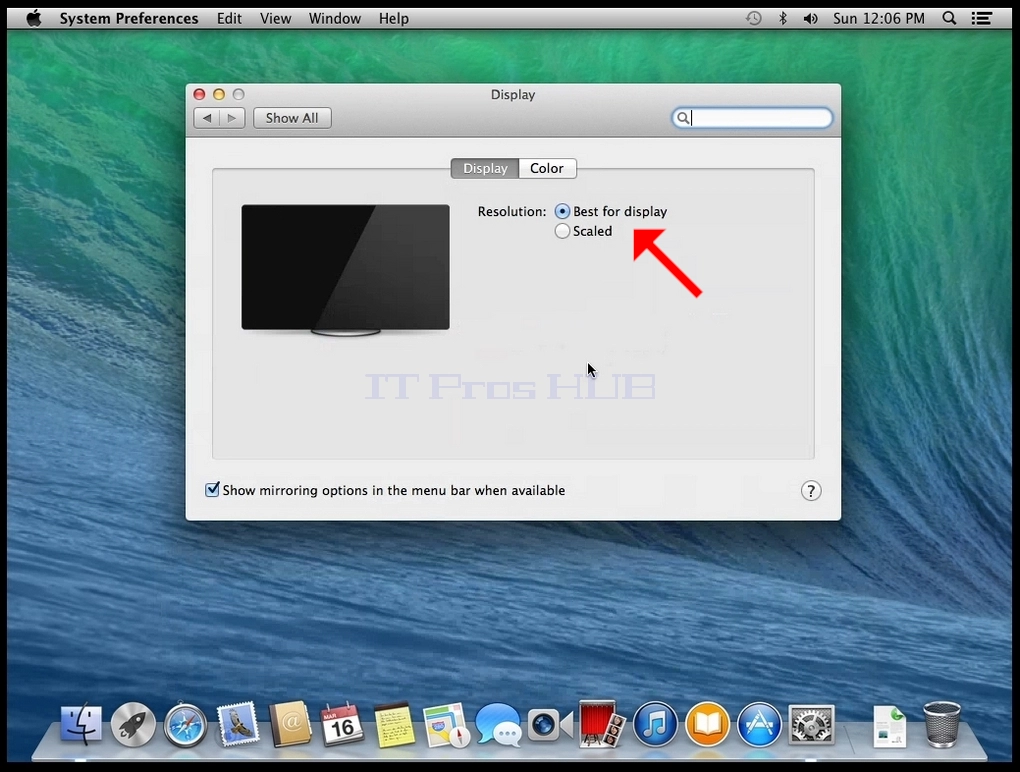
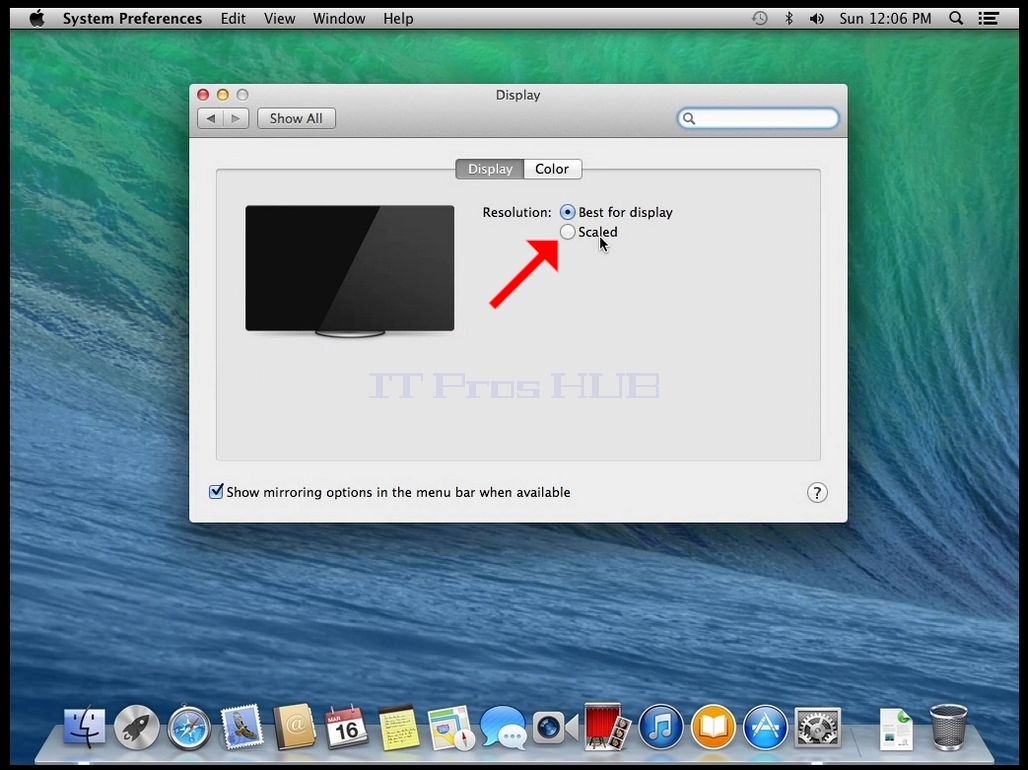
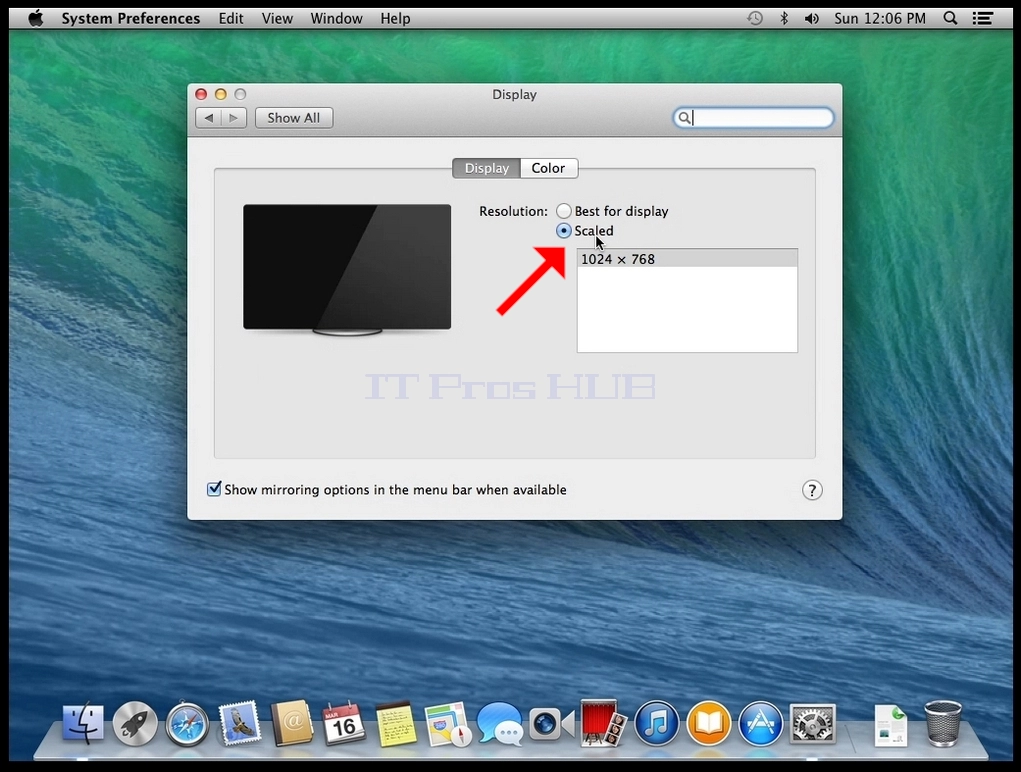
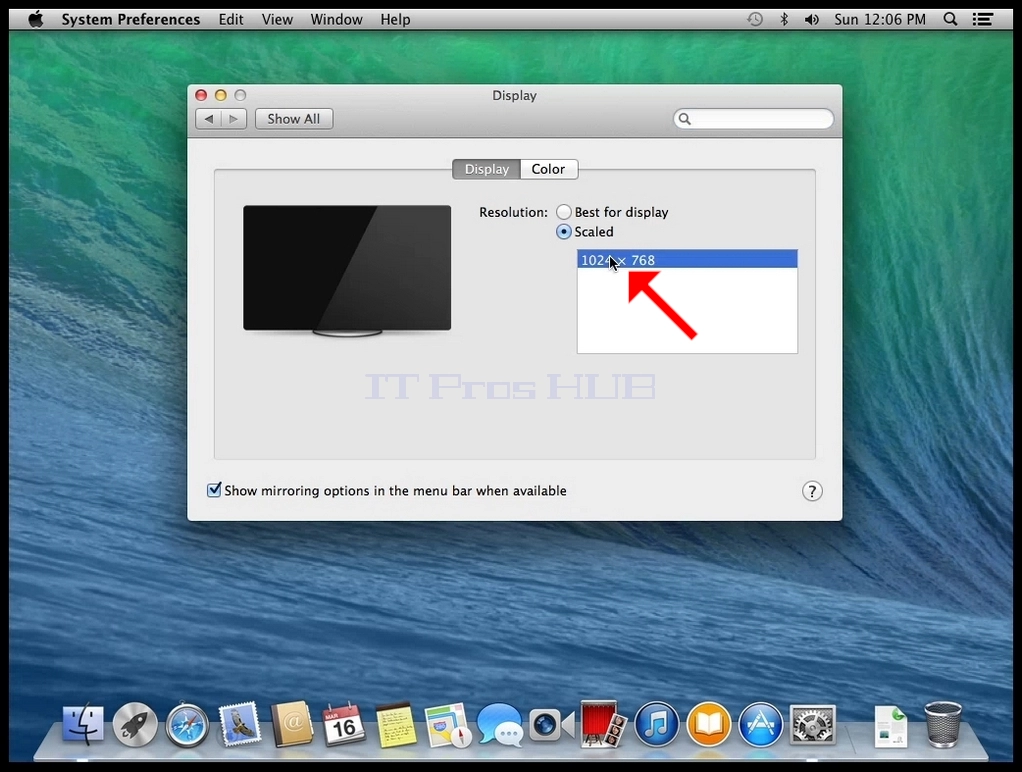
- In the display window, select Scaled.