Tagline:HowtoAddIconsinWord
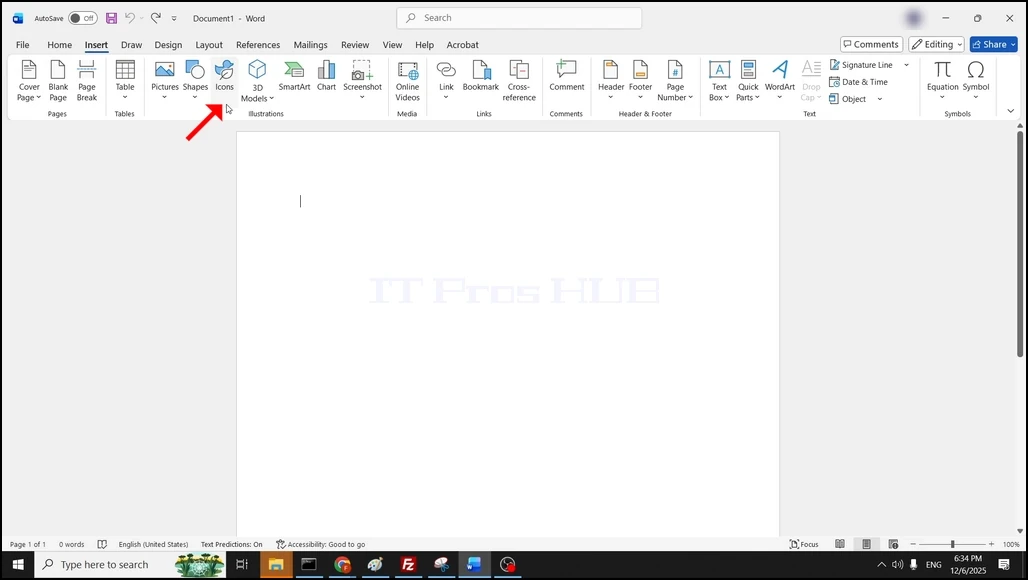
1. Open Word. In the top menu ribbon, go to Insert and click on it once:

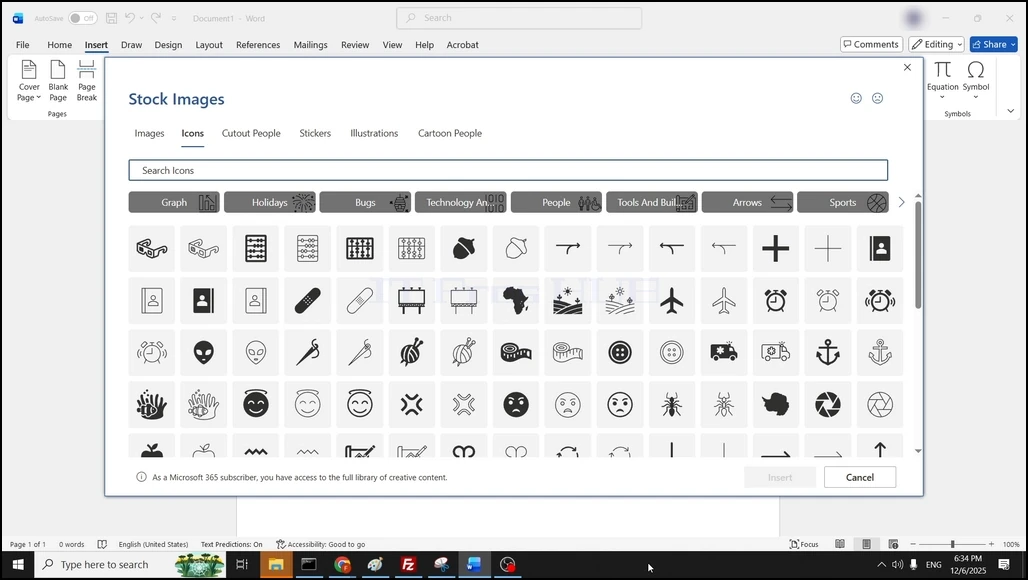
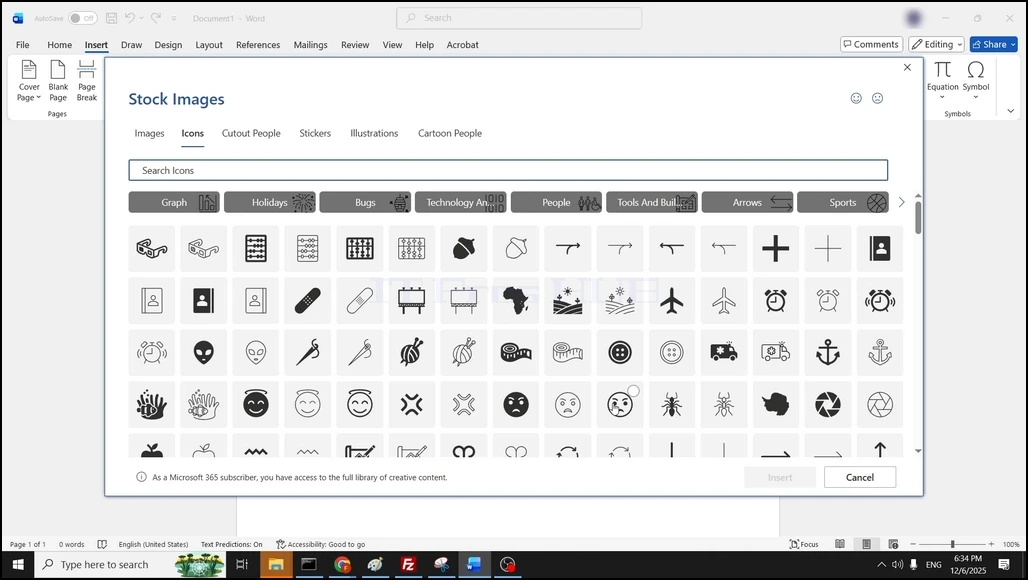
3. Once the stock images window is fully loaded, make sure that the presented files are Icon files:
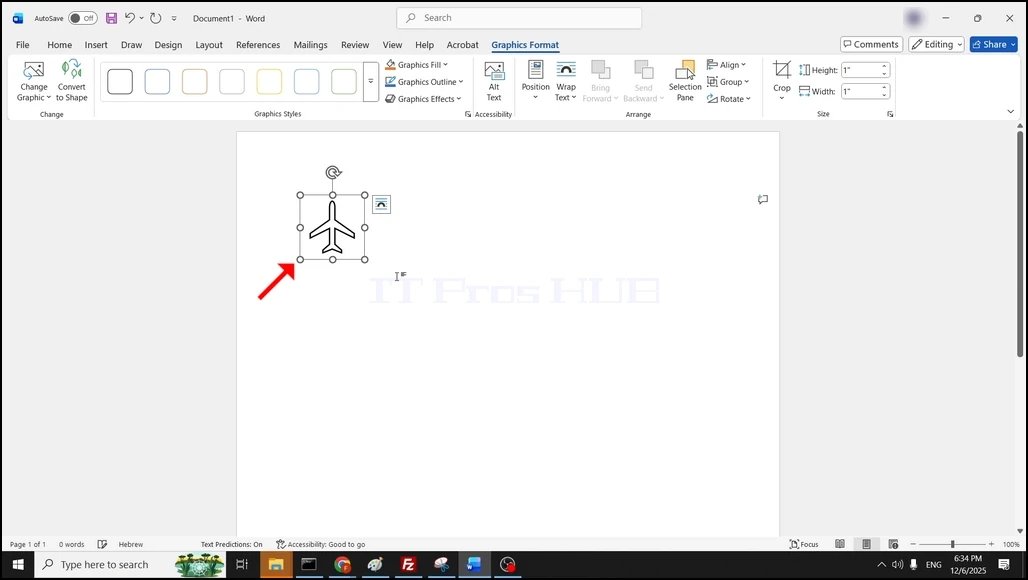
5. Now the icon should be present in the Word document: