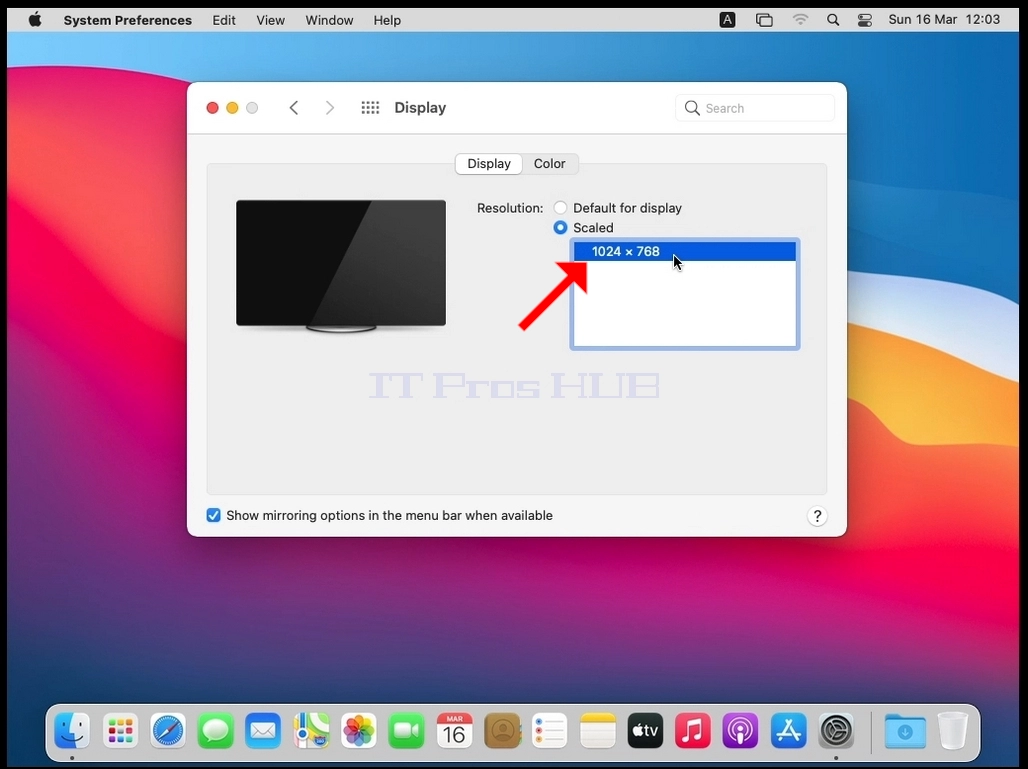
Tagline:HowtoChangeResolutioninMacOSBigSur11
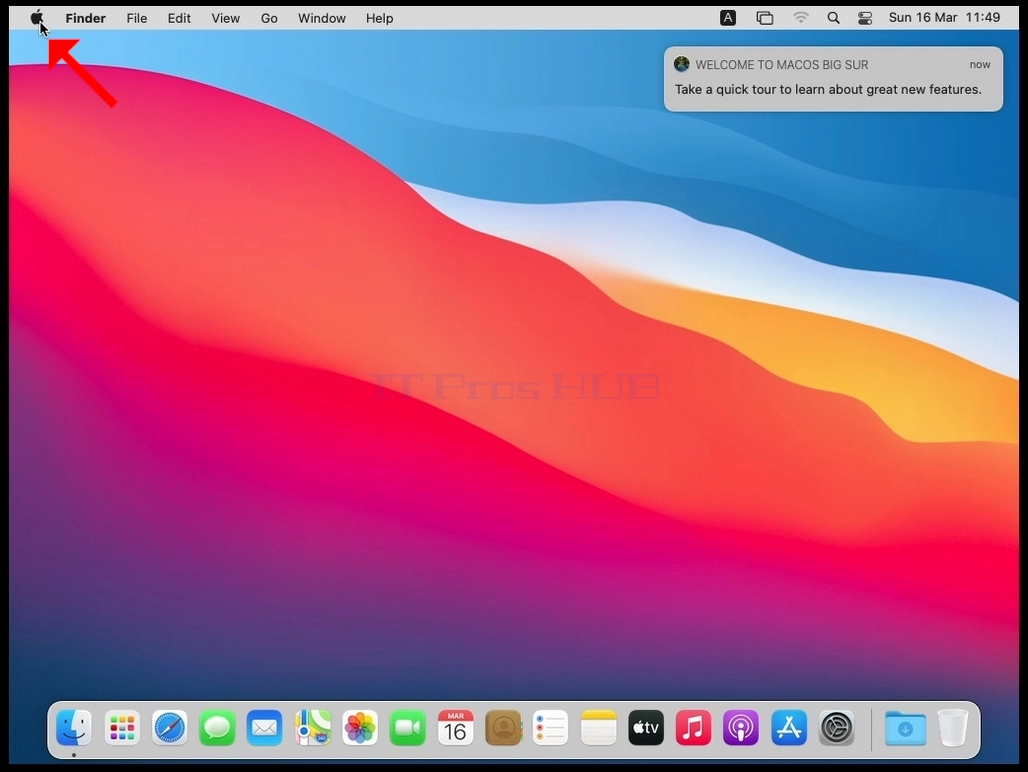
1. Look for the Apple icon on the top left corner of the screen and click it.
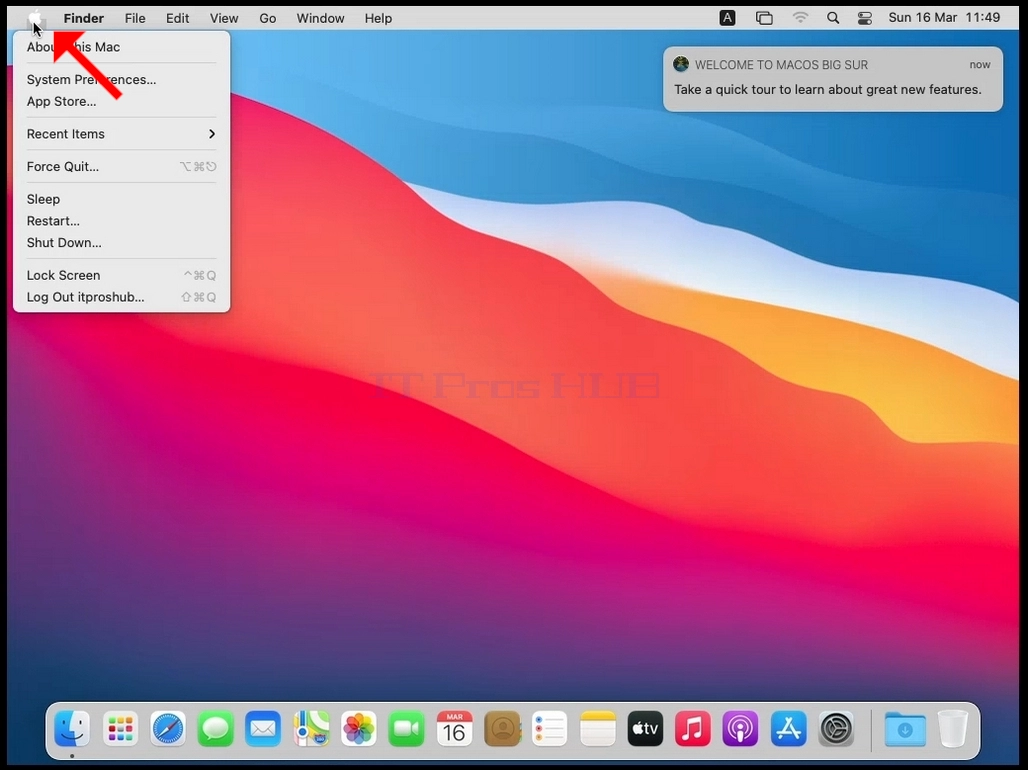
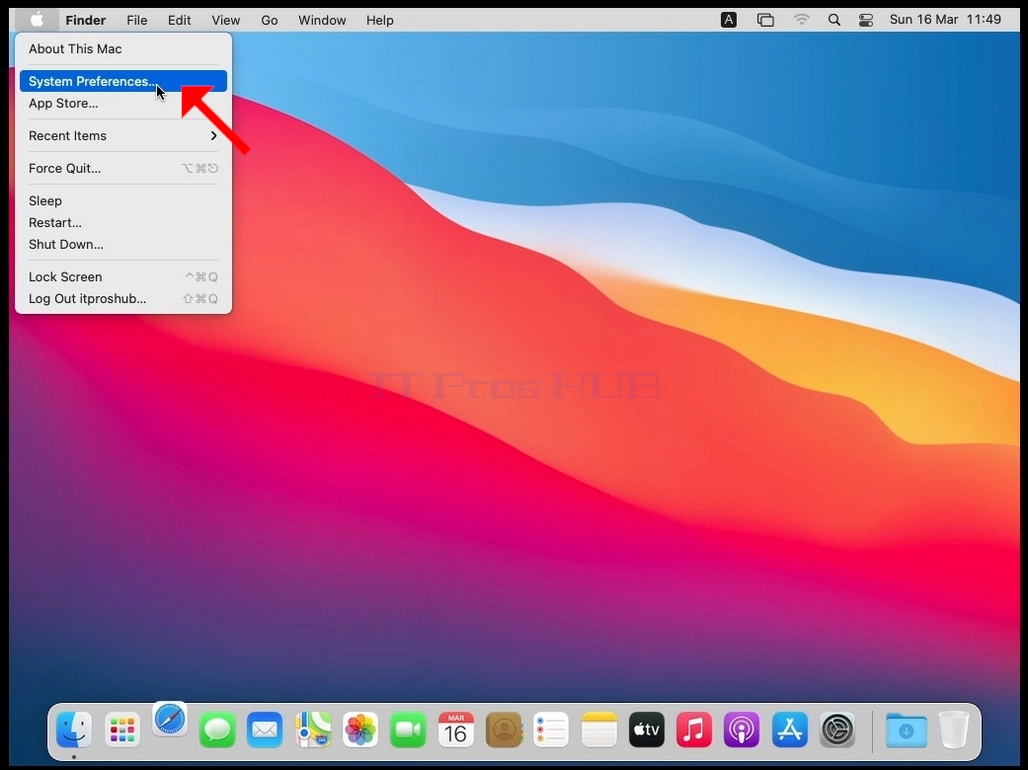
2. Click System Preferences
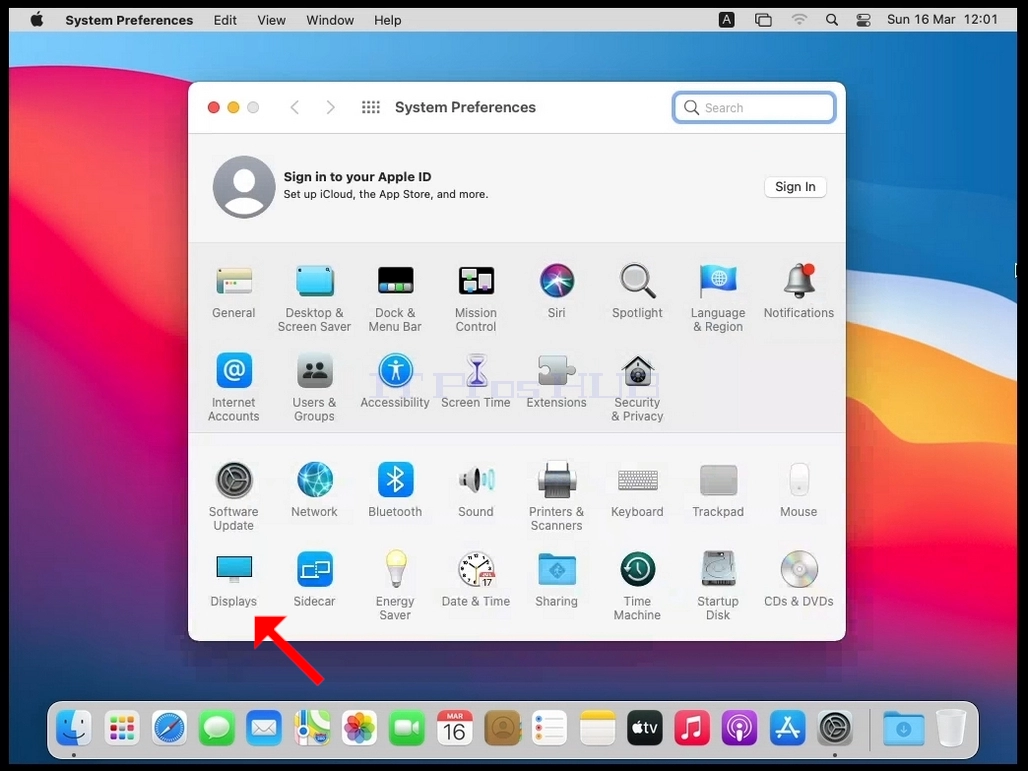
3. In the new System Preferences window, find the Displays icon.
4. In the display window, select Scaled.
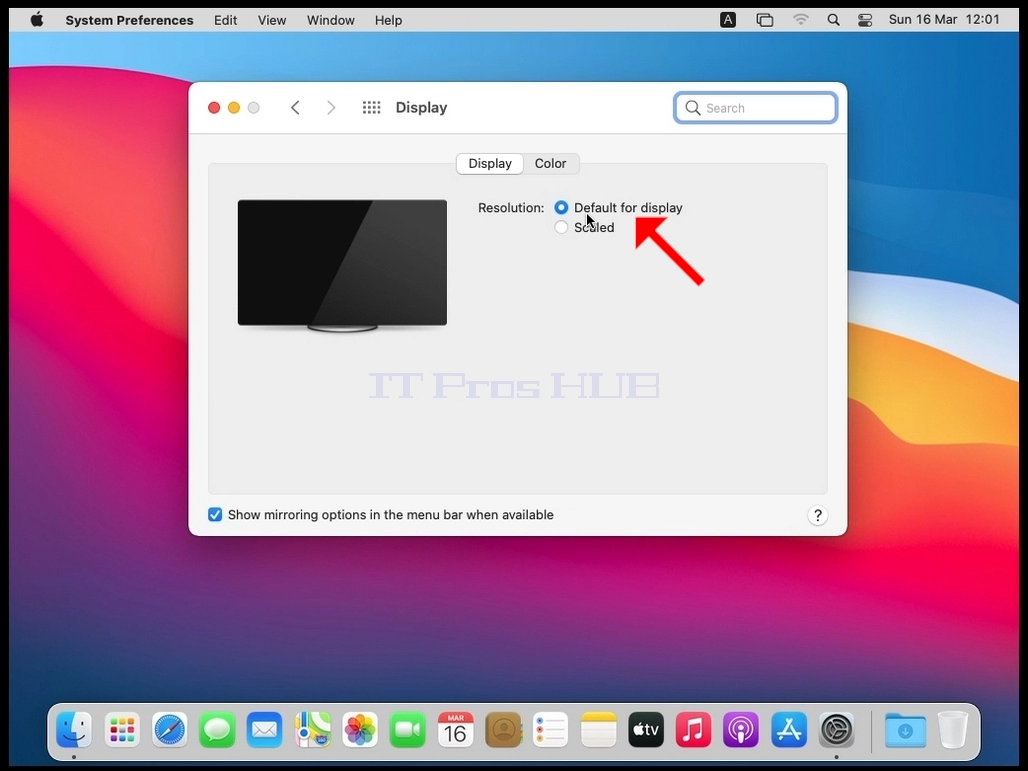
5. After selecting Scaled, select the available resolutions for your Mac (In this case the only available resolution is 1024x768).