



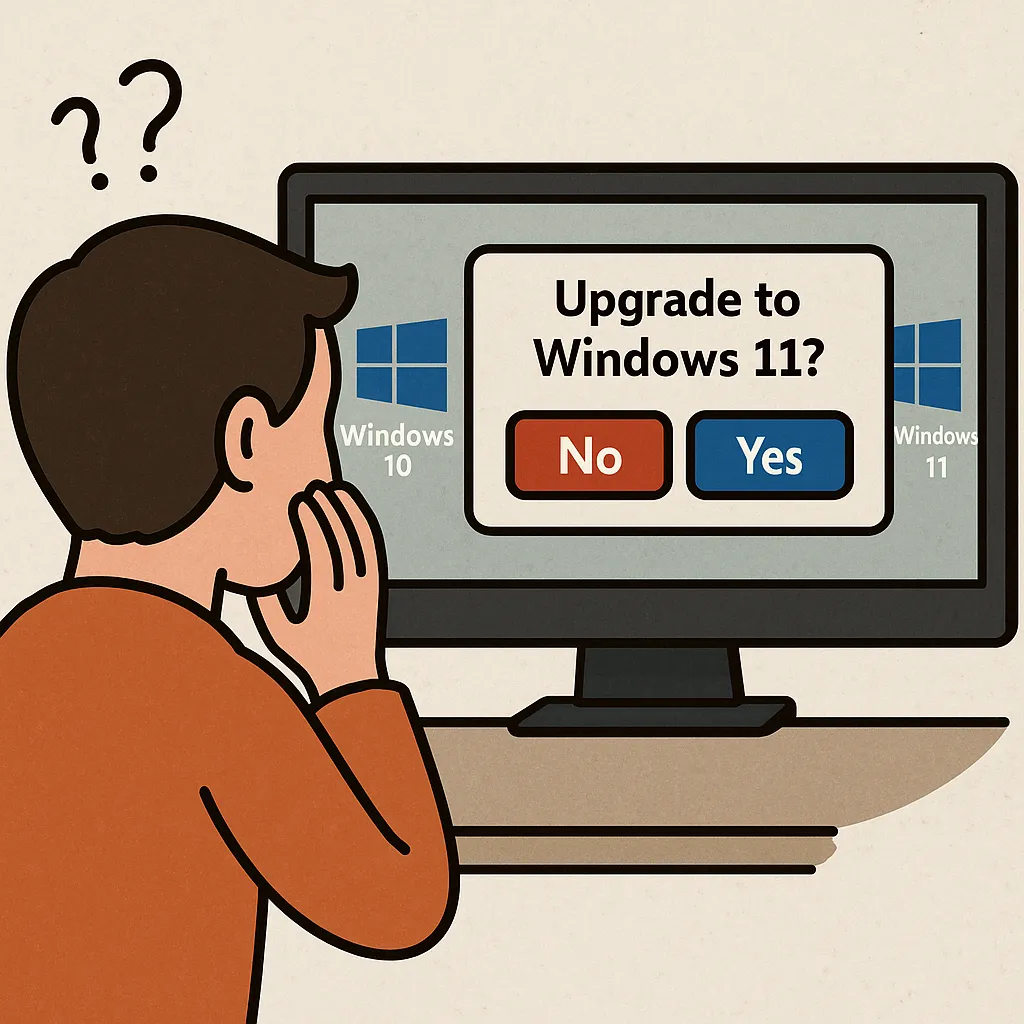
علی رغم تکامل مداوم ویندوز 11 و فشار مداوم مایکروسافت به سمت یک سیستم عامل مدرن تر و مبتنی بر هوش مصنوعی، بخش قابل توجهی از پایگاه کاربر جهانی همچنان به ویندوز 10 متکی است. برای متخصصان IT، این مقاومت چالش های عملیاتی منحصر به فرد را معرفی می کند: تعادل الزامات امنیتی، مدیریت سخت افزار چرخه عمر، انتظارات کاربر و محدودیت های سازگاری سازمانی. درک اینکه چرا کاربران و سازمان ها در پذیرش ویندوز 11 تردید دارند، برای ایجاد استراتژی های مهاجرتی موثر و حفظ محیط های پایدار و امن ضروری است.
موانع سخت افزاری
یکی از مداوم ترین موانع برای تصویب ویندوز 11 الزامات سخت افزاری سخت افزاری آن است. TPM 2.0، امن بوت و معماری مدرن CPU در حال حاضر پیش نیاز است. در حالی که این الزامات به طور قابل توجهی وضعیت امنیتی را بهبود می بخشد، آنها به طور ناخواسته بسیاری از سیستم های عملکردی دیگر را در خارج از مسیر ارتقاء قرار می دهند.
برای بخش های IT مدیریت ناوگان های بزرگ دستگاه، جایگزینی یا سخت افزار قدیمی تر اغلب هزینه های بهینه سازی است. حتی سازمان های کوچک ممکن است با محدودیت های بودجه قابل توجهی مواجه شوند که منجر به گسترش چرخه عمر سخت افزاری و تاخیر عمدی برنامه های مهاجرت می شود.
آشنایی کاربر و جریان کار
ویندوز 10 تقریبا یک دهه است که محیط عملیاتی استاندارد بوده و رابط کاربری آن برای مصرف کنندگان و کاربران سازمانی آشنا است. ویندوز 11 عناصر UI بازطراحی شده، کنترل های مجدد و کنوانسیون های گردش کار جدید را معرفی می کند. در حالی که این تغییرات در نظر گرفته شده است تا تجربه را مدرن سازی کند، کاربرانی که به شدت به حافظه عضلانی یا رفتارهای خاص Taskbar تکیه می کنند، اغلب آنها را به عنوان رگرسیون درک می کنند.
مقاومت به ویژه در بخش هایی رایج است که سرعت و ثبات آن بسیار مهم است. حتی تغییرات کوچک در رفتار سیستم عامل می تواند هزینه های آموزش مجدد یا کاهش بهره وری موقت ایجاد کند - تیم های IT باید هنگام برنامه ریزی ارتقاء در سراسر بخش ها در نظر بگیرند.
کاربرد Compatibility و Legacy Support
شرکت هایی که به برنامه های میراث، نرم افزار سفارشی یا محیط های سخت افزاری وابسته هستند اغلب از انتقال سیستم عامل محتاط هستند. اگر چه ویندوز 11 سازگاری قوی عقب مانده را حفظ می کند، اما همه راه حل ها به طور یکسان در سراسر نسخه ها رفتار نمی کنند. تفاوت در رانندگان، چارچوب های مجازی سازی یا کنترل های امنیتی ممکن است بی ثباتی یا نیاز به تغییرات را نشان دهد.
برای سازمان هایی که دارای جریان کاری تخصصی هستند – دستکاری، امور مالی، مراقبت های بهداشتی یا تدارکات – سازگاری با ارزش می تواند یک فرآیند زمان بر باشد. این به تنهایی می تواند استقرار در مقیاس بزرگ را به تاخیر اندازد، به ویژه هنگامی که برنامه های تجاری مهم فاقد گواهینامه ویندوز 11 رسمی هستند.
نگرانی در مورد سازگاری UI و Maturity
ویندوز 11 با هر به روز رسانی در حال تکامل است، اما بسیاری از کاربران هنوز سیستم عامل را به عنوان فاقد لهستانی درک می کنند. Discrepancies در سراسر رابط های سیستم، زبان های طراحی مختلط و مهاجرت پانل کنترل ناقص به این تصور که سیستم عامل هنوز هم یک کار در حال پیشرفت است، کمک می کند.
متخصصان IT اغلب ترجیح می دهند سیستم ها را پس از اینکه آنها از طریق چرخه های انتشار چندگانه بالغ شده اند، اتخاذ کنند. با ویندوز 10 به طور گسترده ای به عنوان پایدار و قابل پیش بینی شناخته می شود، بسیاری از سازمان ها تصمیم می گیرند تا زمانی که رابط ویندوز 11 و ویژگی های تنظیم شده به بلوغ قابل مقایسه برسند، صبر کنند.
تصورات غلط عملکردی و معیارهای واقعی جهانی
اگر چه ویندوز 11 مزایای عملکردی را ارائه می دهد - به ویژه در سخت افزار مدرن با NPUs و برنامه ریزان بهینه سازی شده - این پیشرفت ها همیشه برای کاربران در سیستم های قدیمی یا متوسط واضح نیستند. برخی از ویندوز 11 را سنگین تر یا کمتر پاسخگو می دانند، حتی زمانی که تفاوت در معیارهای کنترل شده ناچیز است.
این شکاف ادراک می تواند بر احساسات کاربر و پذیرش شرکت های آهسته تأثیر بگذارد. تیم های IT اغلب عملکرد قابل پیش بینی و قابل پیش بینی را اولویت بندی می کنند و هر گونه عدم اطمینان ممکن است منجر به تصمیم گیری برای ماندن در ویندوز 10 شود تا زمانی که بهینه سازی های بیشتر منتشر شود.
افزایش امنیت این نیاز به تعدیل
چارچوب امنیتی سخت تر ویندوز 11 - در حالی که مفید - همچنین پیچیدگی اضافی را معرفی می کند. ویژگی هایی مانند Smart App Control، امنیت مبتنی بر مجازی سازی و امضای راننده دقیق تر می تواند جریان های کاری میراث را مختل کند. کاربران نهایی ممکن است این ویژگی ها را به عنوان مزاحم یا محدود کننده، به ویژه در محیط های مدیریت نشده یا BYOD مشاهده کنند.
از دیدگاه فناوری اطلاعات، فعال کردن این حفاظت ها نیازمند ارتباطات، آموزش کاربر و گاهی طراحی مجدد سیاست است. این گام های اضافه شده به تردید، به ویژه در سازمان هایی با کارکنان محدود یا منابع پشتیبانی کمک می کند.
نقش ثبات سازمانی و پشتیبانی بلند مدت
جدول زمانی پشتیبانی گسترده ویندوز 10 نقش مهمی در ادامه پذیرش ایفا می کند. با حمایت رسمی تا اکتبر 2025 (و گزینه های پرداخت شده گسترده برای کسب و کار)، سازمان ها فشار کمی برای مهاجرت سریع دارند. این یک بافر استراتژیک ایجاد می کند که به تیم های IT اجازه می دهد تا آزمایش، مدیریت بودجه و آماده سازی یک مرحله بندی را انجام دهند.
شرکت ها ثبات را بالاتر از ویژگی های جدید اولویت بندی می کنند. تا زمانی که ویندوز 10 امن و به خوبی پشتیبانی می شود، بسیاری از سازمان ها برای حفظ وضعیت موجود در هنگام مشاهده مسیر ویندوز 11 راضی هستند.
ادغام هوش مصنوعی: فرصت و مقاومت
ادغام عمیق ویندوز 11 از ویژگی های AI مانند Copilot یک خروج عمده از محیط ویندوز 10 سنتی است. در حالی که پیشرفت های مبتنی بر هوش مصنوعی می تواند بهره وری را بهبود بخشد و جریان های کاری جدید را فعال کند، برخی از کاربران به دلیل نگرانی های حریم خصوصی، سوالات مدیریت داده ها یا عدم اطمینان در مورد مزایا تردید دارند.
مدیران فناوری اطلاعات همچنین ممکن است احتیاط کنند، به ویژه در صنایع تنظیم شده که در آن استفاده از هوش مصنوعی باید با قوانین حاکمیت داخلی هماهنگ باشد. این باعث می شود بسیاری از سازمان ها یک رویکرد صبر و ارزیابی را به جای تعهد به ارتقاء فوری اتخاذ کنند.
نتیجه گیری
مقاومت در ارتقاء از ویندوز 10 به ویندوز 11 به دلیل یک مسئله واحد نیست بلکه ترکیبی از عوامل فنی، مالی و تجربه کاربر است. برای متخصصان IT، درک این نگرانی ها برای طراحی استراتژی های قانونی موثر بسیار مهم است. همانطور که ویندوز 11 به پیشرفت چرخه های کامل و سخت افزاری ادامه می دهد و قابلیت های AI گسترش می یابد، مهاجرت قانع کننده تر خواهد شد. تا آن زمان، سازمان ها محتاط، اولویت بندی ثبات، سازگاری و پیش بینی پذیری باقی می مانند – اصول اصلی که به شکل گیری تصمیم گیری IT شرکت ادامه می دهند.


 12977
12977  IT Pro






















