Online: 1092 online | Members: 0 | Guests: 1092
Wednesday, June 3, 2026
Page Minimap
Reading time: 2 min read
Tagline:HowtoAddIconsinWord
There is no translation available.

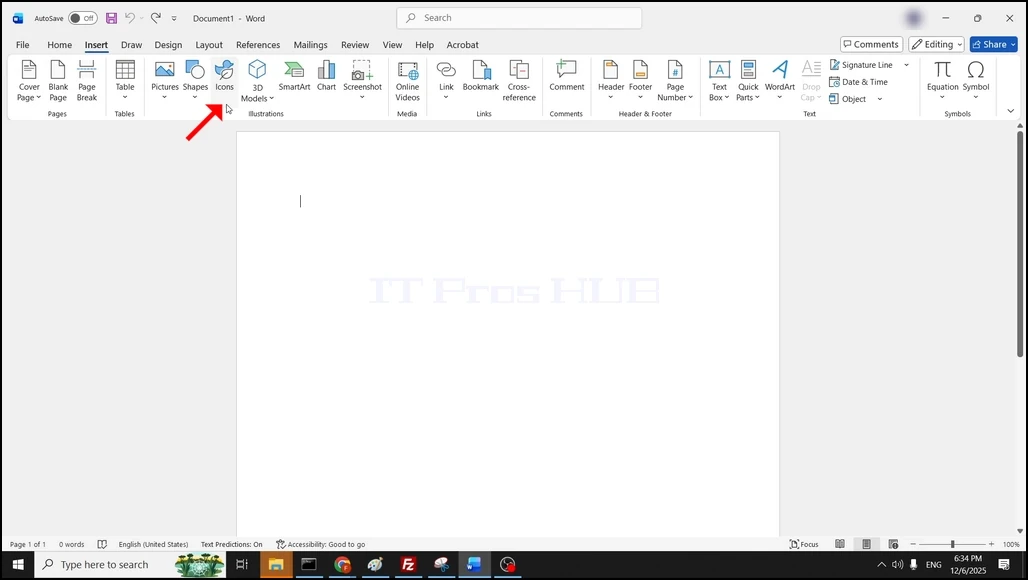
 1. Open Word. In the top menu ribbon, go to Insert and click on it once:

How_to_Add_Icons_in_Word-new_2.webp

2. In the ribbon below the Insert button, look for a button that sats Icons. Click on it once an wait for a new window to appear in the foreground of Word:

How_to_Add_Icons_in_Word-new_3.webpHow_to_Add_Icons_in_Word-new_4.webp

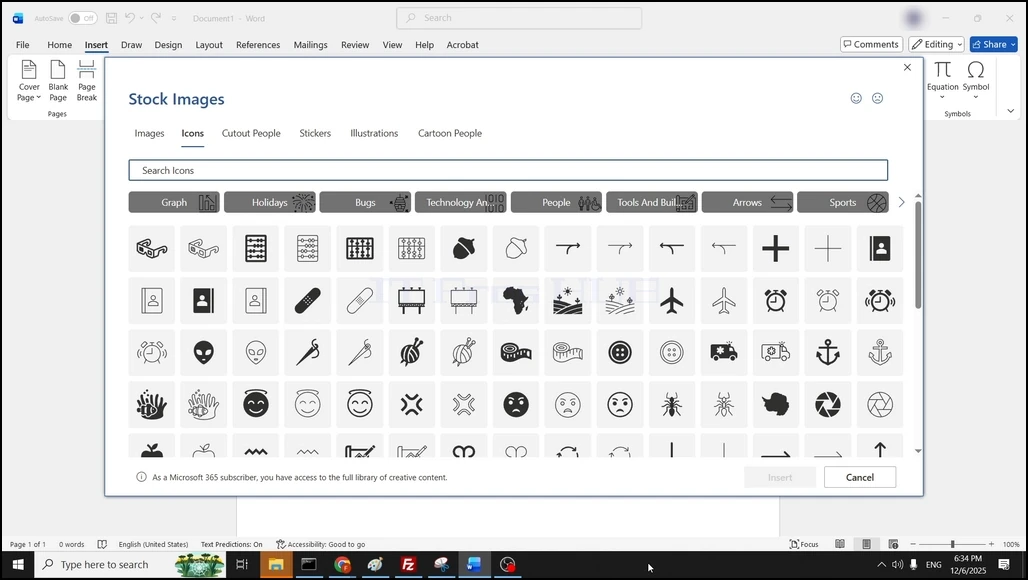
3. Once the stock images window is fully loaded, make sure that the presented files are Icon files:
How_to_Add_Icons_in_Word-new_5.webp

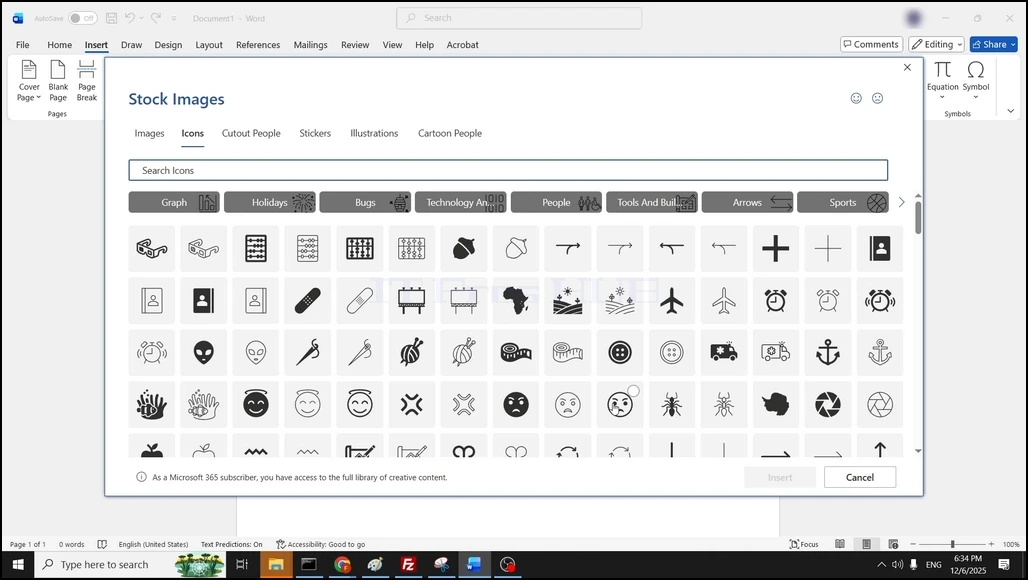
4. Browse through the files and choose an icon by clicking on it once and then choosing the blue insert button:

How_to_Add_Icons_in_Word-new_6.webp

5. Now the icon should be present in the Word document:
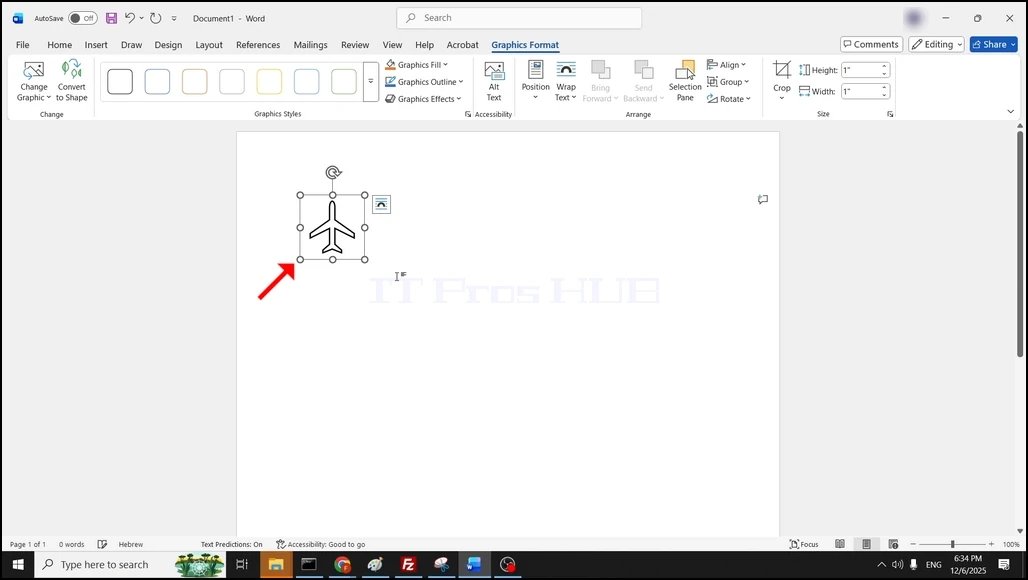
How_to_Add_Icons_in_Word-new_8.webp