



The “average user” in 2026 is no longer just a home PC on a simple network. It’s a constantly authenticated person: phones, passkeys, cloud accounts, social logins, smart TVs, smart locks, banking apps, delivery apps, work SSO on personal devices, and a long trail of sessions that stay alive for days. For IT professionals, that shift matters because most user-impacting incidents no longer start with “malware on a Windows box.” They start with identity, persuasion, and session theft—and they finish with account takeover, fraud, and downstream compromise that looks like legitimate behavior.
This article focuses on the biggest threats that regularly hit everyday users in 2026, and what those threats mean for the controls, messaging, and incident playbooks you manage. The goal is practical risk framing, not sensationalism.
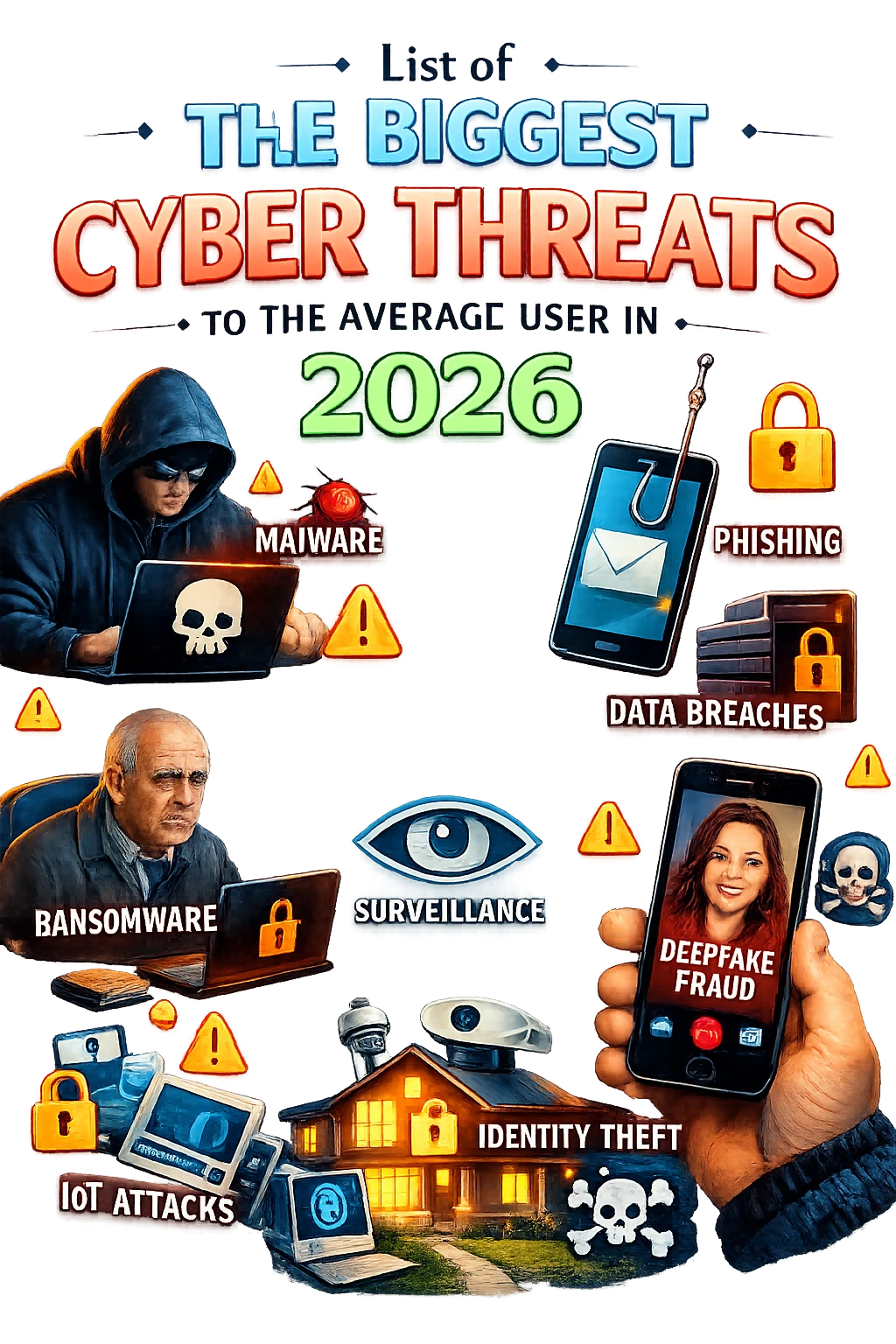
The year identity became the primary attack surface
A growing chunk of consumer harm now happens without traditional “infection.” Attackers pursue credentials, reset pathways, authentication prompts, OAuth grants, and active sessions. If they can make the login look normal—or reuse an existing session—many security signals don’t fire. For IT teams, this is the same story you see in enterprise identity attacks, simply scaled to consumer platforms and personal devices.
Key takeaway for IT pros: most “average user” compromise paths now resemble identity incidents: socially engineered authentication, stolen tokens, and trusted app abuse. Traditional AV-only thinking will miss the first and most important stage.
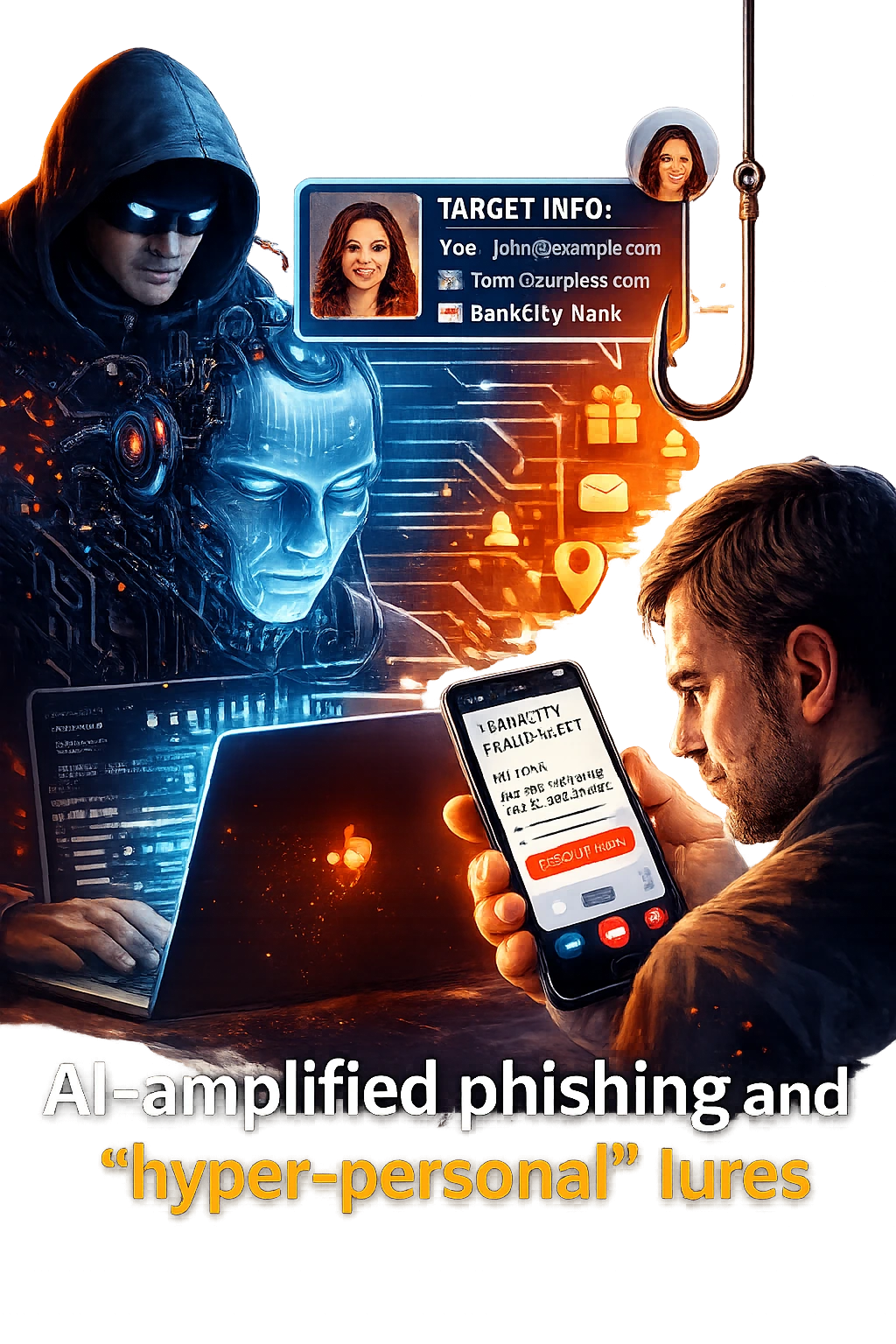
AI-amplified phishing and “hyper-personal” lures
Phishing is not new, but 2026 makes it faster, cleaner, and more targeted. Attackers can cheaply generate polished messages in any language, mimic a company’s tone, and tailor content to a person’s job role, recent purchases, or social connections. The result is fewer obvious red flags and a higher success rate—especially when the message drives the victim to a “normal” flow like login, payment verification, or package tracking.
For average users, the most damaging variations are the ones that lead to account takeover or payment fraud rather than a traditional malware drop. For IT professionals, the main shift is training and detection: users are less likely to spot “bad grammar,” and defenders need to emphasize verification habits over superficial cues.
- Convincing password-reset and account-recovery prompts that route victims into attacker-controlled pages.
- Impersonation of delivery services, banks, streaming platforms, and customer support chat.
- Recruitment, invoice, and “document shared with you” messages aimed at hybrid work users.
- Localized lures that match regional brands, dialects, and holidays.
Deepfake voice and video scams that move money
Deepfakes in 2026 are most dangerous when they are used as a short “trust bridge,” not as a perfect movie-quality impersonation. A quick voice note that sounds like a family member, a “manager” calling to approve a transfer, or a video snippet that adds urgency can override a user’s skepticism long enough to trigger payment, share a code, or approve an authentication prompt.
This is especially effective against users who already communicate via voice notes and short calls. For IT teams, the defense is less about teaching people to “spot deepfakes” and more about enforcing verification protocols for money movement and sensitive changes—out-of-band confirmation, known contact methods, and clear escalation paths.

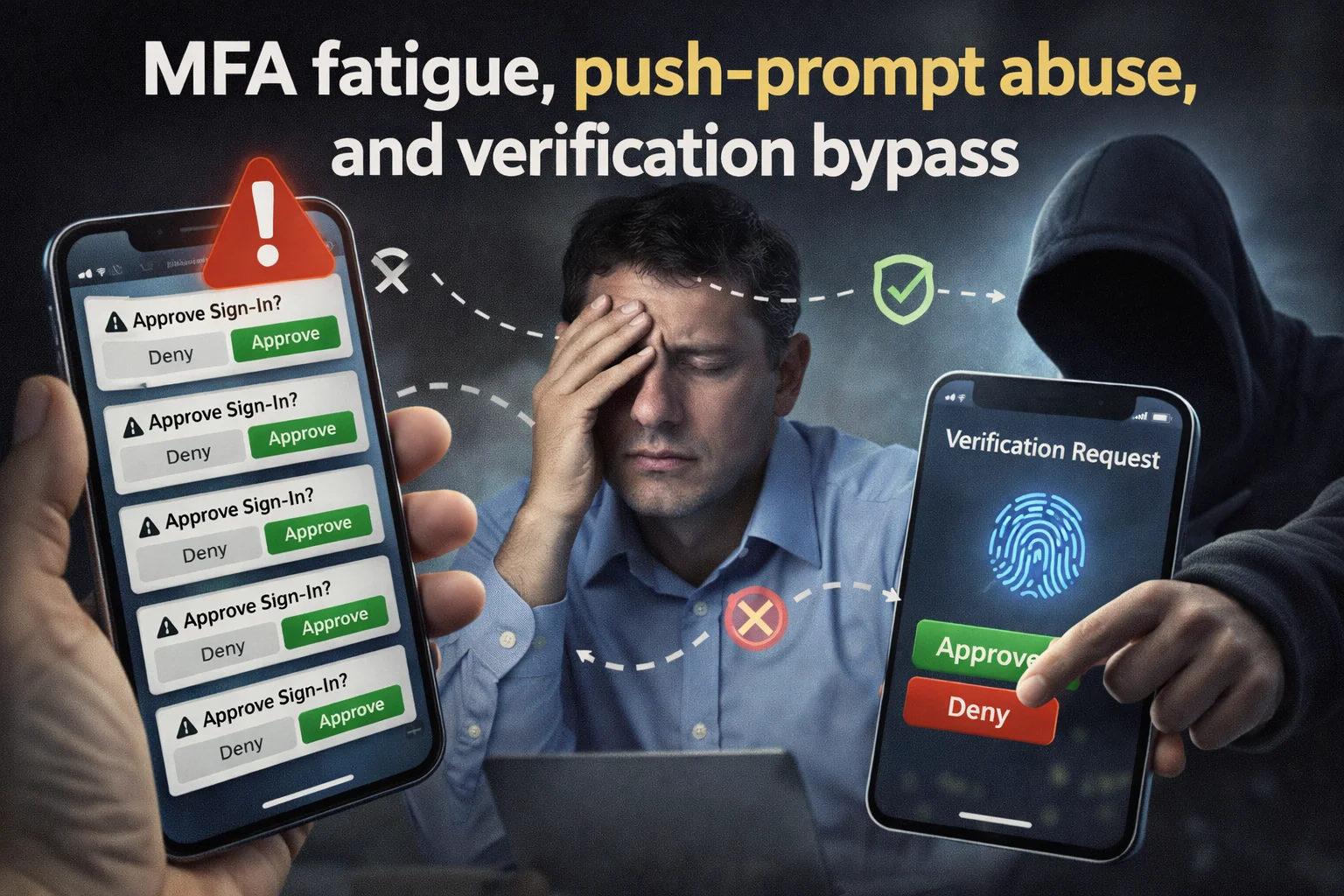
MFA fatigue, push-prompt abuse, and verification bypass
Multi-factor authentication raises the bar, but common consumer implementations create new failure modes. Users who receive repeated prompts may accept one just to make the notifications stop. Others can be pushed into “verification loops” during a support scam, where they believe the prompts are part of a legitimate fix. In parallel, attackers increasingly target account recovery flows, which are often weaker than the primary MFA path.
For IT pros, this has two implications. First, user guidance must clearly define when an MFA prompt is expected and when it is a warning sign. Second, recovery processes and helpdesk scripts need the same security attention as the login page.
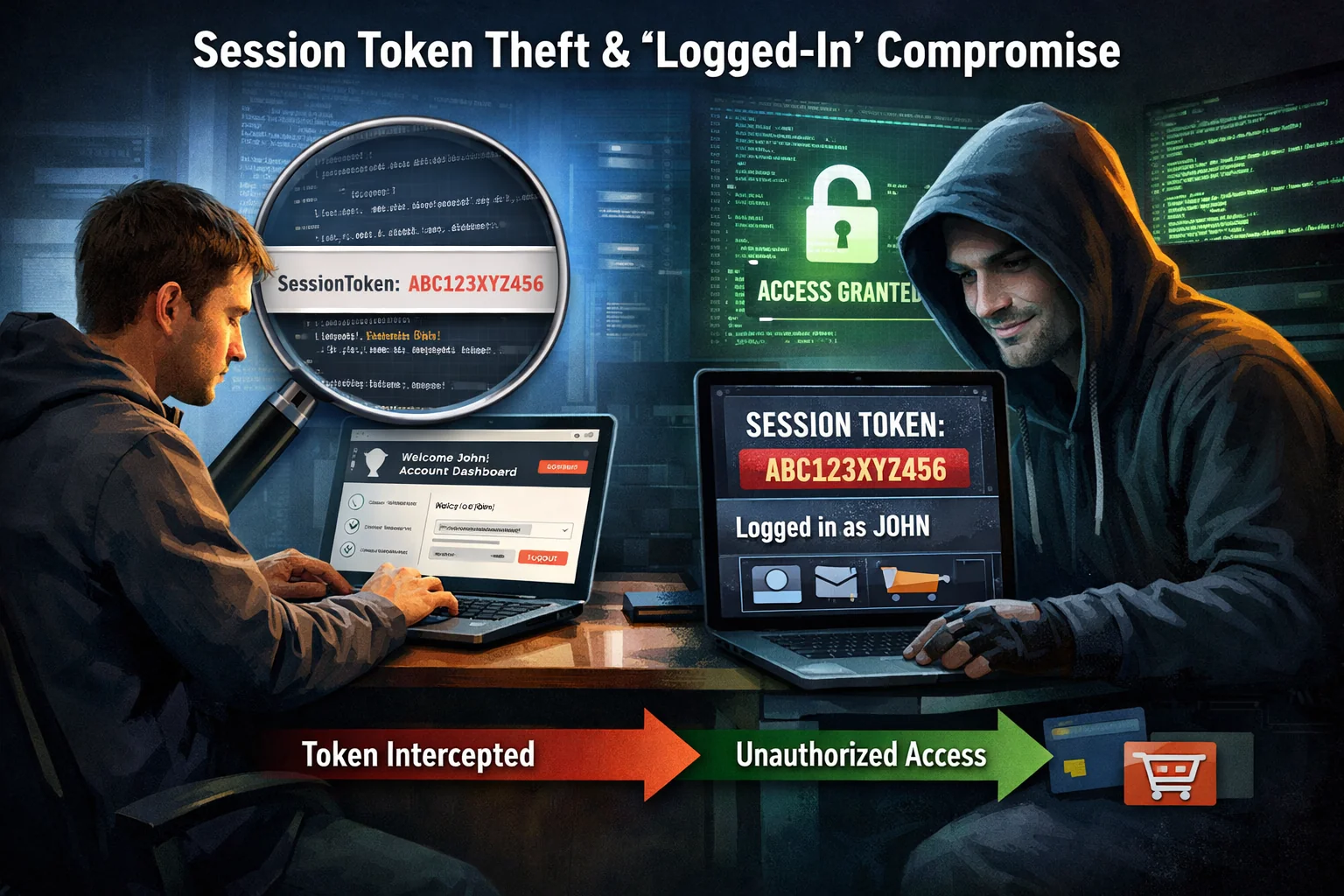
Session token theft and “logged-in” compromise
One of the most consequential trends for average users is the theft of active sessions rather than passwords. If an attacker can obtain session cookies or tokens, they may bypass MFA entirely because the victim is already authenticated. This is particularly damaging on email accounts, cloud storage, messaging platforms, and creator dashboards where a single takeover can cascade into more victims.
From an IT perspective, this looks like legitimate access from a different device or geography, often followed by rapid changes: new forwarding rules, new recovery emails, new authorized apps, or the export of data. Consumers rarely notice until money is gone or friends start receiving scam messages.
Practical defensive framing: coach users to treat “account settings” as a security dashboard. Many compromises reveal themselves through new sessions, new devices, new rules, and newly connected apps.
Credential stuffing and the long tail of data breaches
Data breaches remain a steady fuel source for consumer harm. Even when passwords are old, people reuse patterns, and attackers automate login attempts across major services. The average user experiences this as unexplained login alerts, locked accounts, fraudulent orders, or drained loyalty points. The “big breach” is not the whole story in 2026—the long tail of recycled credentials is.
For IT professionals, the consumer angle is a reminder that password hygiene messaging alone is not enough. Encourage passkeys where possible, enforce strong rate limiting and bot detection where you own services, and treat breach exposure as an ongoing condition rather than a one-time event.
Malicious and over-privileged browser extensions
Browser extensions are still one of the easiest ways to reach users at scale, because they sit inside the most trusted interface a user has: the browser. In 2026, the biggest risks come from extensions that are acquired by new owners, updated with risky code, or quietly request broader permissions over time. Even “legit” extensions can be problematic when they access everything a user sees and types.
For average users, the result can be credential theft, ad injection, shopping redirection, or data harvesting. For IT teams, the parallel is obvious: extension control policies, allowlists, and “least privilege” permissions matter not just in managed browsers but as general guidance for secure computing.
- Extensions that request access to all sites or read/modify page content broadly.
- “PDF,” “coupon,” “video downloader,” and “productivity” tools with hidden tracking behavior.
- Compromised updates that change behavior after months of being harmless.
QR code scams and mobile-first redirection
QR codes remain a convenient delivery mechanism for scams because they bypass the user’s visual inspection of a URL and push them onto a phone—where the address bar is smaller, the user is more hurried, and the context is often physical (parking, restaurant menus, events, shipping notices). In 2026, QR-driven attacks frequently funnel users into credential capture, payment pages, or fake support portals.
For IT pros, this is a training opportunity: “scan safely” is a real skill now. Users should be taught to pause, verify the destination, and prefer official apps or typed URLs for sensitive actions.
Customer support impersonation and “helpdesk theater”
Support scams have evolved into slick multi-channel operations: ads, fake support sites, caller ID spoofing, chat widgets, and scripted “verification.” The average user’s risk is highest when they are already stressed—locked out of an account, facing a suspicious charge, or receiving alarming notifications. Scammers exploit urgency and the expectation that “support will guide me.”
For IT professionals, the broader lesson is process design. Secure support workflows are a product feature, and consumer education should emphasize official entry points, not phone numbers found via search results or ads.
Mobile malware, risky sideloading, and “utility app” traps
Smartphones remain the primary computing device for many users, which makes them the primary fraud device too. In 2026, risk concentrates around unofficial app sources, “free” utilities, modded apps, and apps that request excessive permissions. Even without describing attacker techniques, the defensive reality is simple: apps with broad access can become surveillance tools, steal sensitive information, or enable account takeover through notification or accessibility abuse in some ecosystems.
For IT teams, mobile security guidance should be explicit and practical: install from official stores, review permissions, remove unused apps, and keep OS updates current. If your environment supports it, extend modern endpoint thinking to mobile devices.
Financial fraud: instant payments, card-not-present, and account linking
The average user’s biggest tangible losses often come from fraud, not from “hackers taking files.” Faster payment rails and frictionless linking between services increase convenience and reduce the time available to detect scams. Attackers pressure users into quick transfers, exploit stolen account sessions, or abuse newly linked payment methods.
For IT professionals supporting consumers (or designing consumer-facing systems), fraud controls and user warnings are security controls. Notifications, transaction holds for risky patterns, strong device binding, and clear recovery paths reduce harm more than generic “be careful” advice.
Account takeover of social platforms and the “trusted friend” blast radius
Social and messaging accounts are high-value because they provide ready-made trust. Once an account is hijacked, attackers can message the victim’s contacts with believable requests, “emergency” stories, or links that appear safe because they come from someone known. Average users are often both victims and unwitting amplifiers.
For IT pros, this is the consumer version of lateral movement. The defense is layered: strong authentication, monitoring for suspicious session changes, and user education that treats unexpected requests for money or codes as a verification moment, even if the message appears to come from a familiar person.
IoT and smart home exposure: convenience without visibility
Smart devices keep expanding into homes: cameras, doorbells, speakers, TVs, thermostats, and routers with companion apps. The common consumer risk is not Hollywood-style hacking; it’s weak defaults, long-neglected updates, reused passwords, and cloud account compromise that grants remote access. Users often lack a simple inventory of what they own, what’s exposed, and what accounts are linked.
IT professionals can translate enterprise basics into home guidance: update regularly, reduce exposed services, separate guest networks where possible, and prefer vendors with consistent security support lifecycles.
Public Wi-Fi risks and rogue hotspots
Public Wi-Fi remains a risk amplifier because users tend to lower their guard in transit: airports, cafés, hotels, conferences. Even when modern HTTPS reduces some dangers, users can still be routed into malicious portals, tricked into connecting to lookalike networks, or nudged into unsafe “login to continue” flows that steal credentials.
For IT pros, the guidance is consistent: encourage trusted connectivity (cellular when practical), use secure VPN policies where appropriate, and emphasize that authentication should happen only on known official domains or apps.
Ransomware “consumer style”: extortion, cloud data, and personal disruption
While large-scale ransomware headlines tend to focus on enterprises, average users still face extortion scenarios in different forms: loss of access to personal files, cloud storage compromise, and account lockouts that disrupt family photos, important documents, and day-to-day services. In 2026, personal disruption is often the pressure point: users are pushed to pay quickly because they want immediate restoration or fear reputational harm.
For IT professionals advising users, the most effective countermeasure remains resilient recovery: backups that actually restore, account recovery readiness, and the habit of separating critical content from single points of failure.
What IT professionals should emphasize in 2026 user guidance
Security awareness programs often fail when they become a list of scary examples. Average users need simple, repeatable habits that map to real threats. In 2026, that usually means strengthening identity, reducing session persistence, and improving verification around money and account changes.
- Promote passkeys and strong MFA where available, and explain what an unexpected prompt means.
- Make account settings a routine check: sessions, devices, recovery options, forwarding rules, connected apps.
- Normalize “pause and verify” for urgent requests, especially anything involving payments or codes.
- Reduce attack surface by removing unused extensions and apps, limiting permissions, and updating devices.
- Encourage resilient recovery: safe backups, secure password managers, and documented recovery steps.
A practical way to talk about risk without overwhelming users
Users tune out when they feel blamed or when threats seem endless. A better approach is to explain that most modern attacks try to do one of three things: impersonate a trusted party, steal an active login session, or pressure the user into a high-speed decision. If users can spot those patterns, they can interrupt most of the damage.
For IT professionals, that framing also supports better operational outcomes. It aligns user education with what your telemetry and incident response actually see: anomalous sign-ins, suspicious account changes, new app authorizations, and unexpected financial actions. When your messaging matches reality, users report faster and responders act with greater confidence.
Closing perspective: defend the person, not just the device
The biggest cyber threats to average users in 2026 are increasingly “human interface” threats: deception, identity abuse, and session compromise. Devices still matter, but the decisive battlefield is the account, the authentication flow, and the user’s moment-to-moment decisions under pressure. IT professionals who adapt their guidance and controls to that reality will reduce real harm—not just detect more alerts.


 10559
10559  IT Pro






















