



- Detail
- Ditulis oleh IT Pro
- Kategori: How to Articles
- Dilihat: 4905
1.

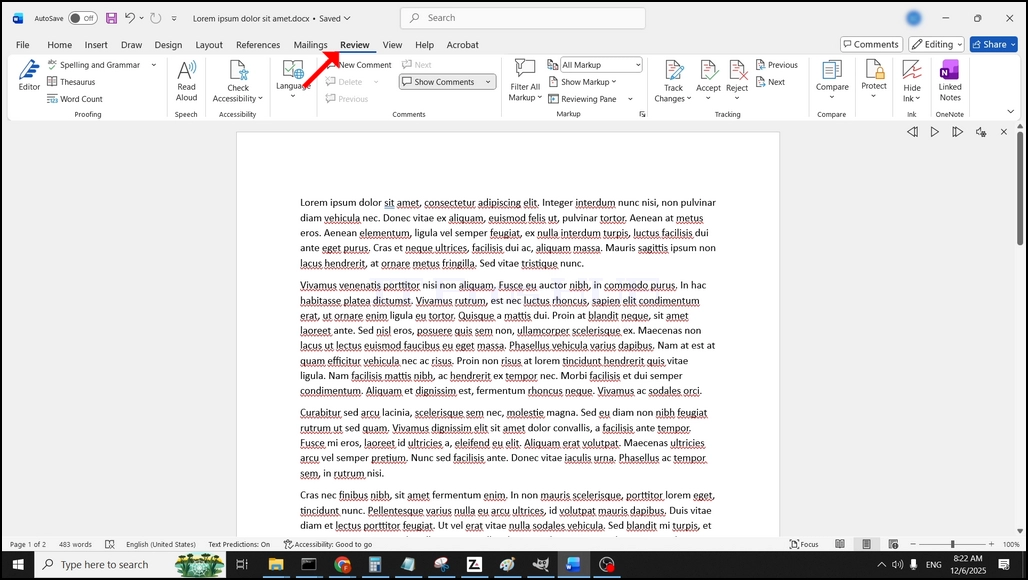
Di menu bar teratas, dari Home, pergi ke Review:
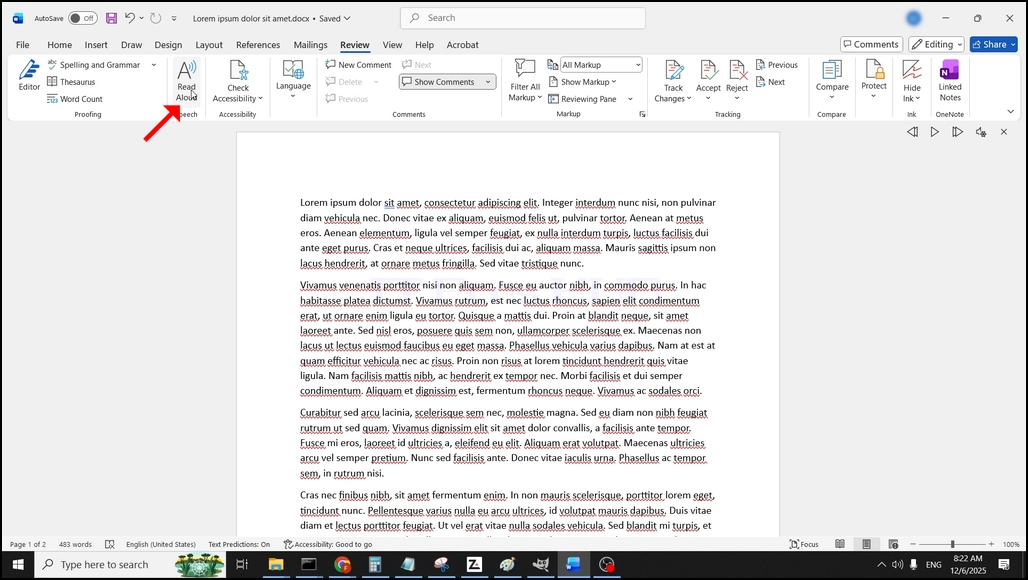
Di bawah Review, cari yang besar.A"ikon yang mengatakan"Baca Aloud"dan klik di atasnya untuk mengaktifkan Teks ke Fitur Pidato Kata:
- Detail
- Ditulis oleh IT Pro
- Kategori: How to Articles
- Dilihat: 5628
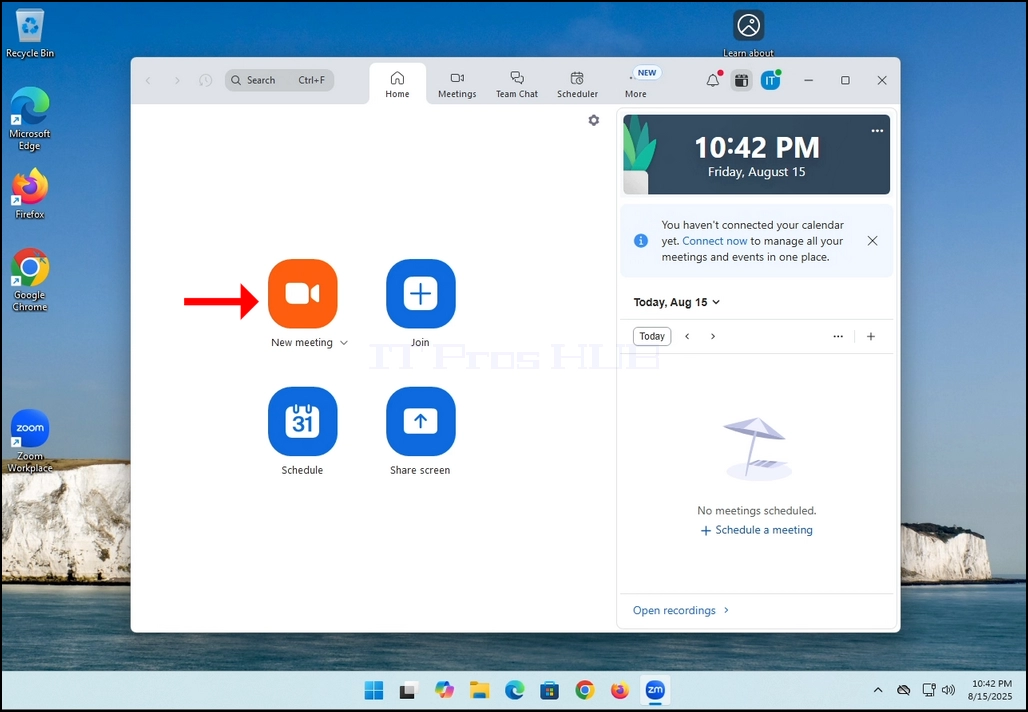
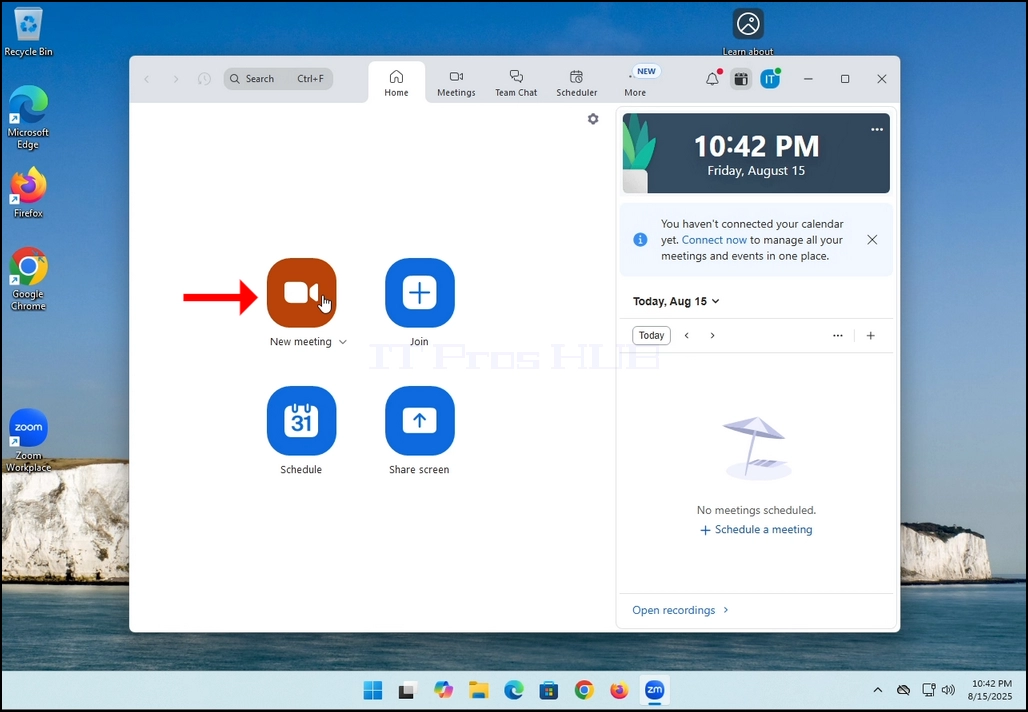
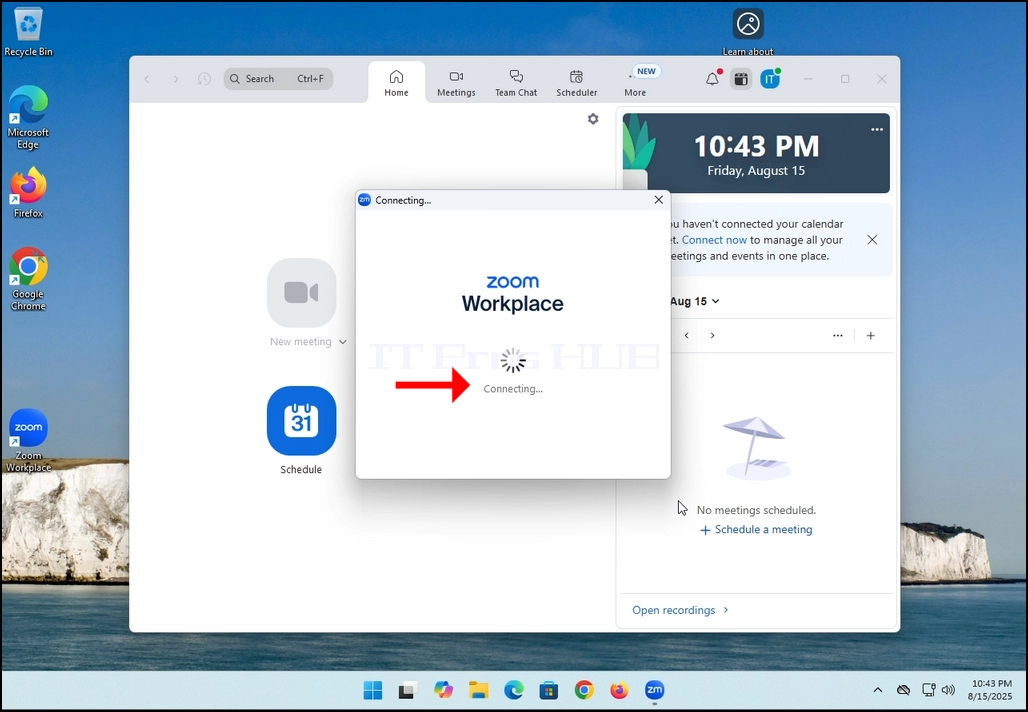
2. Once clicked, a new small window should appear. The window will show "connecting" and an animation progress circle.
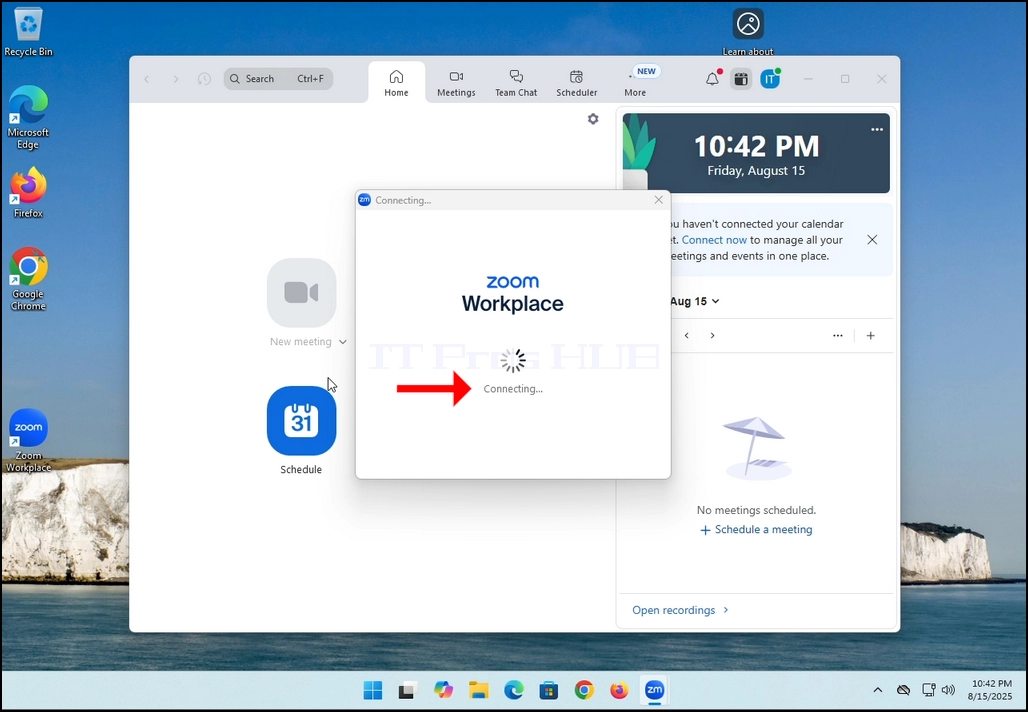
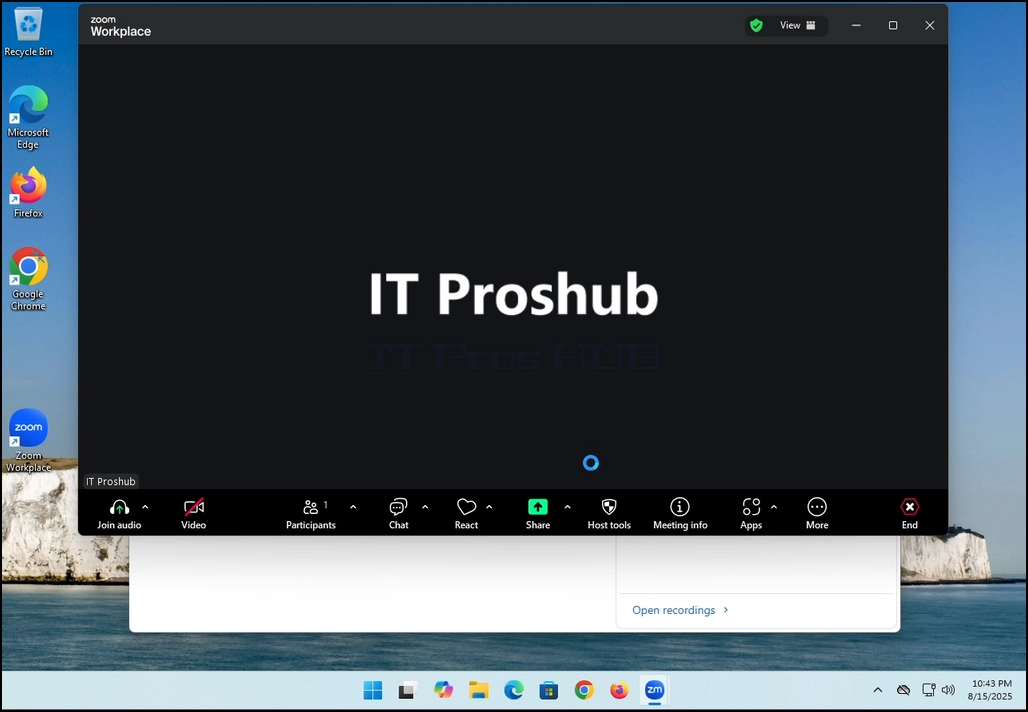
3. Once it's done loading, a new window will appear. Usually its title should say something along the lines of: "User's Zoom Meeting". In this article's case, it says "IT Proshub's Zoom Meeting" since the user that uses Zoom is called that way.
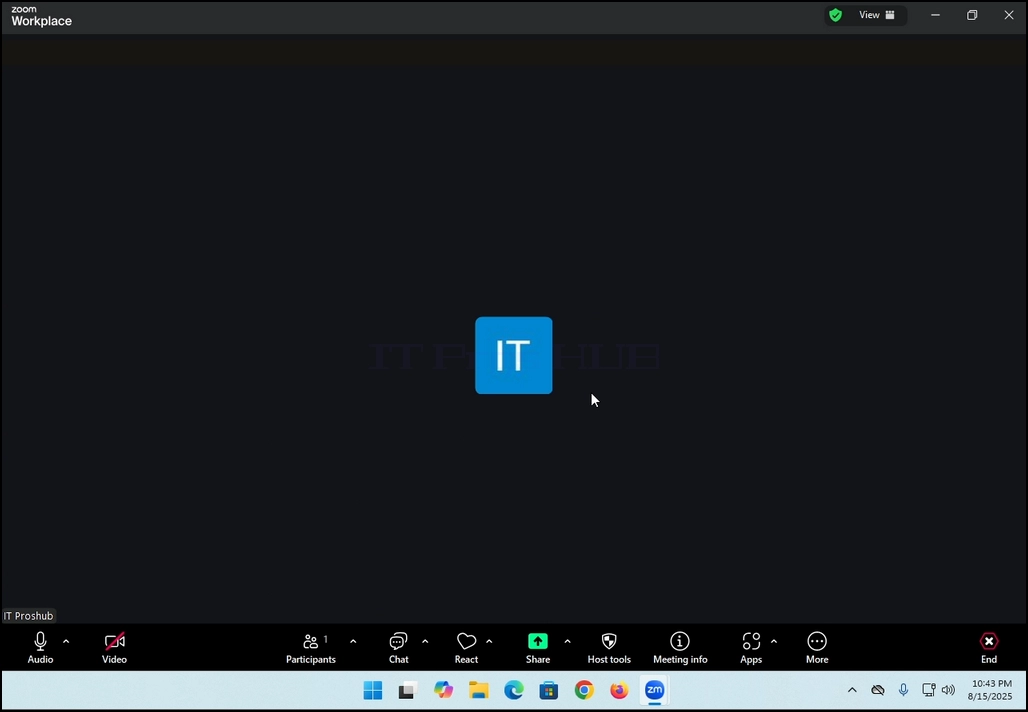
4. Here, you can mute your mic by clicking on the mic icon and you can also turn your camera off/on by clicking the Video icon.
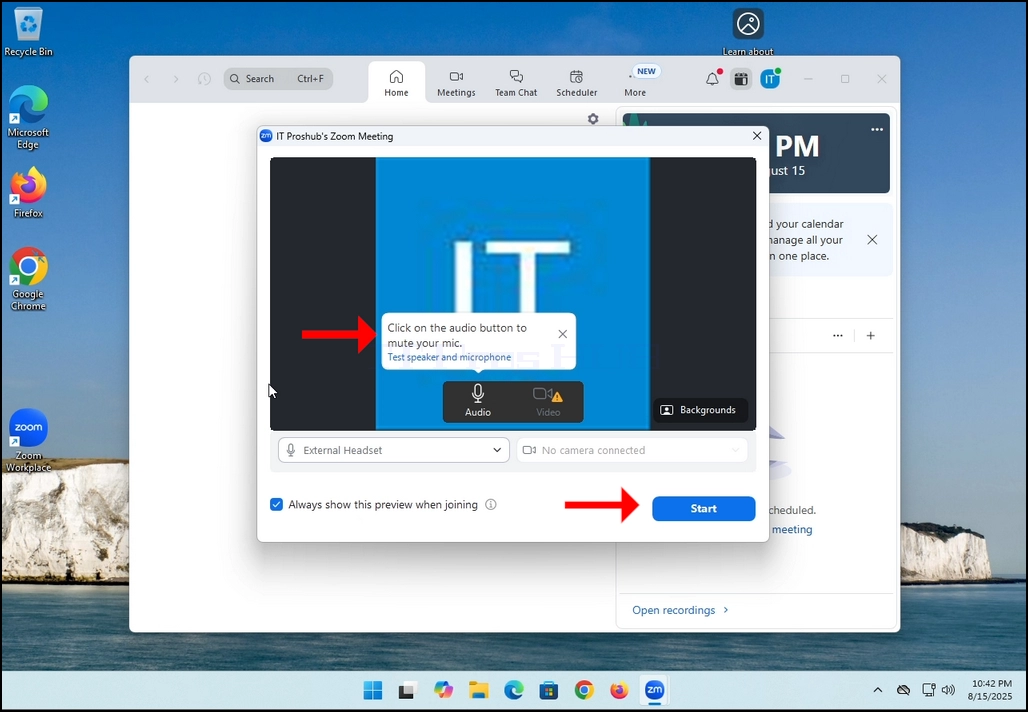
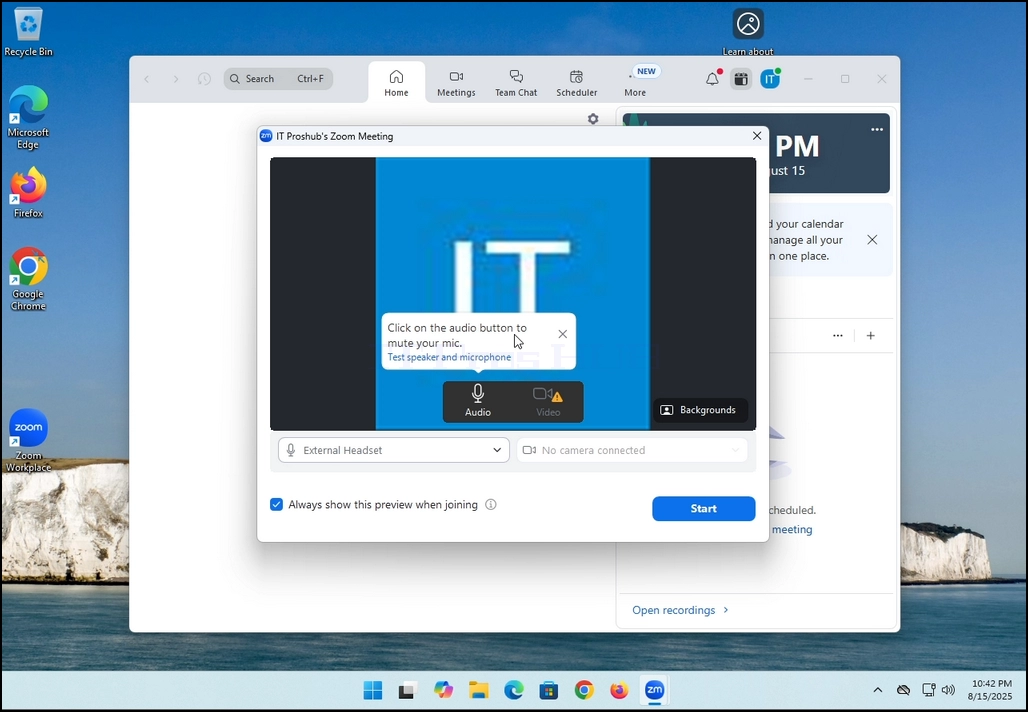
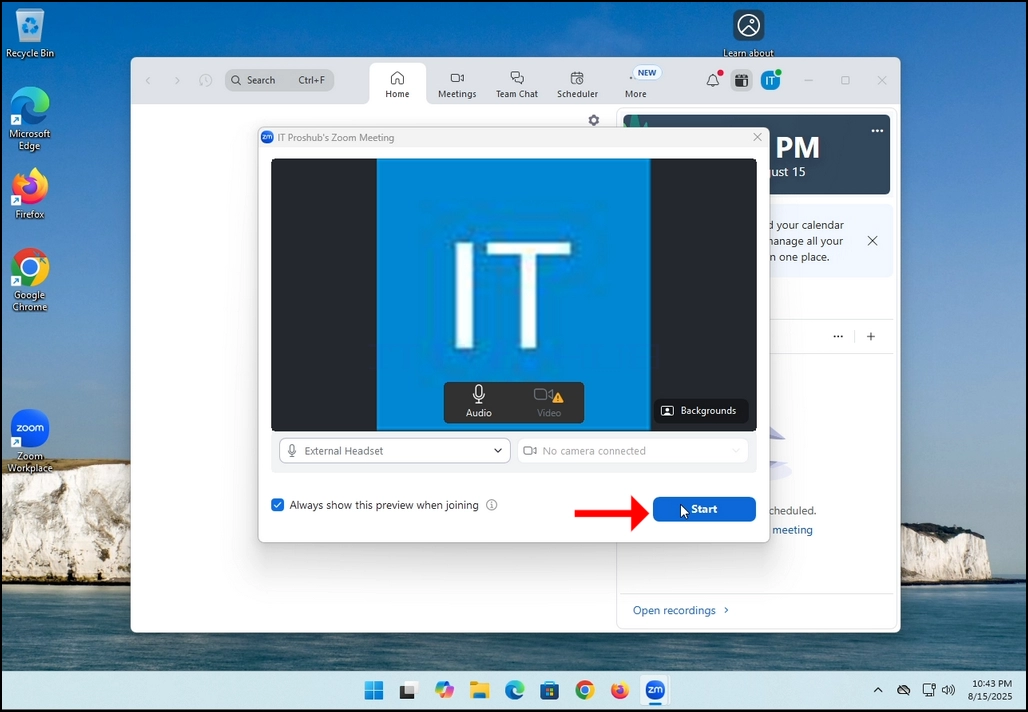
7. That's it! the new meeting is in progress. At this stage the meeting contains only the host which is IT Proshub in this article's case.
- Detail
- Ditulis oleh IT Pro
- Kategori: How to Articles
- Dilihat: 5308
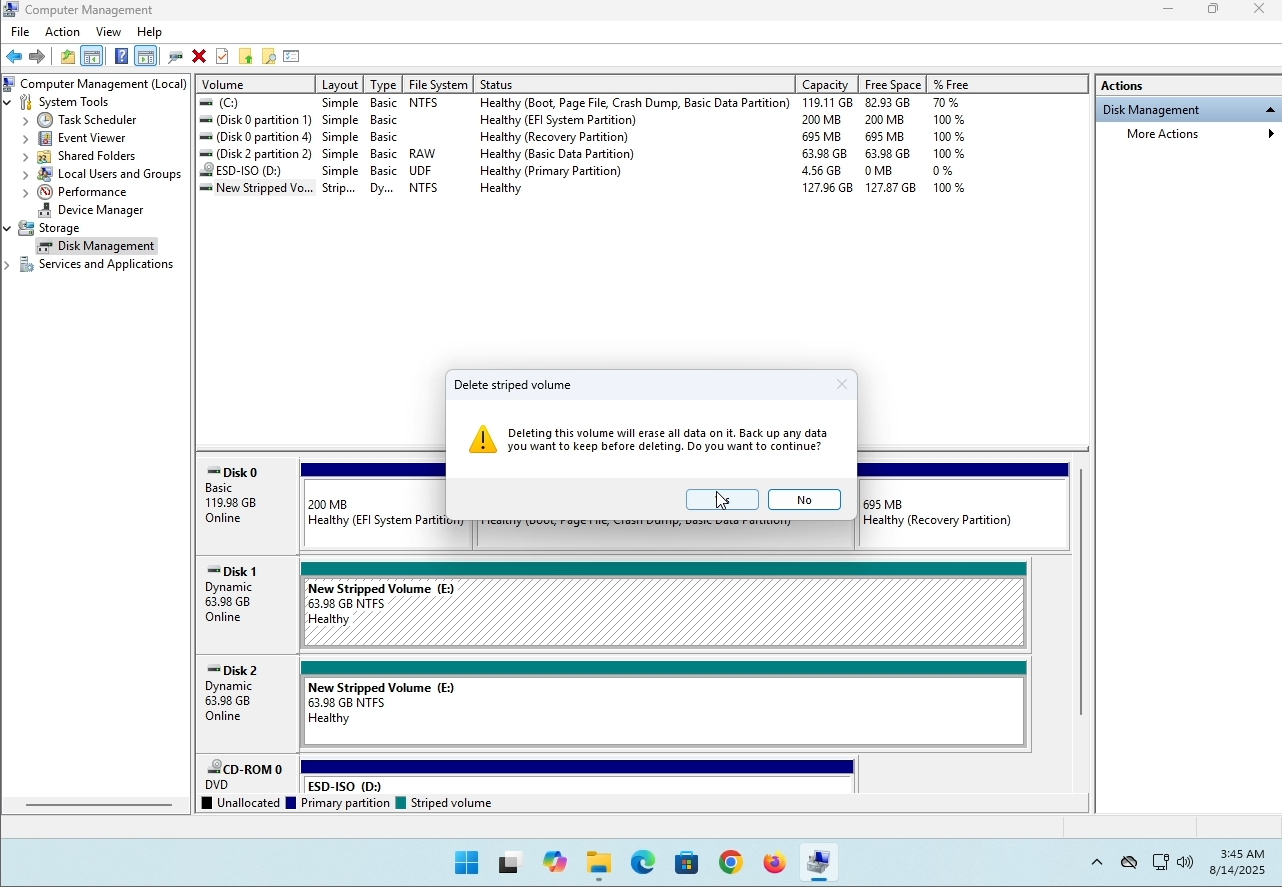
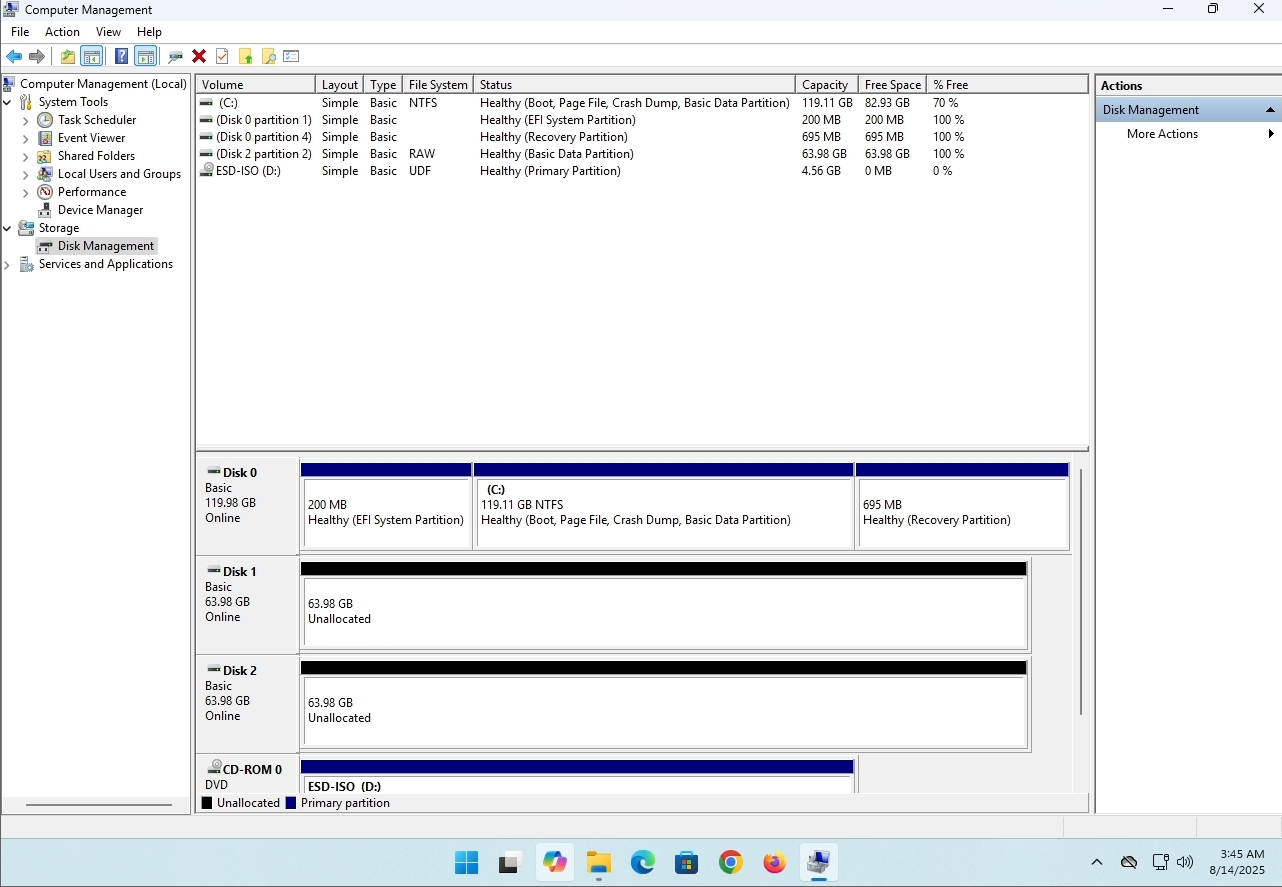
In this article we will demonstrate how to delete a stripped volume in Windows 11
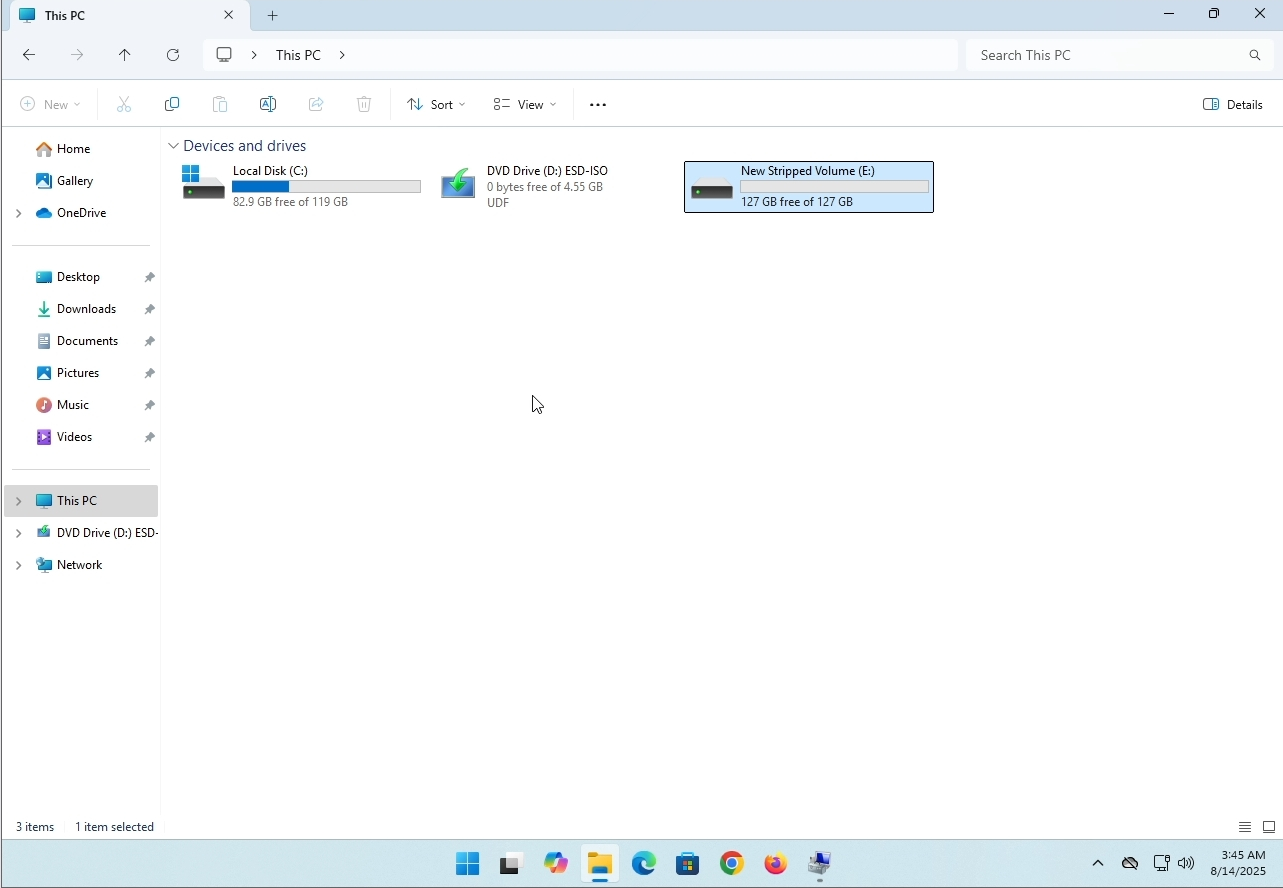
1. Make sure what is the stripped volume's drive letter is. In this case the drive letter is (E:):
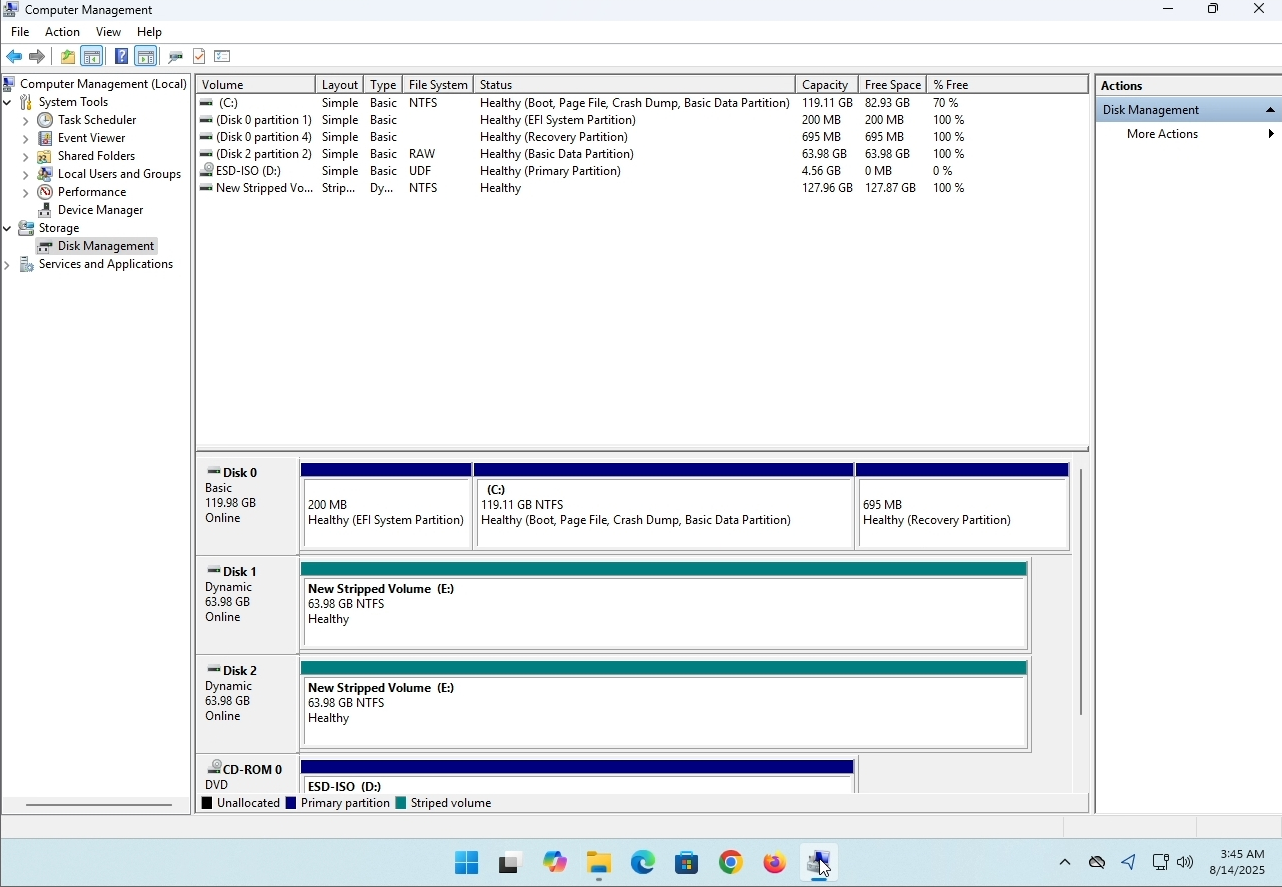
3. On the left pane. Look for Disk Management and click on it once.
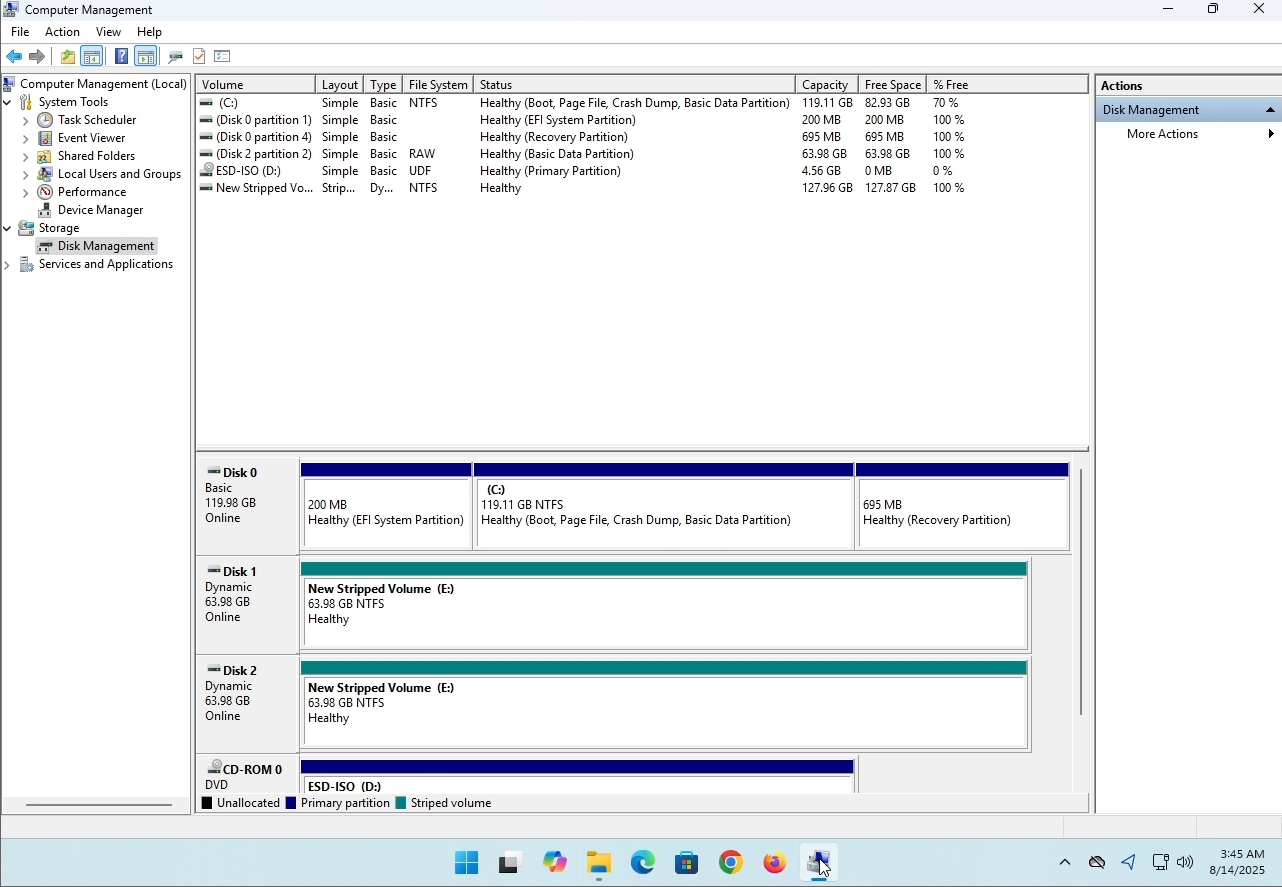
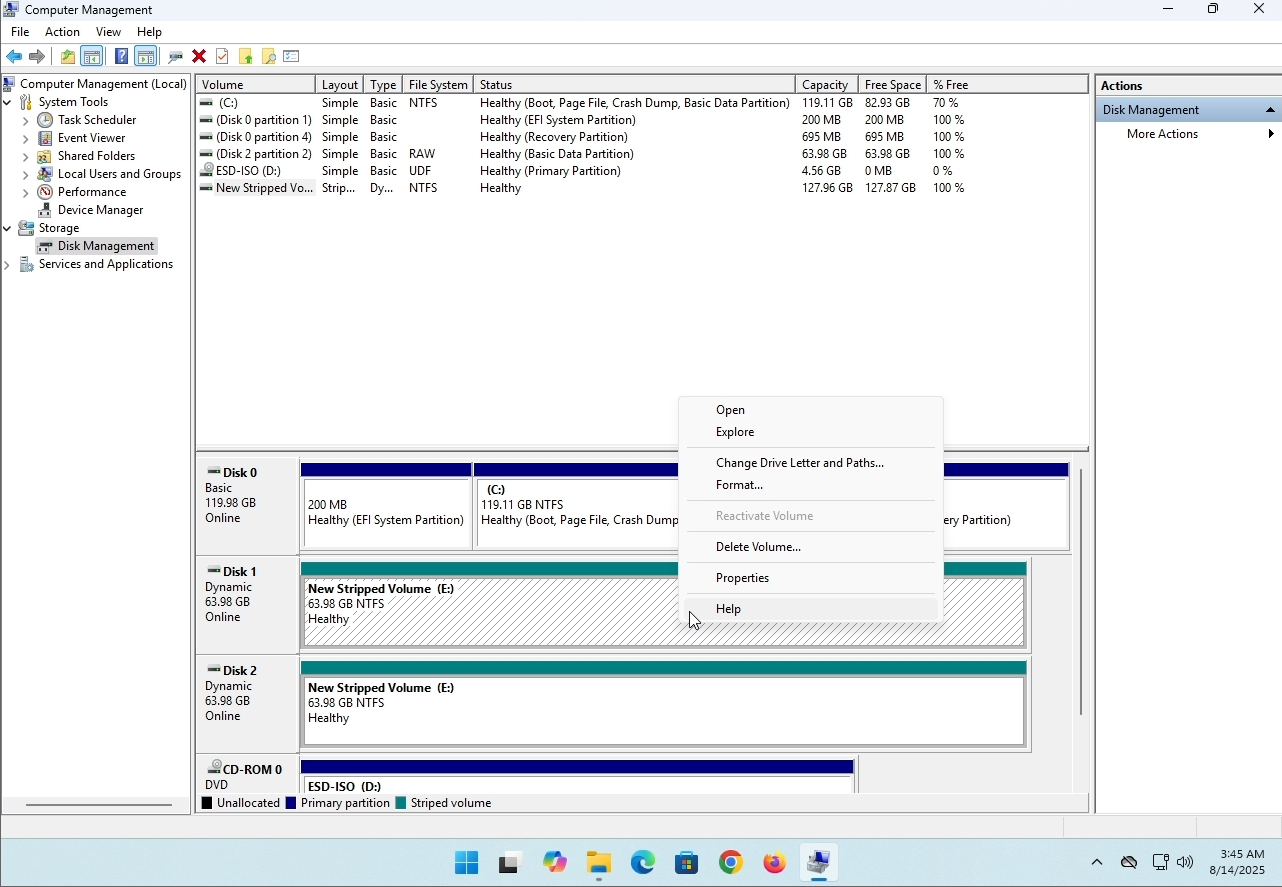
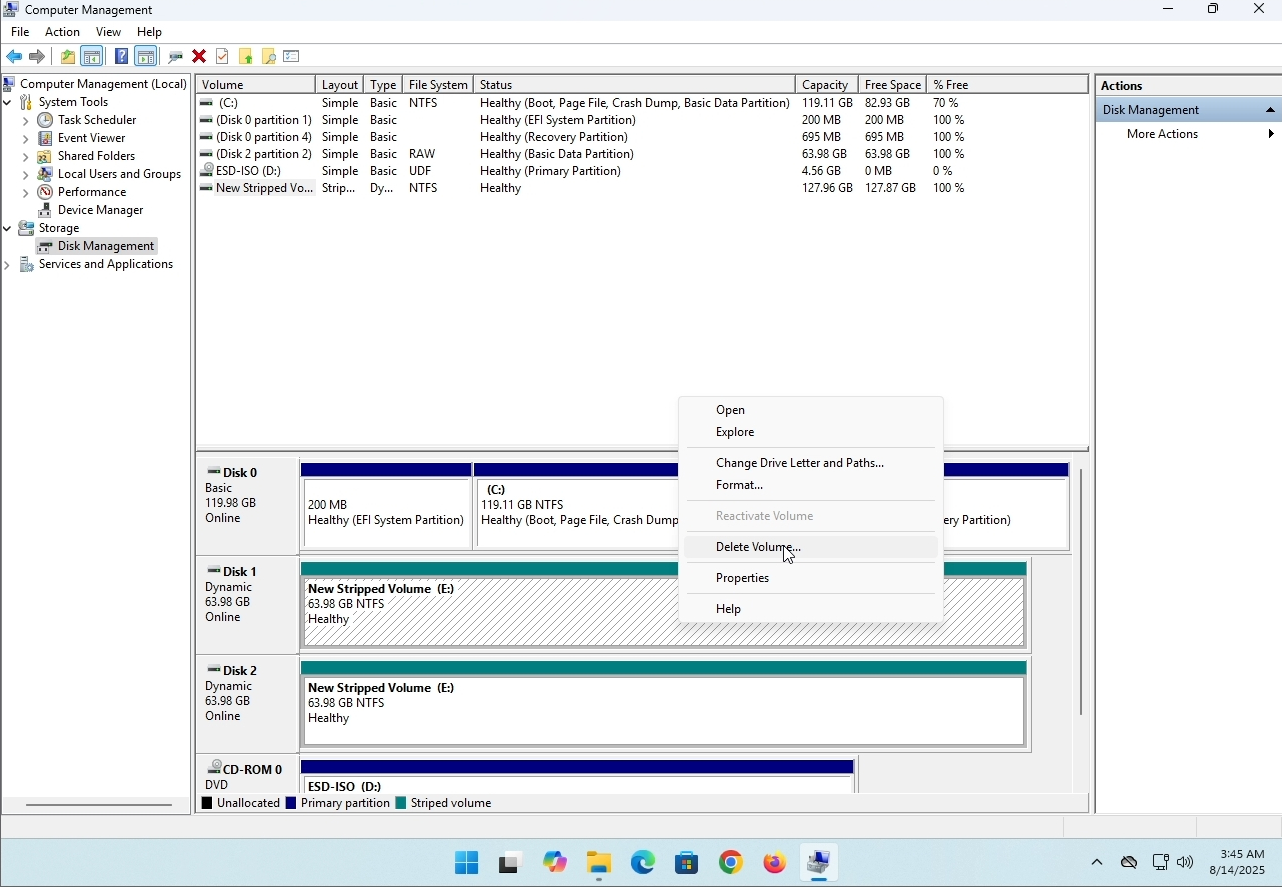
6. You will be shown a confirmation window. Click on Yes to confirm deleting the drive.
7. The drive is now deleted and the disks that were part of the stripped array are now unallocated.
- Detail
- Ditulis oleh IT Pro
- Kategori: How to Articles
- Dilihat: 8012
Perkenalan:
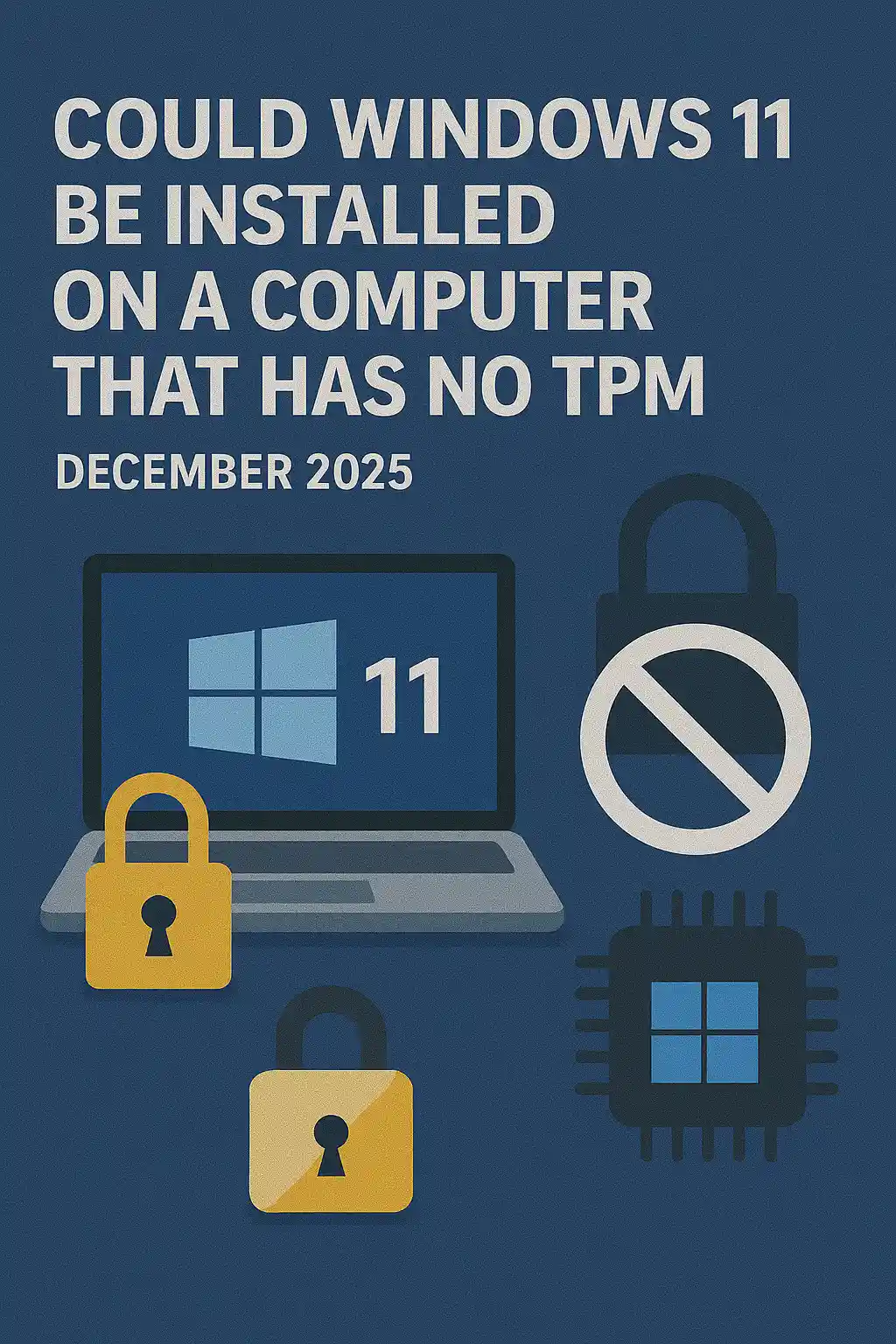
Dalam artikel ini kita akan memeriksa apakah Windows 11 bisa dipasang pada komputer yang tidak memiliki chip TPM.
Singkatnya: Tidak.
Windows 11 tidak dapat dipasang pada komputer tanpa minimum chip versi TPM 2.0.
Berikut ini adalah ilustrasi dari percobaan instalasi Windows 11 pada komputer seperti itu.
Versi Windows yang berusaha dipasang adalah 24H2.
1. Masuk ke instalasi Windows


2. Mengatur bahasa

3. Mengkonfigurasi metode instalasi

4. Panggung kunci produksi


5. Memilih Windows 11 Pro


6. Memeriksa tahap PC

7.

Kesimpulan:
Tak banyak yang bisa dikatakan di sini. Kami harus melihatnya sendiri. Ada obrolan besar tentang hal ini, dan tampaknya untuk menahan air dalam kasus ini. Pemasangan - bijaksana - Windows 11 tidak dapat dipasang pada komputer atau sistem tanpa chip TPM versi 2.0.
Itu tidak berarti Windows 11 tidak dapat RUN pada sistem kata. Untuk lebih lanjut, silahkan kunjungi artikel kami tentang hal ini: https: / / itproshub.com / en / windows / can -windows-11-run-on- a-computer -t-tpm-chip-at -all-defisit -2025
- Detail
- Ditulis oleh IT Pro
- Kategori: How to Articles
- Dilihat: 7150
1. Mulai instalasi Thunderbird dengan mengklik file setup
Dalam layar selamat datang, klik NEXT.
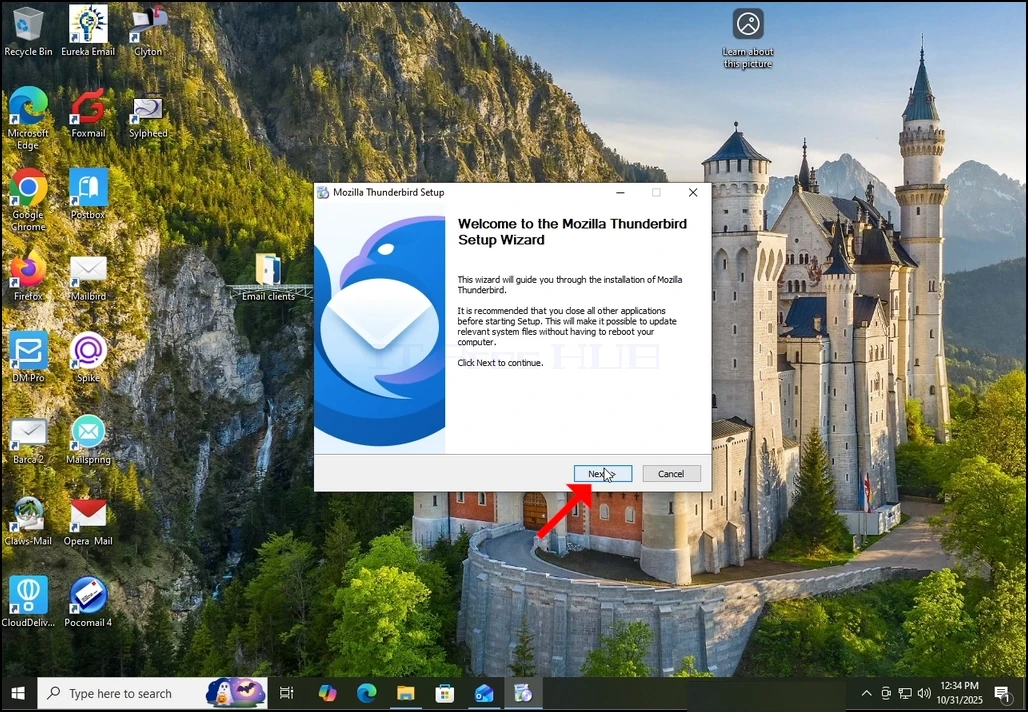
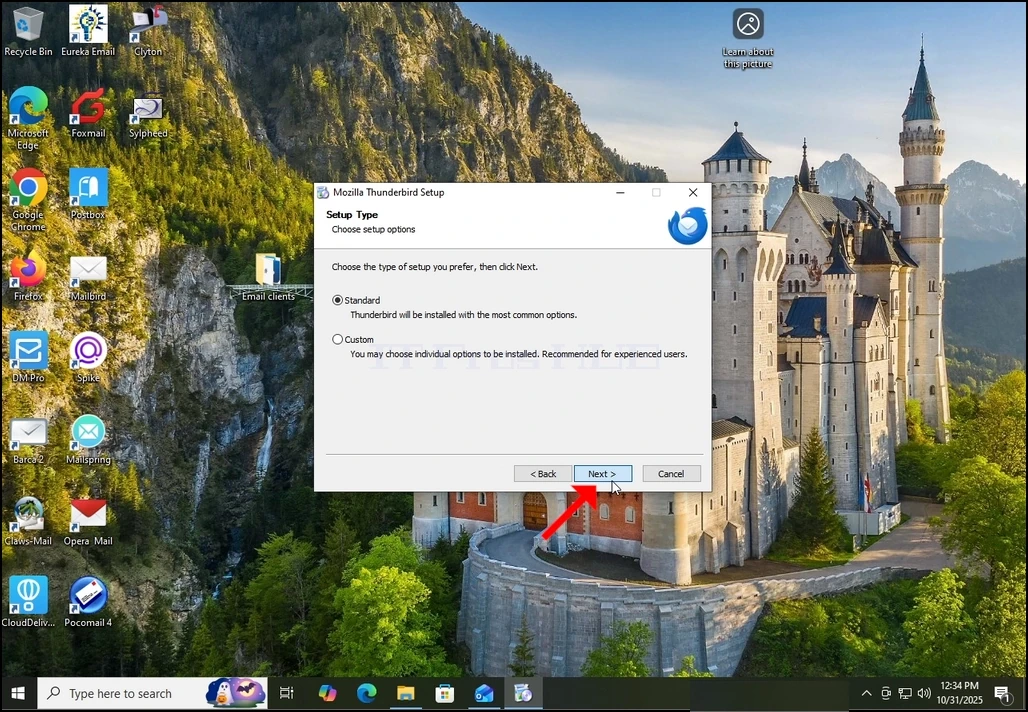
Pilih opsi standar dan klik NEXT.
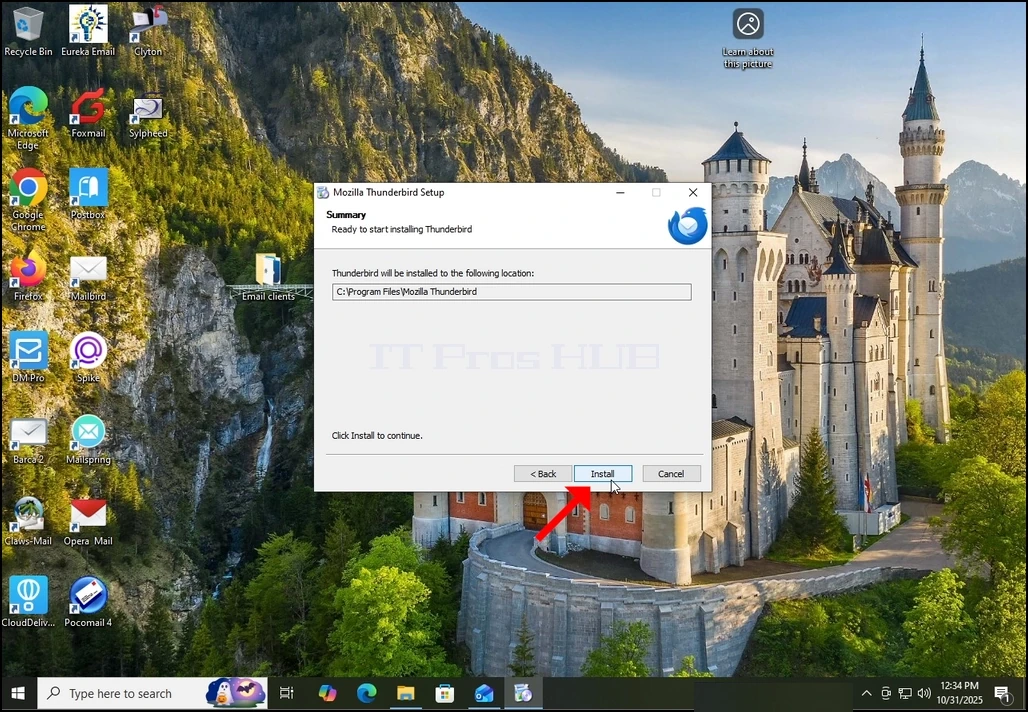
4. Klik tombol Pasang.
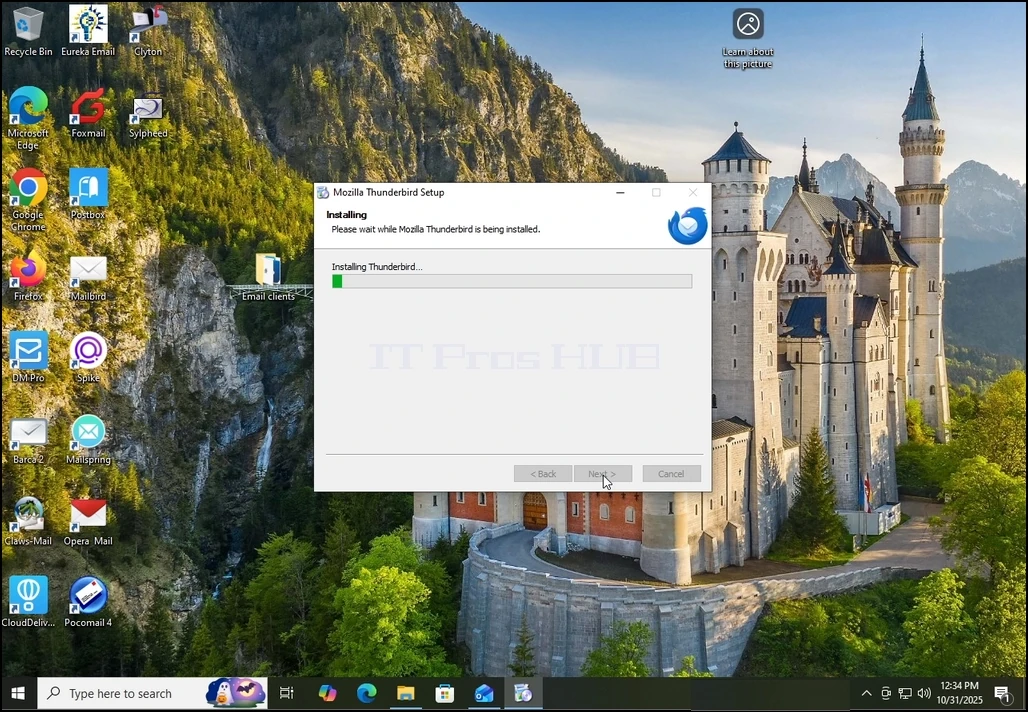
Tunggu dengan sabar untuk proses instalasi untuk menyelesaikan
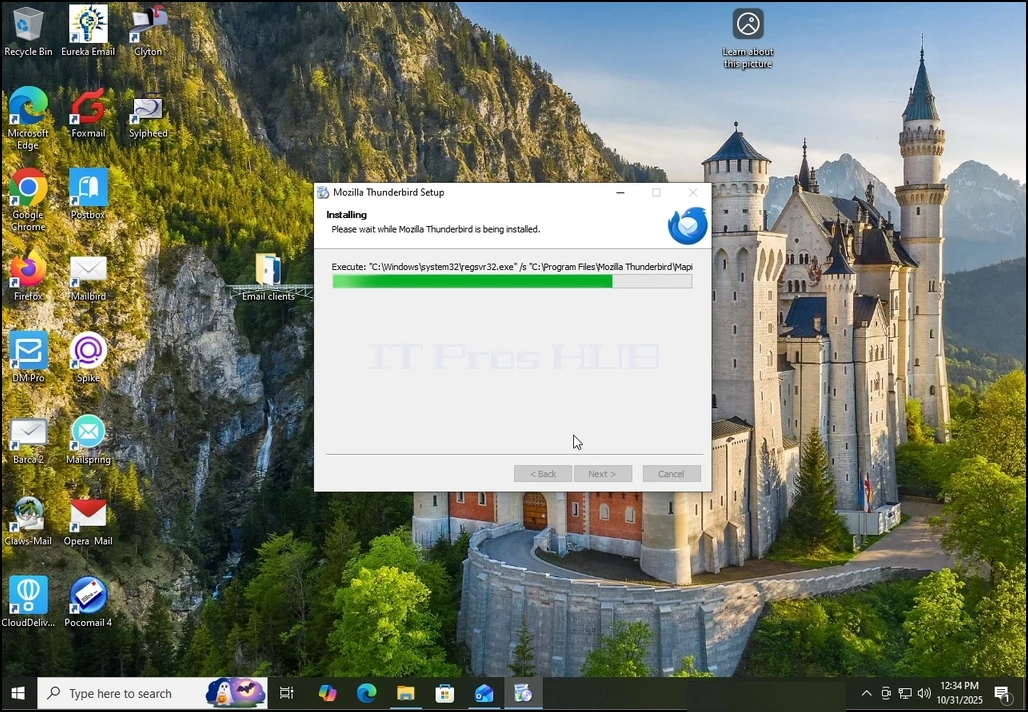
6.
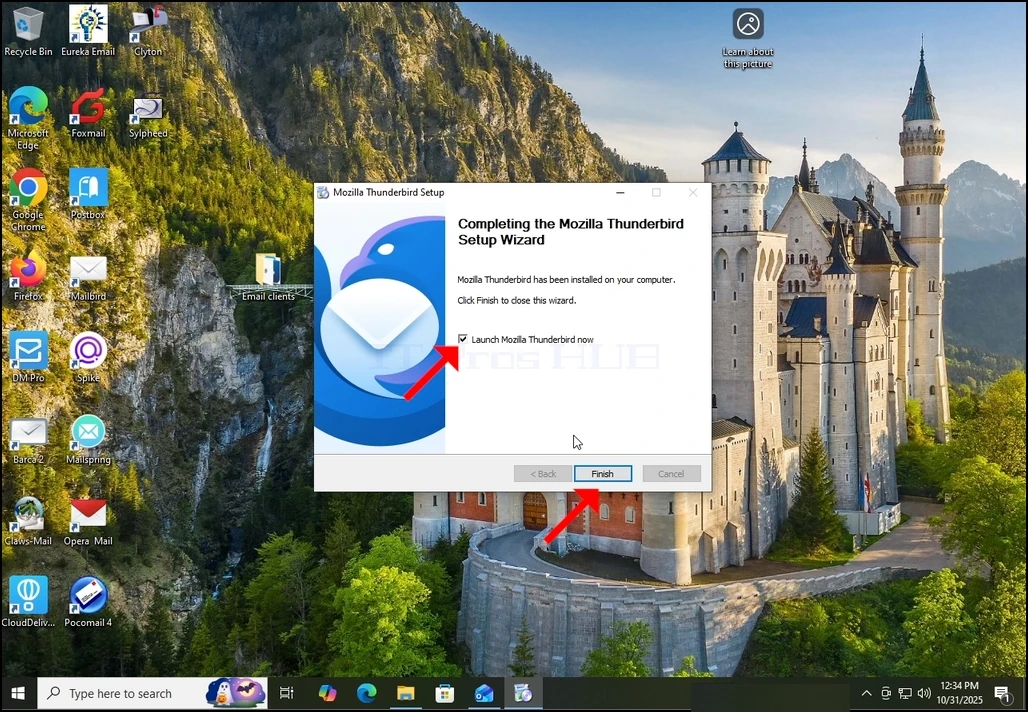
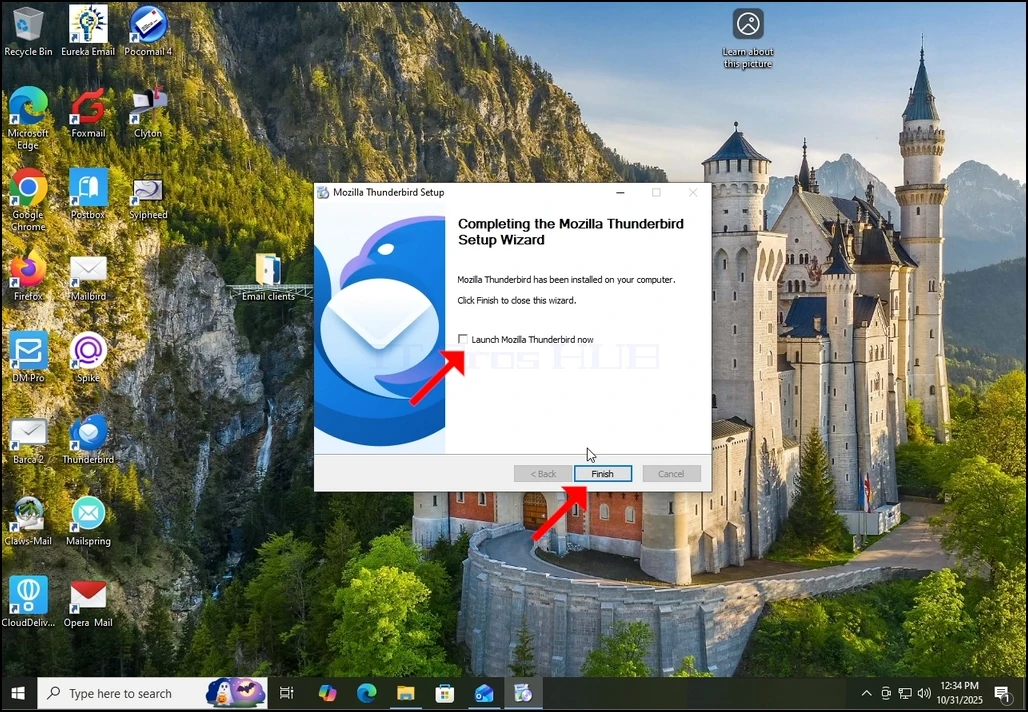
Mozilla Thunderbird sekarang terpasang!