



- Details
- Geschreven door: IT Pro
- Categorie: How to Articles
- Hits: 5362
1. Open Microsoft Word

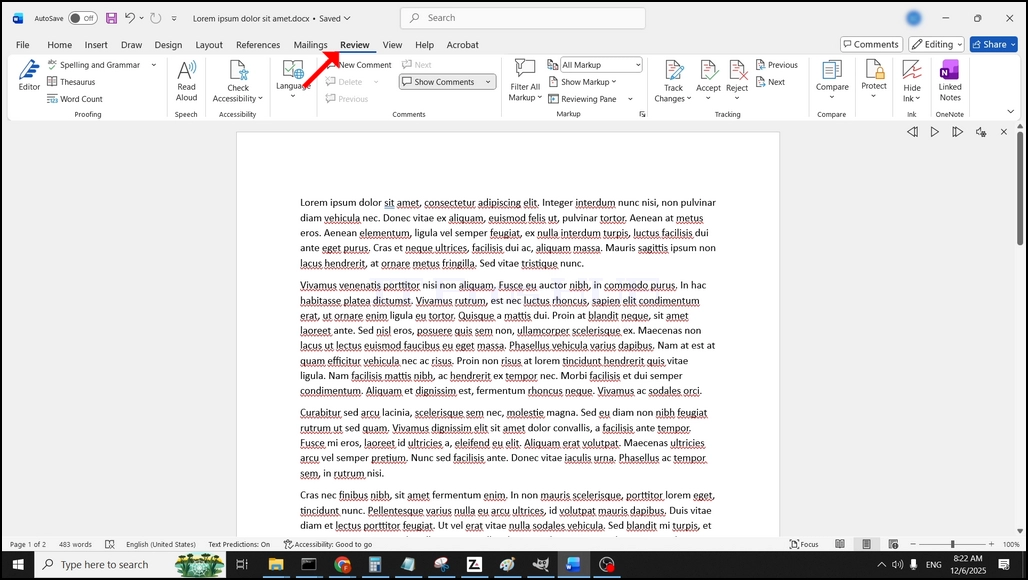
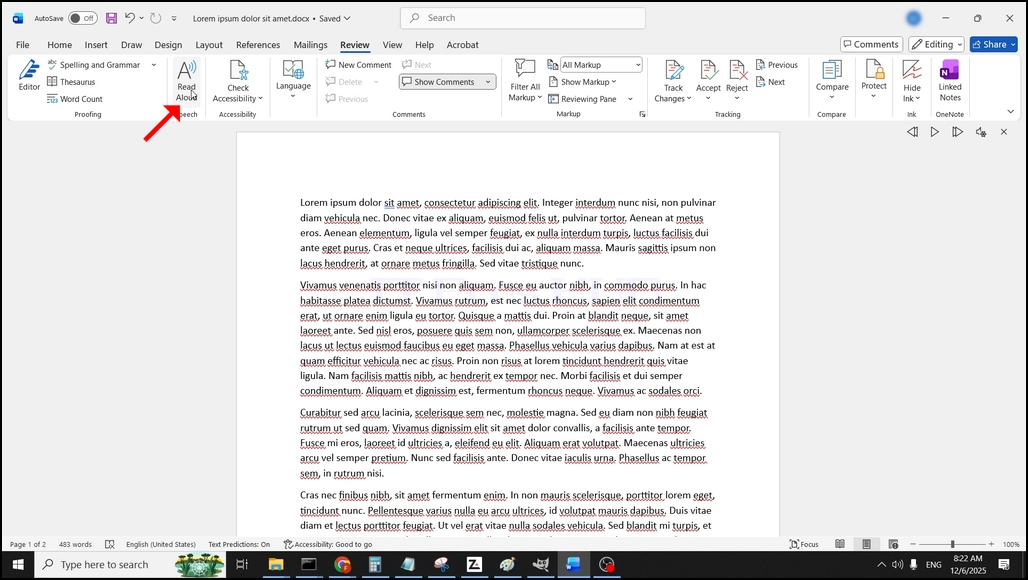
3. Under Review, op zoek naar een grote "A" pictogram dat zegt "Hardop lezen" en klik erop om de tekst naar spraakfunctie van Word te activeren:
- Details
- Geschreven door: IT Pro
- Categorie: How to Articles
- Hits: 5742
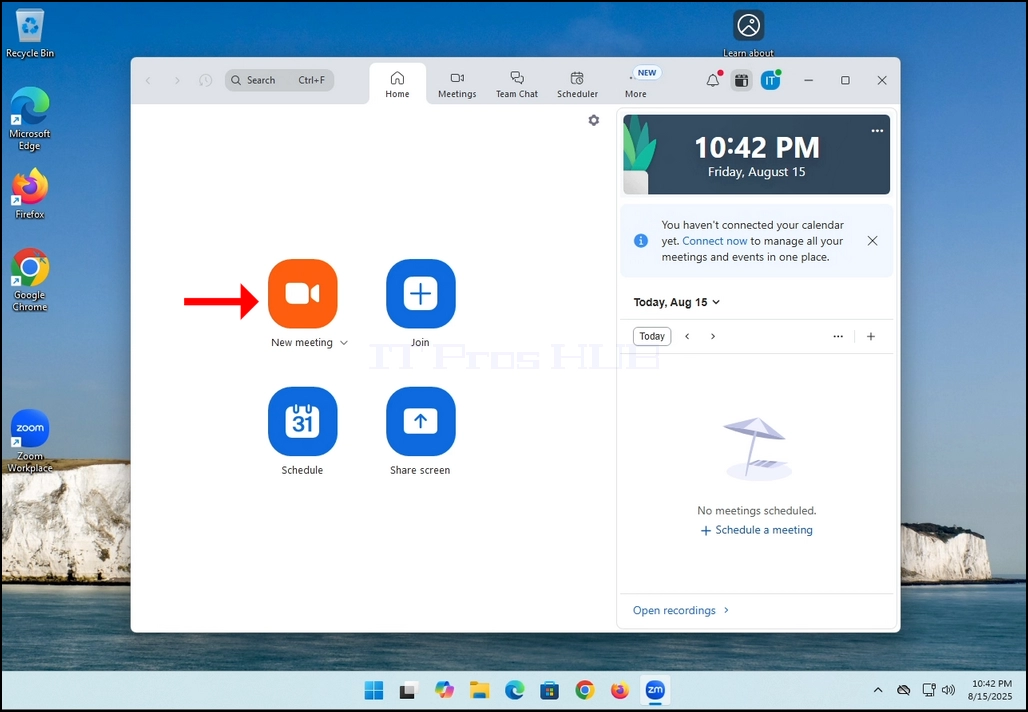
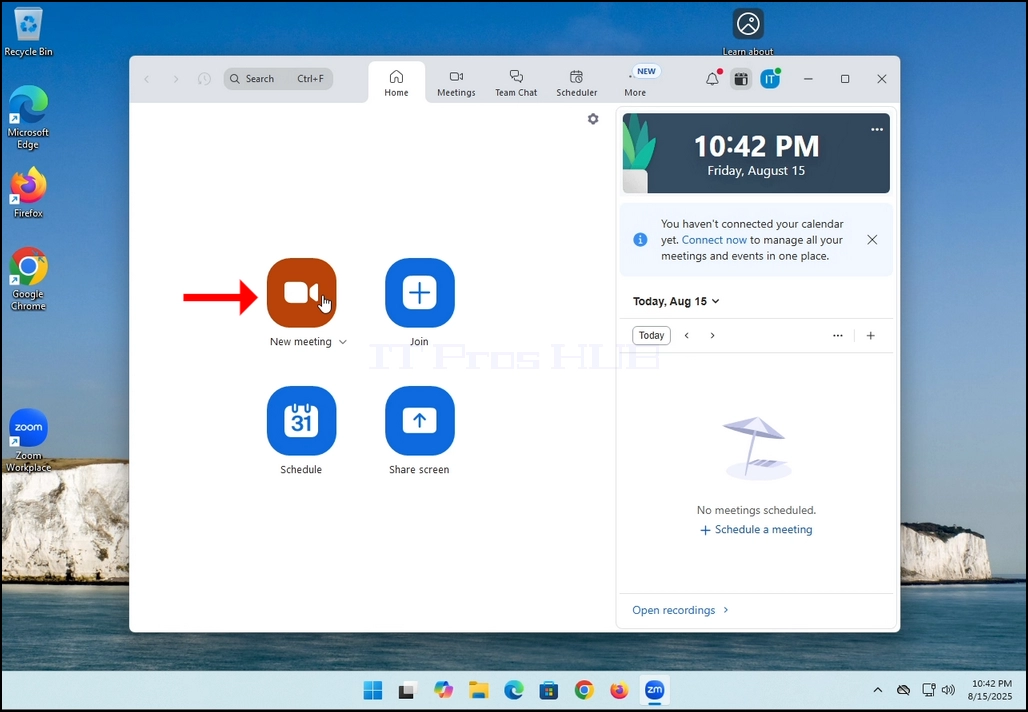
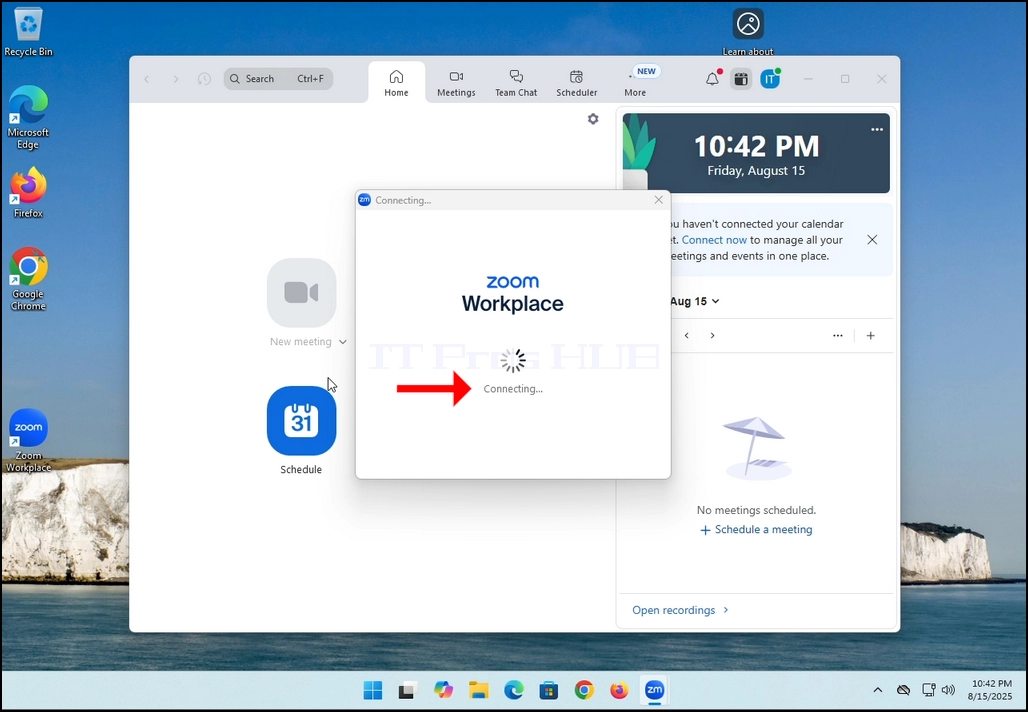
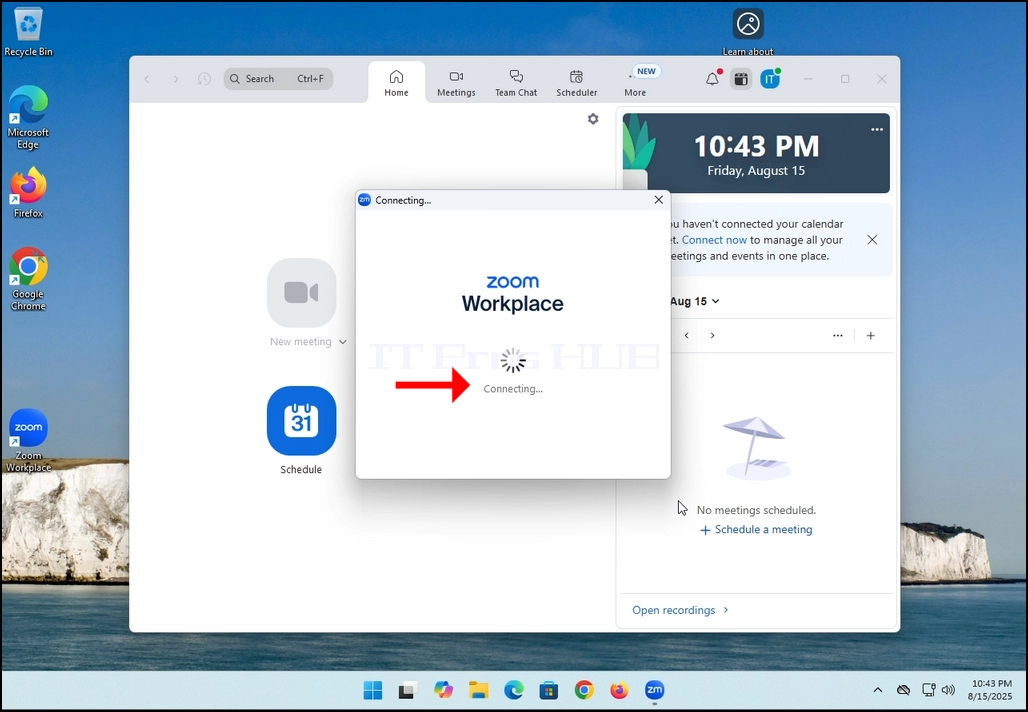
2. Once clicked, a new small window should appear. The window will show "connecting" and an animation progress circle.
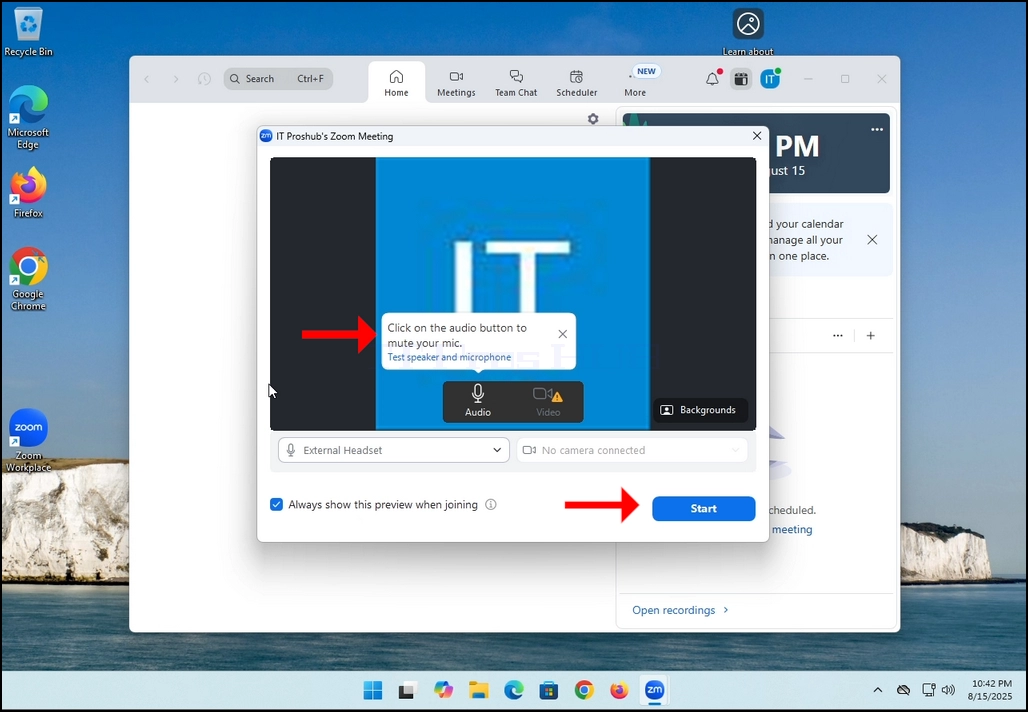
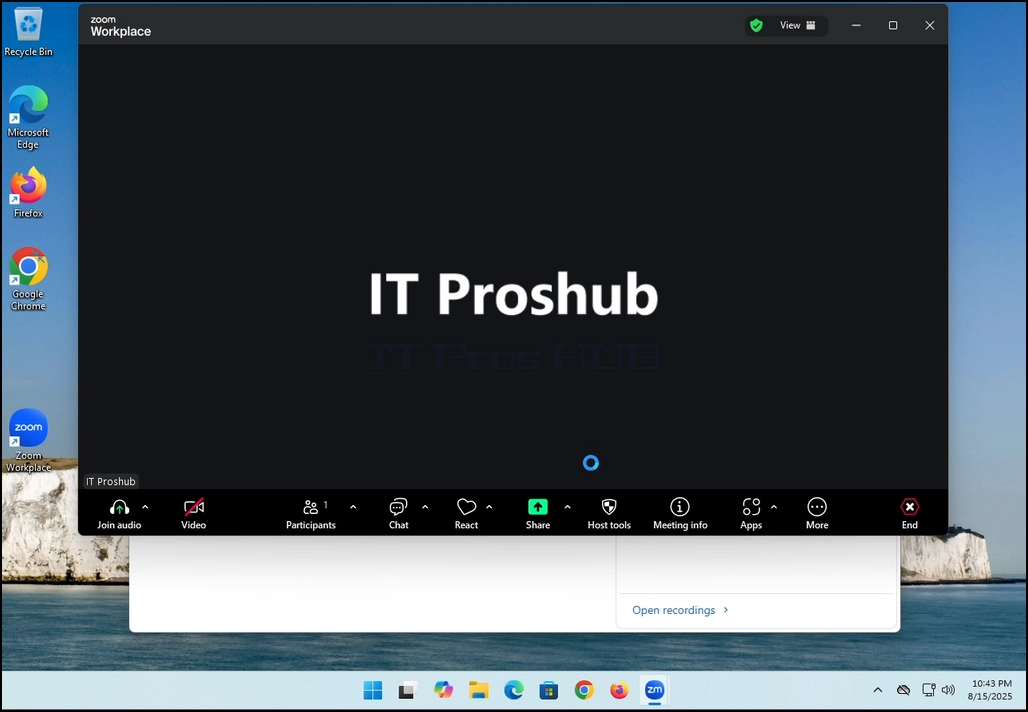
3. Once it's done loading, a new window will appear. Usually its title should say something along the lines of: "User's Zoom Meeting". In this article's case, it says "IT Proshub's Zoom Meeting" since the user that uses Zoom is called that way.
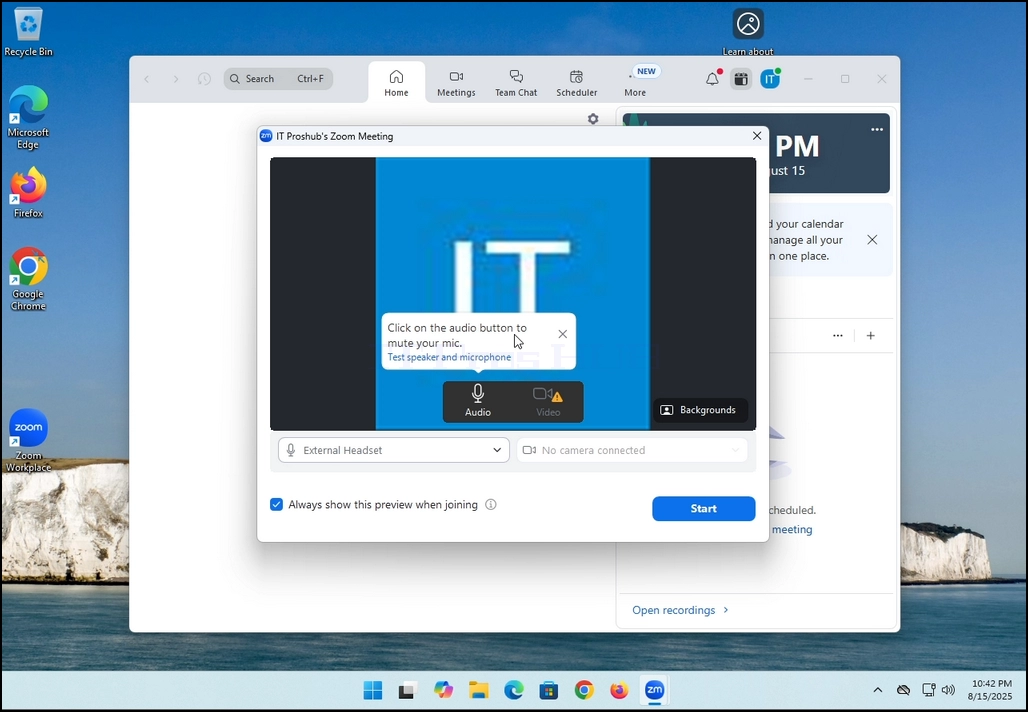
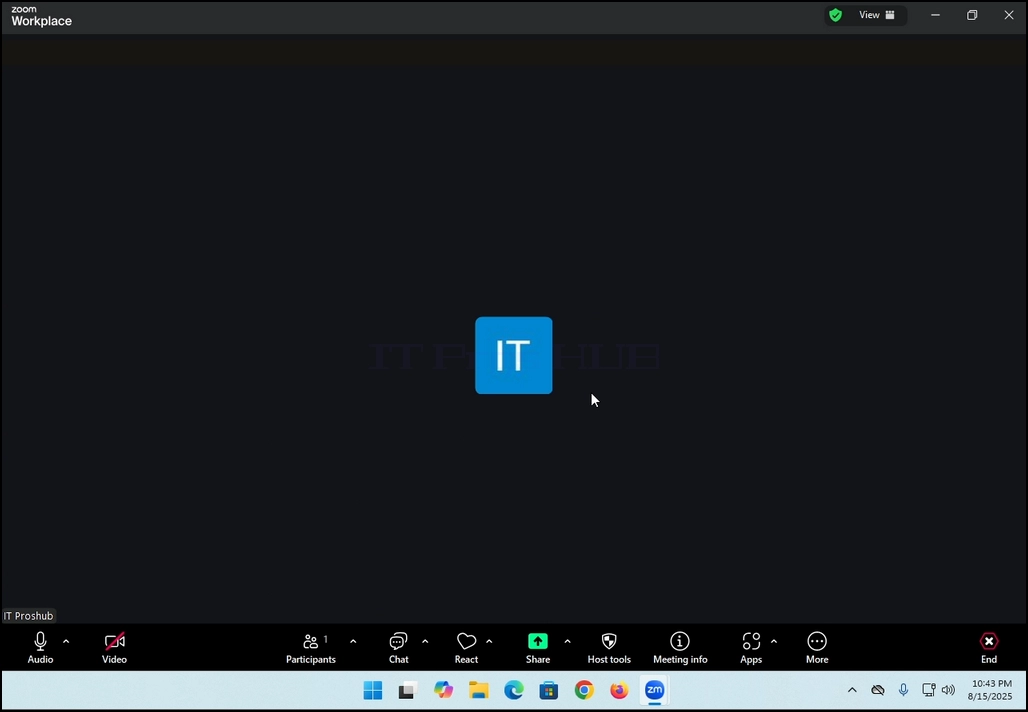
4. Here, you can mute your mic by clicking on the mic icon and you can also turn your camera off/on by clicking the Video icon.
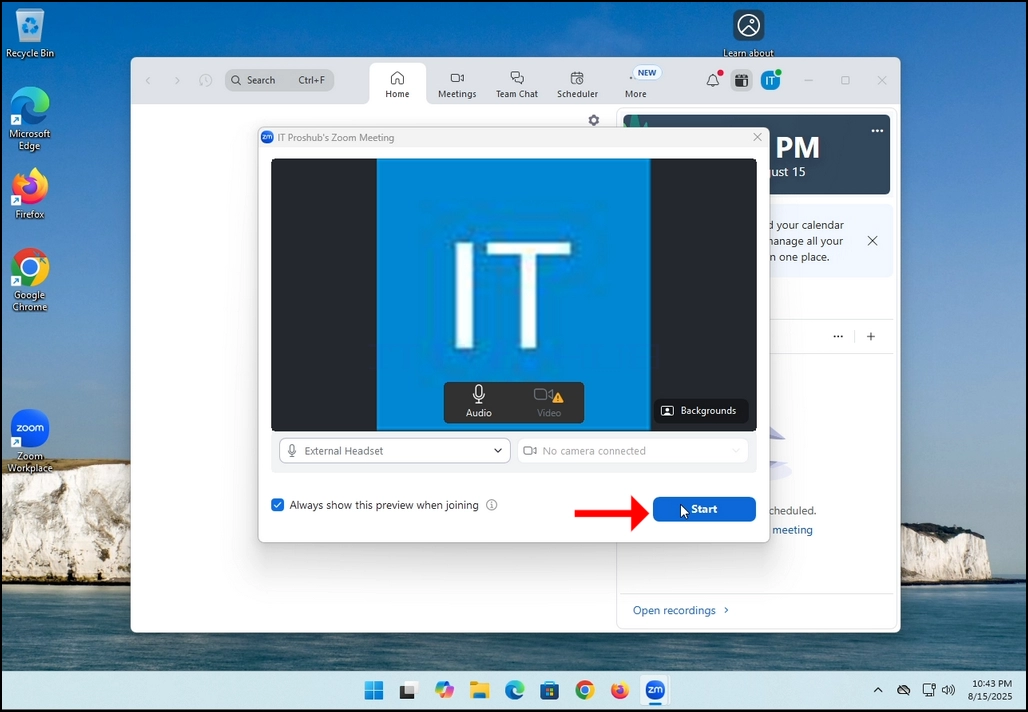
7. That's it! the new meeting is in progress. At this stage the meeting contains only the host which is IT Proshub in this article's case.
- Details
- Geschreven door: IT Pro
- Categorie: How to Articles
- Hits: 5429
In this article we will demonstrate how to delete a stripped volume in Windows 11
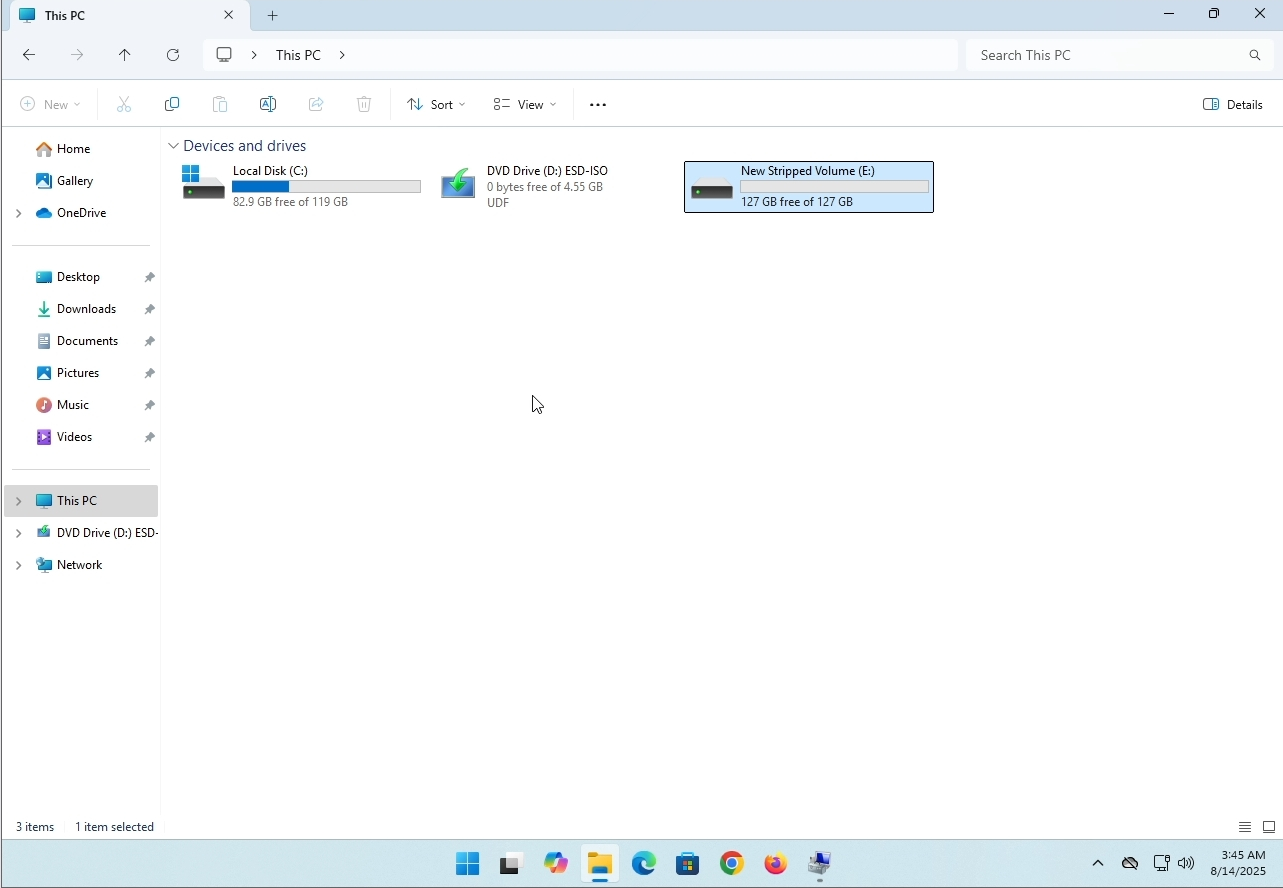
1. Make sure what is the stripped volume's drive letter is. In this case the drive letter is (E:):
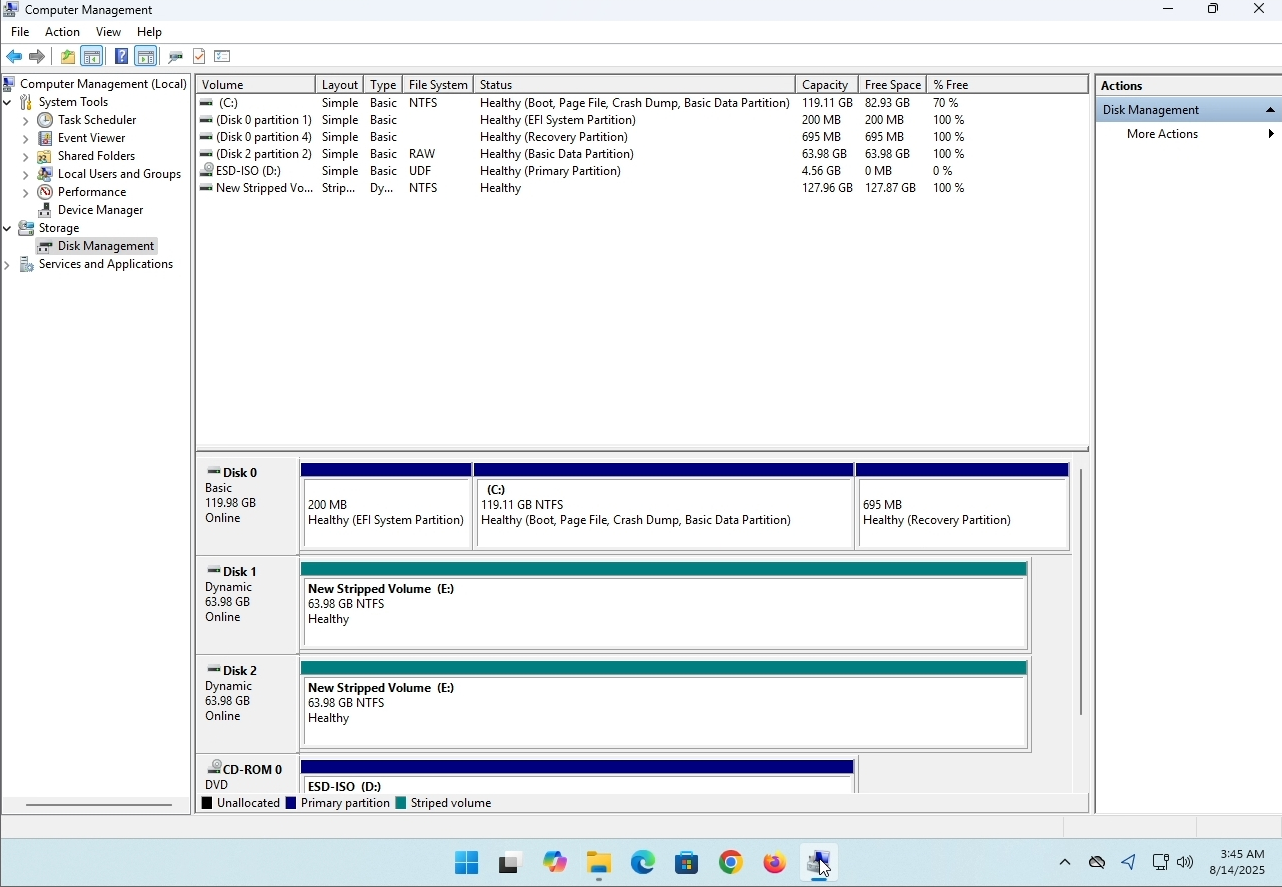
3. On the left pane. Look for Disk Management and click on it once.
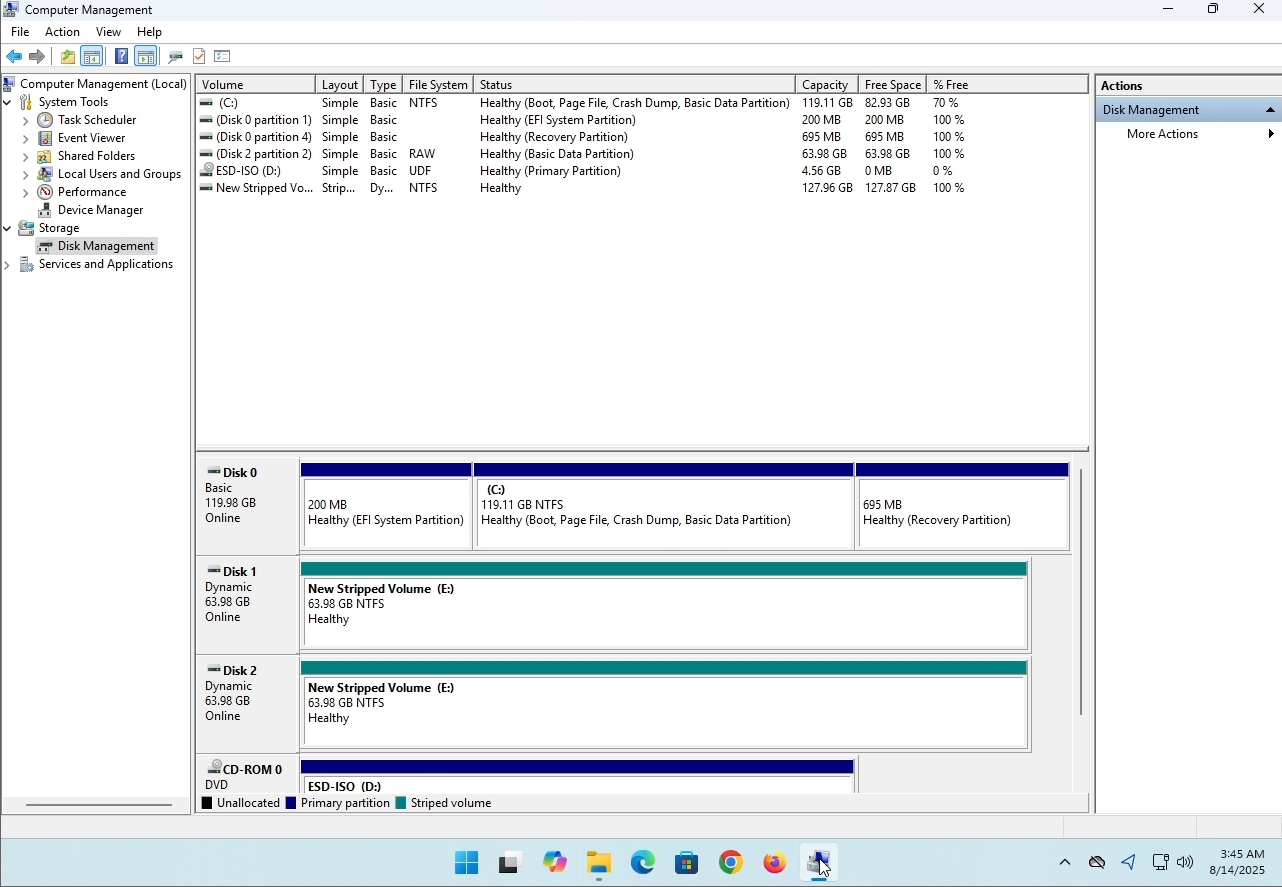
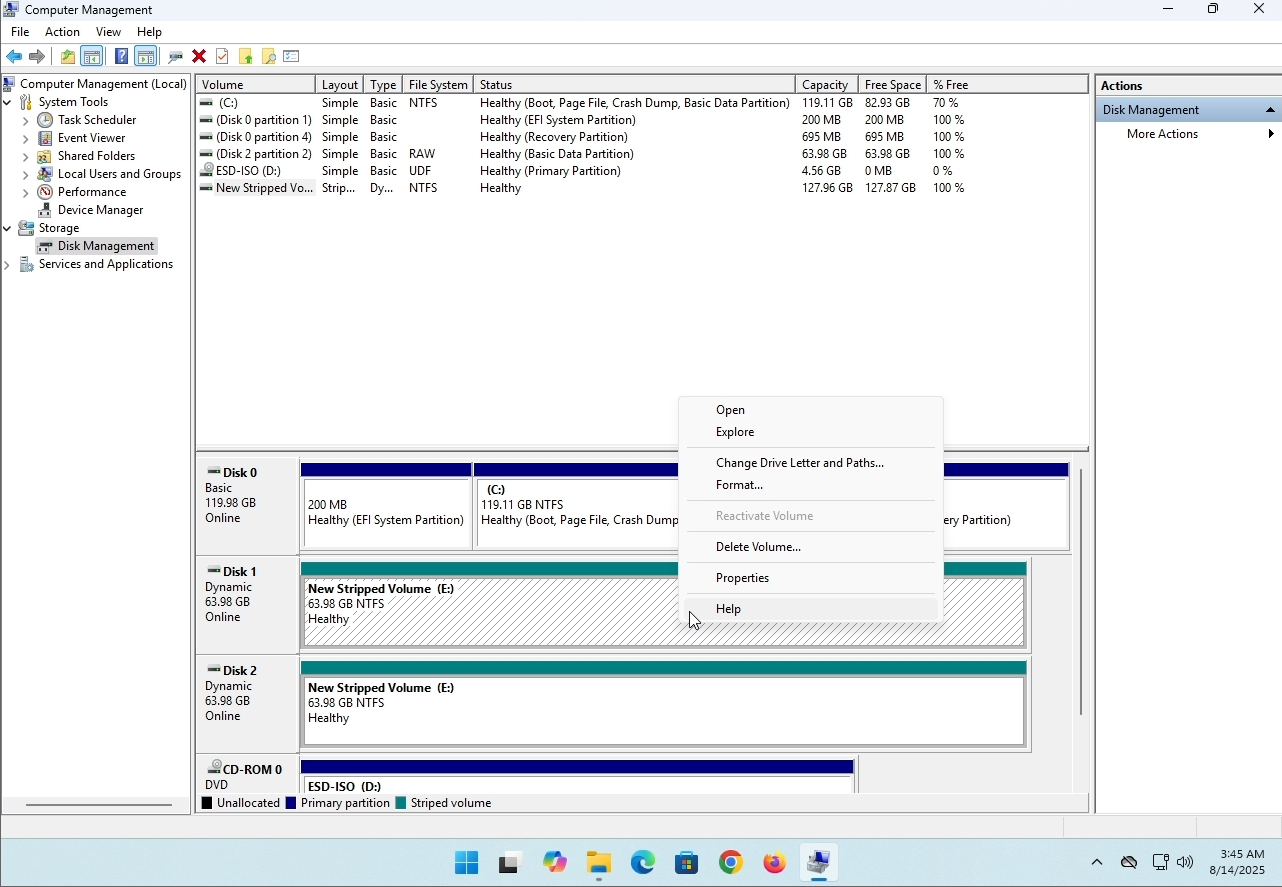
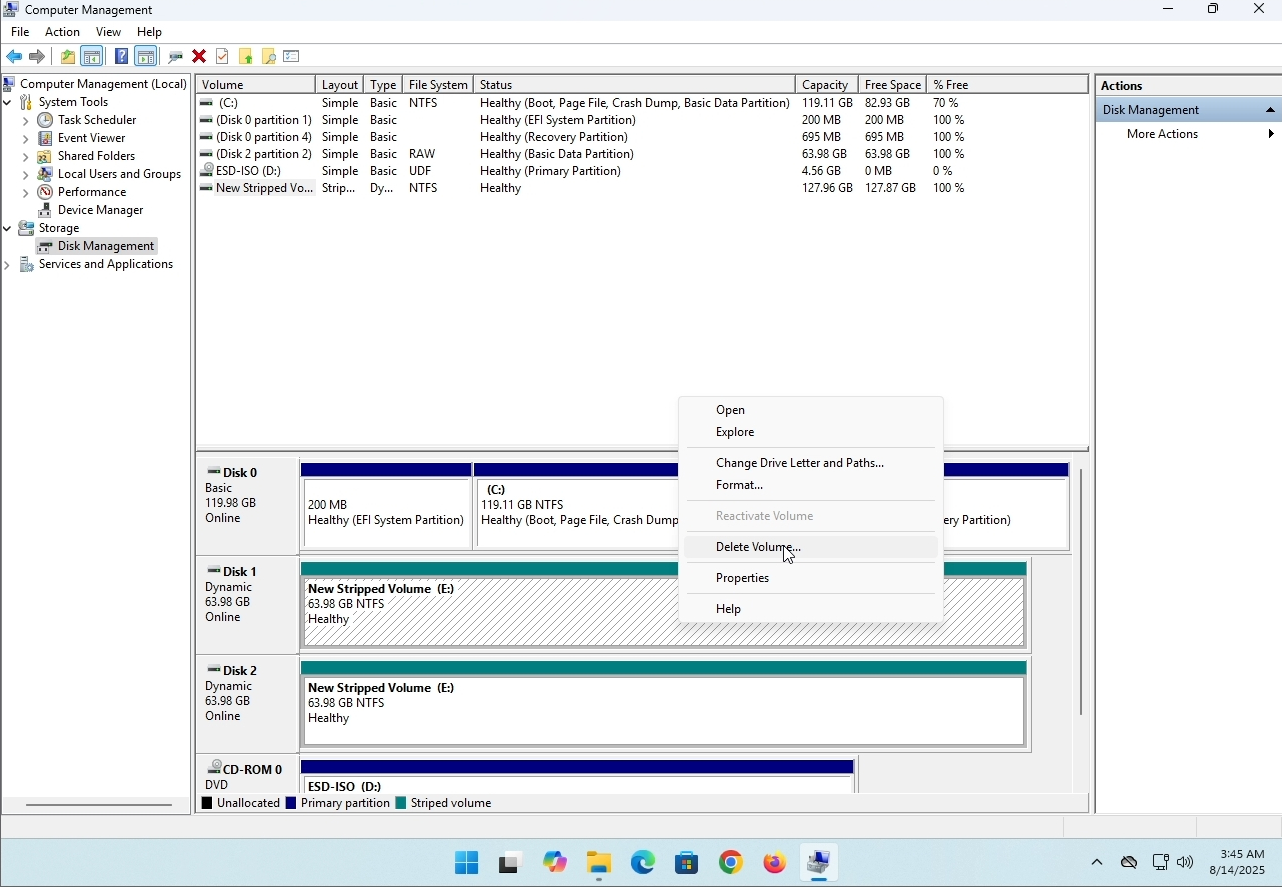
6. You will be shown a confirmation window. Click on Yes to confirm deleting the drive.
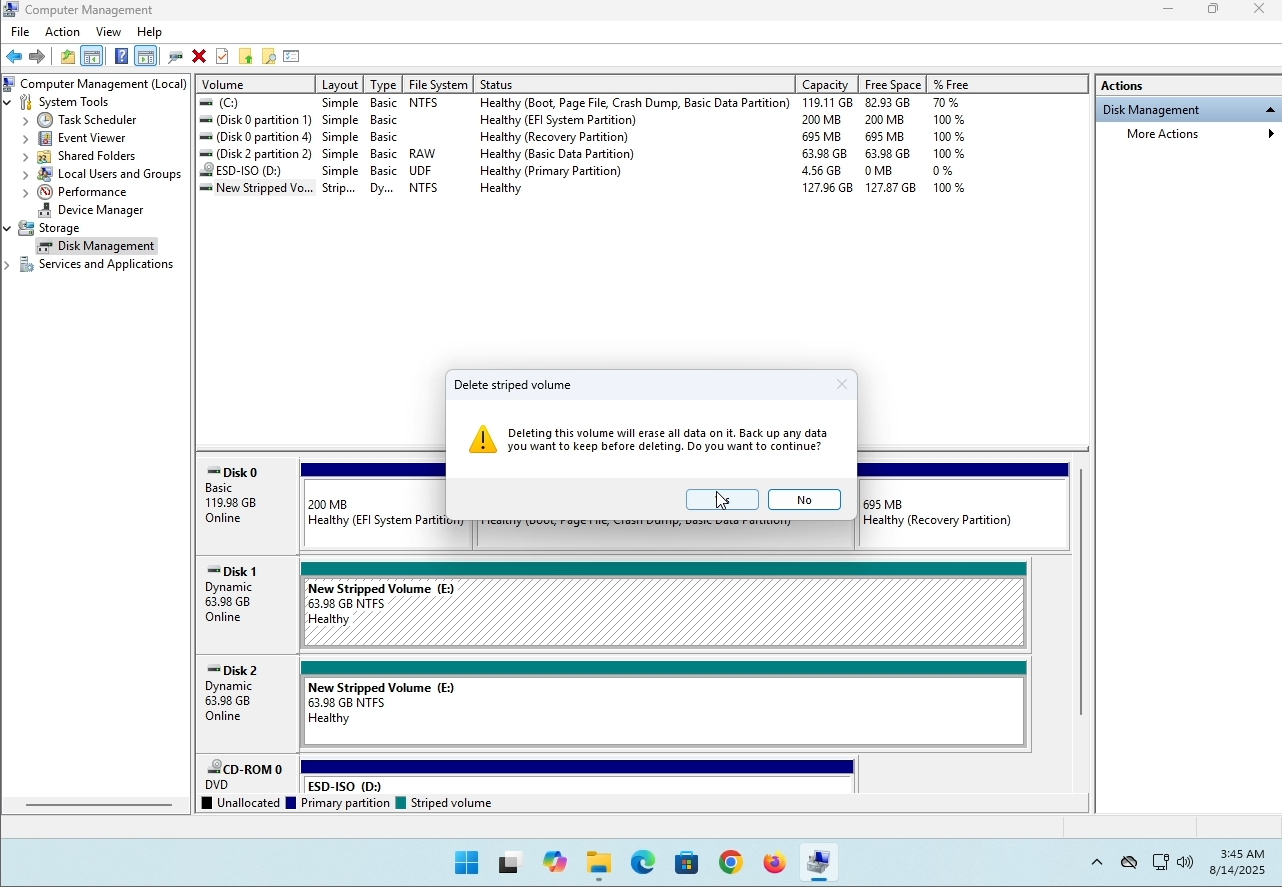
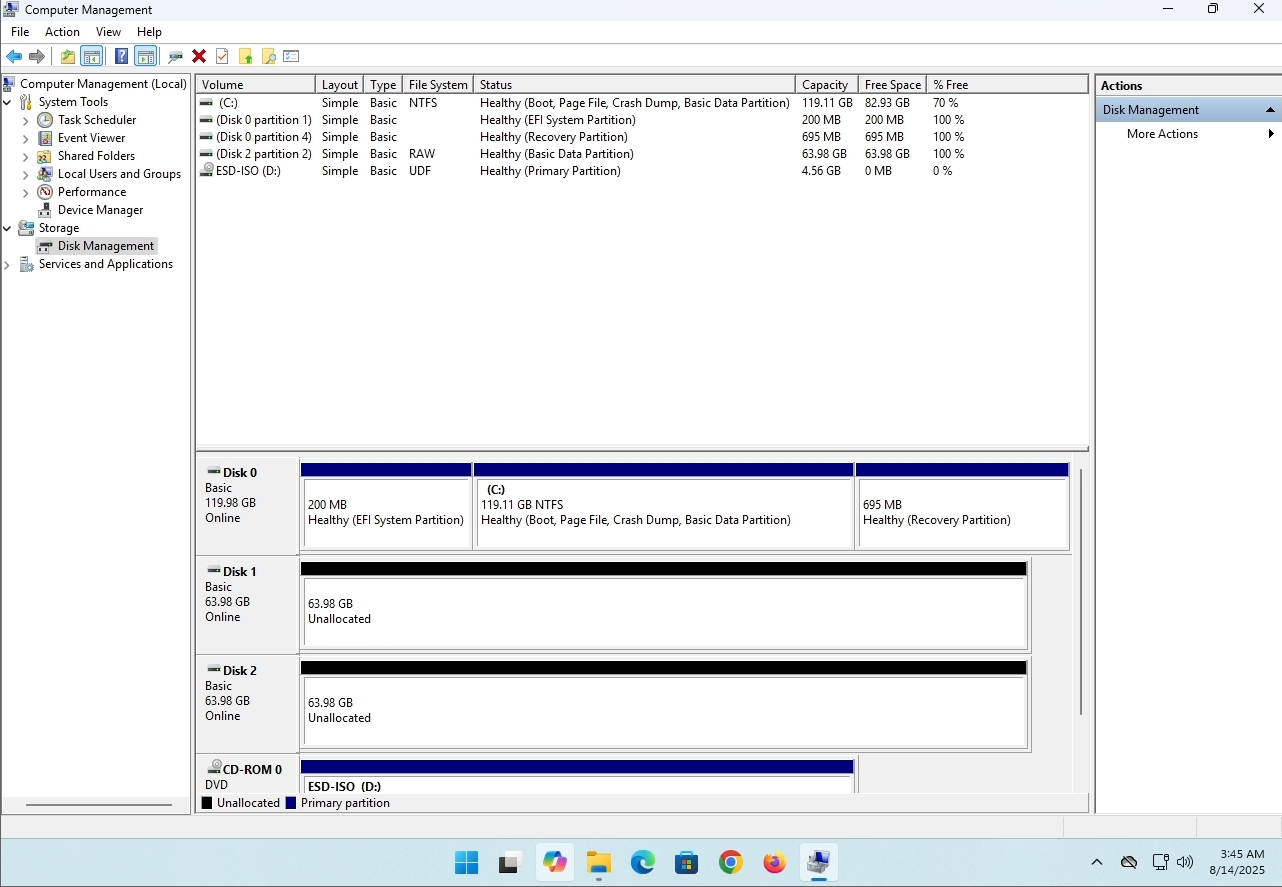
7. The drive is now deleted and the disks that were part of the stripped array are now unallocated.
- Details
- Geschreven door: IT Pro
- Categorie: How to Articles
- Hits: 8229
Inleiding:
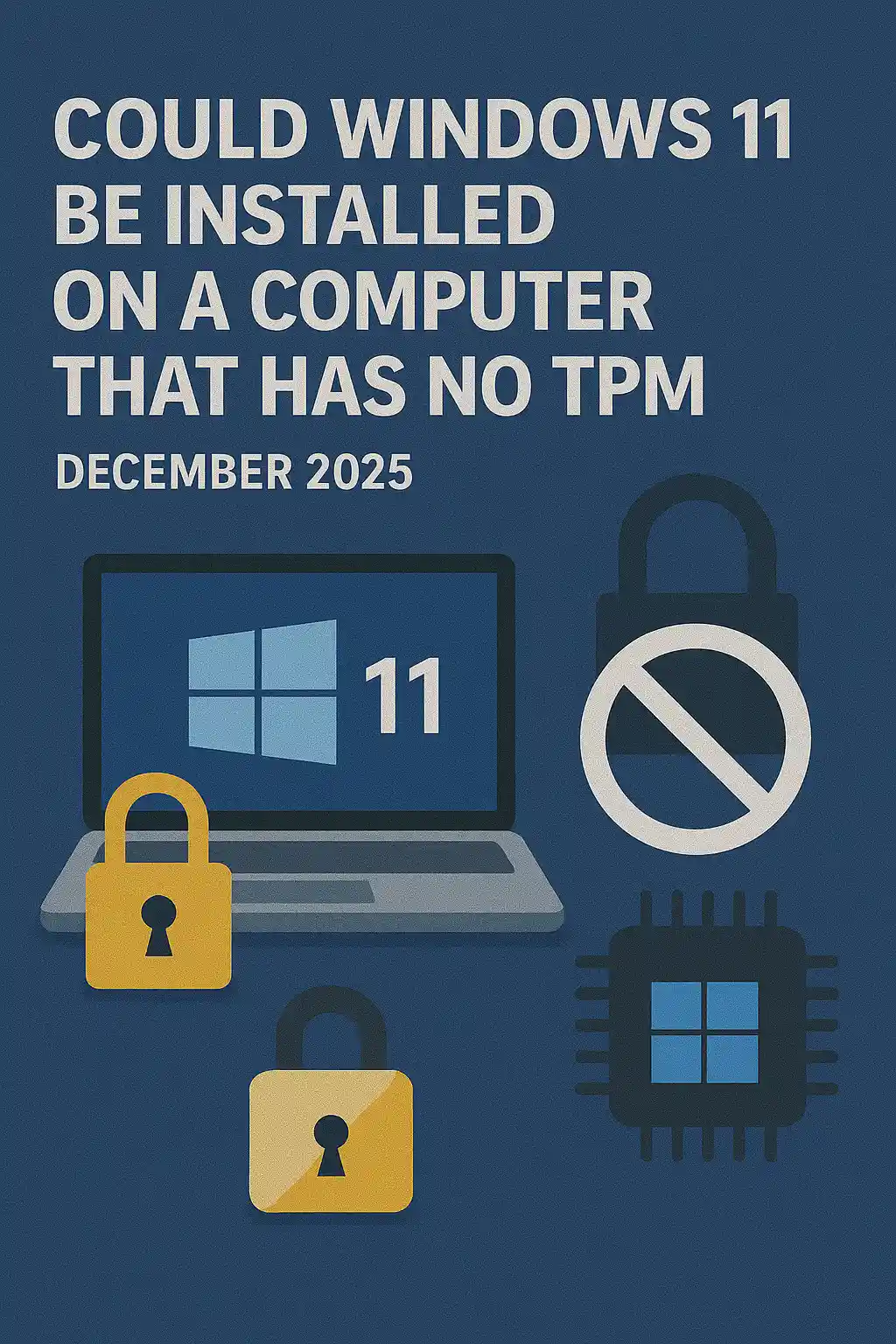
In dit artikel zullen we onderzoeken of Windows 11 geïnstalleerd kan worden op een computer zonder TPM chip.
Kortom: NEE.
Windows 11 kan niet op een computer worden geïnstalleerd zonder een minimum van een TPM versie 2.0 chip.
Het volgende is een illustratie van een poging tot installatie van Windows 11 op een dergelijke computer.
De Windows-versie die werd geprobeerd te worden geïnstalleerd was 24H2.
1. Opstarten in Windows-installatie


2. Taal instellen

3. Installatiemethode instellen

4. Product sleutel fase


5. Het kiezen van Windows 11 Pro


6. Controleren PC-stadium

7. Blokkeren

Conclusie:
Niet veel te zeggen hier. We moesten het zelf zien. Er is een groot discours over dit onderwerp, en het lijkt water te houden in dit geval. Bij installatie kan Windows 11 niet op een computer of systeem worden geïnstalleerd zonder een TPM versie 2.0 chip.
Dat betekent niet dat Windows 11 niet kan worden RUN op dit systeem. Voor meer informatie, bezoek ons artikel over dit onderwerp: https://itproshub.com/en/windows/can-windows-11-run-on-a-computer-that-has-no-tpm-chip-at-all-decembet-2025
- Details
- Geschreven door: IT Pro
- Categorie: How to Articles
- Hits: 7279
1. Start de installatie van Thunderbird door op het installatiebestand te klikken
2. Klik in het welkomstscherm op NEXT.
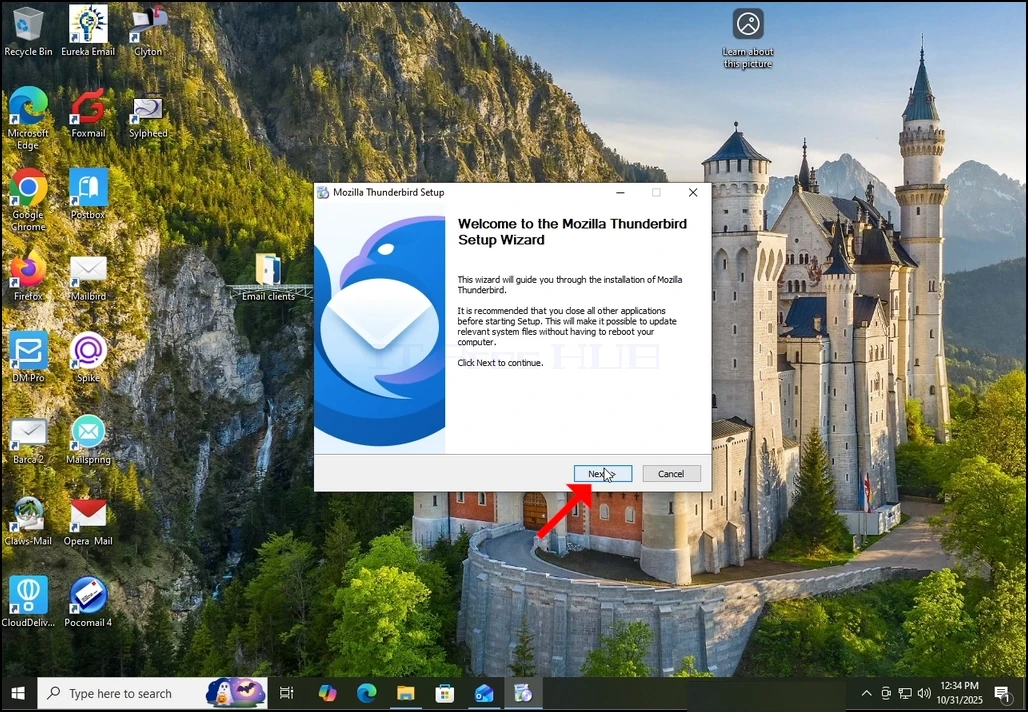
3. Kies de standaard optie en klik op NEXT.
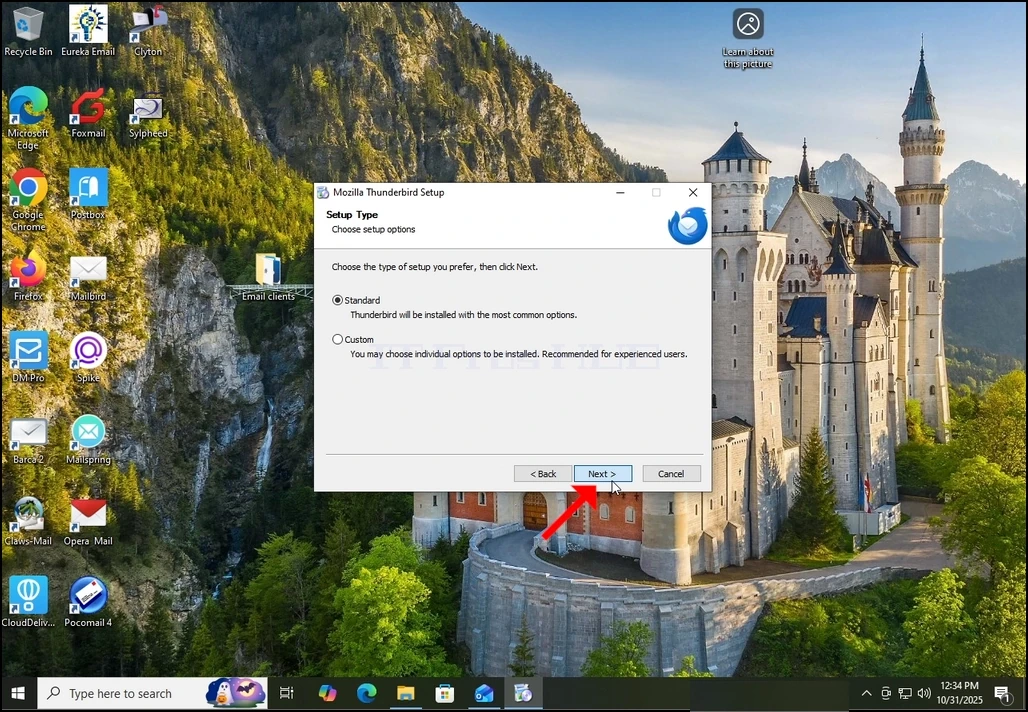
4. Klik op de knop Installeren.
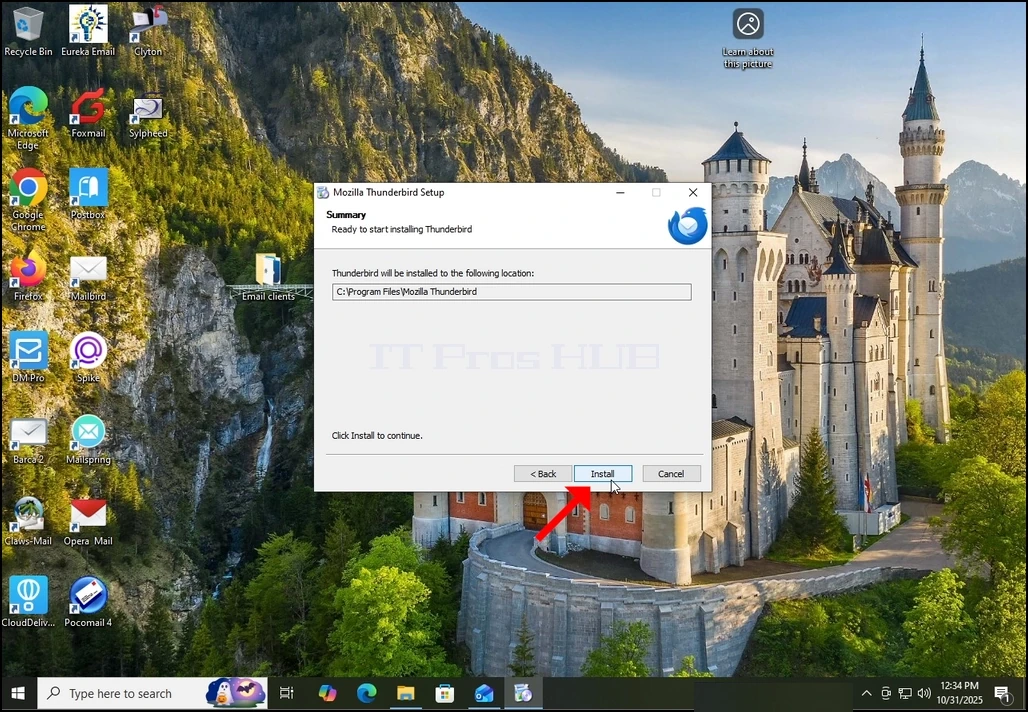
5. Wacht geduldig tot het installatieproces klaar is
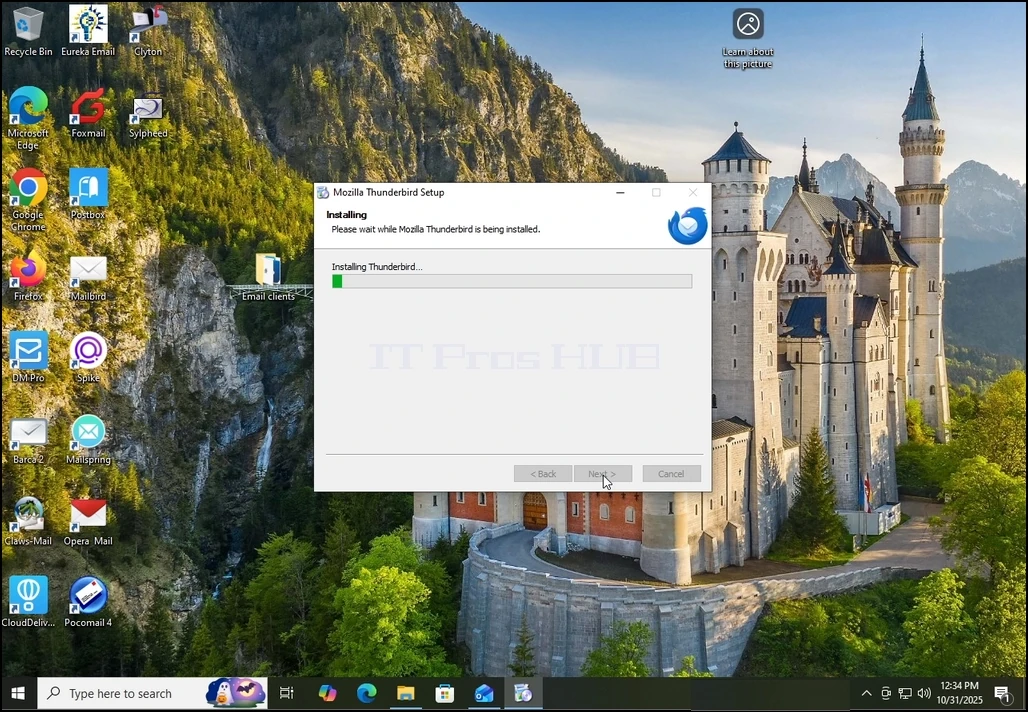
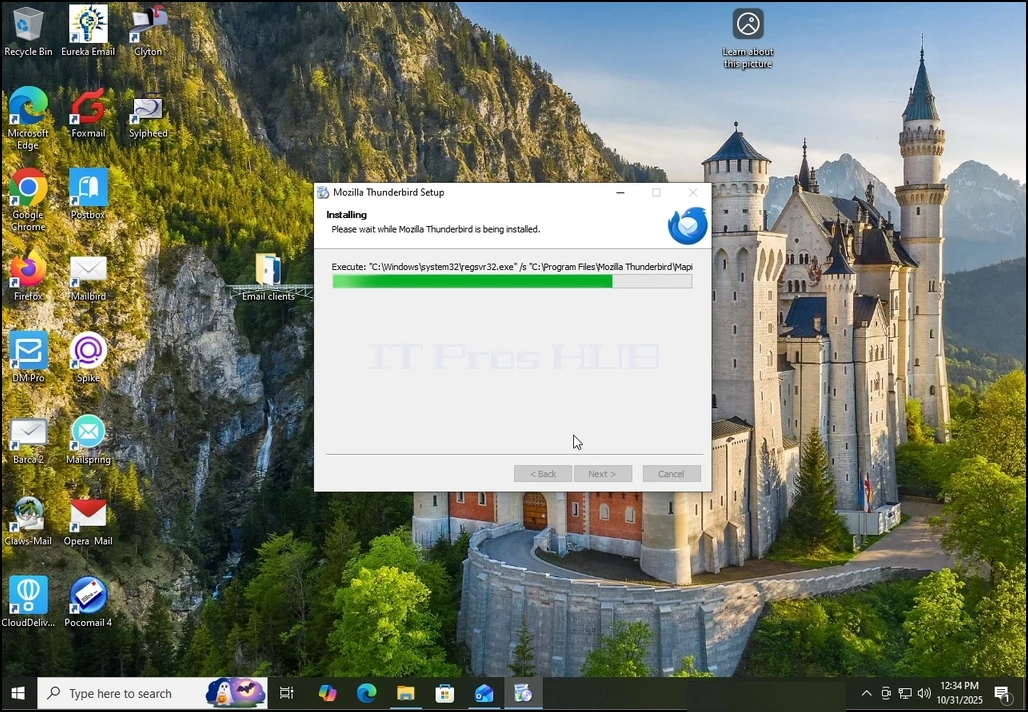
6. Verwijderen van de lancering Mozilla Thunderbird nu optie en druk op de knop Voltooien
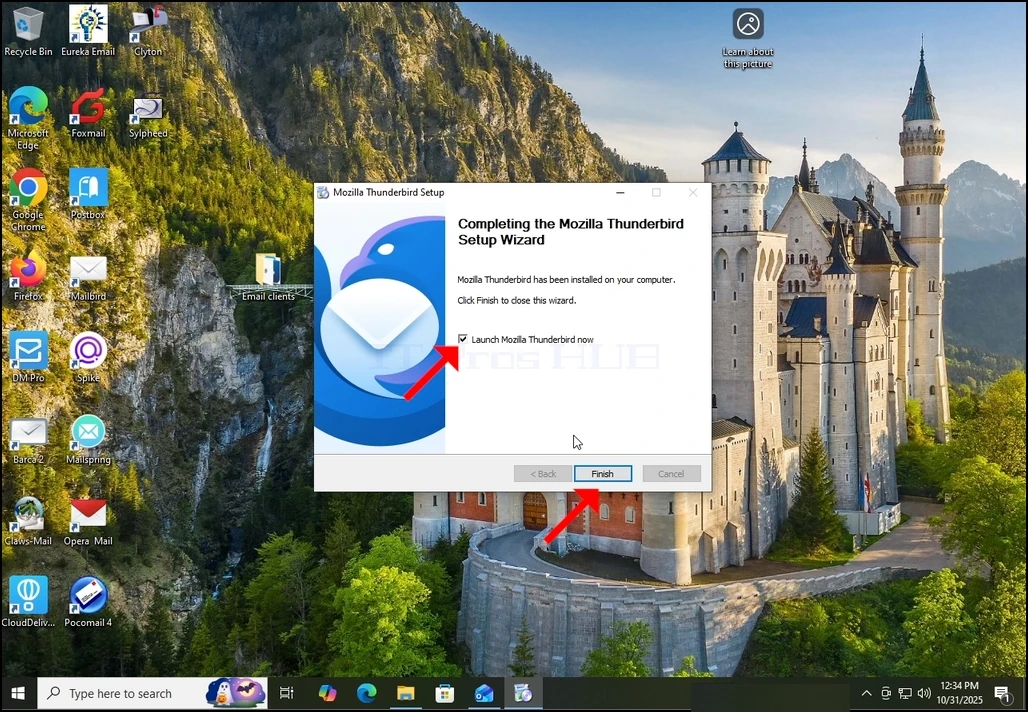
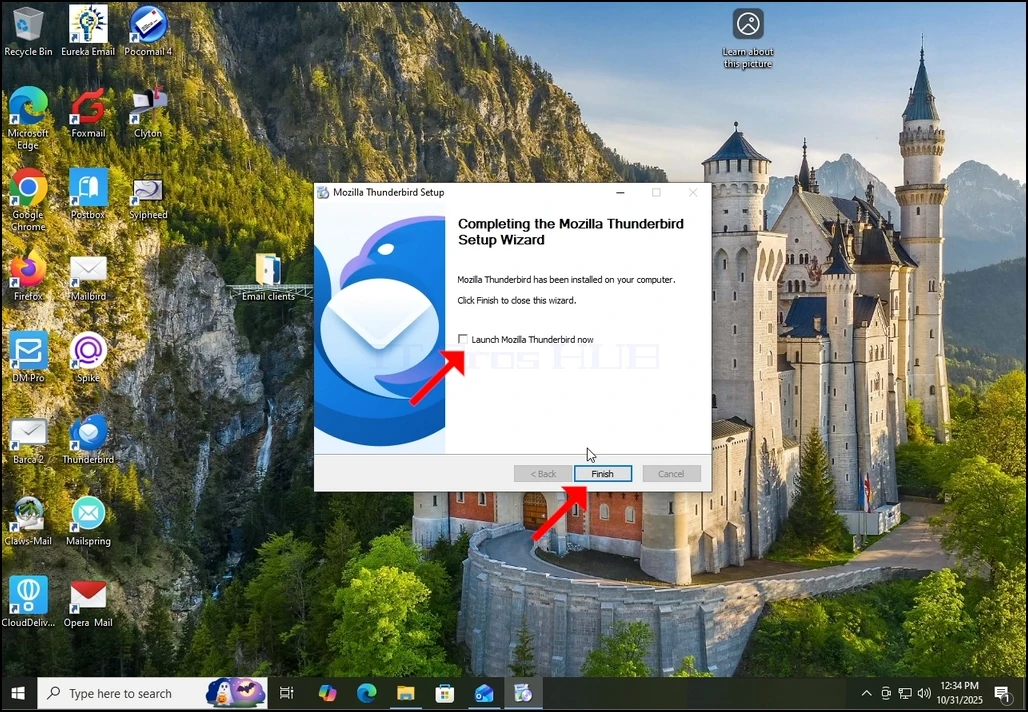
7. Mozilla Thunderbird is nu geïnstalleerd!