



- Szczegóły
- Autor: IT Pro
- Kategoria: How to Articles
- Odsłon: 5365
1. Otwórz Microsoft Word

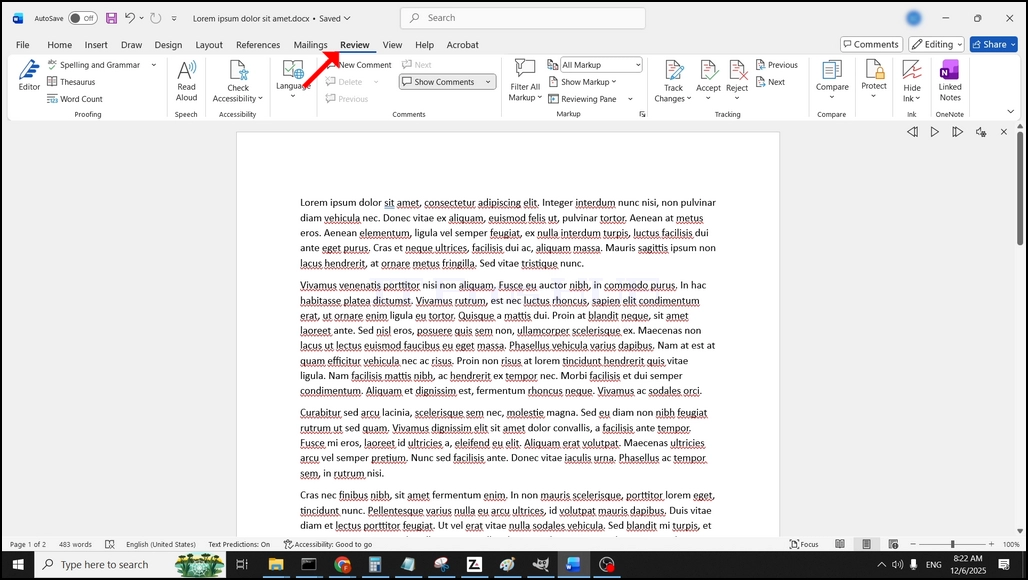
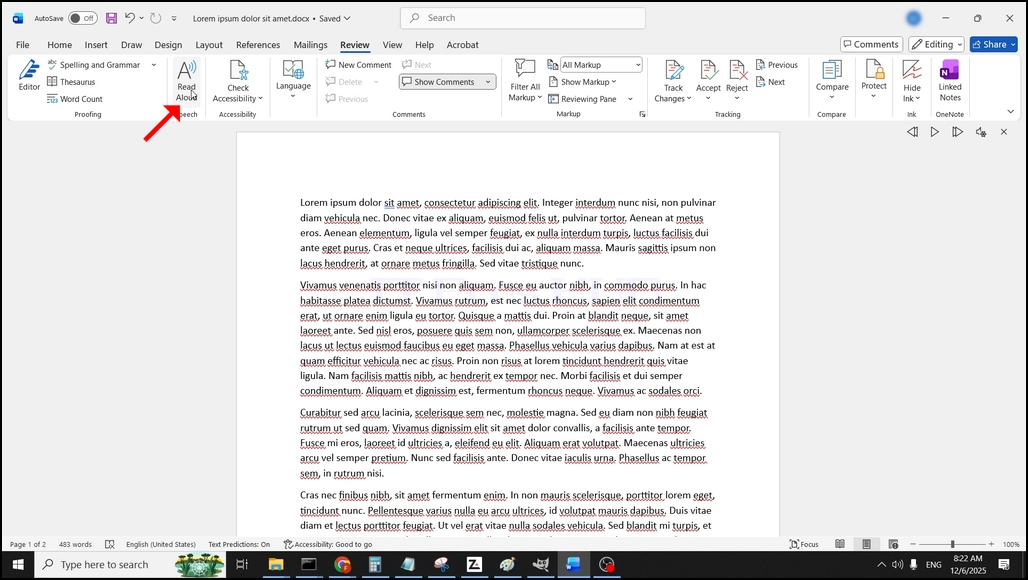
3. W ramach przeglądu, szukać duży "A"ikona, która mówi"Czytaj głośno"i kliknij na niego, aby aktywować tekst do funkcji mowy słowa:
- Szczegóły
- Autor: IT Pro
- Kategoria: How to Articles
- Odsłon: 5742
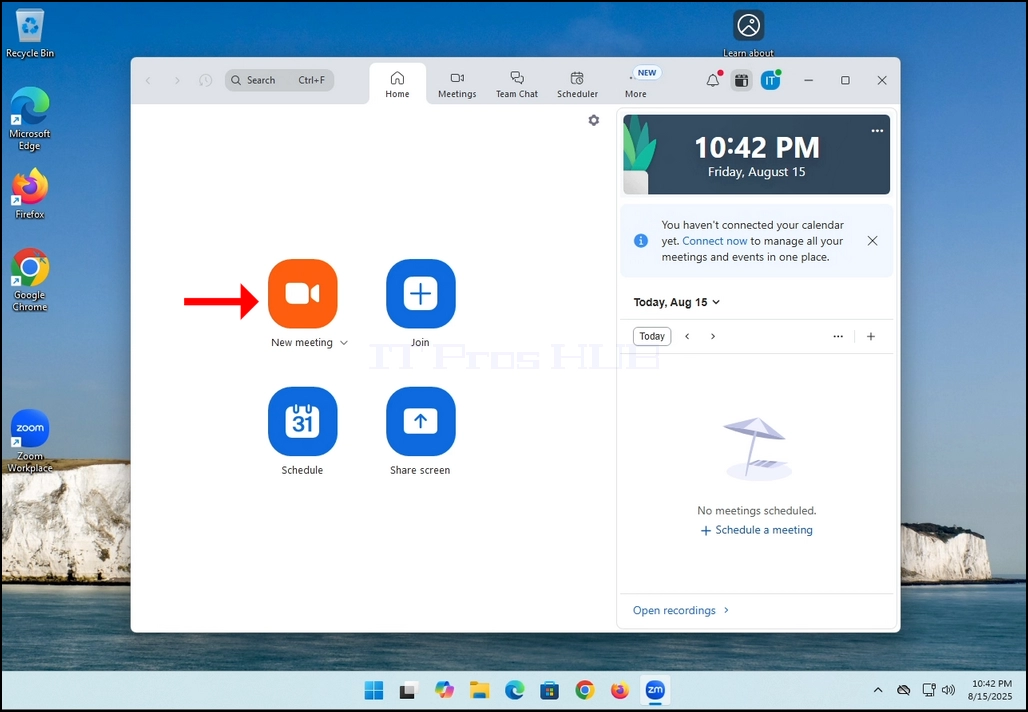
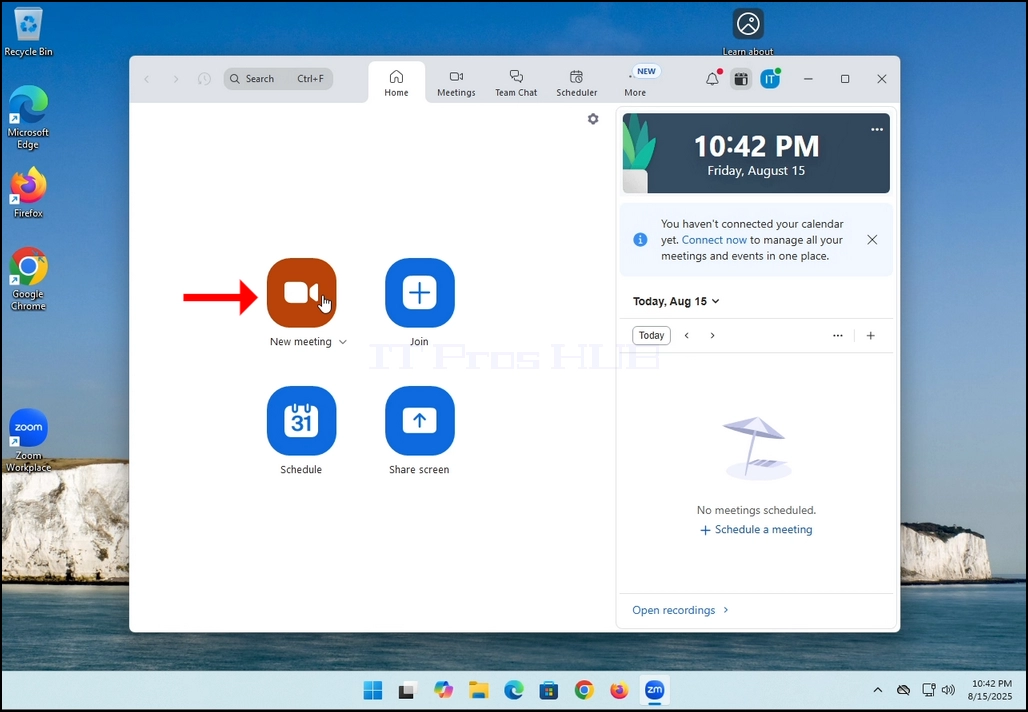
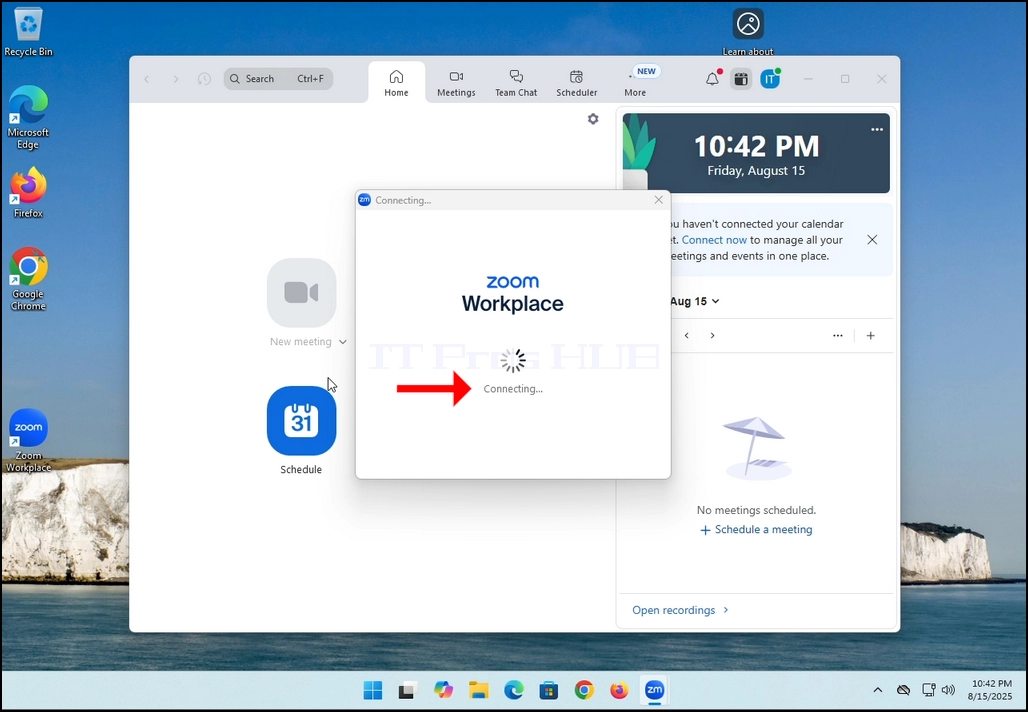
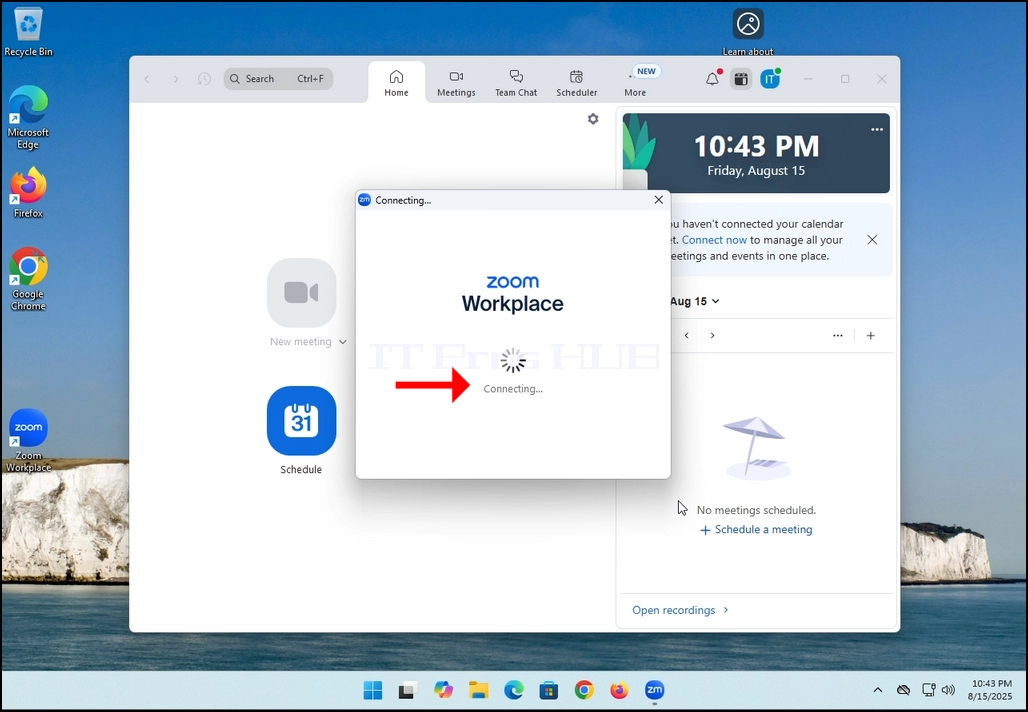
2. Once clicked, a new small window should appear. The window will show "connecting" and an animation progress circle.
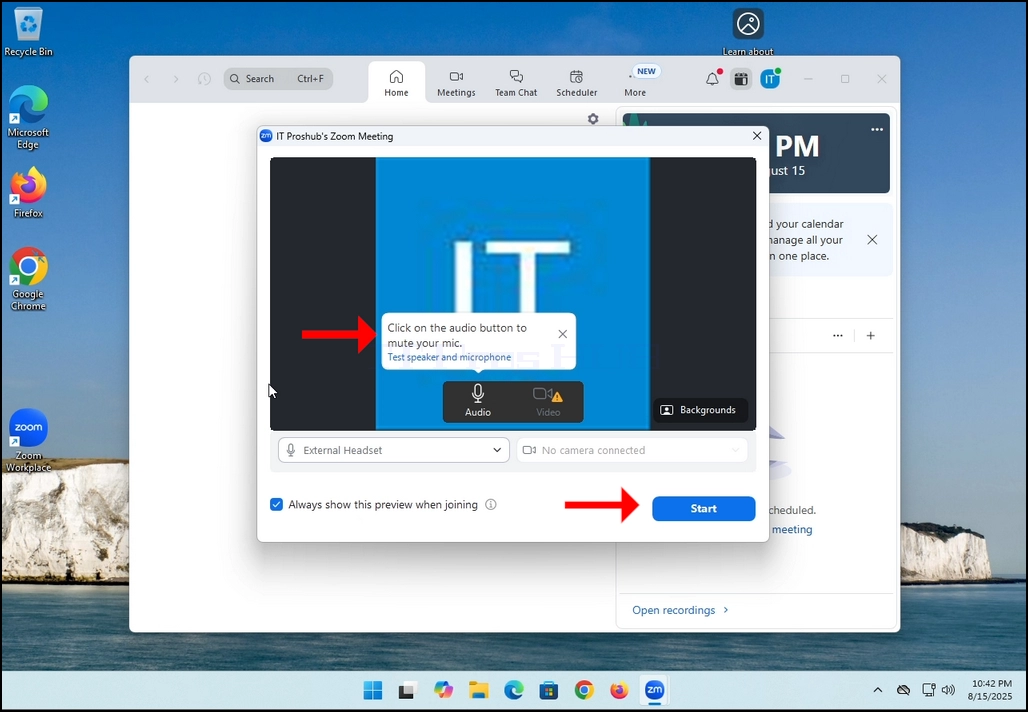
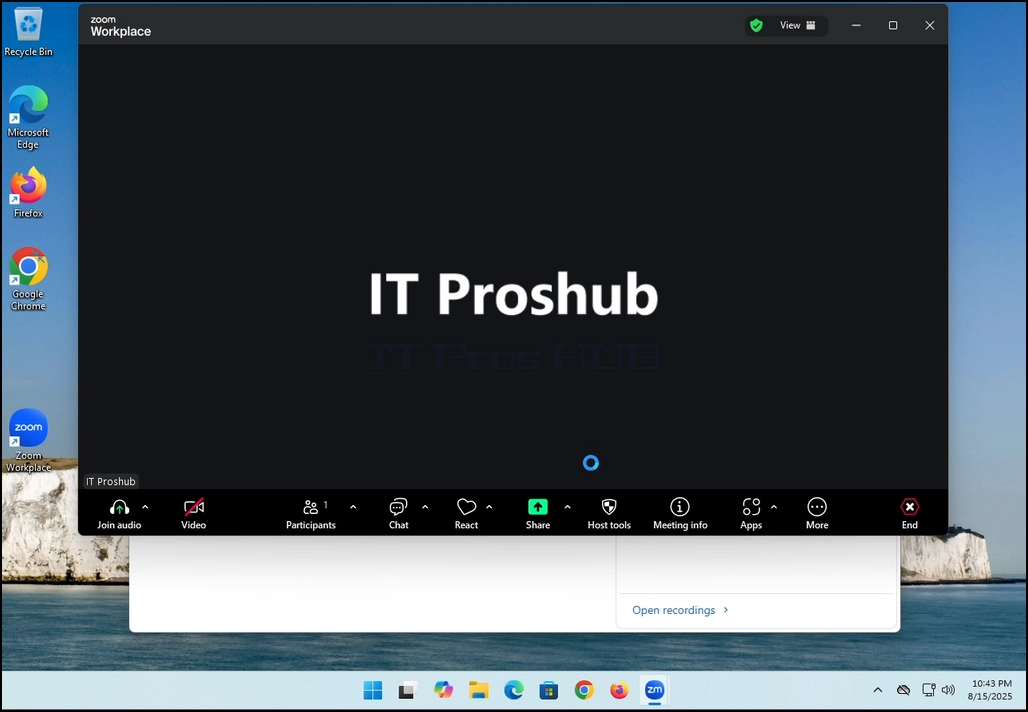
3. Once it's done loading, a new window will appear. Usually its title should say something along the lines of: "User's Zoom Meeting". In this article's case, it says "IT Proshub's Zoom Meeting" since the user that uses Zoom is called that way.
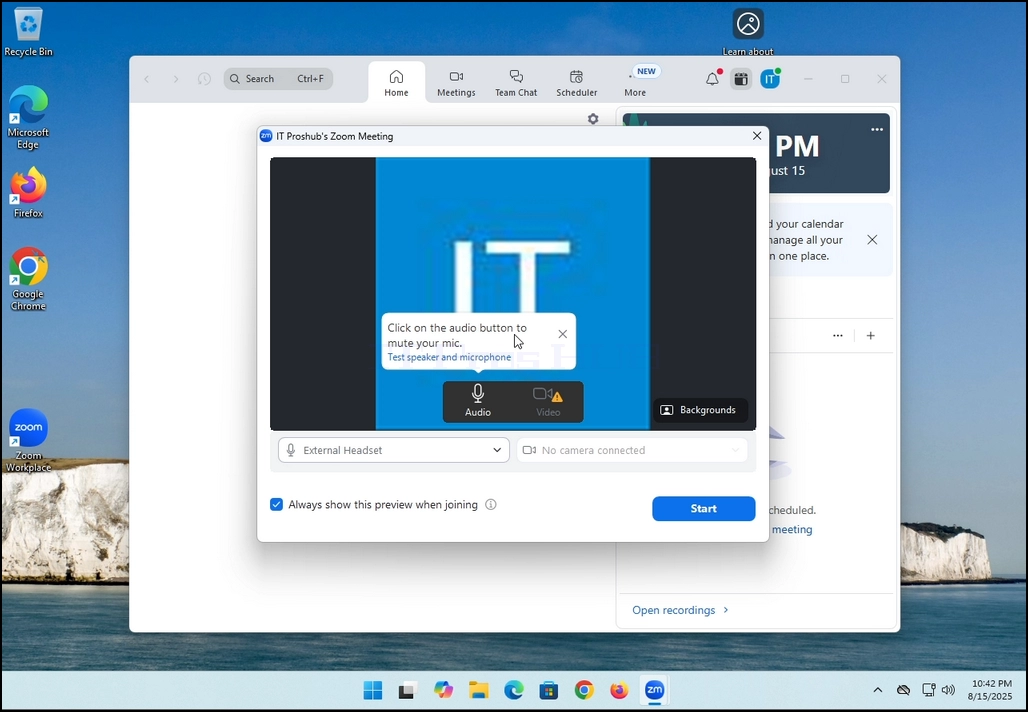
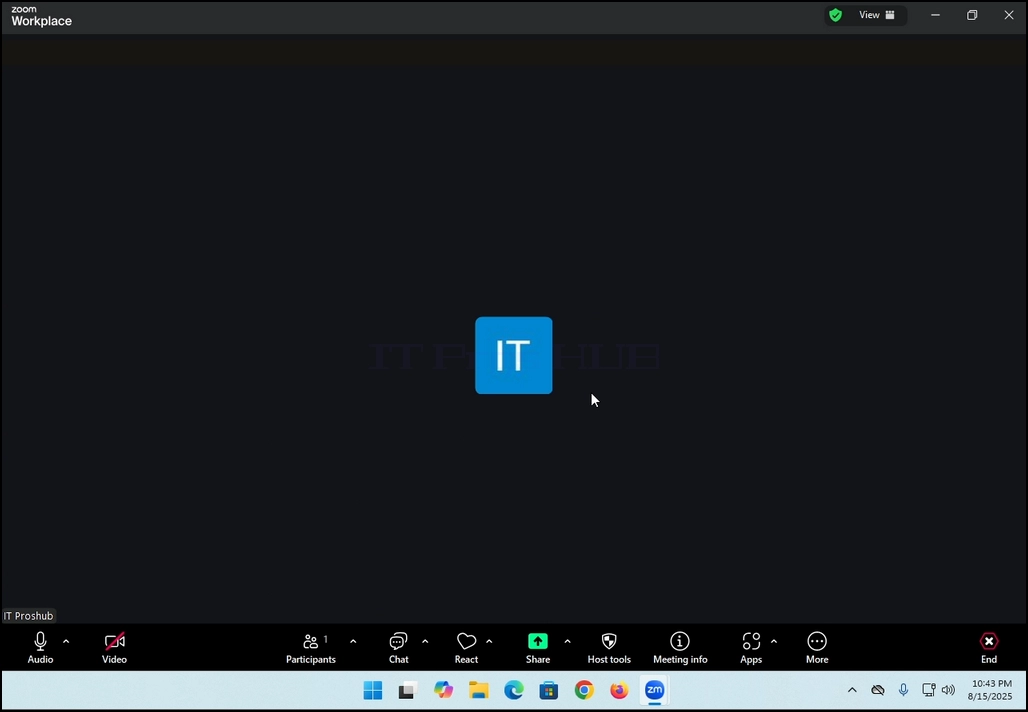
4. Here, you can mute your mic by clicking on the mic icon and you can also turn your camera off/on by clicking the Video icon.
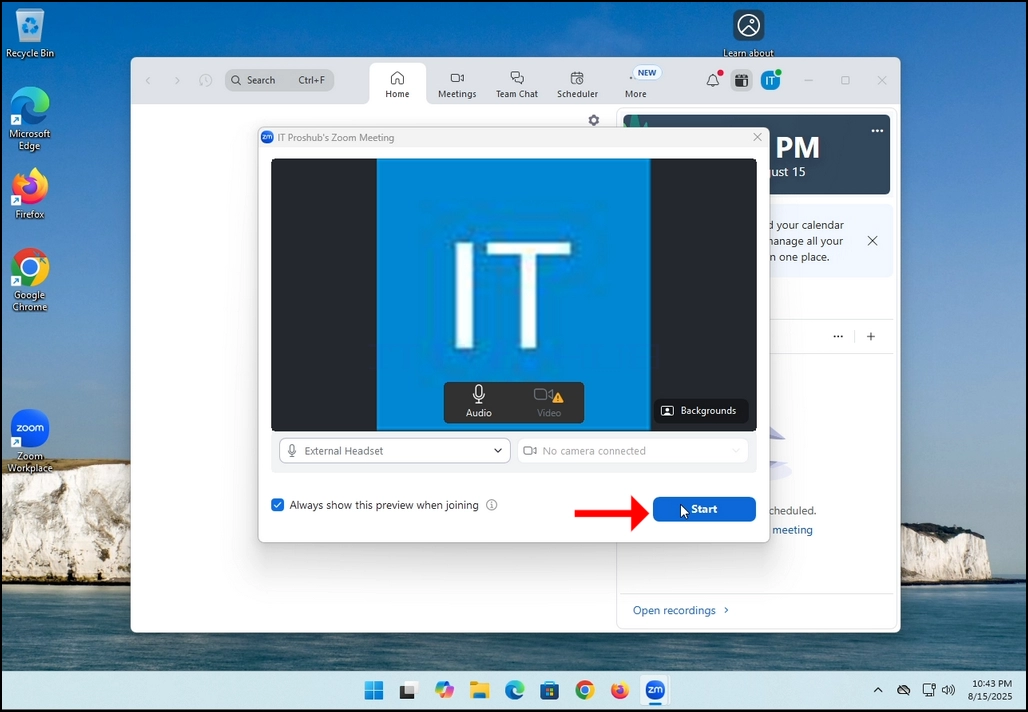
7. That's it! the new meeting is in progress. At this stage the meeting contains only the host which is IT Proshub in this article's case.
- Szczegóły
- Autor: IT Pro
- Kategoria: How to Articles
- Odsłon: 5429
In this article we will demonstrate how to delete a stripped volume in Windows 11
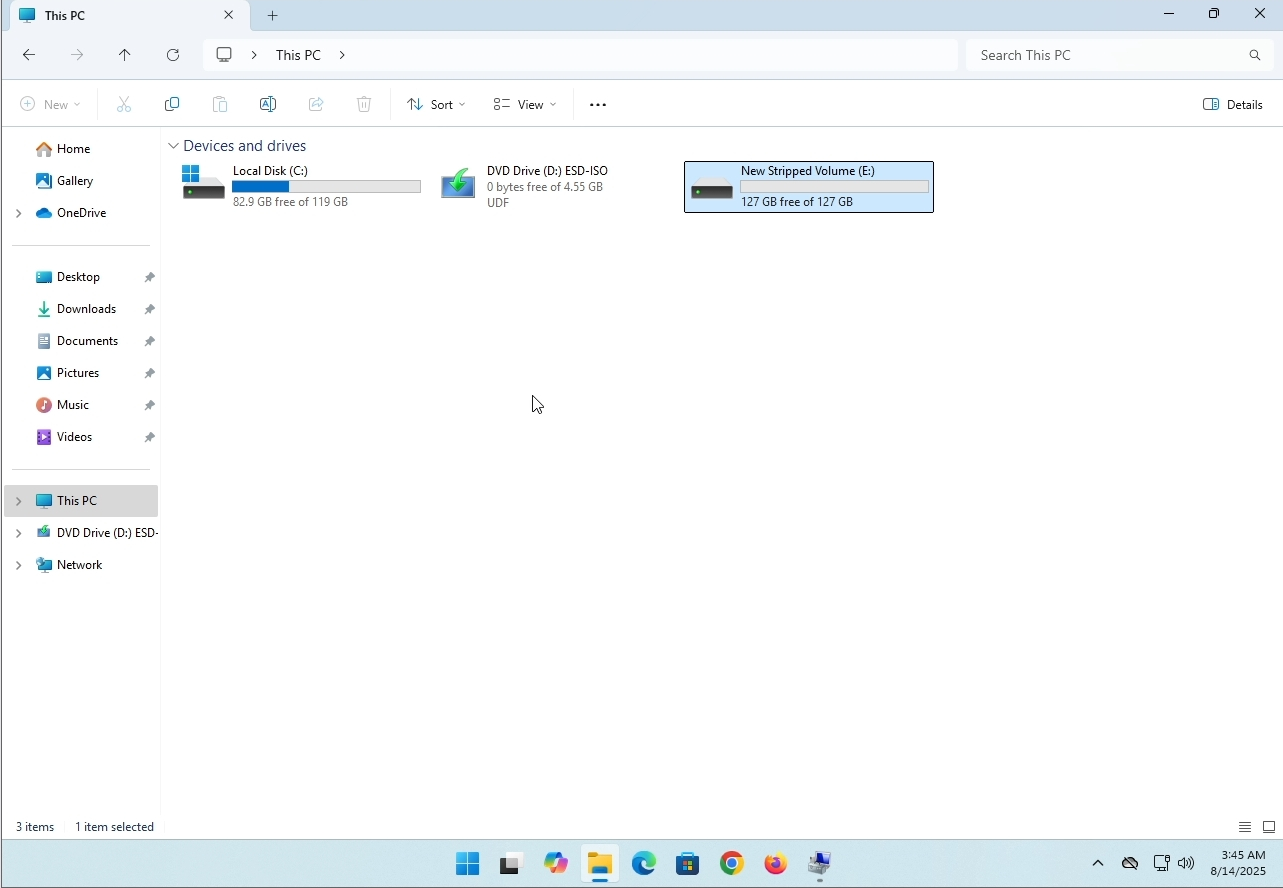
1. Make sure what is the stripped volume's drive letter is. In this case the drive letter is (E:):
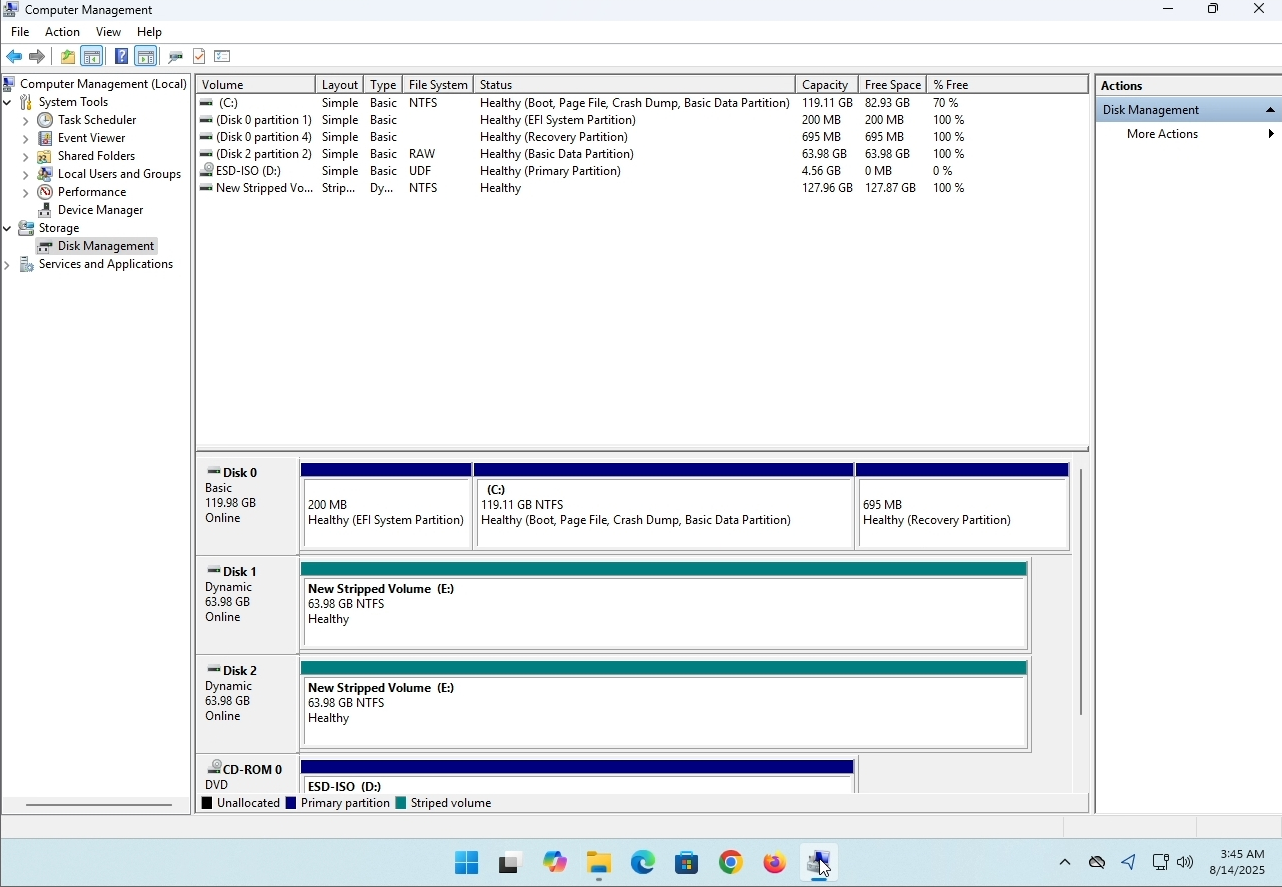
3. On the left pane. Look for Disk Management and click on it once.
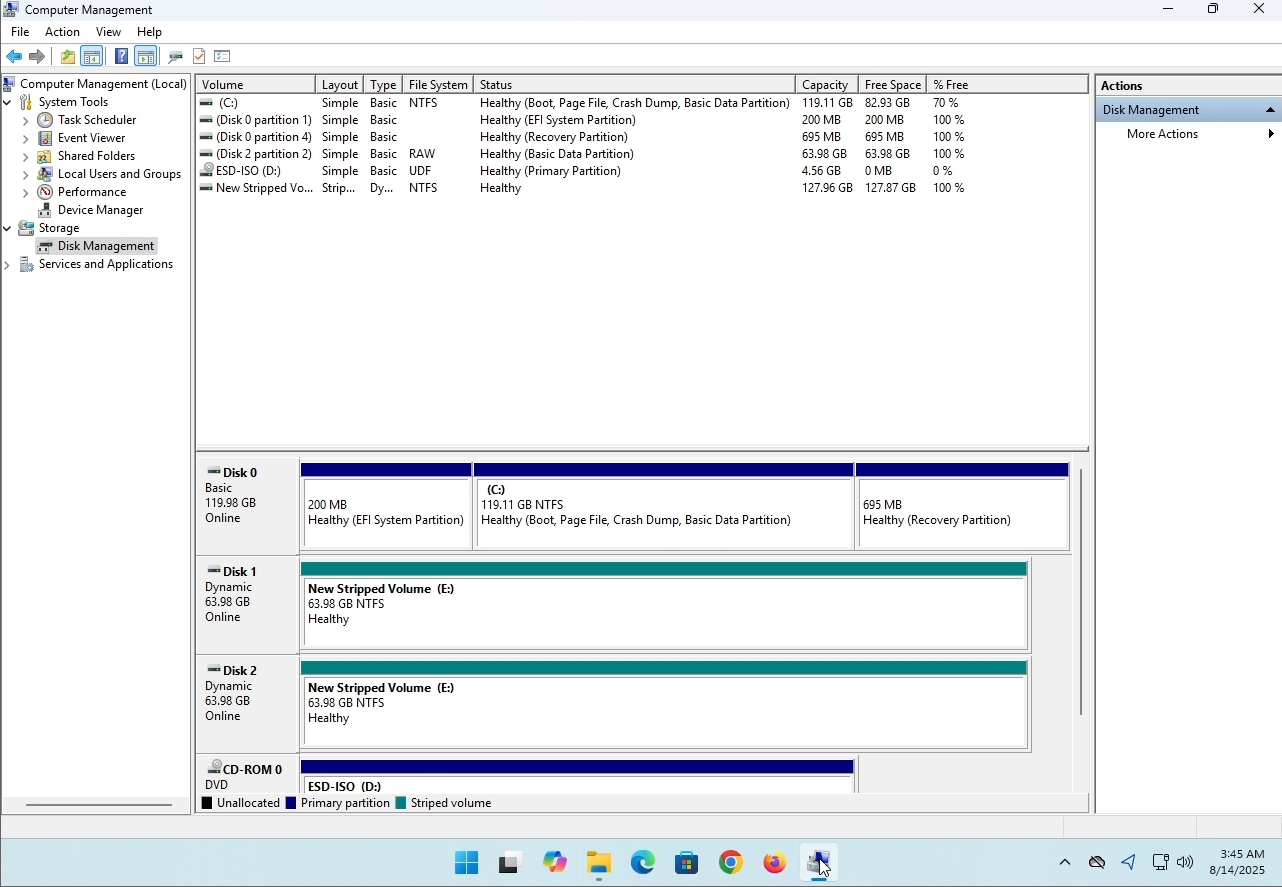
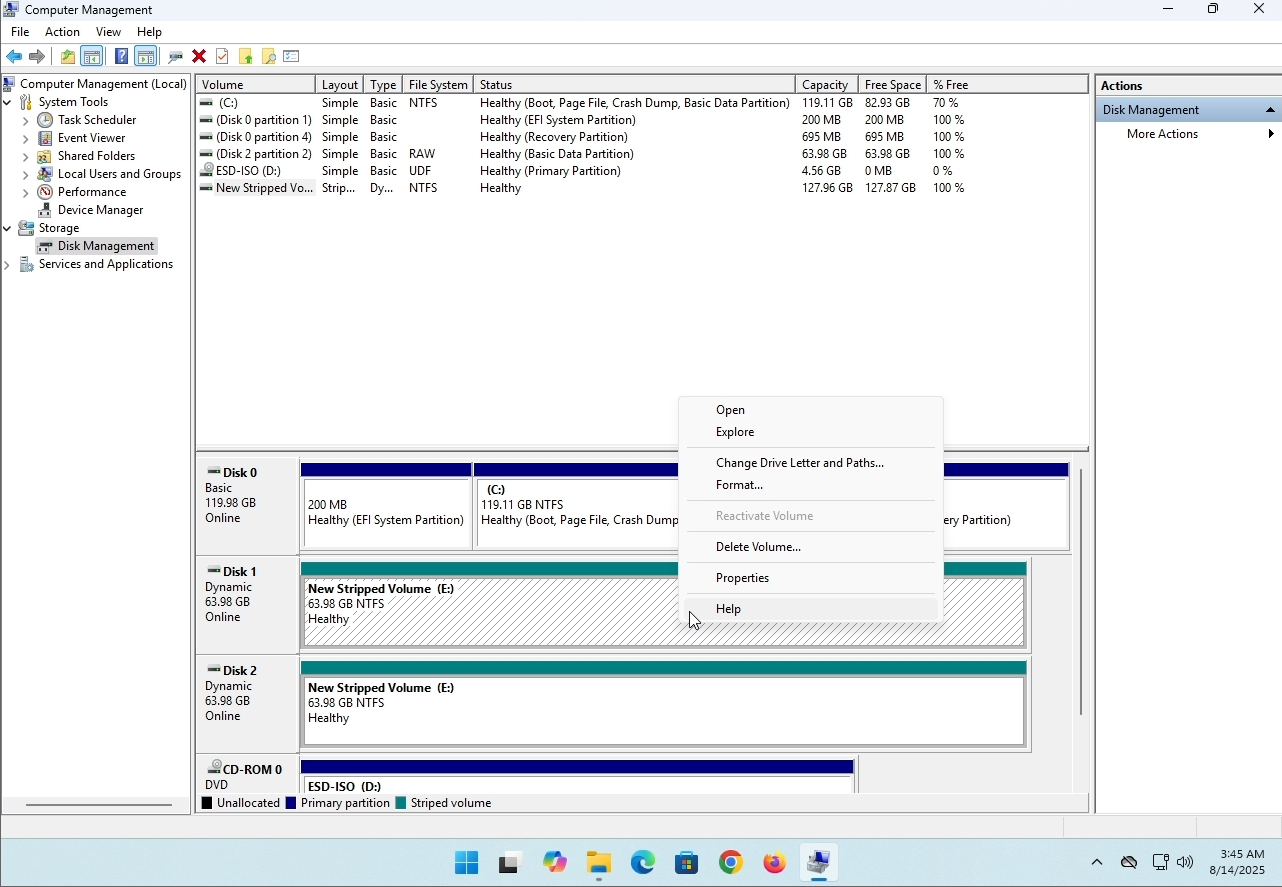
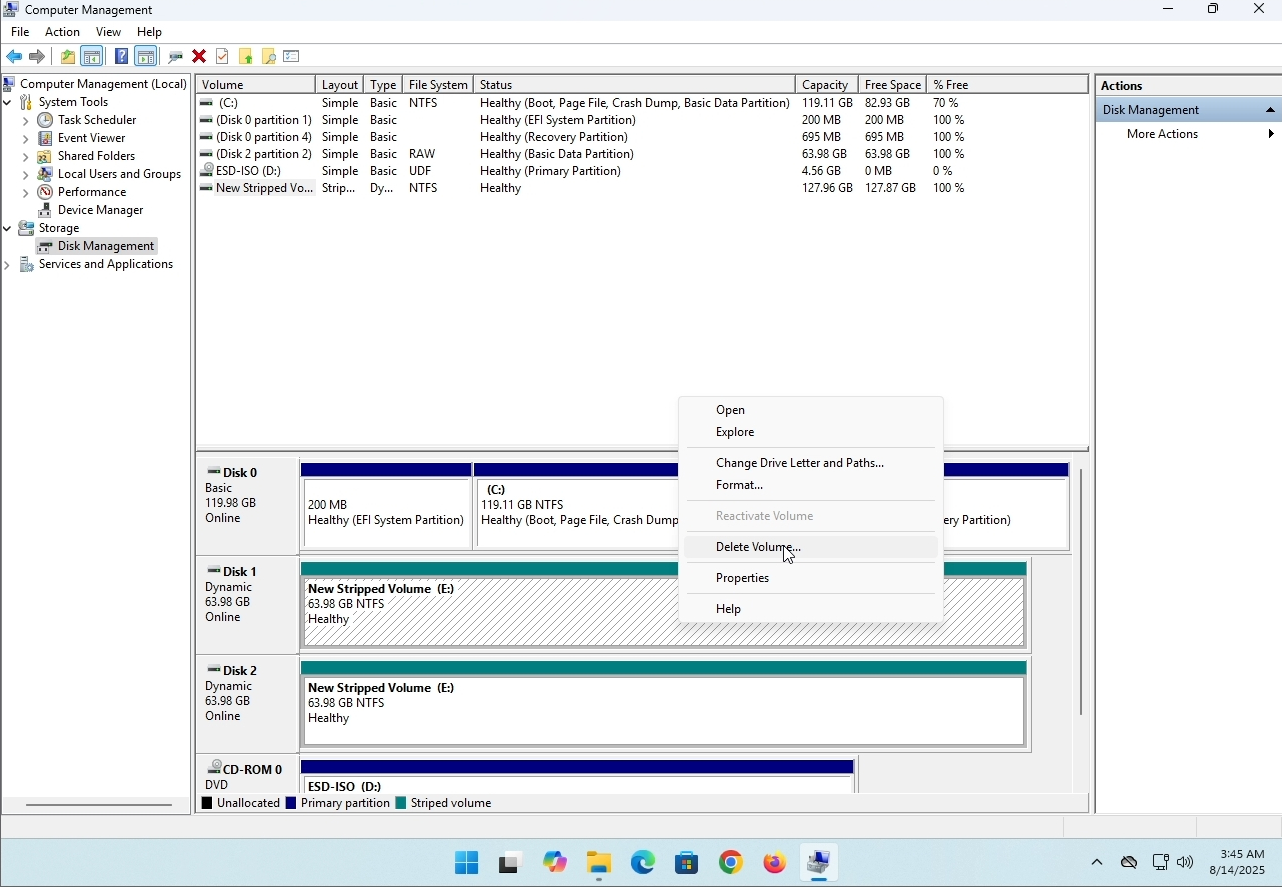
6. You will be shown a confirmation window. Click on Yes to confirm deleting the drive.
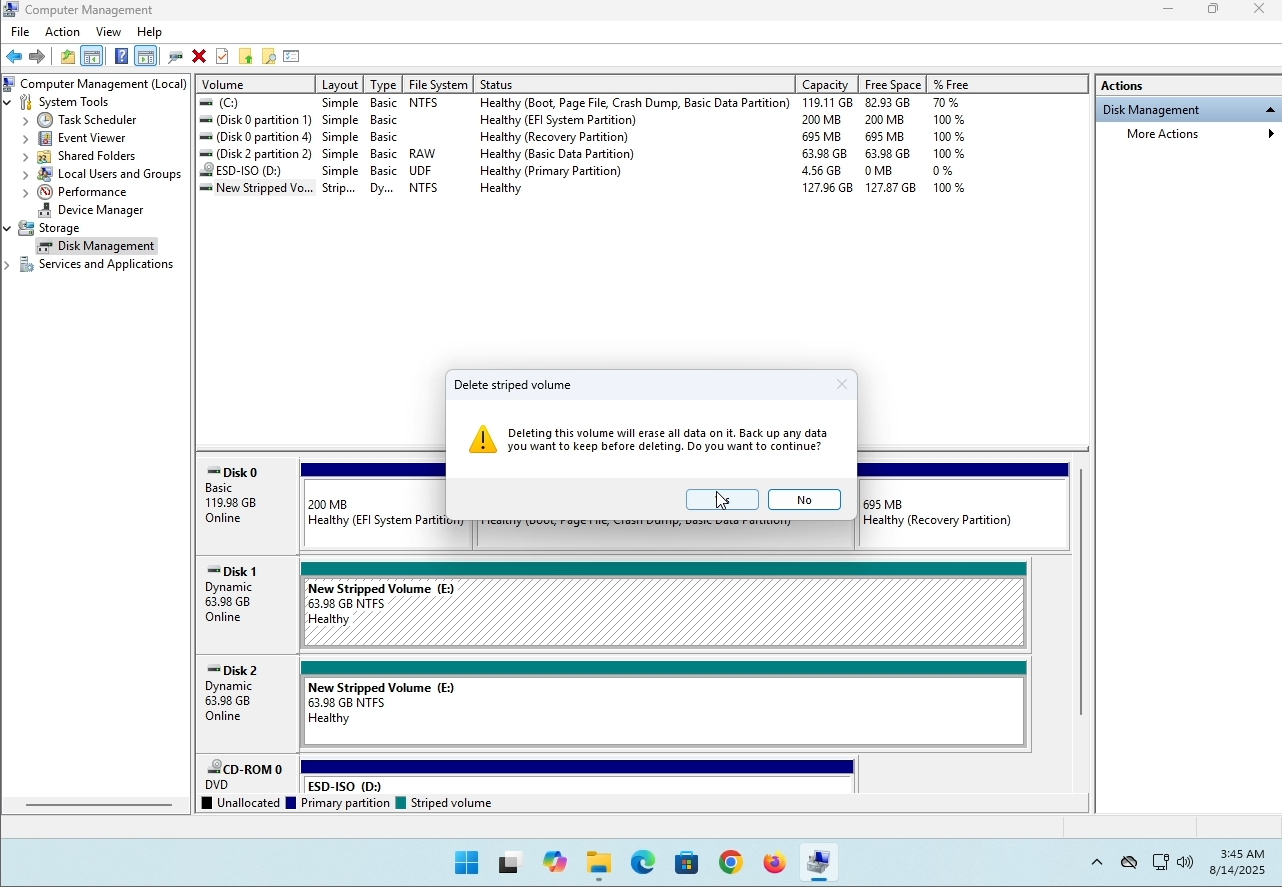
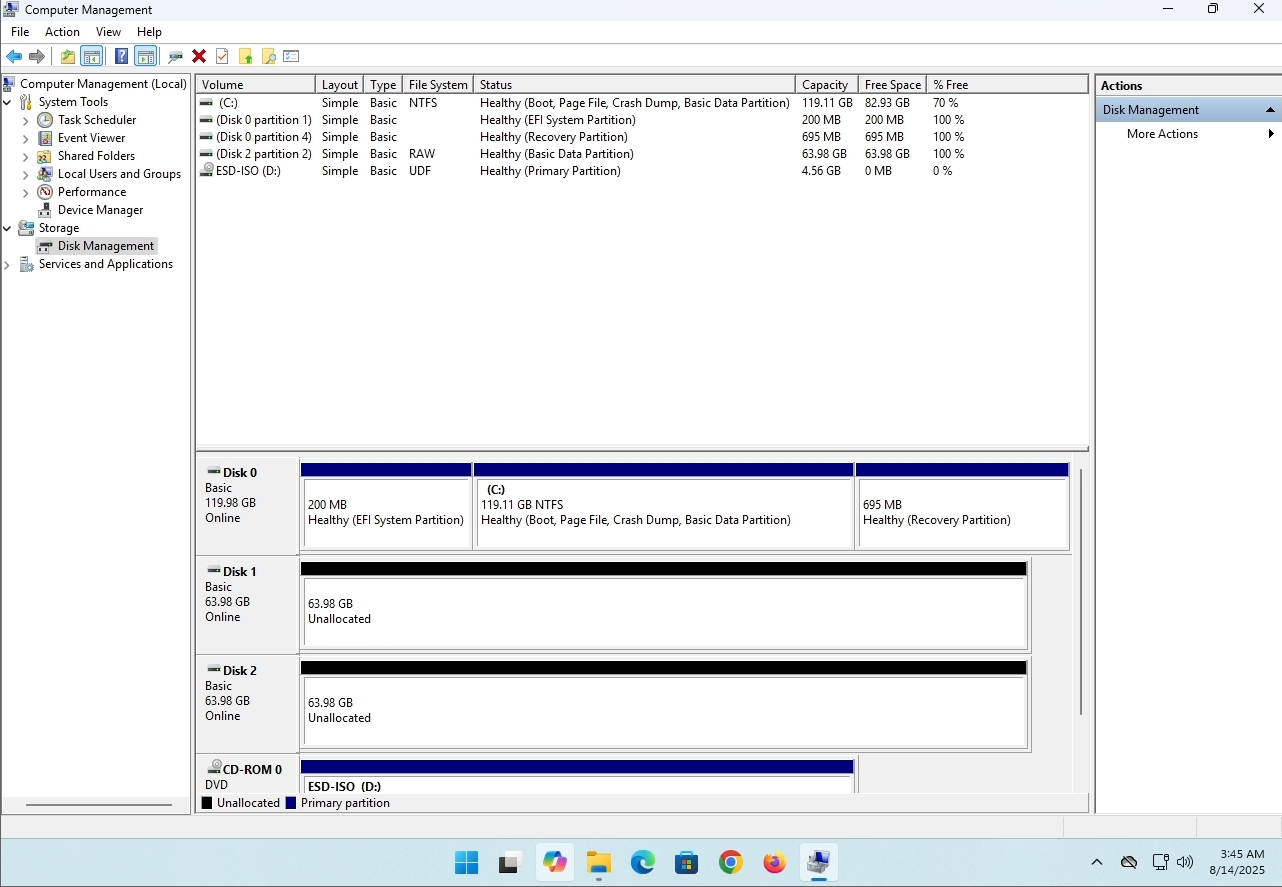
7. The drive is now deleted and the disks that were part of the stripped array are now unallocated.
- Szczegóły
- Autor: IT Pro
- Kategoria: How to Articles
- Odsłon: 8239
Wprowadzenie:
W tym artykule sprawdzimy, czy system Windows 11 może być zainstalowany na komputerze bez chipa TPM.
Krótko mówiąc: NIE.
Windows 11 nie może być zainstalowany na komputerze bez minimalnego chipa TPM wersji 2.0.
Poniżej znajduje się ilustracja próby instalacji systemu Windows 11 na takim komputerze.
Wersja systemu Windows, którą próbowano zainstalować, to 24H2.
1. Uruchomienie systemu Windows


2. Konfiguracja języka

3. Konfiguracja metody instalacji

4. Etap klucza produktu


5. Wybór systemu Windows 11 Pro


6. Sprawdzanie etapu PC

7. Blokada

Wniosek:
Niewiele tu do powiedzenia. Sami musieliśmy to zobaczyć. Jest wielka dyskusja na ten temat i wydaje się, że w tym przypadku utrzymuje się woda. Installation- wise - Windows 11 nie może być zainstalowany na komputerze lub systemie bez chipa TPM wersja 2.0.
To nie znaczy, że Windows 11 nie może być RUN w tym systemie. Więcej informacji na ten temat można znaleźć w naszym artykule: https: / / itproshub.com / en / windows / can- windows- 11- run- on- computer - that - has- no- tpm- chip- at- all- decembe- 2025
- Szczegóły
- Autor: IT Pro
- Kategoria: How to Articles
- Odsłon: 7279
1. Uruchom instalację Thunderbird klikając na plik konfiguracji
2. Na ekranie powitalnym kliknij NAST.
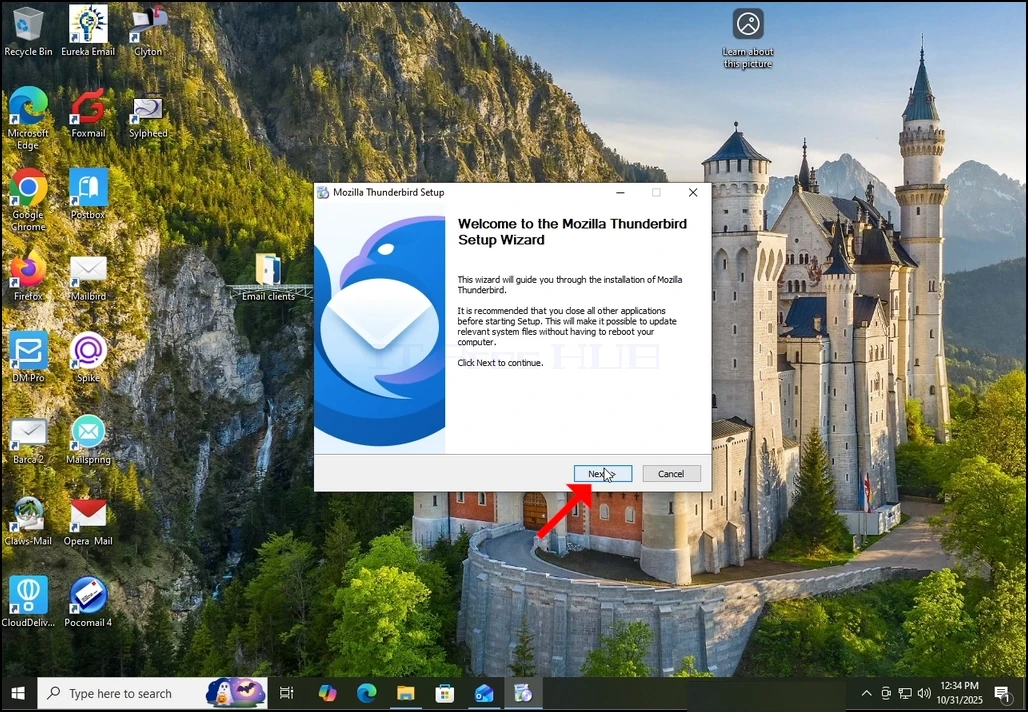
3. Wybierz opcję Standard i kliknij NEXT.
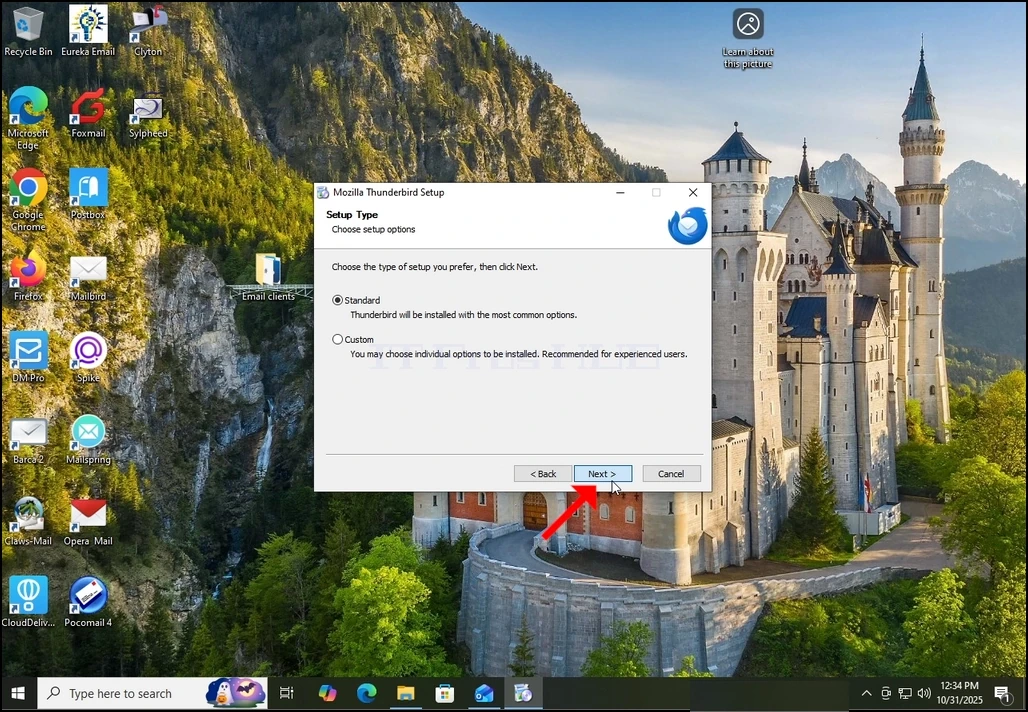
4. Kliknij przycisk Instaluj.
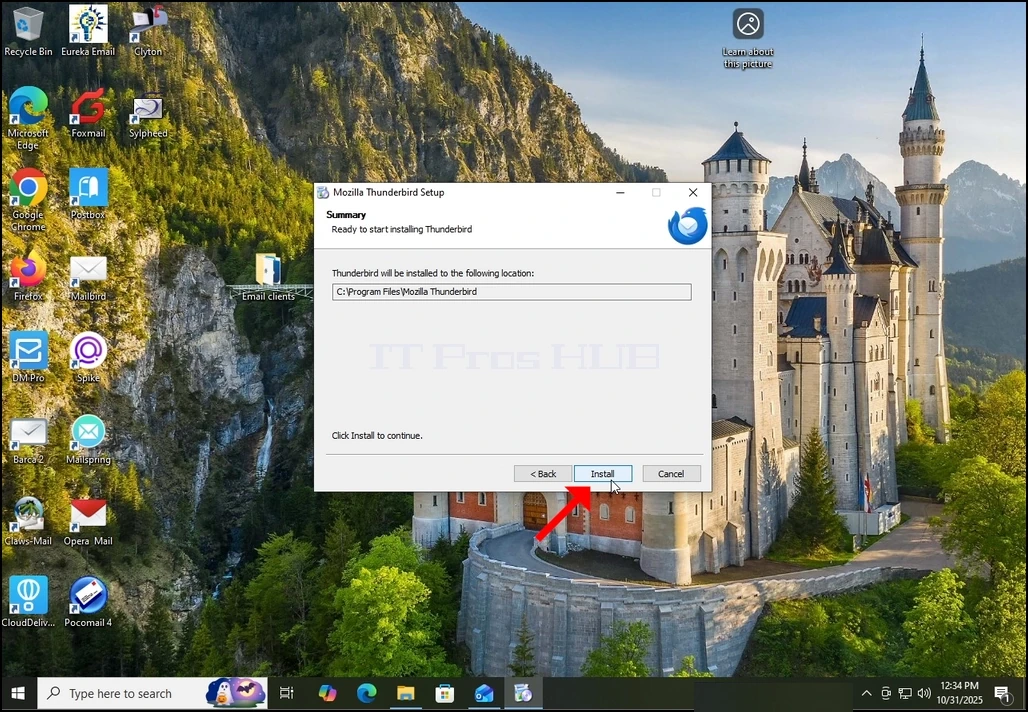
5. Cierpliwie czekać na zakończenie procesu instalacji
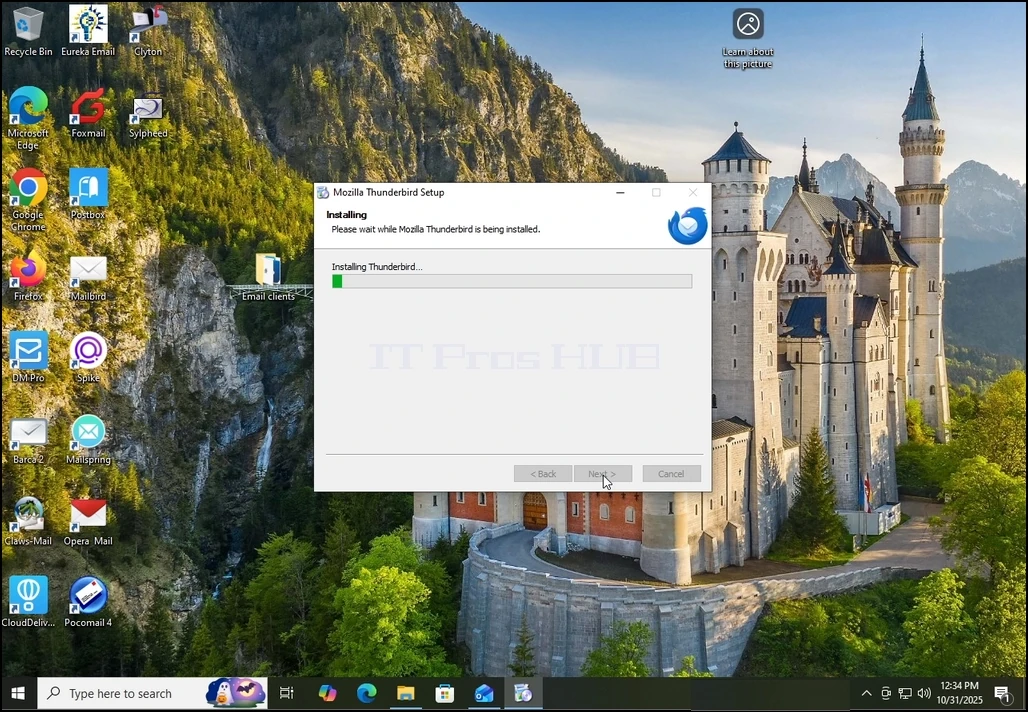
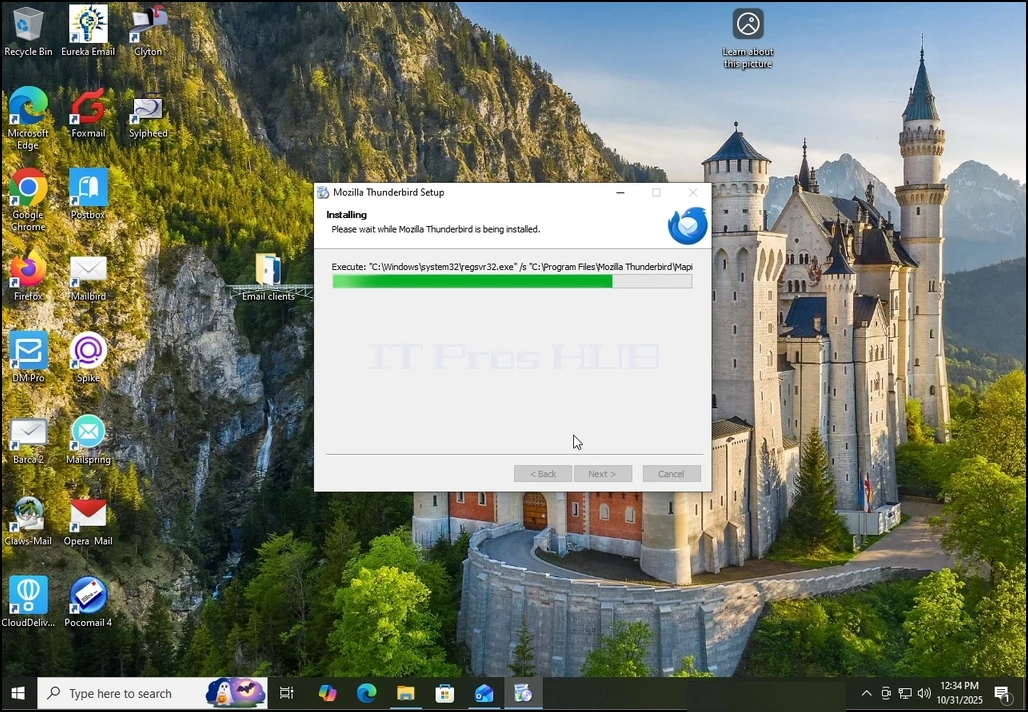
6. Wyznacz opcję Uruchom Mozilla Thunderbird i naciśnij przycisk Zakończ
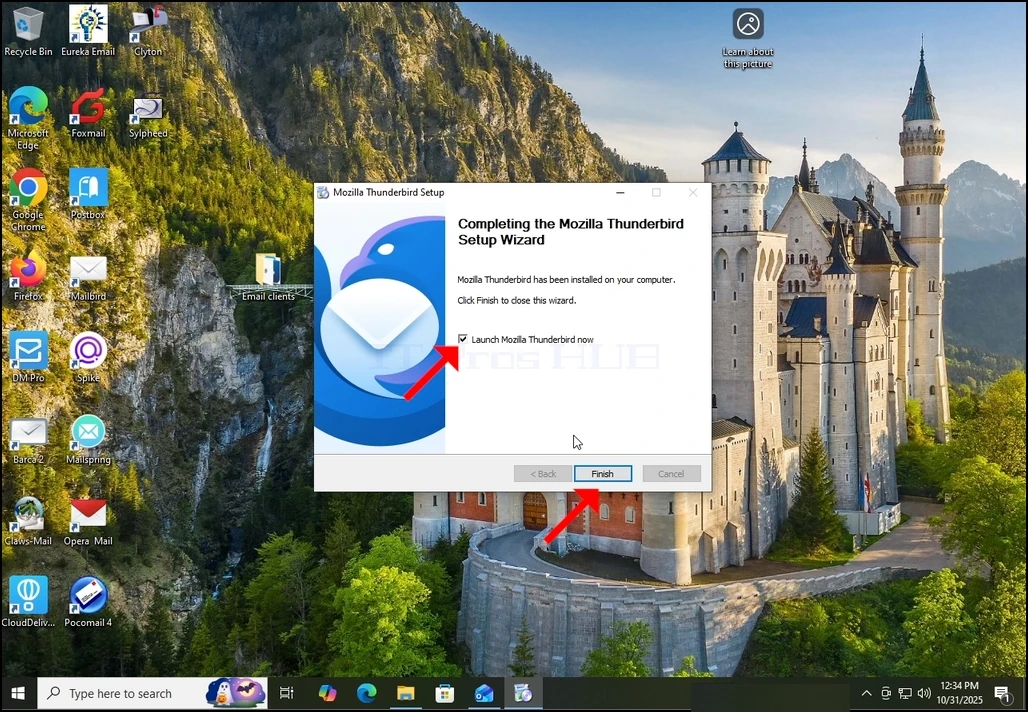
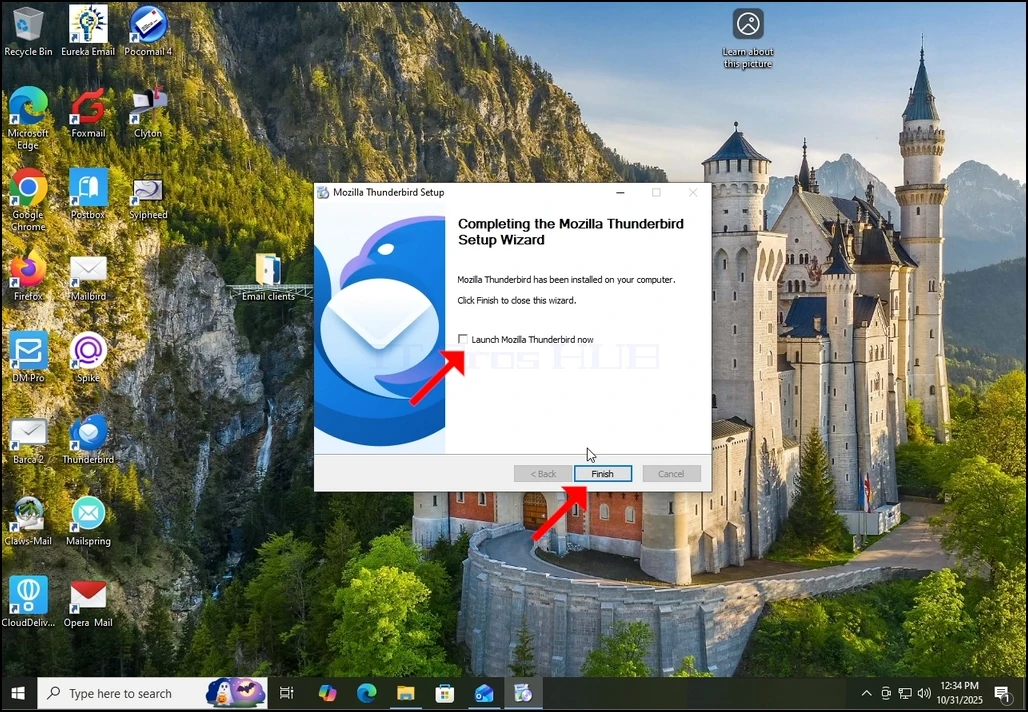
7. Mozilla Thunderbird jest teraz zainstalowany!