



- Detaily
- Napísal: IT Pro
- Kategória: How to Articles
- Návštevy: 5129
1. Otvoriť Microsoft Word

2. V hornej ponuke, z domu, prejdite na Recenziu:
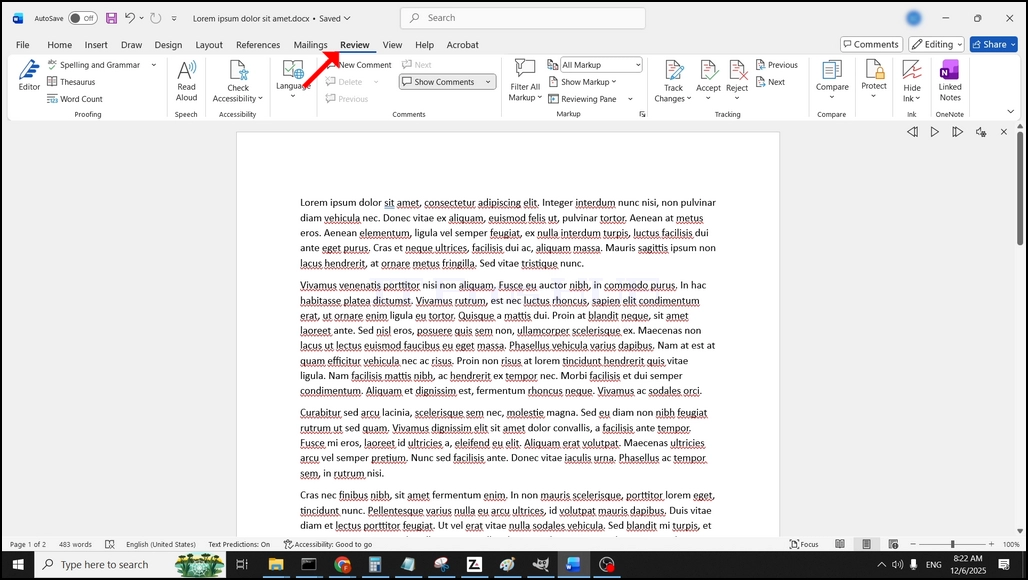
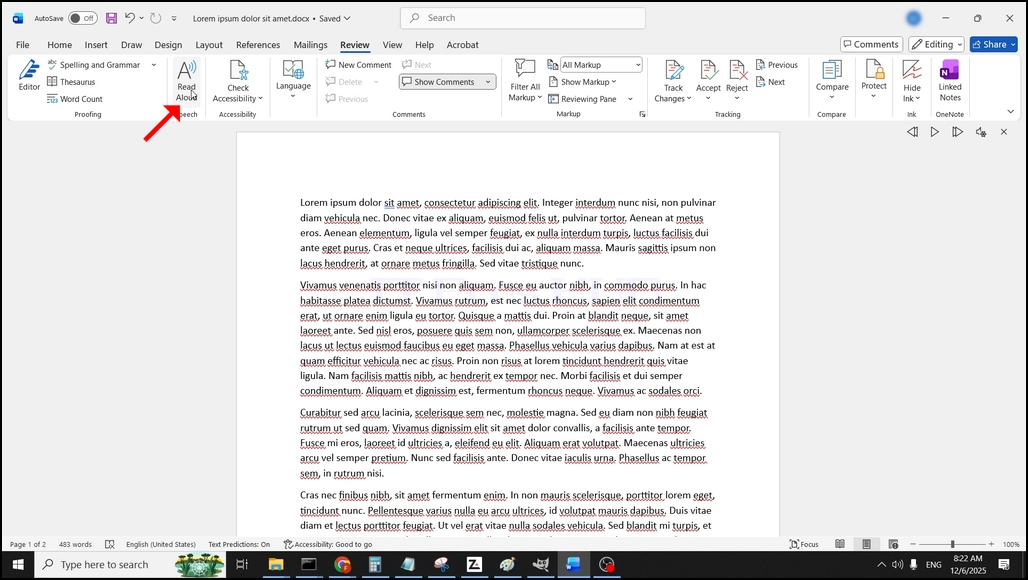
3. V časti Preskúmanie, pozrite sa na veľký "A" ikona, ktorá hovorí "Čítať nahlas"a kliknite na ňu, aby ste aktivovali funkciu Text do reči programu Word:
- Detaily
- Napísal: IT Pro
- Kategória: How to Articles
- Návštevy: 5695
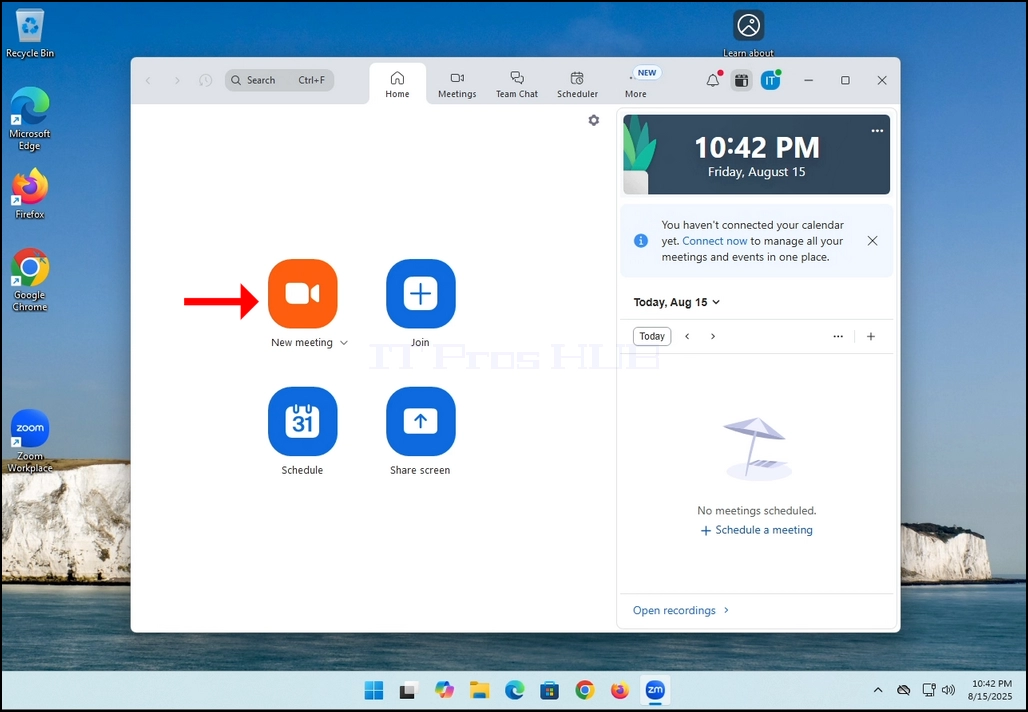
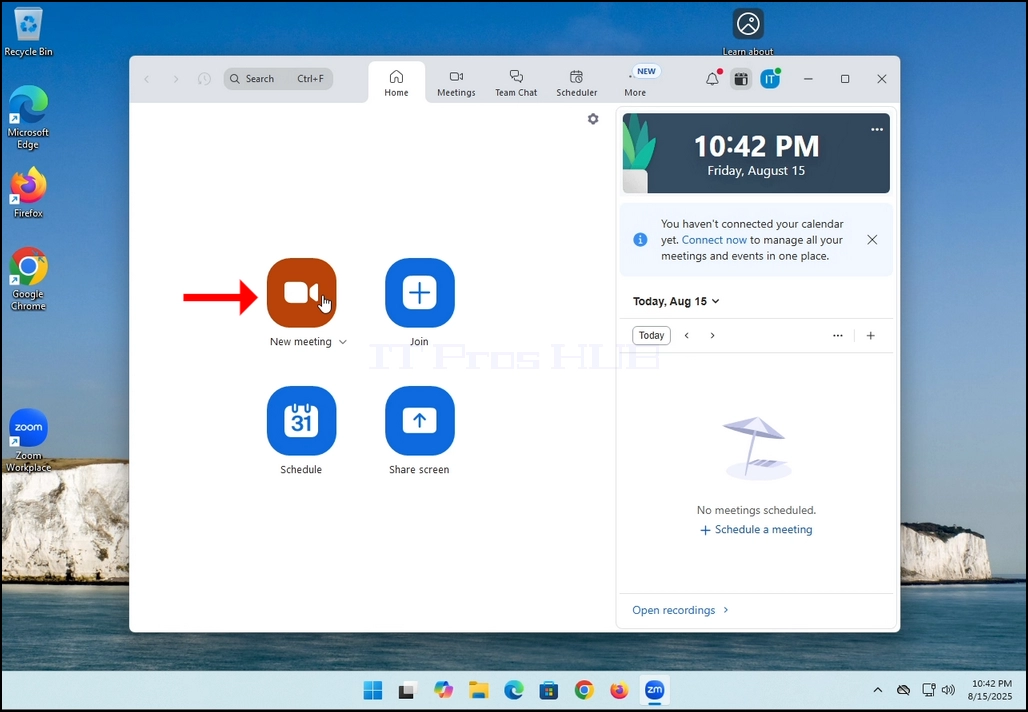
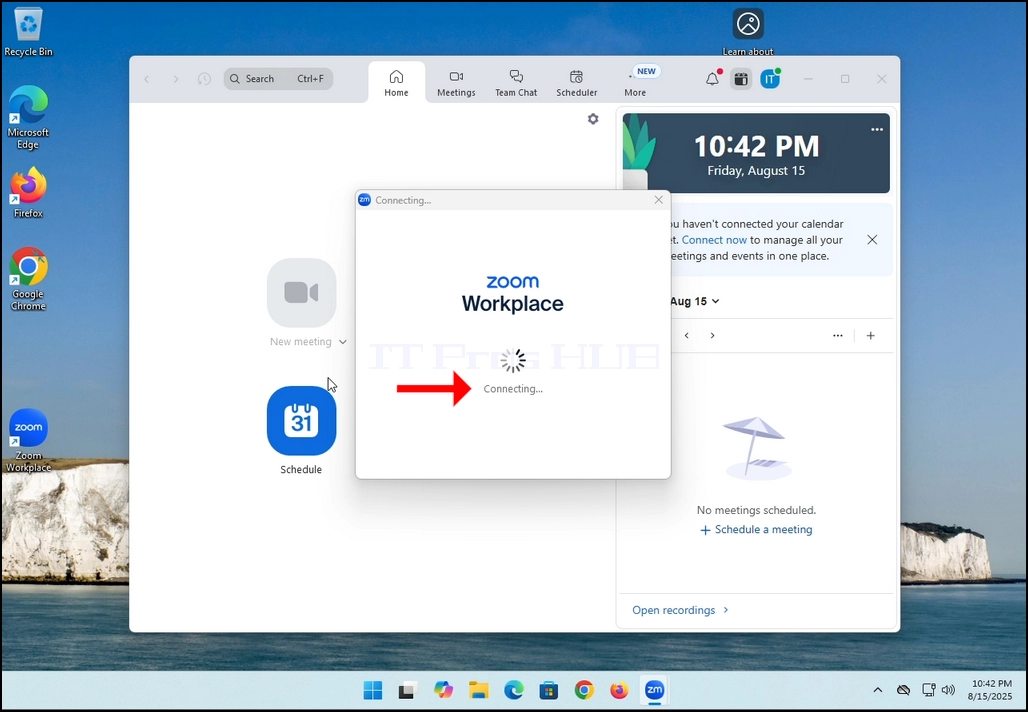
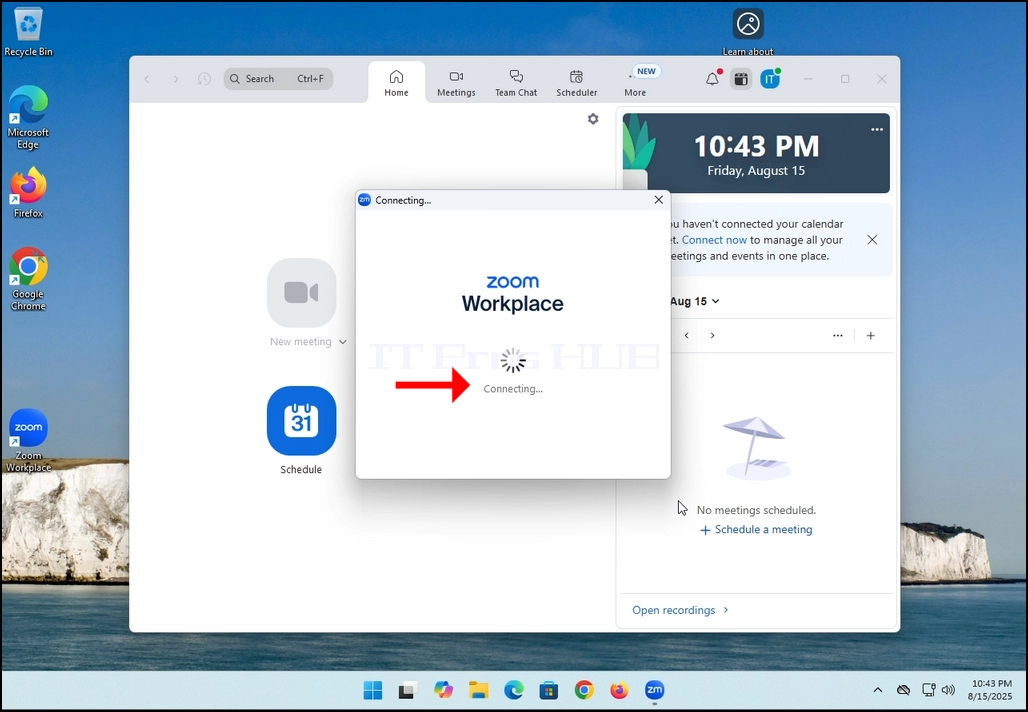
2. Once clicked, a new small window should appear. The window will show "connecting" and an animation progress circle.
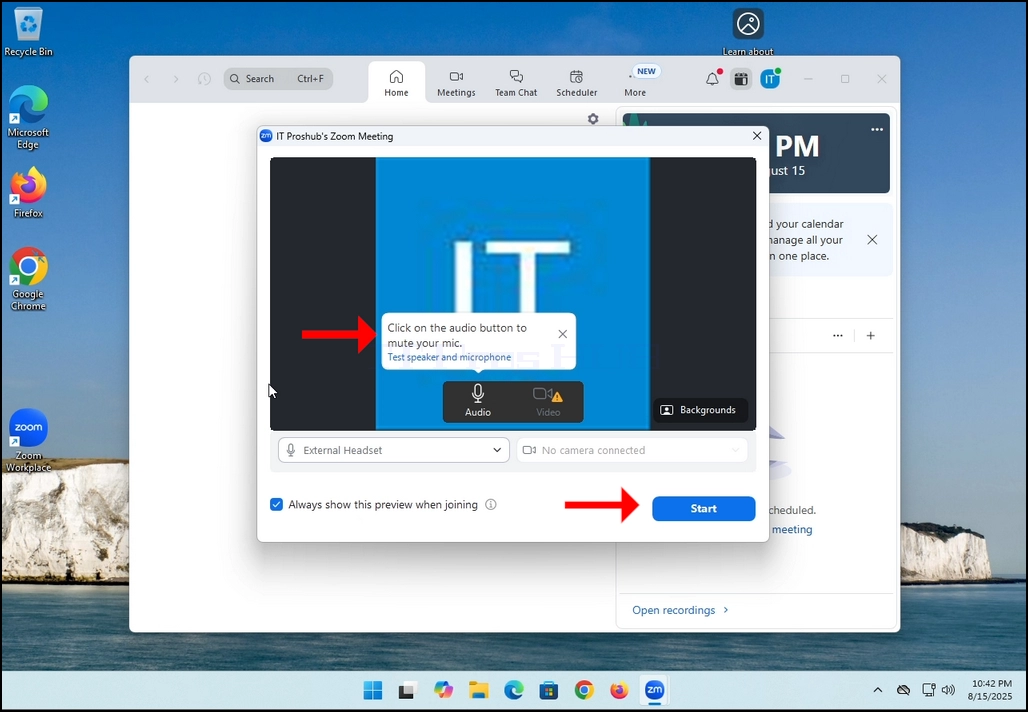
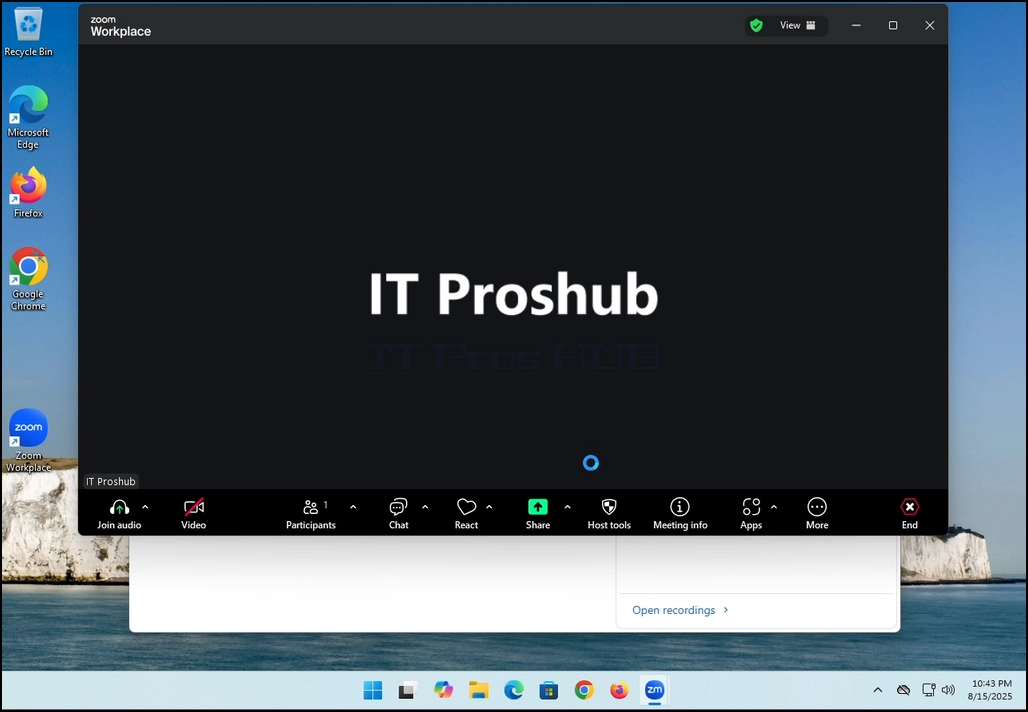
3. Once it's done loading, a new window will appear. Usually its title should say something along the lines of: "User's Zoom Meeting". In this article's case, it says "IT Proshub's Zoom Meeting" since the user that uses Zoom is called that way.
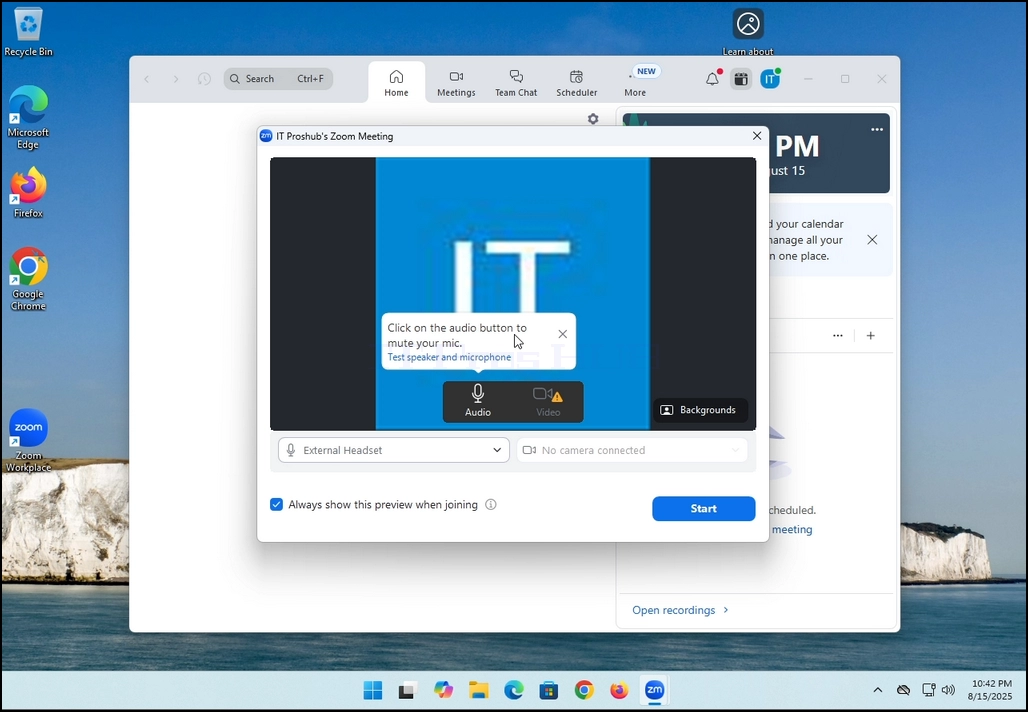
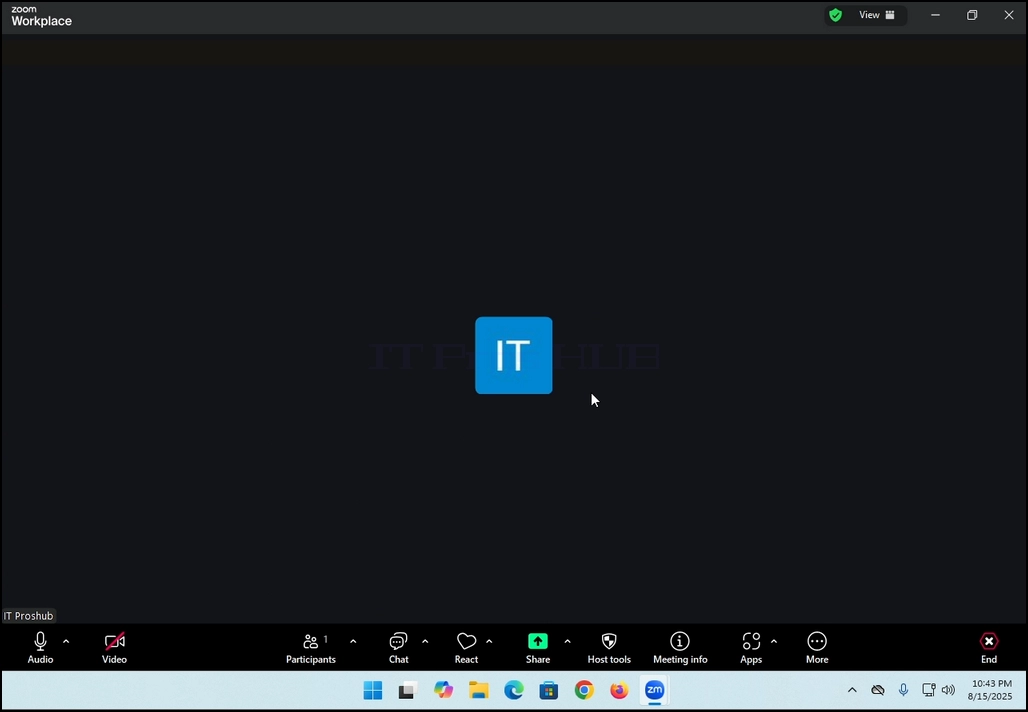
4. Here, you can mute your mic by clicking on the mic icon and you can also turn your camera off/on by clicking the Video icon.
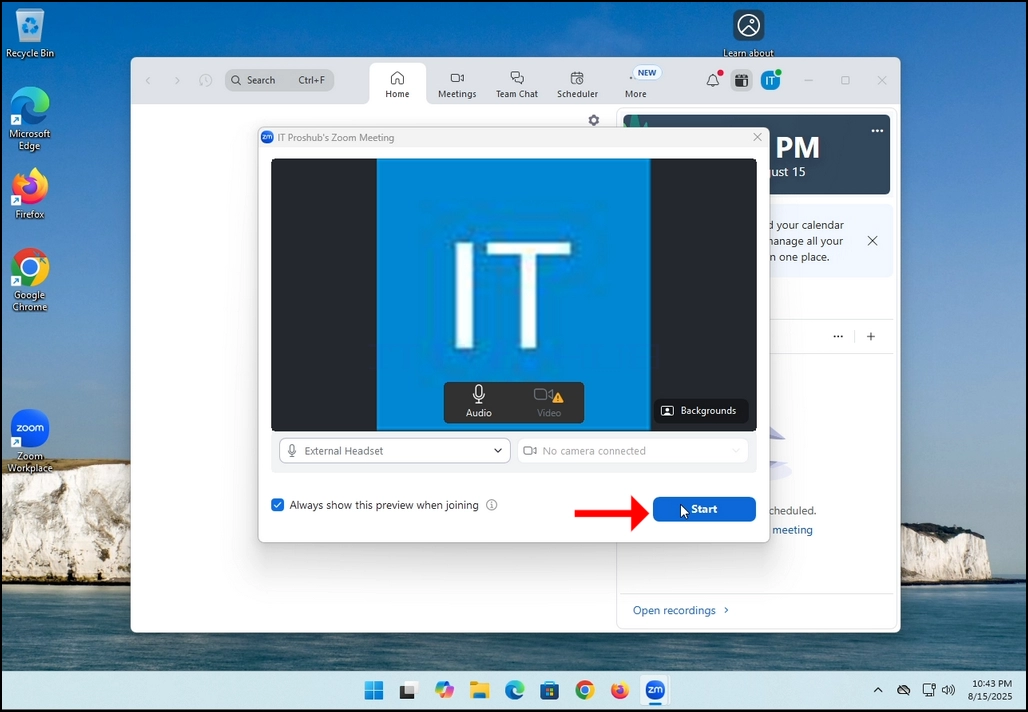
7. That's it! the new meeting is in progress. At this stage the meeting contains only the host which is IT Proshub in this article's case.
- Detaily
- Napísal: IT Pro
- Kategória: How to Articles
- Návštevy: 5395
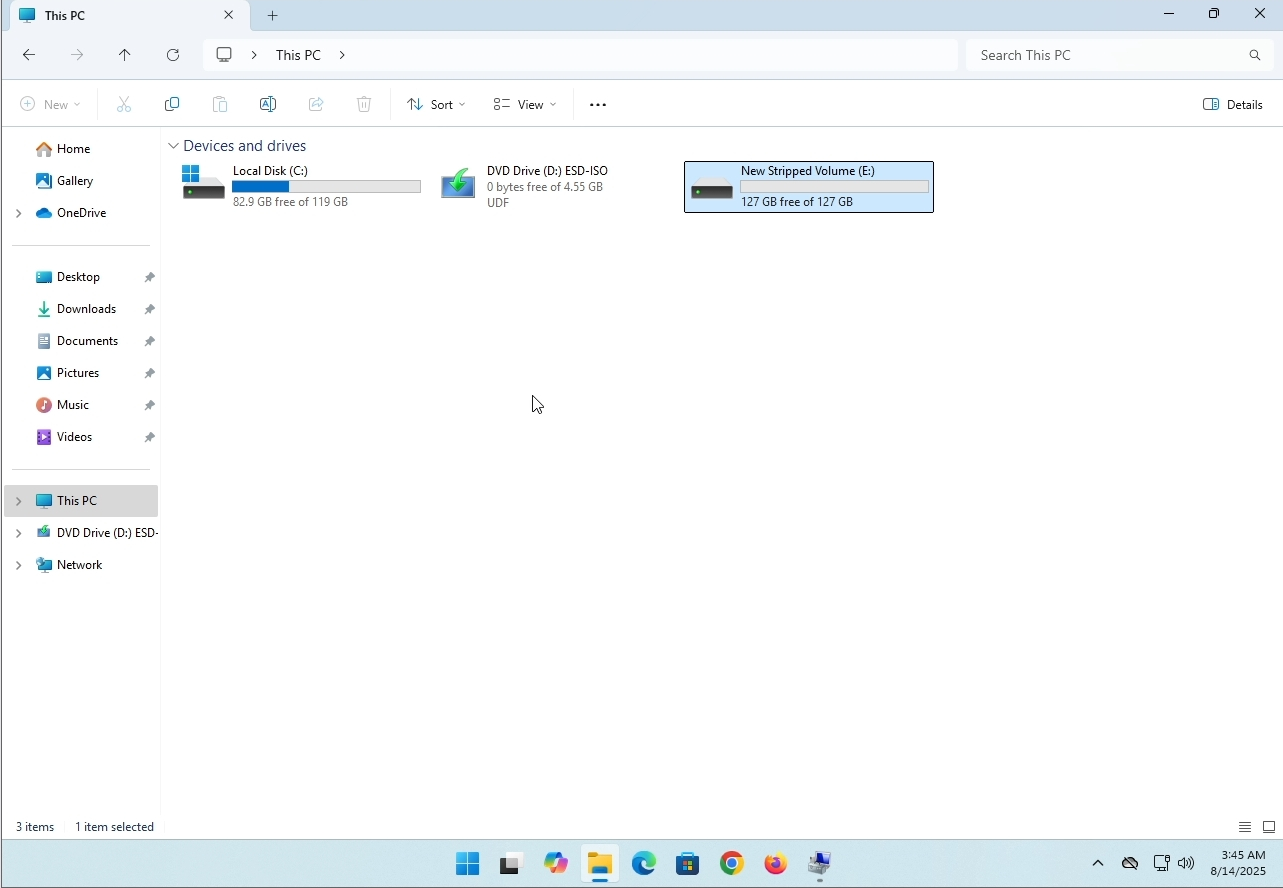
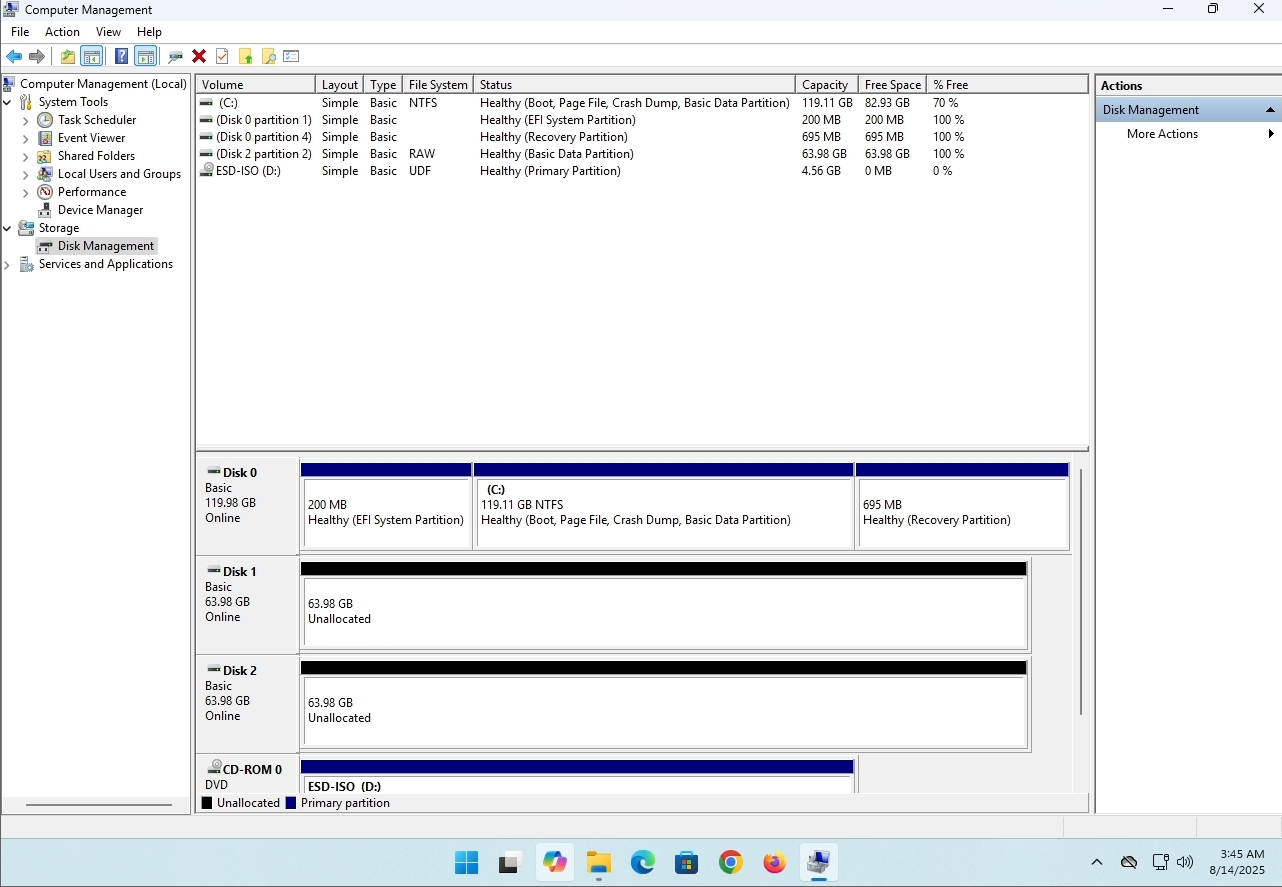
In this article we will demonstrate how to delete a stripped volume in Windows 11
1. Make sure what is the stripped volume's drive letter is. In this case the drive letter is (E:):
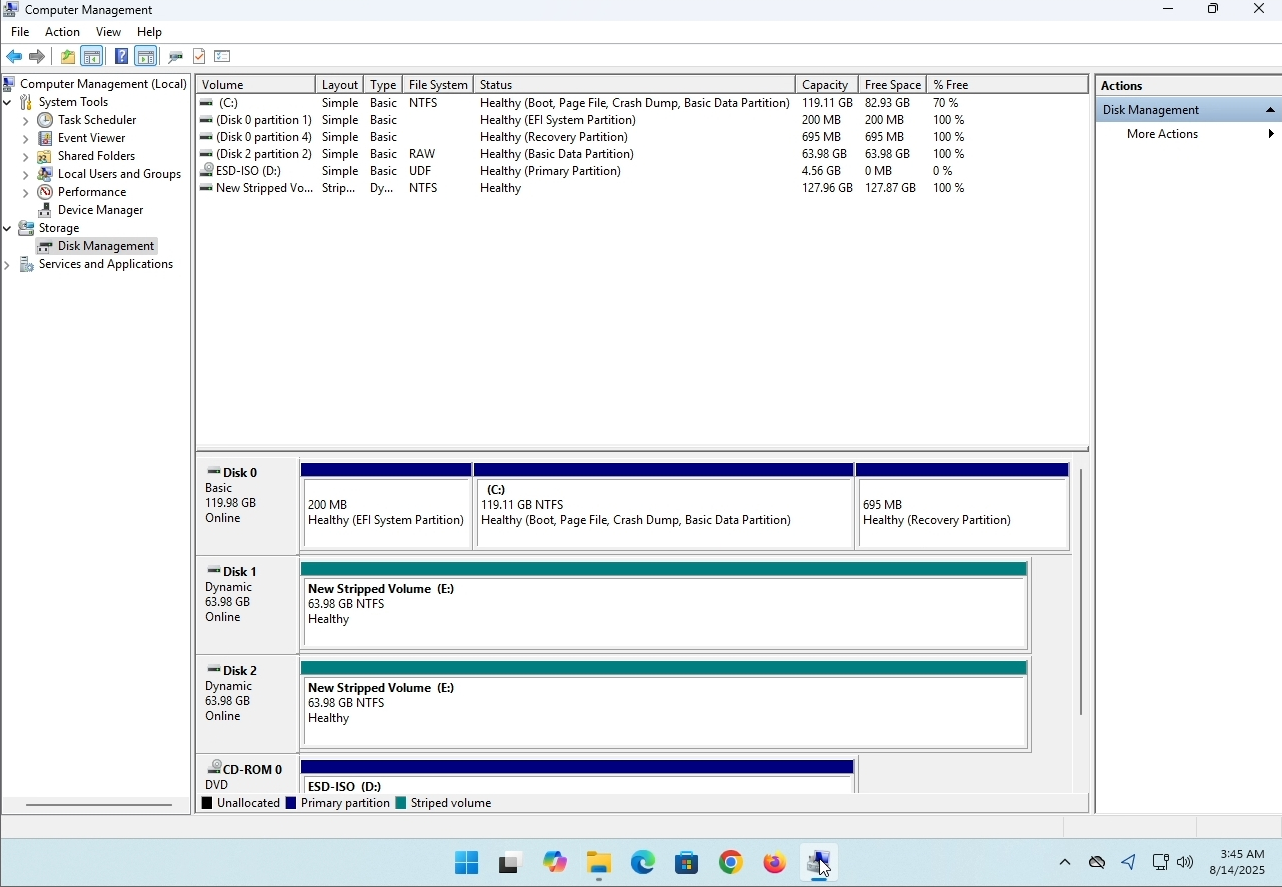
3. On the left pane. Look for Disk Management and click on it once.
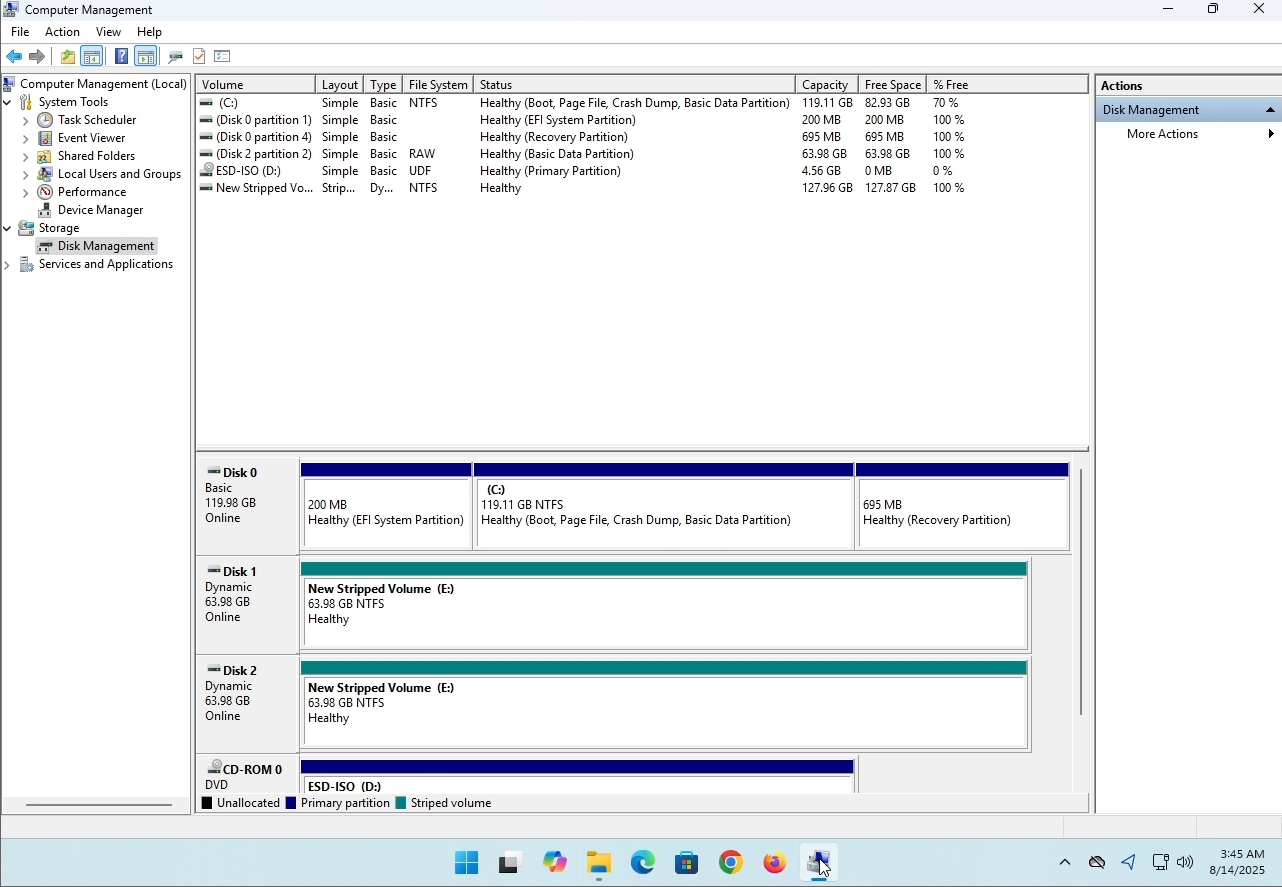
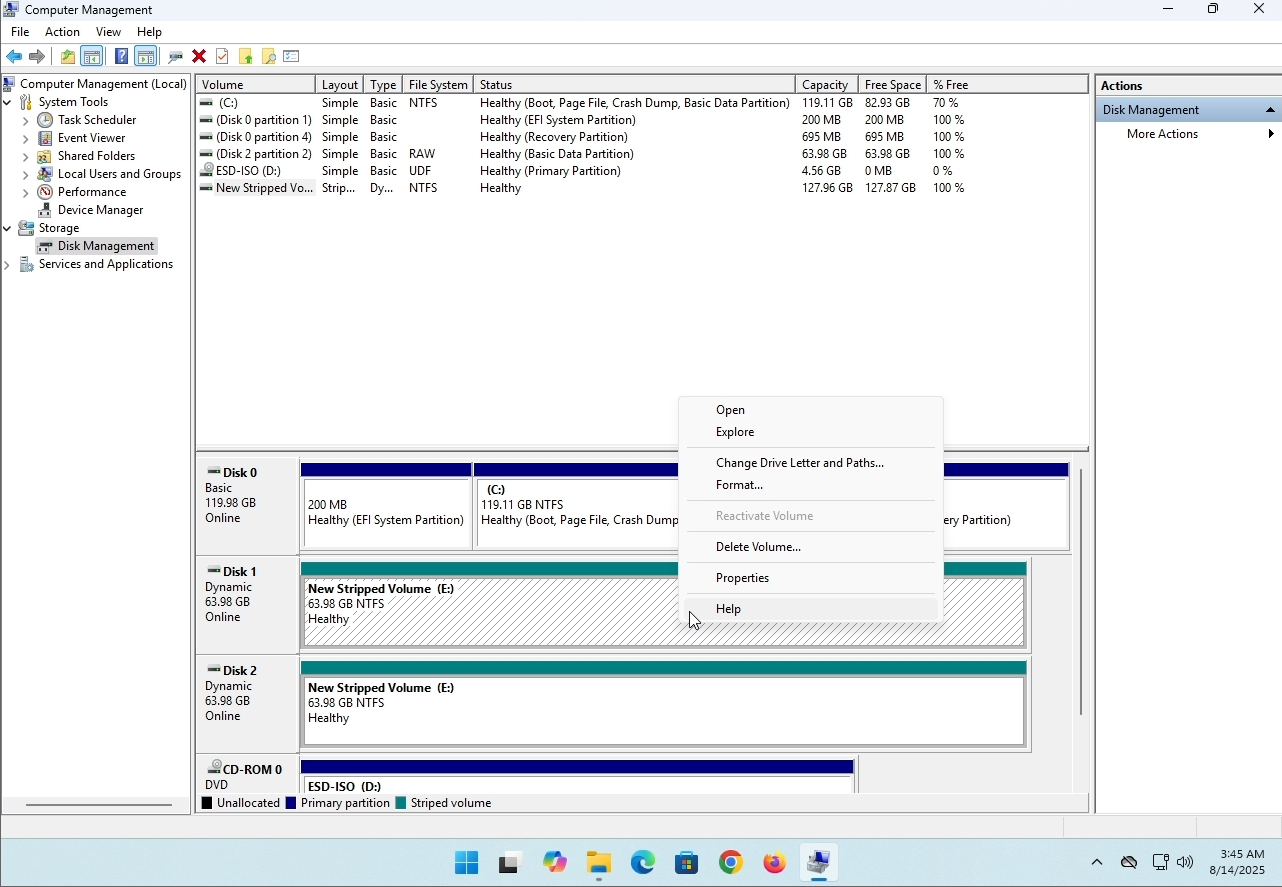
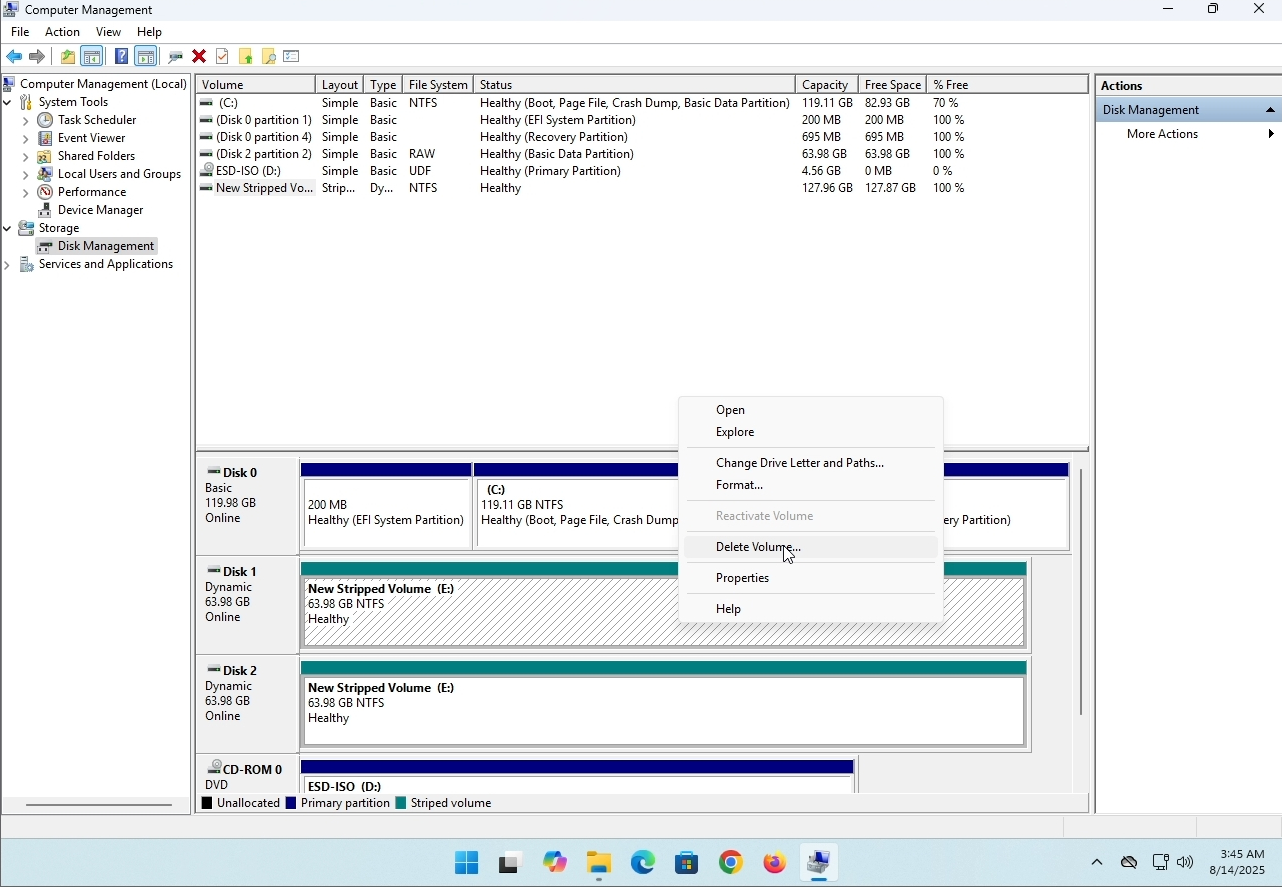
6. You will be shown a confirmation window. Click on Yes to confirm deleting the drive.
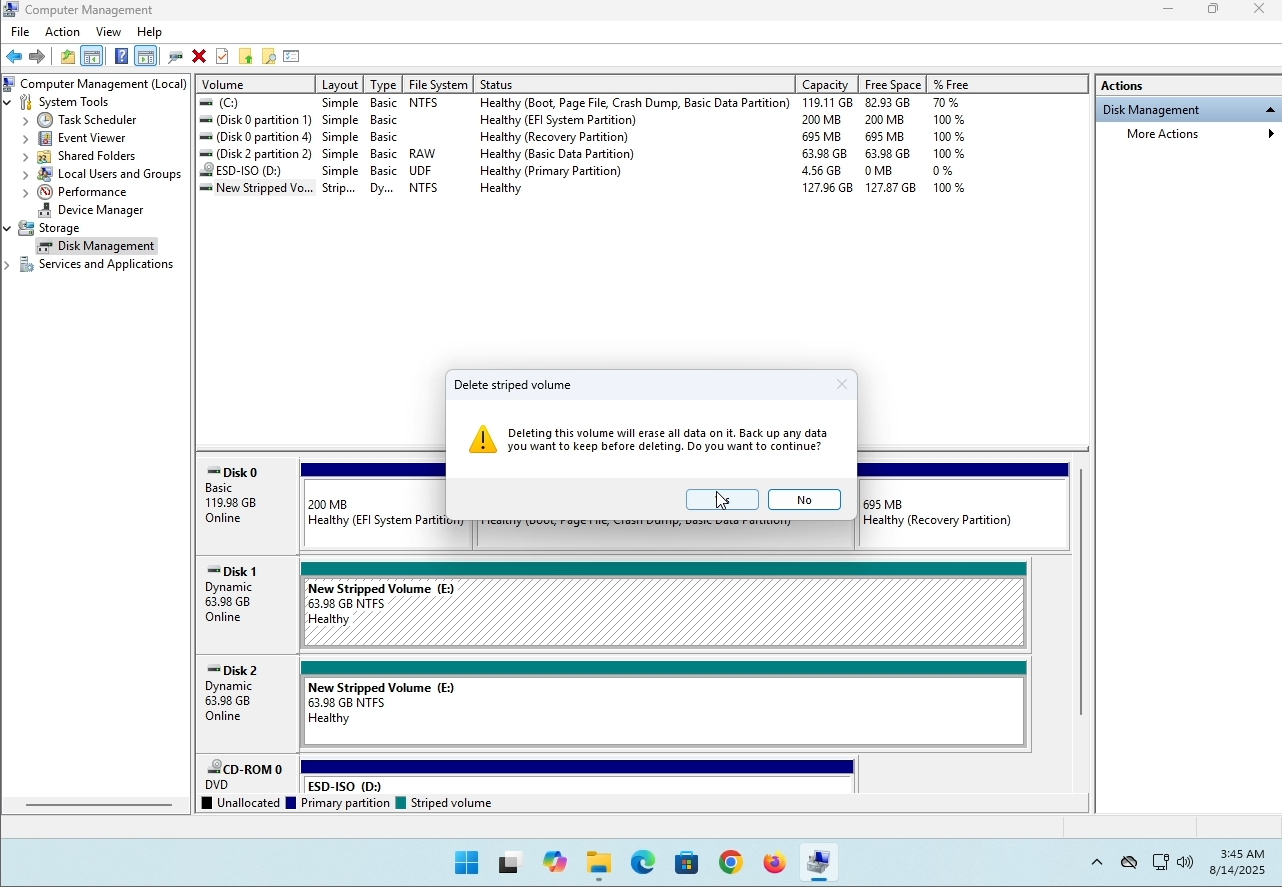
7. The drive is now deleted and the disks that were part of the stripped array are now unallocated.
- Detaily
- Napísal: IT Pro
- Kategória: How to Articles
- Návštevy: 8121
Úvod:
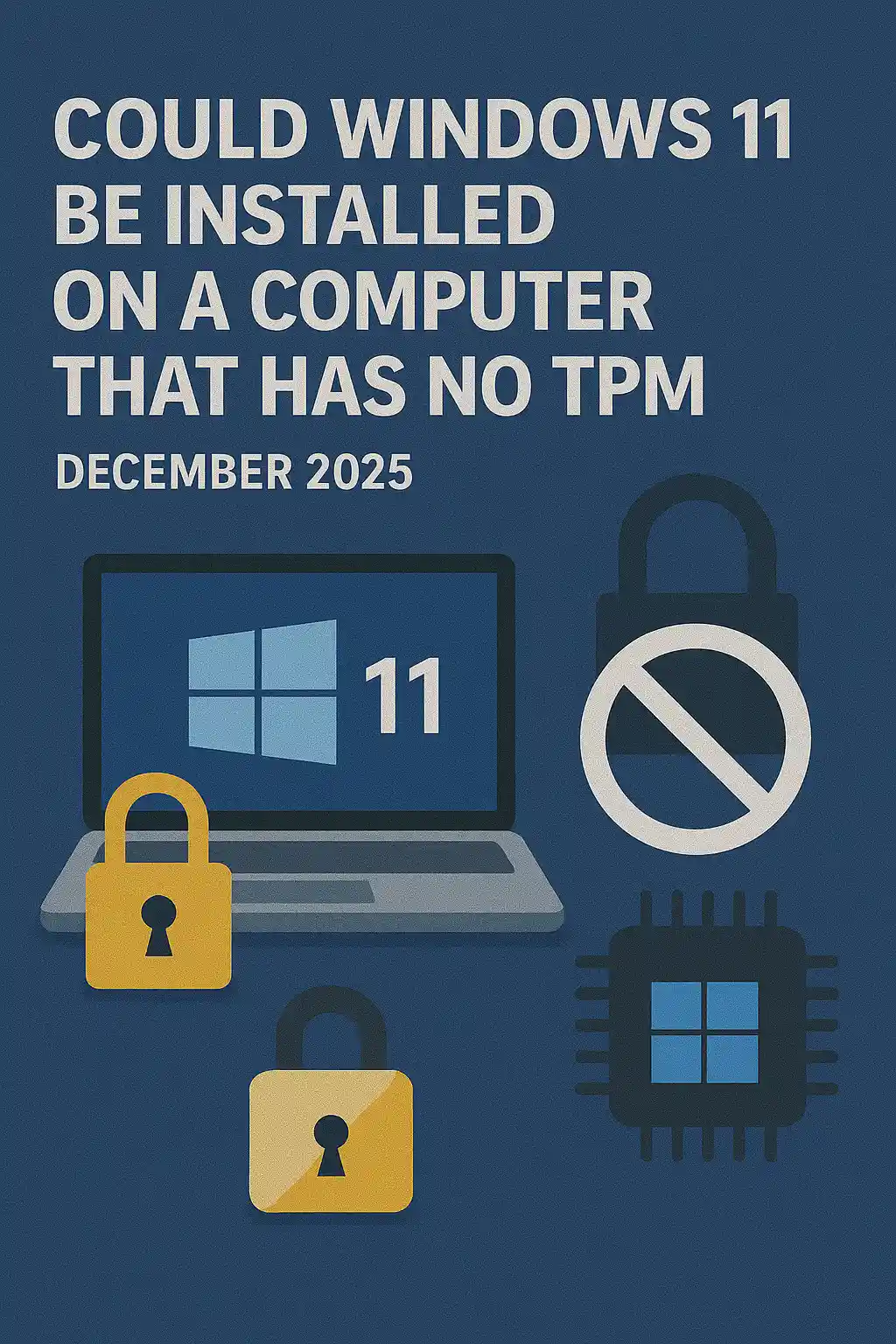
V tomto článku budeme skúmať, či Windows 11 môže byť nainštalovaný na počítači, ktorý nemá TPM čip.
Stručne povedané: NIE.
Windows 11 nemôže byť nainštalovaný na počítači bez minimálneho TPM verzie 2.0 čipu.
Nasleduje ilustrácia pokusu o inštaláciu Windows 11 na takom počítači.
Verzia Windows, ktorá sa pokúsila byť nainštalovaná, bola 24H2.
1. Posilnenie inštalácie Windows


2. Nastavujem jazyk

3. Nastavujem metódu inštalácie

4. Kľúčová fáza produktu


5. Výber Windows 11 Pro


6. Kontrola fázy PC

7. Blokovač

Záver:
Nič moc povedať tu. Museli sme to vidieť sami. Na túto tému je veľký prejav a zdá sa, že v tomto prípade to drží vodu. Installation-wise
To neznamená, že Windows 11 nemôže byť RUN na uvedenom systéme. Pre viac, navštívte náš článok o tejto téme: https://itproshub.com/en/windows/can-windows-11-run-on-a-počítač-that-has-no-tpm-chip-at-all-decembet-2025.
- Detaily
- Napísal: IT Pro
- Kategória: How to Articles
- Návštevy: 7240
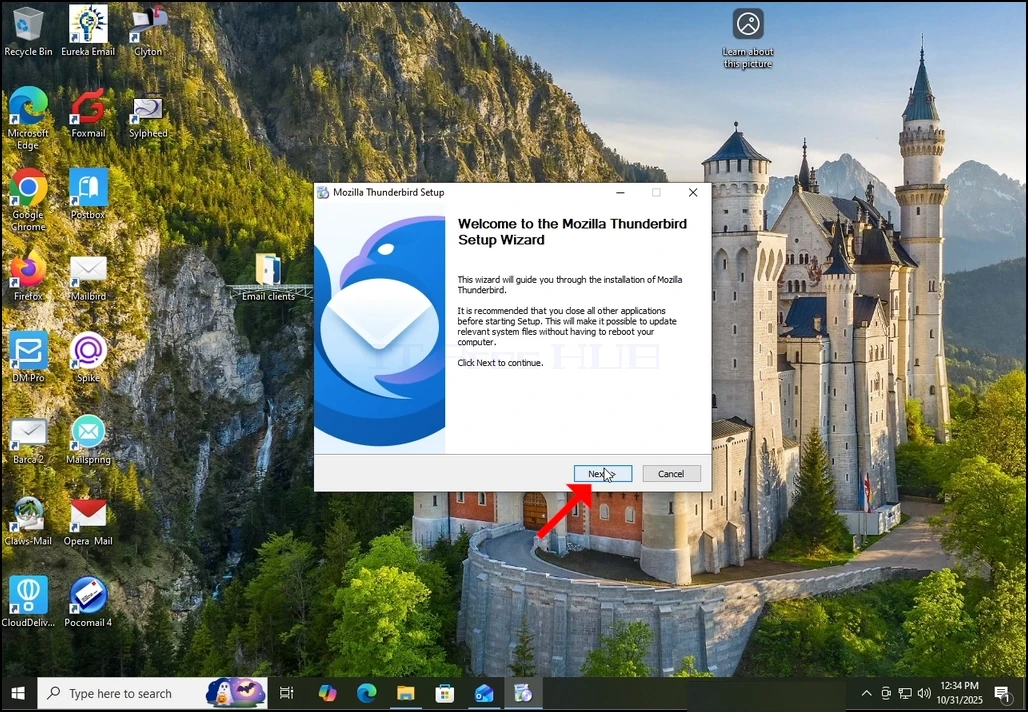
1. Spustiť inštaláciu Thunderbird kliknutím na jeho súbor nastavenia
2. Na uvítacej obrazovke kliknite na tlačidlo NEXT.
3. Vyberte štandardnú voľbu a kliknite na tlačidlo NEXT.
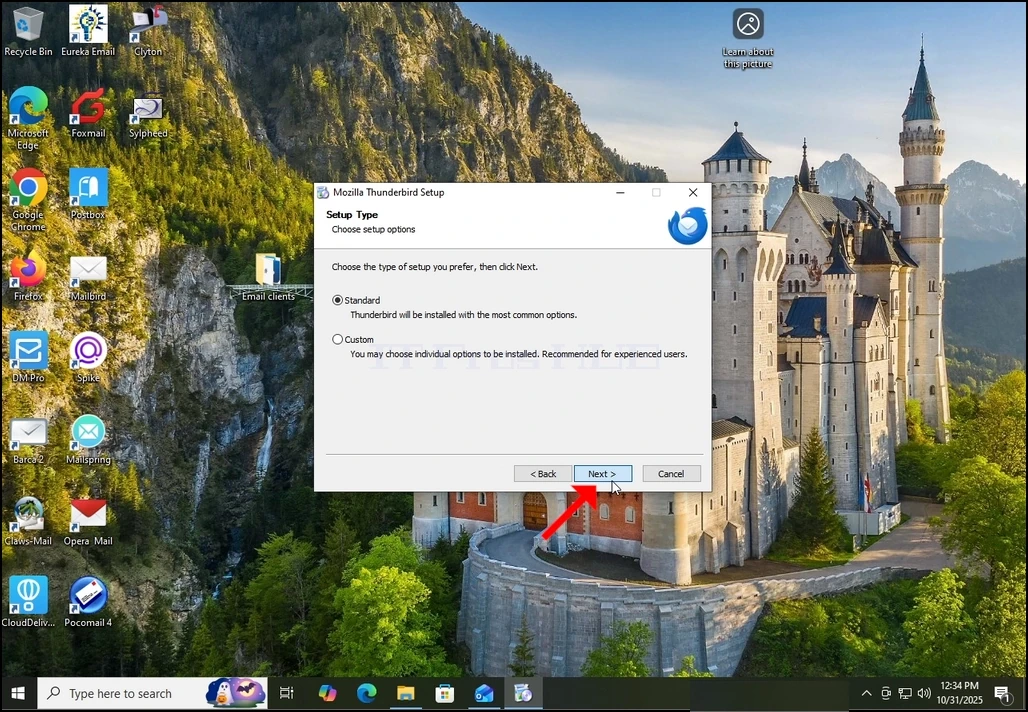
4. Kliknite na tlačidlo Inštalovať.
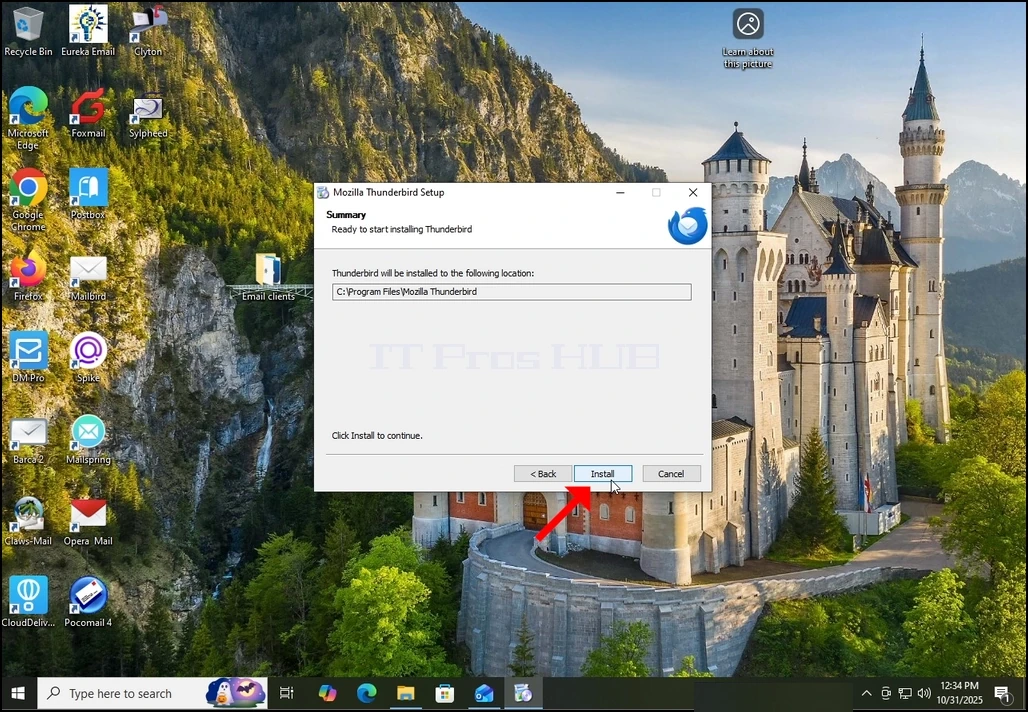
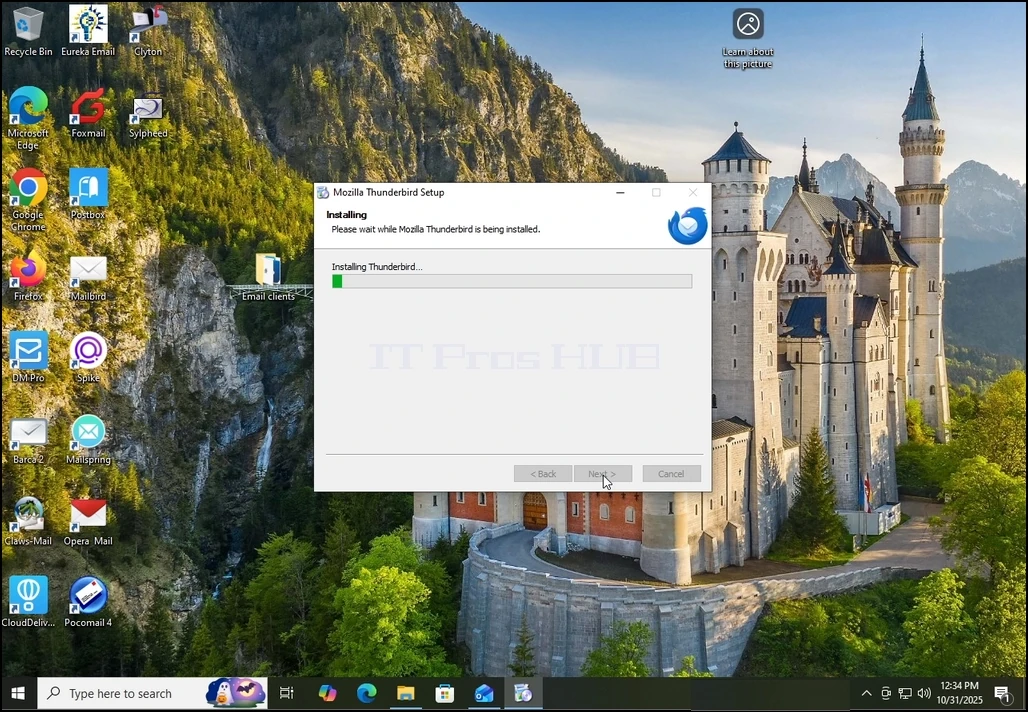
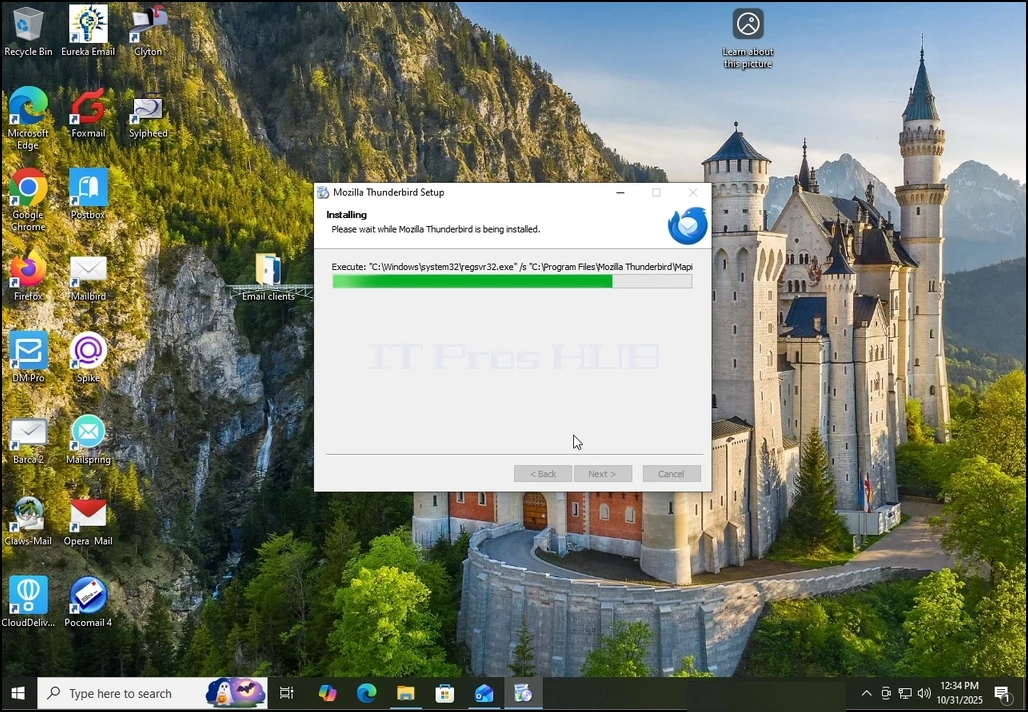
5. Čakajte trpezlivo na dokončenie procesu inštalácie
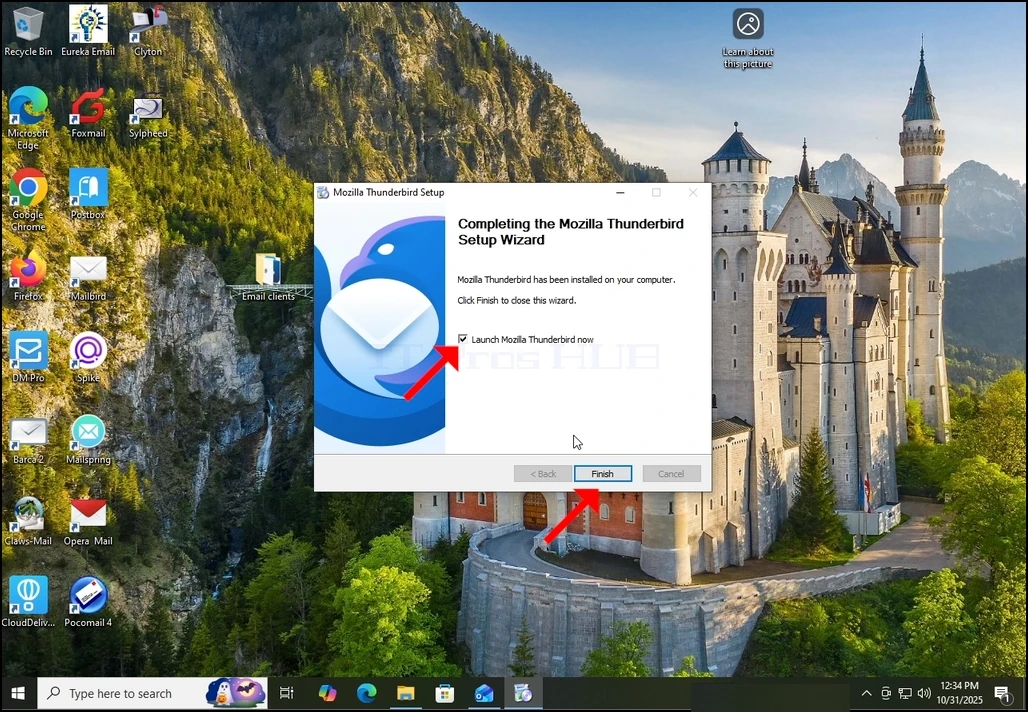
6. Odznačte spustenie Mozilla Thunderbird teraz možnosť a stlačte tlačidlo Dokončiť
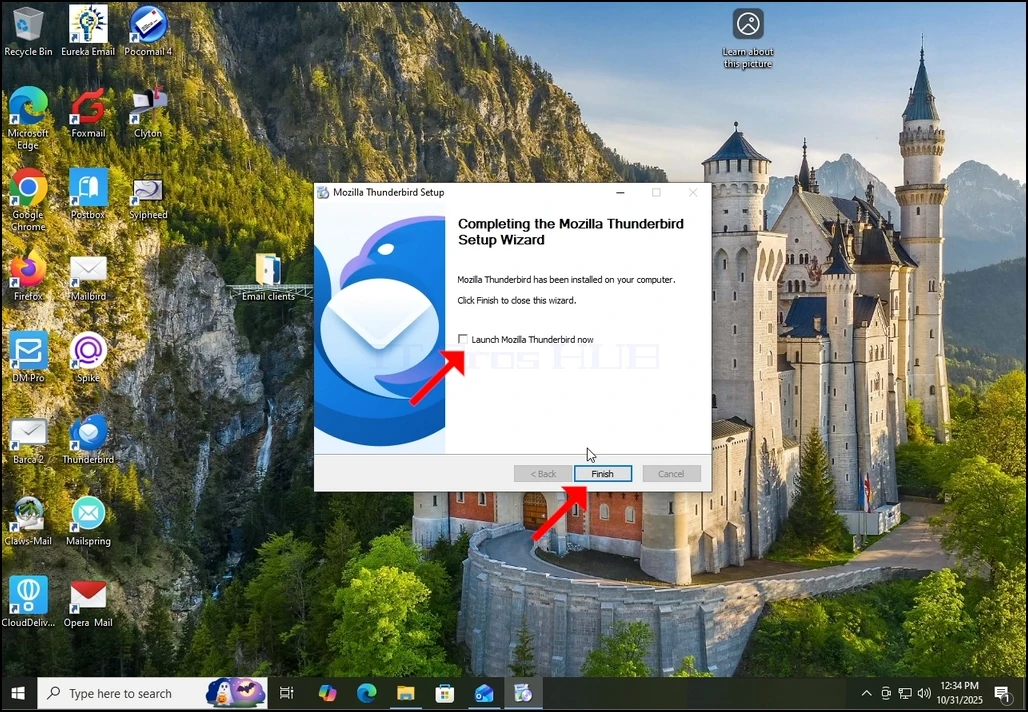
7. Mozilla Thunderbird je teraz nainštalovaný!