



There is no translation available.
1. Open your default browser (Google Chrome in this article)

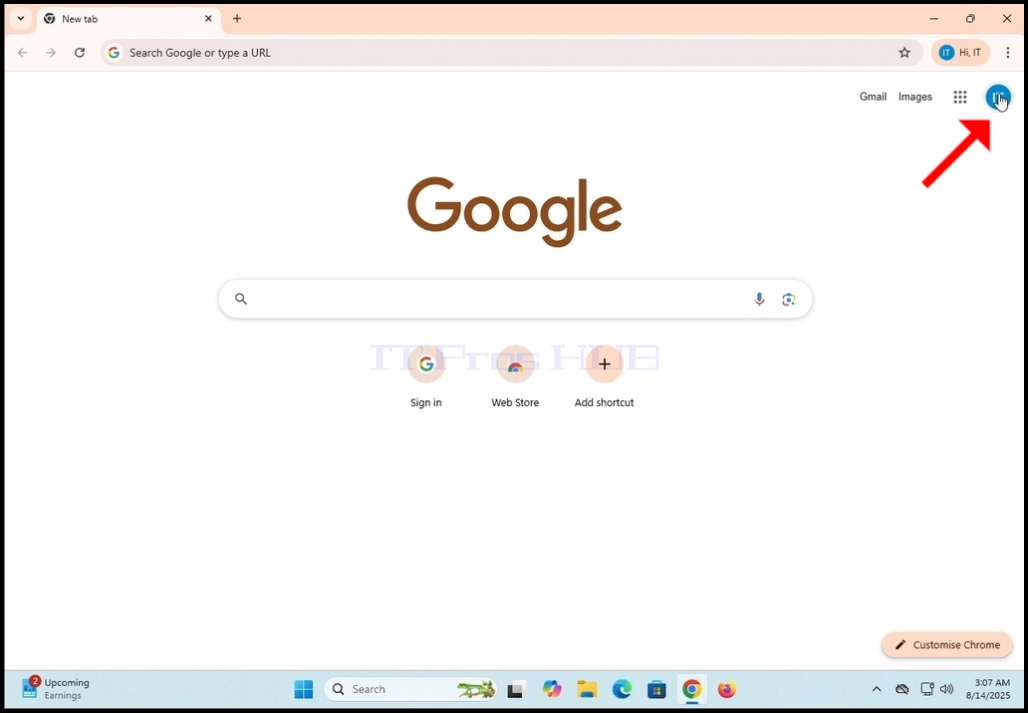
2. Go to Google.com, look for the round icon bearing initials of your username and click on it
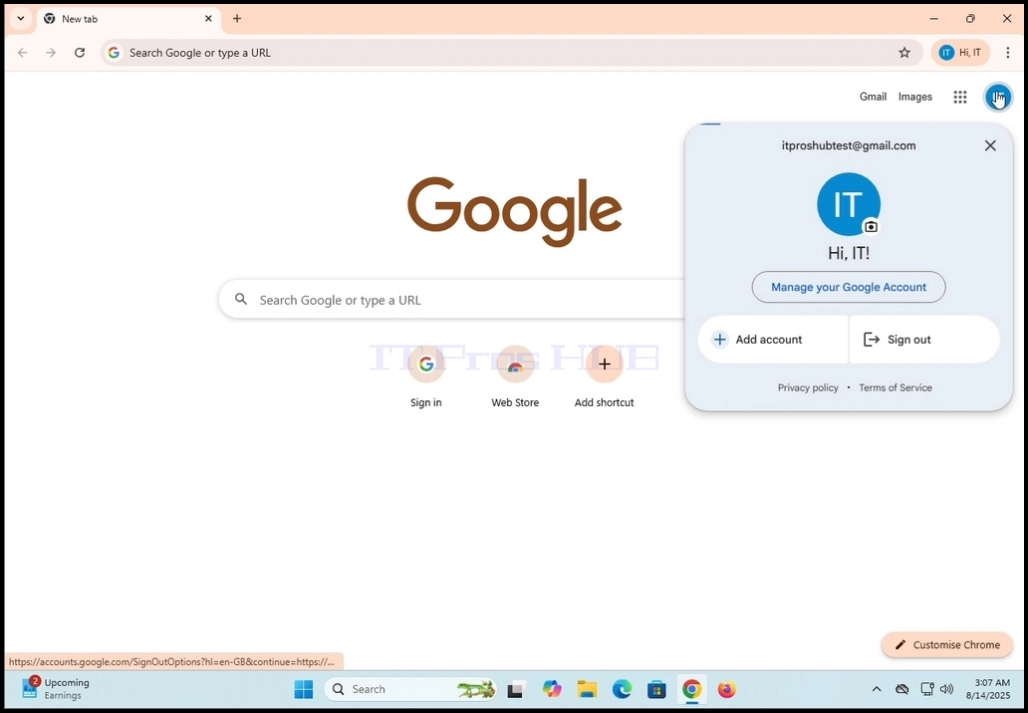
3. Once clicked, a small window will appear
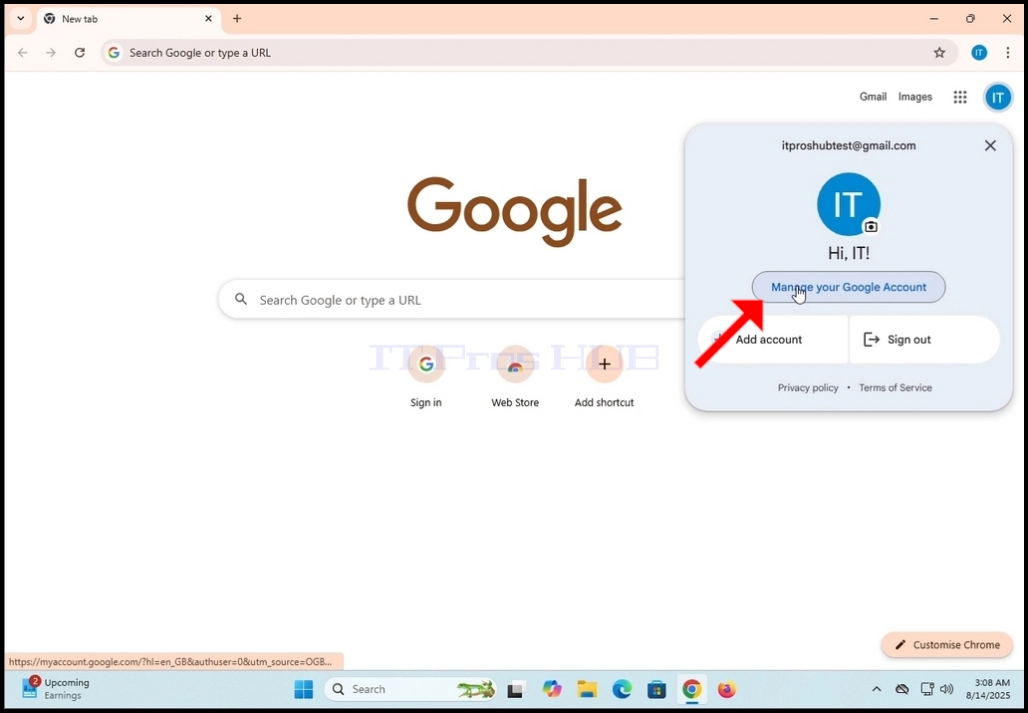

6. Google will want you to sign into the account again
7. Type in your password and hit the Enter key


8. Wait for the Recovery Options page to load
9. In the recovery page, look for the Your recovery phone sentence and click on the pen icon on the bottom right (or left for RTL users) corner of the rectangle

10. Once clicked, a new pop-up window will appear in the middle of the page, titled: “Set up recovery information”.


