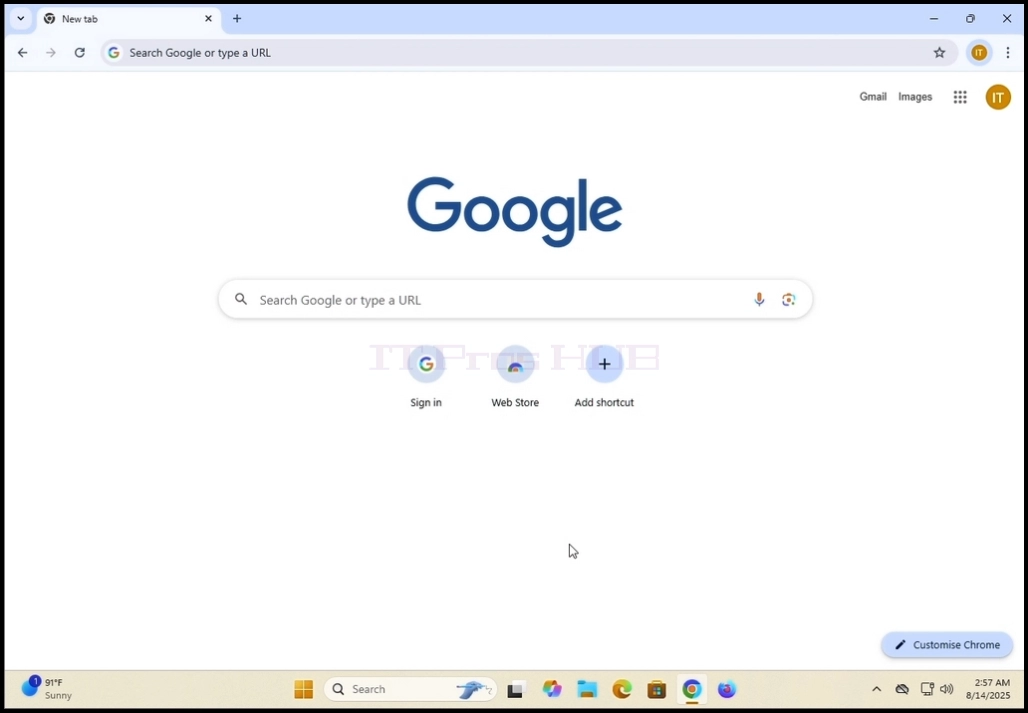
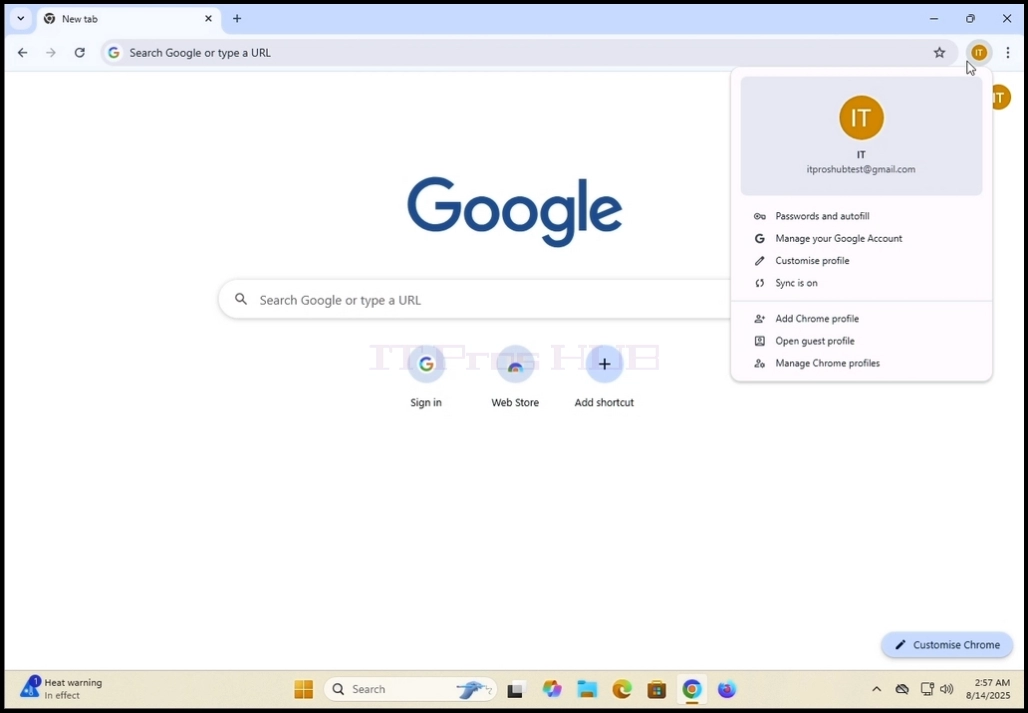
1. Open Google Chrome browser
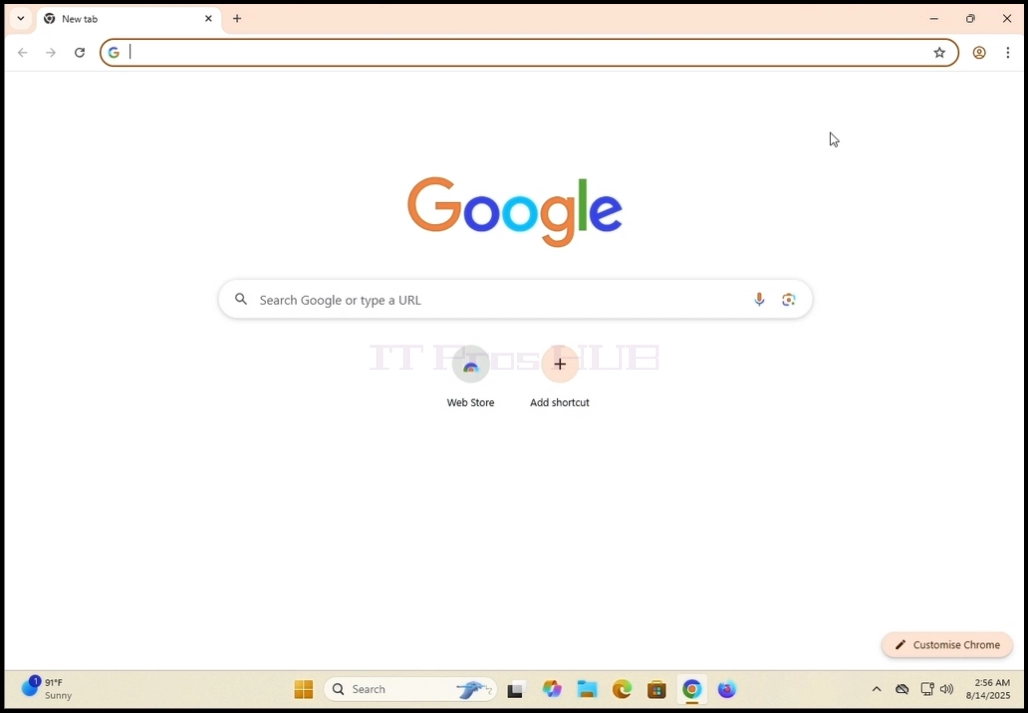
2. look for the profile icon in the top right corner of Google Chrome browser. Click on it
once and wait for a pop-up window to appear. The window is called Your Chrome.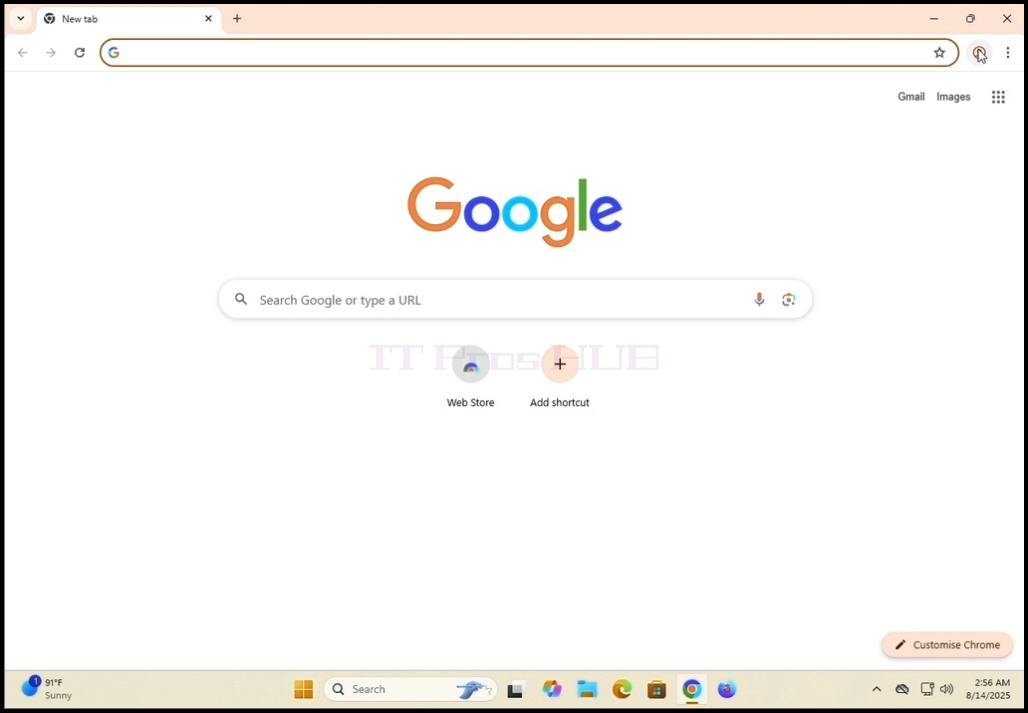
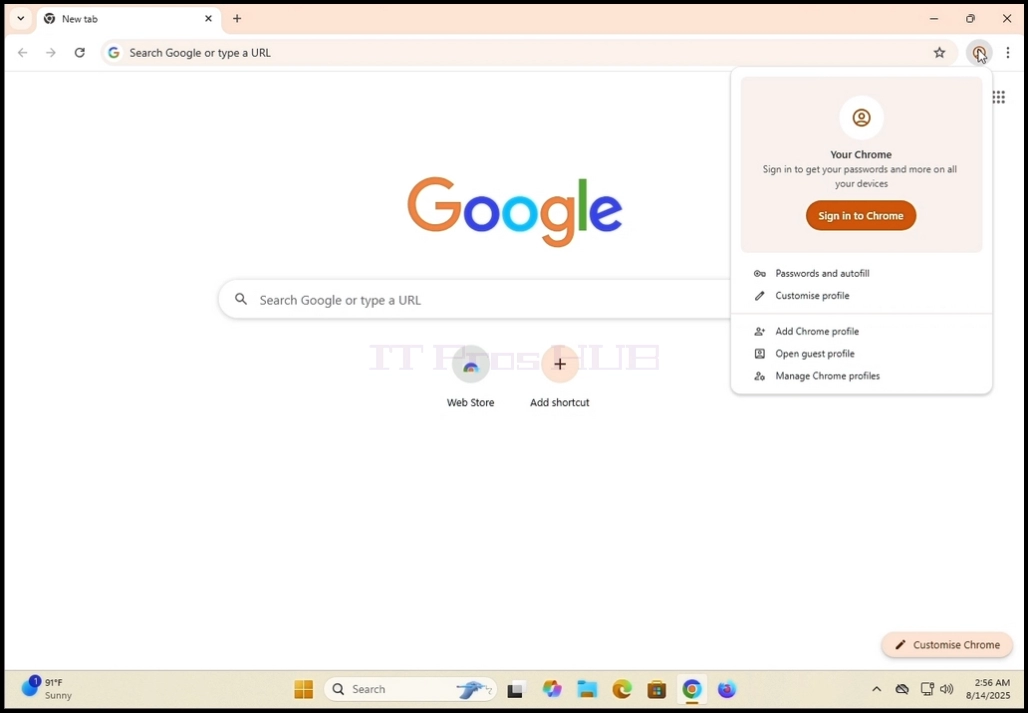
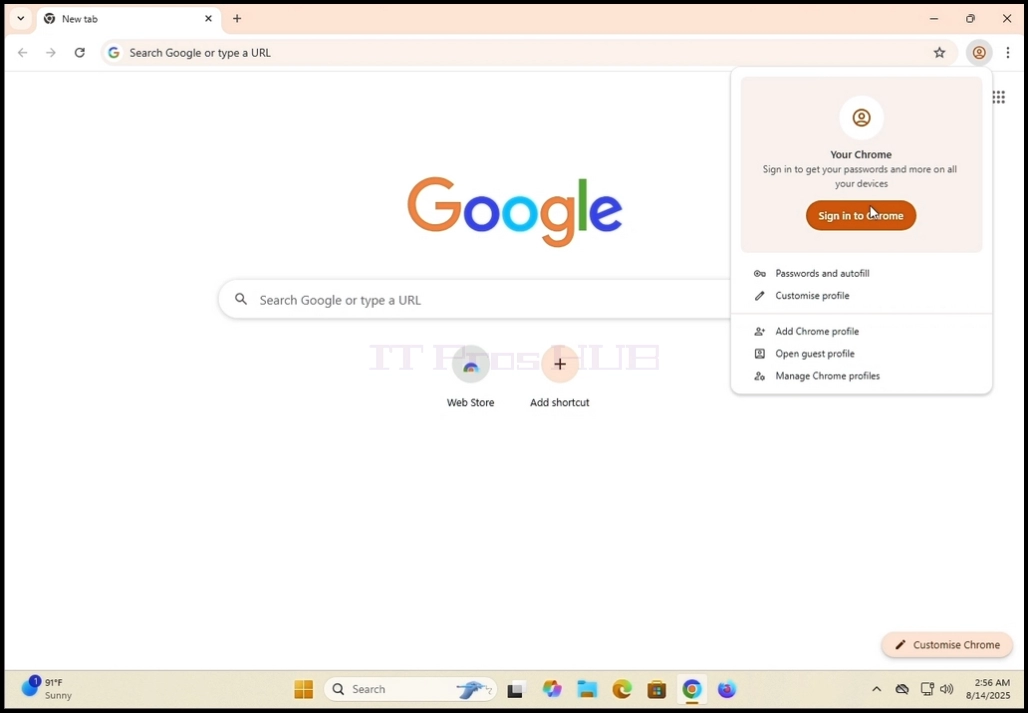
4. Once clicked, the pop-up window will get closed and Google Chrome's page should change to the Sign in to Chrome page.
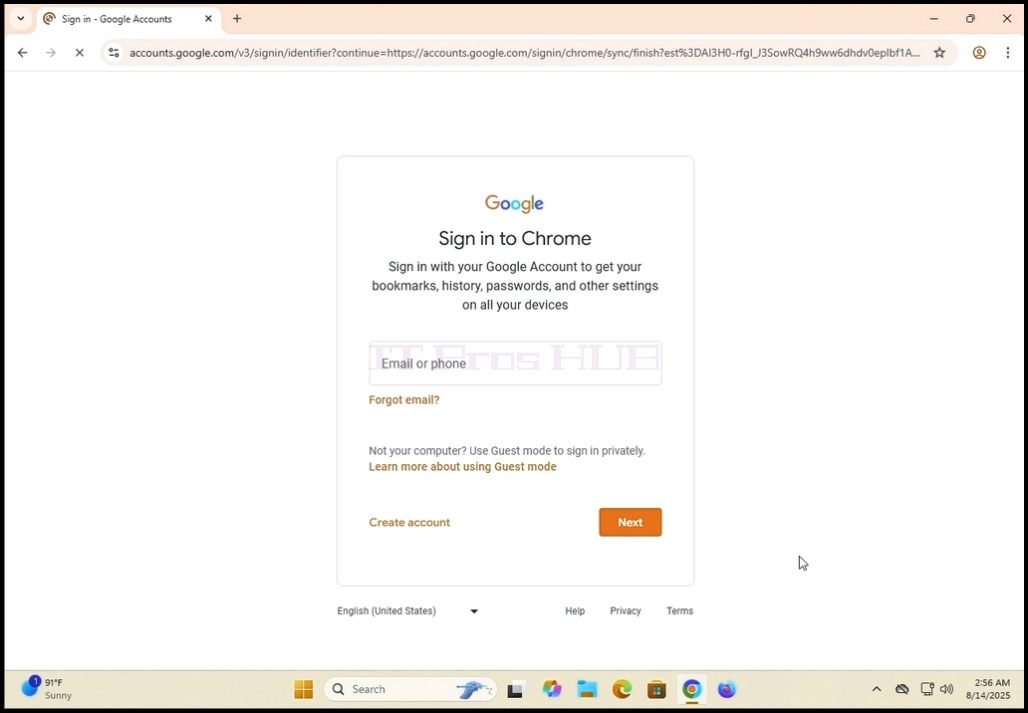
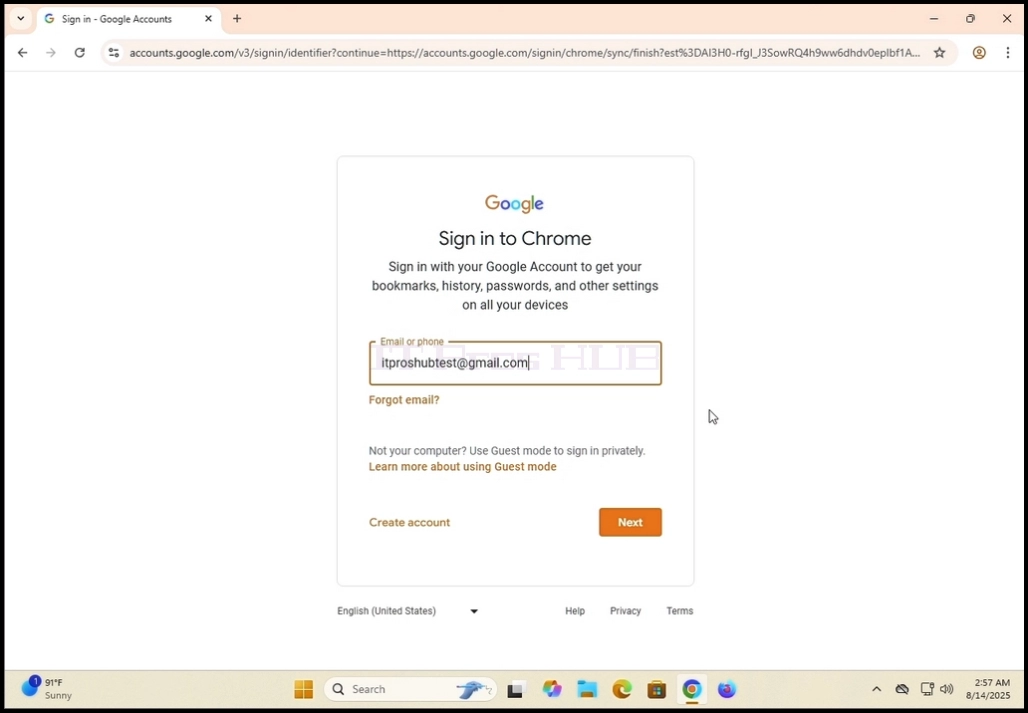
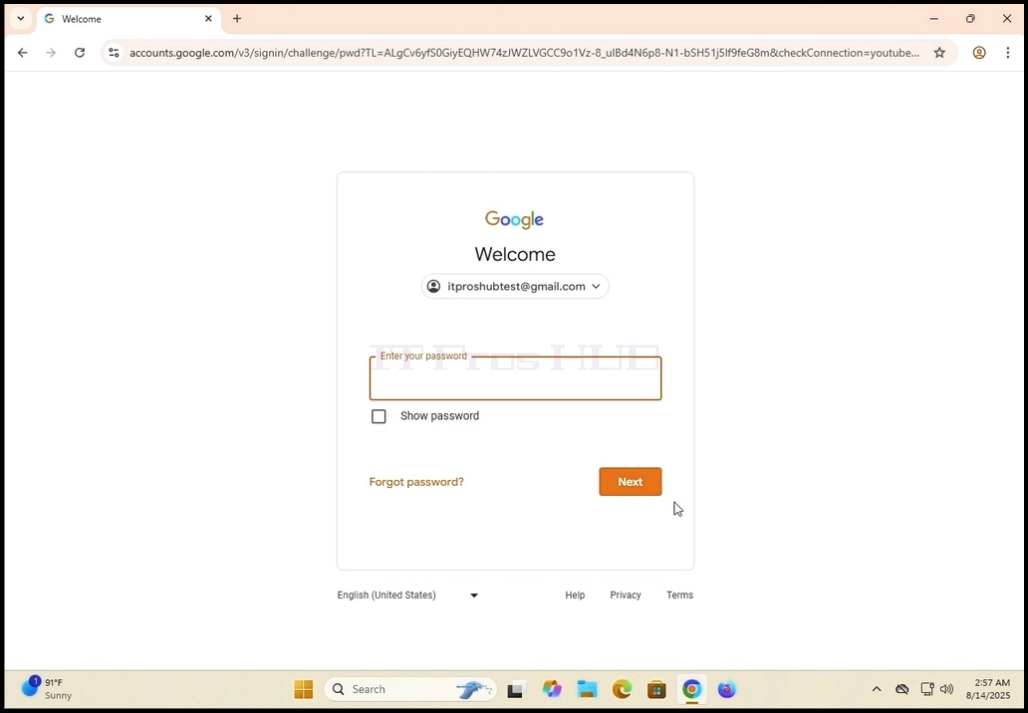
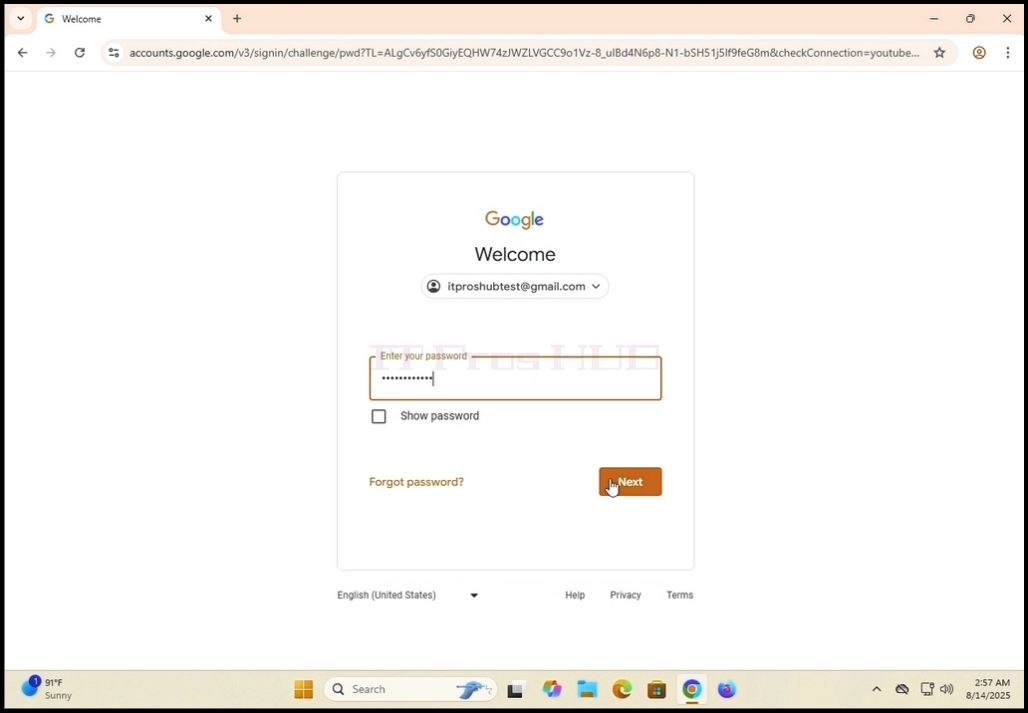
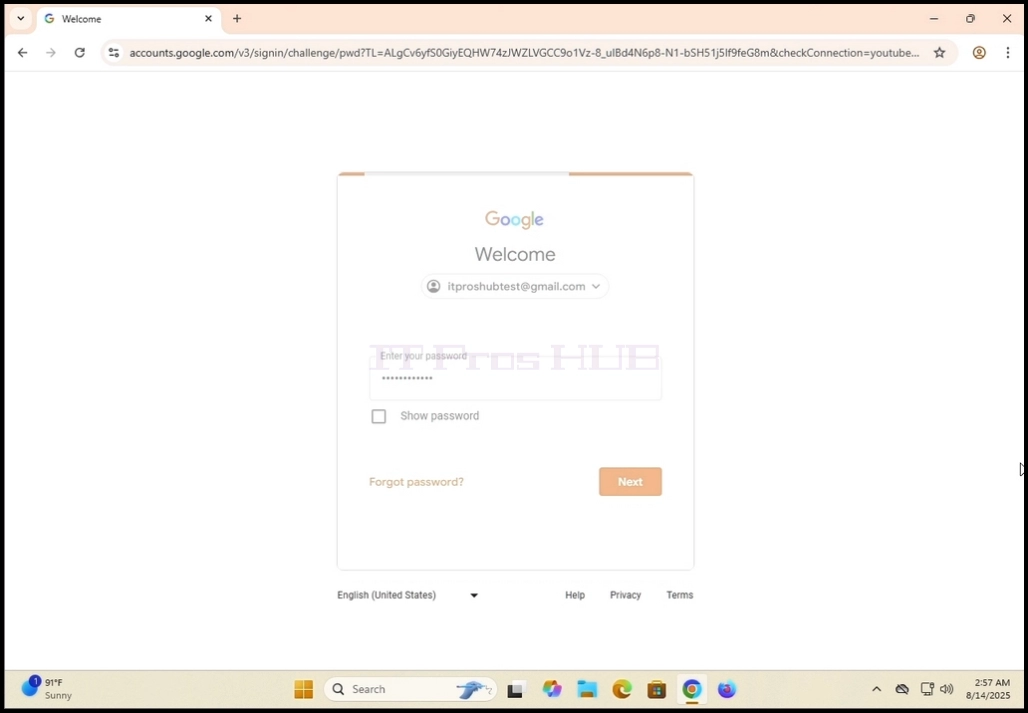
6. Wait for the password window to load. Enter your Gmail password and hit the ENTER key or
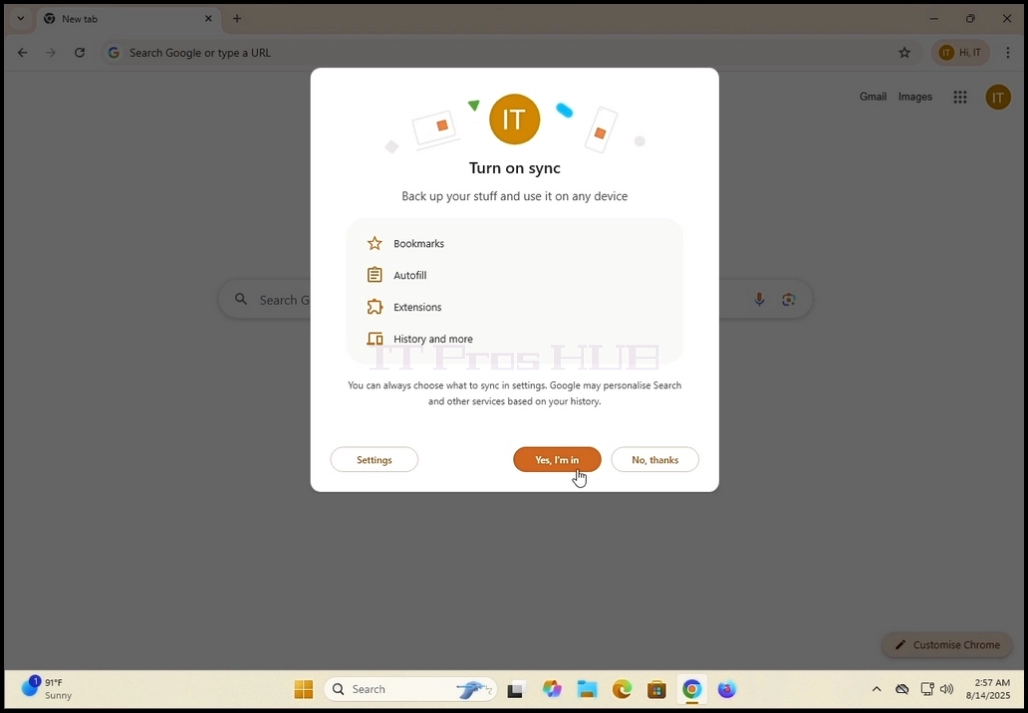
click the Next key. Wait for a Turn on sync pop-up window to appear.
7. In the Turn on Sync window, you can choose whether to sync this Google Chrome local browser to
your Google account alltogether.
Click Yes, im in in order to sync
Click No thanks to pass syncing.
Our recommendation - Sync which is what we are going to demonstrate in this article.
8. Google Chrome is now connected to your Google account and synced with it as well. All of your
saved data in Google Chrome under your Google account should appear locally in this browser.