



Tagline:HowtoInstallMozillaThunderbirdEmailClientonWindows10
There is no translation available.
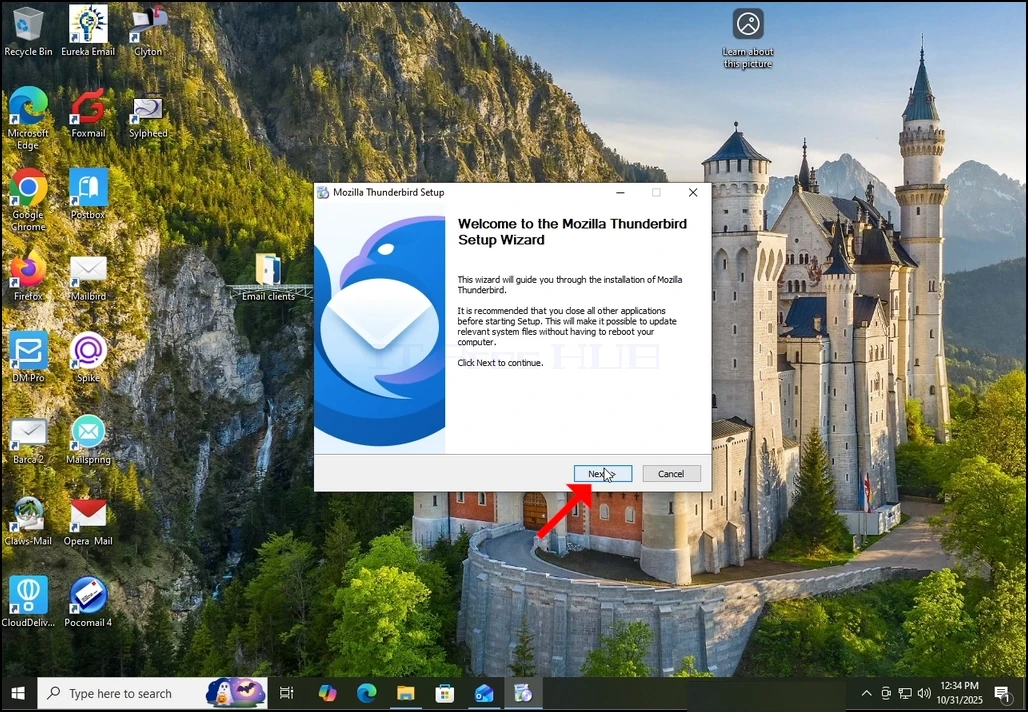
1. Start the installation of Thunderbird by clicking its setup file
2. In the welcome screen, click NEXT.
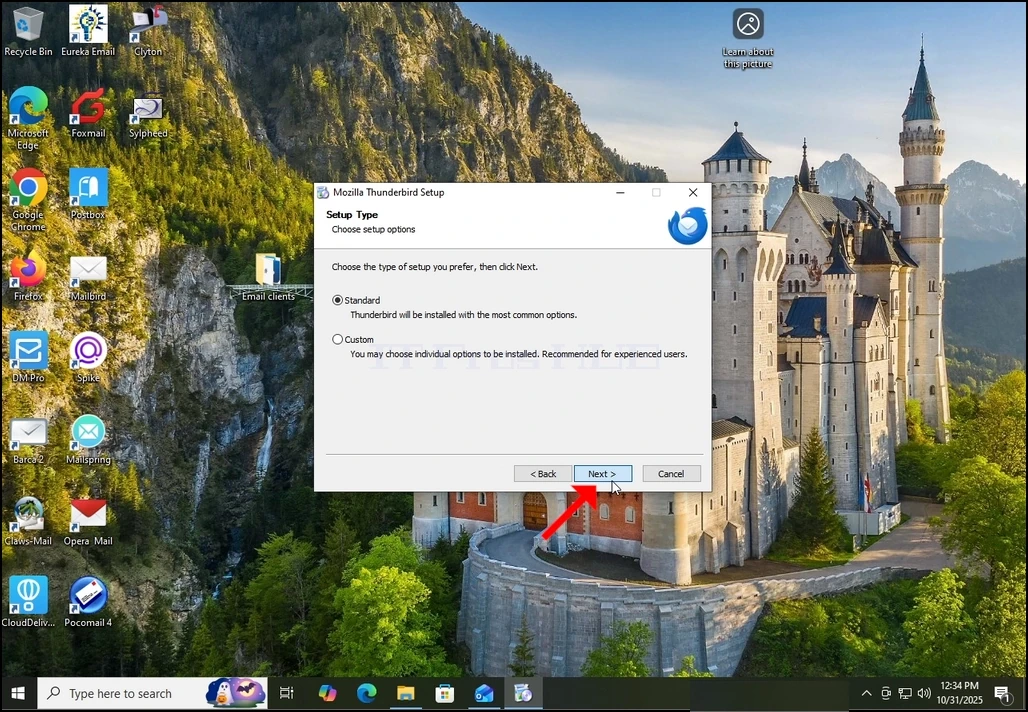
3. Choose the Standard option and click NEXT.
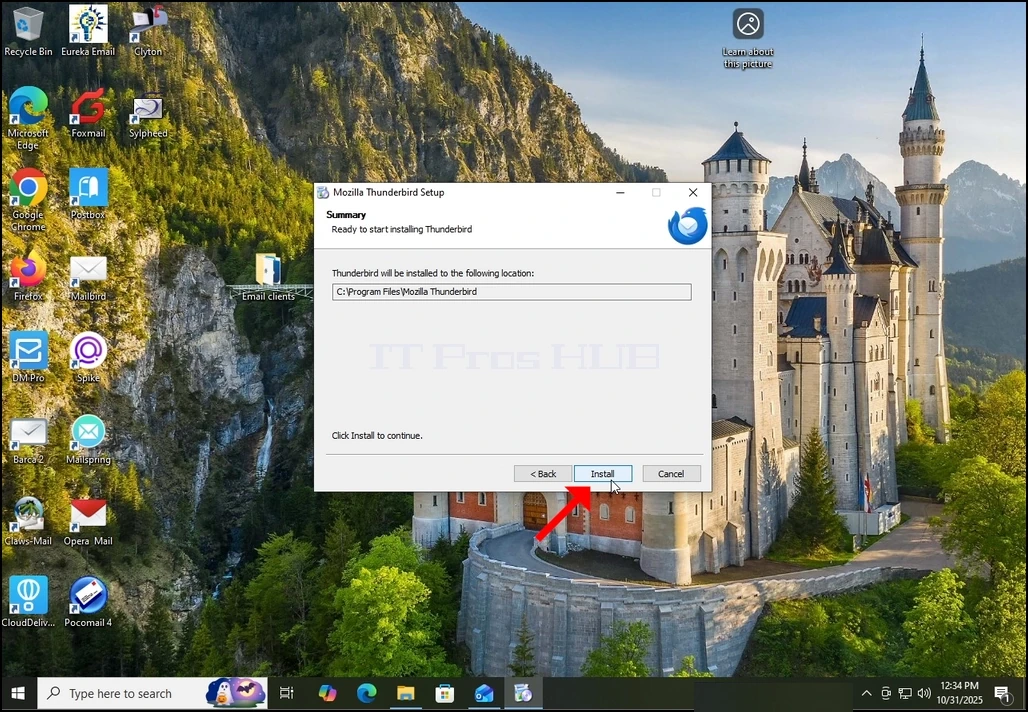
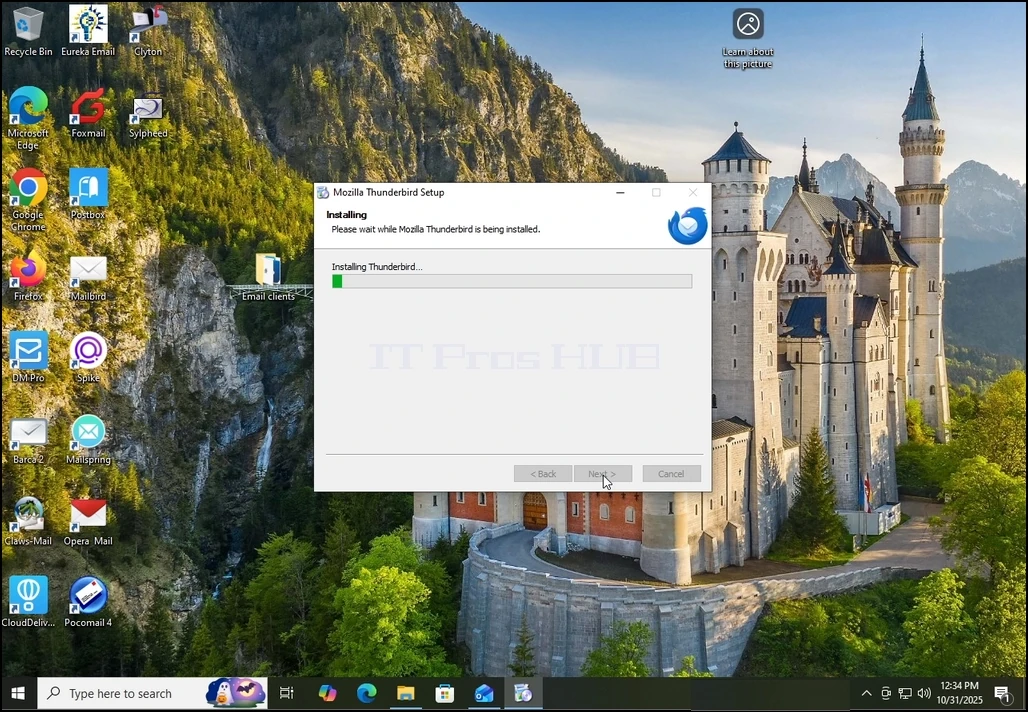
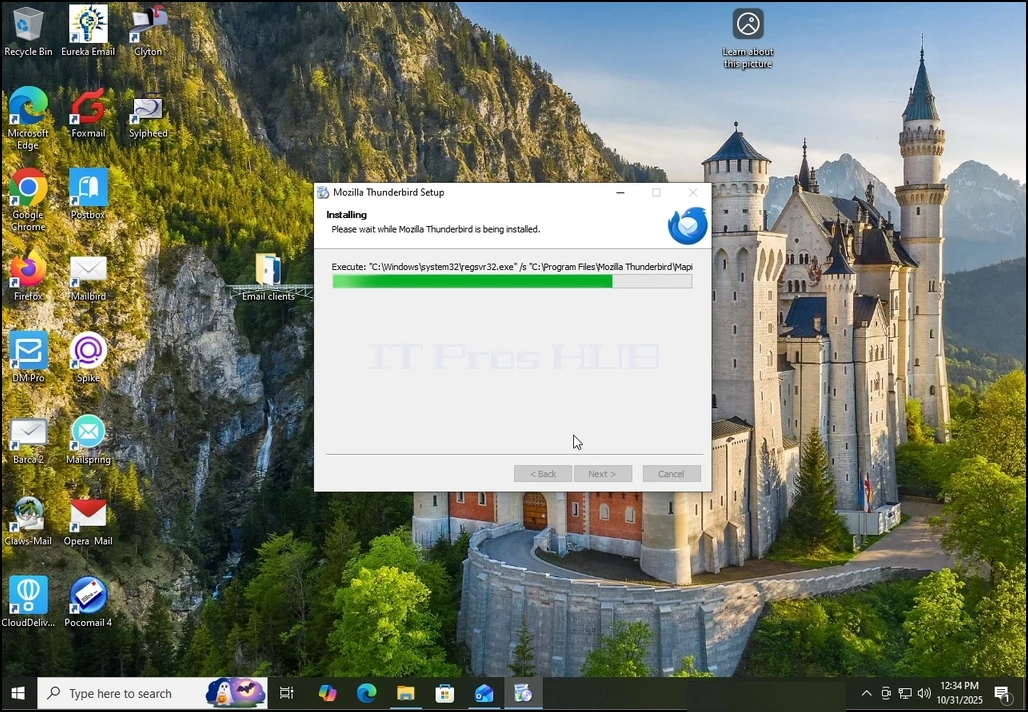
5. Wait patiently for the installation process to finish
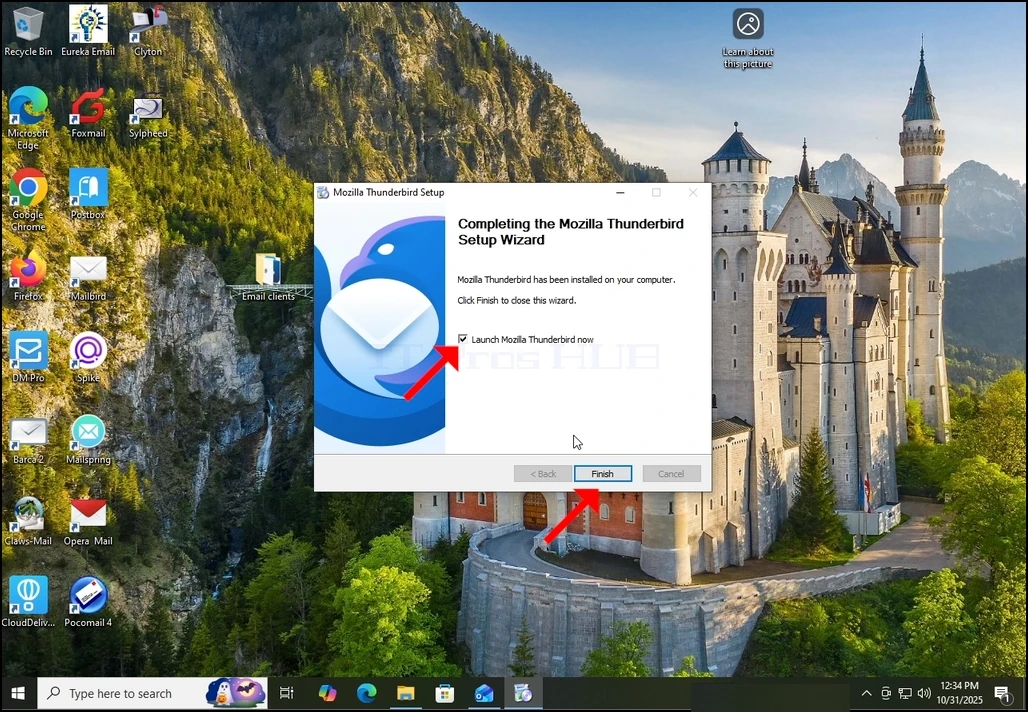
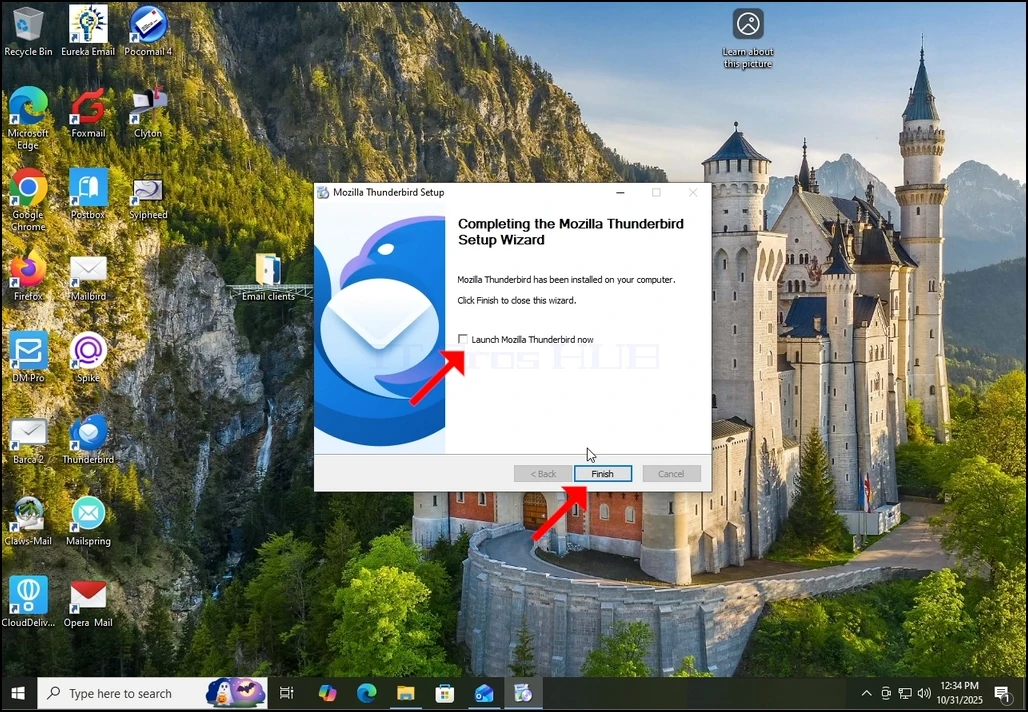
7. Mozilla Thunderbird is now installed!