



Free antivirus tools still matter in 2026 — not as a “complete security strategy,” but as a practical baseline for home labs, BYOD endpoints, temporary systems, isolated test rigs, incident triage, and lightweight protection on machines that don’t justify a full EDR stack. For IT professionals, the value is often operational: fast deployment, predictable CPU/RAM impact, acceptable detection for common commodity malware, and the ability to pair a real-time engine with a “second opinion” scanner when something feels off.
This article lists widely available free antivirus products and malware-cleaning tools, with notes about platform coverage for Windows, macOS, and Linux. Wherever relevant, it highlights limitations that matter in professional environments (telemetry prompts, feature gating, licensing scope, and lack of central management). The goal is to help you choose what’s viable for your specific use case without wasting cycles on dead-end installs.
How IT Professionals Should Evaluate “Free Antivirus”
In enterprise security, antivirus is only one layer. Free tools can be useful, but you’ll want to evaluate them with the same discipline you apply to paid products: measurable protection, operational ergonomics, and compatibility with your baseline controls.
Key evaluation points that matter in practice
- Real-time protection vs. on-demand scanning (always-on engines reduce dwell time; scanners are best for confirmation and cleanup)
- Update cadence (cloud reputation and frequent signature updates matter more than feature checklists)
- False positive behavior (especially on dev workstations, driver bundles, admin tools, and dual-use utilities)
- Resource impact (background I/O, CPU spikes during compilation, and VM-heavy workflows)
- Usability and noise (upsell banners, “performance cleanup” prompts, and browser extensions that alter user experience)
- Policy alignment (some free products are intended for personal use; verify acceptable use in your environment)
- Compatibility with built-in defenses (Windows Security, SmartScreen, firewall policies, browser isolation, app control)
The best real-world pattern for free tooling is a two-layer approach: keep one reputable real-time antivirus enabled (or Windows Defender as a baseline), and keep one or two portable scanners ready for response work. That combination covers the “silent infection” scenario while also giving you fast remediation options when endpoint behavior changes suddenly.
Windows Baseline: Built-In Protection You Should Not Ignore
Before installing anything, confirm that the system’s built-in security stack is actually healthy: Windows Security, malware protection status, tamper protection, firewall profiles, and update posture. Free third-party antivirus is not a substitute for patching discipline or hardened user privileges.
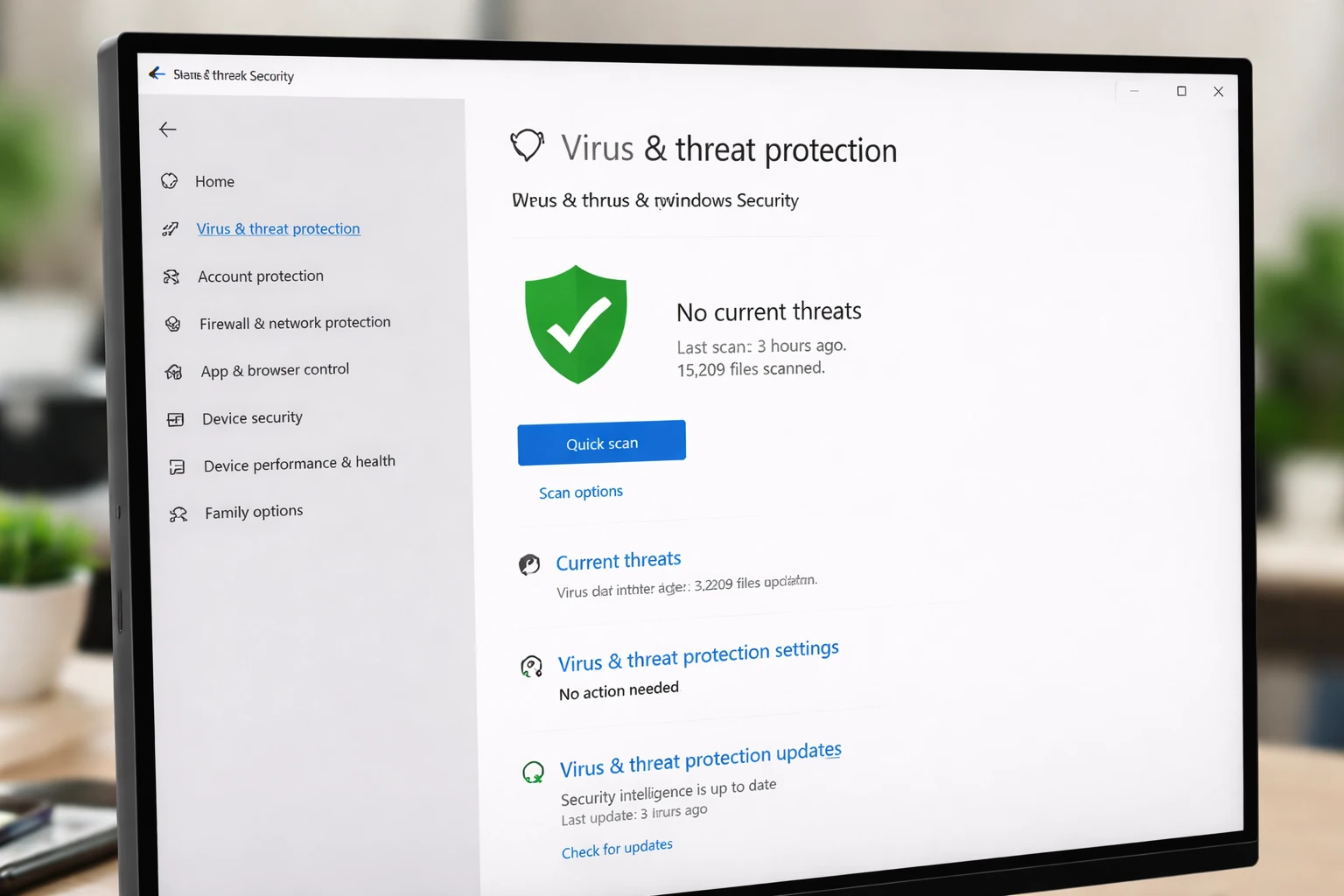
Microsoft Defender Antivirus (Windows Security)
Best use: default, no-cost baseline protection for Windows 10/11 endpoints, especially for lightly managed systems.
- Windows: Included (real-time protection + cloud-delivered protection, depending on configuration)
- macOS: Not a free always-on AV equivalent in the same “built-in” sense
- Linux: Not applicable as a free desktop/server AV baseline
In professional settings, Defender’s biggest advantage is that it integrates well with Windows controls and can be a stable “minimum viable” layer. Even if you deploy another AV, it’s useful to understand and validate the Defender posture because it’s often the fallback when third-party products fail.
Free Real-Time Antivirus for Windows
The products in this section provide always-on protection for Windows and are typically deployed as freemium consumer tools. They can be perfectly acceptable for personal endpoints, IT home labs, or unmanaged devices — but they rarely provide centralized policy and reporting. Expect occasional upsell prompts and optional browser add-ons.
Avast Free Antivirus
Best use: Windows endpoints that need a strong “install-and-forget” consumer-grade AV layer.
- Windows: Yes (real-time protection)
- macOS: Yes (Avast Security & Privacy for Mac)
- Linux: No
Avast is often selected when you want broad coverage and a familiar interface. For IT pros, the main operational concern is controlling optional components (browser extensions, performance tools) to keep the deployment clean and predictable.
AVG AntiVirus Free
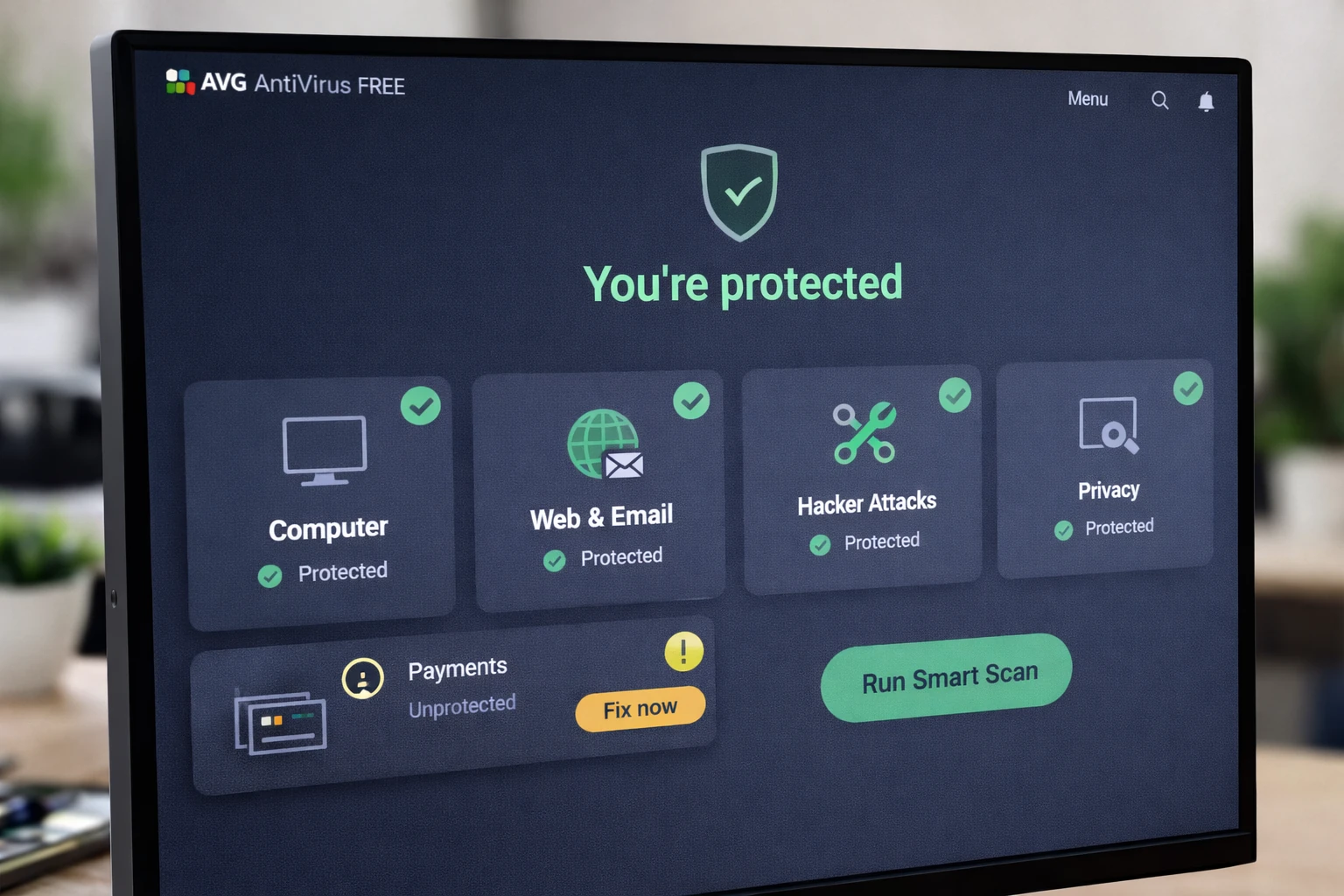
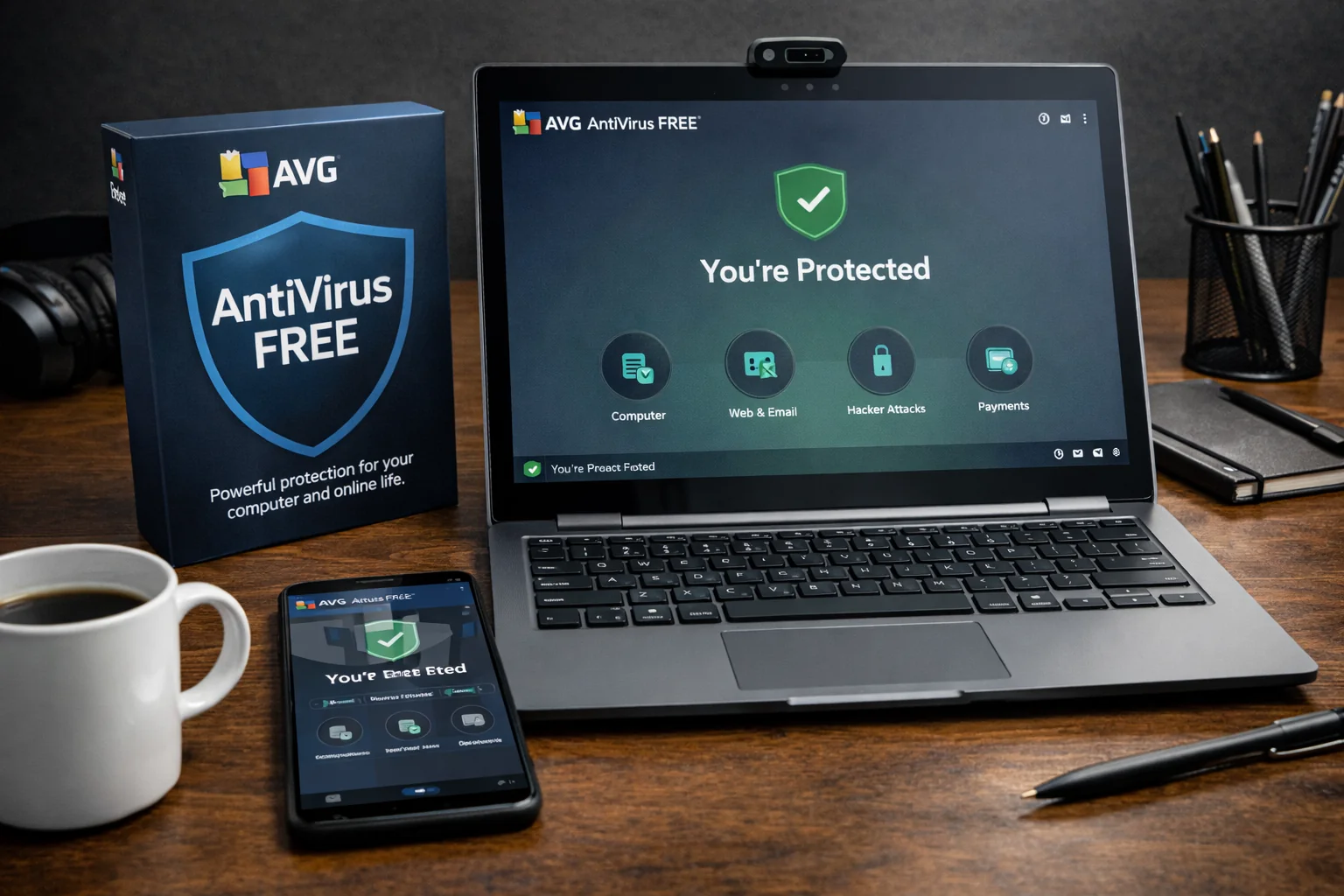
Best use: Windows endpoints where you want a reputable free AV with straightforward day-to-day operation.
- Windows: Yes (real-time protection)
- macOS: Yes (AVG AntiVirus Free for Mac)
- Linux: No
AVG remains a common “quick win” for personal machines and small environments. In IT contexts, it’s usually deployed where you need better-than-baseline protection without introducing complex operational overhead.
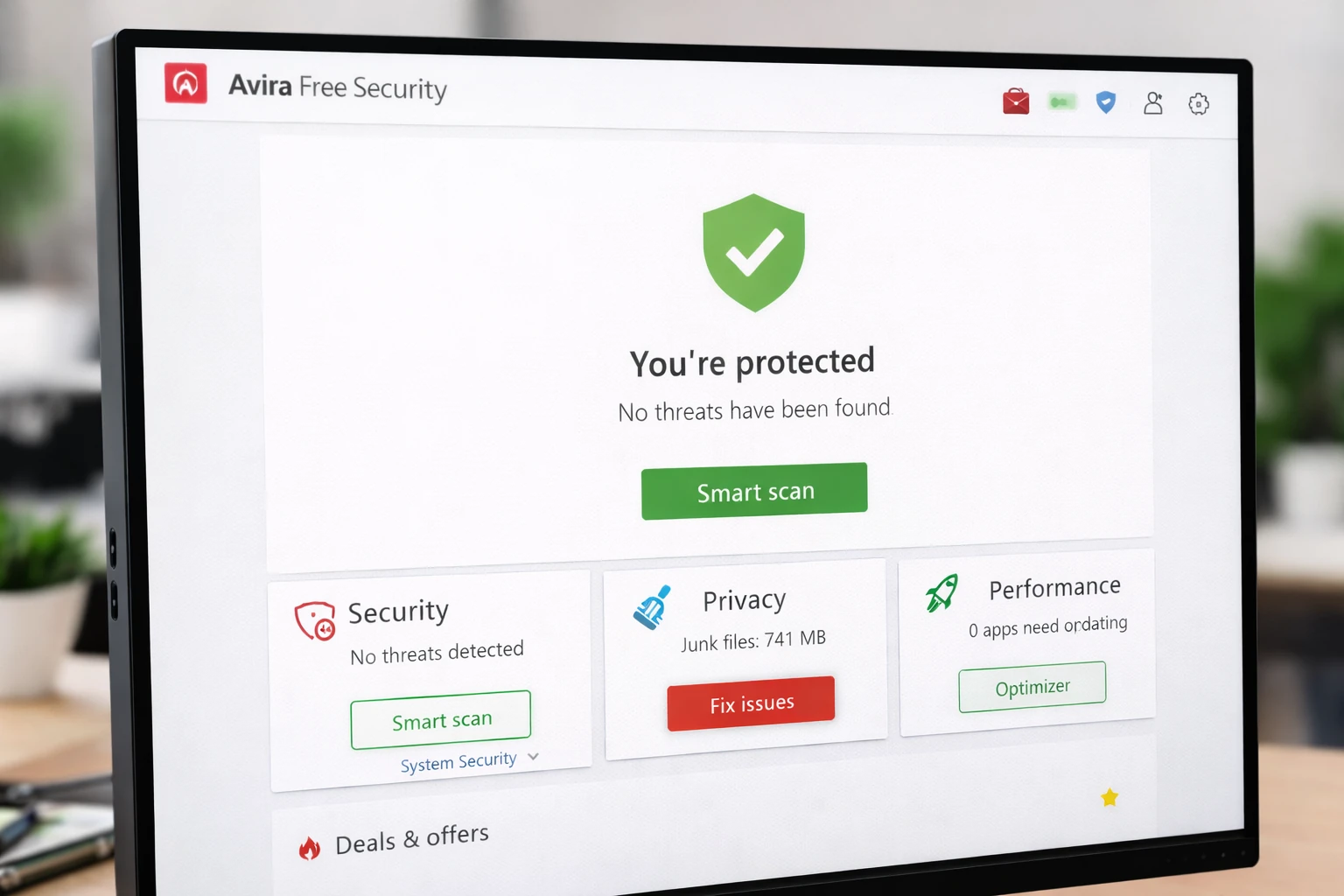
Avira Free Security
Best use: endpoints that benefit from a broader “security suite” experience in a free tier.
- Windows: Yes
- macOS: Yes (Avira Free Antivirus for Mac)
- Linux: No
Avira’s free tier often bundles security, privacy, and basic system tooling. For IT professionals, the decision usually comes down to whether you want “AV only” or a broader suite on endpoints with mixed user maturity.
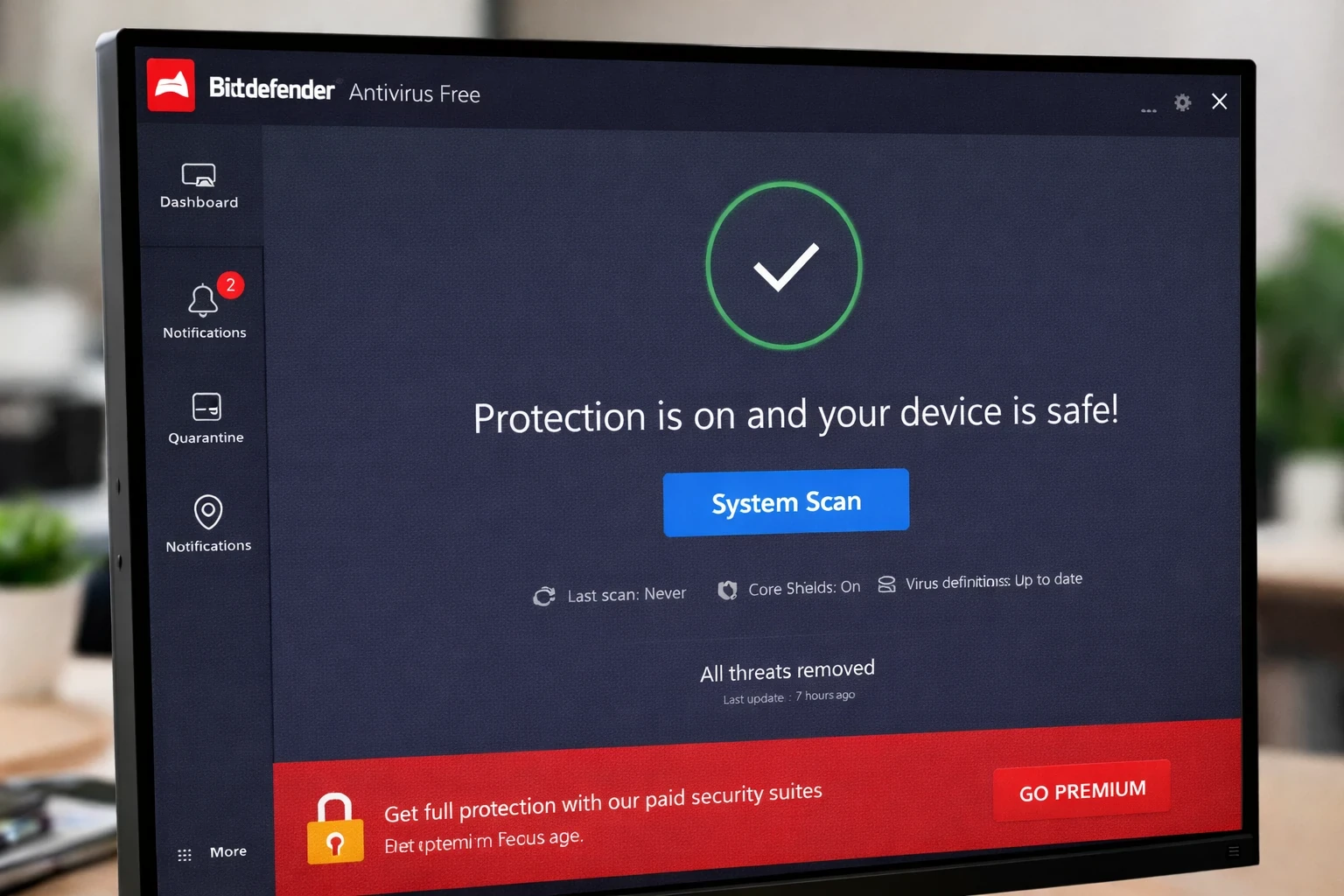
Bitdefender Antivirus Free
Best use: Windows systems where you want a minimal-interaction, lightweight free AV footprint.
- Windows: Yes
- macOS: Not in the same “free forever AV” format
- Linux: No
Bitdefender’s free AV is a strong candidate when you want “quiet” protection: fewer popups, fewer toggles, and a smaller operational surface area. This can be a good fit for endpoints that just need to stay protected without constant user interaction.
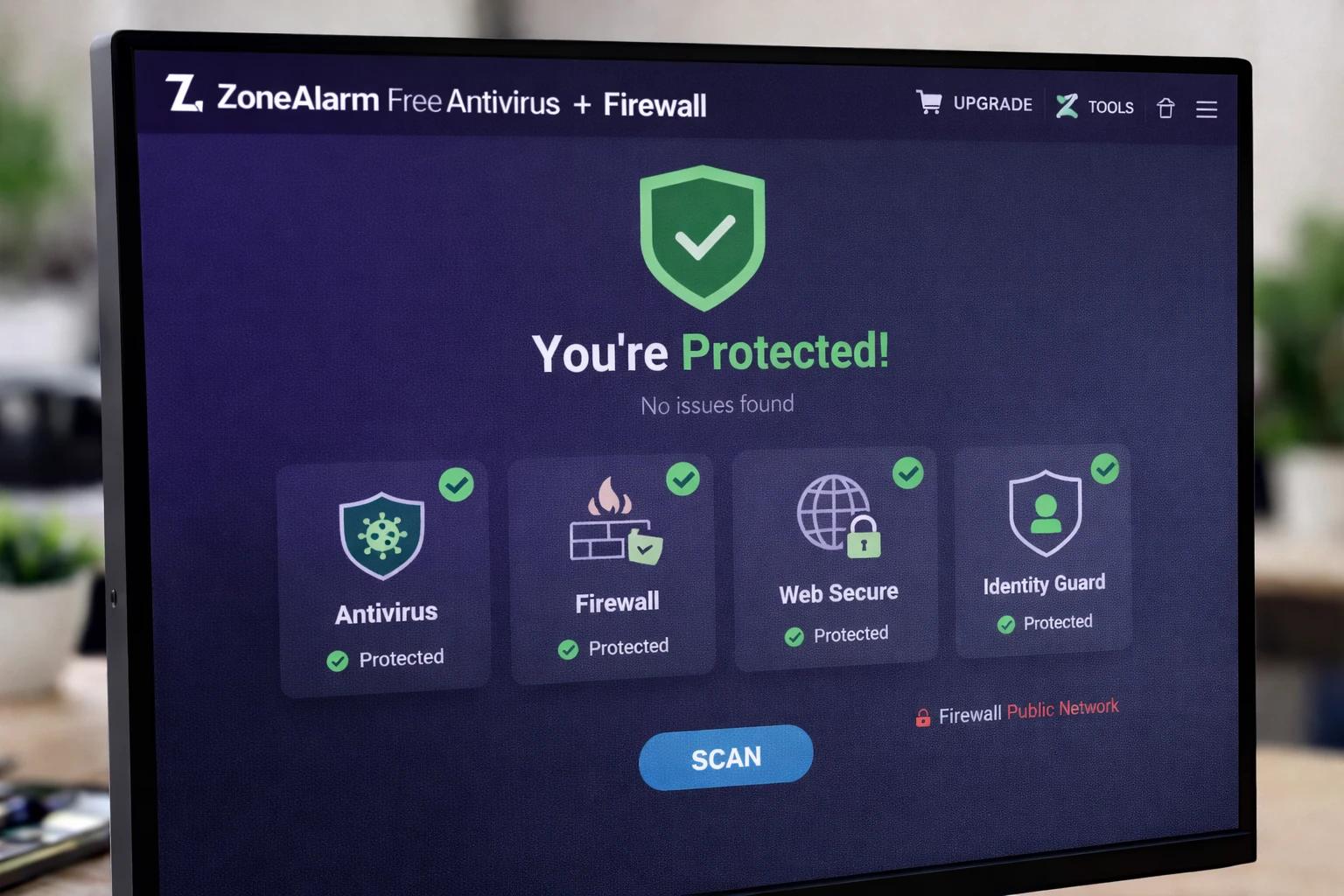
ZoneAlarm Free Antivirus + Firewall
Best use: Windows endpoints where you want antivirus plus an additional firewall layer in one package.
- Windows: Yes (Windows 10/11)
- macOS: No
- Linux: No
ZoneAlarm can be useful when firewall behavior and visibility are part of the requirement. In IT workflows, treat it carefully on systems where Windows Firewall is already managed by policy, since overlapping firewall logic can create troubleshooting noise.
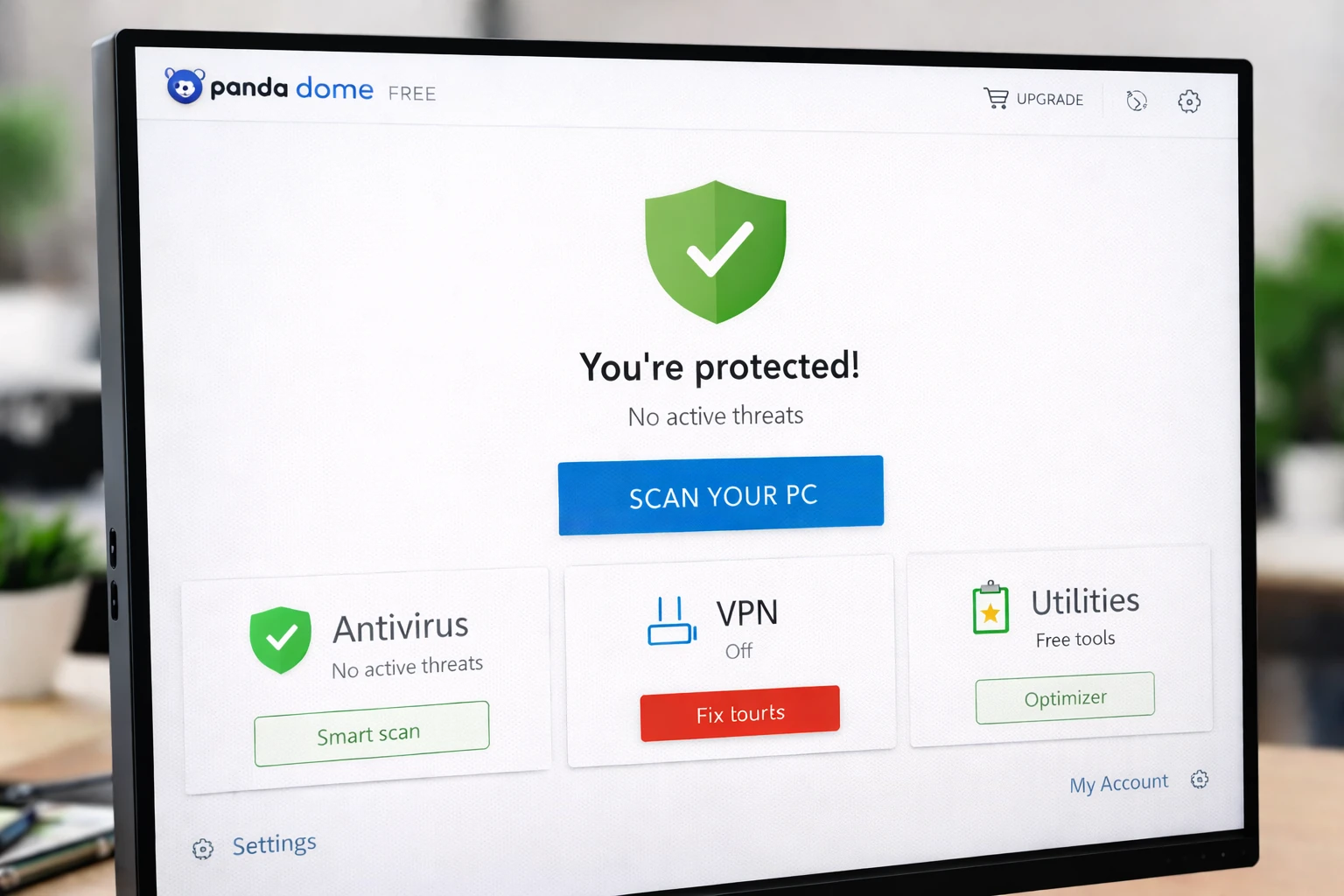
Panda Dome Free Antivirus
Best use: basic protection for a small number of Windows endpoints where “good enough” is the target.
- Windows: Yes (free tier available, typically targeted at a limited device count)
- macOS: Not the primary focus of the free tier
- Linux: No
Panda’s free offering is often used for lightweight setups and non-critical devices. For IT professionals, it’s best treated as a “coverage layer” rather than a full operational security platform.
Free Antivirus Options for macOS
macOS is targeted differently than Windows, but it is not immune to malware, adware, credential theft, or malicious browser extensions. For IT professionals, macOS security work often revolves around hardening, patch cadence, and identity controls — but a free antivirus layer can still help detect common threats and reduce risky persistence.
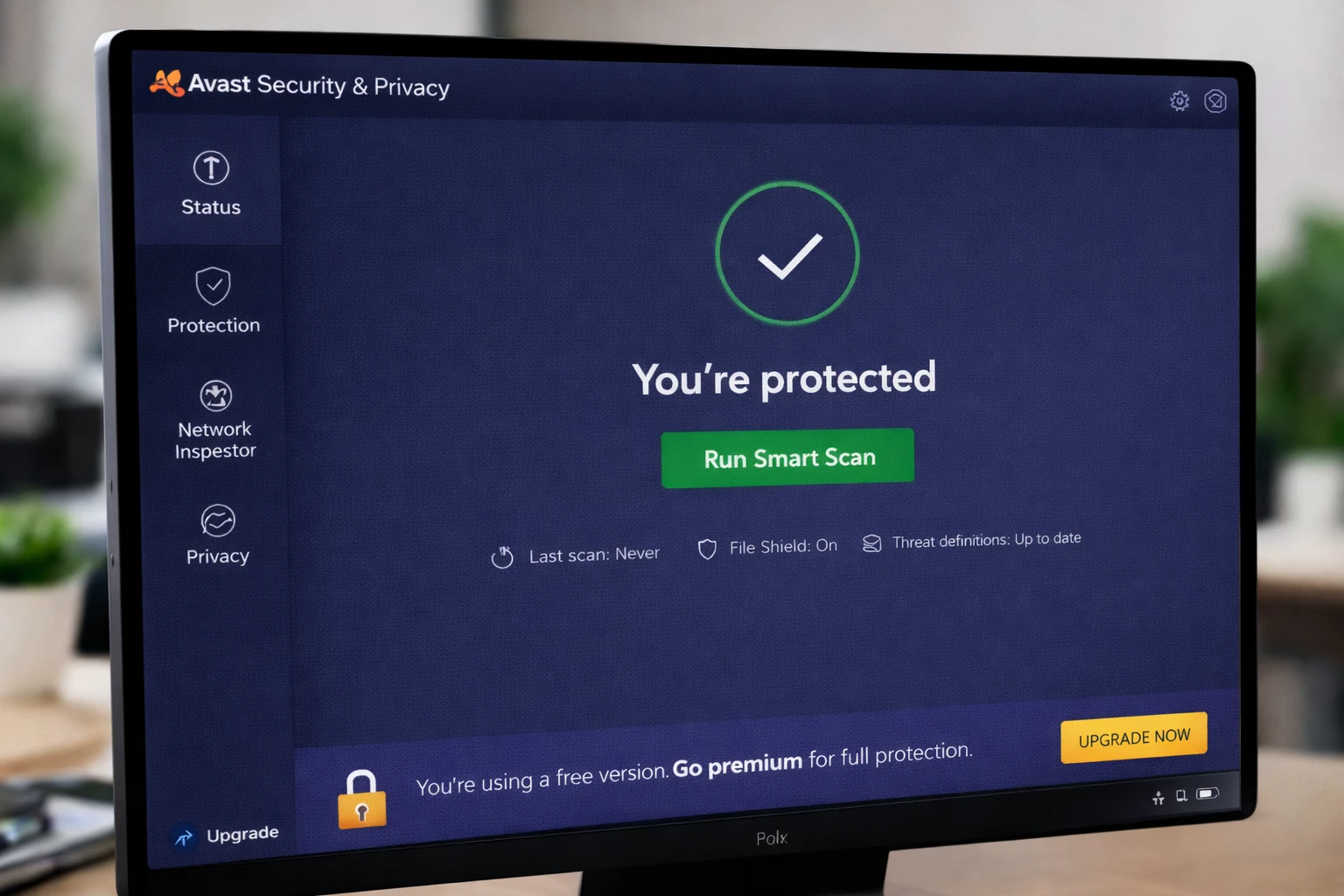
Avast Security & Privacy for Mac
Best use: macOS endpoints that need straightforward protection with minimal setup time.
- macOS: Yes
- Windows: Yes (separate product)
- Linux: No
Avast offers a clear Mac download path and is commonly used for personal Macs, small offices, and unmanaged BYOD scenarios. Keep the install lean by skipping optional “extras” unless they’re explicitly required.
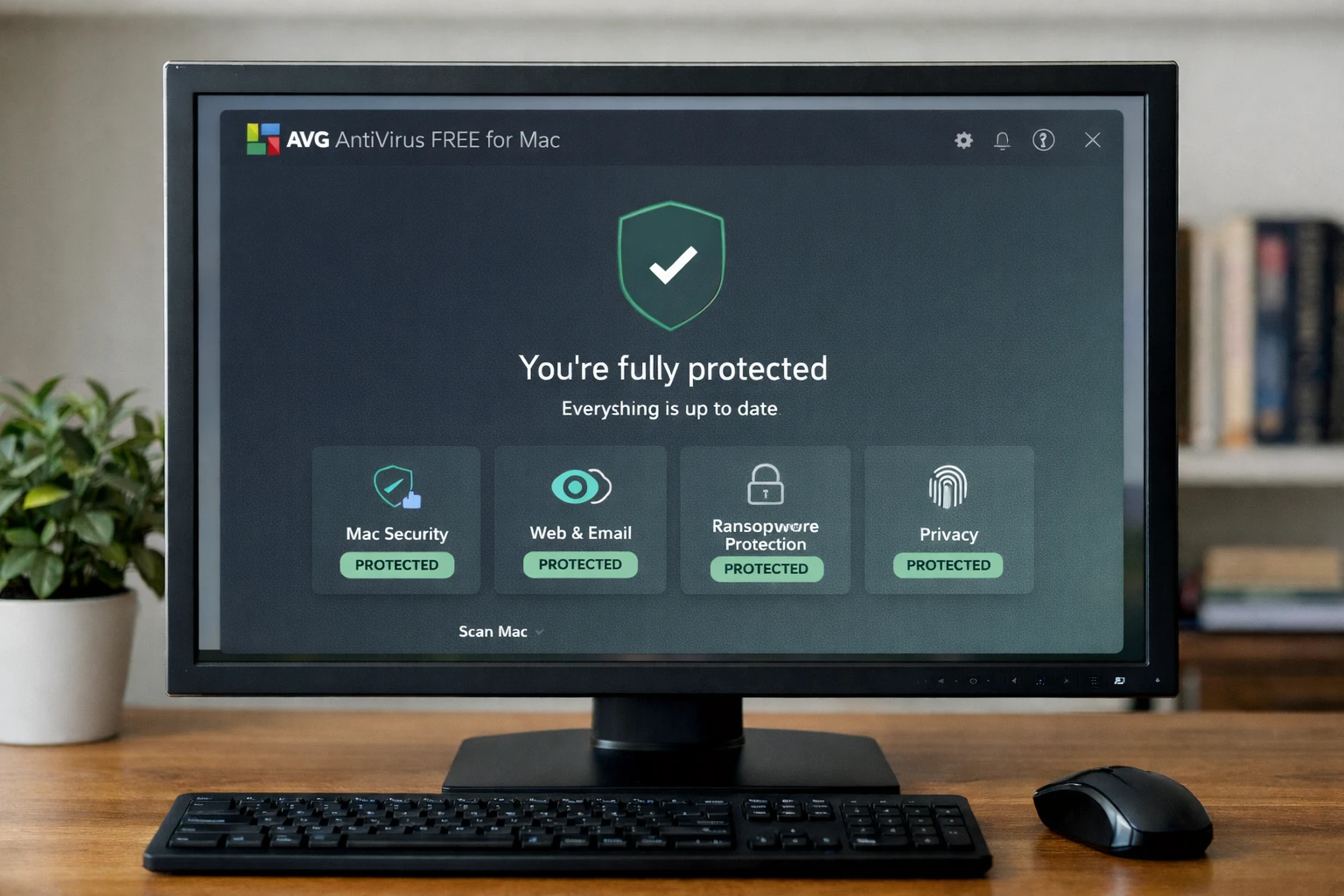
AVG AntiVirus Free for Mac
Best use: macOS endpoints where you want a familiar brand and simple day-to-day protection.
- macOS: Yes
- Windows: Yes (separate product)
- Linux: No
AVG’s macOS offering is appropriate as a lightweight layer on systems that are not centrally managed. In professional environments, pair it with strong browser hardening and good identity hygiene.
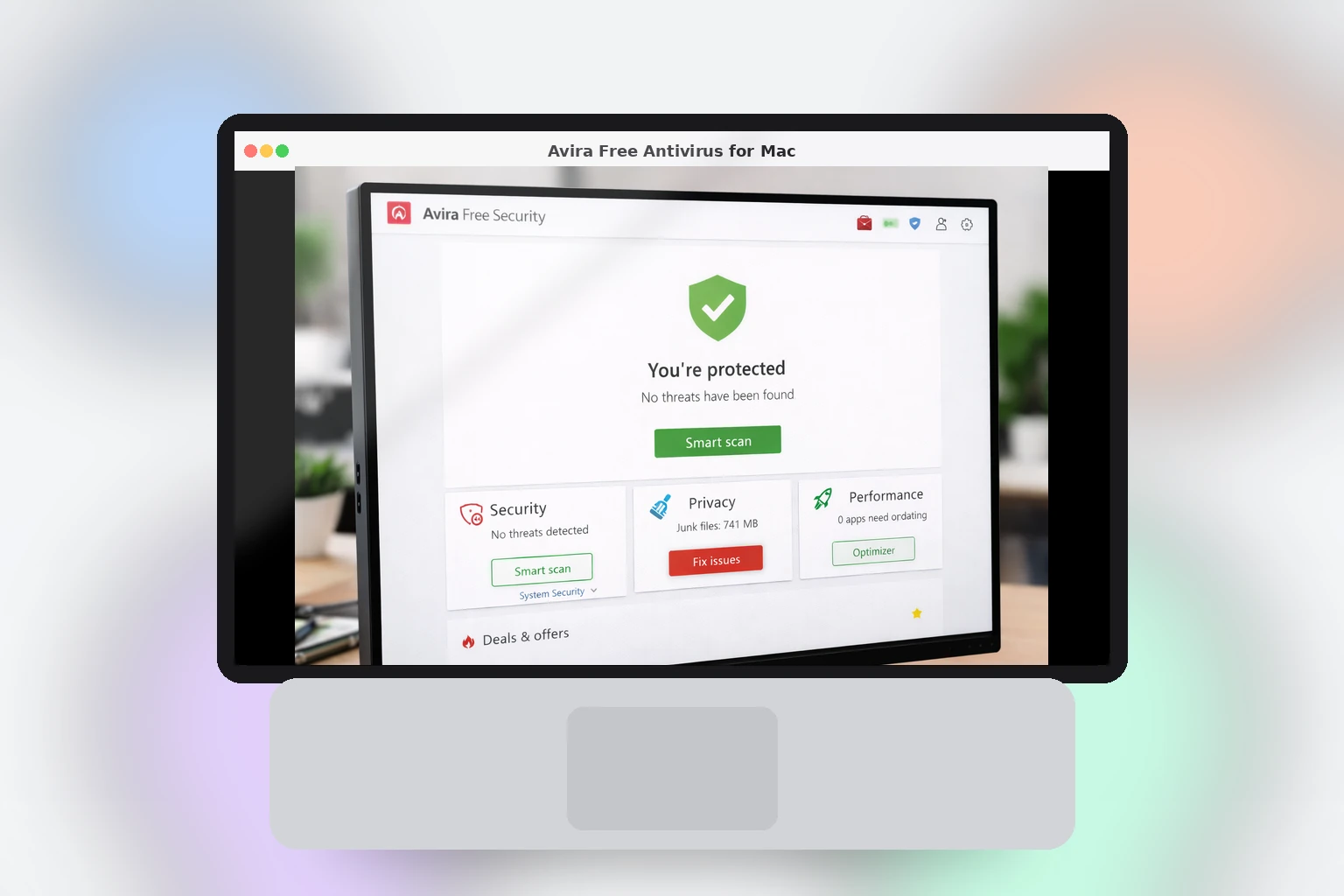
Avira Free Antivirus for Mac
Best use: macOS endpoints needing a free AV with a clean install path and common threat coverage.
- macOS: Yes
- Windows: Yes
- Linux: No
Avira can be a practical choice for personal Macs and small environments. If the endpoint is used for sensitive access, treat AV as a support layer and prioritize strong authentication and OS/browser updates.
Linux: Free Malware Scanners and Rootkit Detection Tools
Linux security is often more about hardening, patching, least privilege, and exposure reduction than classic consumer antivirus. Still, antivirus-style scanning is very relevant in Linux workflows: email gateways, file servers, CI pipelines, artifact scanning, shared hosting, container images, and incident response on compromised hosts.
On Linux, “free antivirus” commonly means open-source scanners and malware/rootkit detection tools. These tools usually do not behave like a consumer desktop AV suite with a polished UI and always-on real-time protection. Instead, they are designed for scheduled scans, server hygiene, and post-incident verification.
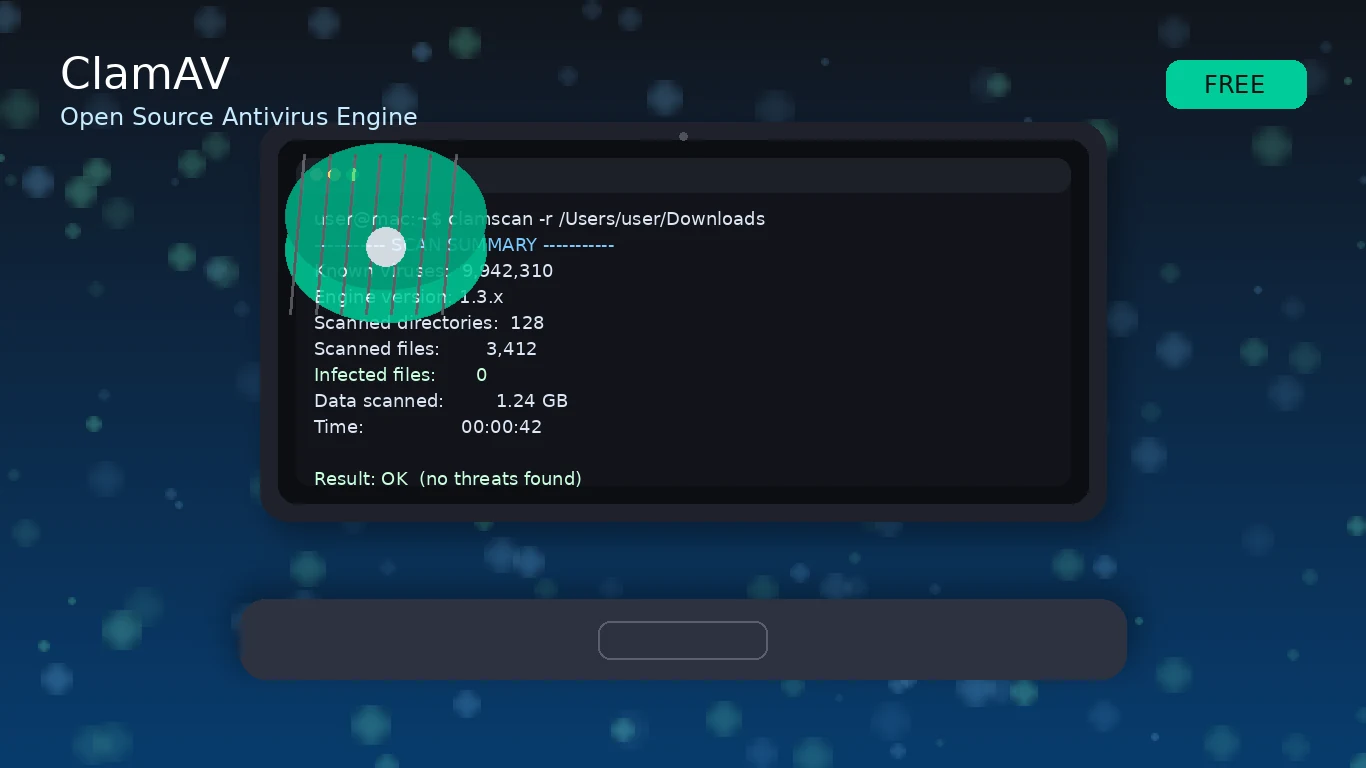
ClamAV (Open Source Antivirus Engine)
Best use: malware scanning for Linux servers, mail gateways, file shares, and automated pipelines.
- Linux: Yes
- Windows: Indirectly via ClamWin
- macOS: Not a common end-user choice compared to mainstream Mac AV products
ClamAV is a foundational tool for scanning suspicious files and preventing distribution of malware through shared infrastructure. It’s especially useful in environments where Windows malware might be stored or transferred through Linux systems.
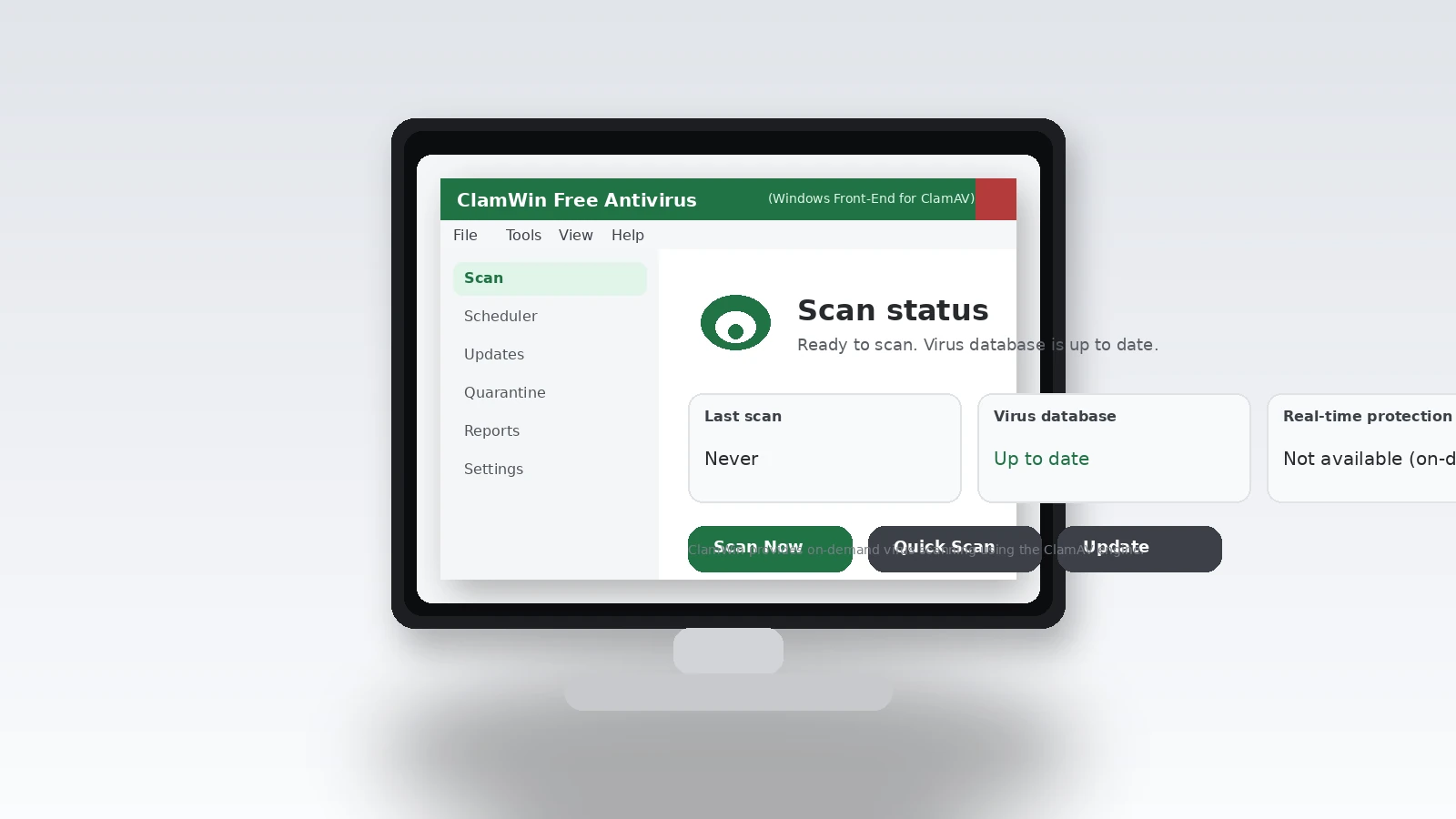
ClamWin Free Antivirus (Windows Front-End for ClamAV)
Best use: free on-demand scanning on Windows, especially for labs and secondary validation.
- Windows: Yes (on-demand scanning)
- macOS: No
- Linux: Not applicable (use ClamAV directly)
ClamWin is valuable when you want an open-source scanning option on Windows for additional checks, scheduled scans, or compatibility testing in security workflows.
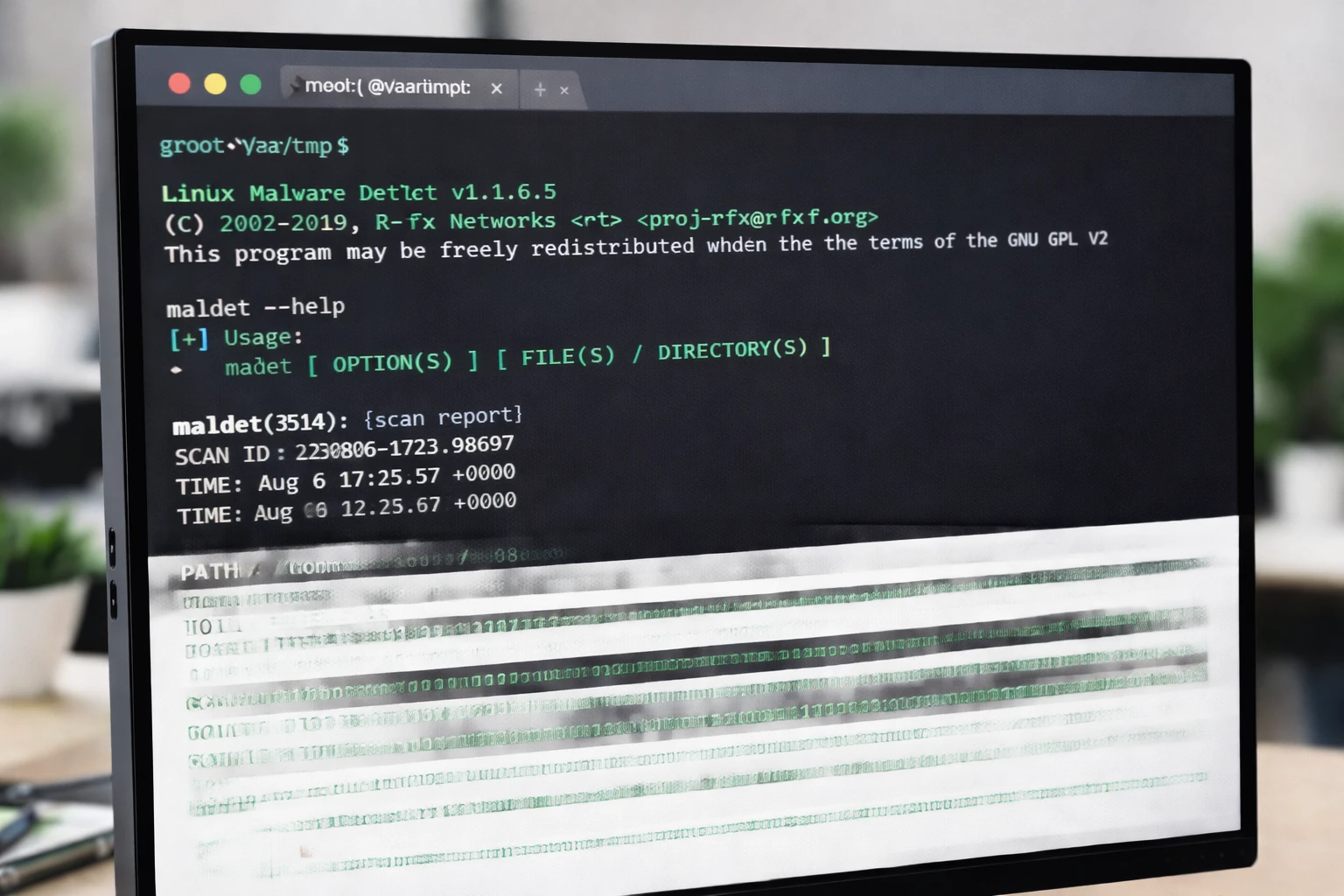
Linux Malware Detect (LMD / maldet)
Best use: shared hosting environments and Linux servers where you want targeted detection for commonly abused web payloads and backdoors.
- Linux: Yes
- Windows: No
- macOS: No
LMD is commonly used to detect malicious scripts, injected web shells, and suspicious artifacts found in compromised hosting environments. It’s often paired with ClamAV in practical server hygiene workflows.
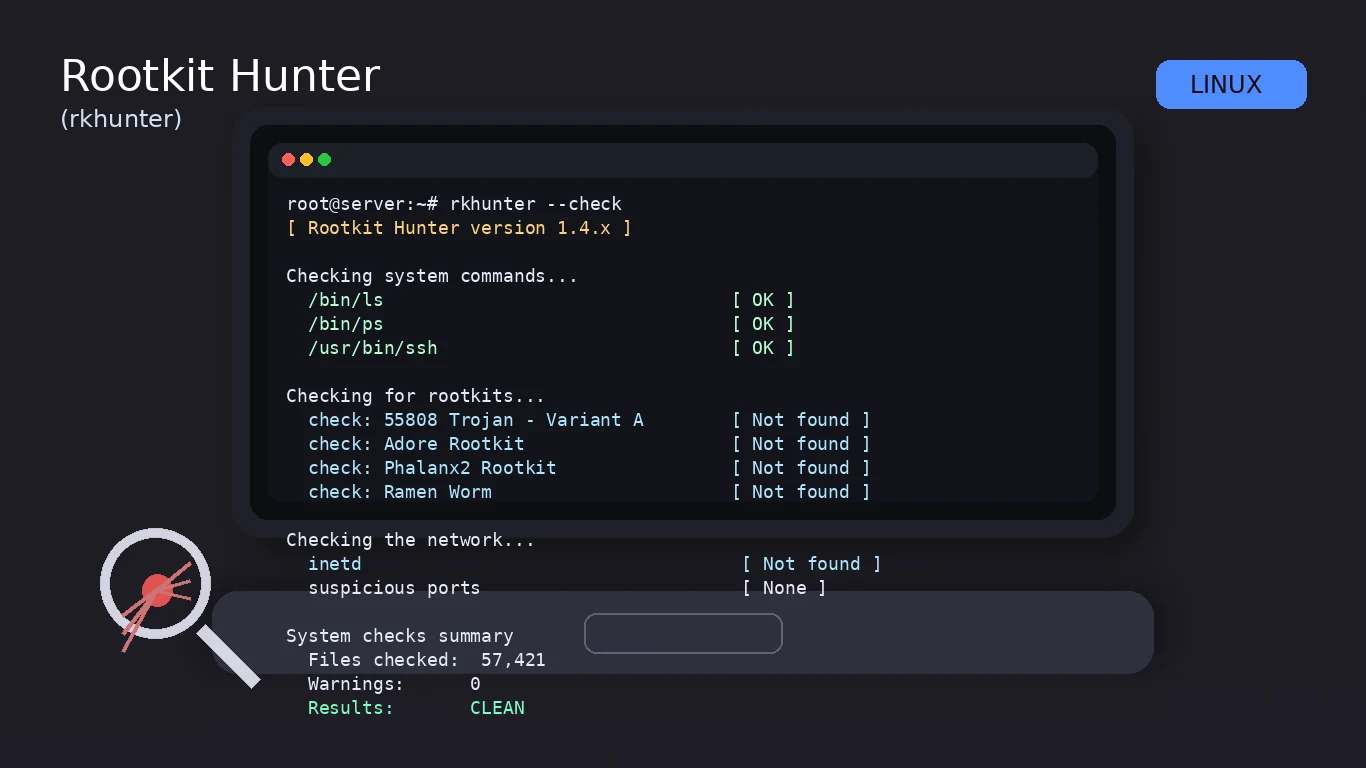
Rootkit Hunter (rkhunter)
Best use: detecting signs of rootkits, suspicious changes, and indicators that a Linux host may be compromised.
- Linux: Yes
- Windows: No
- macOS: No
rkhunter is a pragmatic tool for periodic scanning and integrity checks. Use it as part of a broader incident response process, not as a standalone “everything is fine” stamp.
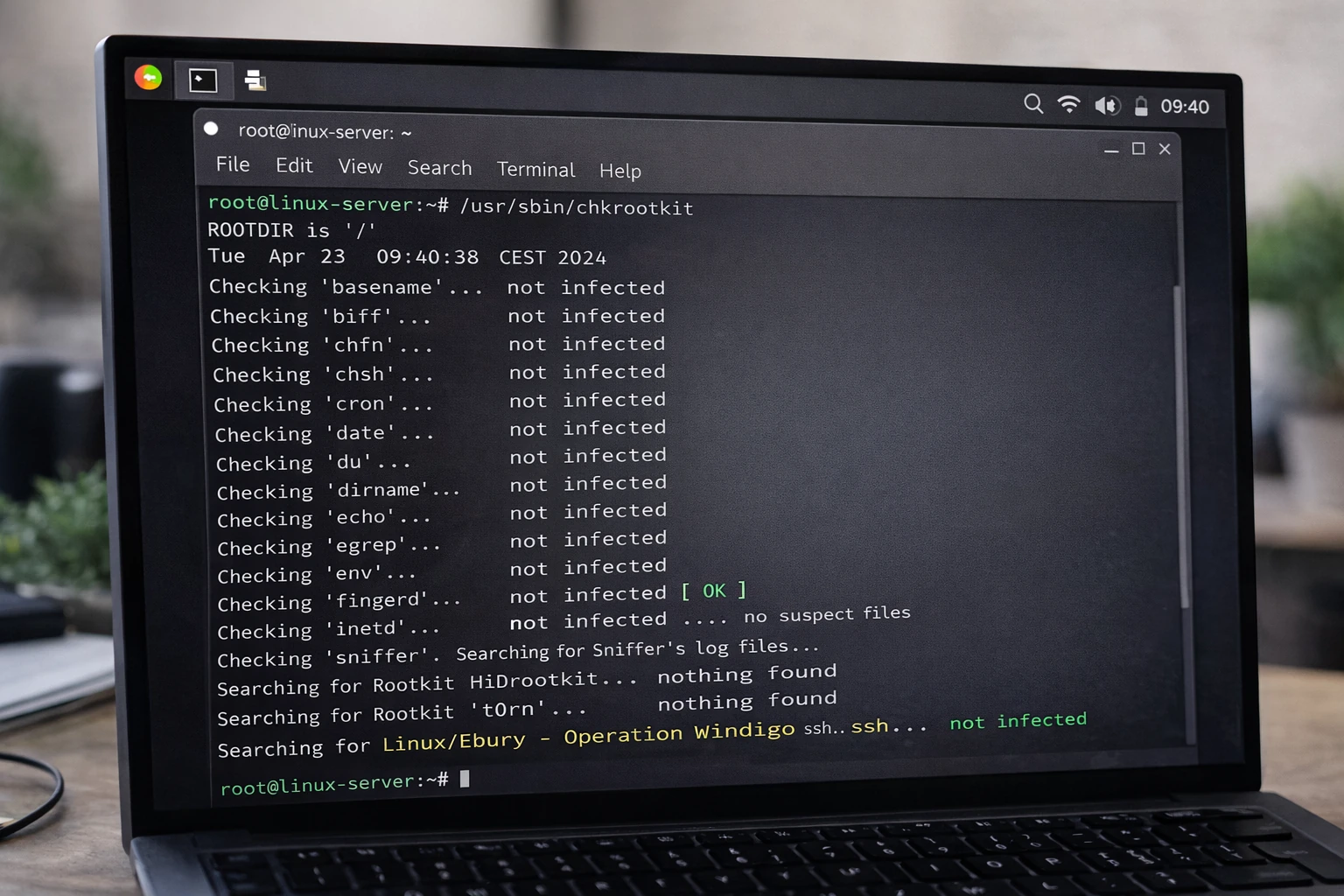
chkrootkit
Best use: fast local checks for known rootkit behaviors and suspicious system modifications.
- Linux: Yes
- Windows: No
- macOS: No
chkrootkit is commonly used alongside other tools to quickly validate a host’s baseline health. It is best used with professional judgment and other evidence sources (logs, network telemetry, and file integrity checks).
Free “Second Opinion” Scanners and Malware Removal Tools
A free real-time antivirus is helpful, but it’s not the whole story. When an endpoint shows symptoms — browser redirects, unexpected CPU spikes, suspicious scheduled tasks, credential prompts, broken updates — the fastest way to confirm (and often clean) is an on-demand scanner from a different vendor.
These tools are particularly valuable in IT workflows because they can be staged quickly, run without disrupting the existing AV, and provide immediate signal during triage.
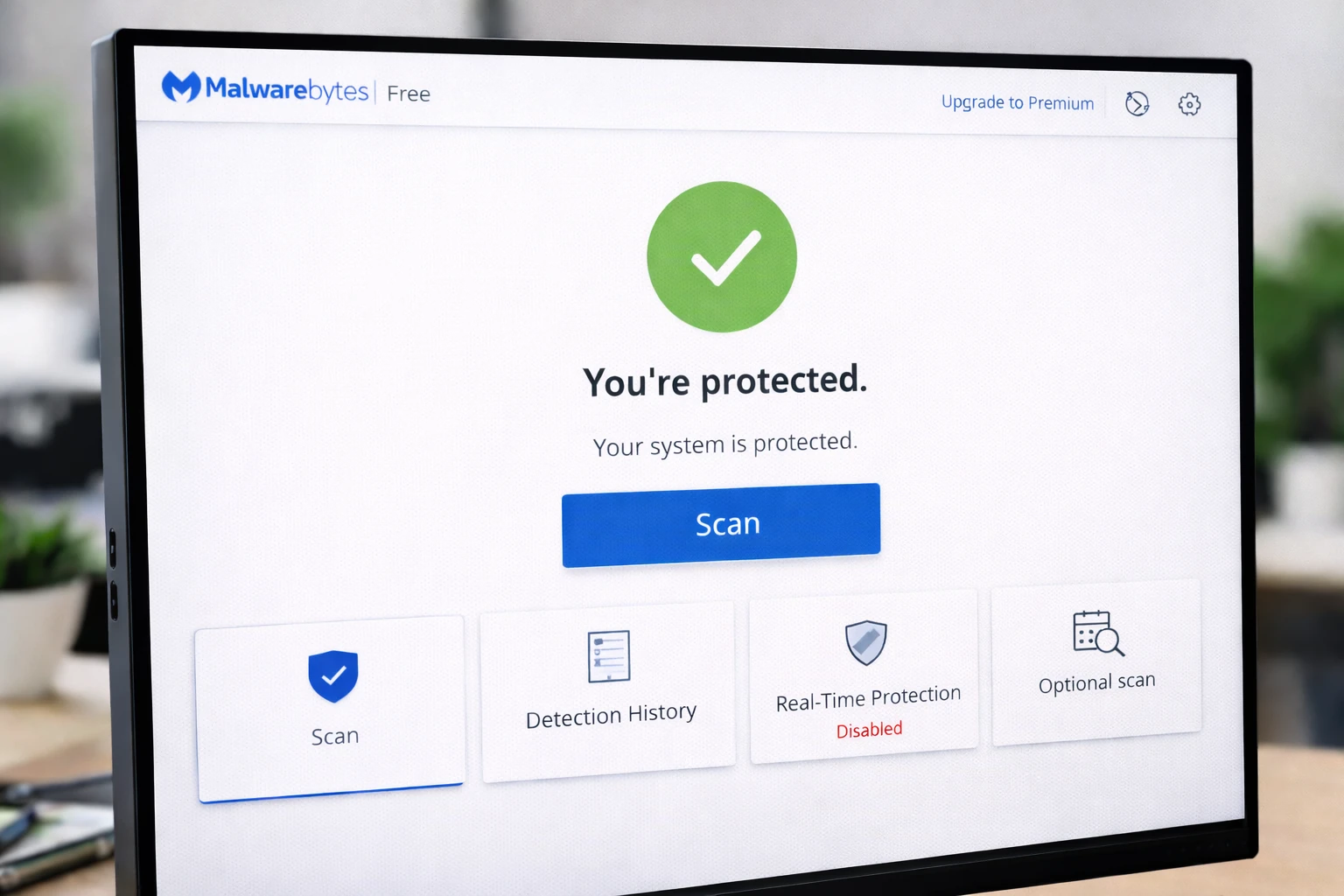
Malwarebytes Free
Best use: excellent on-demand cleanup and “confirm what my AV missed” scanning.
- Windows: Yes
- macOS: Yes
- Linux: No
Malwarebytes is widely used as a second-layer scanner. In professional practice, it’s often kept on a USB toolkit for rapid response when a machine is already acting compromised.
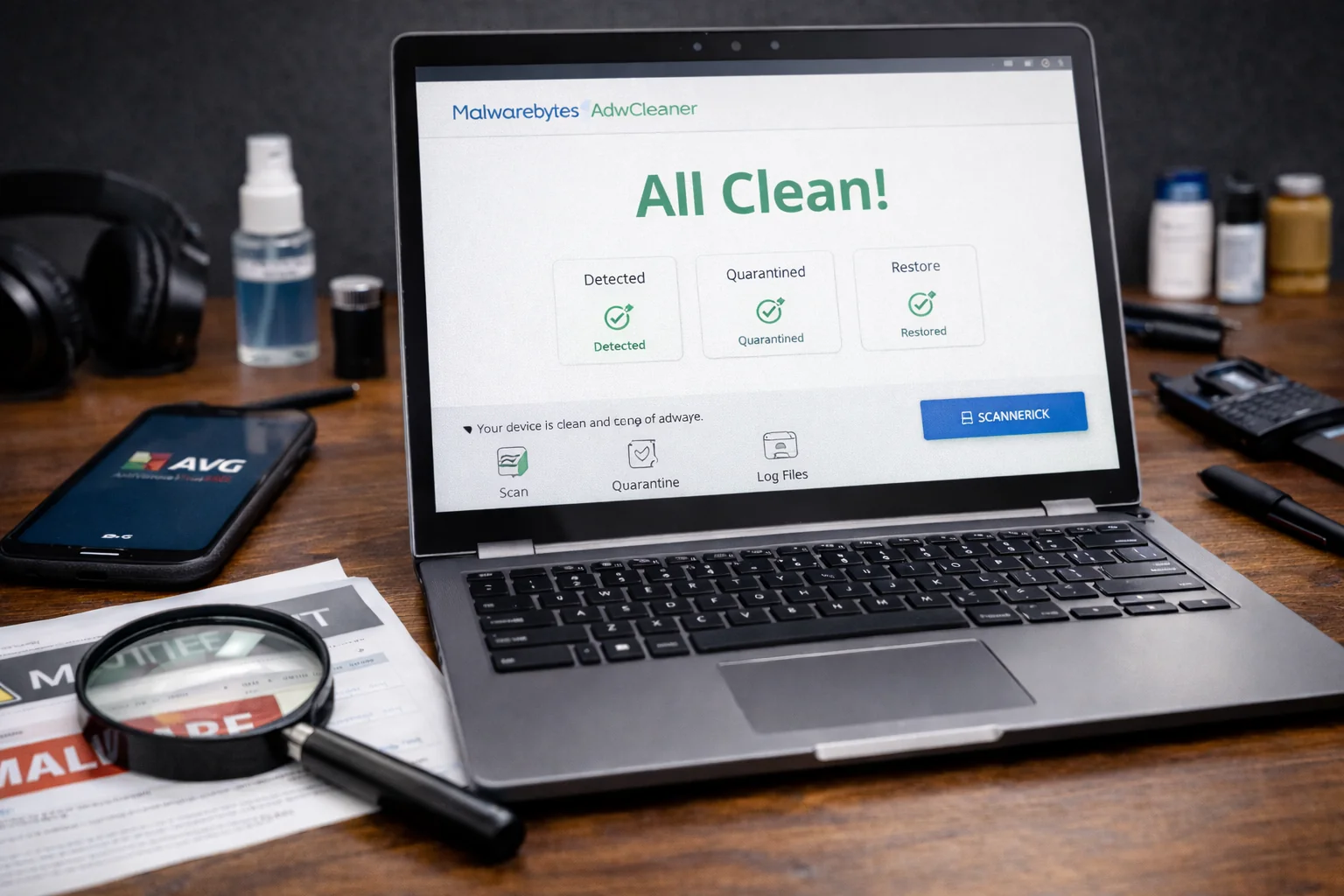
Malwarebytes AdwCleaner
Best use: removing adware, PUPs, browser hijackers, and “junkware” that degrades systems.
- Windows: Yes
- macOS: No
- Linux: No
AdwCleaner is particularly effective on endpoints where the user experience has deteriorated due to unwanted toolbars, injected extensions, or bundled installers.
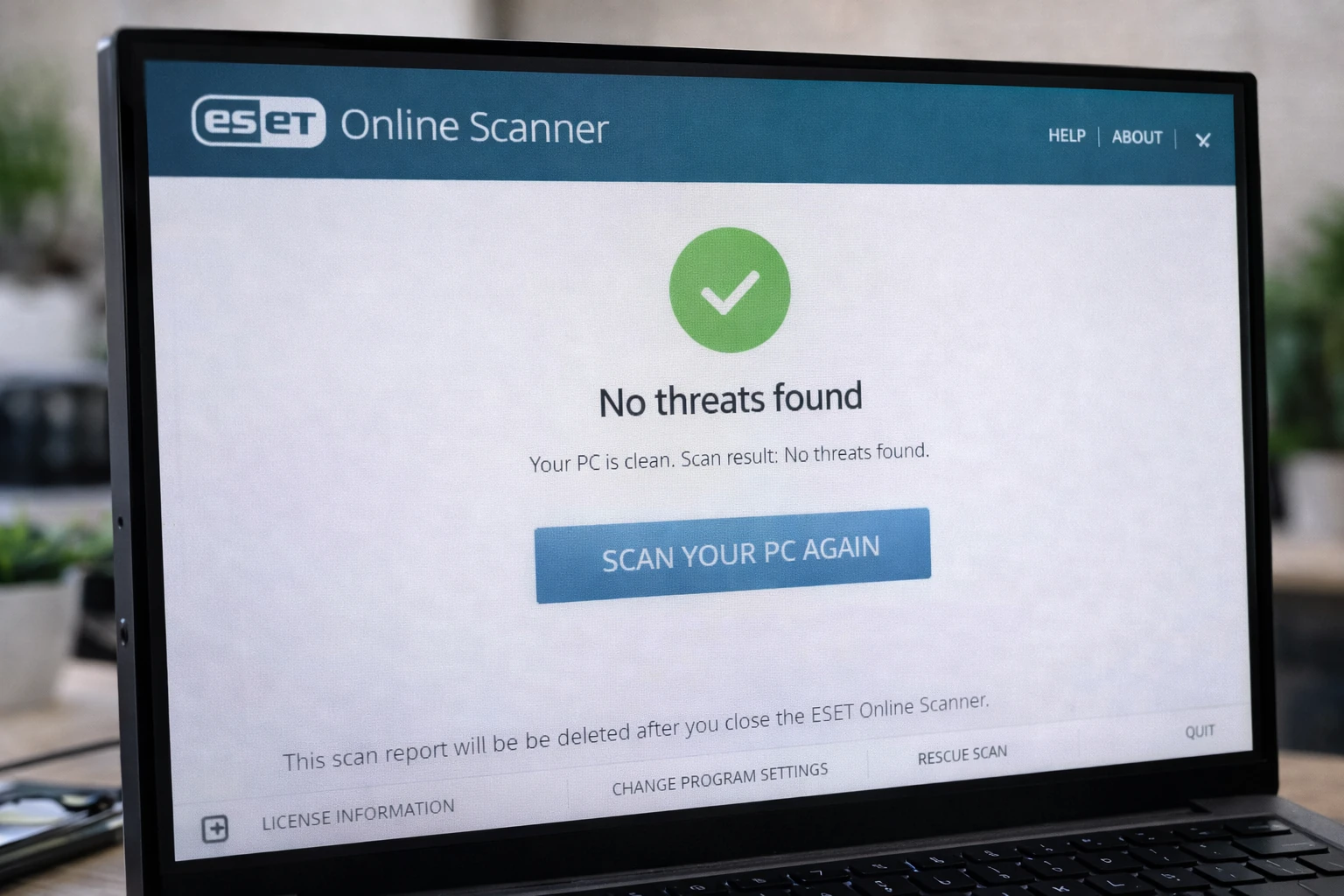
ESET Online Scanner
Best use: one-time deep scanning and removal when you want a clean second opinion.
- Windows: Yes
- macOS: Typically focused on Windows scanning workflows
- Linux: No
ESET’s scanner is designed for quick deployment without turning your endpoint into a long-term managed security stack. It’s a practical “run it now” tool when you need confirmation and cleanup.
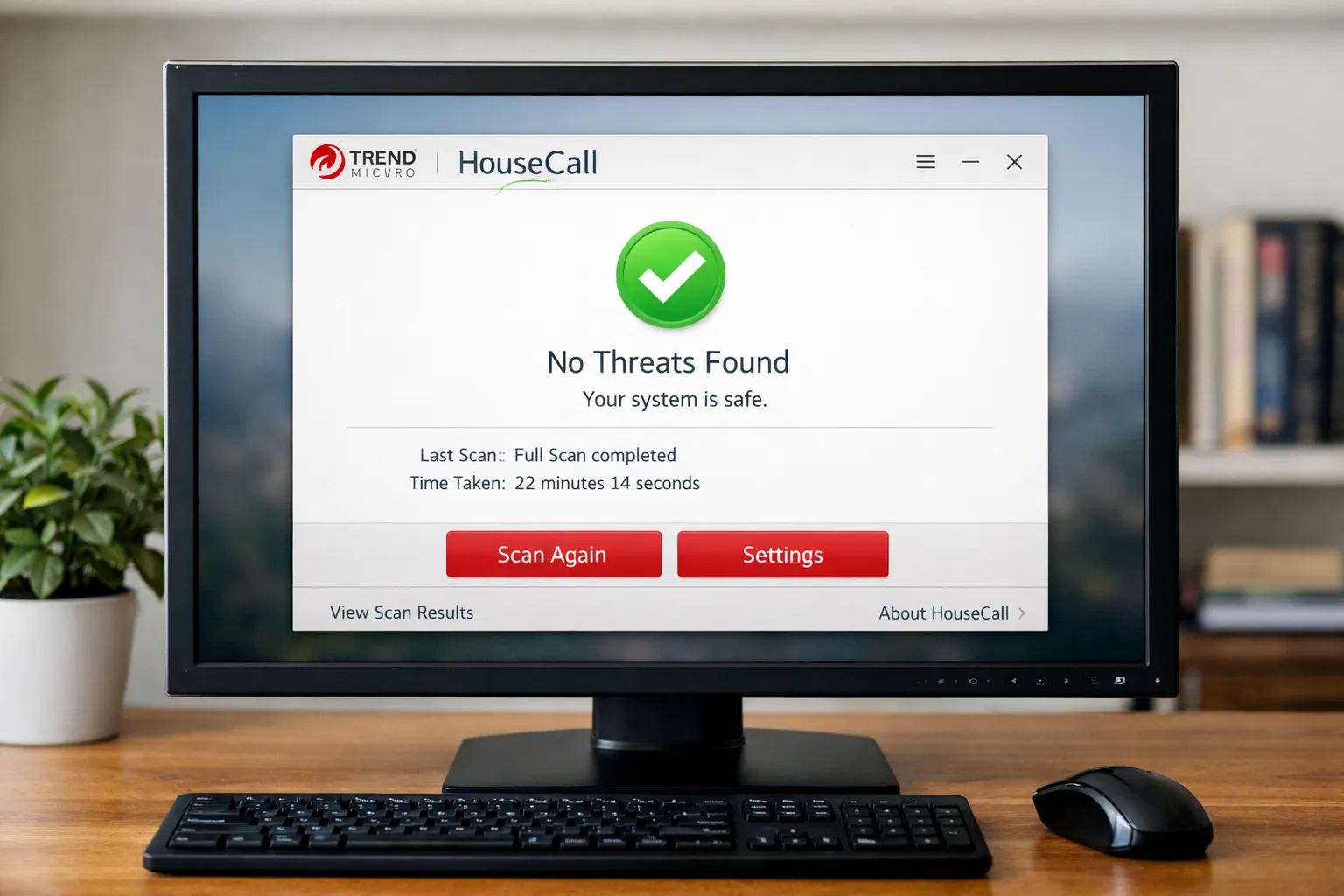
Trend Micro HouseCall
Best use: lightweight scanning and cleanup on suspicious Windows endpoints.
- Windows: Yes
- macOS: Not the primary target
- Linux: No
HouseCall is a practical tool for quick scans when you don’t want a full product install and just need actionable results. It’s commonly used as part of an “incident toolkit” rather than long-term protection.
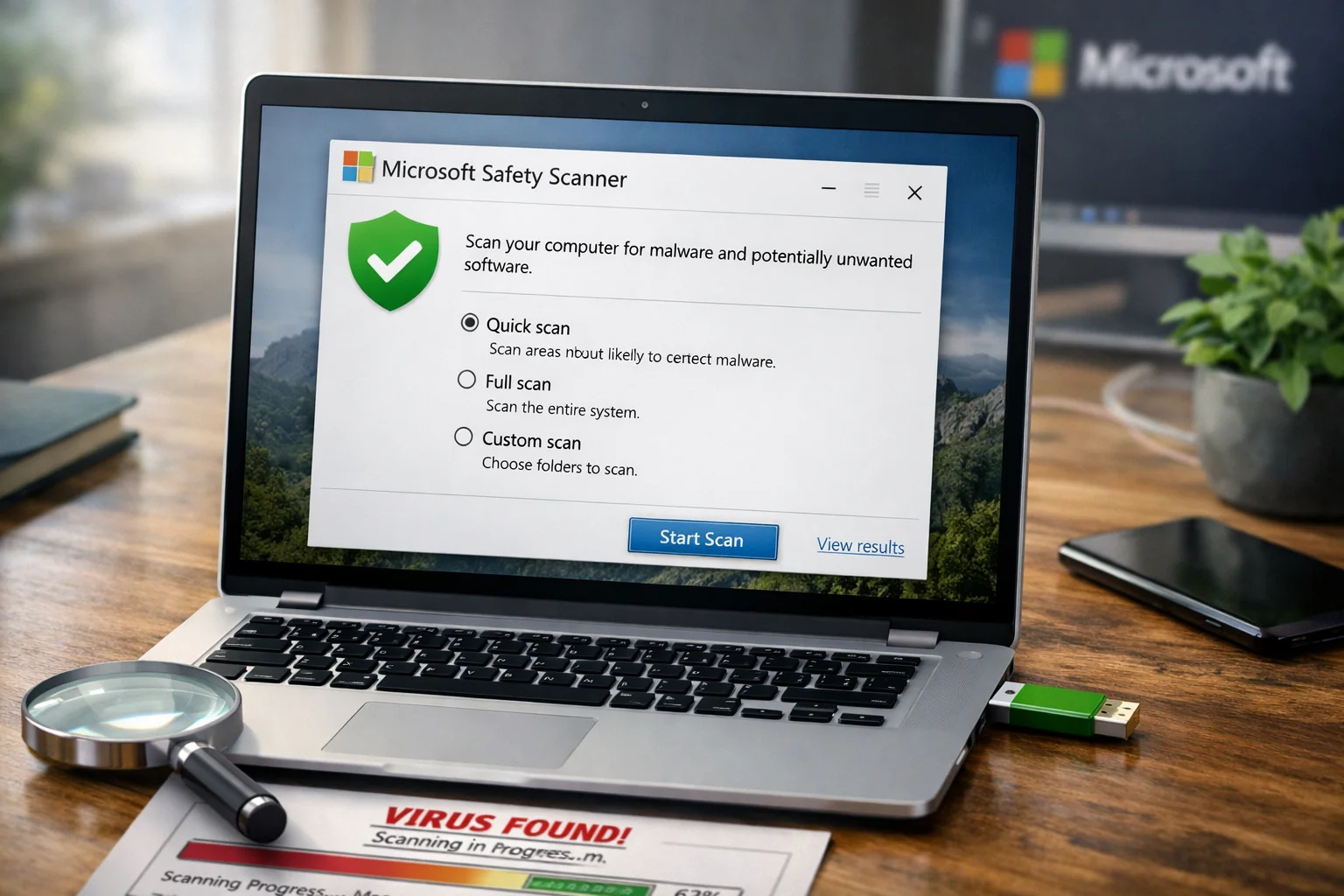
Microsoft Safety Scanner
Best use: Microsoft-provided on-demand scanning for Windows incident cleanup.
- Windows: Yes
- macOS: No
- Linux: No
This is a straightforward, no-nonsense scanning utility. It’s useful when you want a Microsoft-native tool that can be staged quickly during troubleshooting and malware-response workflows.
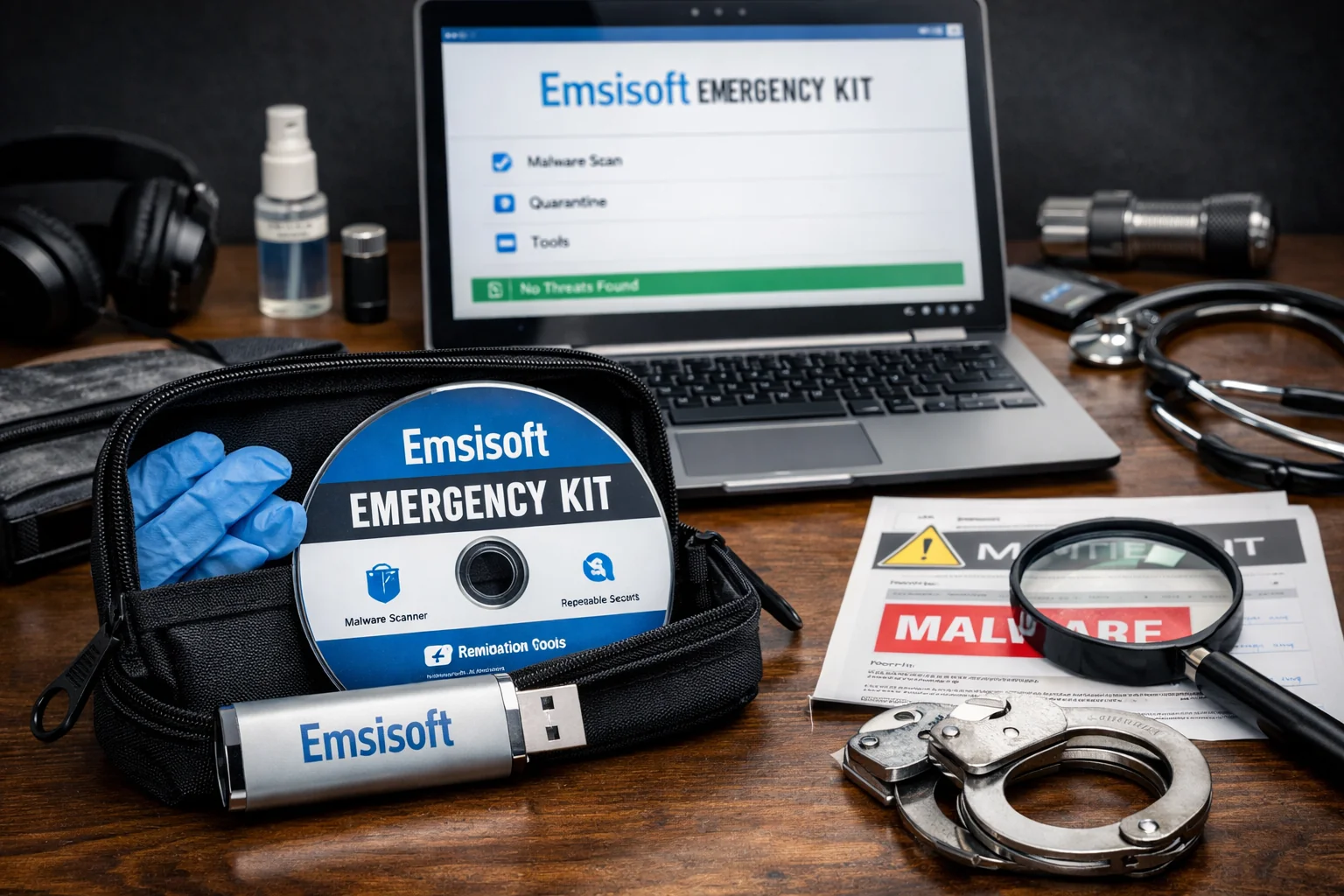
Emsisoft Emergency Kit
Best use: portable “first responder” toolkit for infected endpoints and offline remediation work.
- Windows: Yes
- macOS: Limited availability depending on build status
- Linux: No
Emsisoft Emergency Kit is a practical companion when you want a portable scanner that can be staged without a heavy install footprint. In IT operations, this is the kind of tool that lives in your recovery folder or USB stick.
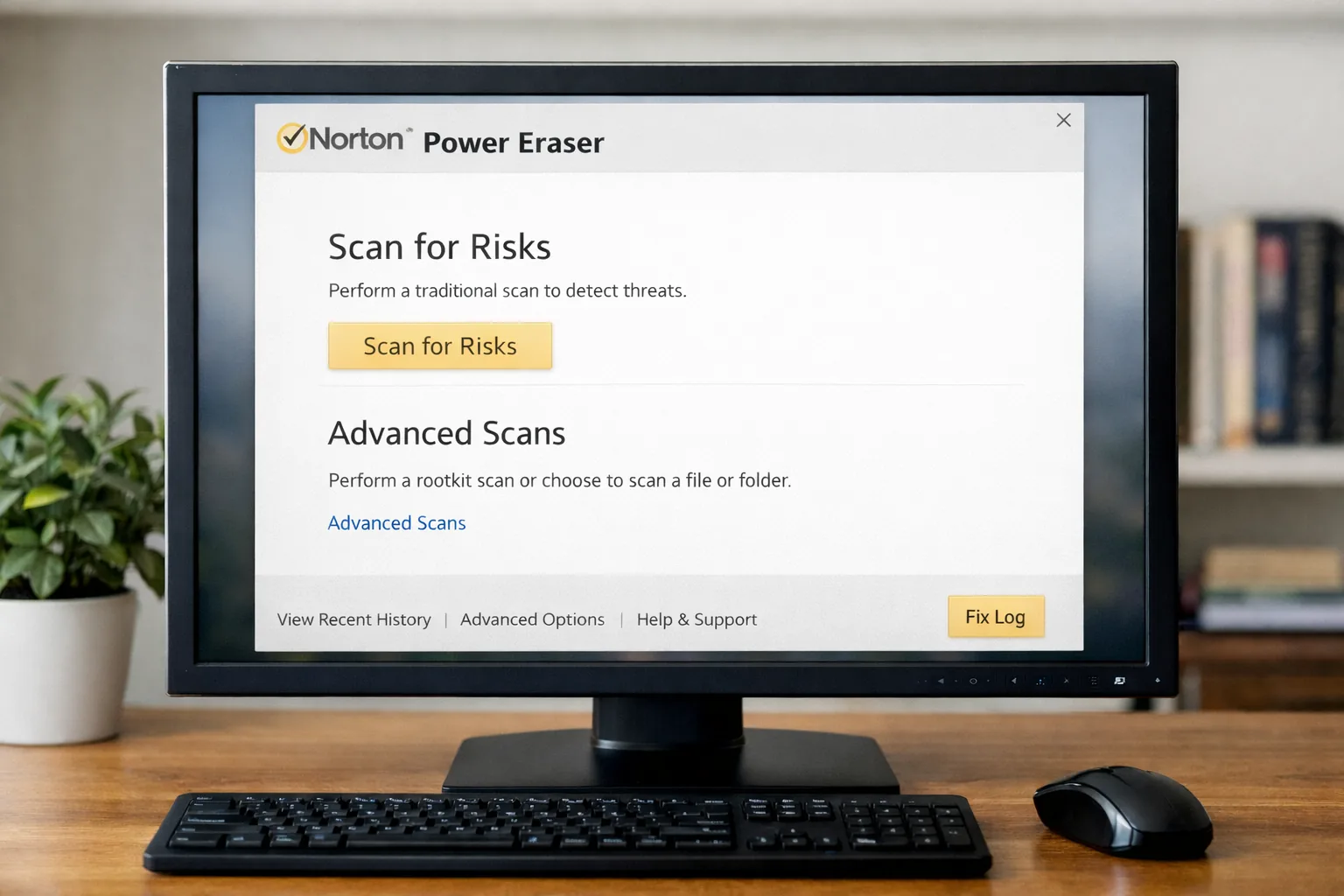
Norton Power Eraser
Best use: aggressive threat removal on Windows systems with persistent malware symptoms.
- Windows: Yes
- macOS: No
- Linux: No
Power Eraser is best used deliberately and carefully, because aggressive tools can increase the risk of false positives. In IT practice, it’s a “break glass” option when normal scanners aren’t resolving the issue.
Practical Deployment Guidance for IT Teams
A free antivirus list becomes genuinely useful when it maps to real workflows. The following recommendations are designed around how security work actually happens in small teams, home labs, and mixed-environment IT support.
Recommended “free stack” patterns that work
- Windows default baseline: Windows Security + one reputable free AV only if you must replace the baseline
- Triage toolkit: keep Malwarebytes Free + ESET Online Scanner + HouseCall as rapid response tools
- Junkware cleanup: AdwCleaner for endpoints that “feel infected” but are primarily PUP/bloat-driven
- Linux servers: ClamAV for file scanning + LMD for hosting-style threats + rkhunter/chkrootkit for compromise indicators
Most “antivirus failures” seen in the field are not detection failures — they’re exposure and posture failures: unpatched browsers, weak authentication, users running as local admin, macros, side-loaded installers, cracked software, and endpoints that never reboot or update. Free AV can reduce risk, but your real wins come from hardening and hygiene.
Finally, treat downloads as part of your security model. Use vendor homepages, verify publisher signatures where practical, and avoid third-party download portals unless you fully trust the source and file integrity.
Conclusion
Free antivirus still has a place in 2026, especially when used intentionally: as a baseline for unmanaged endpoints, a quick layer for home labs, or an incident-response toolbox for cleanup and validation. For IT professionals, the best outcomes come from combining a sensible real-time layer with on-demand scanners, while keeping the fundamentals strong: patching, least privilege, browser hardening, MFA, and reliable backups.
Use this list as a deployable reference, and standardize your “free stack” so your support workflow stays fast: known-good tools, predictable results, and fewer surprises during incident handling.


 12985
12985  IT Pro






















