



Einleitung:
In diesem Artikel werden wir die sehr einfache Frage des Titels beantworten, ob Windows 11 in einem Computer laufen könnte, der überhaupt keinen TPM-Chip hat.
Kurze Antwort – Ja.
Wie? – Indem Sie es überhaupt nicht darauf installieren, sondern Windows dazu zwingen.
Lassen Sie uns mit einer langen Antwort erklären:
- Wir haben Windows 11 24H2 und 25H1 auf einer VM getestet, die einen TPM 2.0-Chip hat. Ein virtuelles natürlich, aber basierend auf einem echten physischen Bare Metal.
- 24H2 wurde auf dieser VM mit dem TPM 2.0-Chip bereits installiert - nachdem die Installation abgeschlossen war - wir haben diese VM heruntergefahren, den TPM 2.0-Chip aus der VMWARE entfernt und wieder eingeschaltet - Windows hat normal gestartet.
- Später haben wir von 24H2 auf 25H1 aktualisiert - dasselbe Ergebnis. Windows funktionierte gut.
- Danach haben wir versucht, Windows 11 24H2 auf derselben VM ohne TPM zu installieren - es hat nicht funktioniert. Windows weigerte sich, auf dieser VM installiert zu werden, die keinen TPM-Chip hatte.
In den folgenden Schritten werden wir zeigen, wie wir unser Experiment durchgeführt haben:
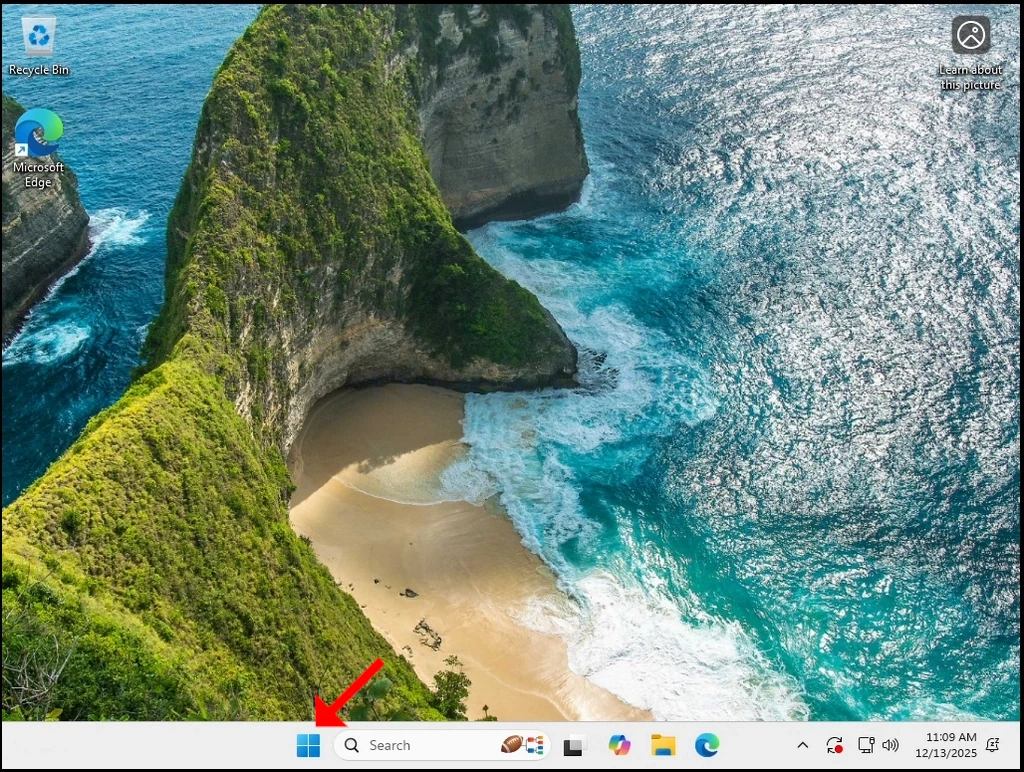
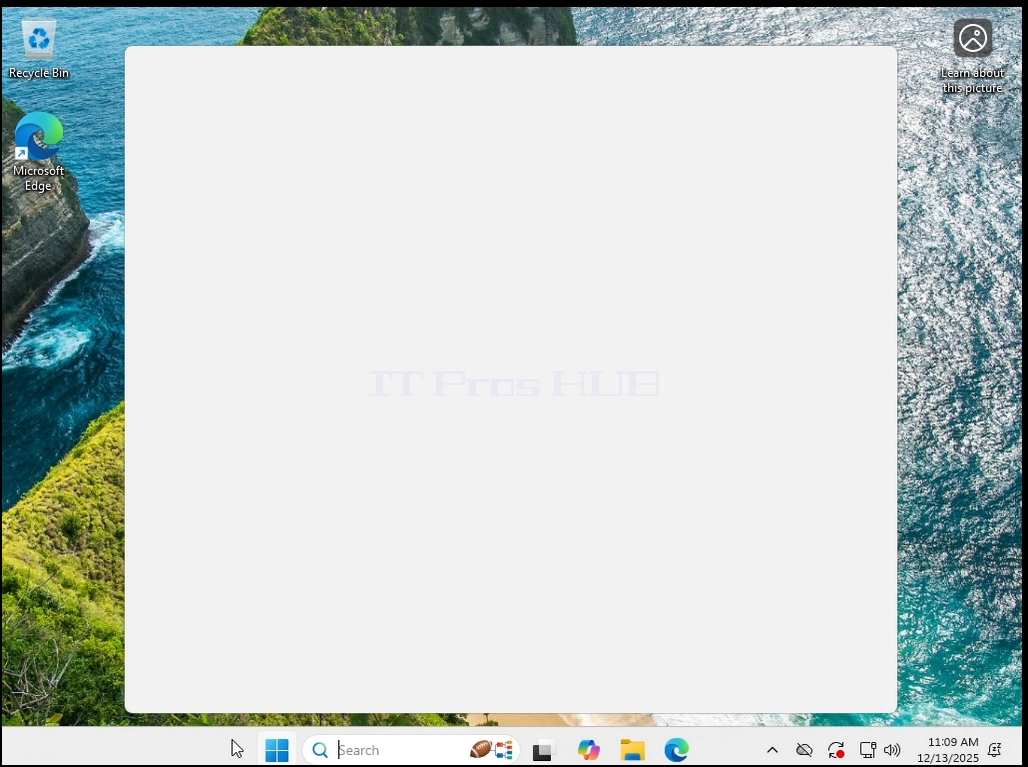
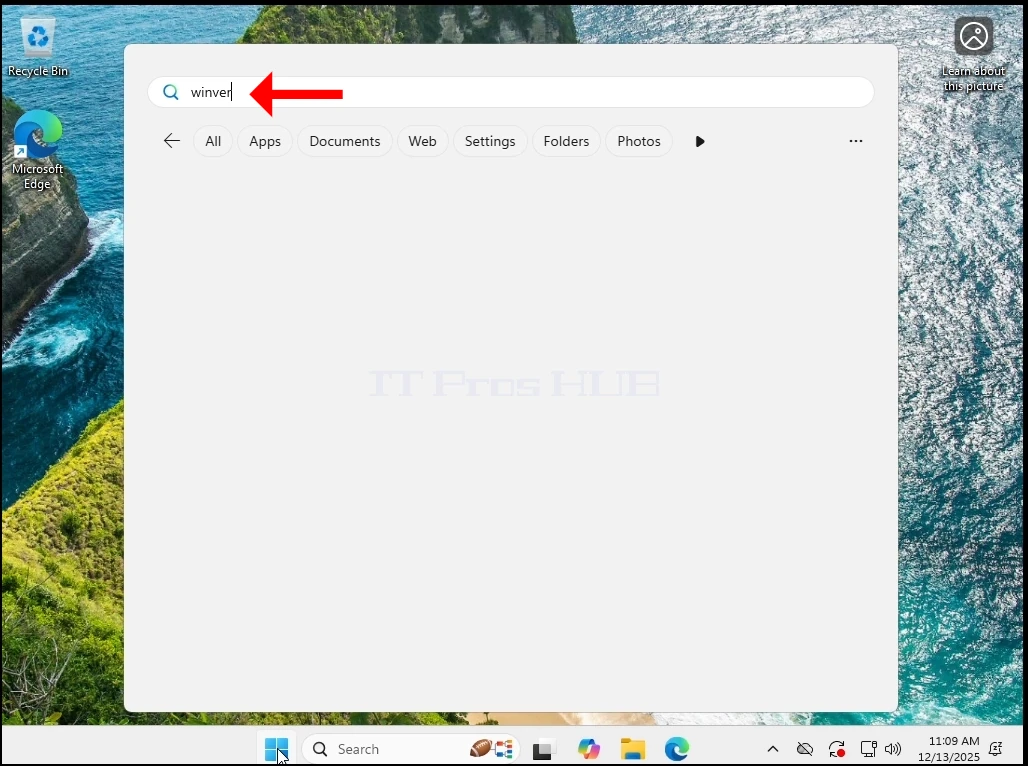
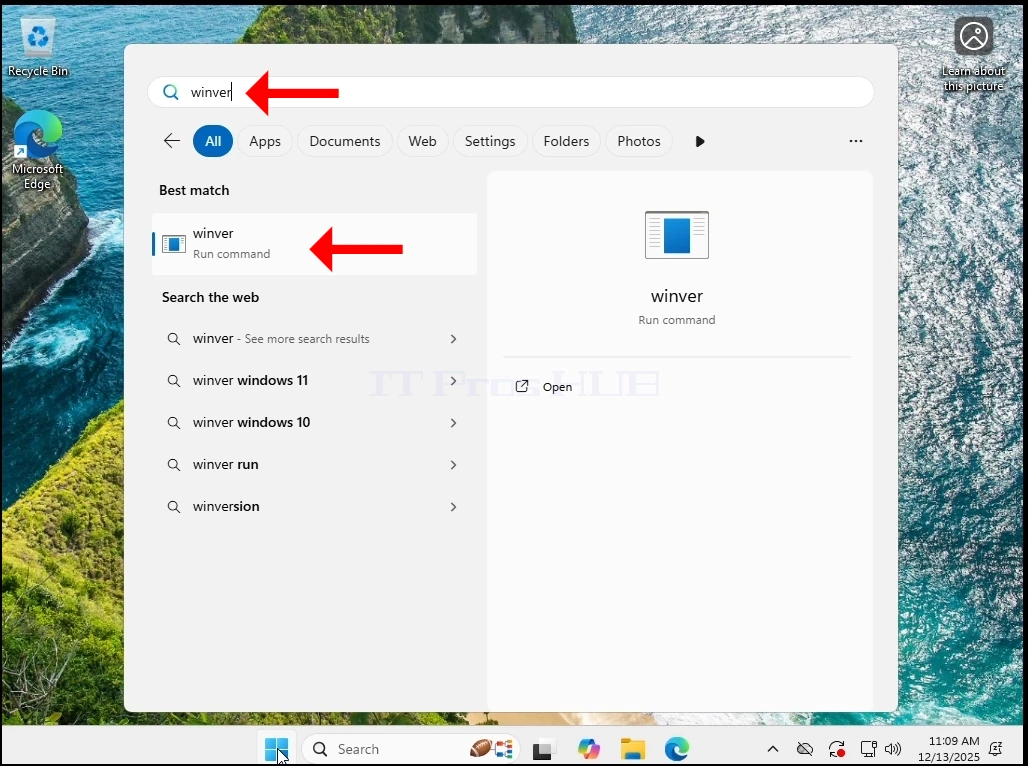
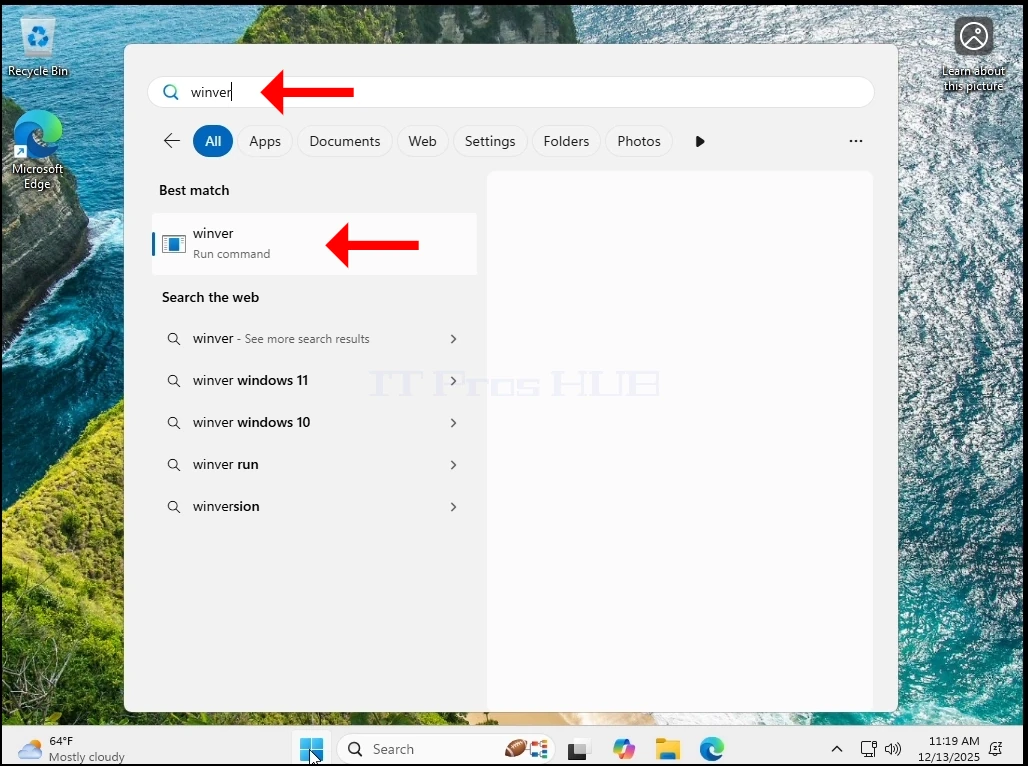
1. Lassen Sie uns zuerst die Windows-Version überprüfen, indem Sie auf die Startmenü Winver und Treffer EINGANG Schlüssel.
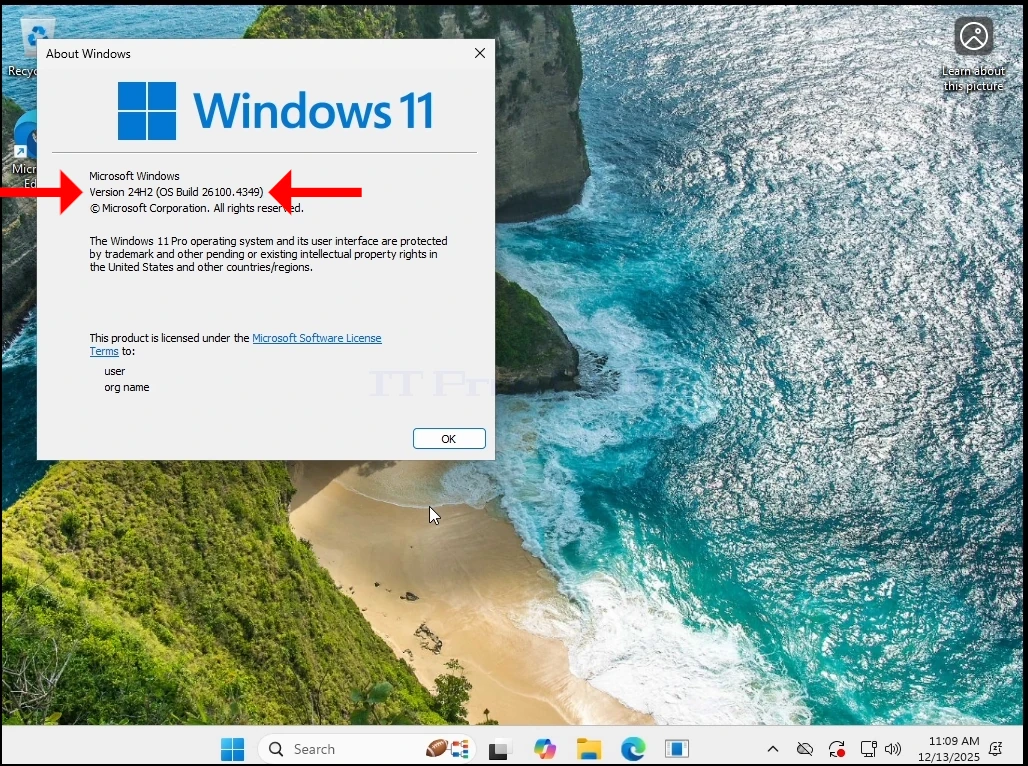
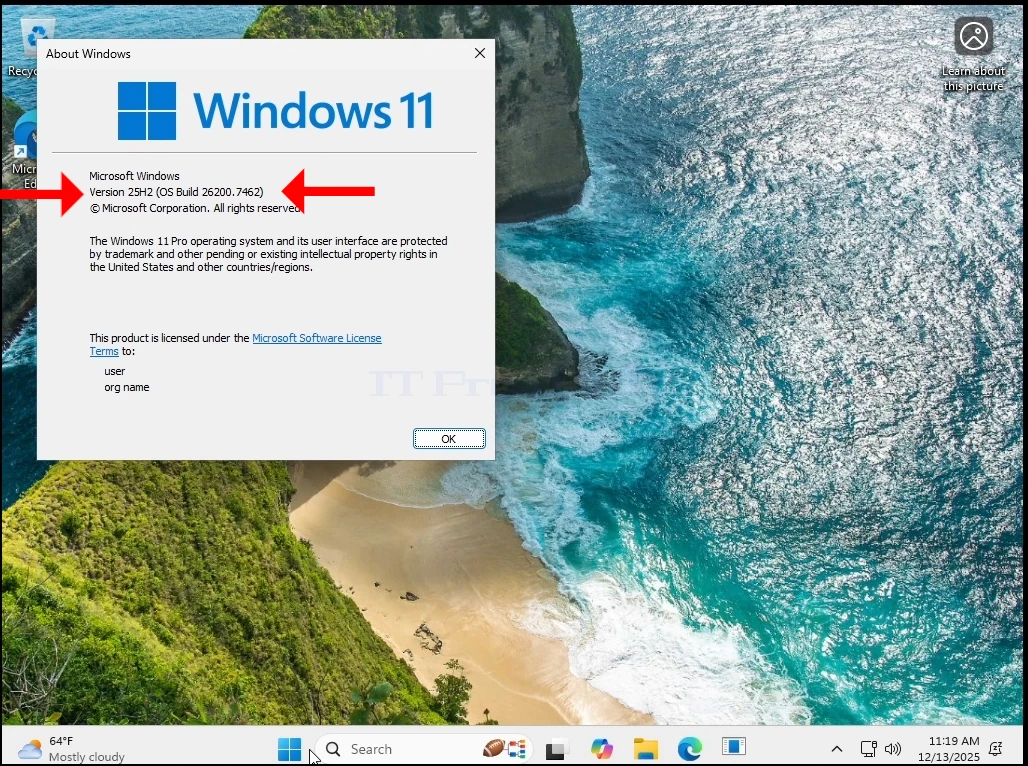
2. Wie Sie sehen können, ist die aktuelle Version 24H2
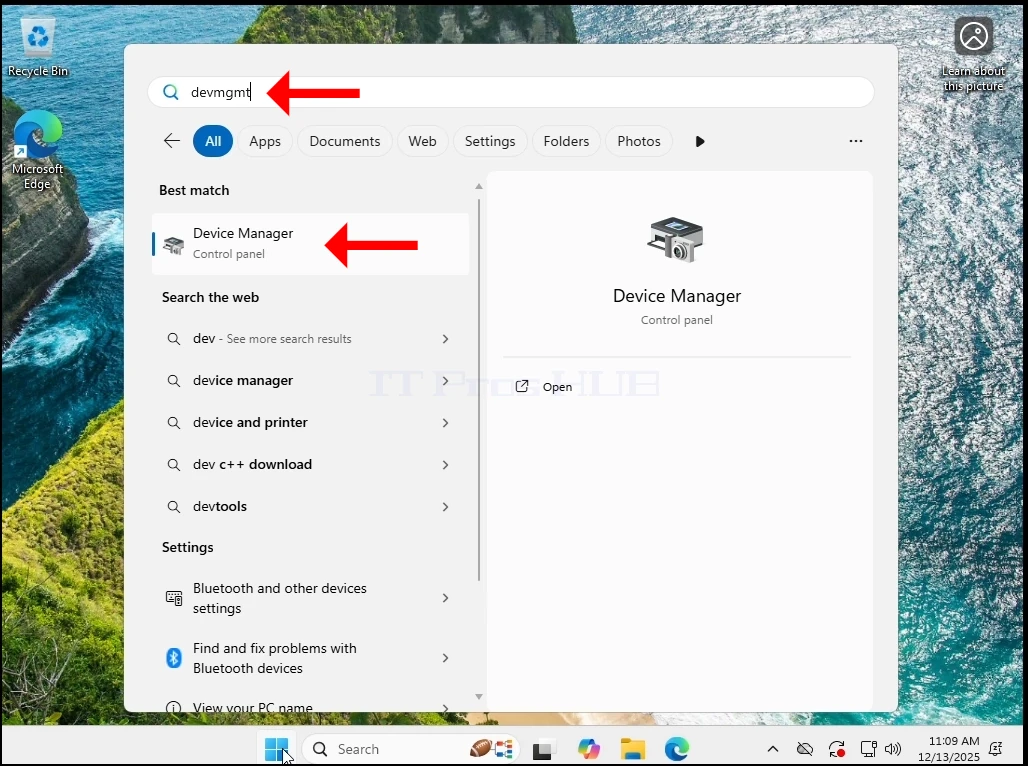
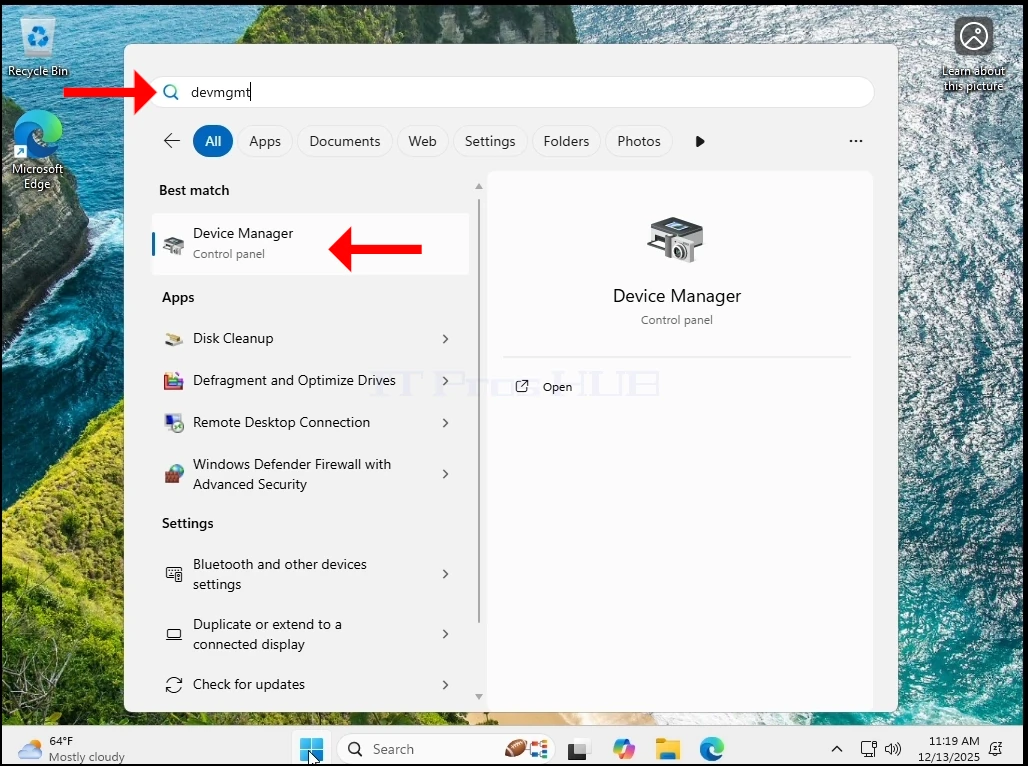
3. Jetzt gehen wir zu Gerätemanager indem ich wieder zu Startmenü und Typisierung devmgmt und treffen die EINGANG Schlüssel.
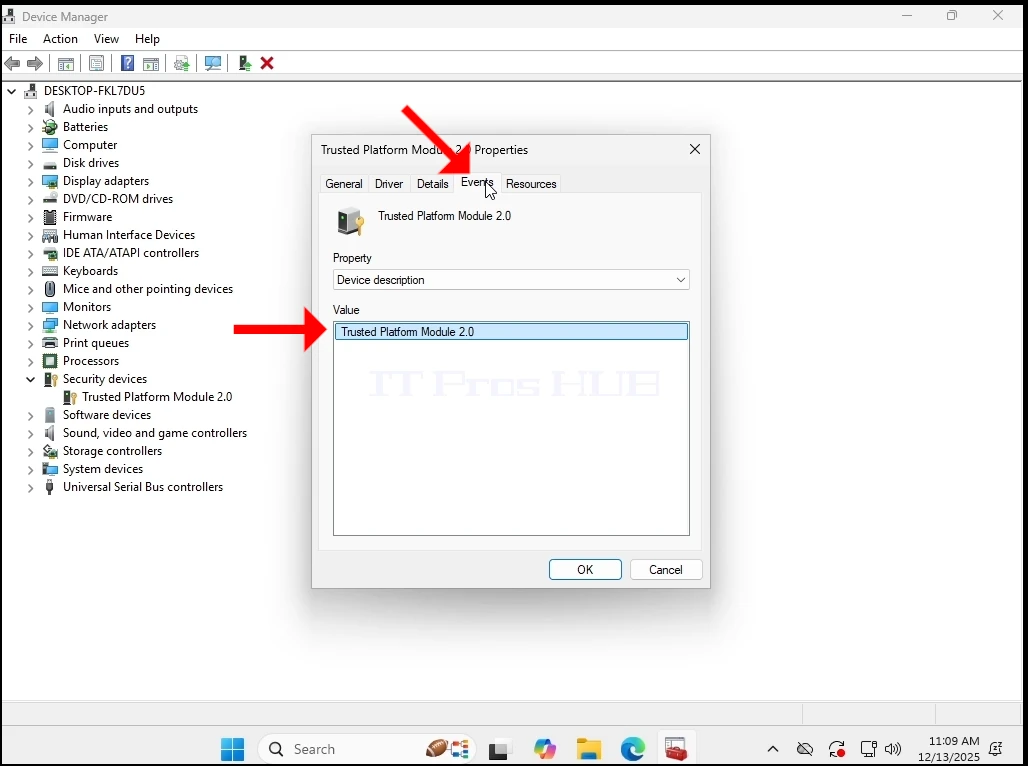
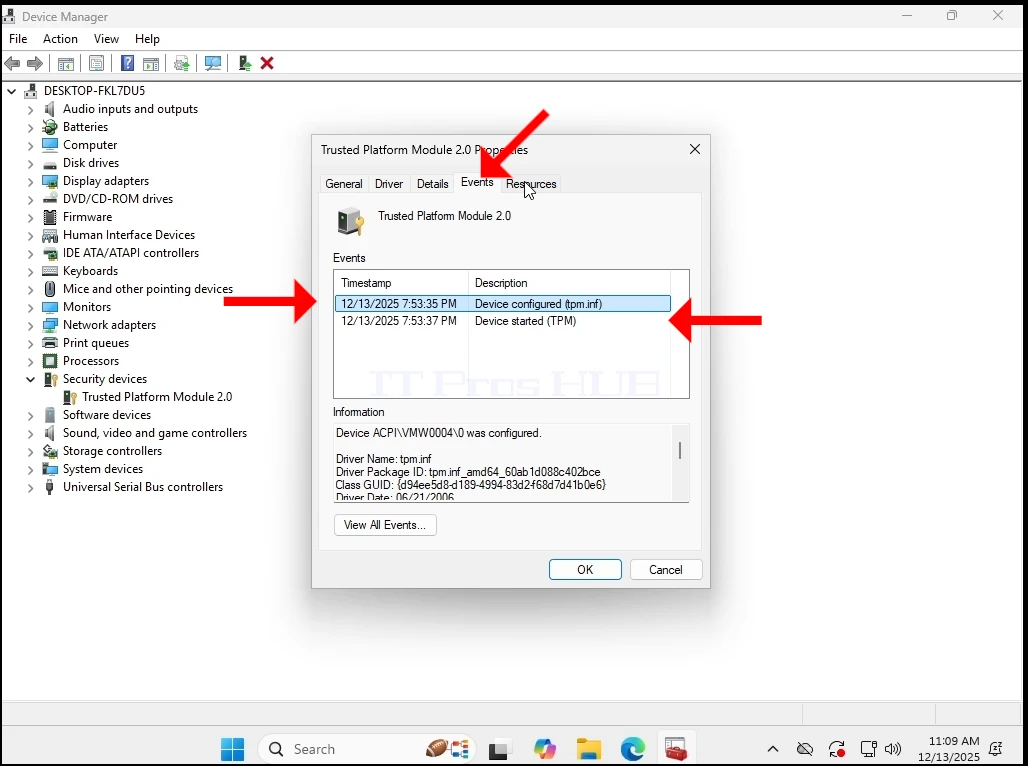
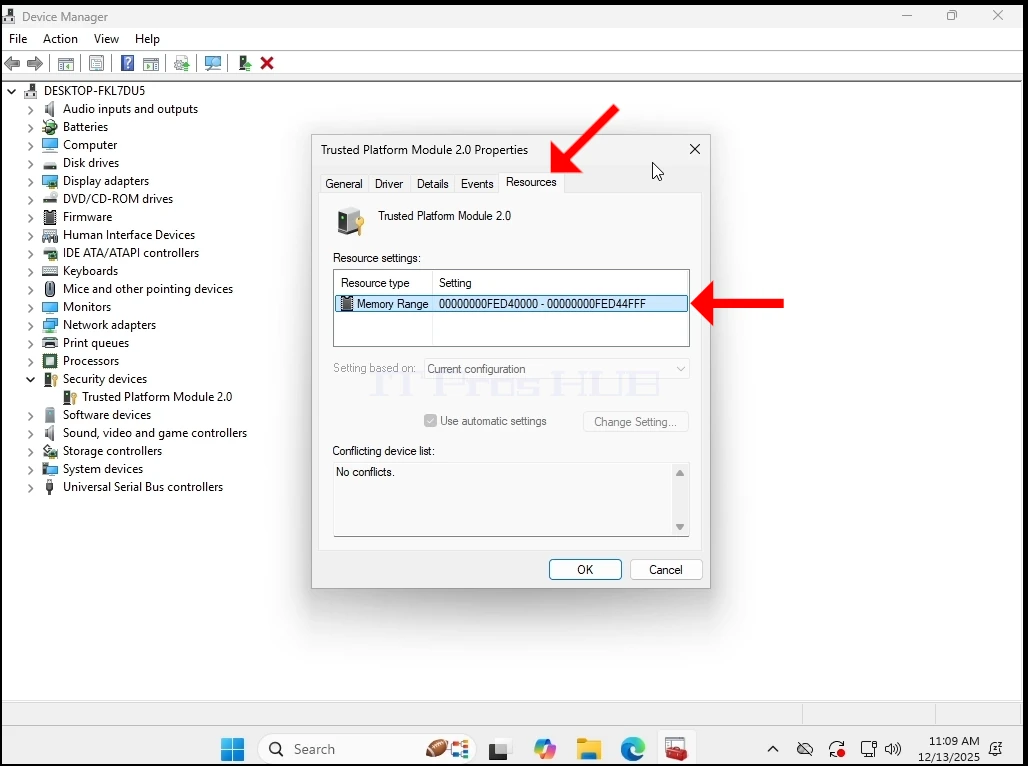
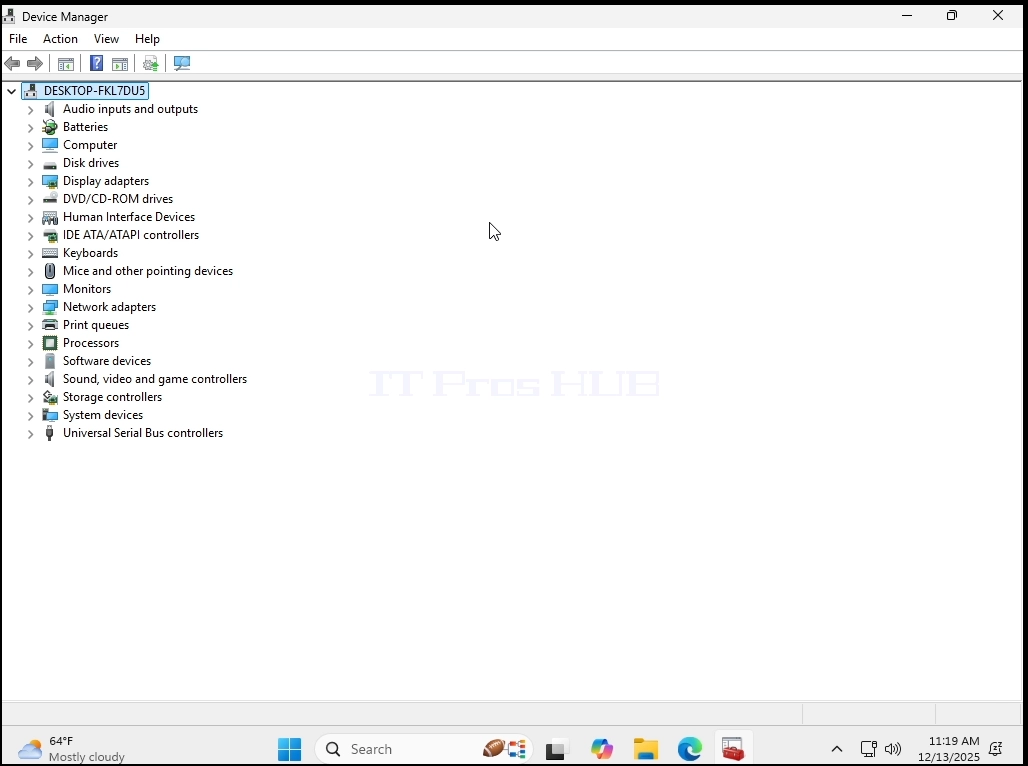
4. In GerätemanagerWir wollen sicherstellen, dass die TPM 2.0 Chip ist tatsächlich vorhanden und funktional.
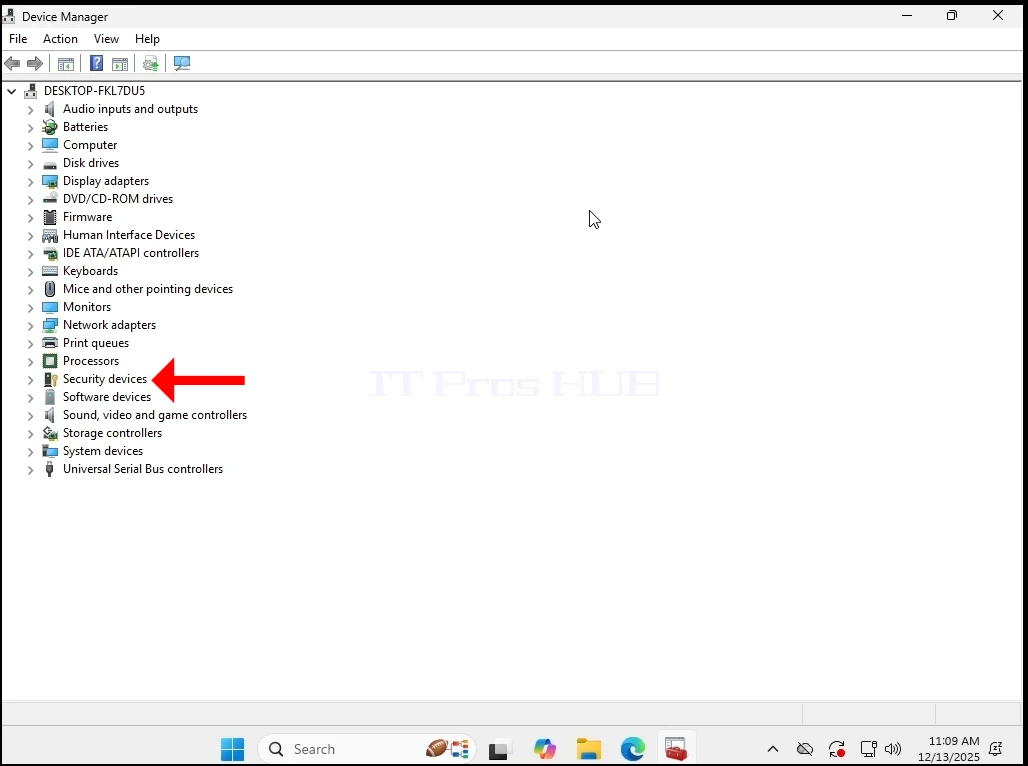
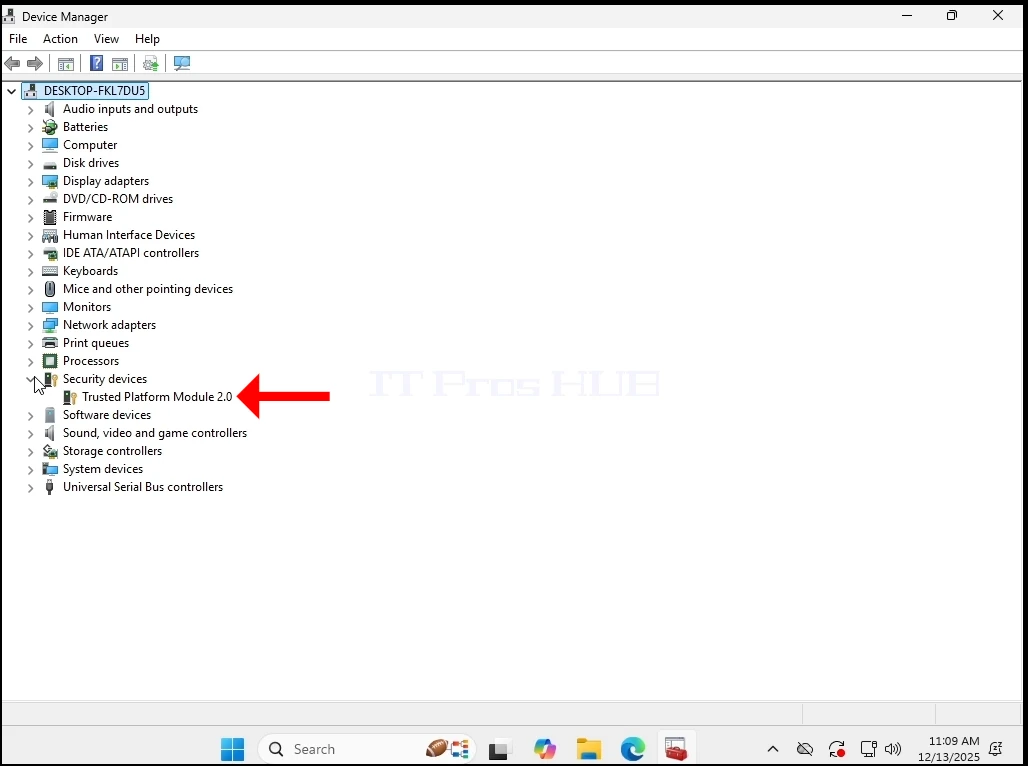
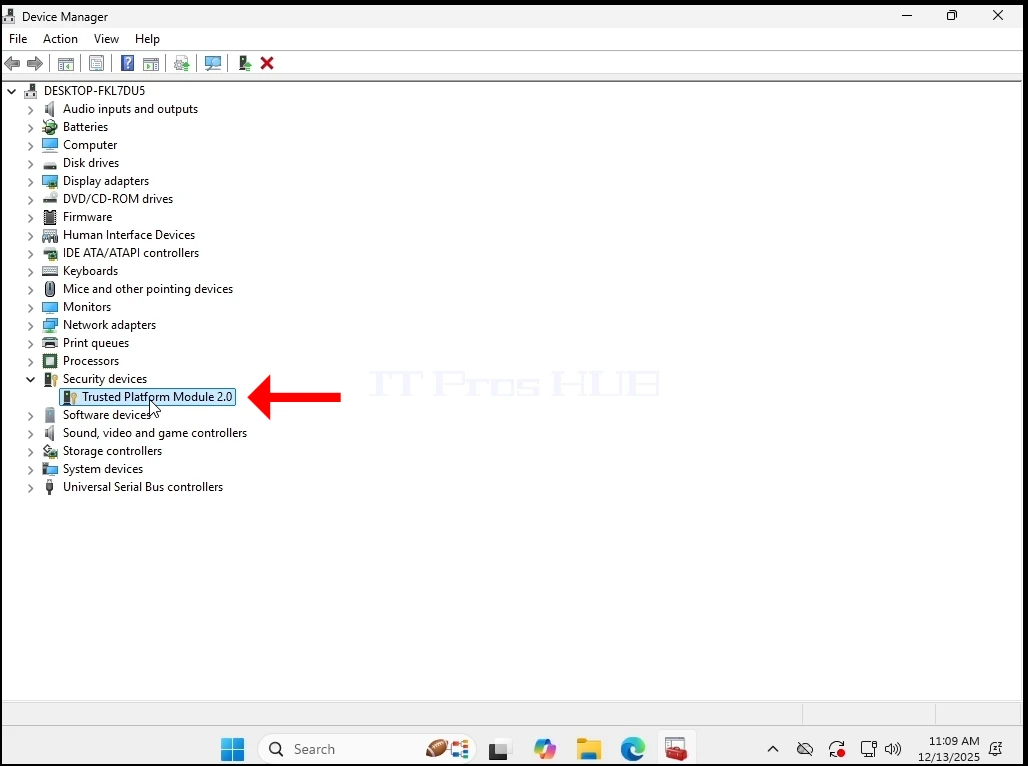
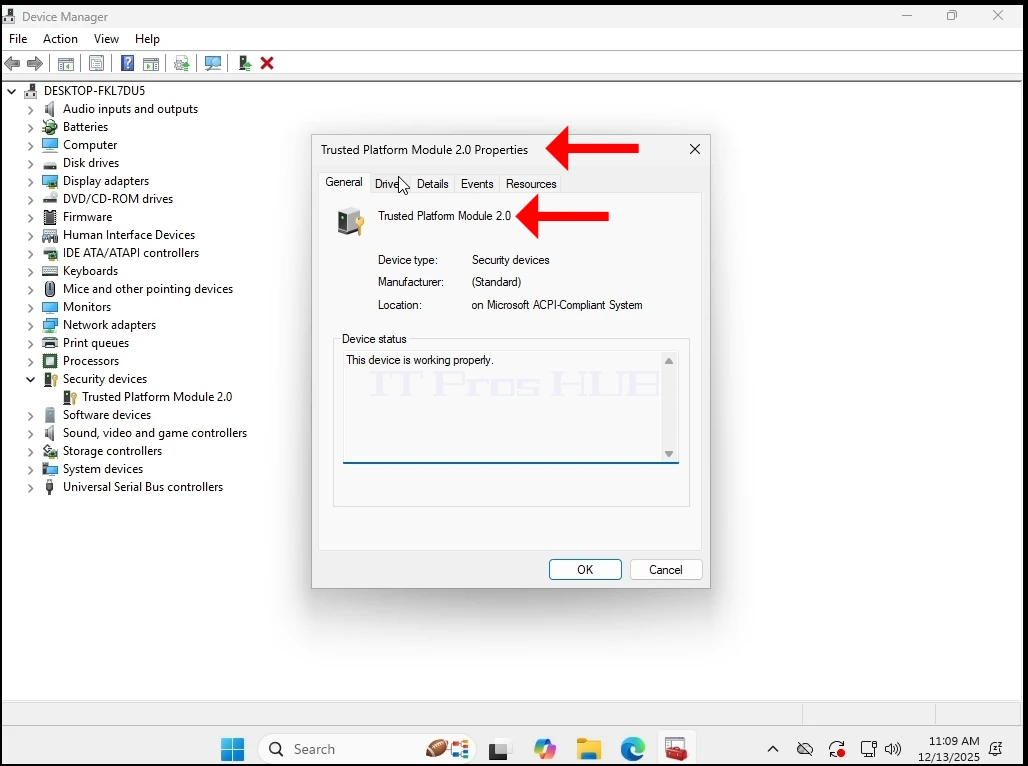
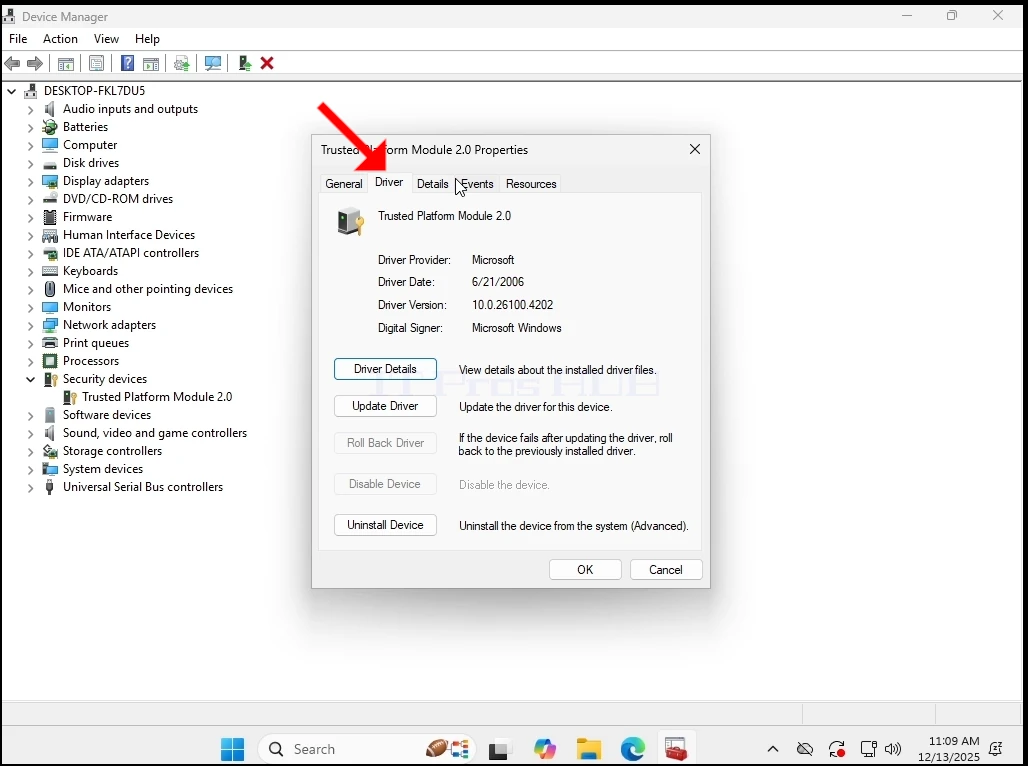
5. Wir haben die verschiedenen Tabs für alle Probleme überprüft
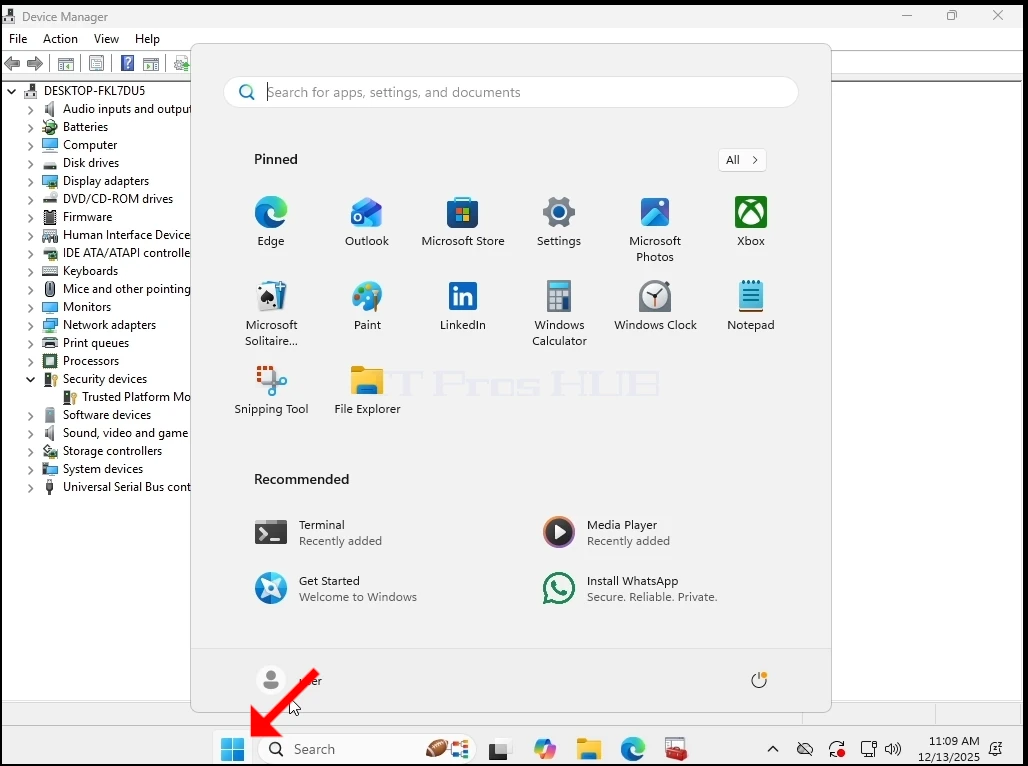
6. Jetzt schließen wir Windows ab, um die VM auszuschalten
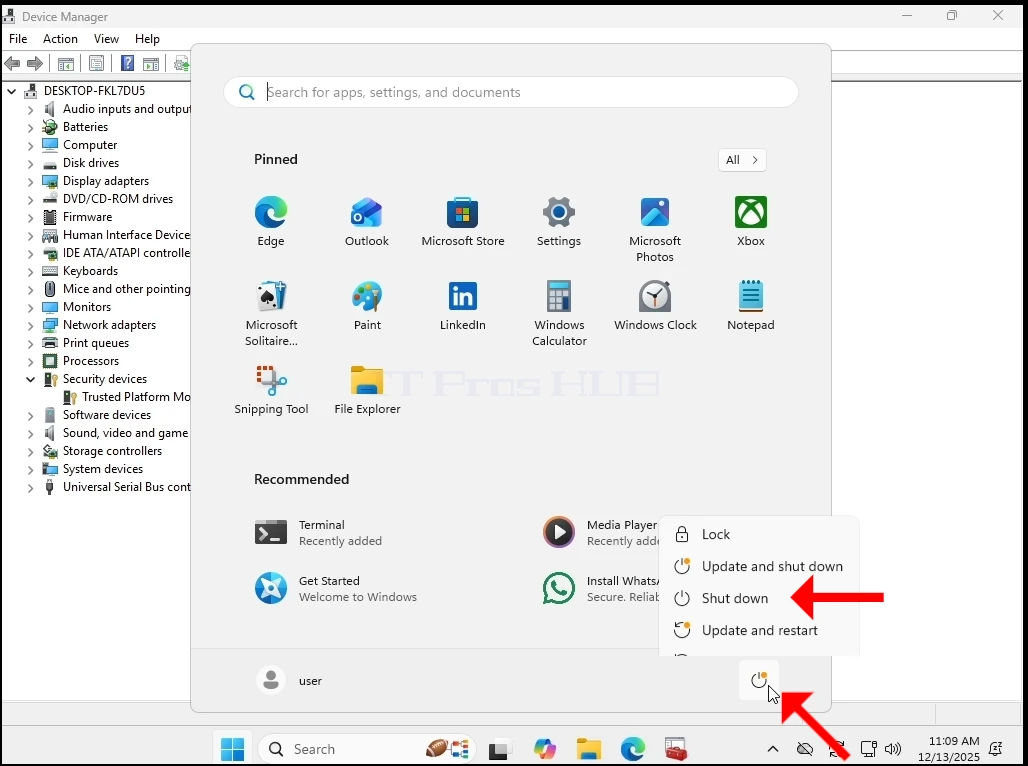
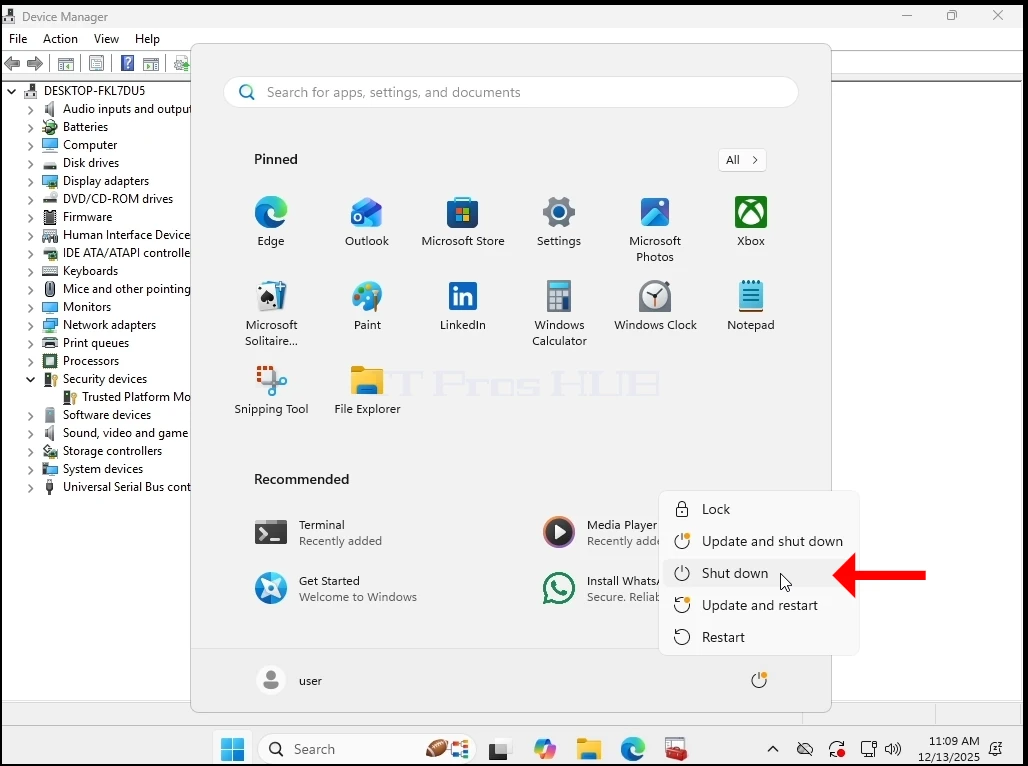

7. Wir haben den TPM-Chip aus der Hardware-Liste der VM entfernt und ihn wieder eingeschaltet
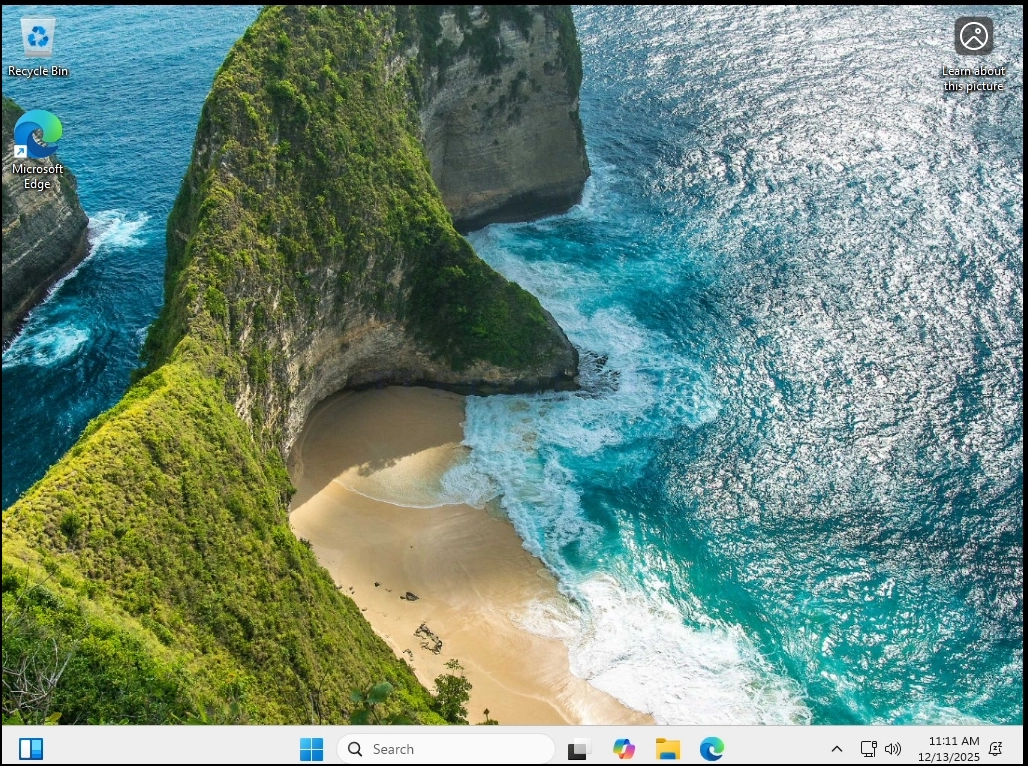
8. Lasst uns wieder gehen Gerätemanager um sicherzustellen, dass die TPM Chip ist nicht mehr da
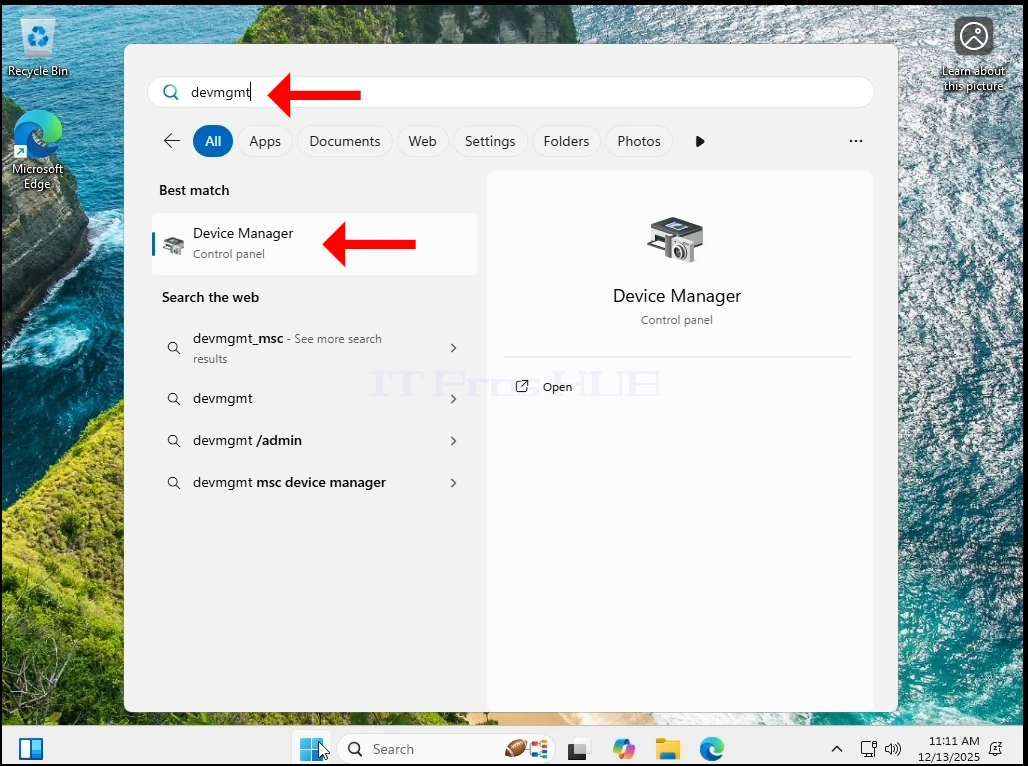
9. Wie Sie unten sehen können – der TPM-Chip ist genauso gut weg wie die Kategorie Sicherheitsgeräte.
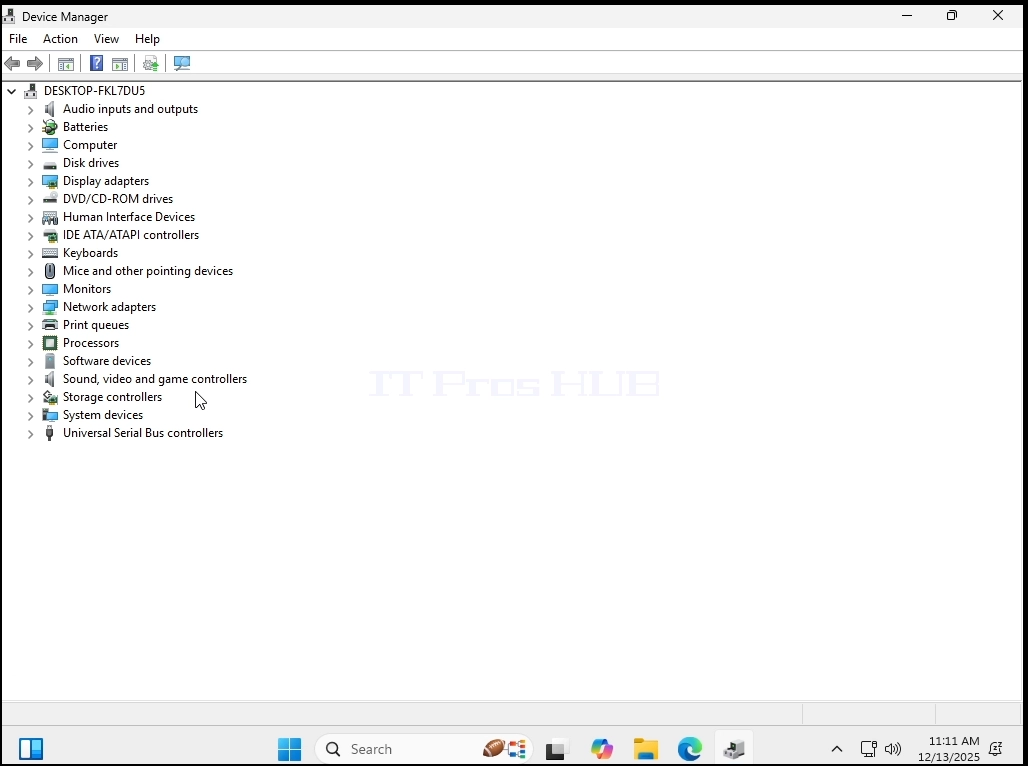
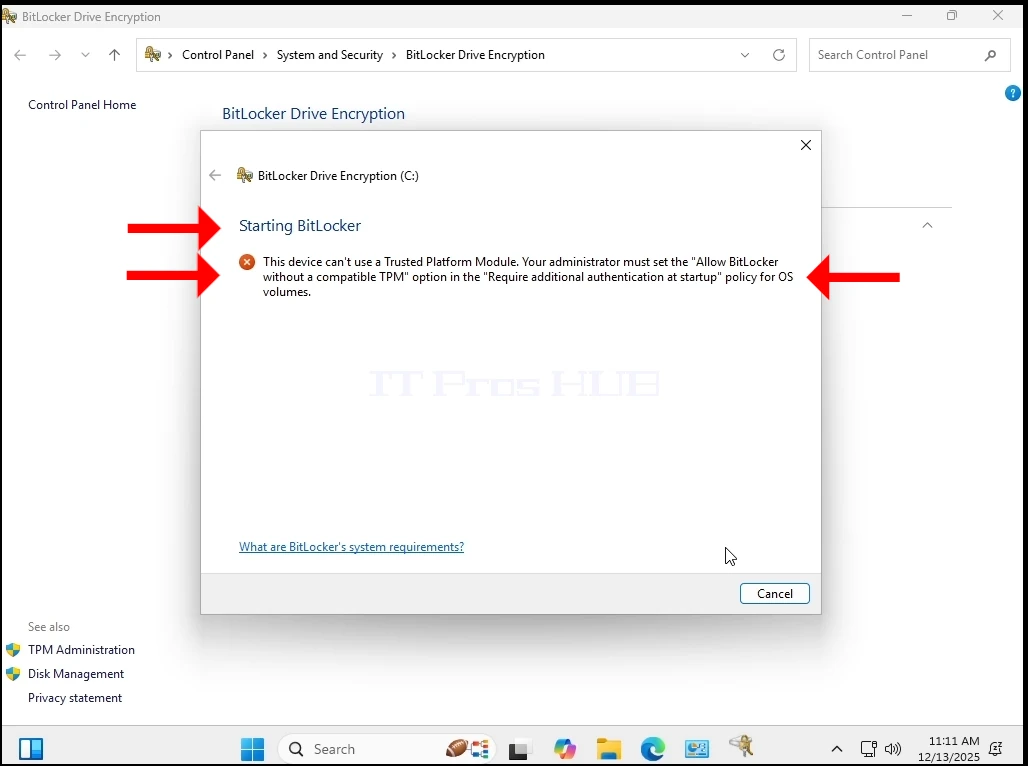
10. Um sicherzustellen, dass der TPM-Chip auf dieser VM nicht vorhanden ist, gehen wir zu Bitlocker und versuchen, es zu manipulieren.
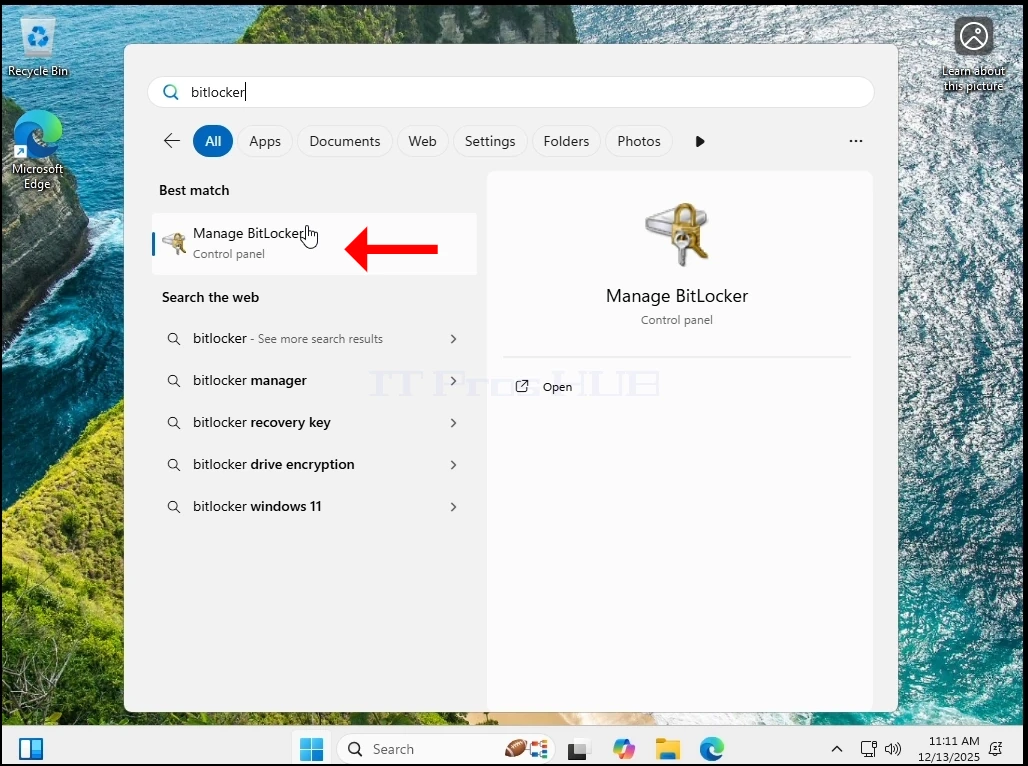
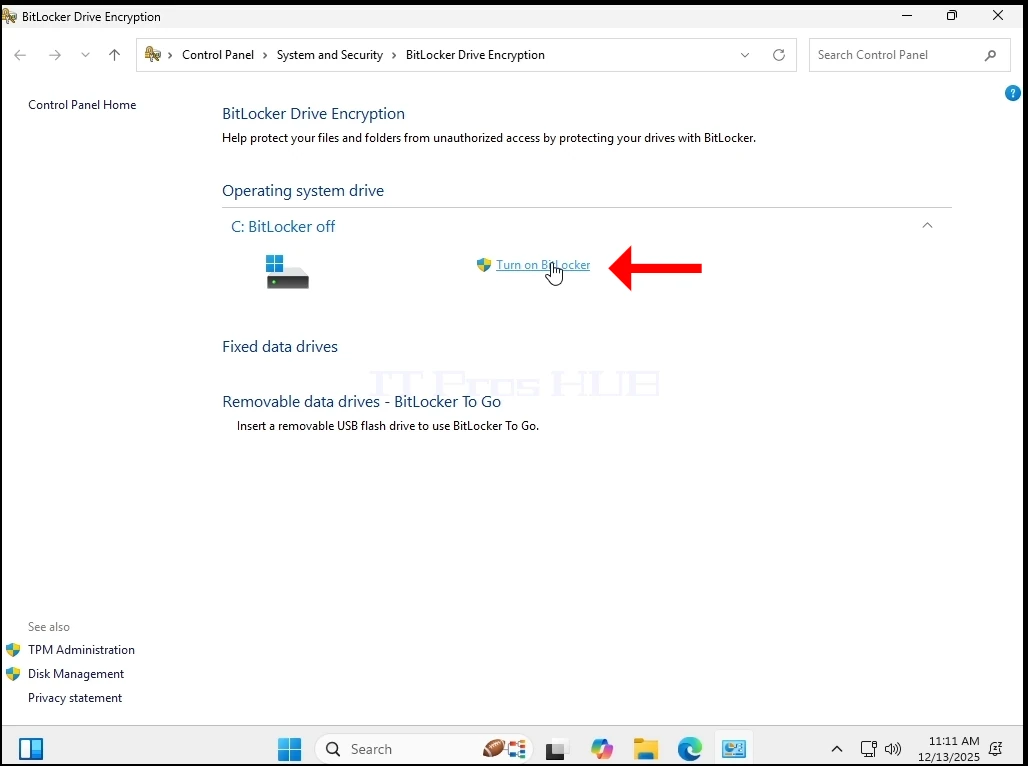
11. Wie Sie unten sehen können, können wir uns nicht wenden Bitlocker aufgrund des Fehlens eines TPM-Chips.
Wie Sie immer noch sehen können, hat Windows 11 die ganze Zeit normal funktioniert. Keine BSODs, keine Fehler, keine Aufforderungen, keine Warnungen.
- Jetzt aktualisieren wir es von 24H2 bis 25H2.
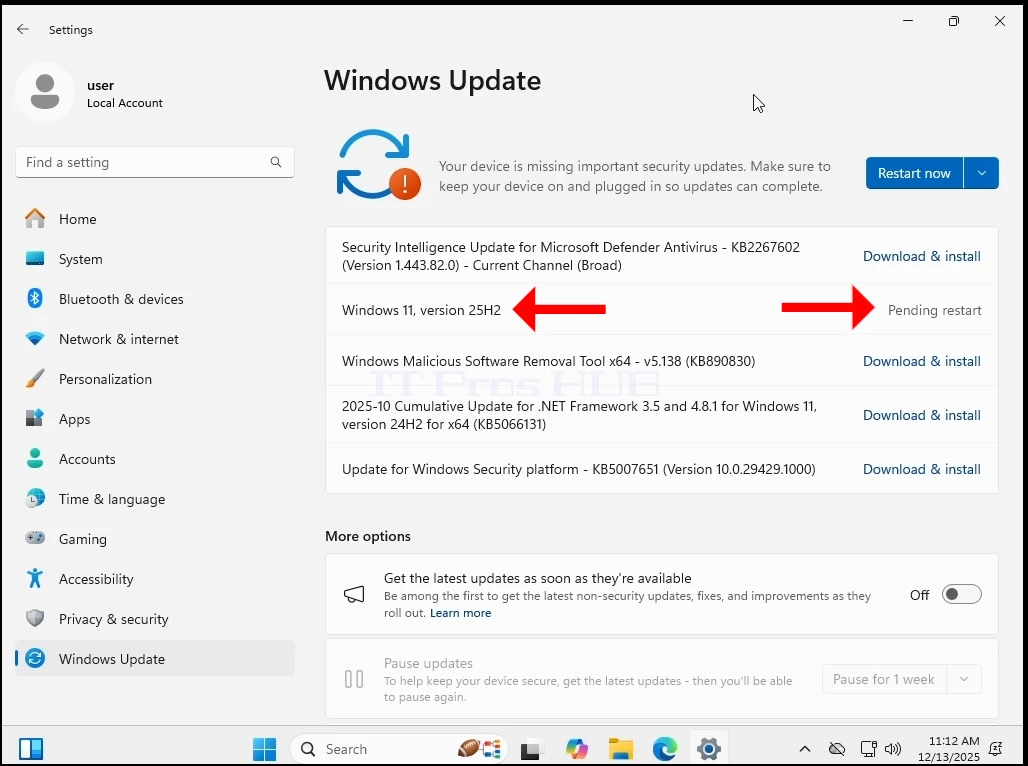
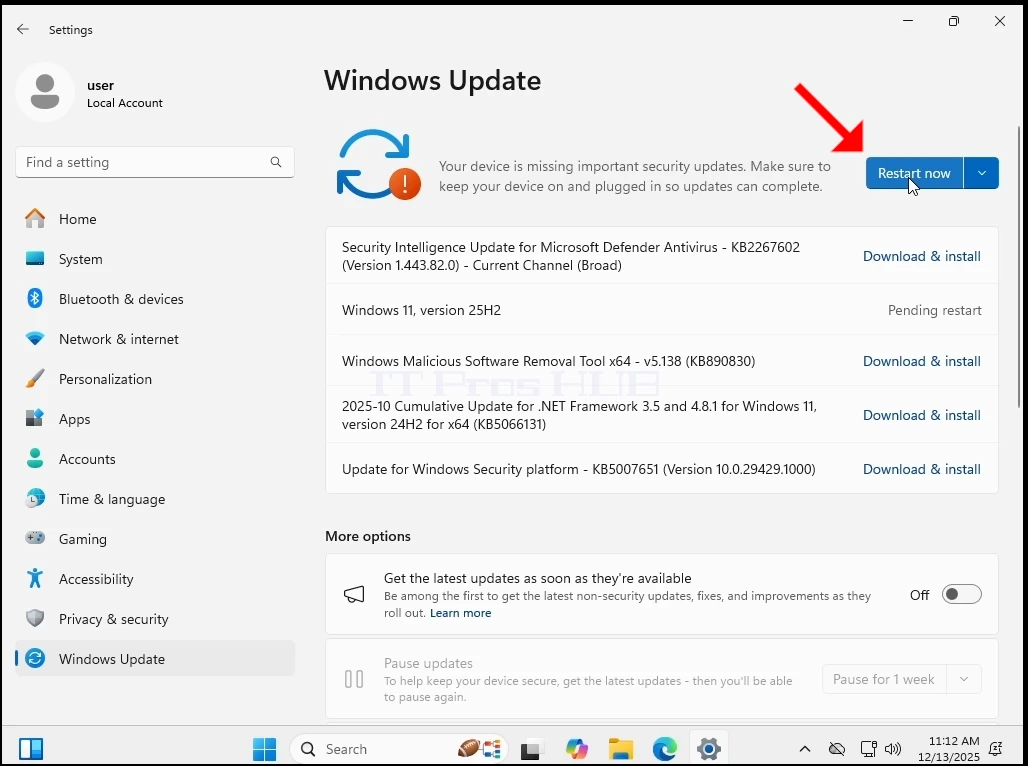






14. Windows wurde aktualisiert auf 25H2
Dennoch funktioniert Windows 11 die ganze Zeit über normal. Keine BSODs, keine Fehler, keine Aufforderungen, keine Warnungen. Und wie Sie sehen können, ist kein TPM-Chip im System vorhanden.
Schlussfolgerung:
Wir waren zuerst sehr überrascht, dass Windows überhaupt startet. Es gab so viel Aufhebens um diese TPM-Anforderung, dass wir zu der Vorstellung gekommen sind, dass das Ausführen von Windows ohne TPM unmöglich war.
Das größere Problem besteht jedoch immer noch - Windows 11 kann nicht auf einem System ohne TPM-Chip, insbesondere TPM Version 2.0, INSTALIERT werden. So ist es beim Design. Was wir hier gemacht haben, war sehr einfach - wir installierten Windows 11 auf einem System, in diesem Fall einem virtuellen System, mit einem TPM und entfernten es dann einfach. Windows läuft normal weiter.
Was würde das in der realen Welt bedeuten?
Es würde bedeuten, dass, wenn Sie einen Computer / Computer haben, die einen TPM-Chip älter als Version 2.0 oder gar kein TPM haben, dann wäre die einzige Möglichkeit, Windows 11 auf diesen Computern zu installieren:
1. Bereitstellen eines Bildes von Windows 11 auf diesen Computern
2. Klonen Sie eine Windows 11 Festplatte/Partitionen auf diese Computer
3. In Bezug auf ein Upgrade von Windows 10 auf 11 könnten Sie:
a. Nehmen Sie die Festplatte mit Windows 10 aus dem Computer, installieren Sie sie auf einem Platzhaltercomputer mit einem TPM 2.0-Chip - führen Sie das Upgrade auf Windows 11 durch und geben Sie die Festplatte dann auf den alten Computer zurück
b. Machen Sie dasselbe, wie in Stufe A beschrieben, aber verwenden Sie eine P2V-Lösung und verwenden Sie dann eine V2P zurück zum alten Computer
In jedem Fall ist es ein Kopfschmerz, auf einem Computer zu spielen, geschweige denn eine Reihe von Computern, aber es ist nicht unmöglich. Der ROI wäre es wert, denn diejenigen würden es sich nicht leisten können oder wollen nicht in neue IT-Ausrüstung investieren (dh Computer mit einem TPM 2.0-Chip).
IT könnte sich für IT-Experten und / oder Unternehmen lohnen, die eine Reihe von Computern mit inkompatiblen TPM-Chips betreiben, um nur einen einzigen neuen Computer mit einem TPM 2.0-Chip zu kaufen, der als Platzhalter verwendet wird, und diese Upgrades einzeln durchzuführen, anstatt in eine Reihe neuer Computer zu investieren.