Online: 1091 online | Members: 0 | Guests: 1091
Montag, Juni 15, 2026
Page Minimap
Reading time: 2 min read
Tagline:WaspassiertbeimLöschendesWindows.old-OrdnersinWindows11

Einleitung:
In diesem Artikel werden wir testen, was passiert, wenn die Windows.old Der Ordner wird in Windows 11 gelöscht. Wir werden speziell in Windows 11 untersuchen, könnte normal booten, ohne Probleme nach dem Löschen dieses Ordners.

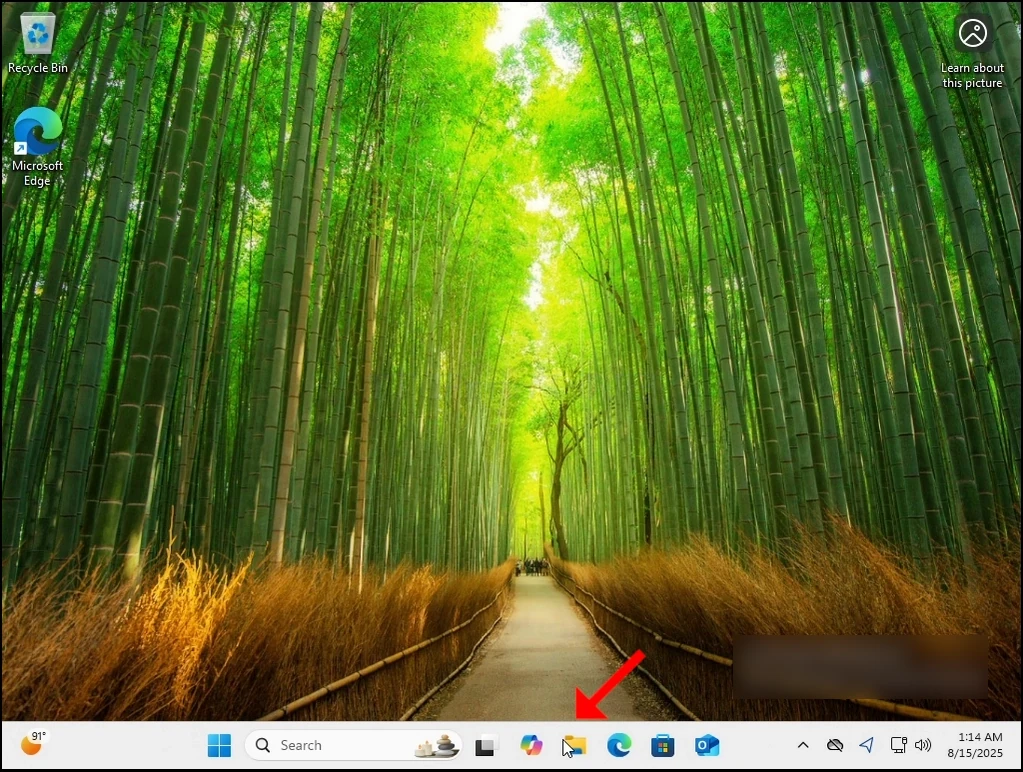
1. Gehen wir dahin, wo sich die Windows-Installation befindet. In 99% der Fälle ist es das C: Laufwerk.

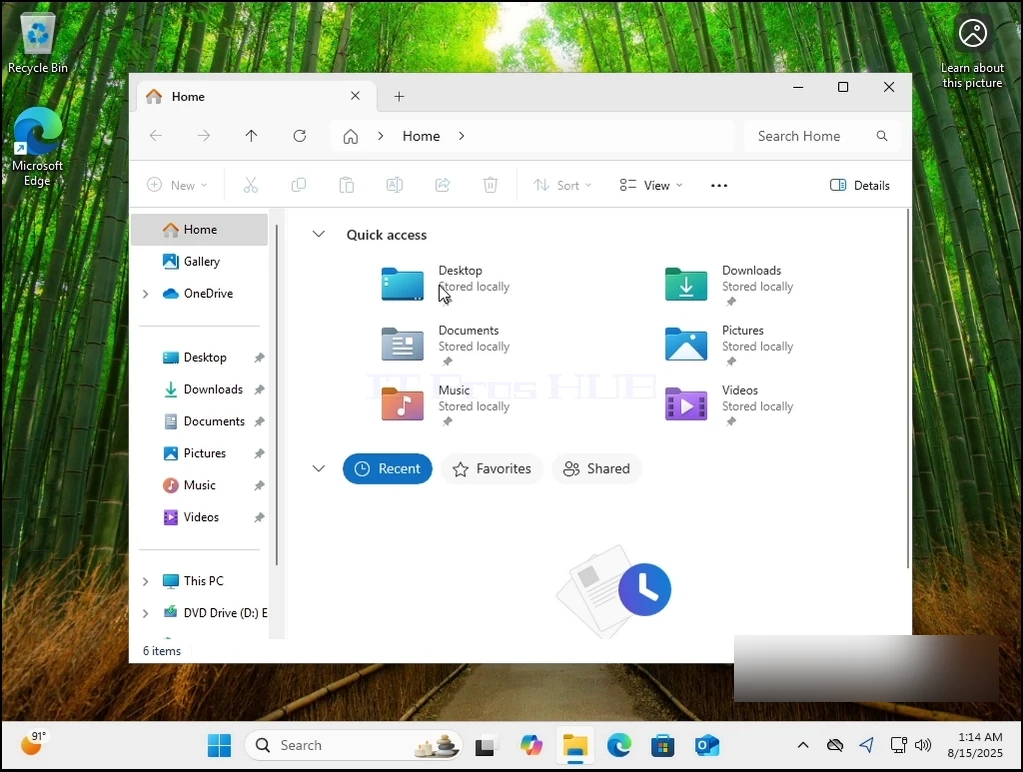
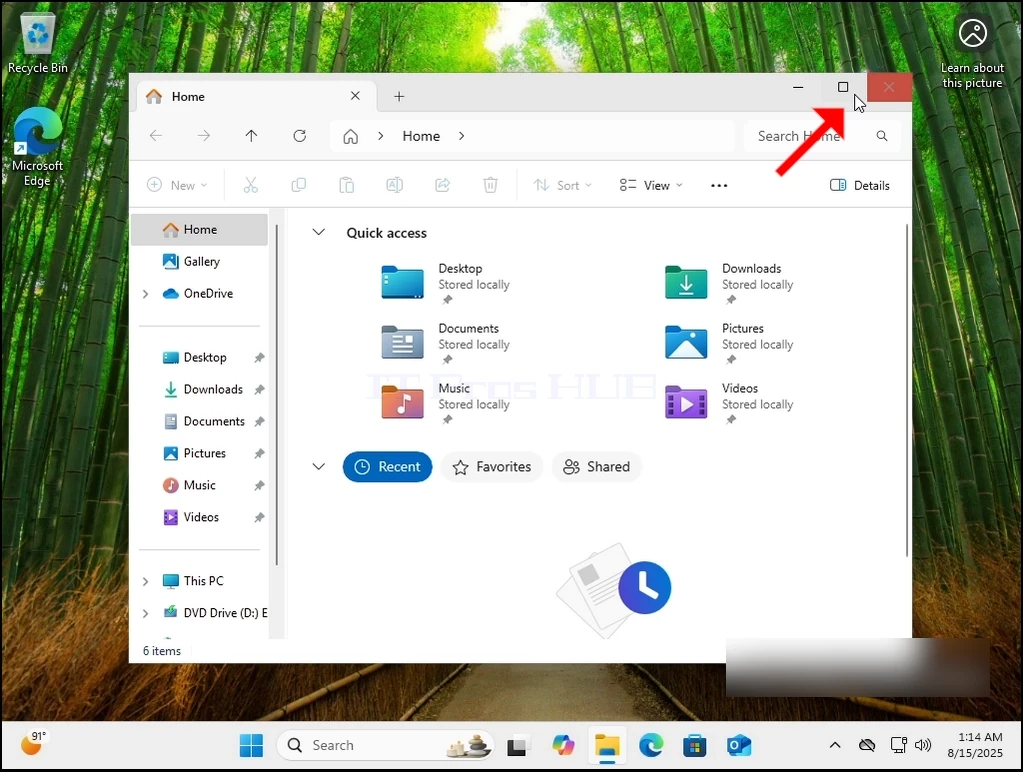
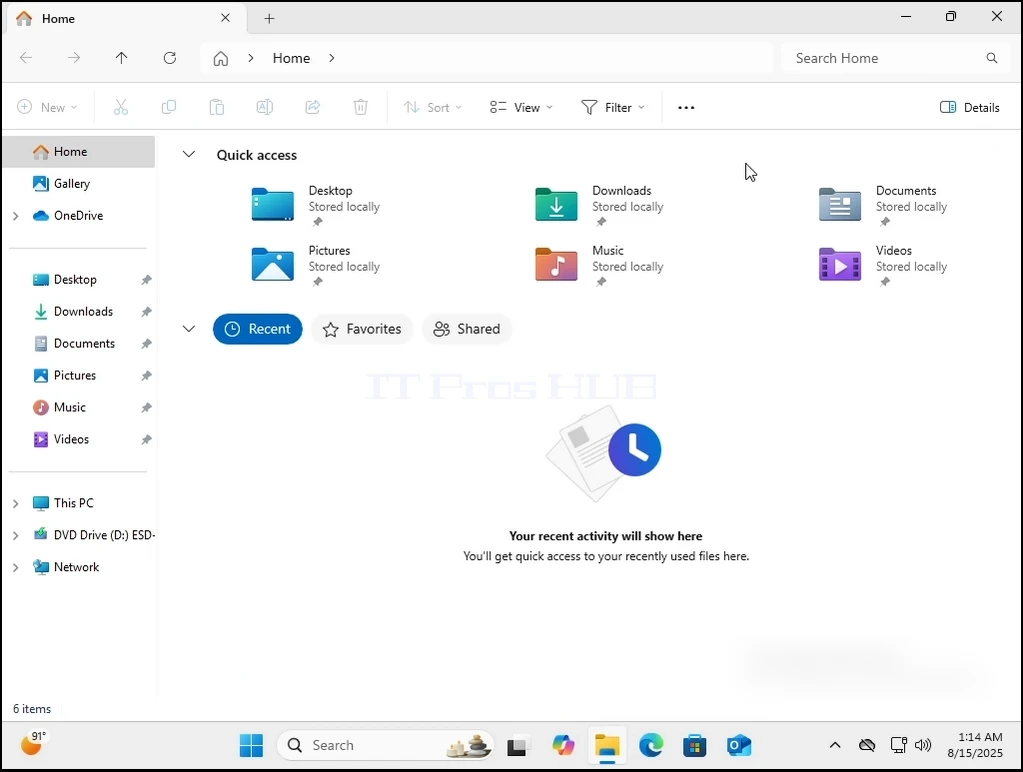
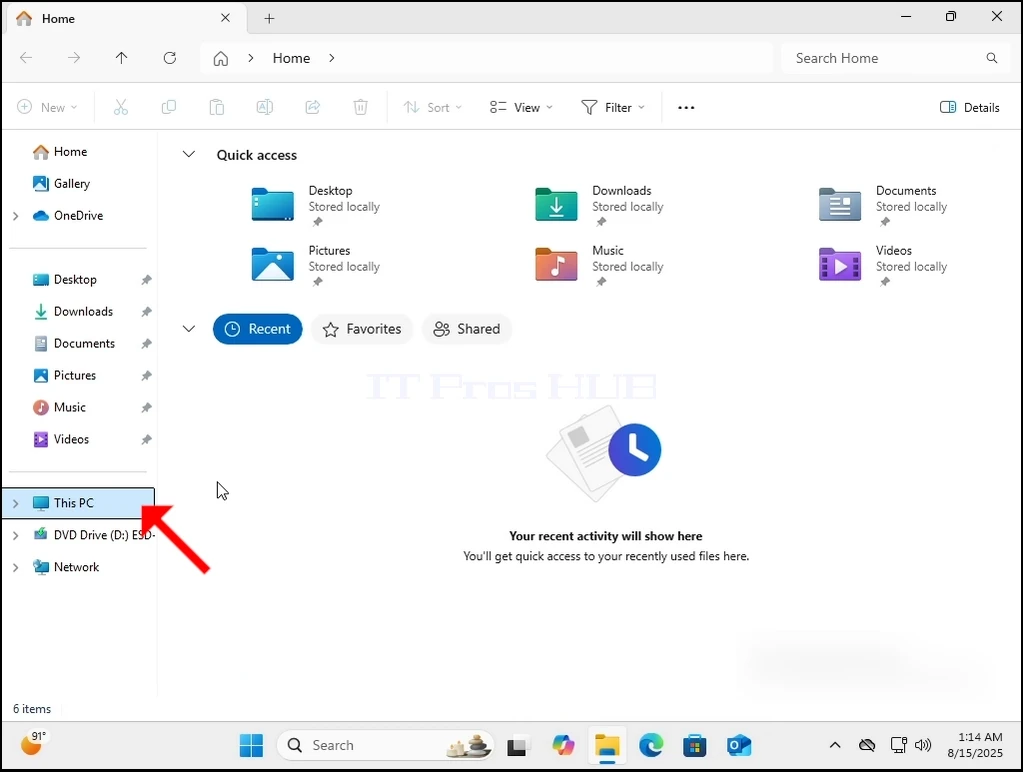
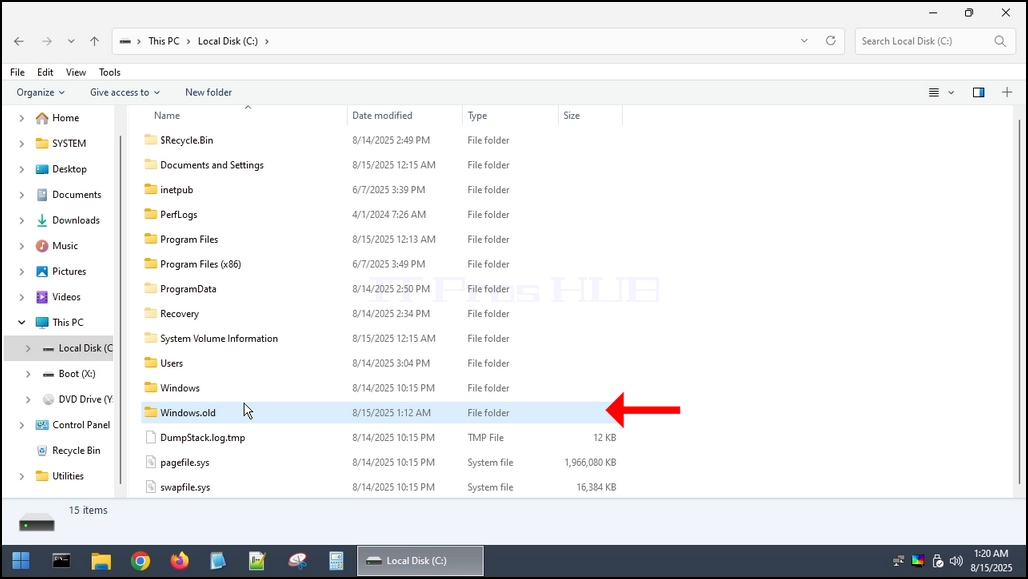
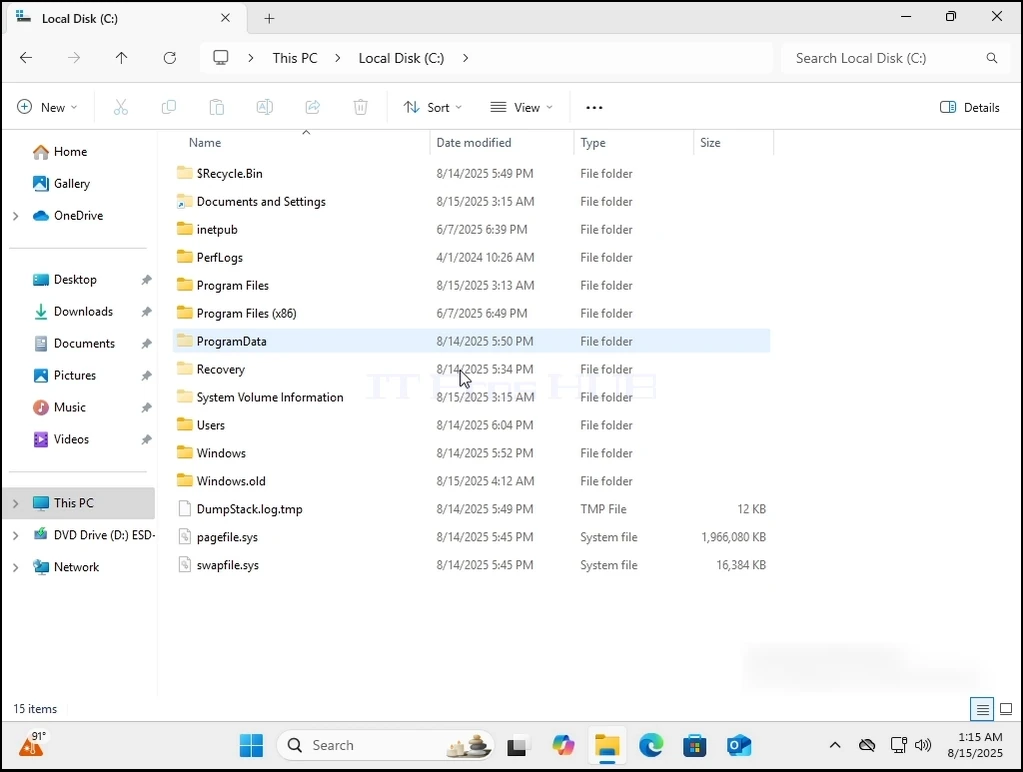
2. Wir gehen zu Windows Explorer dann zu Dieser PC und dann zu C:\.
can-windows-11-boot-without-the-windows.old-folder-2.webpcan-windows-11-boot-without-the-windows.old-folder-3.webpcan-windows-11-boot-without-the-windows.old-folder-4.webpcan-windows-11-boot-without-the-windows.old-folder-5.webpcan-windows-11-boot-without-the-windows.old-folder-6.webp

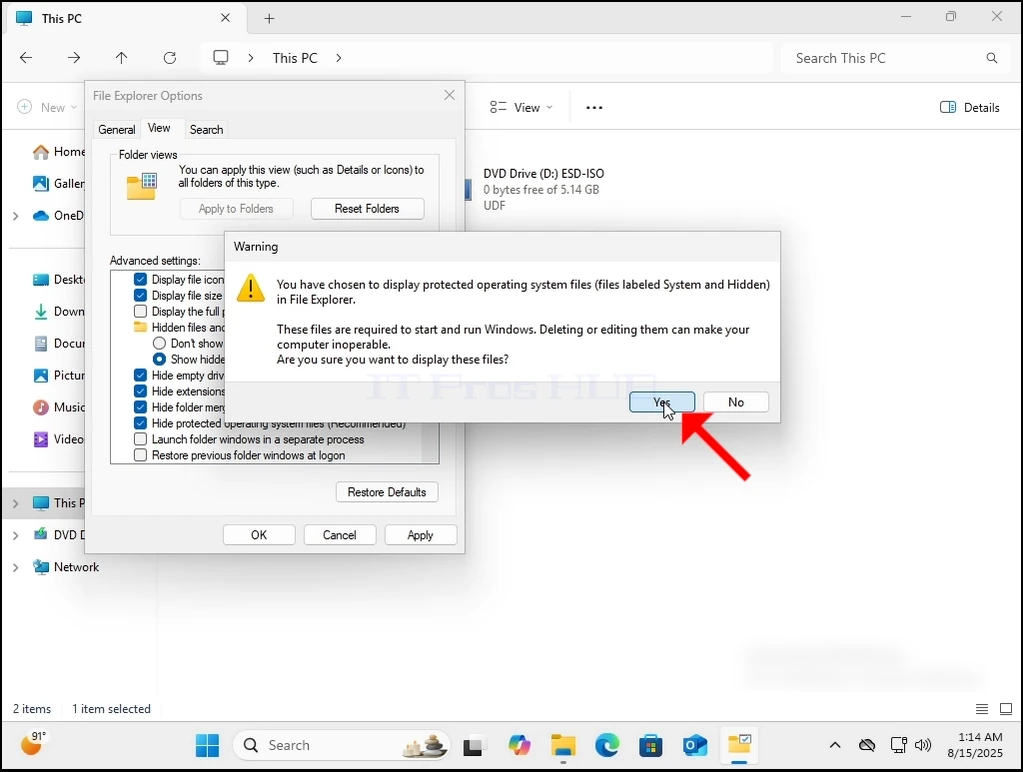
3. Normalerweise ist Windows.old nicht direkt aus der Box sichtbar. Wir müssen es sichtbar machen, indem wir Windows erlauben, versteckte Dateien und Ordner anzuzeigen, wie hier zu sehen ist:
can-windows-11-boot-without-the-windows.old-folder-27.webp

can-windows-11-boot-without-the-windows.old-folder-24.webp

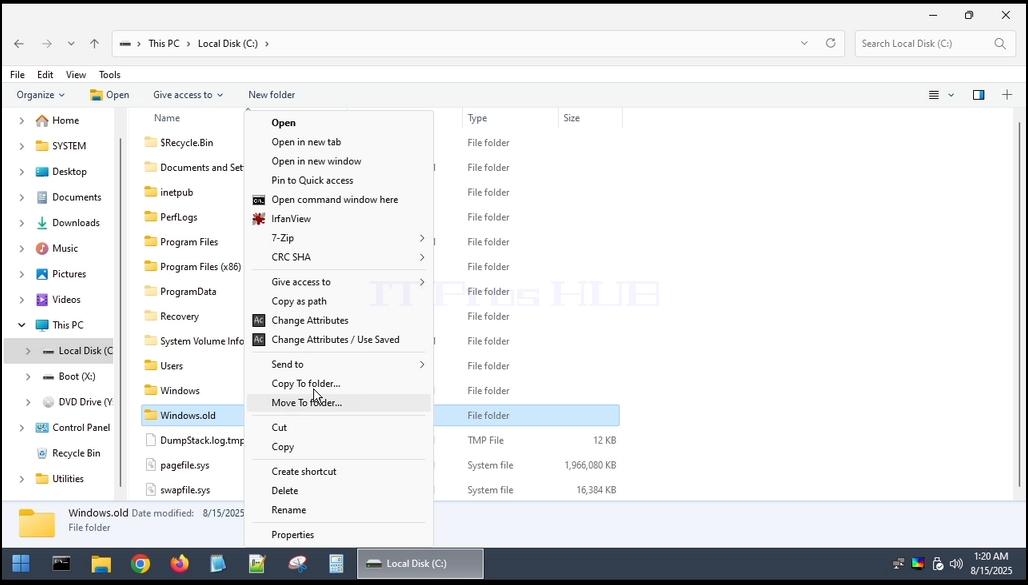
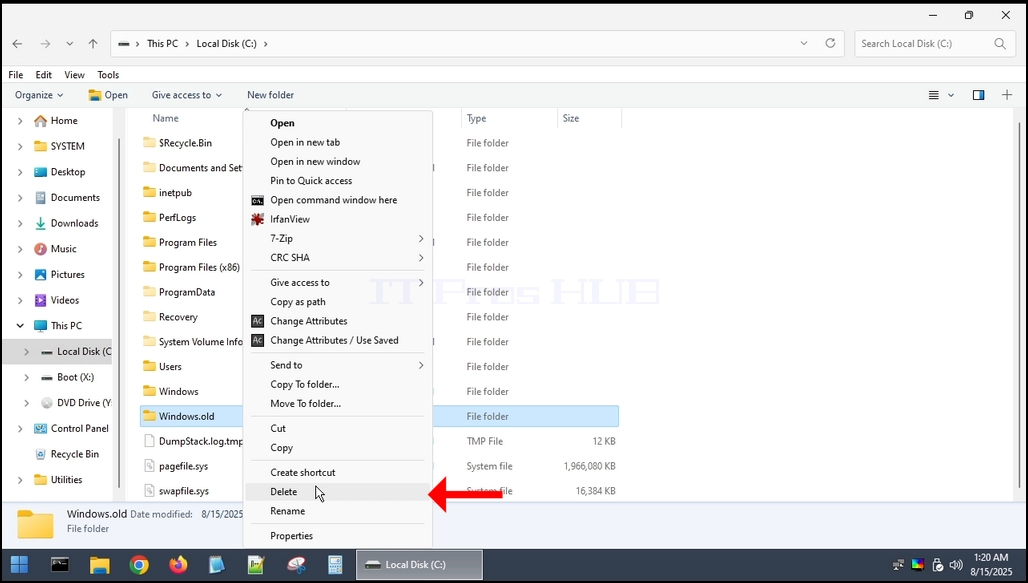
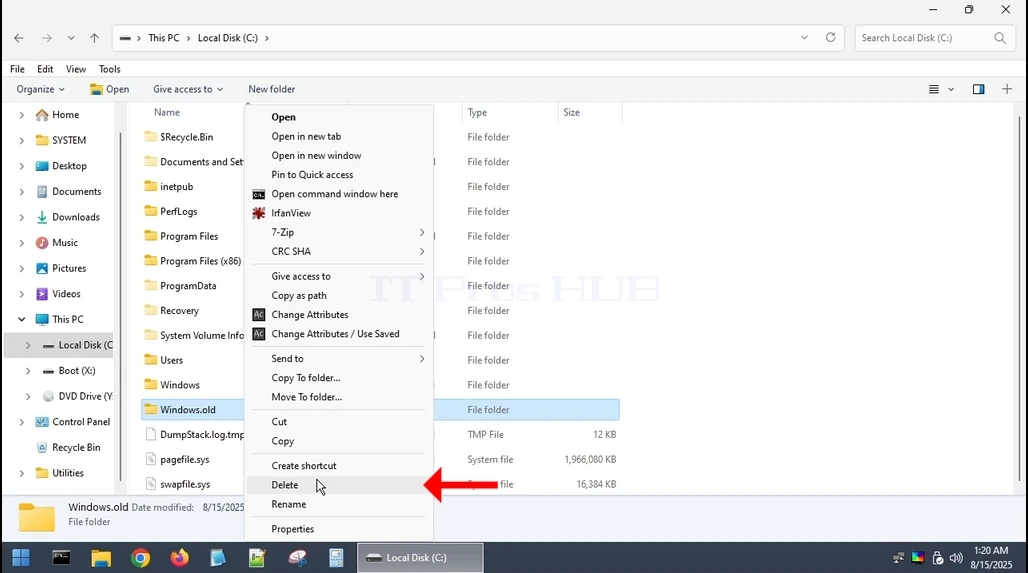
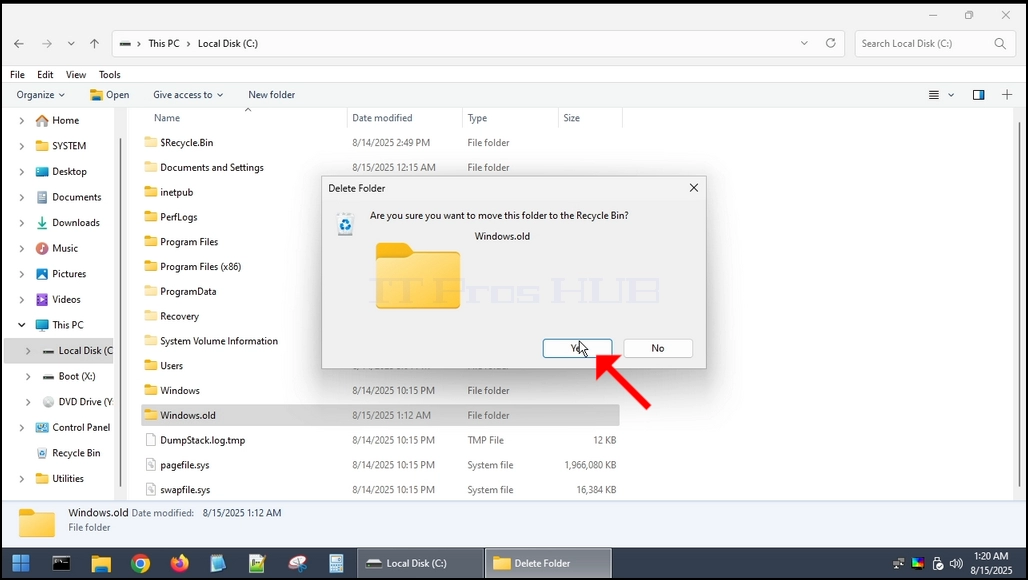
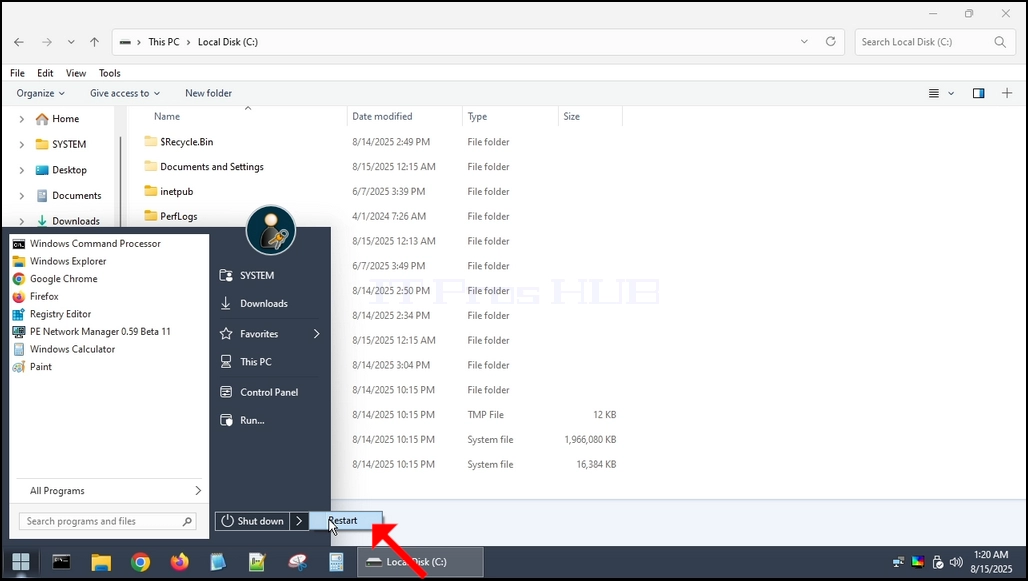
4. Da Windows.old nicht vollständig aus Windows 11 selbst gelöscht werden kann, müssen wir dies über ein anderes Betriebssystem tun. Wir verwenden Hiren's BOOT CD ()HBCD), um in Windows PE zu booten und es von dort zu löschen.can-windows-11-boot-without-the-windows.old-folder-7.webpcan-windows-11-boot-without-the-windows.old-folder-8.webpcan-windows-11-boot-without-the-windows.old-folder-9.webpcan-windows-11-boot-without-the-windows.old-folder-10.webpcan-windows-11-boot-without-the-windows.old-folder-12.webpcan-windows-11-boot-without-the-windows.old-folder-13.webp

"margin-bottom: 50px;" />can-windows-11-boot-without-the-windows.old-folder-14.webpcan-windows-11-boot-without-the-windows.old-folder-15.webpcan-windows-11-boot-without-the-windows.old-folder-16.webpcan-windows-11-boot-without-the-windows.old-folder-17.webp

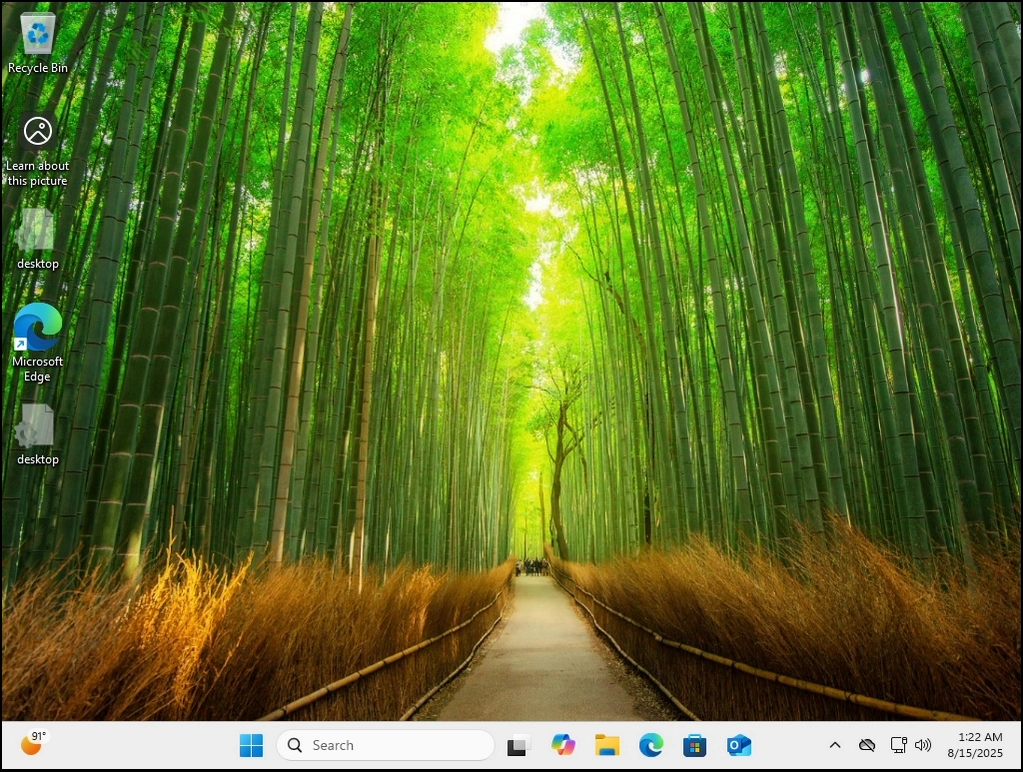
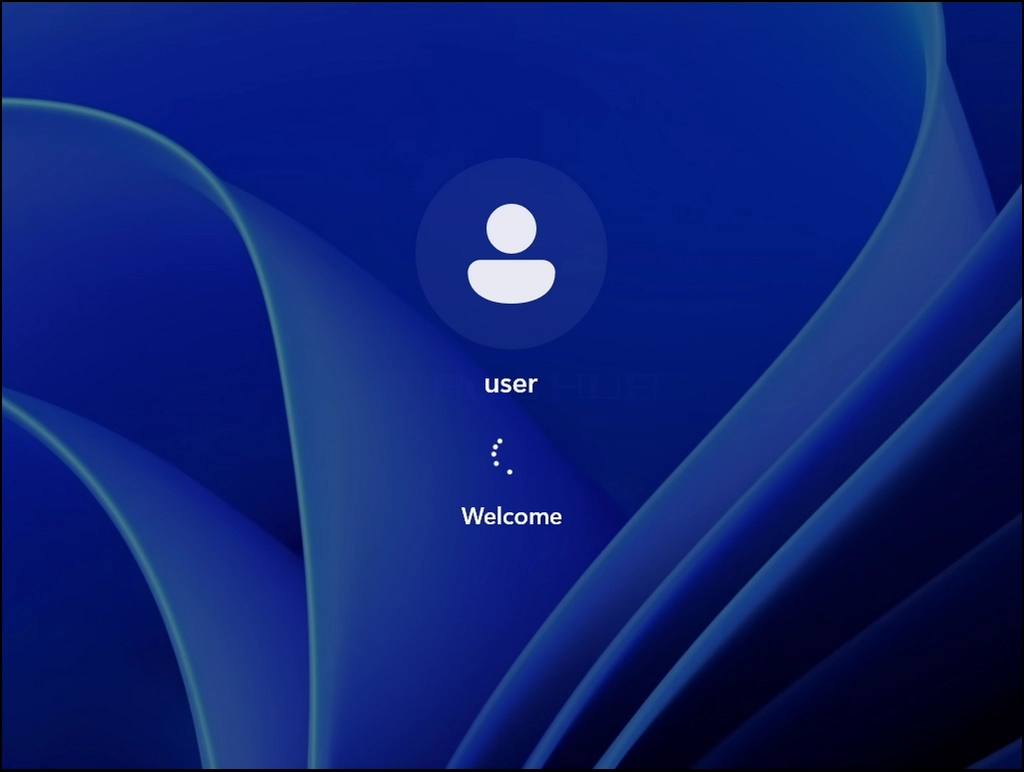
Sobald es gelöscht wurde, starten wir wieder in Windows 11.
can-windows-11-boot-without-the-windows.old-folder-18.webp

Wie Sie sehen können, startet Windows 11 normalerweise ohne Probleme.
can-windows-11-boot-without-the-windows.old-folder-19.webpcan-windows-11-boot-without-the-windows.old-folder-20.webp