Introducción:
En este artículo probaremos lo que sucede cuando Windows.old carpeta se elimina en ventanas 11. Examinaremos específicamente en Windows 11 podría arrancar normalmente sin ningún problema después de eliminar esta carpeta.
1. Vayamos a donde reside la instalación de Windows. En el 99% de los casos es la unidad C:.
2. Iremos al explorador de Windows para Este PC y luego a C:\.
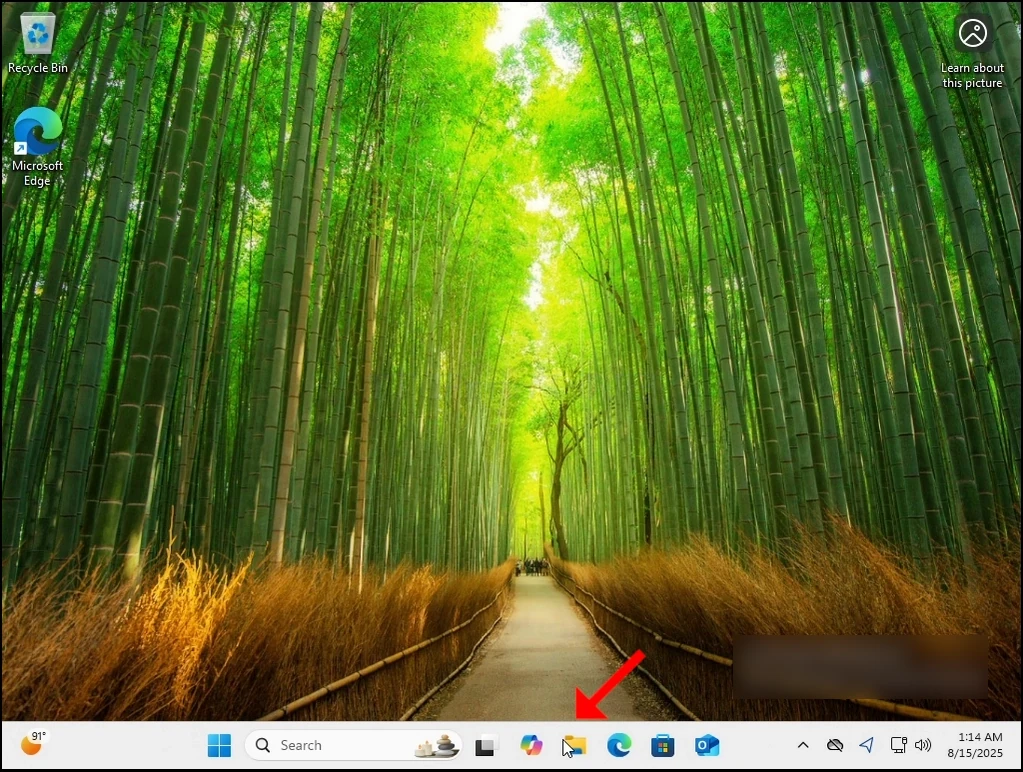
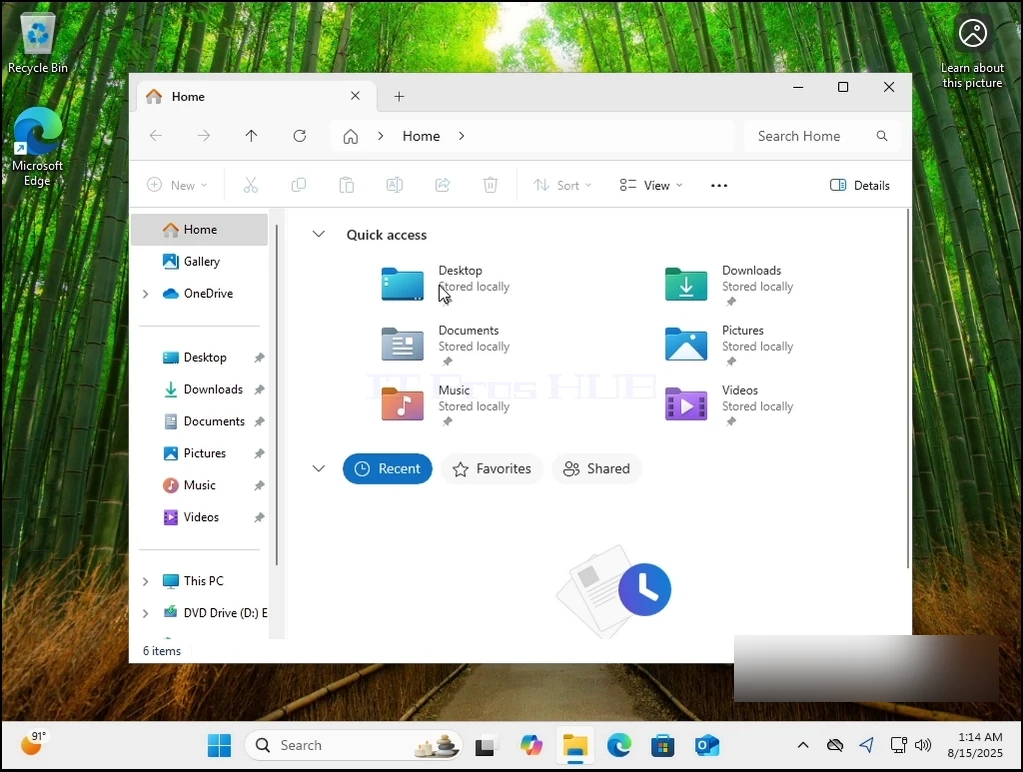
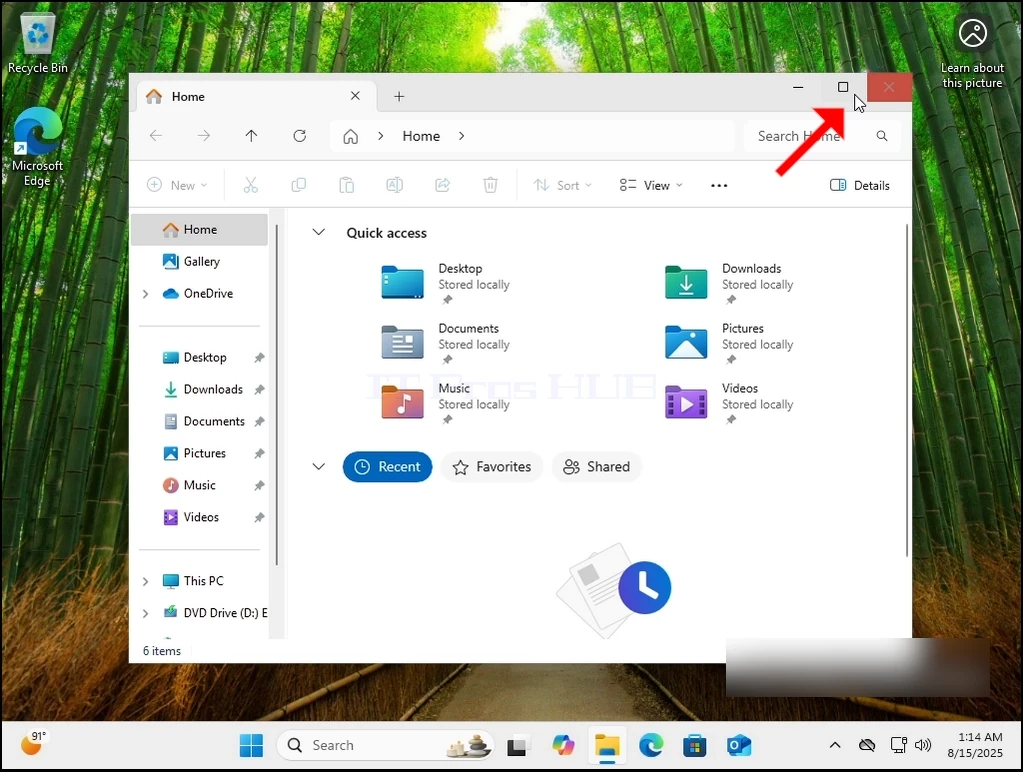
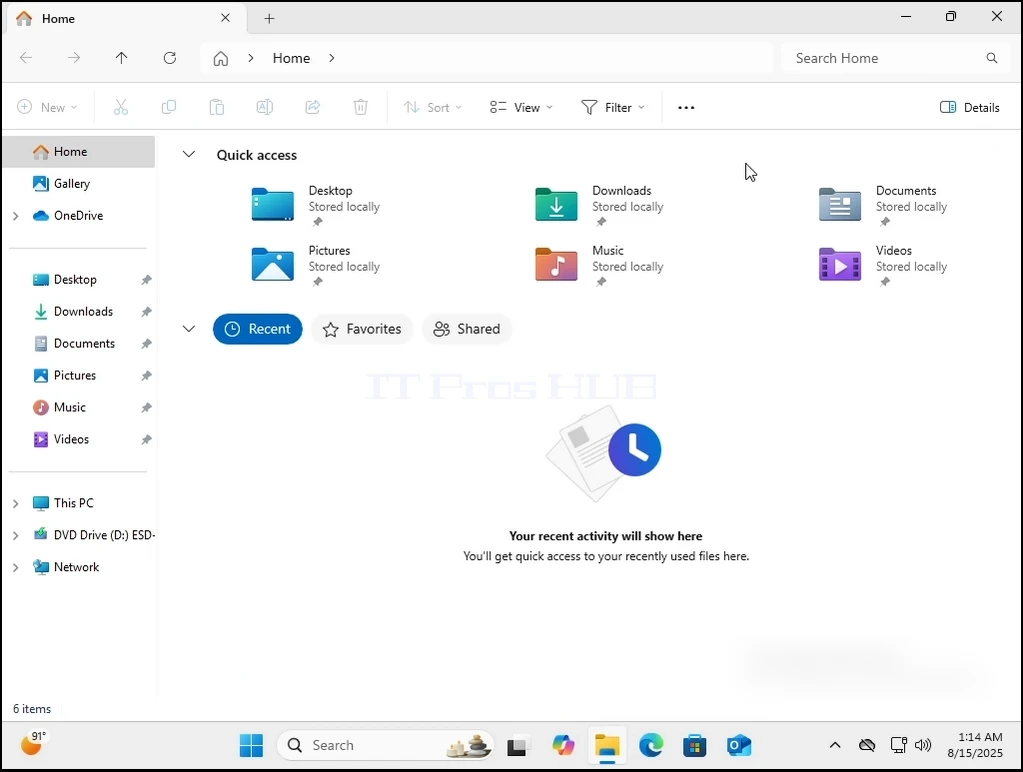
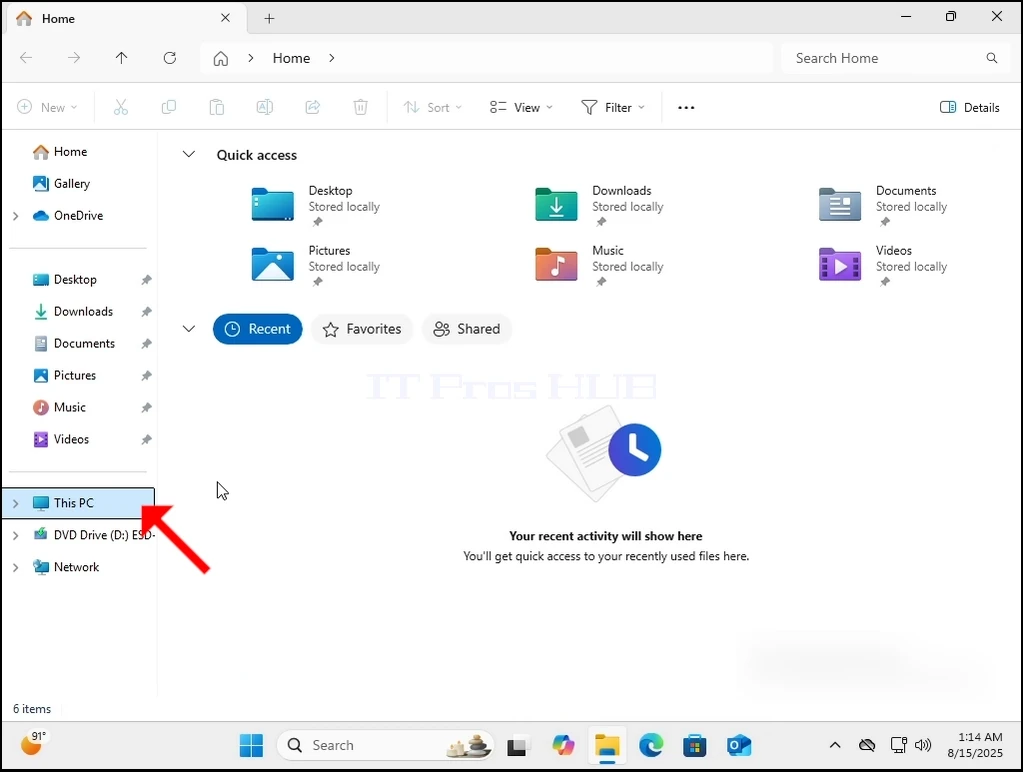
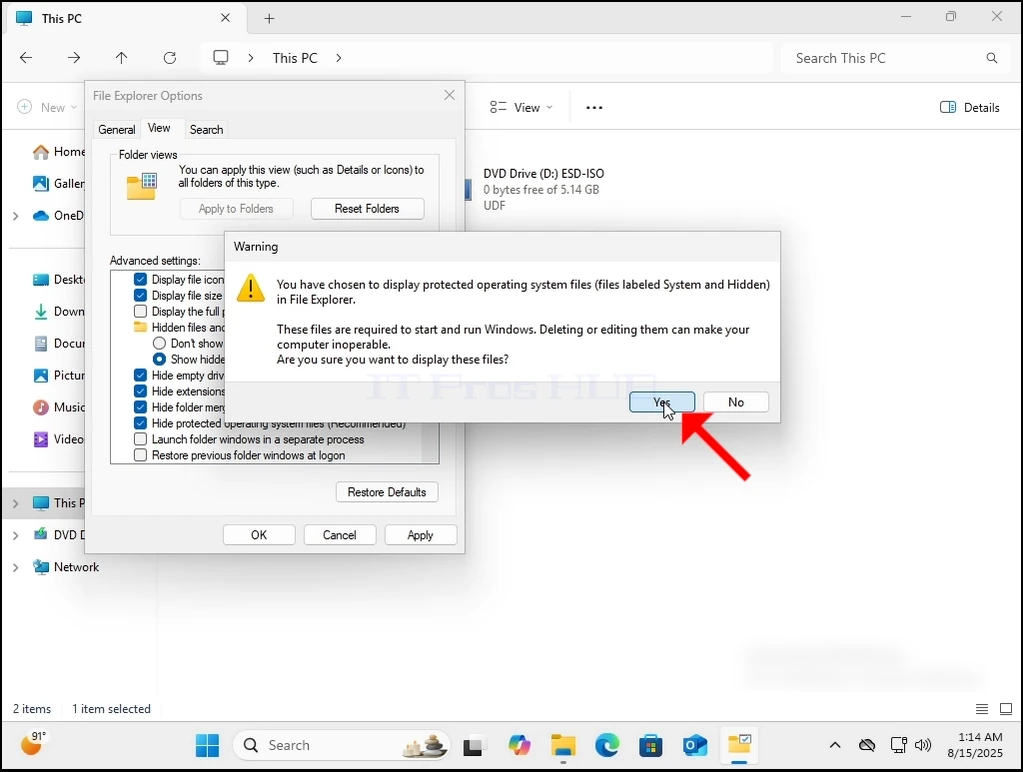
3. Normalmente, Windows.old no es visible directamente fuera de la caja. Tendremos que hacerlo visible permitiendo a Windows mostrar archivos y carpetas ocultos como se puede ver aquí:
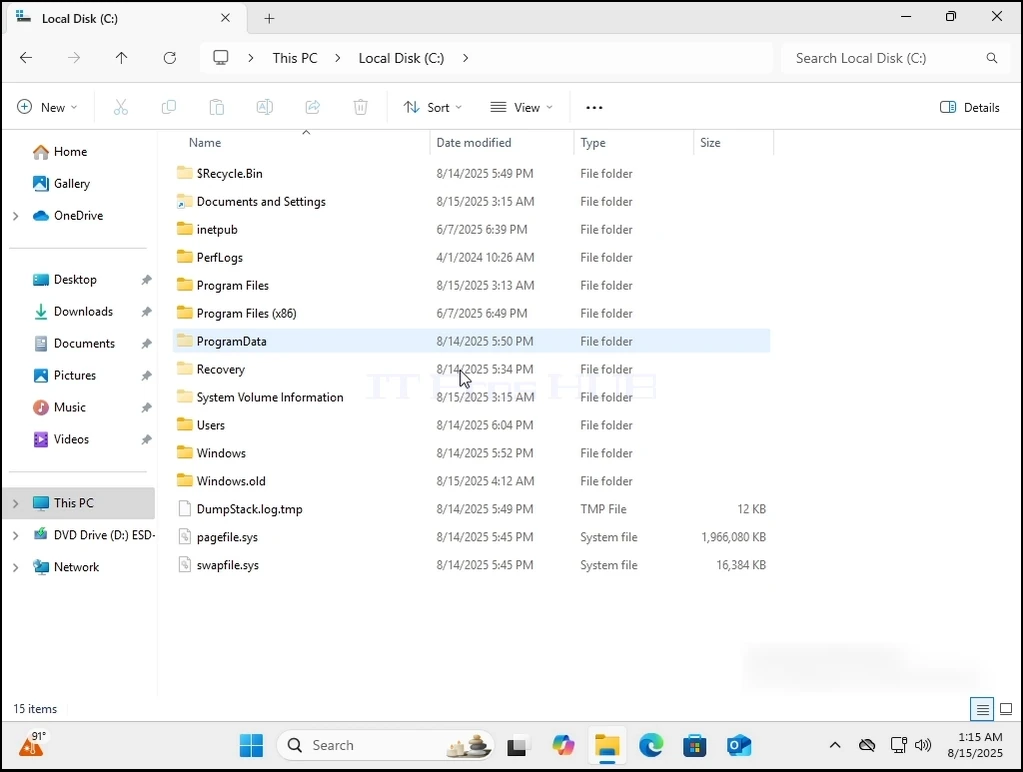
4. Puesto que Windows.old no se puede eliminar completamente de dentro de Windows 11 en sí, tendremos que hacerlo a través de un sistema operativo diferente. Usaremos el CD BOOT de HirenHBCD) para arrancar en Windows PE y eliminar de allí.
 "Anchura de arranque" con la altura de las ventanas.old-folder-13.webp" alt="can-windows-11-boot-without-the-windows.old-folder-folder" alt="can-windows-11-boot-without-the-folder=79-the-folder anchowebgins.
ttom: 50px;"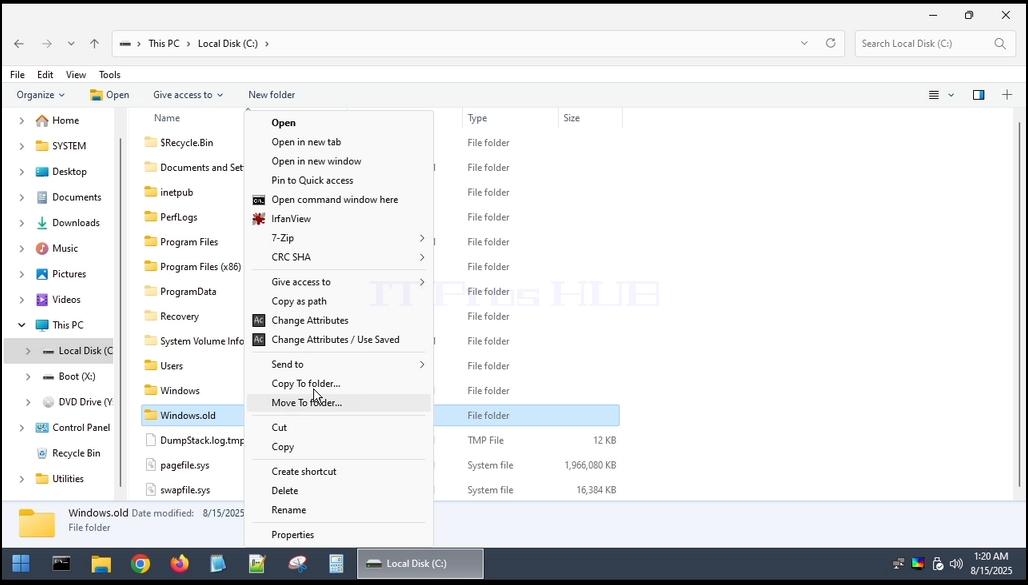
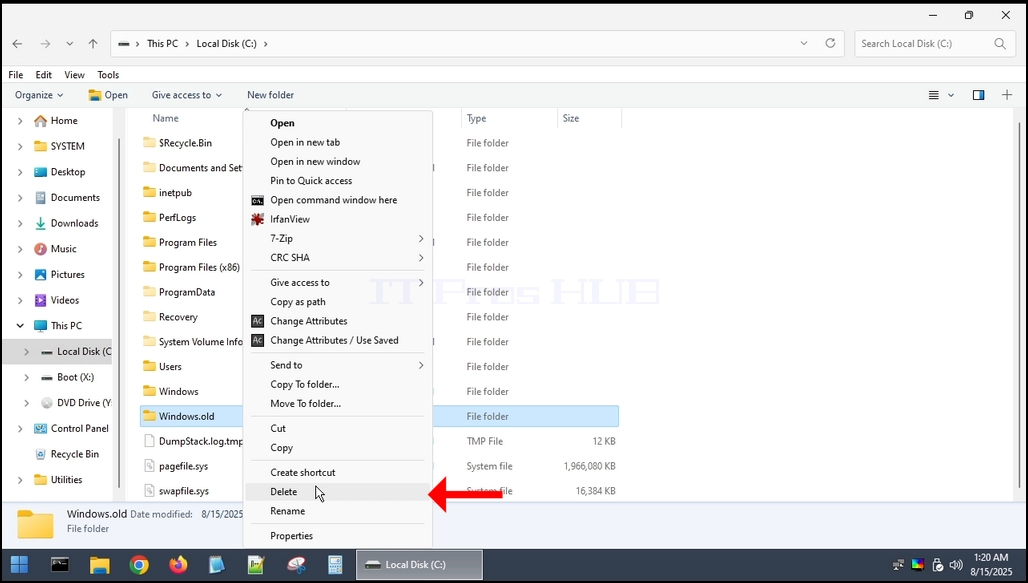
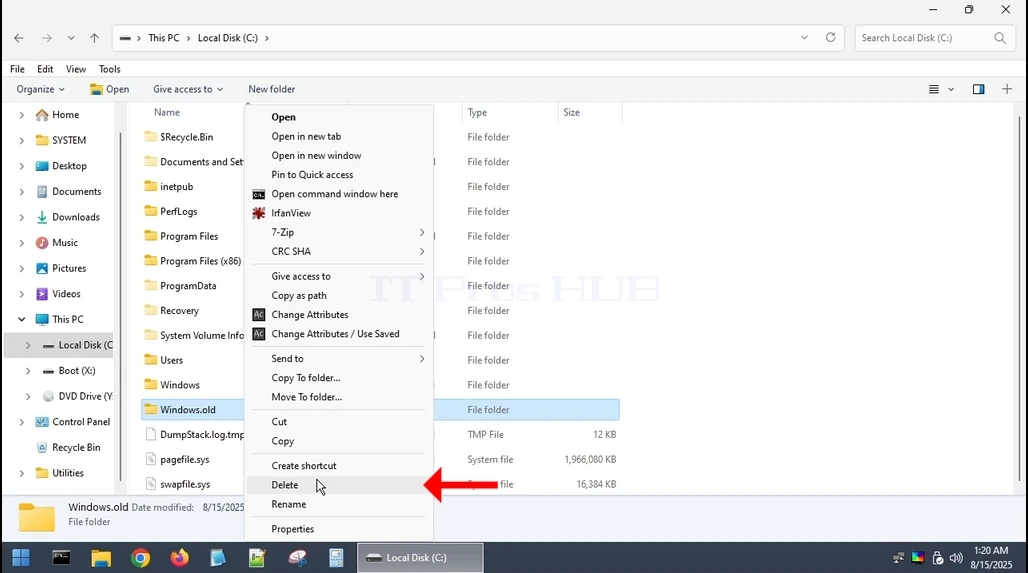
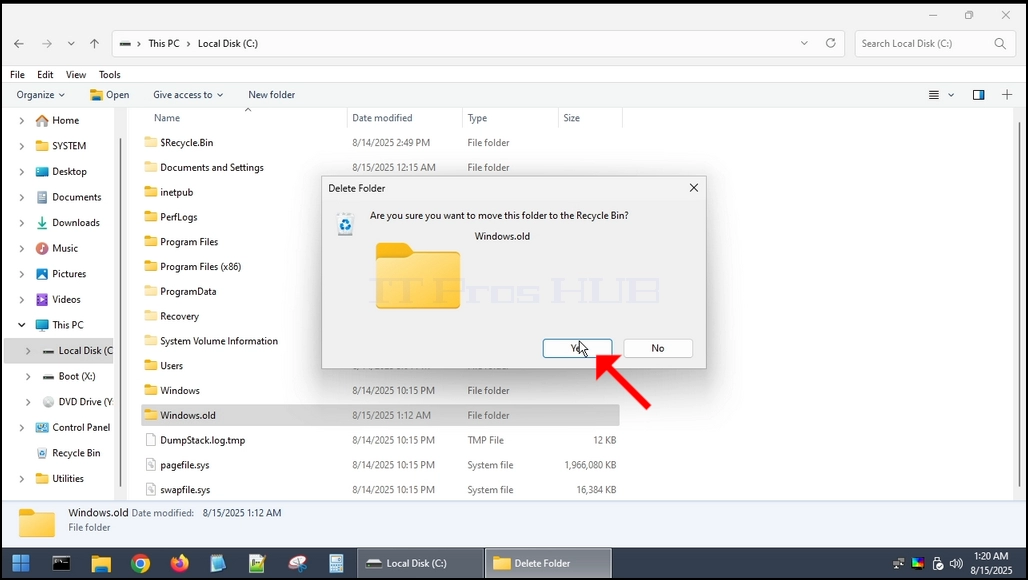
5. Una vez que se elimina, vamos a arrancar de nuevo en Windows 11.
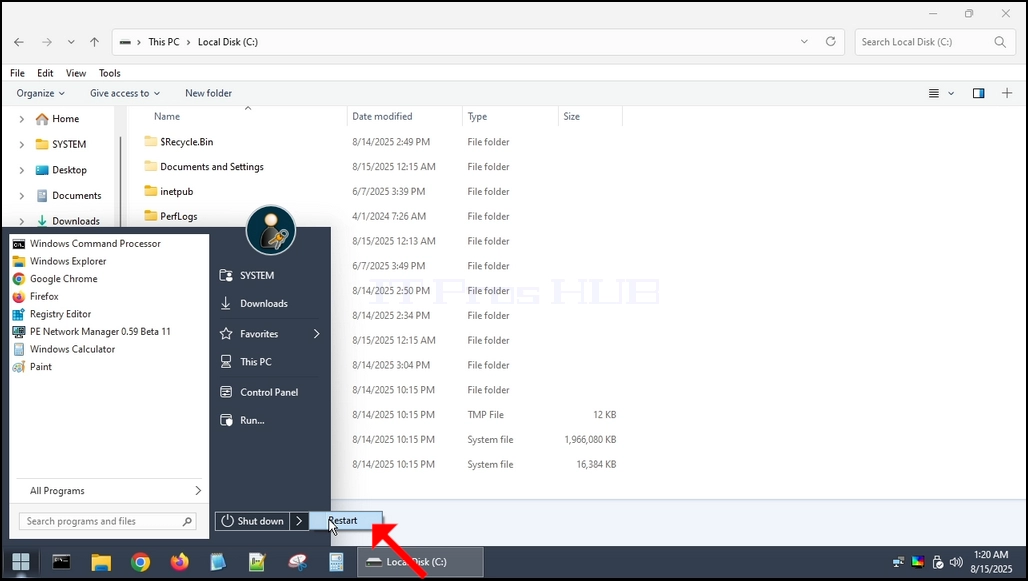
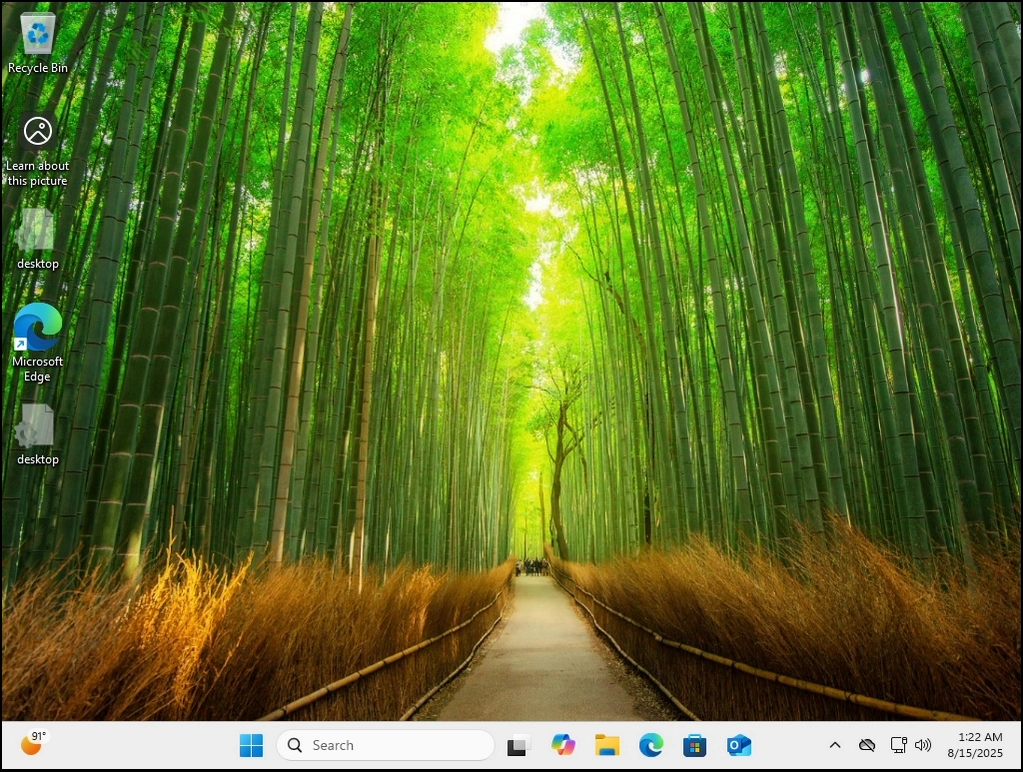
6. Como puede ver, Windows 11 botas normalmente sin ningún problema.