



Einleitung:
In diesem Artikel werden wir die Fähigkeit von Windows 11 untersuchen, mit seinem Programmdateienordner zu booten, der vollständig gelöscht wurde.
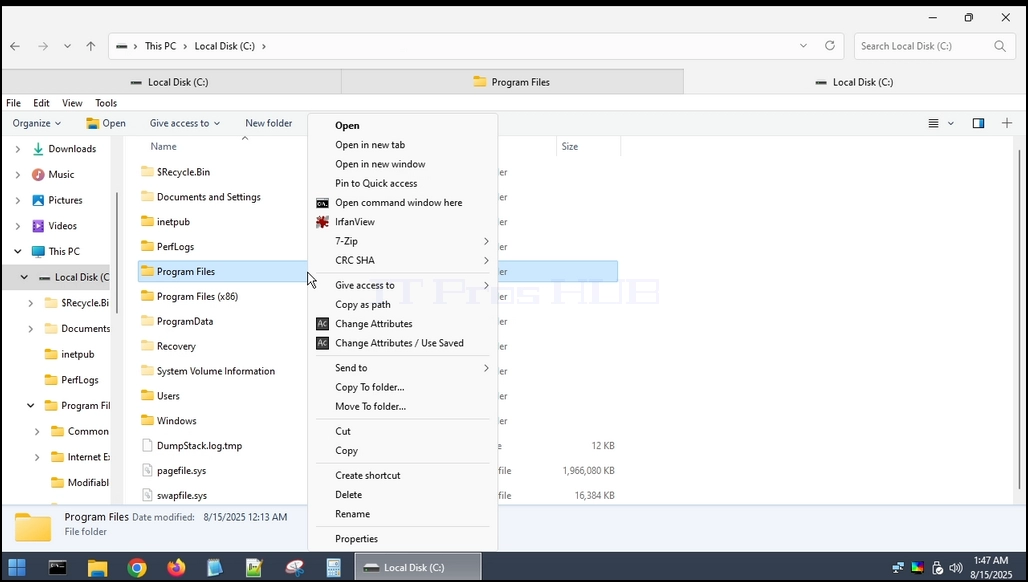
1. Zuerst finden wir den Ordner, stellen Sie sicher, dass es da ist. Wie Sie unten sehen können.

2. Da dieser Ordner nicht vollständig aus Windows selbst gelöscht werden kann, werden wir dies über ein externes Betriebssystem tun. In diesem Fall verwenden wir Hiren’s BootCD PE (HBCD)https://www.hirensbootcd.org/ )



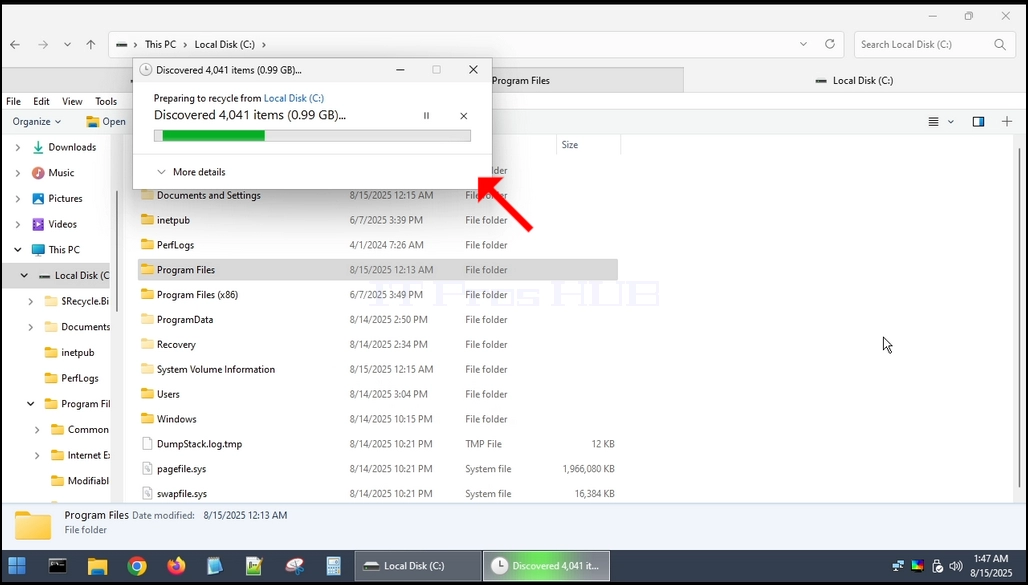
s/articles/657-could-windows-11-boot-up-without-its-program-files-folder/could_windows11_boot_without_its_programfiles_folder14.webp" alt="could_windows11_boot_without_its_programfiles_folder14.webp" width="1028" height="581" style="margin-bottom: 50px;">
4. Nachdem der Löschvorgang abgeschlossen ist, starten wir HBCD wieder in Windows 11 neu


5. Wie Sie sehen können, hat Windows 11 jetzt eine unendliche Boot-Schleife eingegeben und kann nicht normal starten.
Schlussfolgerung:
Das Löschen des Ordners Programmdateien von Windows 11 würde das Betriebssystem definitiv beschädigen und es nicht mehr booten und starten können.