Online: 1361 online | Members: 0 | Guests: 1361
화요일, 6월 16, 2026
Page Minimap
Reading time: 2 min read
Tagline:CouldWindows11BootUpWithoutitsProgramFilesFolder

제품 설명:
이 문서에서 우리는 Windows 11의 능력을 탐구하여 프로그램 파일 폴더로 부팅합니다.

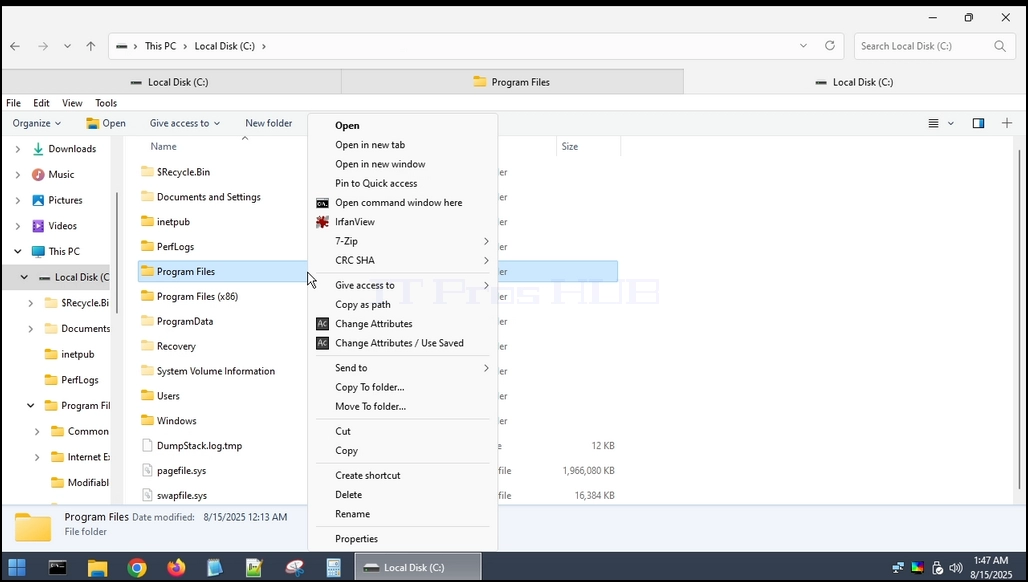
1. 명세 첫째, 우리는 폴더를 찾습니다. 아래에서 볼 수 있습니다.

could_windows11_boot_without_its_programfiles_folder1.webp

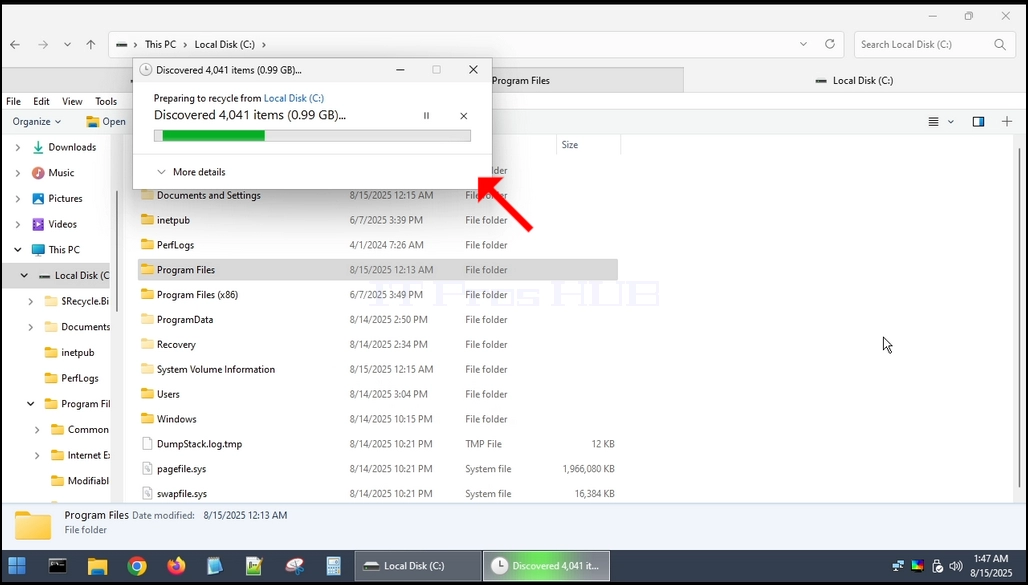
2. 명세 이 폴더는 Windows 자체 내에서 완전히 삭제 될 수 없기 때문에 외부 OS를 통해 수행 할 것입니다. 이 경우 Hiren의 BootCD PE (HBCD) (을)를 사용합니다.https://www.hirensbootcd.org/ ·could_windows11_boot_without_its_programfiles_folder2.webpcould_windows11_boot_without_its_programfiles_folder8.webpcould_windows11_boot_without_its_programfiles_folder9.webpcould_windows11_boot_without_its_programfiles_folder10.webpcould_windows11_boot_without_its_programfiles_folder11.webpcould_windows11_boot_without_its_programfiles_folder12.webpcould_windows11_boot_without_its_programfilefiles_folder14.webp

4. 명세 삭제 프로세스가 완료되면 HBCD를 Windows 11로 다시 부팅합니다.could_windows11_boot_without_its_programfiles_folder15.webpcould_windows11_boot_without_its_programfiles_folder17.webpcould_windows11_boot_without_its_programfiles_folder21.webpcould_windows11_boot_without_its_programfiles_folder24.webpcould_windows11_boot_without_its_programfiles_folder25.webp

5. 명세 볼 수 있듯이 Windows 11은 이제 무한 부팅 루프를 입력하고 일반적으로 시작할 수 없습니다.

결론:
Windows 11에서 프로그램 파일 폴더를 삭제하면 운영 체제에 손상을 일으킬 수 있으며 부팅 및 시작 할 수 없습니다.