



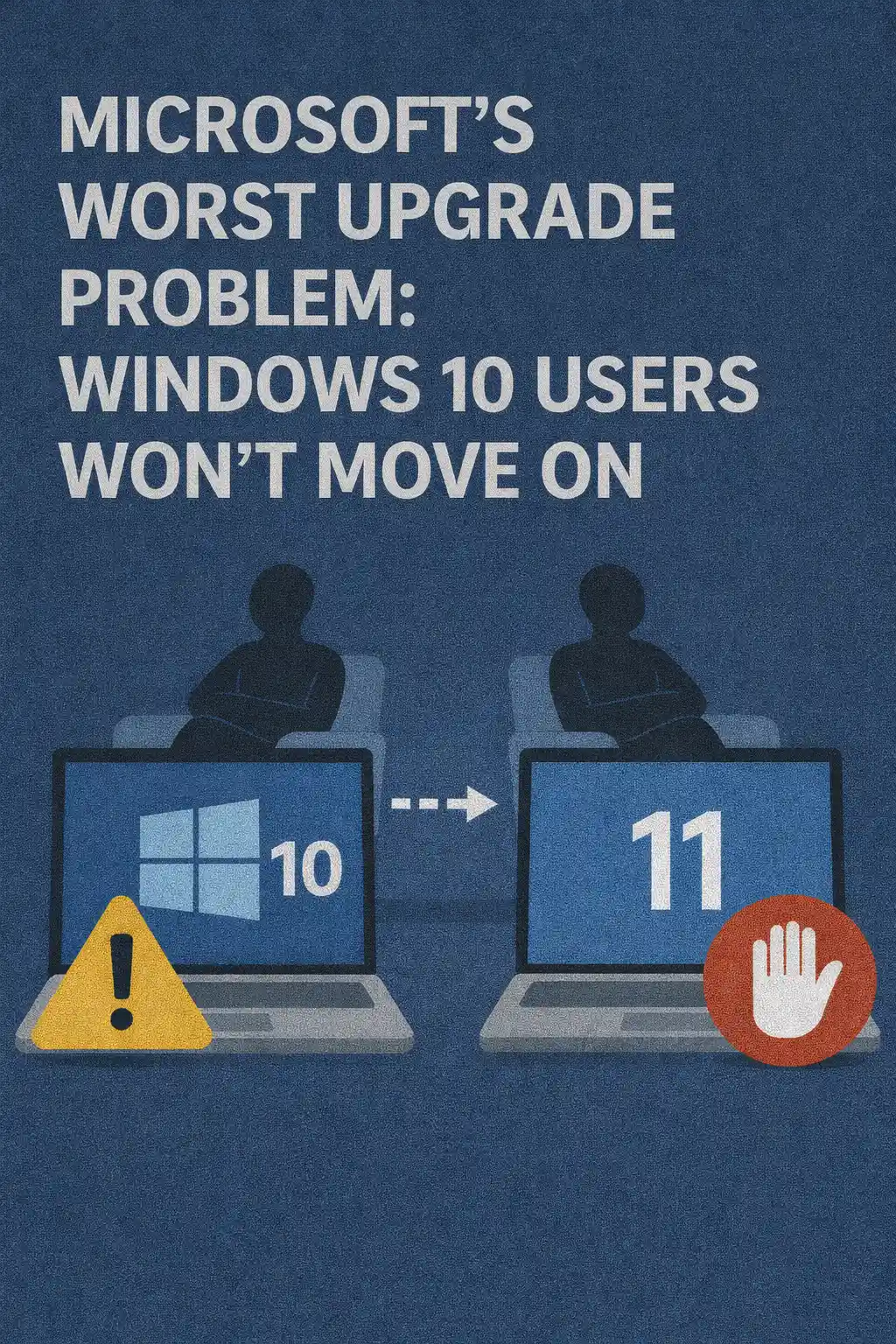
For IT professionals, Windows upgrades are rarely about excitement. They are about risk, compatibility, budgets, user sentiment, and operational continuity. Yet even by the usual standards of enterprise change management, the Windows 10 to Windows 11 transition has turned into a long-running stalemate. Windows 10 remains deeply embedded across organizations of all sizes, and many environments that could technically upgrade still choose not to.
This isn’t a simple case of “users dislike change.” It’s a compound problem where hardware baselines, security posture, line-of-business dependencies, management tooling, and real-world productivity concerns collide. Microsoft can ship features, refresh the UI, and market AI-driven experiences, but none of that automatically translates to broad adoption when the upgrade calculus looks unfavorable to the people responsible for uptime.
The Upgrade Problem Isn’t Technical Alone
From a distance, Windows 11 can appear like a logical successor: more modern security defaults, ongoing platform investment, and a forward-looking ecosystem. But IT shops don’t migrate because a platform is “new.” They migrate because the business case is clear, the risk is controlled, and the benefits are measurable.
In many organizations, Windows 10 already meets requirements for productivity, management, and compliance. That creates a high bar for change: the upgrade must be worth the disruption. When the perceived payoff is mostly cosmetic—or when improvements are hard to quantify—the path of least resistance wins.
Hardware Requirements: The Adoption Gatekeeper
Windows 11’s baseline expectations shifted the conversation from “Can we deploy this?” to “Do we qualify to deploy this?” For IT, the moment eligibility depends on specific CPU generations, firmware configuration, and security module presence, an OS upgrade becomes a fleet modernization project. That is fundamentally different in scope and cost.
Many environments still run perfectly capable devices for everyday workloads: office productivity, web applications, VDI endpoints, call-center stations, kiosks, lab systems, and purpose-built machines. These devices may not meet Windows 11’s requirements, even though they remain reliable and sufficient. Replacing hardware early means capital expenses, procurement cycles, imaging workflows, and e-waste considerations—all for an upgrade that may not deliver immediate business value.
This is one reason Windows 10 lingers: it fits existing fleets. Windows 11 often demands a fleet refresh, and not every organization is ready to align OS strategy with hardware depreciation schedules.
Security Messaging vs. Security Reality
Windows 11 is frequently positioned as a security upgrade. Strong defaults matter, especially in a world of credential theft, ransomware, and supply-chain risk. But security in the enterprise is rarely solved by the OS alone. Many organizations have already invested heavily in endpoint protection, identity controls, conditional access, MFA enforcement, device compliance, and audit tooling.
When security teams already have hardened baselines for Windows 10—paired with modern identity and EDR stacks—the incremental benefit of a new OS can feel less urgent than Microsoft’s messaging suggests. In practice, IT may be fighting more immediate fires: legacy protocols, weak admin separation, inconsistent patching habits, shadow IT, unmanaged devices, and SaaS sprawl. A new OS does not automatically fix those.
This is not an argument against Windows 11’s security improvements. It’s a recognition that upgrades compete with other security work. If leadership doesn’t see a direct risk reduction tied to migration, the project becomes easier to postpone.
Compatibility: The Silent Cost Center
Every IT professional knows the obvious compatibility concerns: drivers, VPN clients, security agents, and specialized peripherals. The bigger issue is the long tail—those line-of-business applications and workflows that only show up during pilot phases, or worse, during production rollout.
Many organizations run an ecosystem of tools developed over a decade or more: old Win32 applications, browser-dependent portals, ERP add-ons, custom macros, legacy printing solutions, proprietary USB devices, and industry-specific software with slow vendor support. Even when these tools “work” on Windows 11, validation takes time. And time is money: lab testing, user acceptance, packaging, deployment rings, and helpdesk ramp-up all have real operational costs.
When Windows 10 is stable and predictable, leadership tends to ask: why take the risk now? That question is rational, even if it is strategically uncomfortable for Microsoft.
The UI Problem: Productivity Is a Measurable Metric
UI changes are often dismissed as “personal preference,” but for IT departments, interface shifts translate into training burden and productivity impact. If the new experience triggers helpdesk tickets, slows down power users, or causes confusion during common tasks, the organization pays for that friction.
Windows 11 introduced noticeable workflow changes: new Start layout behavior, taskbar differences, altered context menus, and modified system settings paths. Small changes compound across thousands of users. If the perception is that the UI is less efficient—or that it prioritizes aesthetics over speed—resistance becomes sticky, especially in operations-heavy organizations where every minute matters.
IT teams feel this directly: more “Where is X?” questions, more remote assistance sessions, and more pressure to implement workarounds or standardize third-party utilities. Even if Windows 11 is objectively fine, “fine” is not enough when Windows 10 is already known, documented, and muscle-memory friendly.
Management and Deployment: Maturity Wins
Enterprise Windows management is an ecosystem: imaging, autopilot-style provisioning, configuration baselines, policy models, patching strategies, reporting, compliance enforcement, and app distribution. Windows 10 has years of hardened processes behind it. That “maturity” is a powerful asset.
Even when Windows 11 supports the same management frameworks, the upgrade still forces decision points: whether to shift provisioning methods, revalidate baselines, rebuild images, adjust security hardening, and revisit performance expectations. If an organization has a working assembly line for Windows 10, it may not want to disrupt it unless there is a strong reason.
For IT, the best platform is often the one with the fewest surprises. Windows 11 adoption slows when organizations fear that “unknown unknowns” will surface at scale.
Patch Fatigue and the Cost of Change
Many IT departments are operating with lean staff and expanding responsibilities. They manage hybrid identities, cloud services, endpoint security, compliance reporting, and user support—often across multiple regions and device types. In that reality, an OS migration is not just “another project.” It’s a major diversion of attention.
Patch management already consumes a significant portion of operational cycles. Add application updates, browser changes, firmware fixes, vulnerability response, and incident handling, and you get a workforce that is constantly chasing stability. Introducing a large-scale OS transition into this environment can feel like adding turbulence to an already turbulent flight.
When IT leaders prioritize, they often pick initiatives that reduce future work. If Windows 11 is not perceived as reducing ticket volume, simplifying management, or significantly improving security outcomes, it slides down the priority list.
Remote and Hybrid Work Changed the Upgrade Equation
In a world where endpoints are distributed, upgrades carry new risks. A failed in-place upgrade is no longer a quick desk-side fix. It’s a logistics problem: shipping devices, coordinating remote recovery steps, dealing with bandwidth constraints, and guiding users through long remediation processes.
This is why many organizations became conservative: if the current OS is stable, avoid triggering mass endpoint disruption. Even well-run upgrade rings can produce edge cases at scale. Hybrid work amplifies the pain of those edge cases, so IT teams often limit change windows and prefer proven configurations.
The “AI PC” Push Doesn’t Automatically Convert Windows 10 Fleets
Microsoft’s platform narrative increasingly emphasizes AI integration and next-generation device experiences. That may shape procurement for future endpoints, but it doesn’t instantly migrate existing fleets. Many users do not need AI-enhanced workflows to do their jobs, and many organizations will not adopt new capabilities until governance, privacy, compliance, and cost models are settled.
From an IT perspective, “AI features” often arrive with questions: data exposure, tenant configuration, policy control, auditing, user education, and support boundaries. If those questions remain open, the AI narrative may actually increase hesitation rather than reduce it.
Why Resistance Persists Even When Windows 11 Works Fine
In many pilots, Windows 11 performs adequately. Yet adoption still stalls. That’s because success in a test ring is not the same as success across a full enterprise environment. The migration must pass multiple gates at once:
It must be eligible across the majority of hardware. It must be compatible with critical applications. It must not increase support load. It must have a clear security and compliance story. It must align with budget cycles. It must fit within operational capacity. And it must survive the human factor—users who have learned, adapted, and optimized around Windows 10 for years.
If even one of these gates is difficult, organizations choose delay. Delay is not always denial; it is often risk management.
Practical Strategies for IT: Turning Stalemate into a Plan
Whether you want it or not, the industry will move forward. The most effective approach is to replace emotional upgrade debates with an evidence-driven roadmap that reduces surprise and spreads costs over time.
Start with inventory reality. Build a clean view of device eligibility, firmware posture, and age. Map it to refresh schedules instead of attempting a big-bang migration. Where possible, treat Windows 11 adoption as a default for new devices while leaving existing endpoints on Windows 10 until retirement—unless a business unit has a strong reason to accelerate.
Use a staged deployment model that prioritizes low-risk groups: IT staff, tech-savvy teams, and departments with simple application stacks. Expand only when telemetry supports it. Track performance, ticket volume, and user friction. If Windows 11 increases support costs for a specific workflow, isolate that workflow and solve it before the next ring.
Standardize training in a way that respects time. Short internal quick-start guides, a few “most common changes” screenshots, and a clear self-service portal can reduce helpdesk burden. When the UI changes are the biggest pain point, targeted enablement goes further than generic “welcome to Windows 11” messaging.
What Microsoft Could Do Better
The persistence of Windows 10 is not just customer stubbornness. It signals a mismatch between Microsoft’s platform goals and the practical constraints faced by IT teams. If Microsoft wants faster migration, it has to reduce the real costs that block it.
That means clearer enterprise value propositions beyond UI refreshes. It means migration incentives that don’t feel like pressure tactics. It means smoother upgrade experiences on diverse hardware. It means more transparent communication about feature changes that affect workflows and support. And it means consistent control surfaces for IT administrators—so teams can enforce policy without constantly chasing moving UI targets.
Most of all, it means acknowledging that for many organizations, the biggest barrier is not desire—it is timing. The migration needs to align with hardware refresh, budget approvals, staffing capacity, and real business benefit.
The Real Bottom Line for IT Pros
Windows 10’s staying power isn’t a mystery. It’s the predictable outcome of a platform that still performs well, fits existing fleets, and aligns with mature management processes. Windows 11 might be the strategic future, but many organizations operate in the present: they prioritize stability, cost control, and minimal disruption.
If you’re responsible for endpoint strategy, the path forward is less about convincing users to “move on” and more about engineering a transition that doesn’t punish the business. Treat Windows 11 as a measured modernization program, not a forced march. Use telemetry, ring-based deployment, and hardware lifecycle planning to reduce friction. And assume the biggest challenge will be cultural and operational, not purely technical.
Microsoft’s worst upgrade problem is not a missing feature. It’s that Windows 10 is “good enough” across an enormous portion of the market, while the costs of moving—hardware, validation, support, and change fatigue—remain too visible for many IT teams to ignore.


 12984
12984  IT Pro






















