



Tagline:HowtoAddStock3DModelsinWord
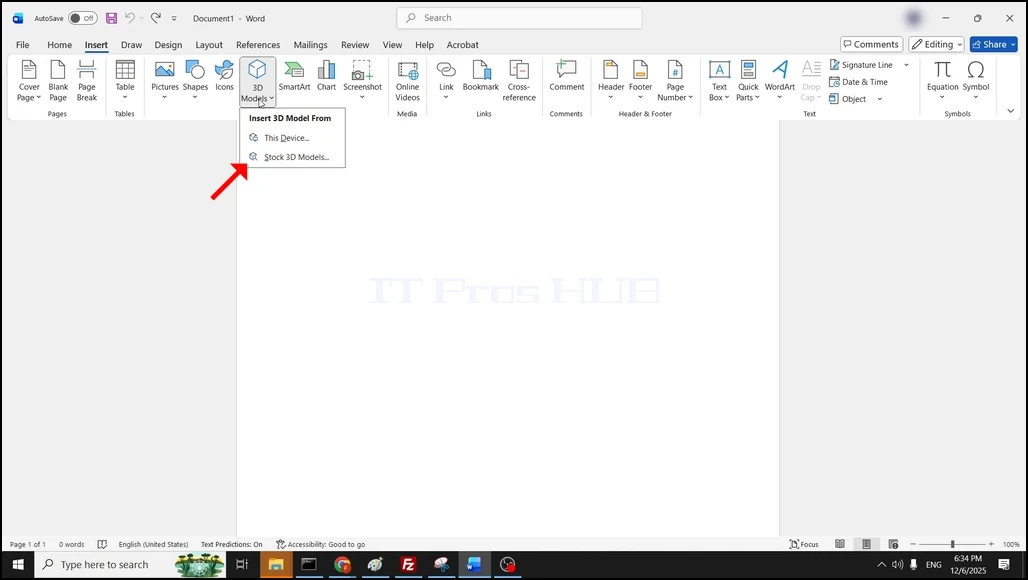
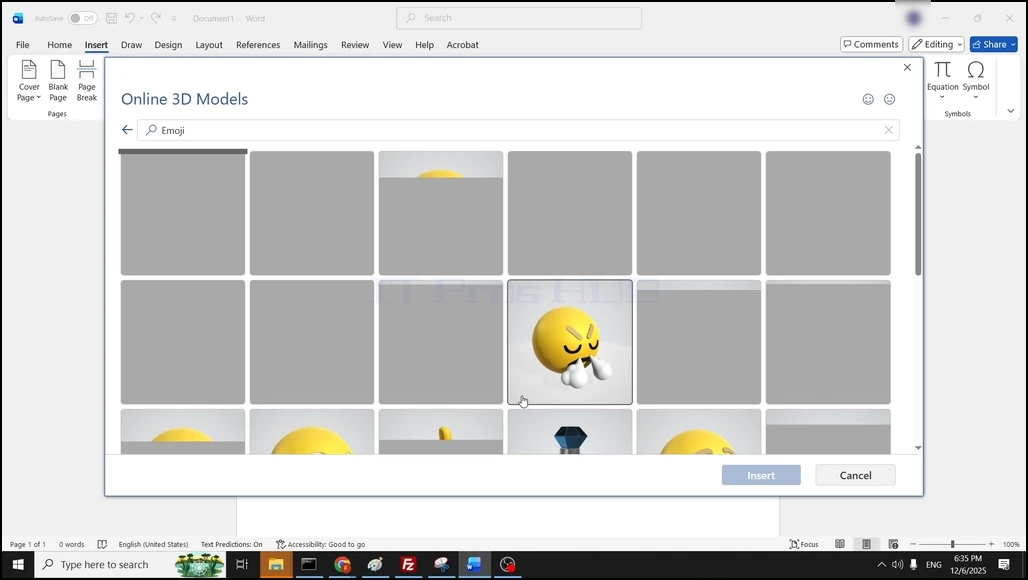
1.Open Word and click on the Insert button at the top menu ribbon.

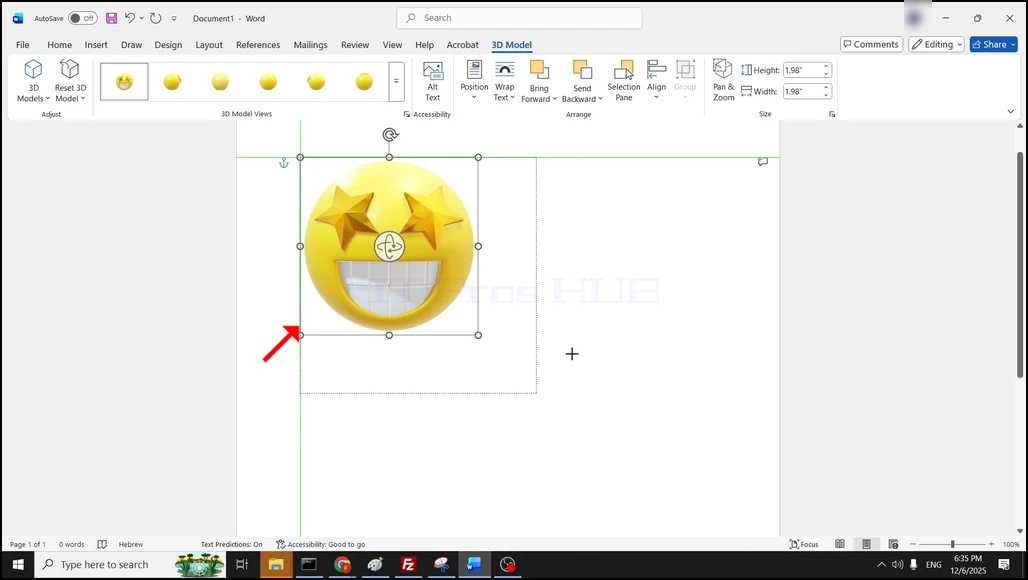
4. The 3D model is now inserted into the word document:
|
Online:
1087 online | Members: 0 | Guests: 1087
|
Wednesday, June 3, 2026
|
|
|
|
|
1.Open Word and click on the Insert button at the top menu ribbon.
4. The 3D model is now inserted into the word document: