Tagline:HowtoAddCoverPageinWord+1
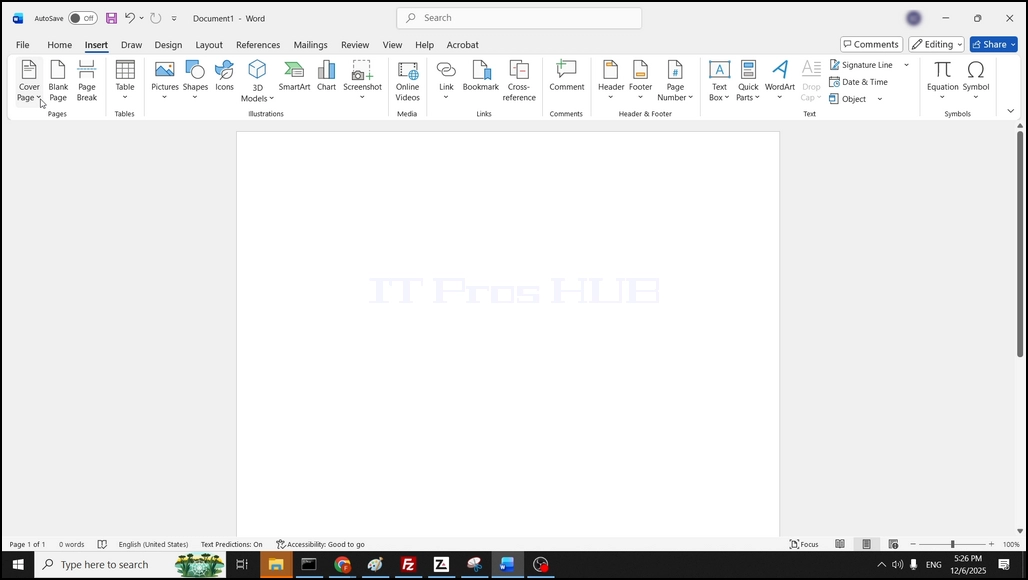
1. Open Word, in the to menu ribbon, go to Insert and click on it:

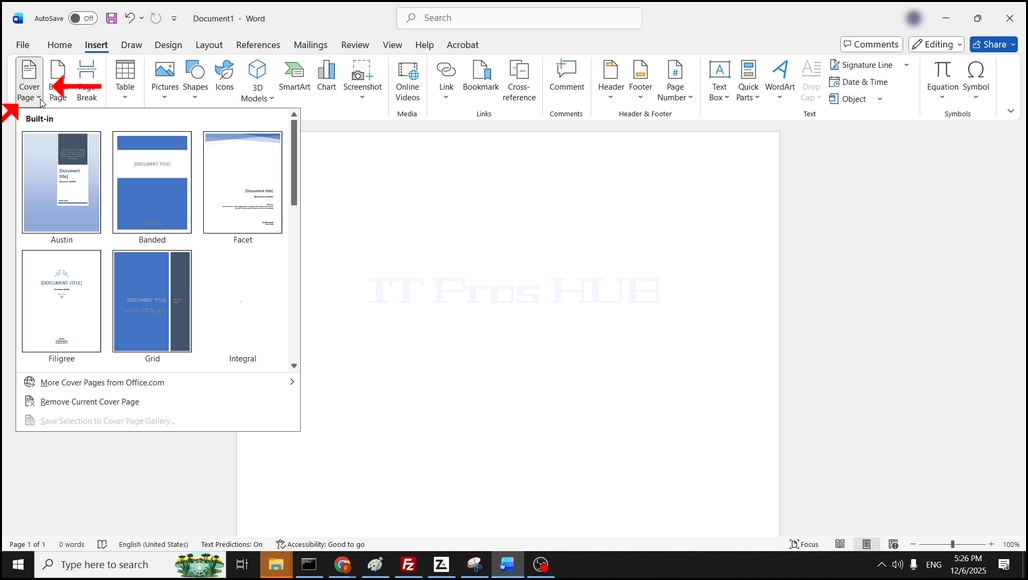
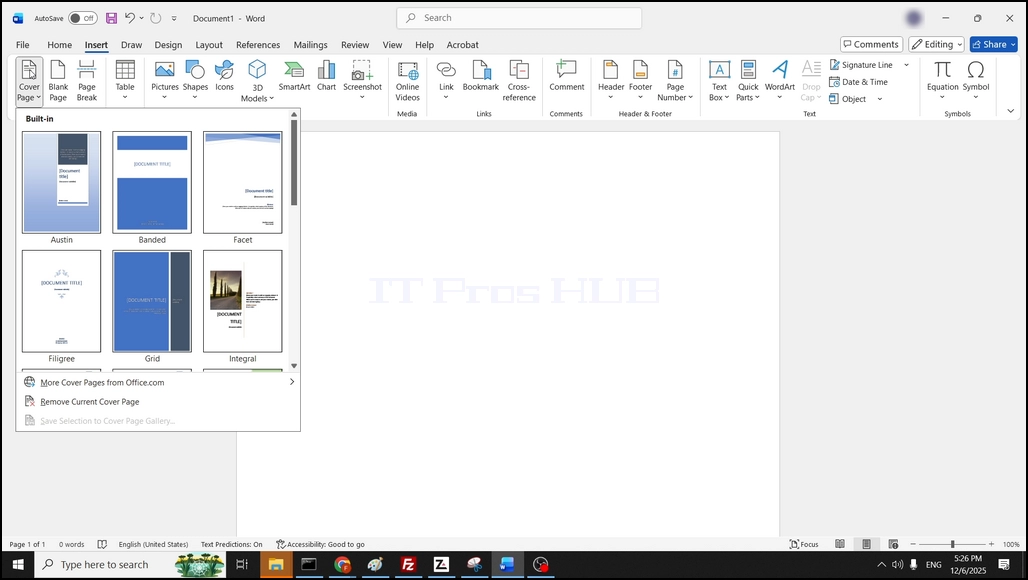
4. In the case of this article, we will choose the Austin cover page by clicking on it once:
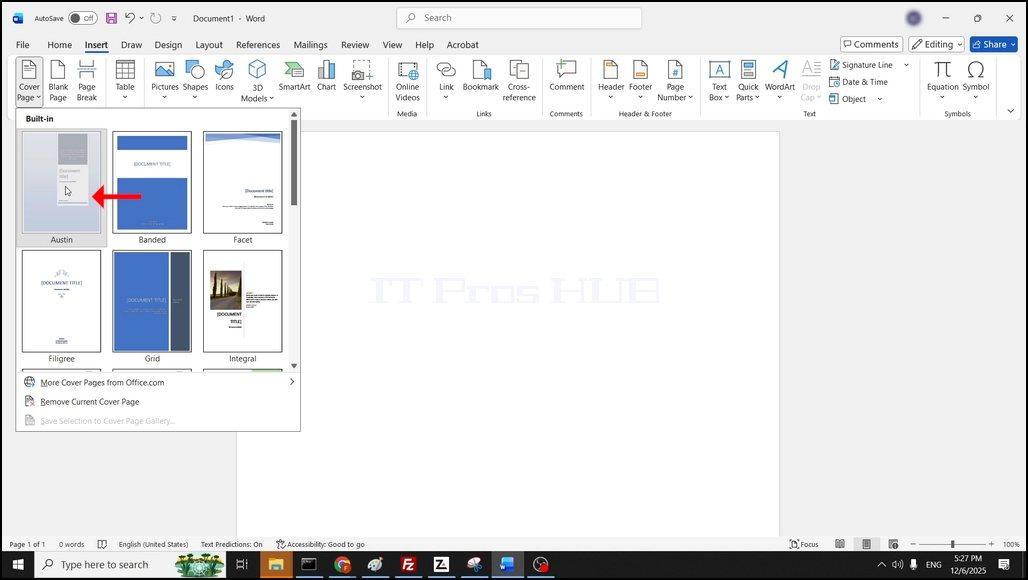
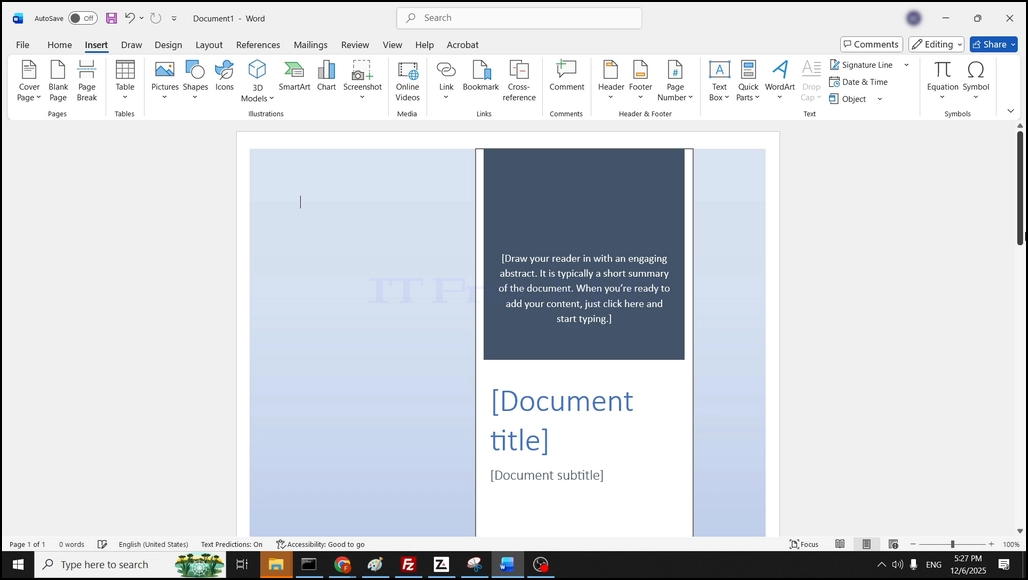
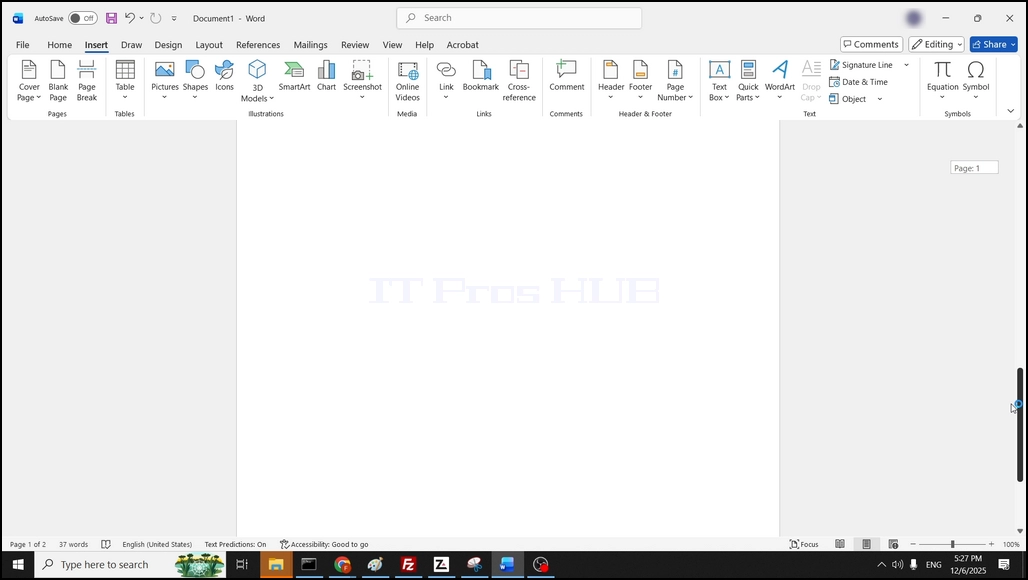
5. Once clicked, Word has added the cover page as a separate page before the initial page of Word so now we have 2 pages - a cover page and a blank page: