Tagline:HowtoFindOutInformationAboutYourComputerinWindows10November+2
There is no translation available.
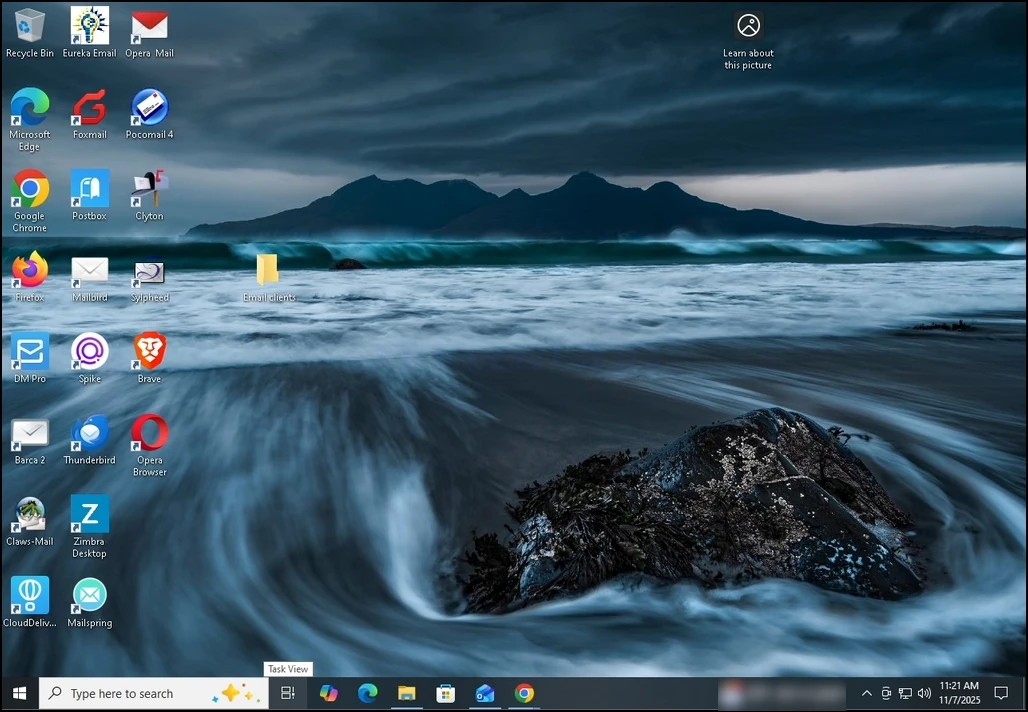
1. Go to Windows Settings by clicking the Start menu and going to Settings.
a. If Settings is not visible look for the gear button on the bottom left side of the Start menu.
b. If it is still not visible, just type Settings and let the Start menu find it. Once found, click on it.
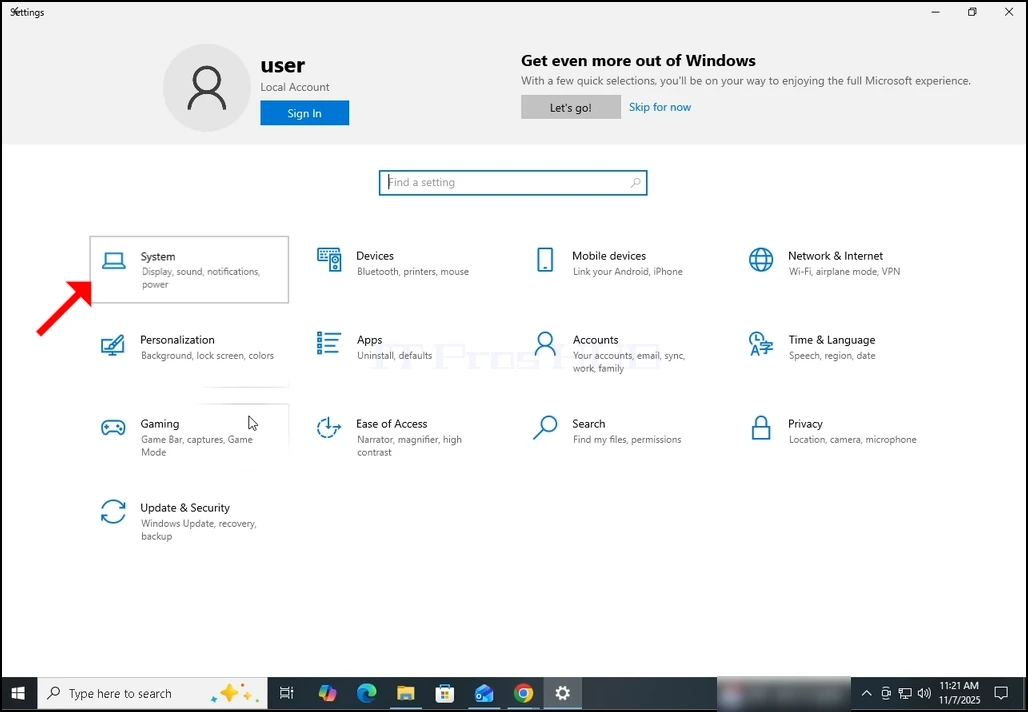
2. In the Settings window, go to System (Top left part of the window).
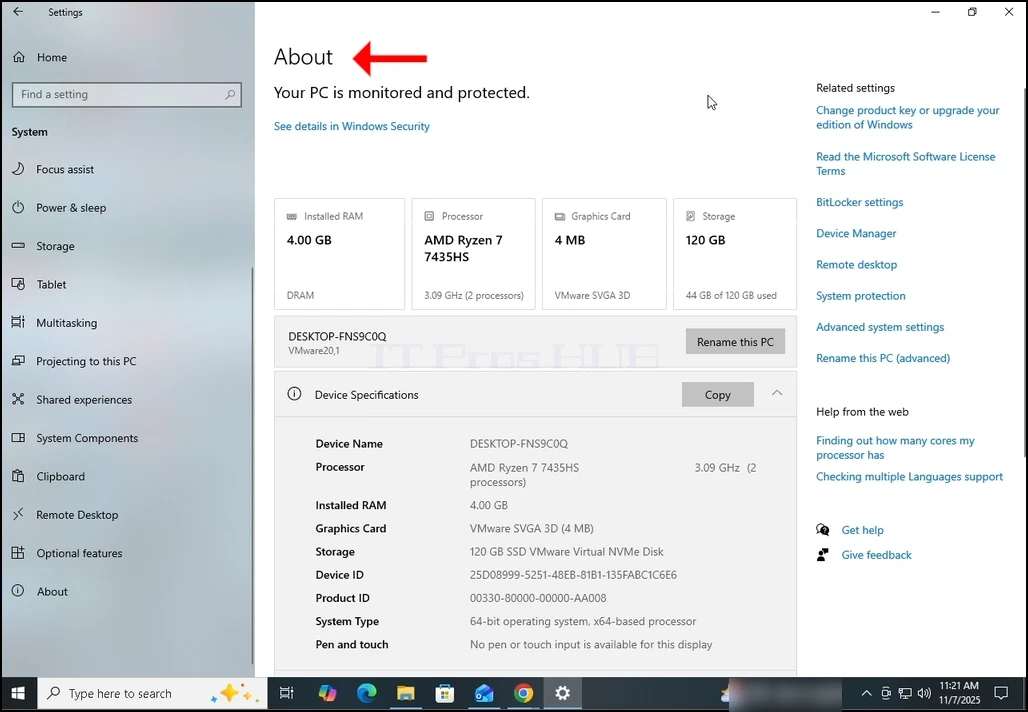
3. In System, look for the About option on the left pane part of the window. It should be the bottom option.
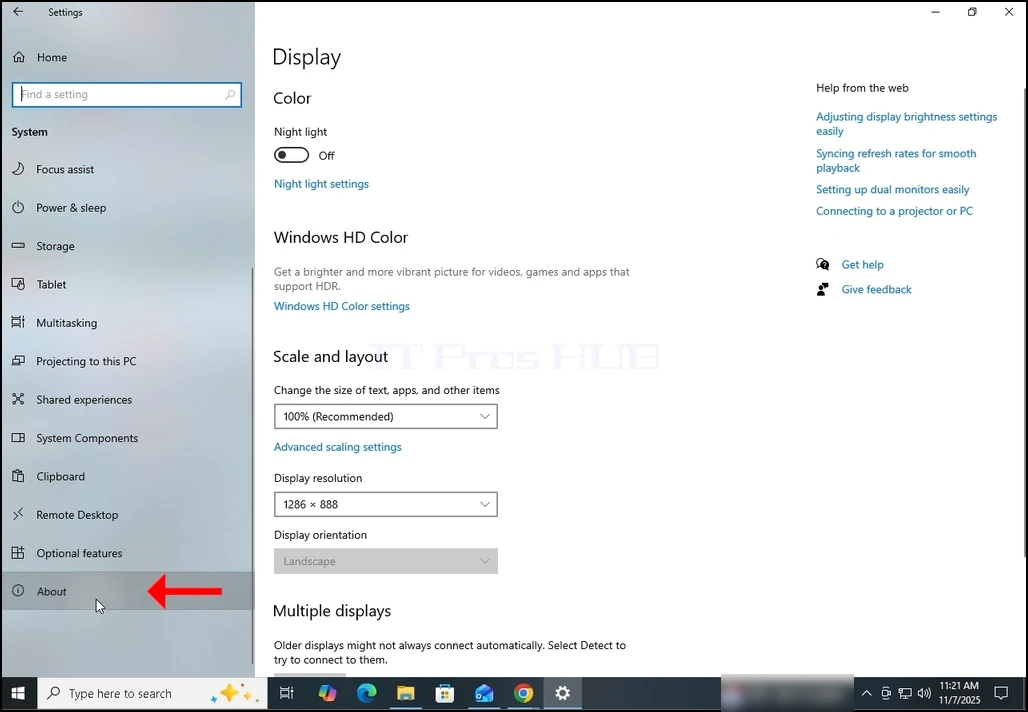
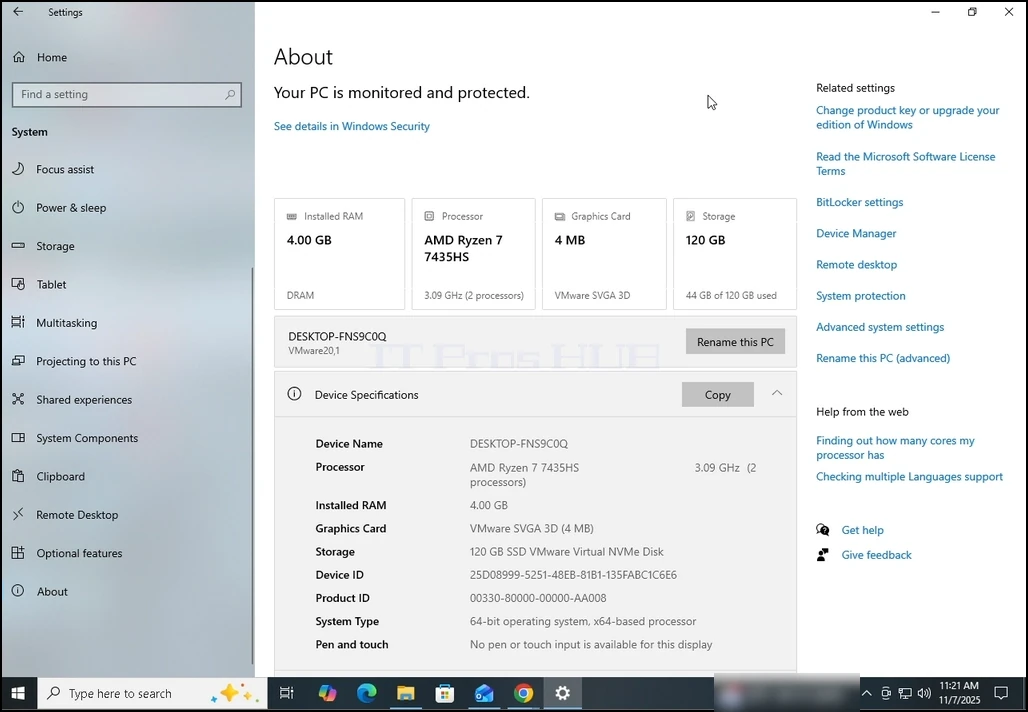
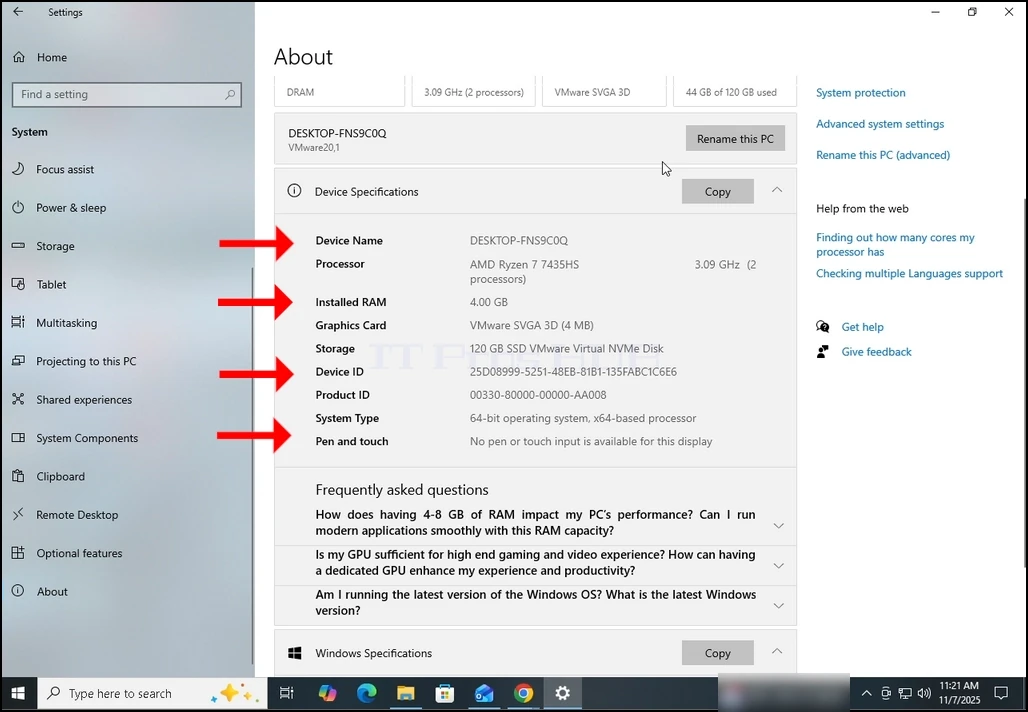
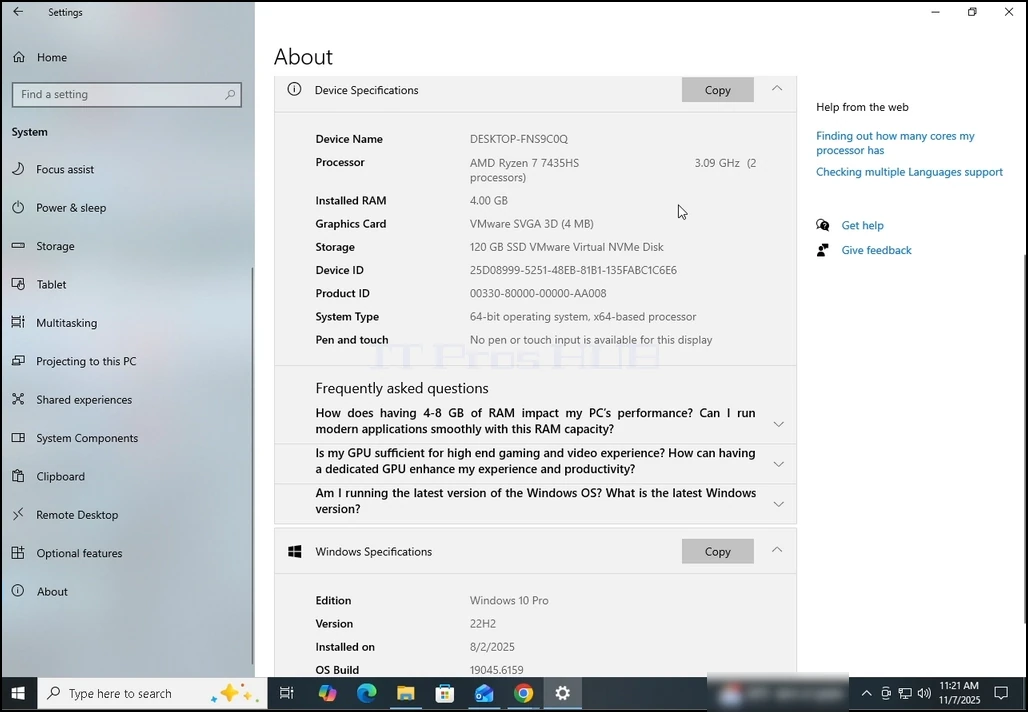
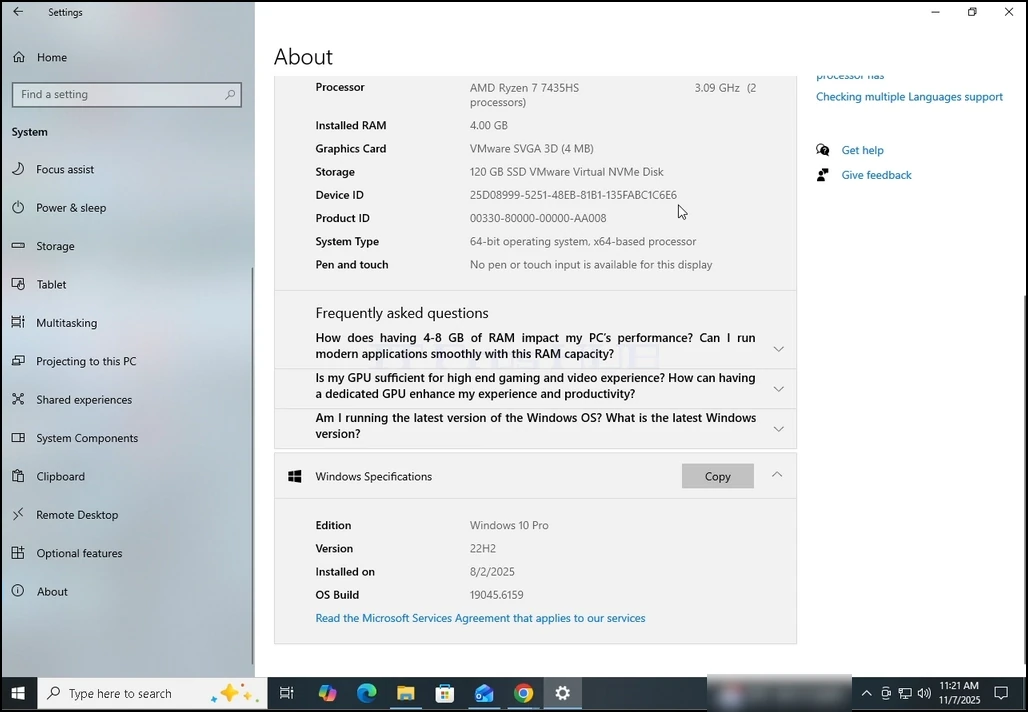
4. In the About window, you can already see information about your computer such as the RAM size, CPU type etc. if you wish to get even more information, scroll down the window till you see the entirety of the Device Information sub-window.