Wprowadzenie:
W tym artykule będziemy testować, co się dzieje, gdy Windows.old folder jest usuwany w systemie Windows 11. Po usunięciu tego folderu będziemy dokładnie analizować w systemie Windows 11, który może uruchomić się normalnie bez żadnych problemów.
1. Chodźmy tam, gdzie znajduje się instalacja Windows. W 99% przypadków to napęd C.
2. Pójdziemy do odkrywcy Windows wtedy do Ten komputer a następnie do C:\.
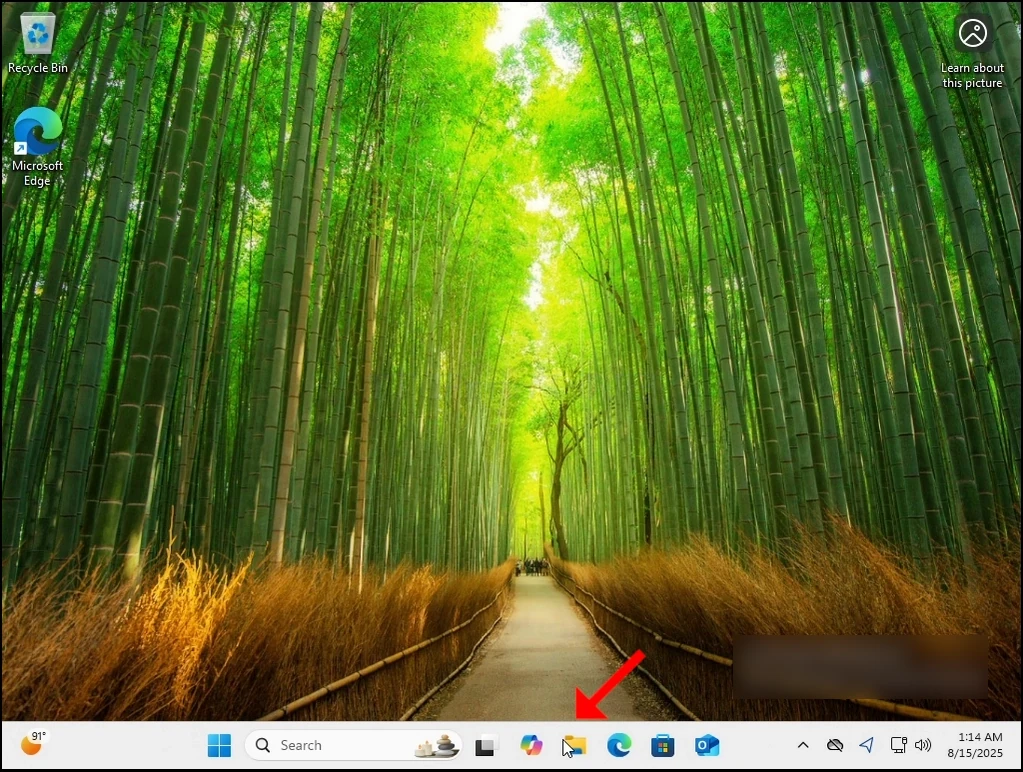
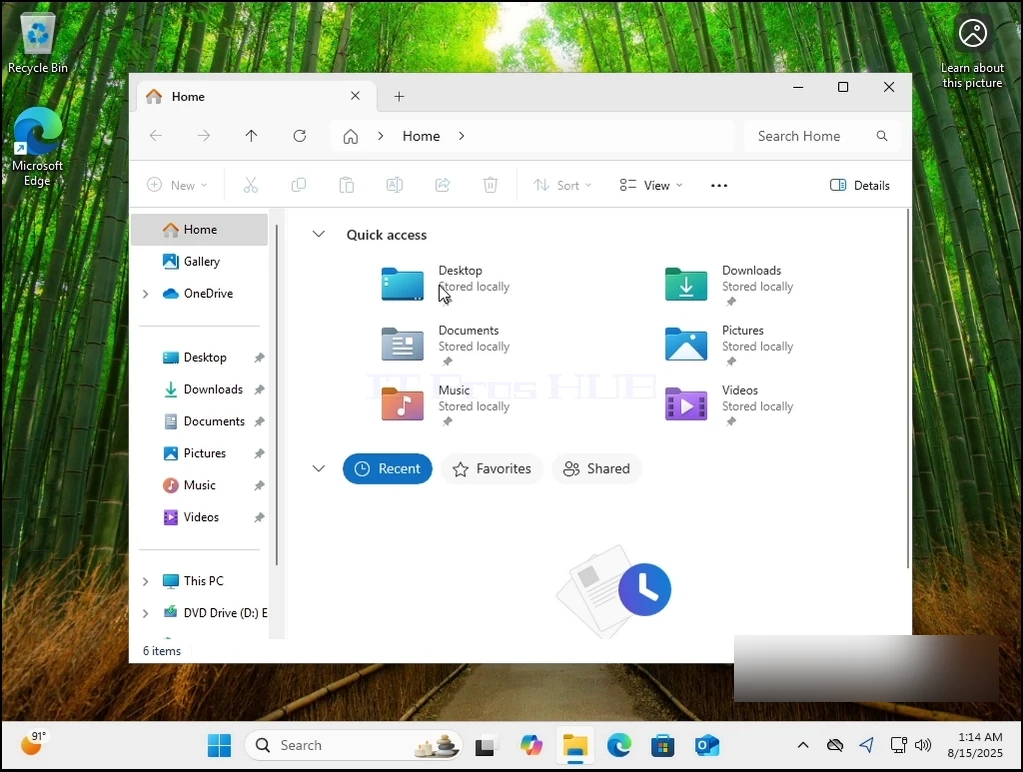
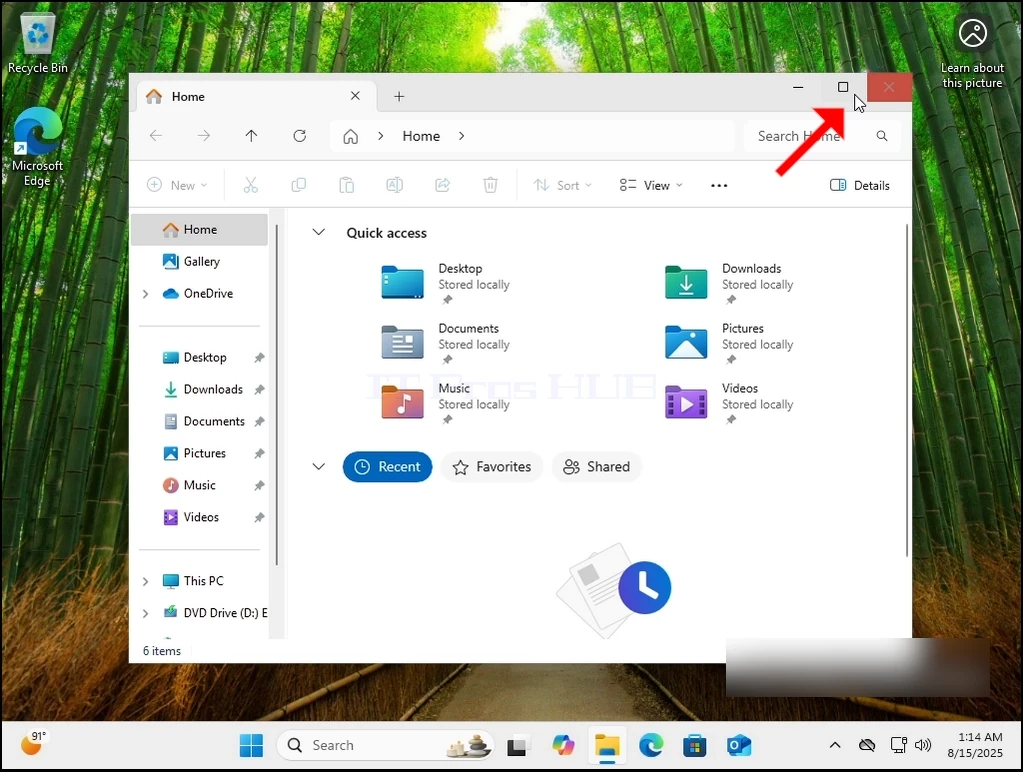
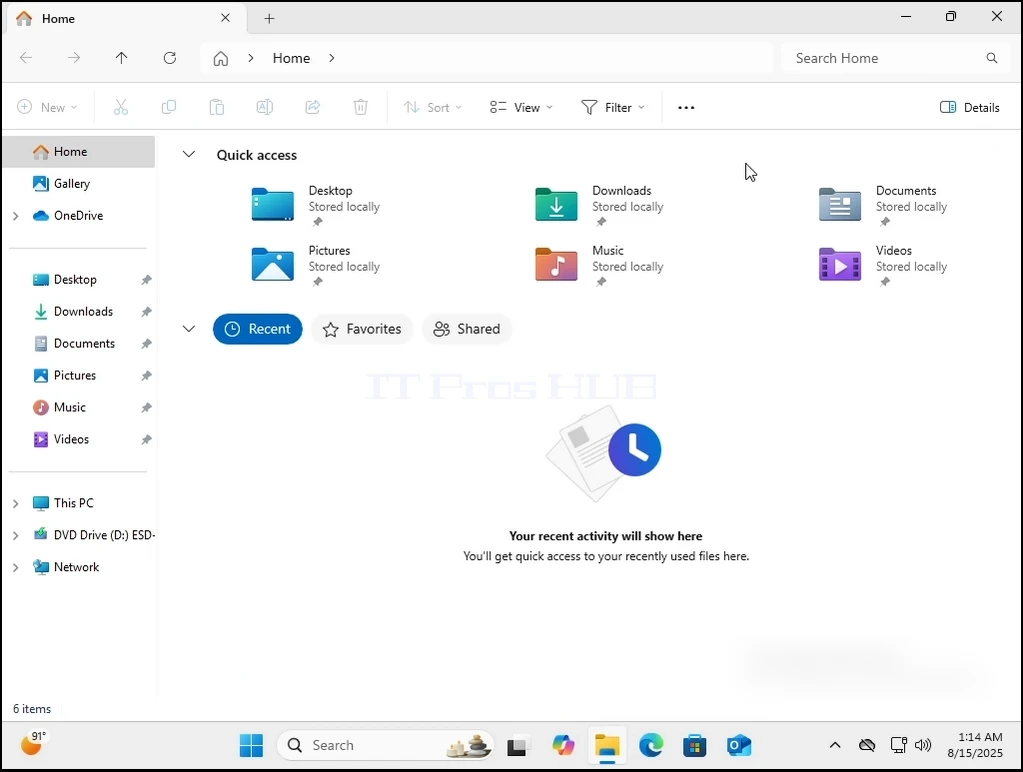
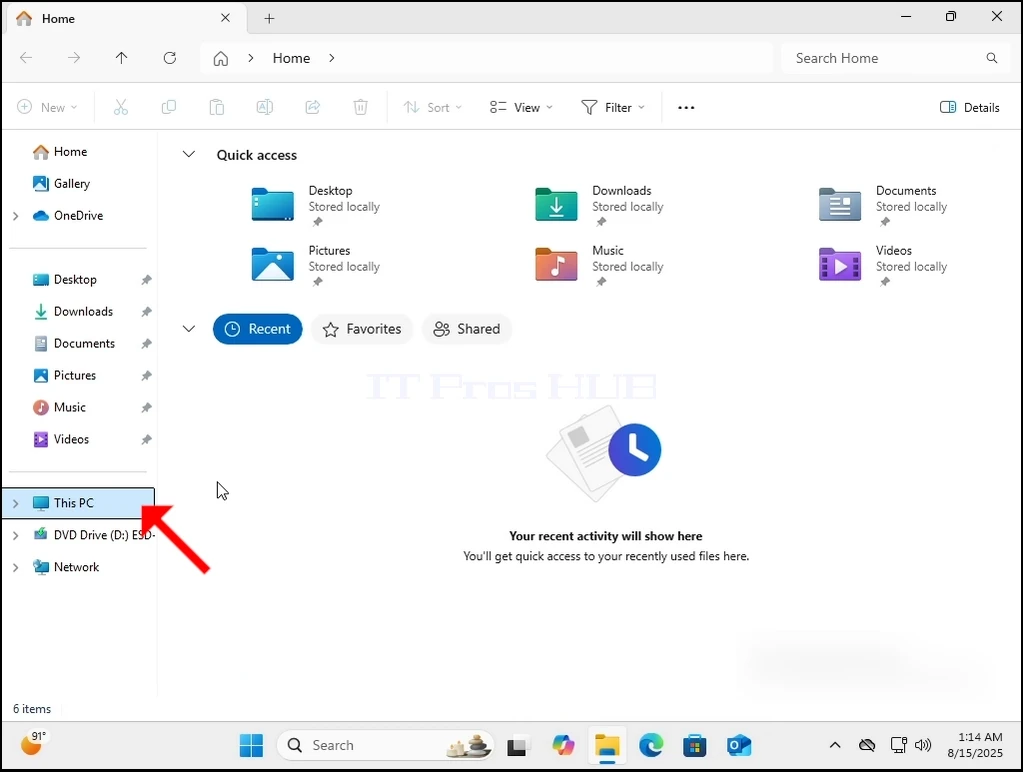
3. Zazwyczaj Windows.old nie jest widoczny bezpośrednio z pudełka. Będziemy musieli uczynić go widocznym, pozwalając Windows pokazać ukryte pliki i foldery, jak można zobaczyć tutaj:
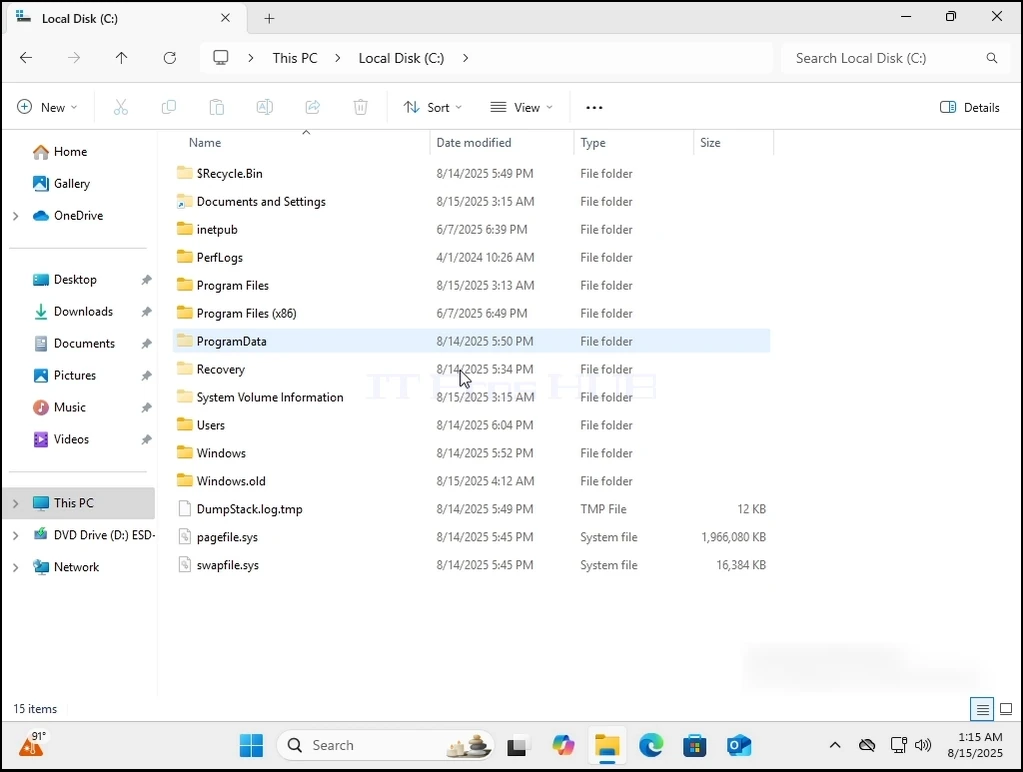
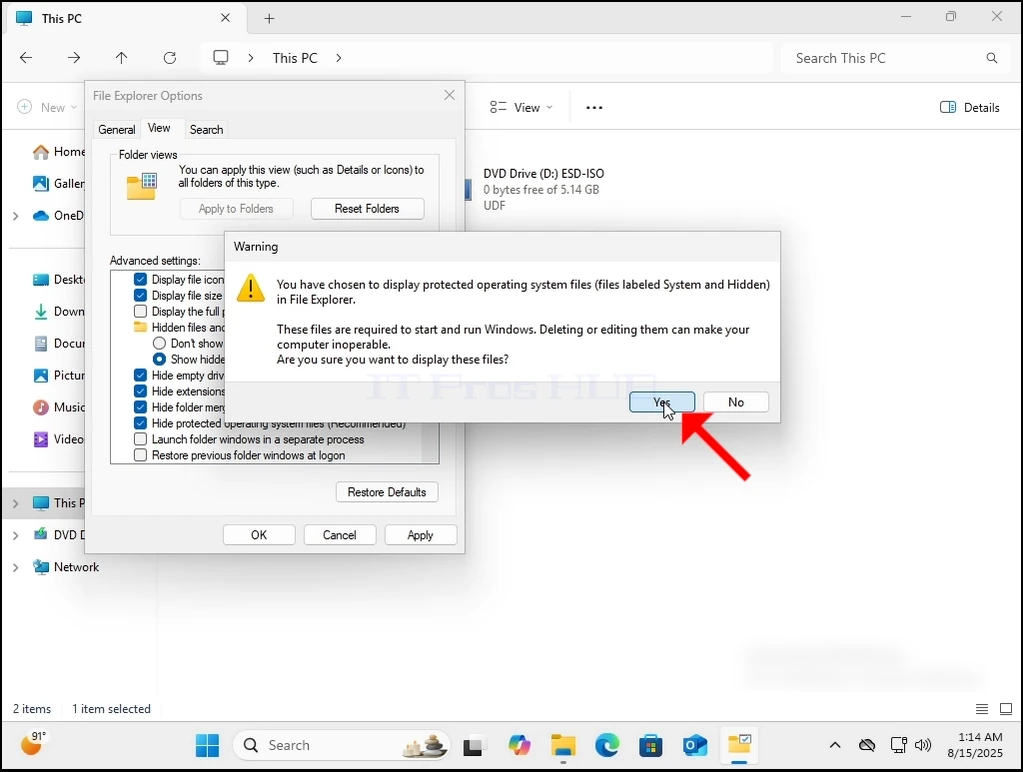
4. Ponieważ Windows.old nie może być w pełni usunięty z samego systemu Windows 11, będziemy musieli to zrobić poprzez inny system operacyjny. Użyjemy płyty Hiren BOOT (HBCD) do uruchomienia w systemie Windows PE i usunąć go stamtąd.

 < img src = "images / articles / 665- what-happens-when-deleting-the-windows-old-folder-in- windows- 11 / can-windows- 11- boot- without-the-windows.old-folder-13.webp" alt = "can-windows- 11- boot- witsout-the-windows.old- folder- 13.webp" width = "1028" higth = "579" style = "margina- bo
ttom: 50px; ">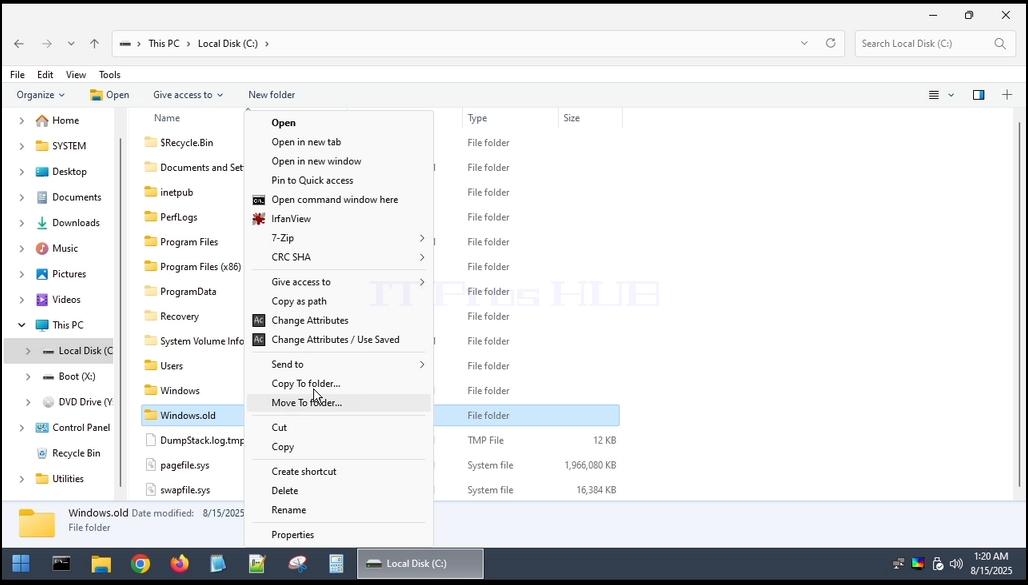
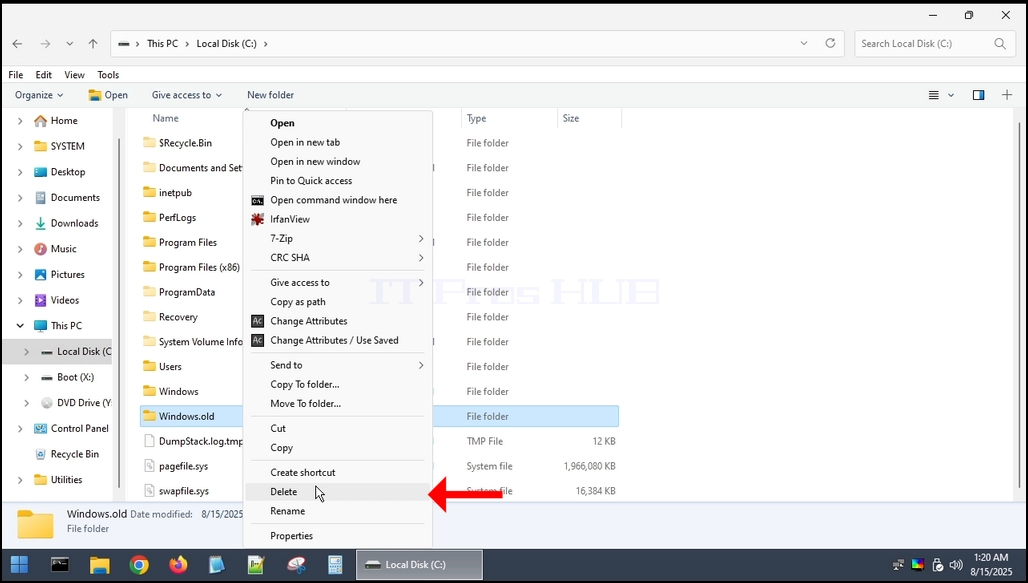
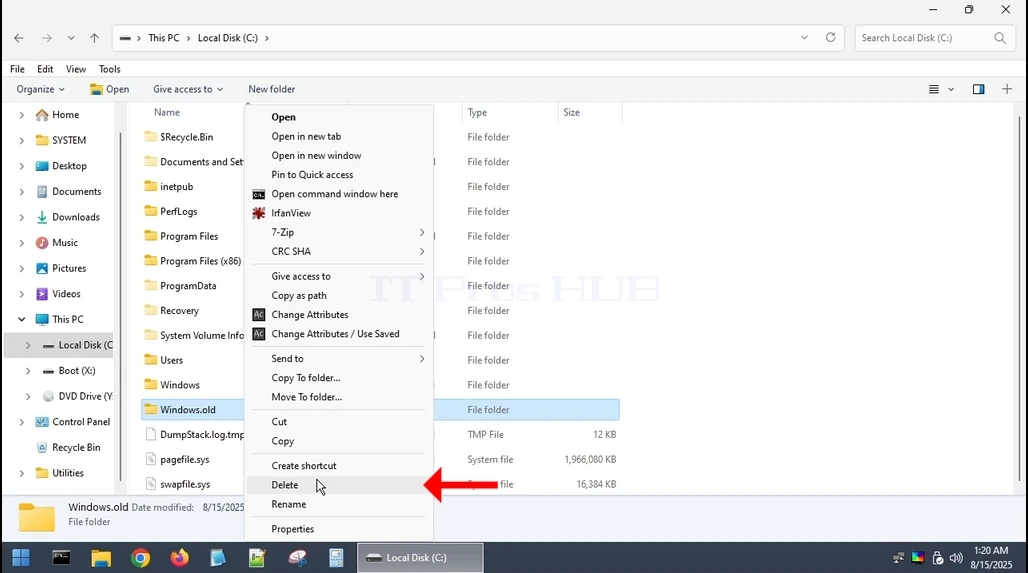
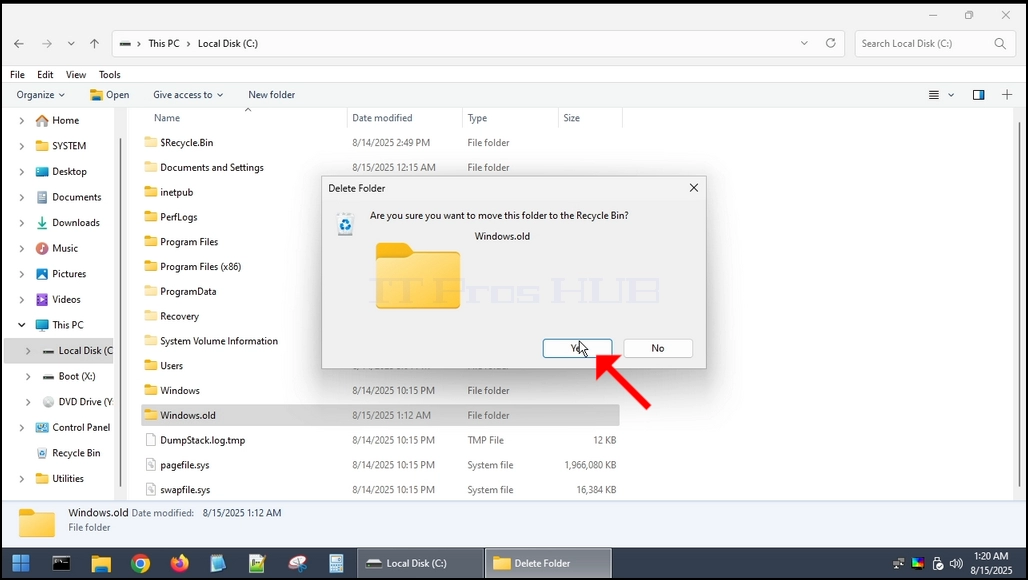
5. Kiedy zostanie skasowane, wrócimy do systemu Windows 11.
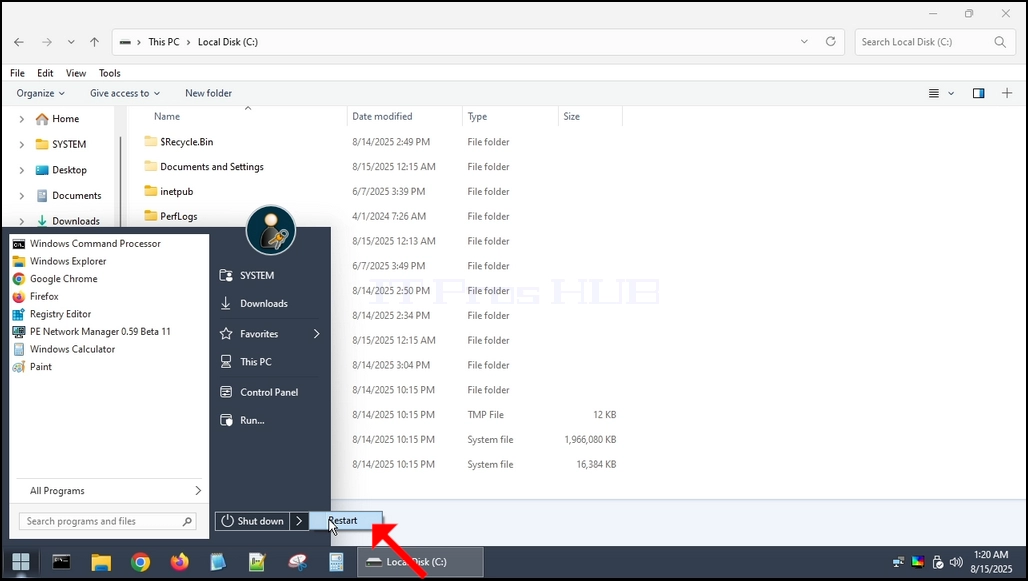
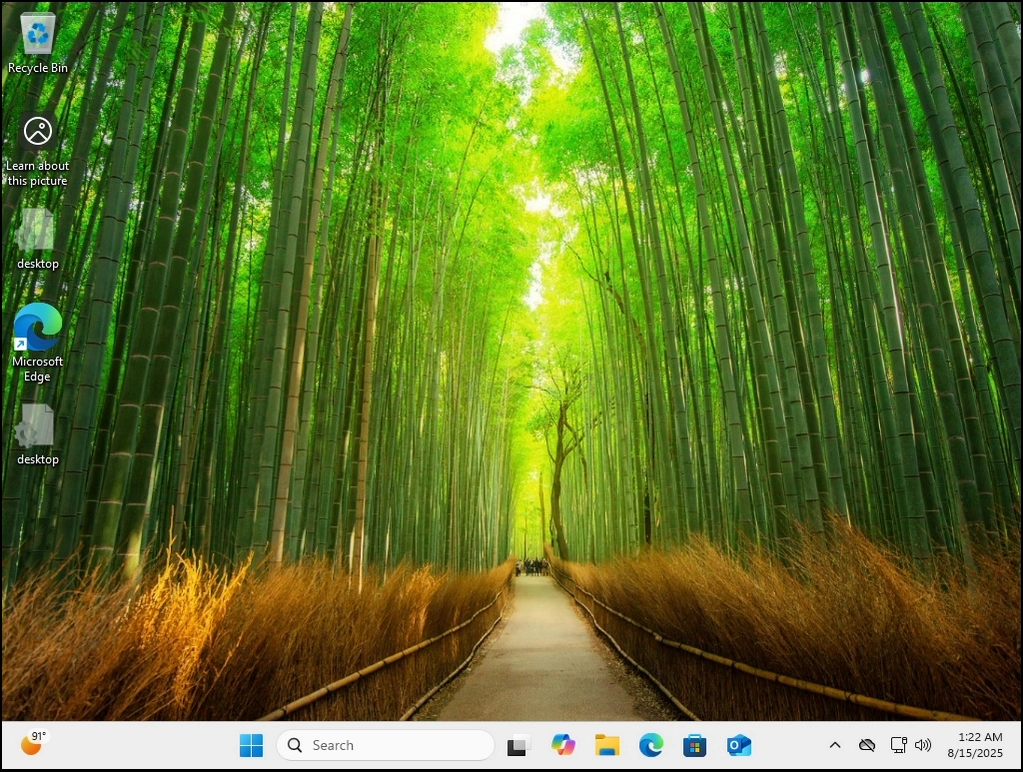
6. Jak widać, Windows 11 buty normalnie bez żadnych problemów.