



- Uppgifter
- Skriven av IT Pro
- Kategori: How to Articles
- Träffar: 5375
1. Öppna Microsoft Word

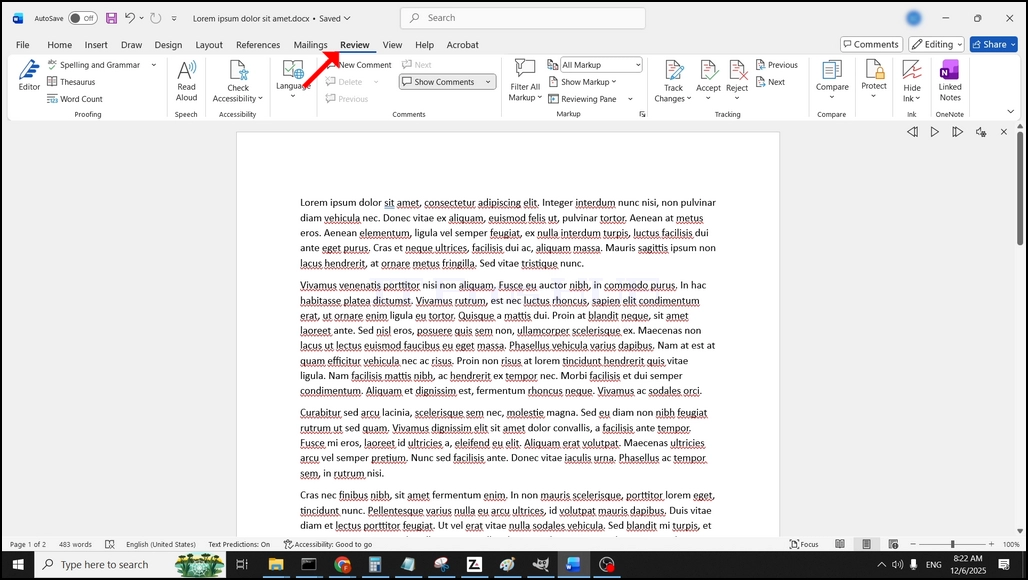
I den övre menyfältet, hemifrån, gå till Review:
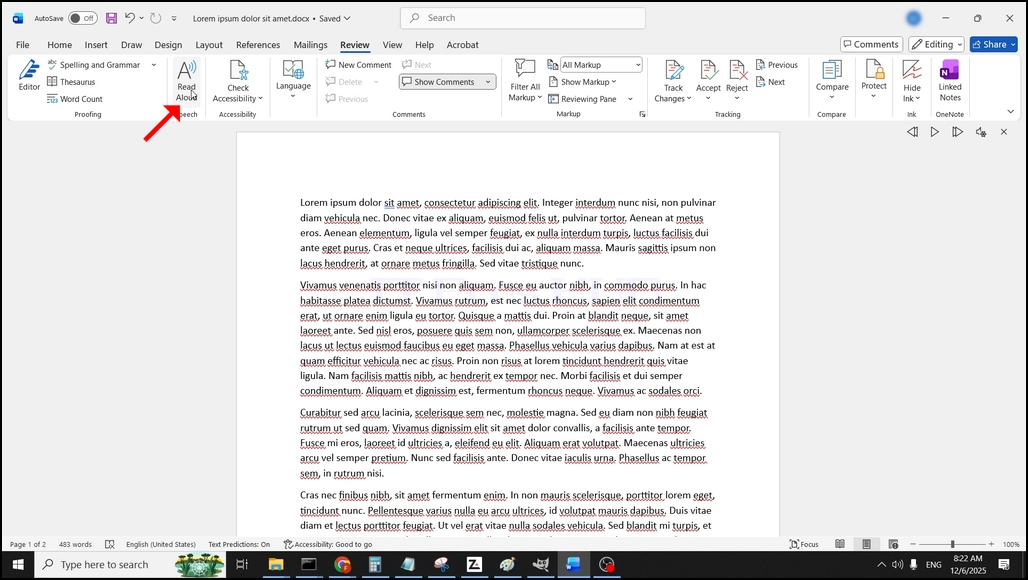
Under granskning, leta efter en stor "Ettikon som säger "Läs högt"och klicka på den för att aktivera texten till talfunktionen i Word:
- Uppgifter
- Skriven av IT Pro
- Kategori: How to Articles
- Träffar: 5743
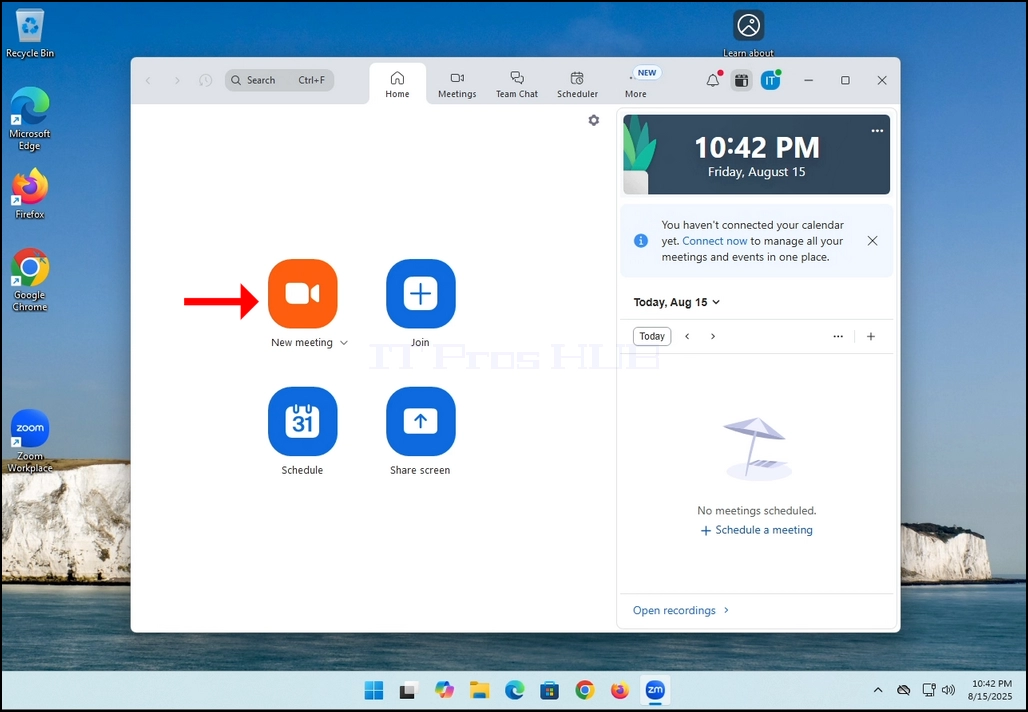
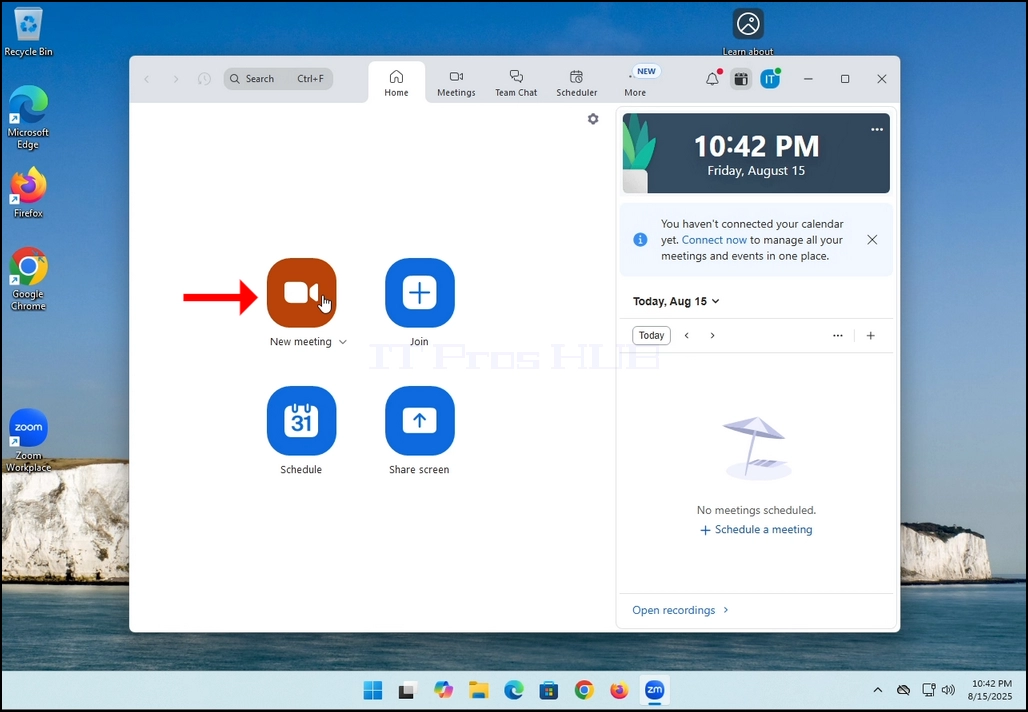
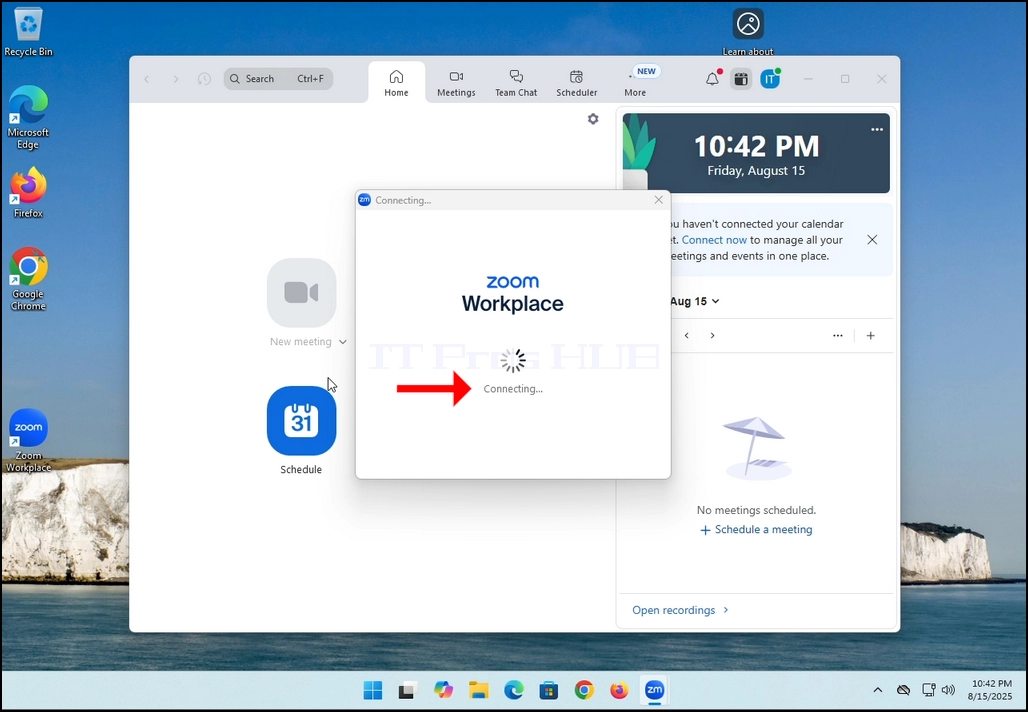
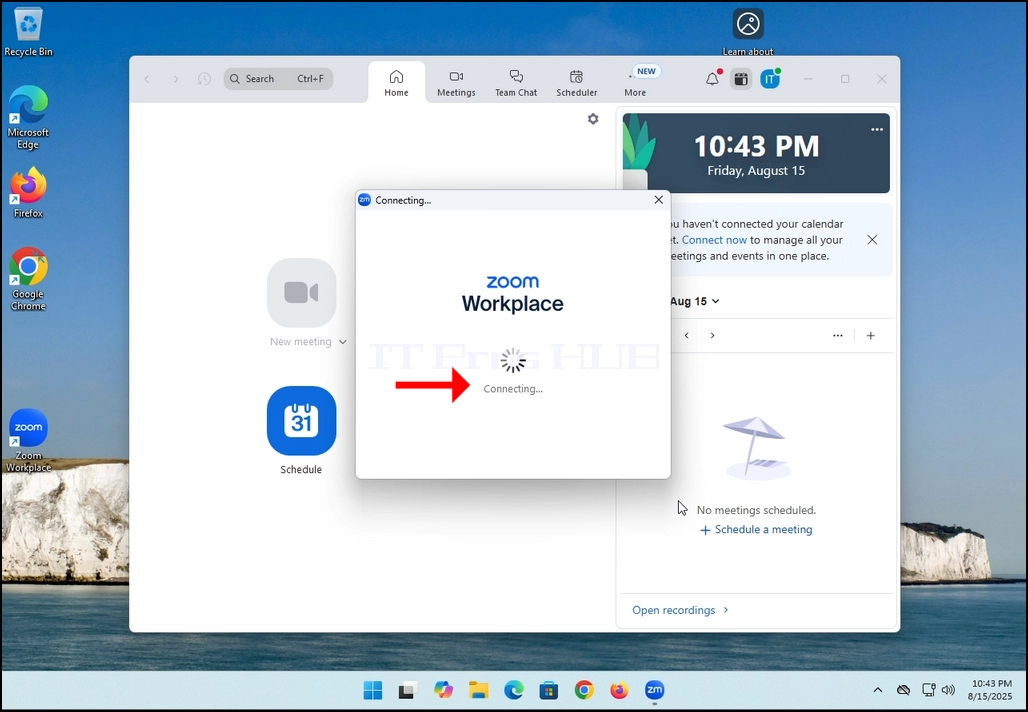
2. Once clicked, a new small window should appear. The window will show "connecting" and an animation progress circle.
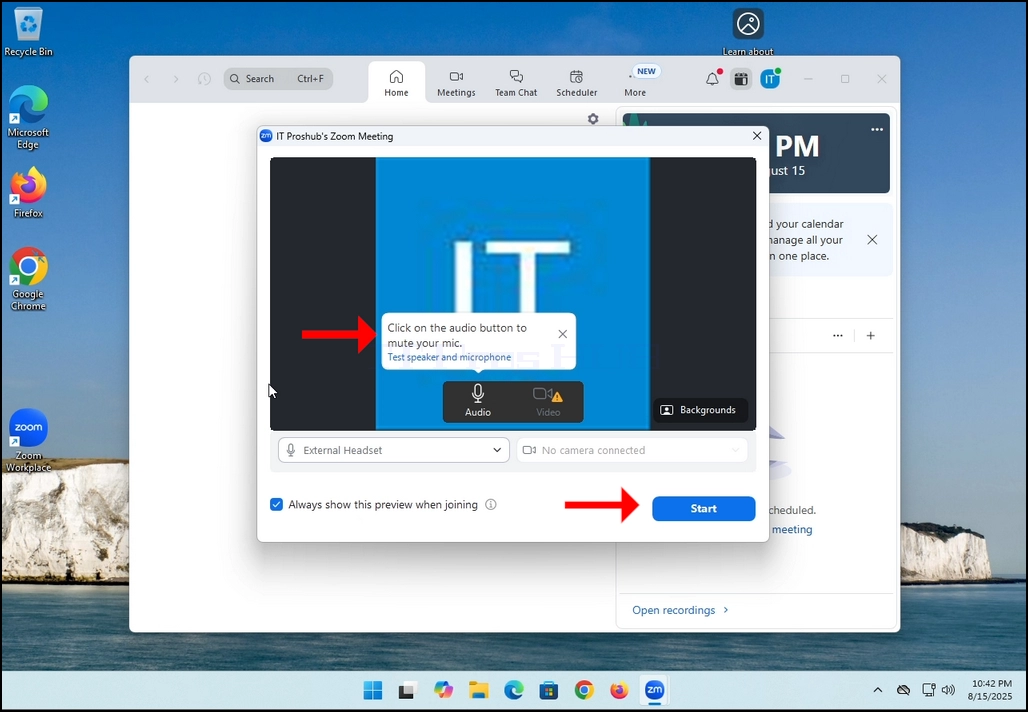
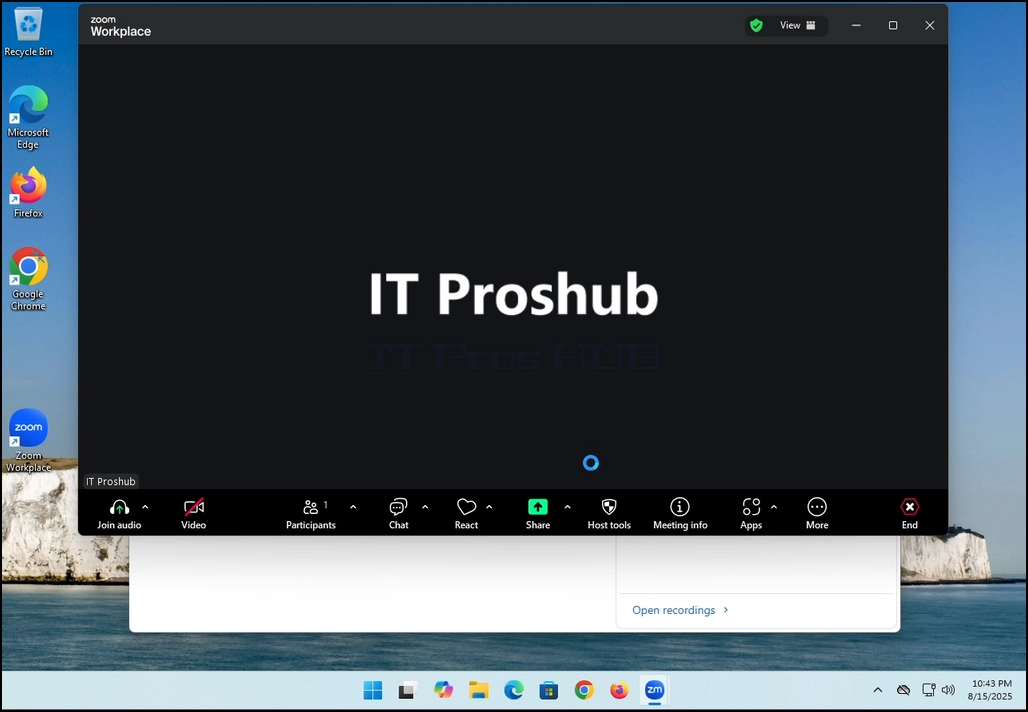
3. Once it's done loading, a new window will appear. Usually its title should say something along the lines of: "User's Zoom Meeting". In this article's case, it says "IT Proshub's Zoom Meeting" since the user that uses Zoom is called that way.
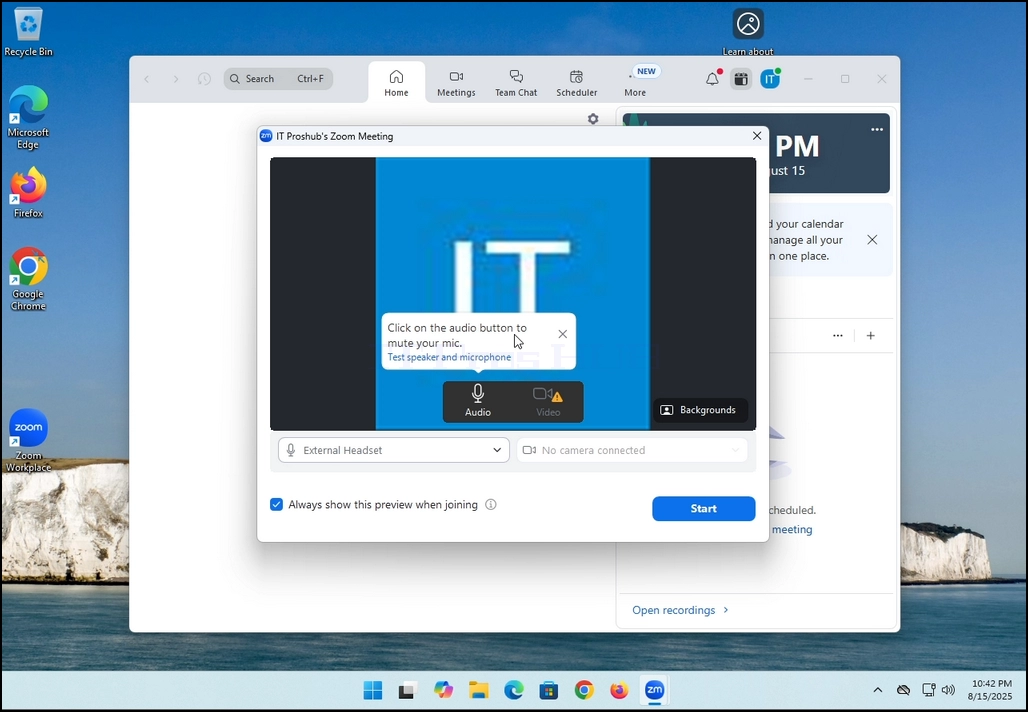
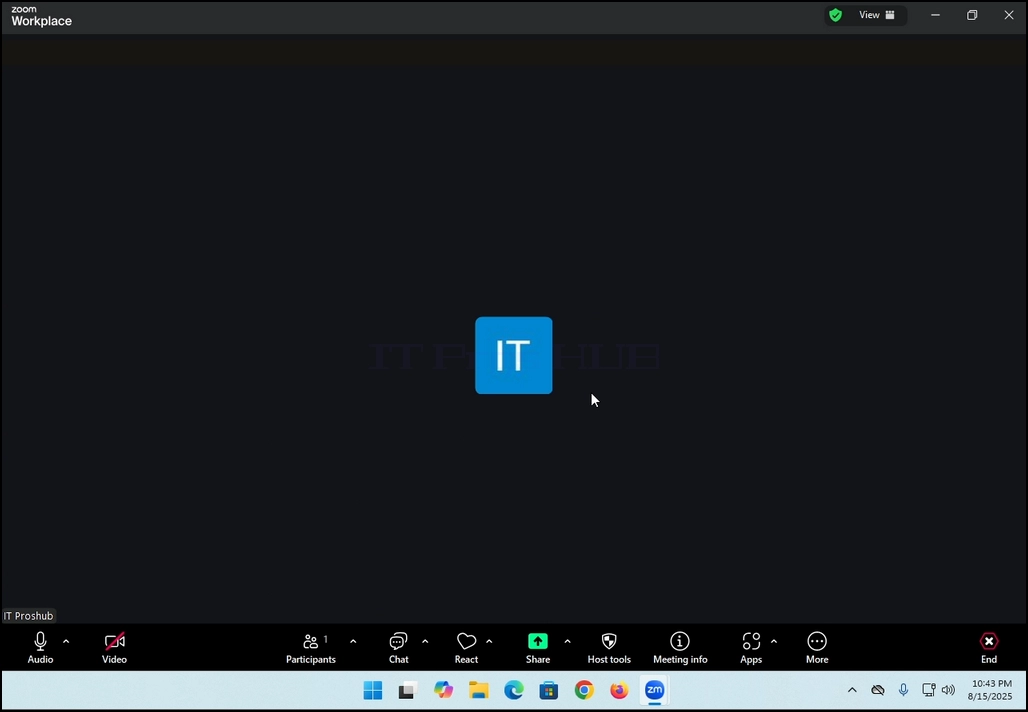
4. Here, you can mute your mic by clicking on the mic icon and you can also turn your camera off/on by clicking the Video icon.
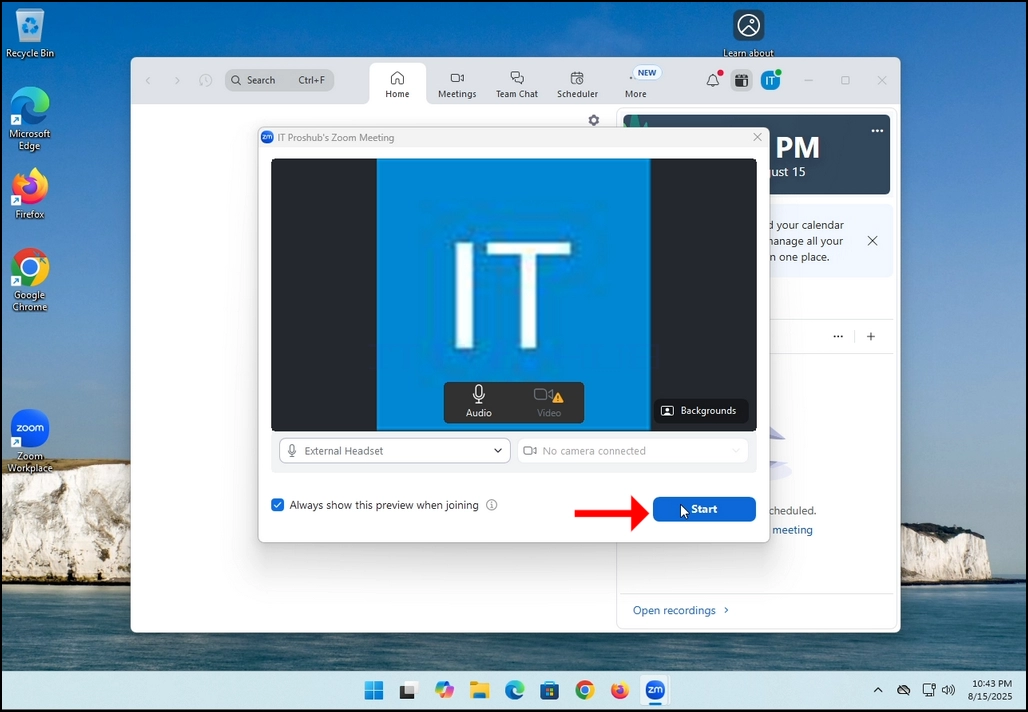
7. That's it! the new meeting is in progress. At this stage the meeting contains only the host which is IT Proshub in this article's case.
- Uppgifter
- Skriven av IT Pro
- Kategori: How to Articles
- Träffar: 5431
In this article we will demonstrate how to delete a stripped volume in Windows 11
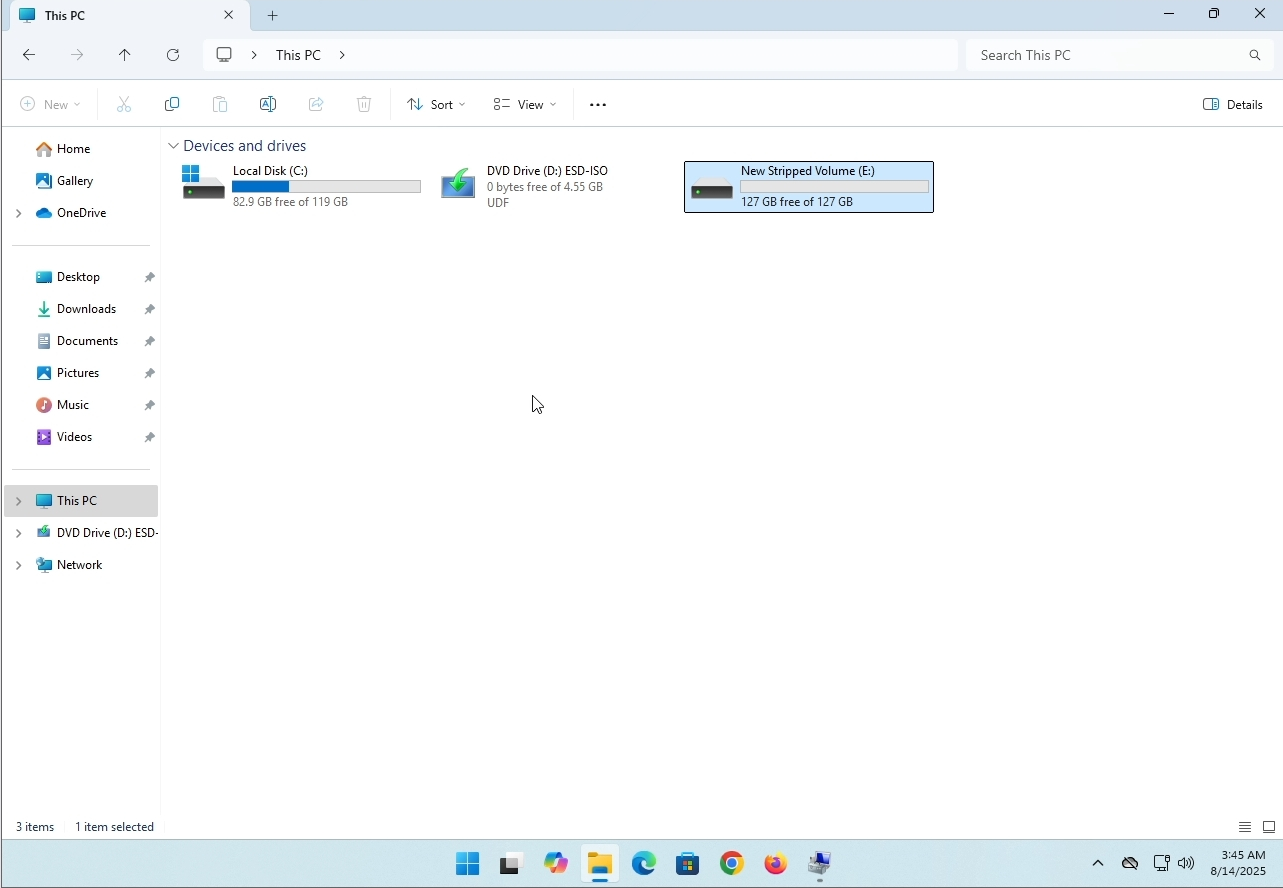
1. Make sure what is the stripped volume's drive letter is. In this case the drive letter is (E:):
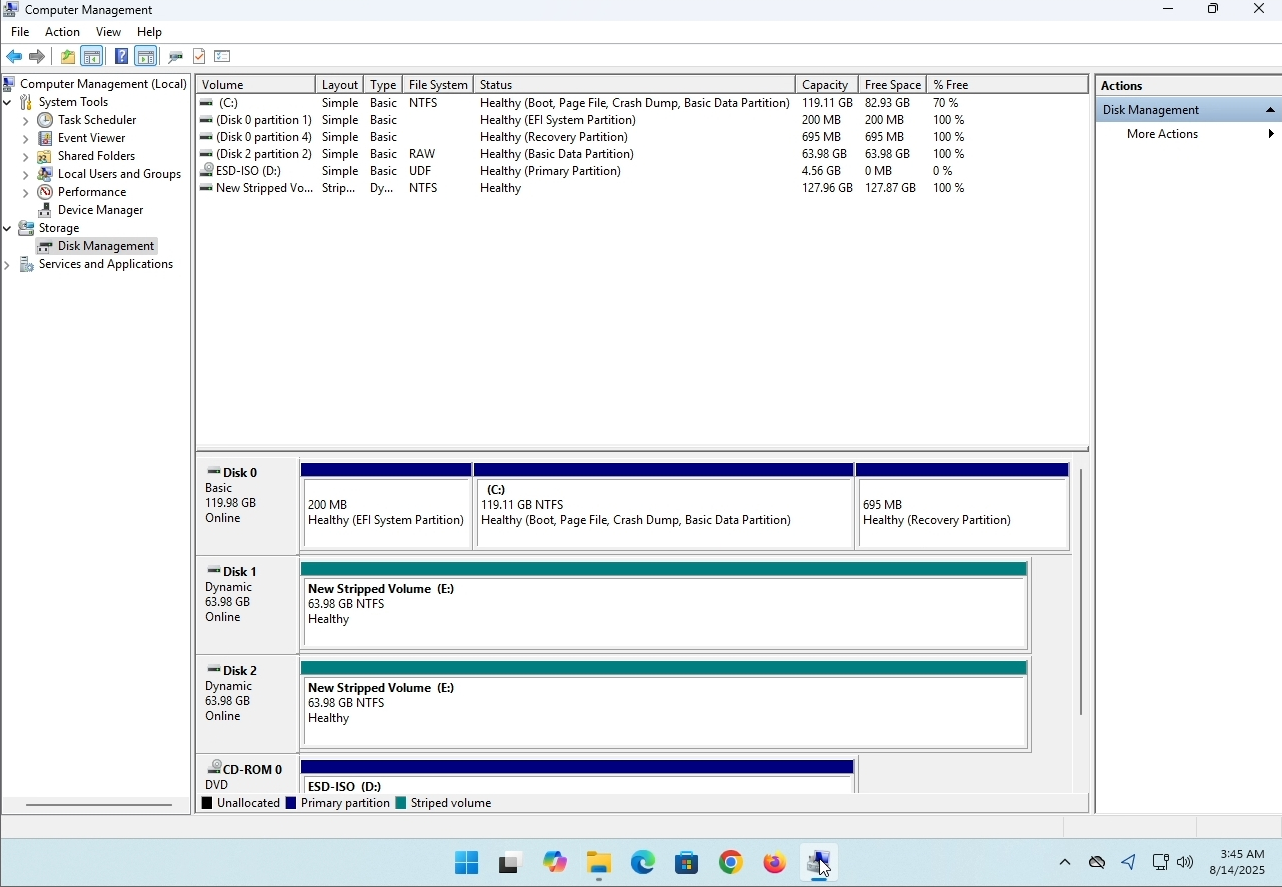
3. On the left pane. Look for Disk Management and click on it once.
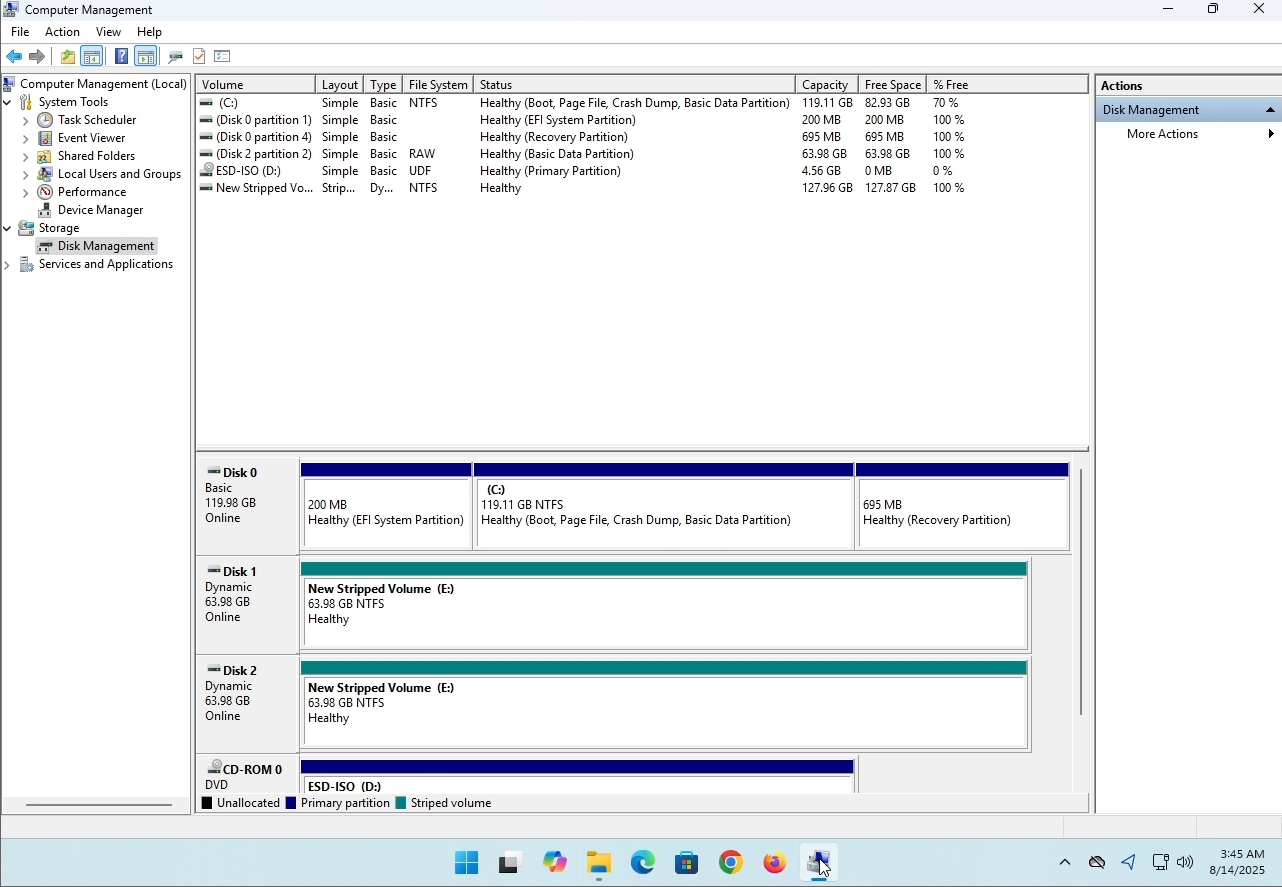
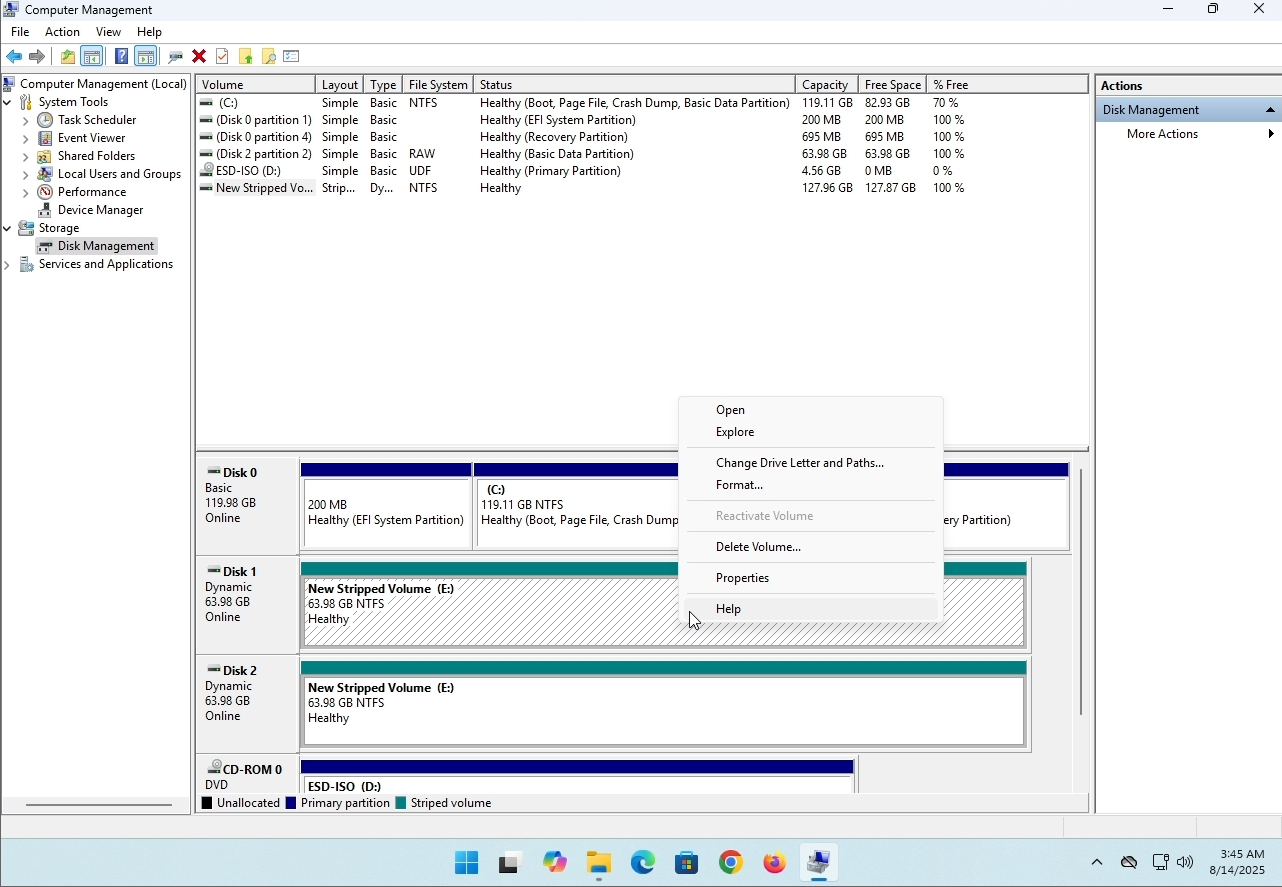
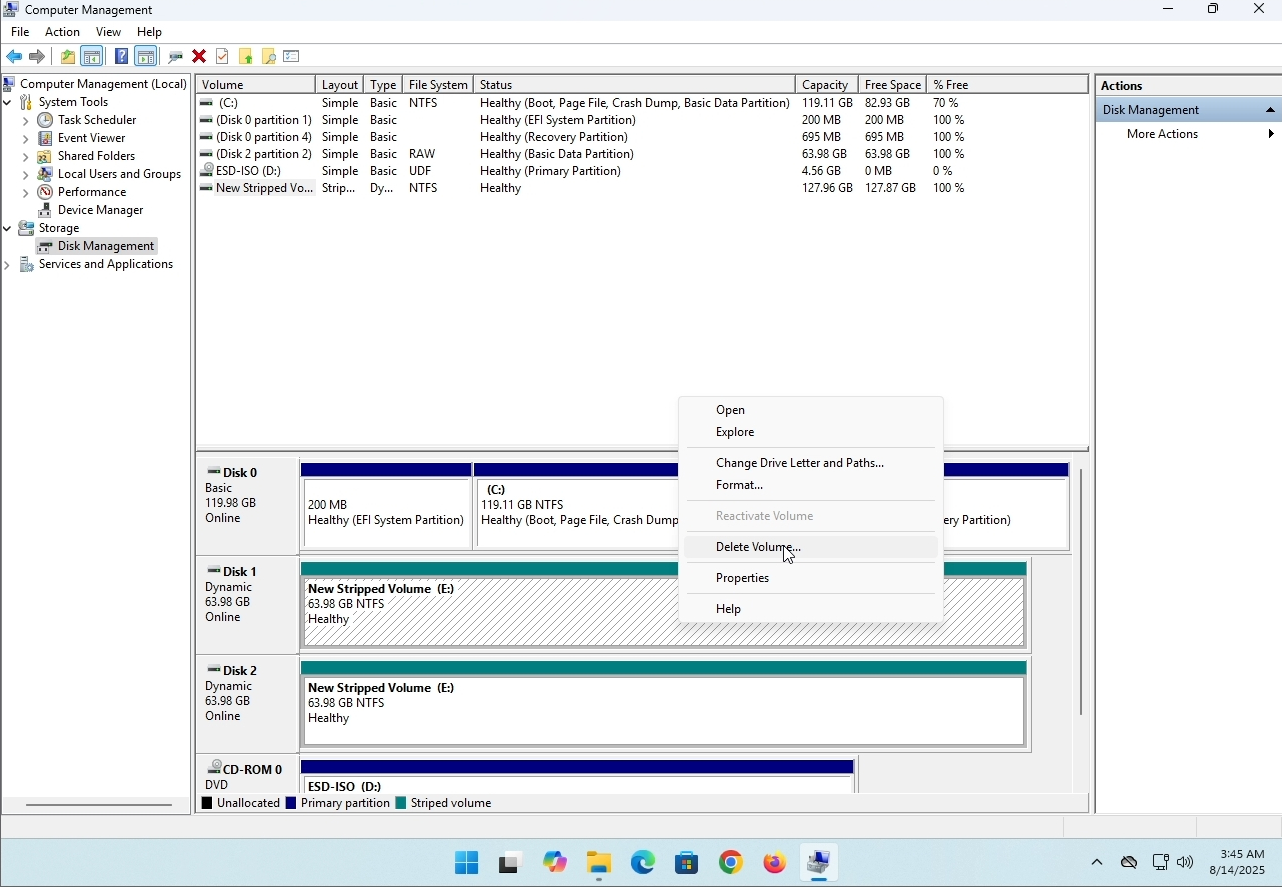
6. You will be shown a confirmation window. Click on Yes to confirm deleting the drive.
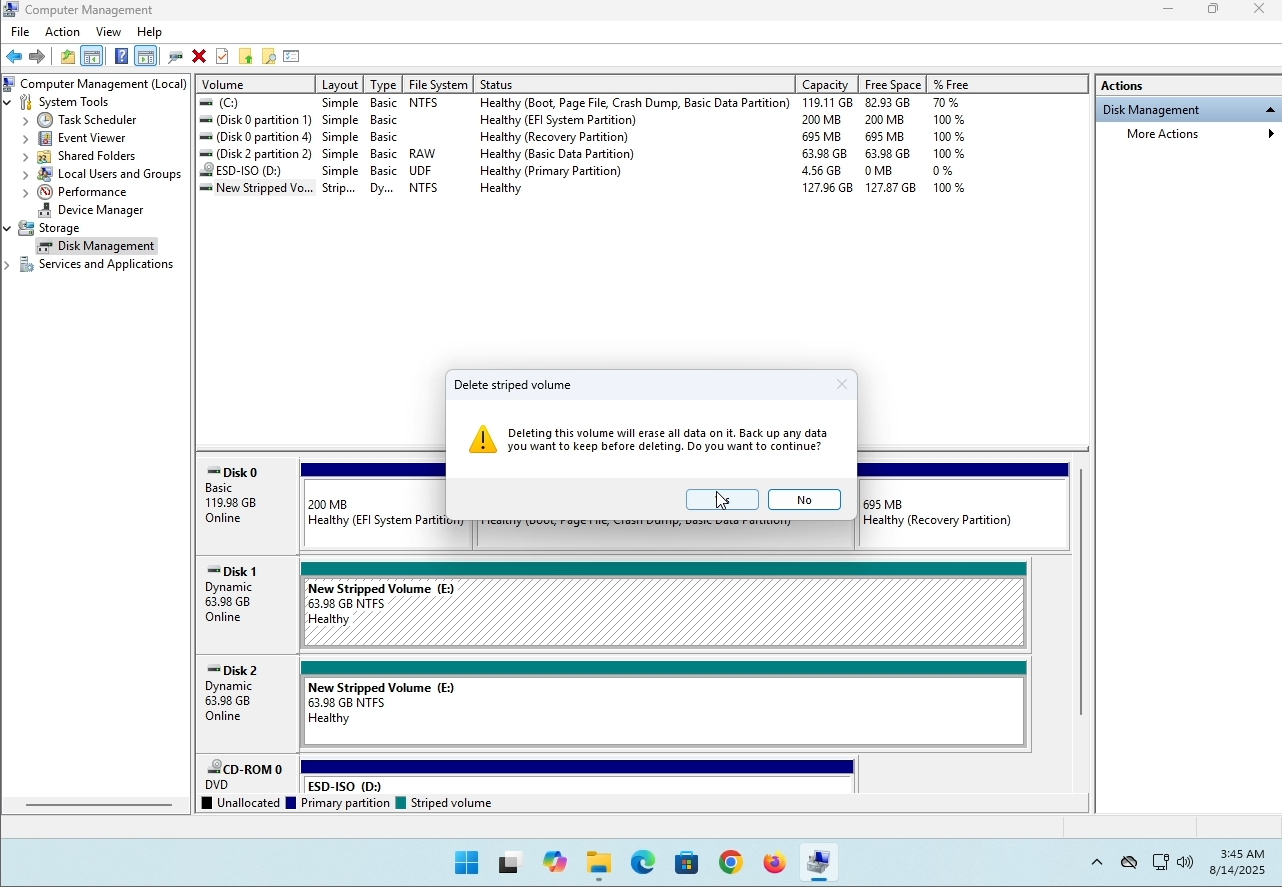
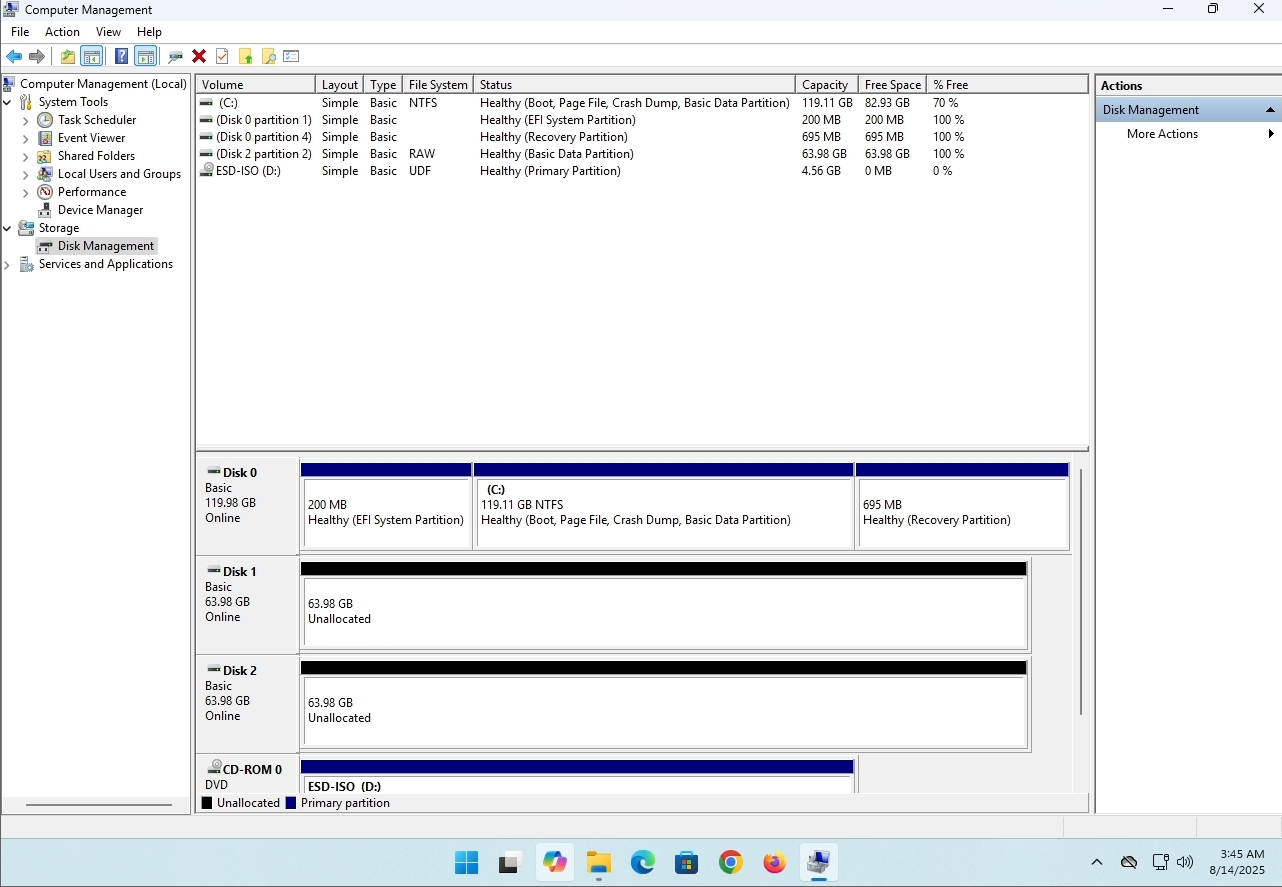
7. The drive is now deleted and the disks that were part of the stripped array are now unallocated.
- Uppgifter
- Skriven av IT Pro
- Kategori: How to Articles
- Träffar: 8243
Introduktion:
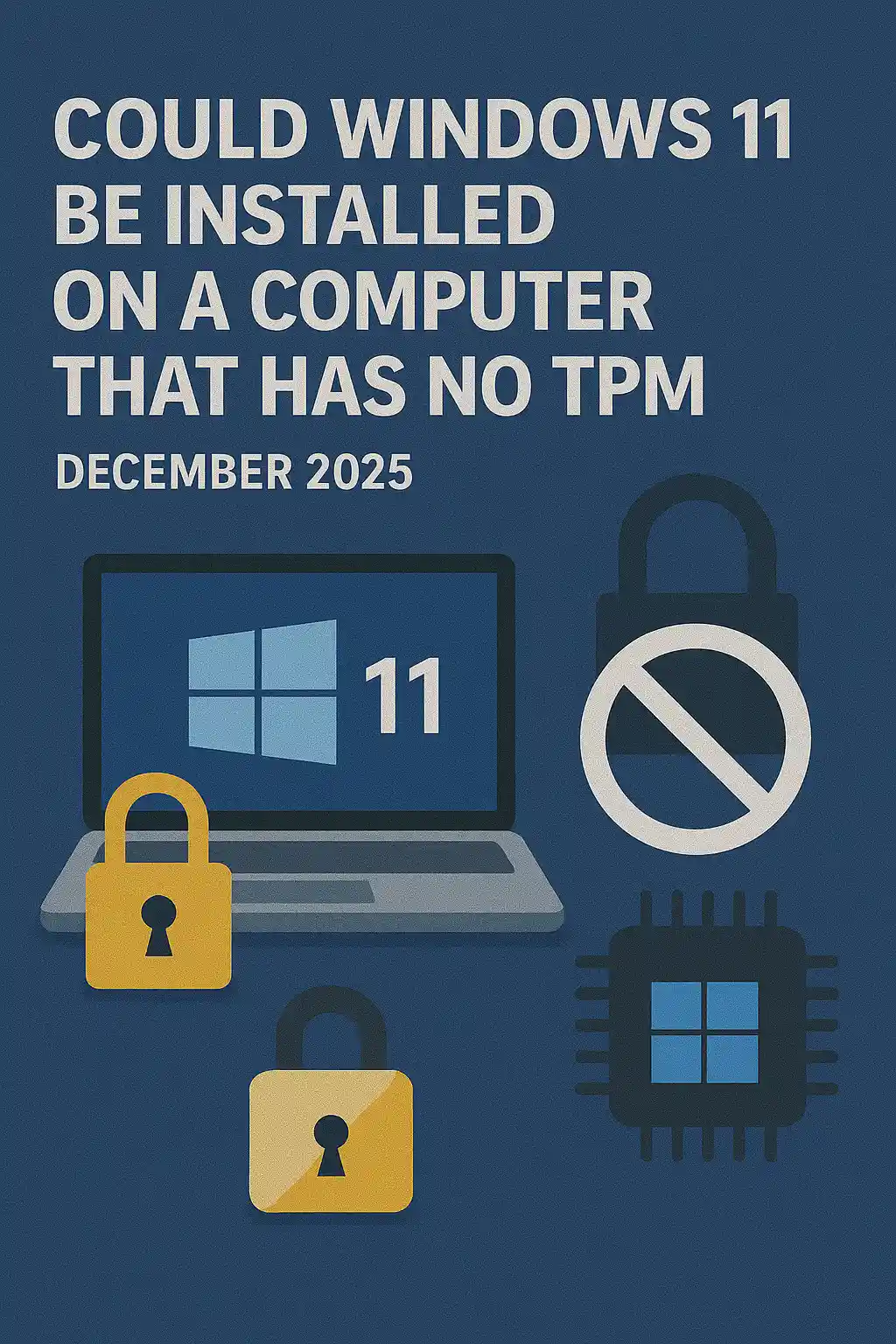
I den här artikeln kommer vi att undersöka om Windows 11 kan installeras på en dator som inte har något TPM-chip.
Kort sagt: Ingen.
Windows 11 kan inte installeras på en dator utan minst en TPM version 2.0 chip.
Följande är en illustration av en försökt installation av Windows 11 på en sådan dator.
Windows-versionen som försökte installeras var 24H2.
1. Booting in Windows installation


2. Konfigurera språk

3. Konfigurera installationsmetod

4. Produktnyckelstadium


5. Välja Windows 11 Pro


6. Kontrollera PC-scen

7. Blocker ≤

Slutsats:
Inte mycket att säga här. Vi fick se det för oss själva. Det finns en stor diskurs om detta ämne, och det verkar hålla vatten i detta fall. Installationsvis - Windows 11 kan inte installeras på en dator eller ett system utan en TPM-version 2.0-chip.
Det betyder inte att Windows 11 inte kan vara RUN på det här systemet. För mer, besök vår artikel om detta ämne: https://itproshub.com/en/windows/can-windows-11-run-on-a-computer-that-has-no-tpm-chip-at-all-decembet-2025
- Uppgifter
- Skriven av IT Pro
- Kategori: How to Articles
- Träffar: 7282
Starta installationen av Thunderbird genom att klicka på sin installationsfil
I välkomstskärmen klickar du på NEXT.
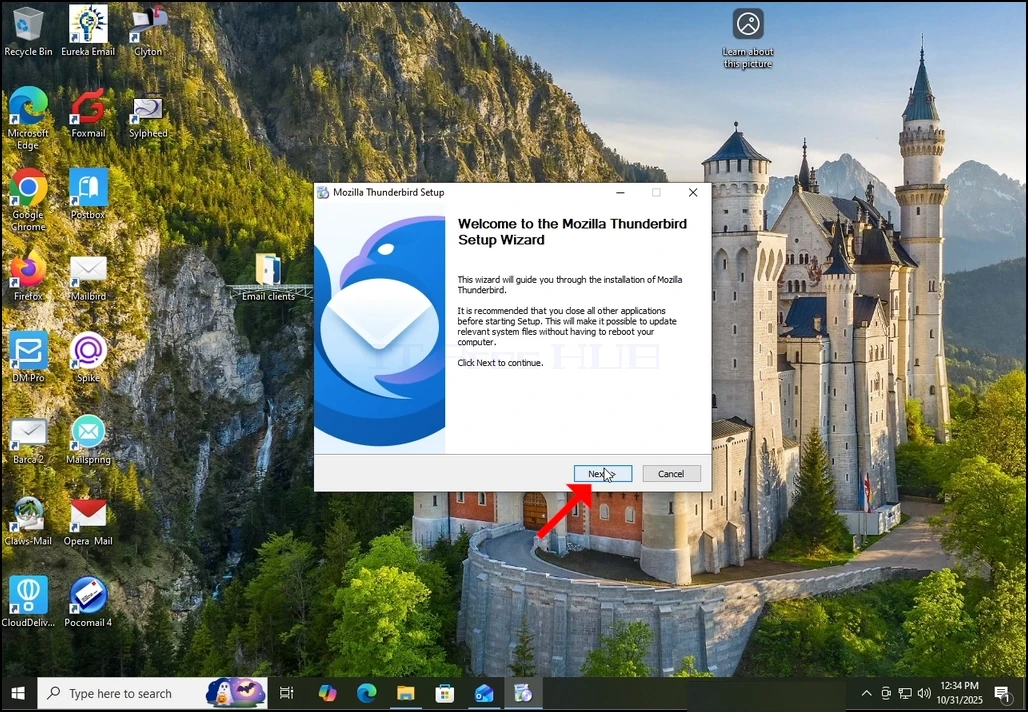
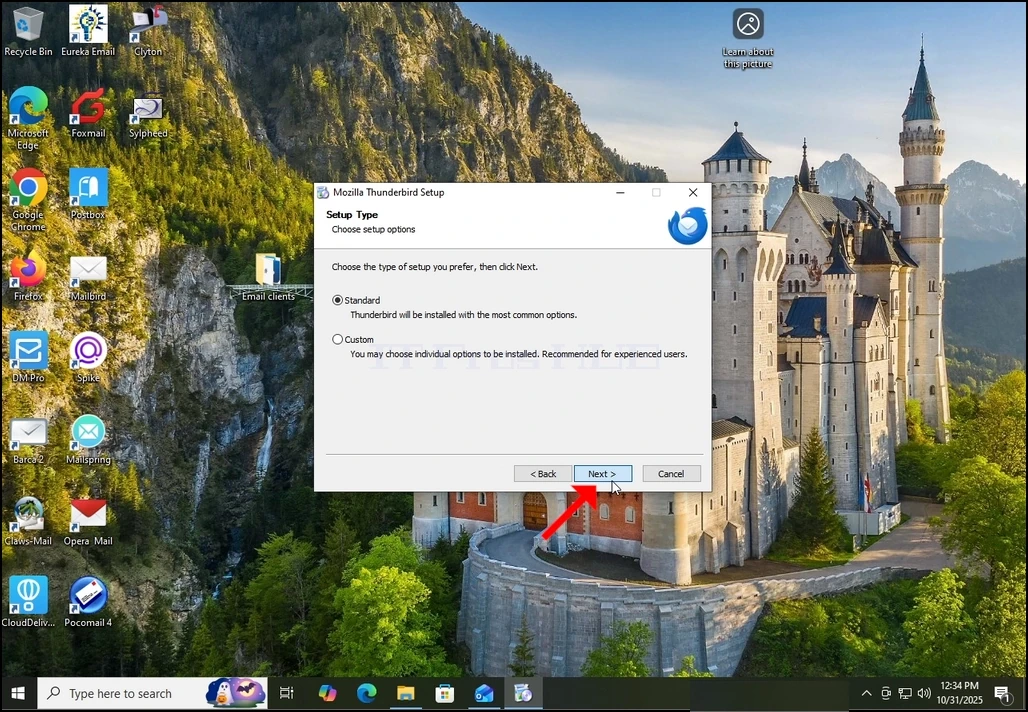
Välj standardalternativet och klicka på NEXT.
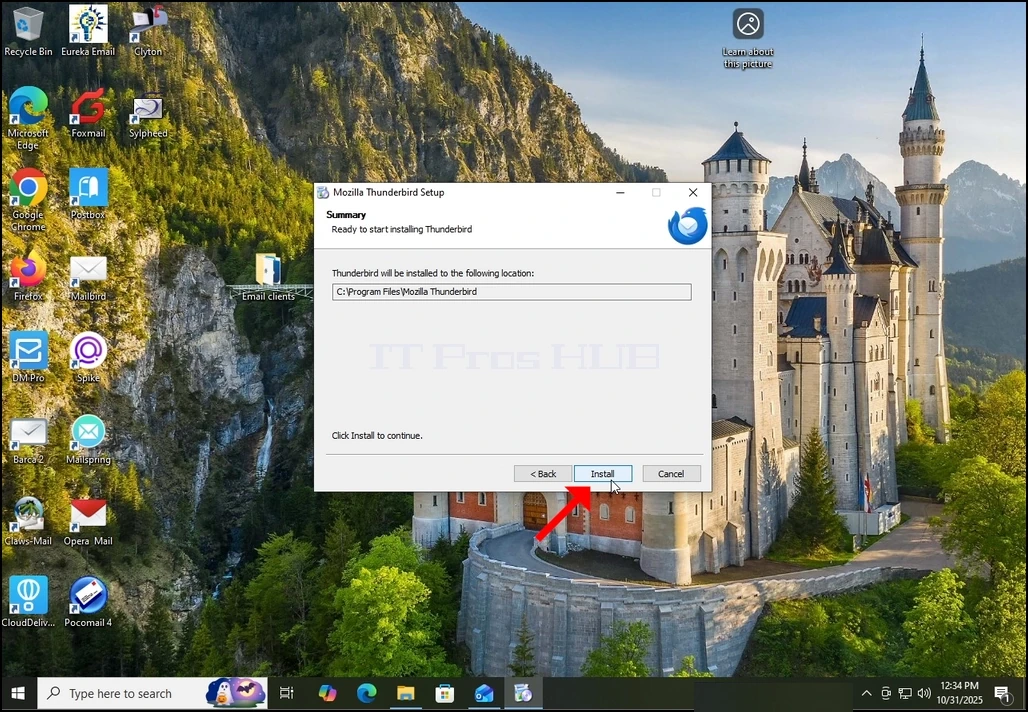
4. Klicka på knappen Installera.
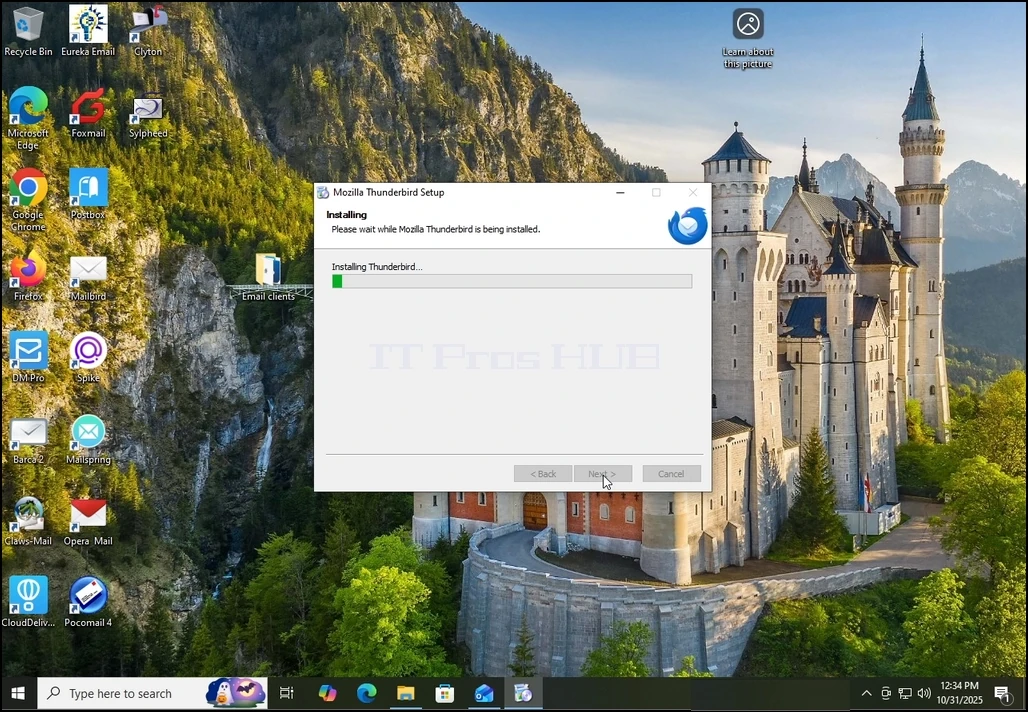
Vänta tålmodigt för installationsprocessen att slutföra
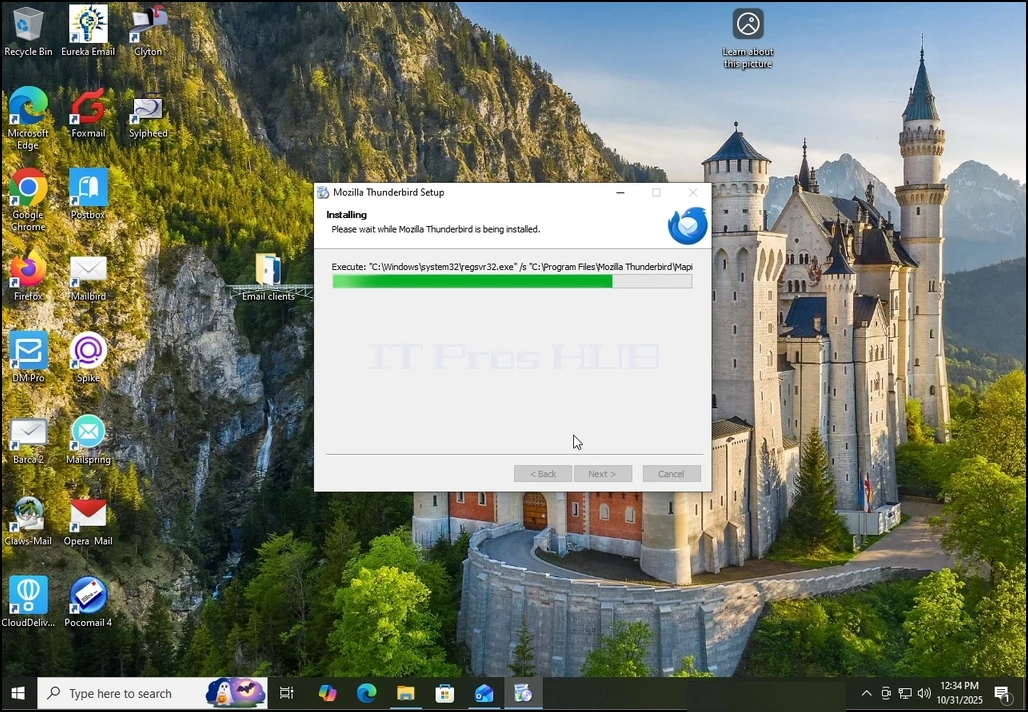
Untick Launch Mozilla Thunderbird nu alternativet och klicka på Slutknappen
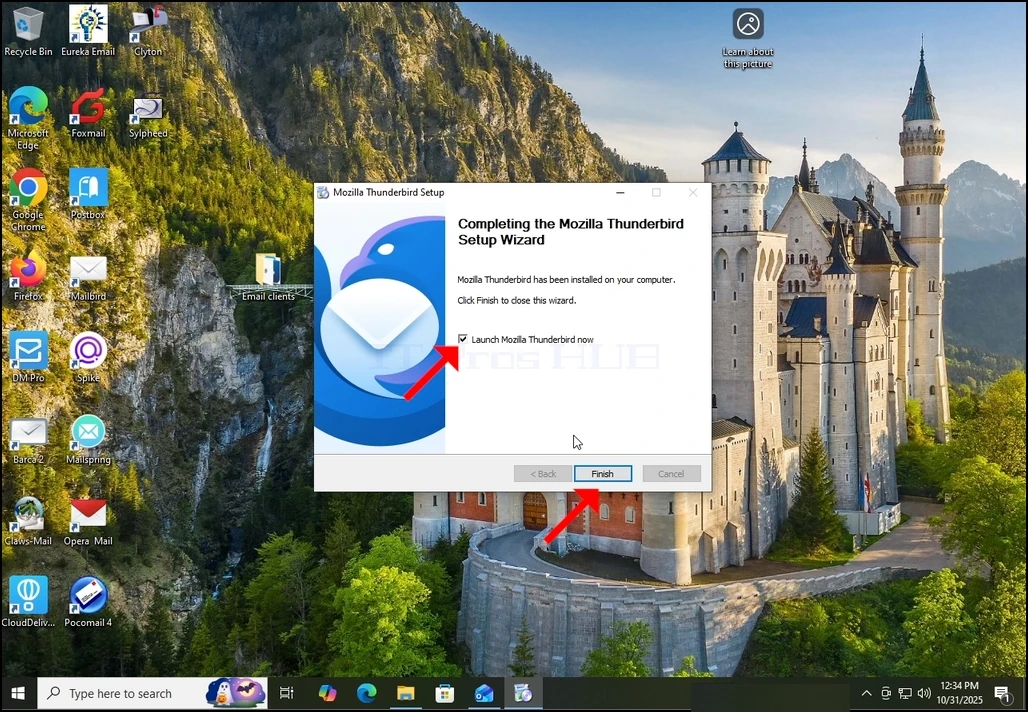
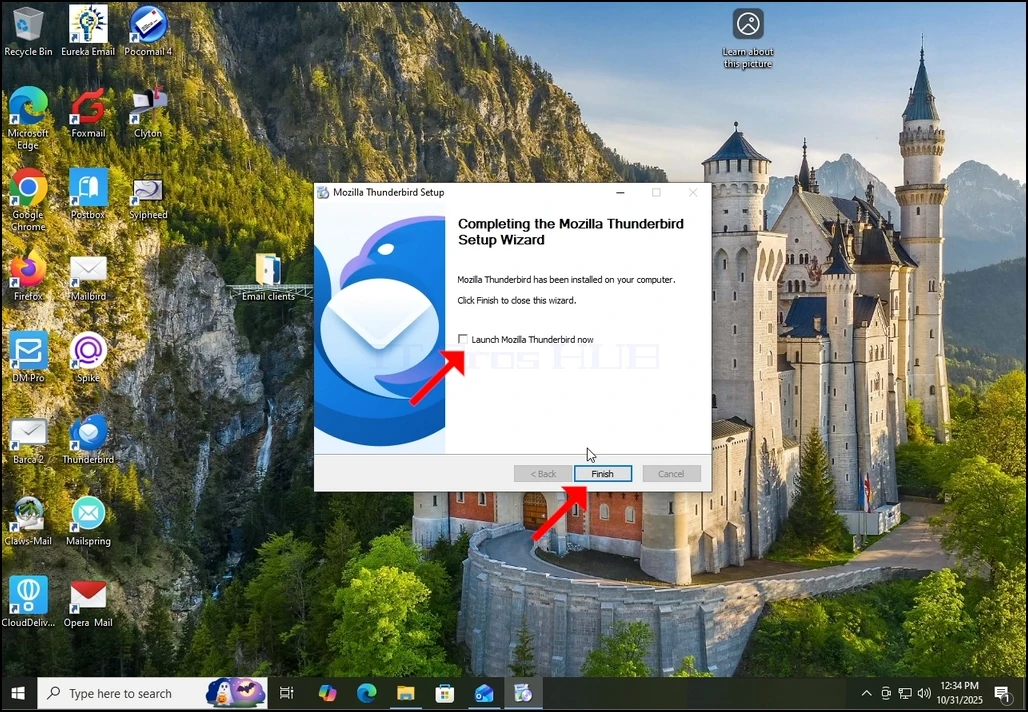
Mozilla Thunderbird är nu installerad!