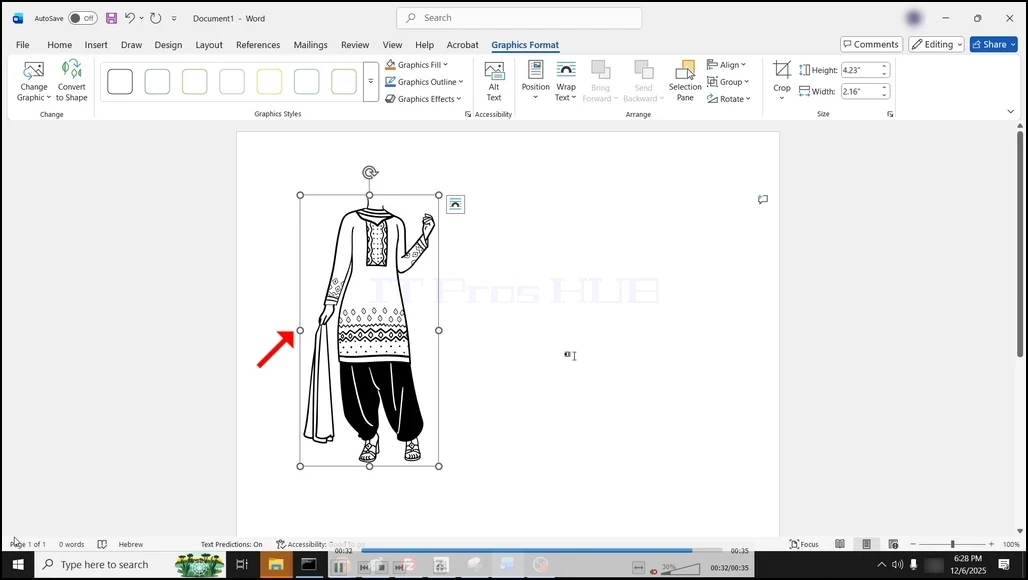
Tagline:Word'deStockImagesNasılEklen
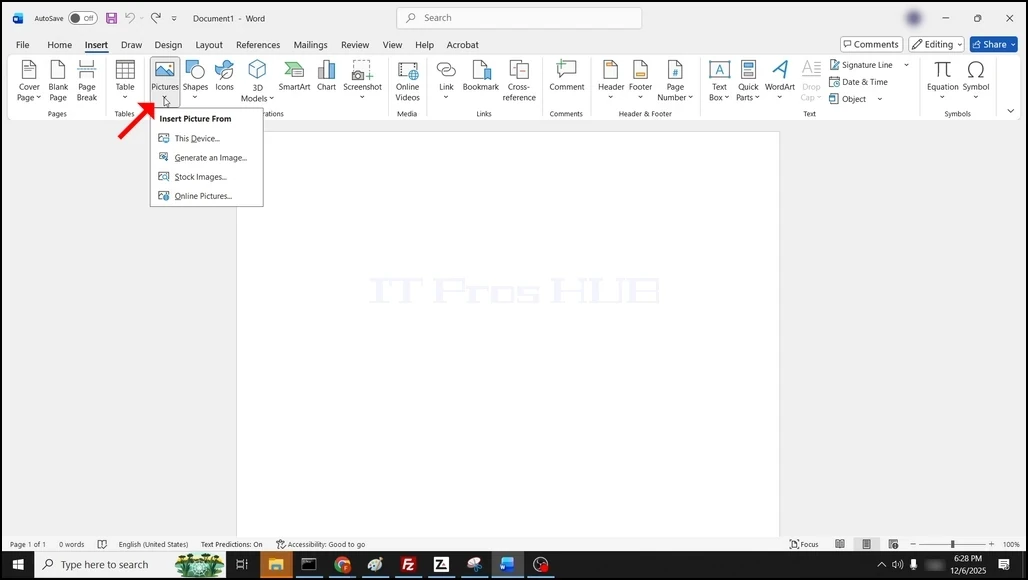
1. Open Word. Git Ekle Menü kurdelesinde düğmeye tıklayın, sonra devam et Pictures Pictures Pictures:

2. Bir kez Pictures Pictures Pictures Takip edildi, bir damla aşağı menü görünecek:
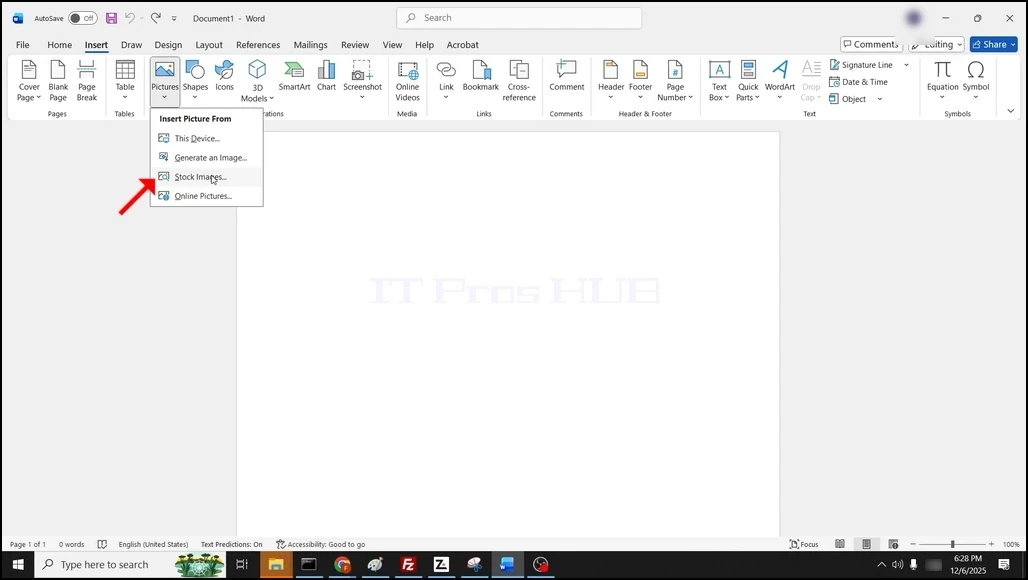
3. S. S.Stock Images... Pencereyi yüklemek için bekleyin.
4. Bir kez yüklendikten sonra, çeşitli stok görüntüleri seçenekleri tarafından sunulacaksınız:
- Fotoğraflar -
- Icons
- Cutout People
- Styles
- Illustrations
- Cartoon People
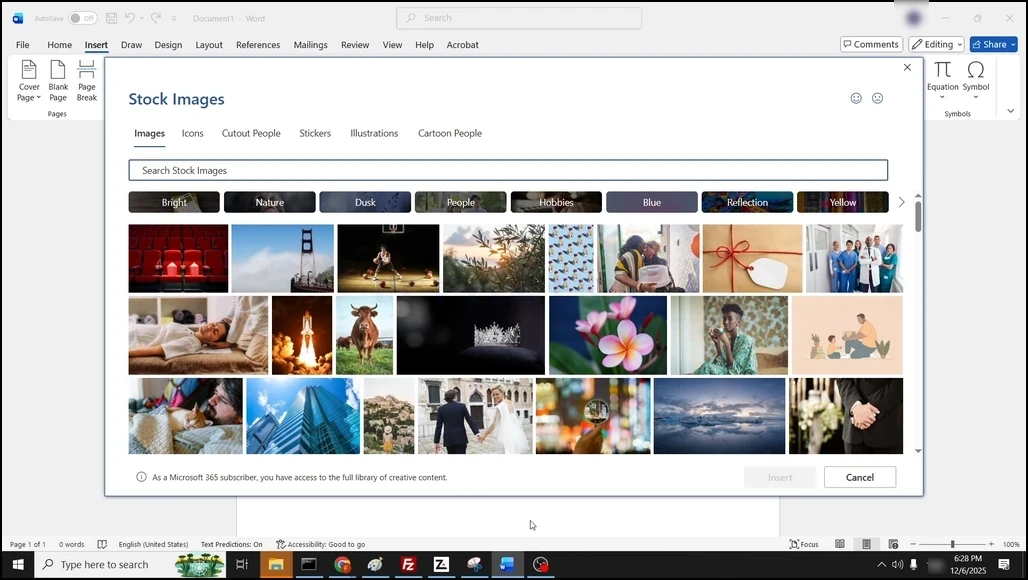
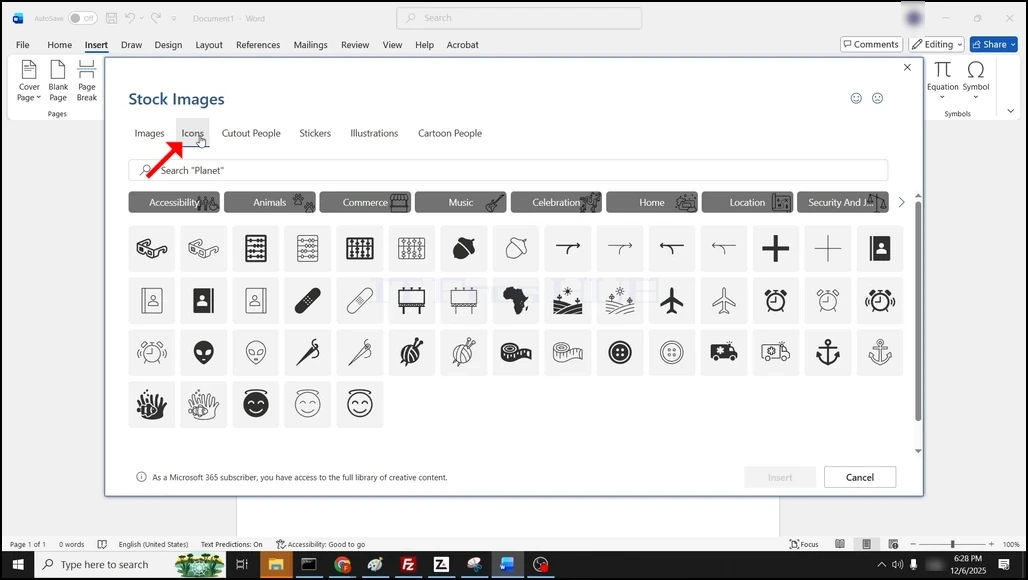
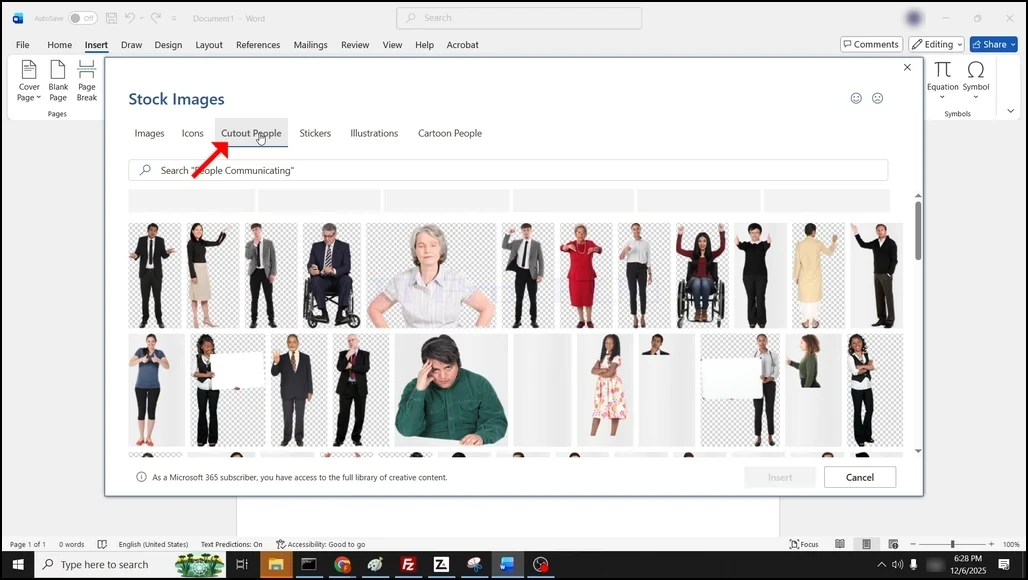
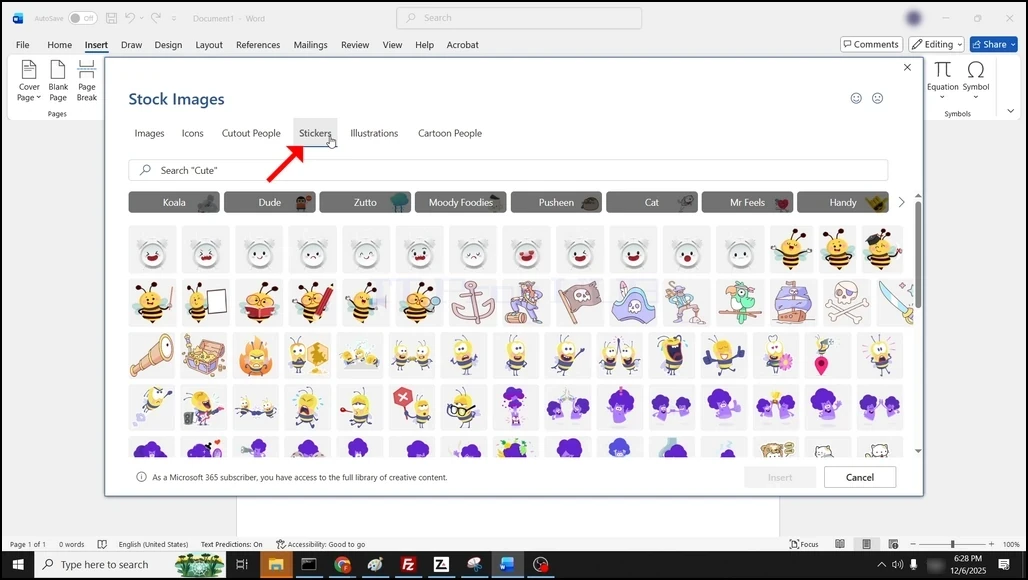
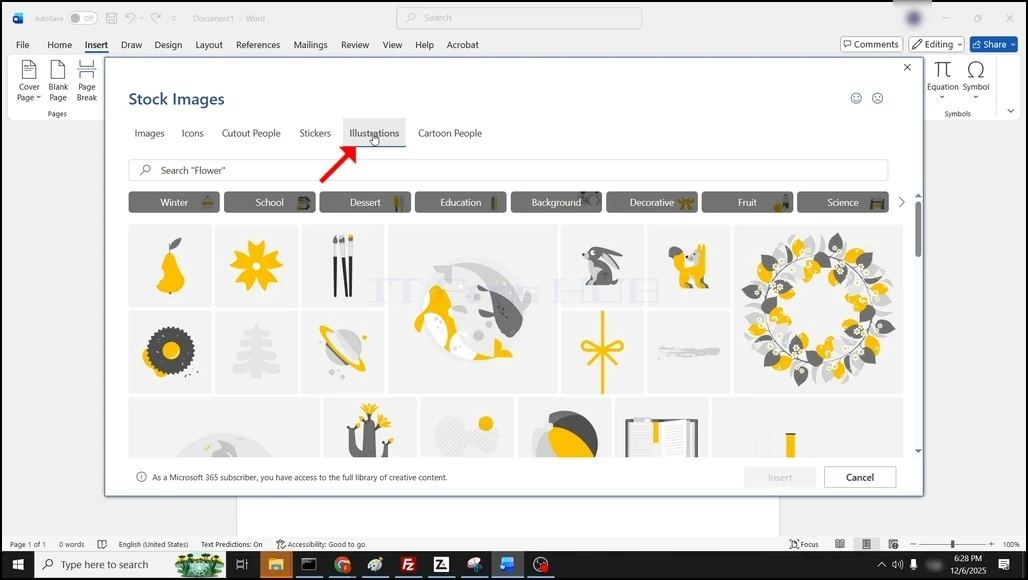
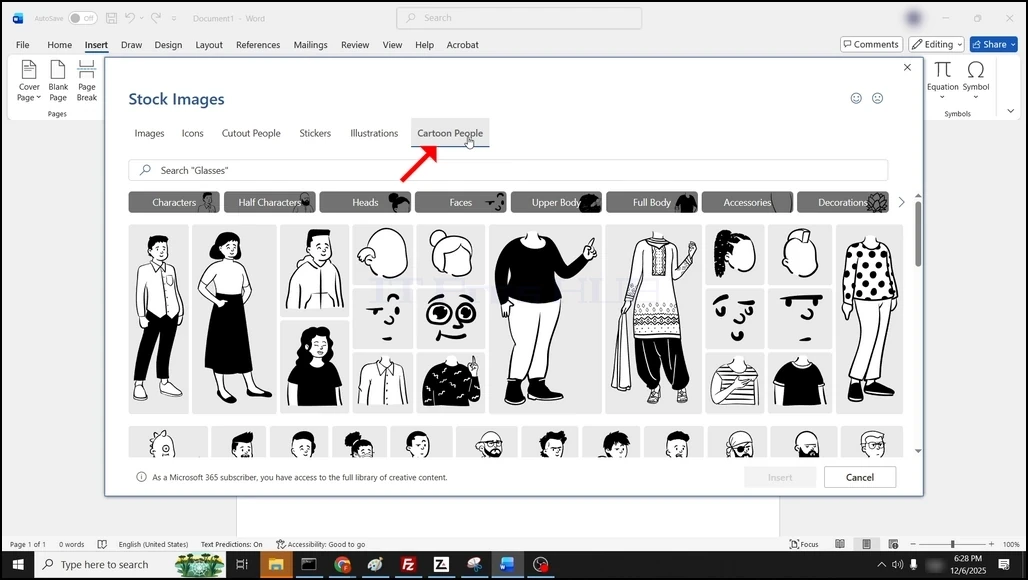
5. Birini bir kez tıklayarak ve işaretleyin. Bir kez işaretlendiğinde, Ekle düğme Mavi'yi dönüştürecektir, seçilen resmi Word belgesine eklemek için tıklayın:
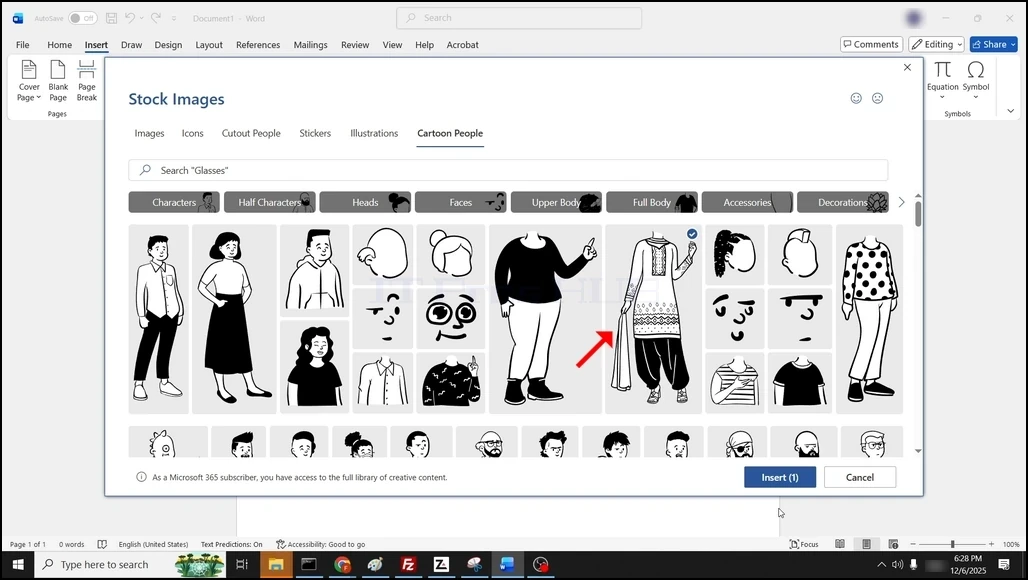
6. Anonim görüntü şimdi Word belgesine eklenmiştir: