Tagline:Eğer$SysResetFolderWindows11'deDeletilirseneolur
Giriş:
Bu makalede, Windows 11'e ne olduğunu inceleyeceğiz, neleri deleterken $SysReset C'den klasör: sürücü.
1. İlk olarak, Windows'un kurulduğu sürüş bölümüne gideceğiz. Vakaların% 99'unda, c: \ sürücüsü olurdu.
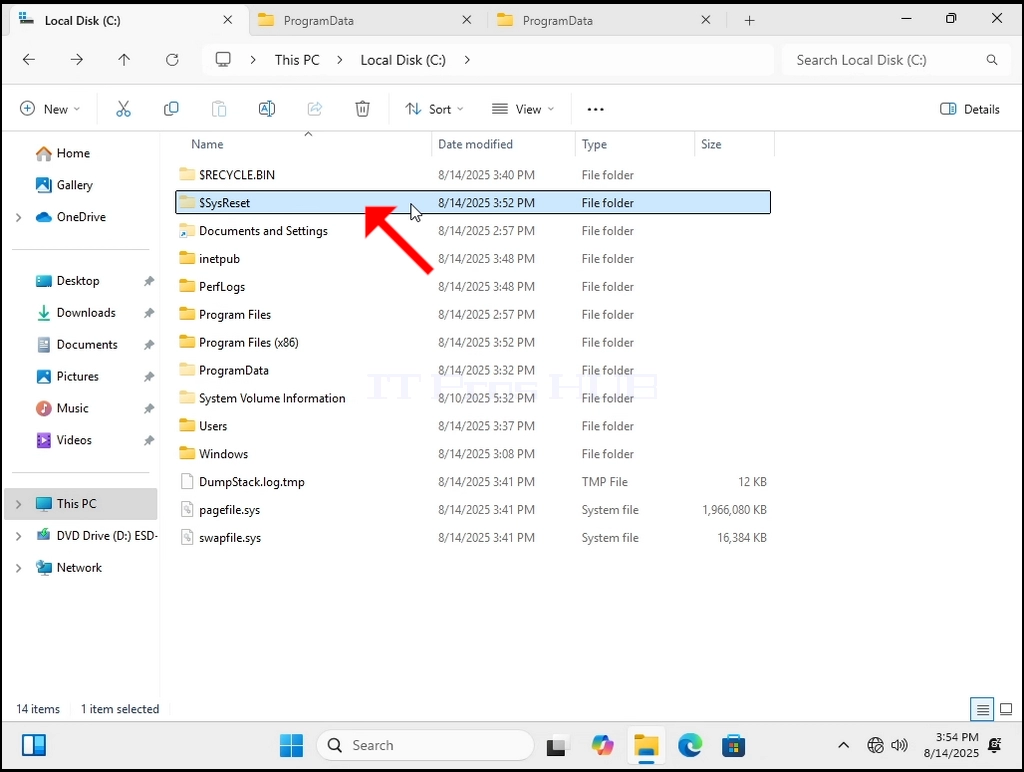
2. Görünüşe göre bu klasör doğrudan Windows içinde silinebilir.
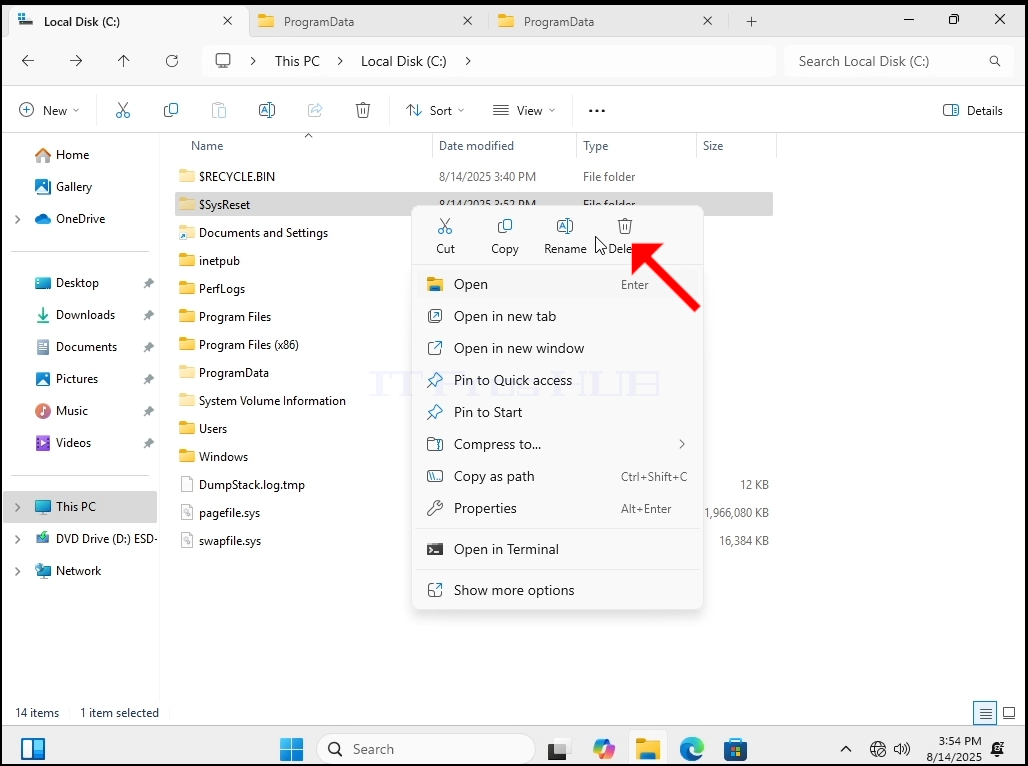
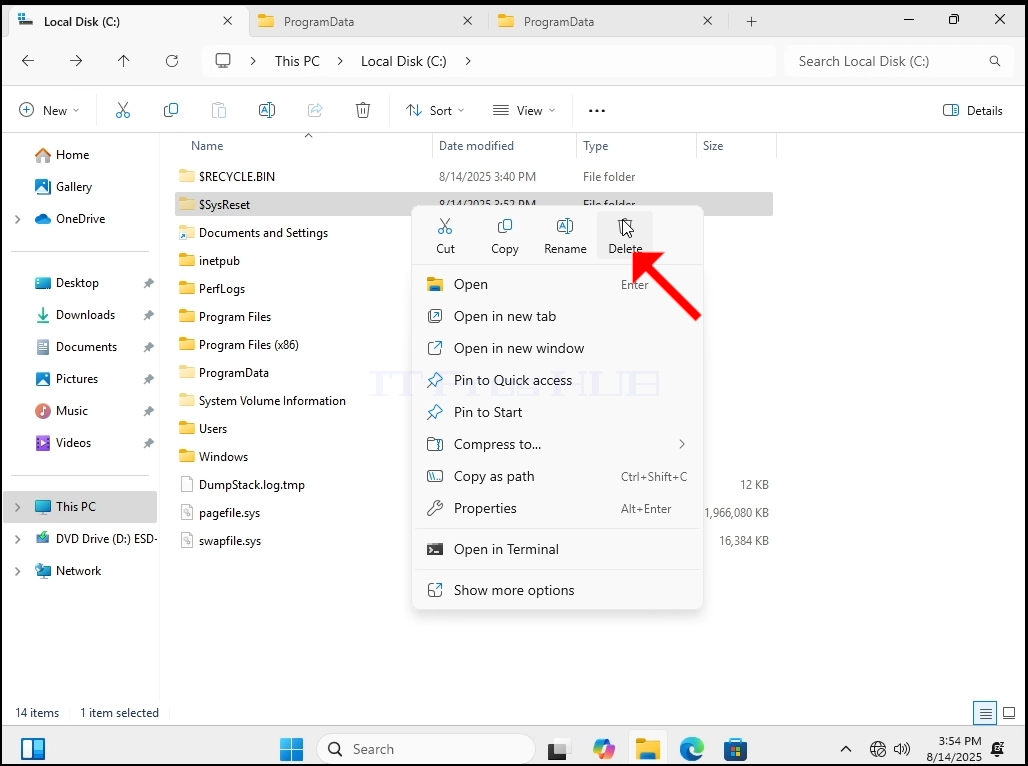
3. Biz doğru tıklayacağız $SysReset Yan menüyü açın ve Delete düğmesine tıklayın.
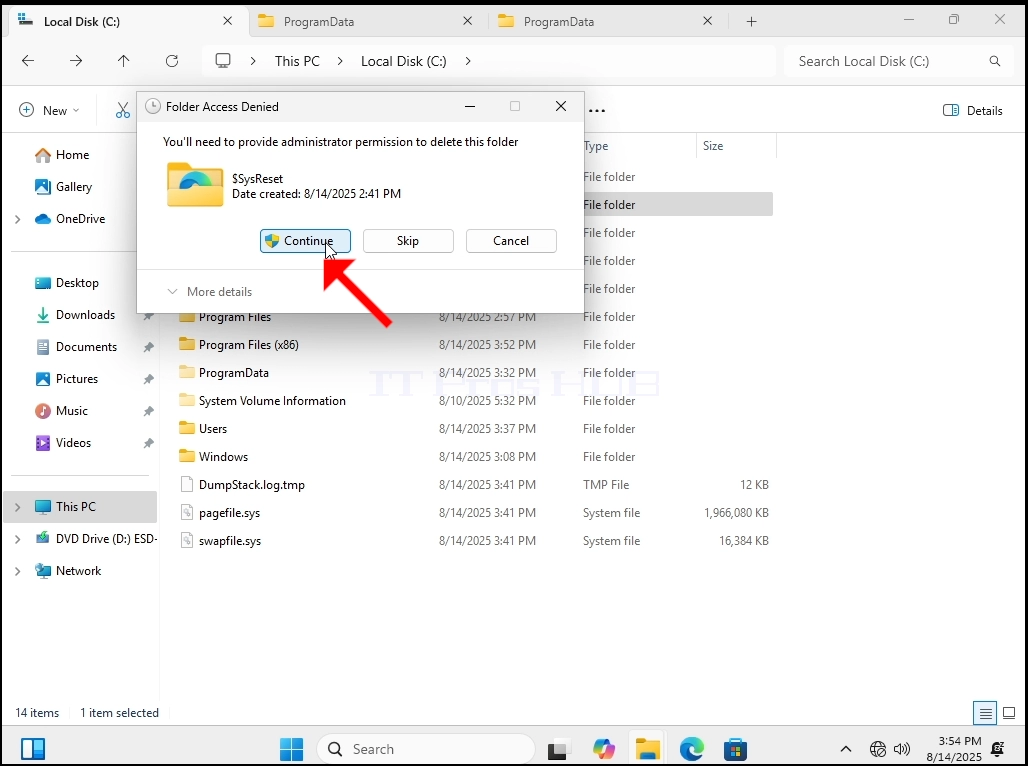
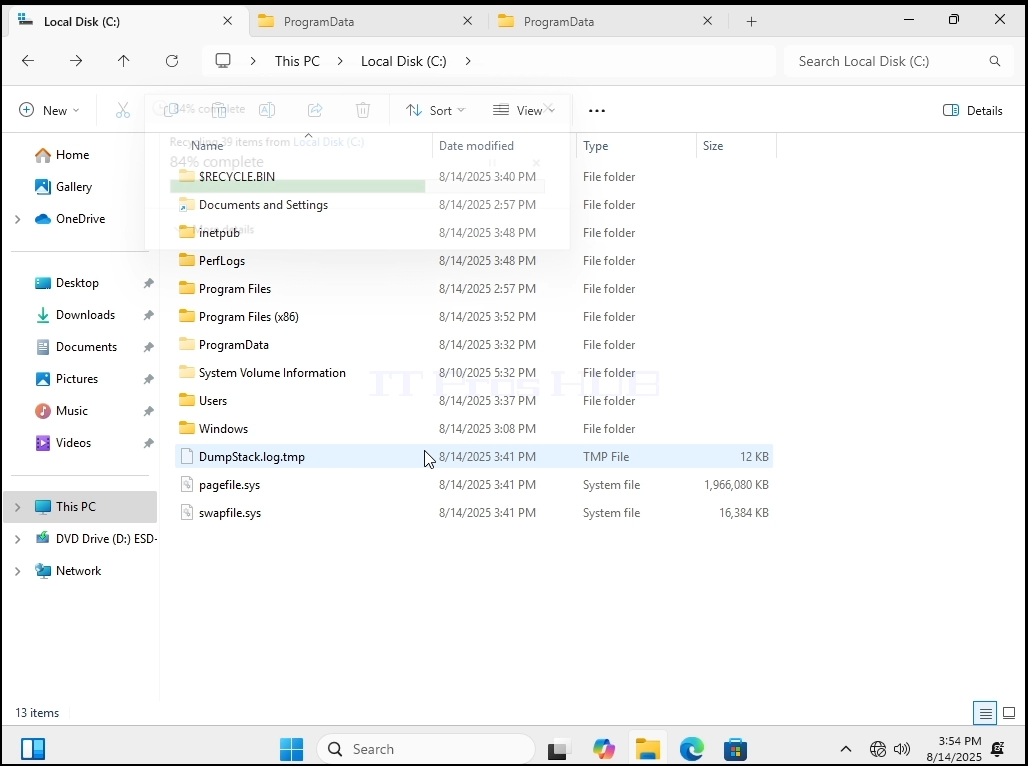
- Dosyayı bitirdikten sonra, Windows'u yeniden başlatacağız.
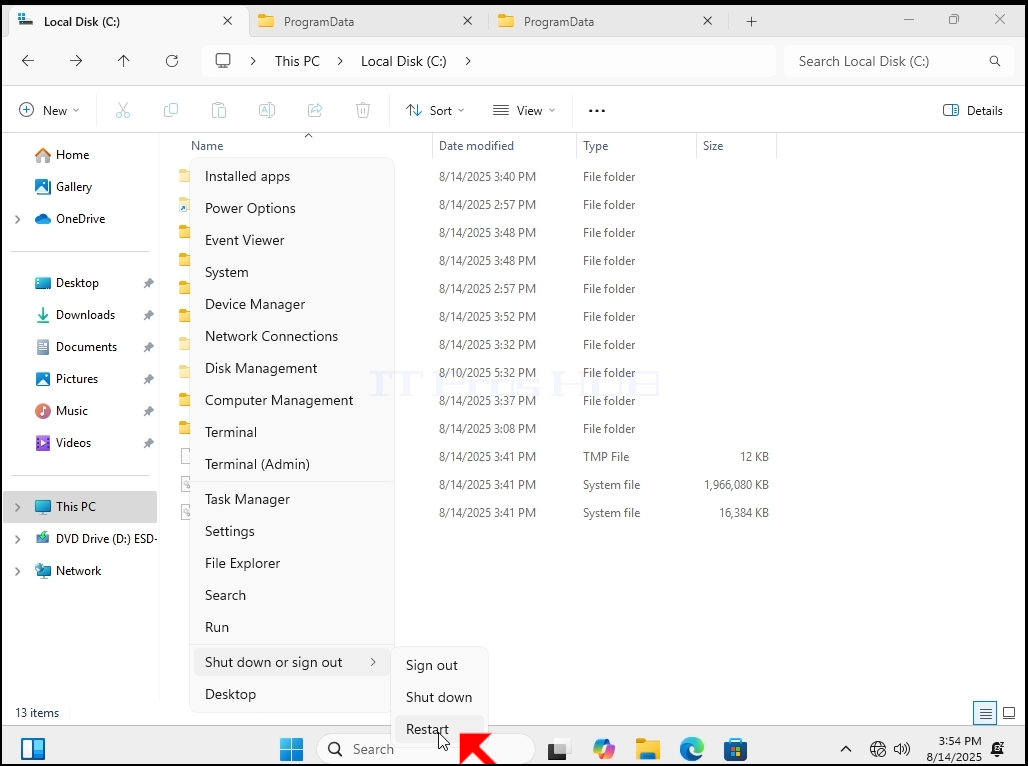

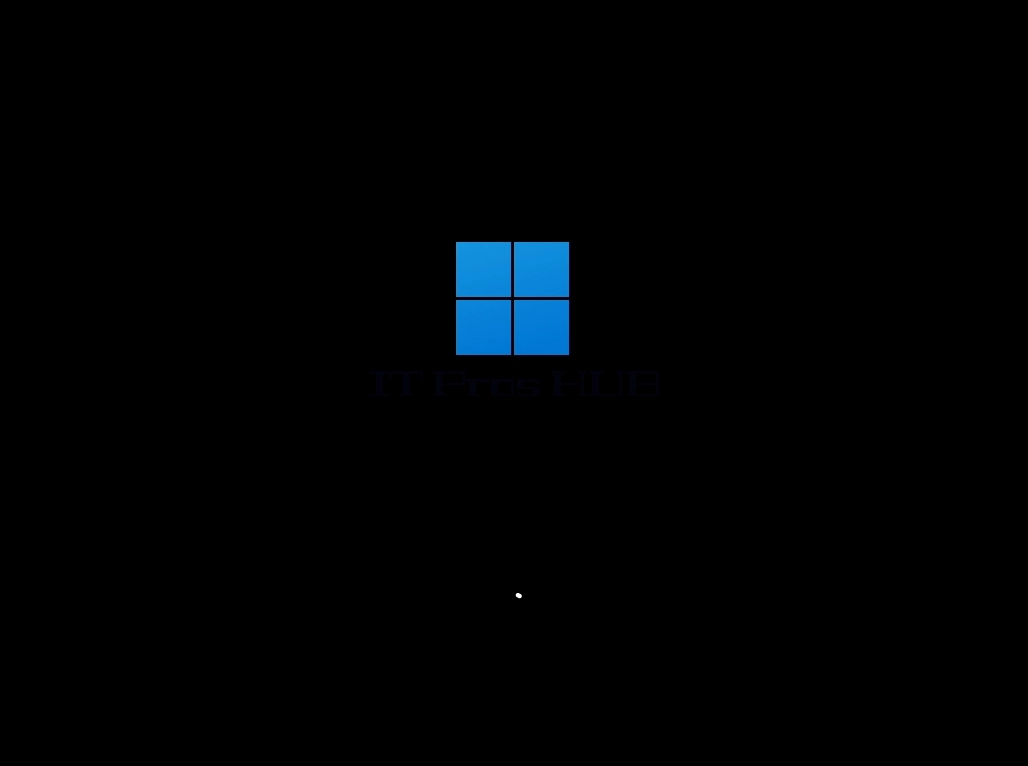
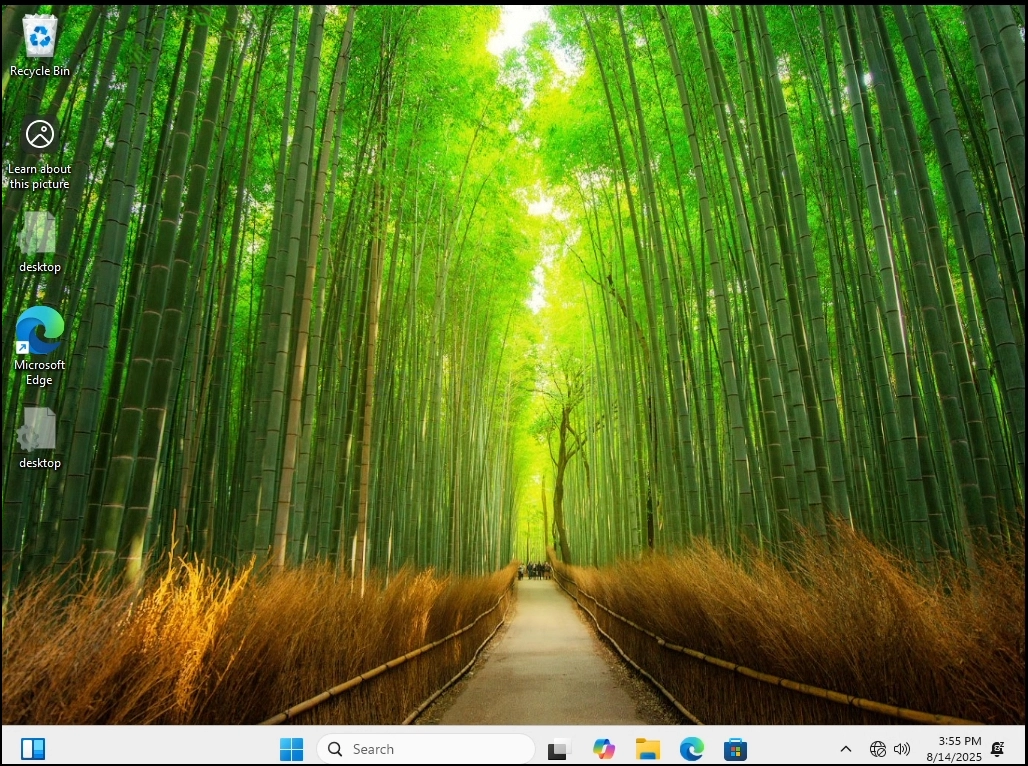
5. Görebildiğiniz gibi, Windows 11 normalde herhangi bir sorun olmadan kalkar ve görünüyor $SysReset Windows tarafından yeniden oluşturuldu.
- Tekrar sileceğiz ve Windows'u bir kez daha yeniden başlatacağız.
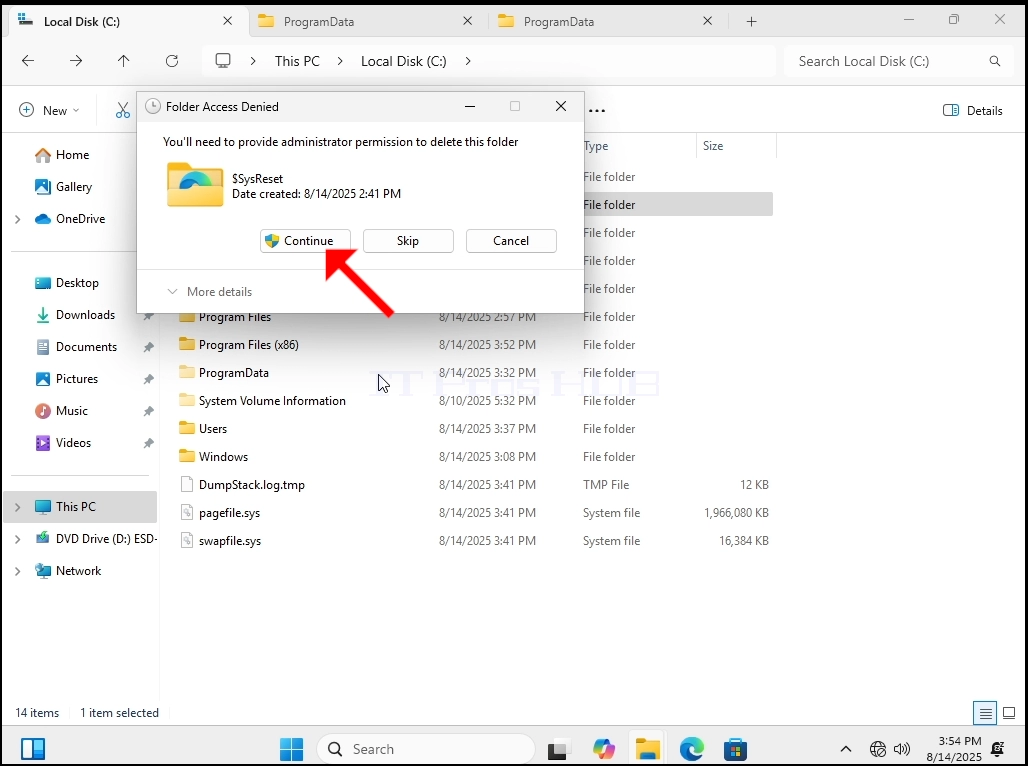
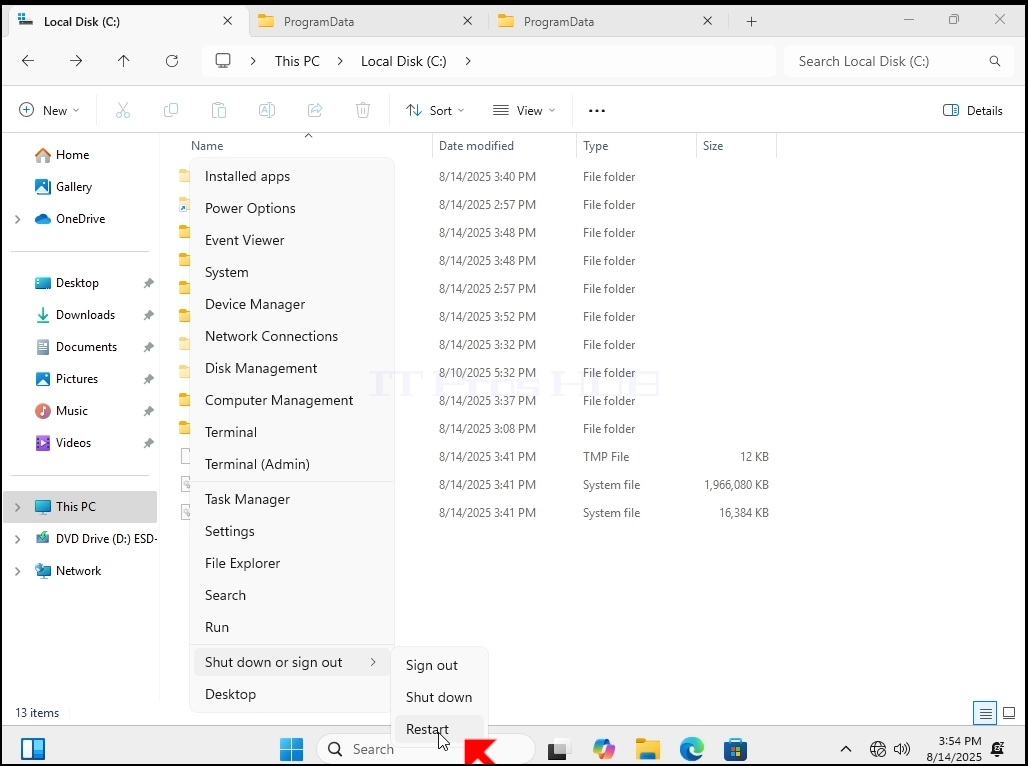
7. Windows normalde herhangi bir sorun olmadan başlar gibi görünüyor.