Tagline:Каквосеслучваакопапката$SysResetизтритаWindows11+3
Въведение:
В тази статия ще разгледаме какво се случва с Windows 11 при изтриване на SysReset папка от C: диск.
1. Първо, ще преминем към дяла на диска, където е инсталиран Windows. В 99% от случаите, това ще бъде c:\ шофиране.
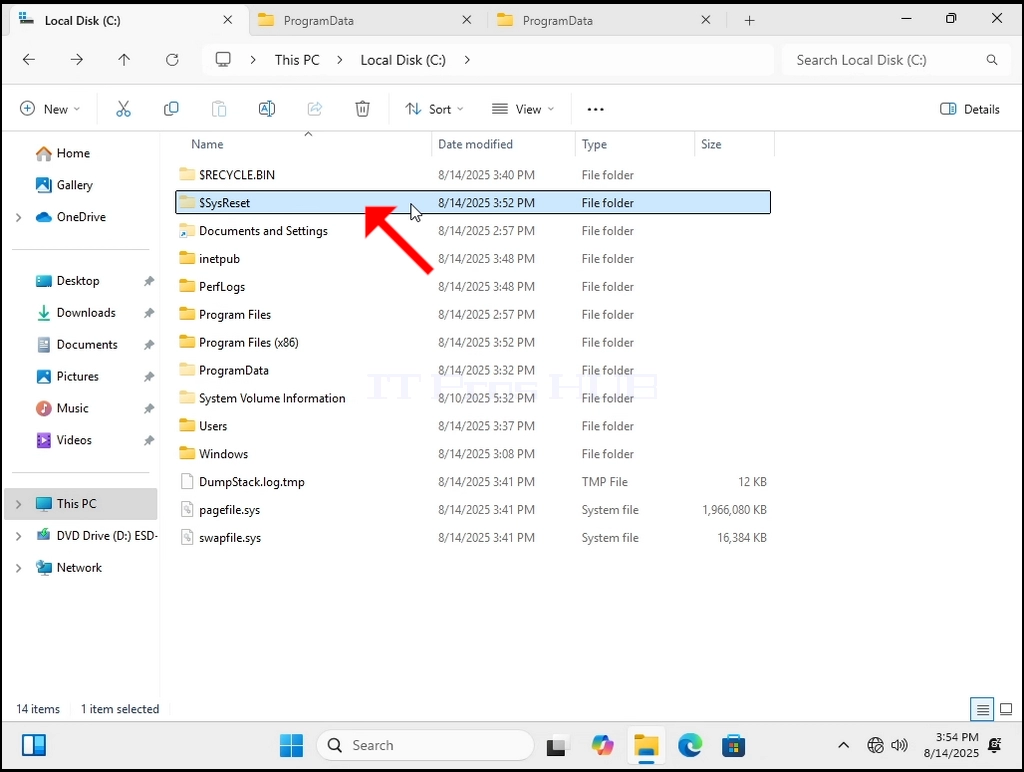
2. Изглежда, че тази папка може да бъде изтрита директно от Windows.
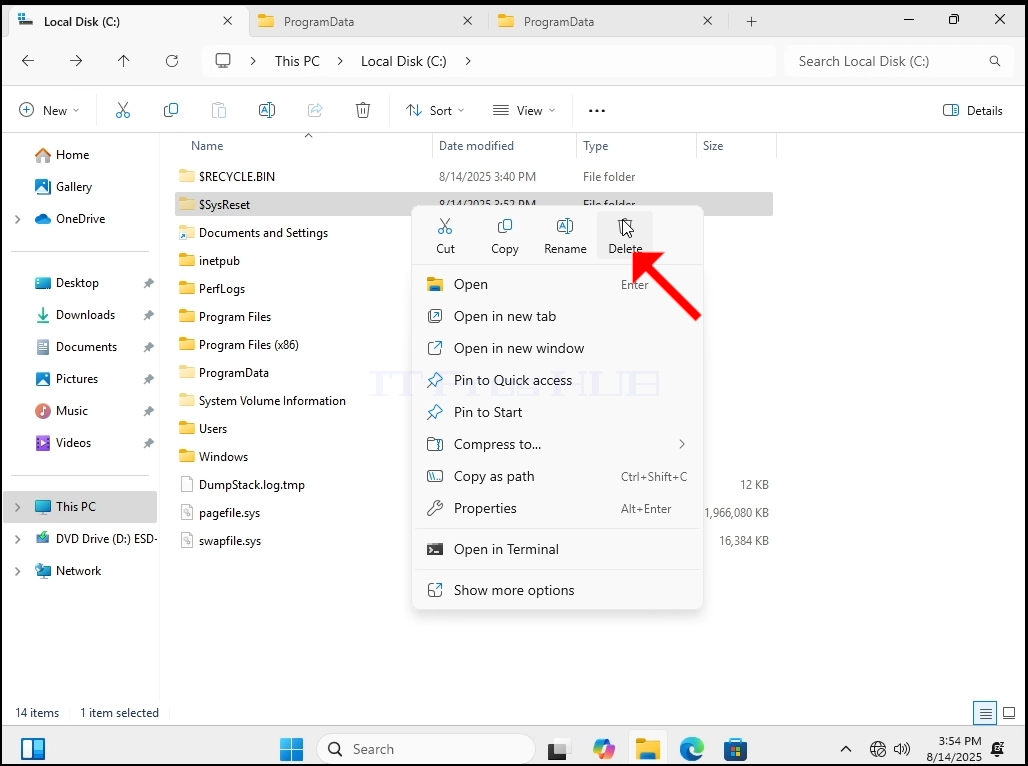
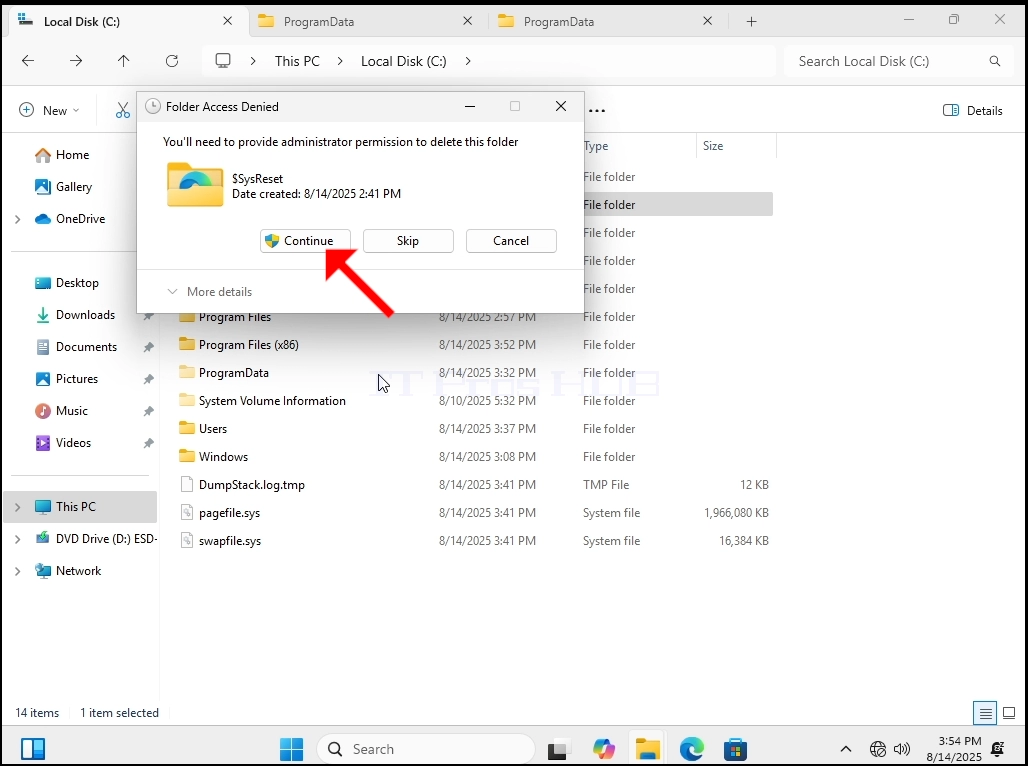
3. Ще кликнем с десния бутон върху SysReset да отворите страничното меню и да кликнете върху бутона Изтрий.
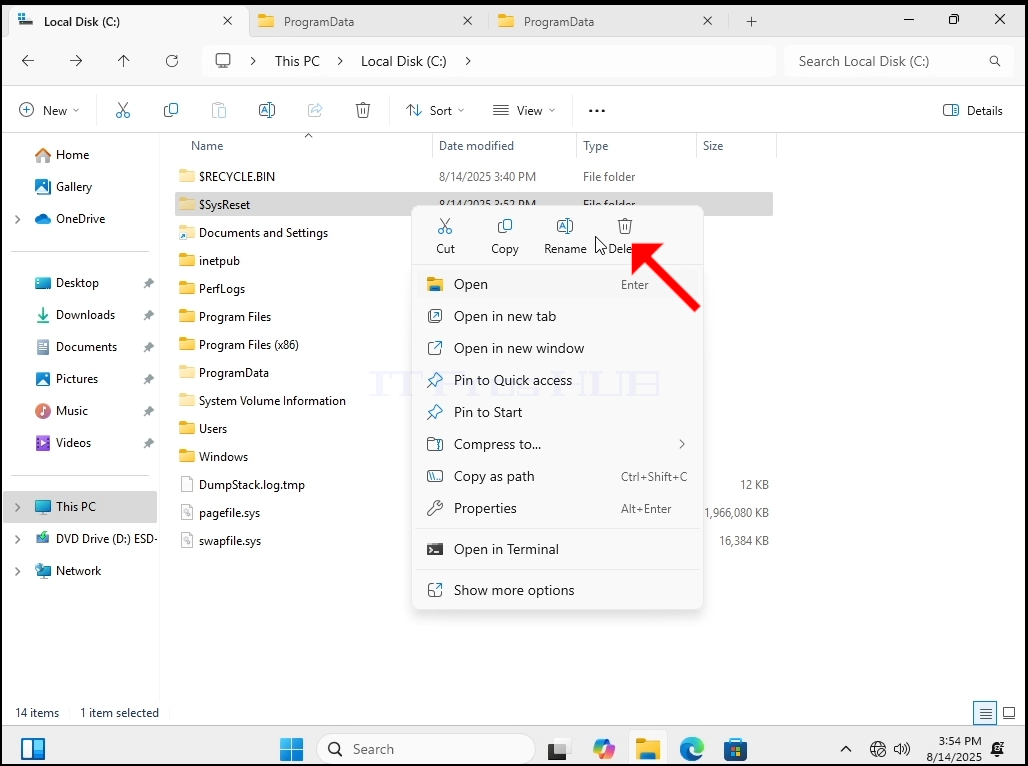
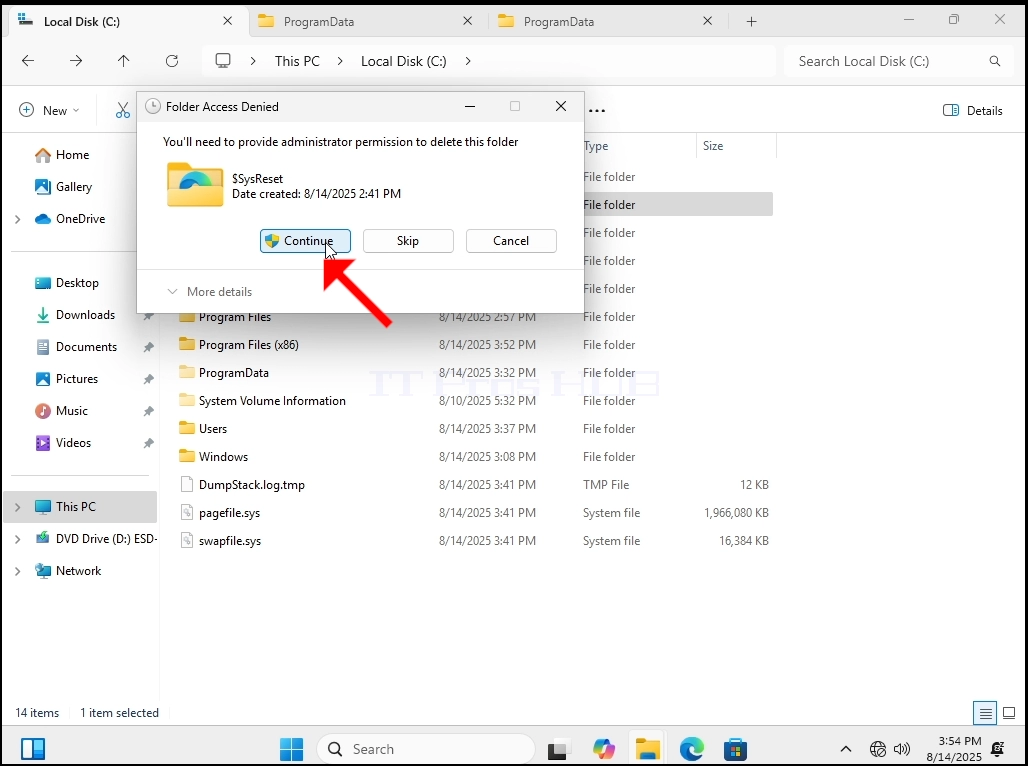
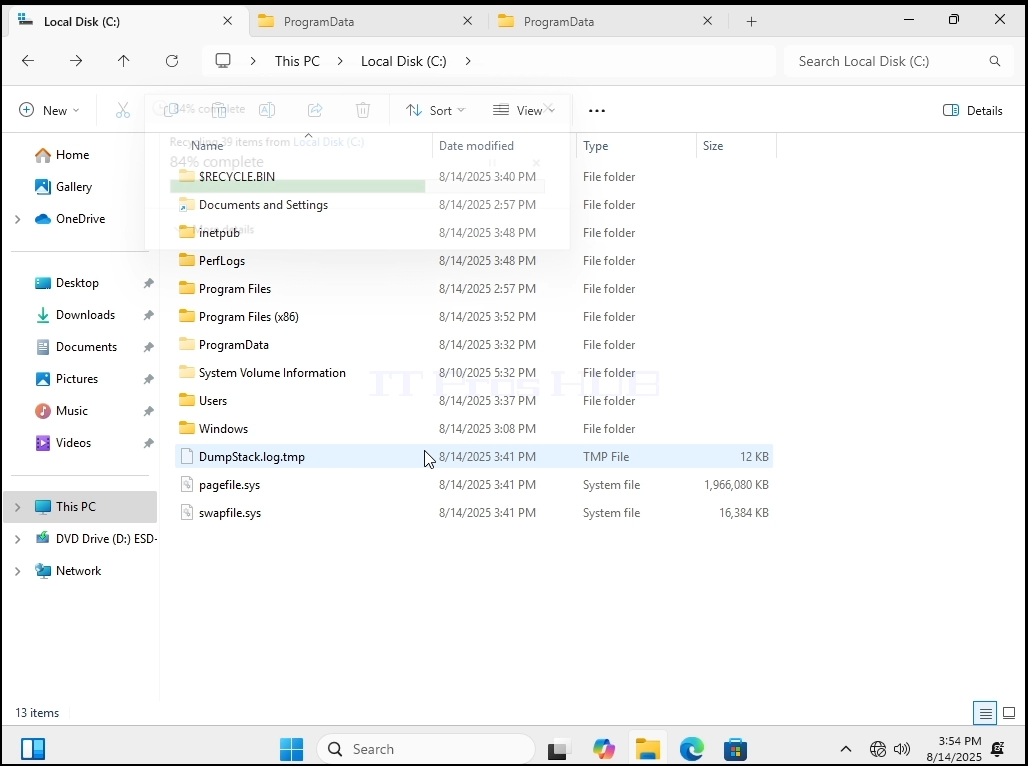
- След изтриване на папката, ще рестартираме Windows.
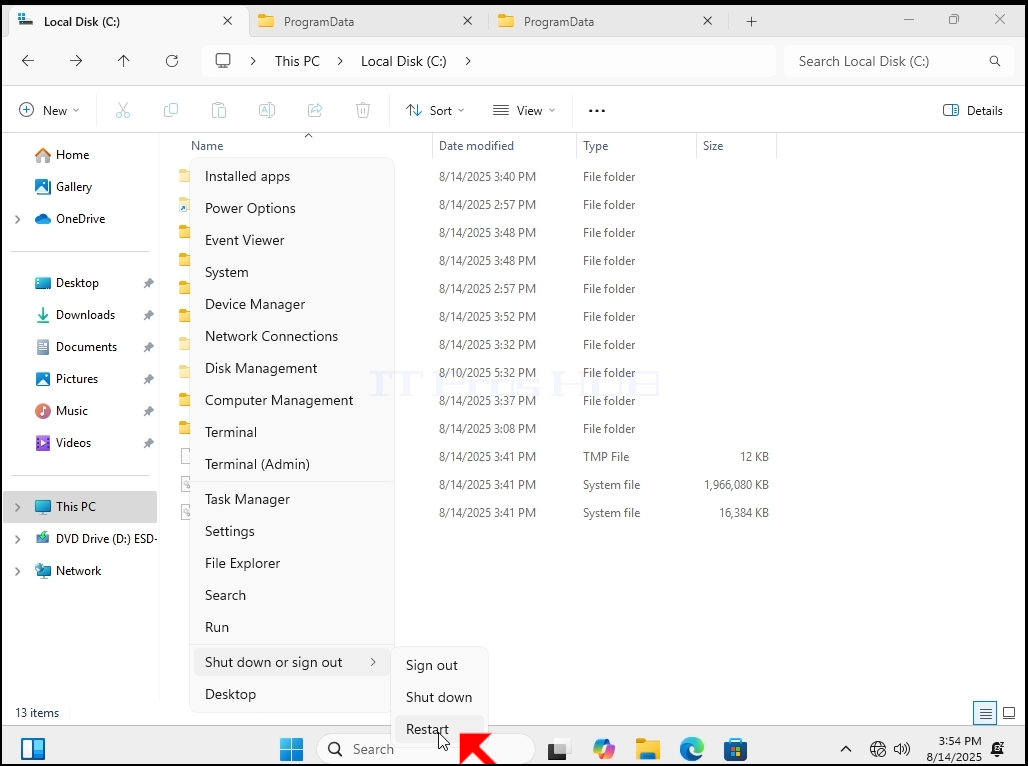

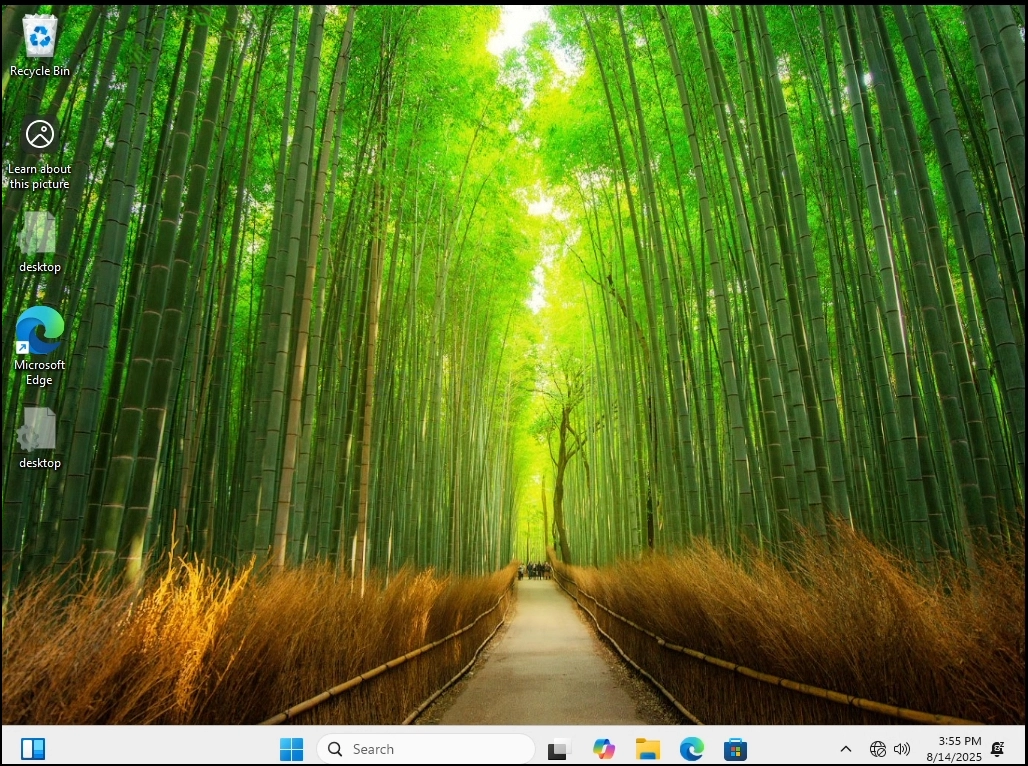
5. Както можете да видите, Windows 11 ботуши обикновено нагоре без никакъв проблем и изглежда SysReset е бил пресъздаден от Windows.
- Ще го изтрием отново и ще рестартираме Windows още веднъж.
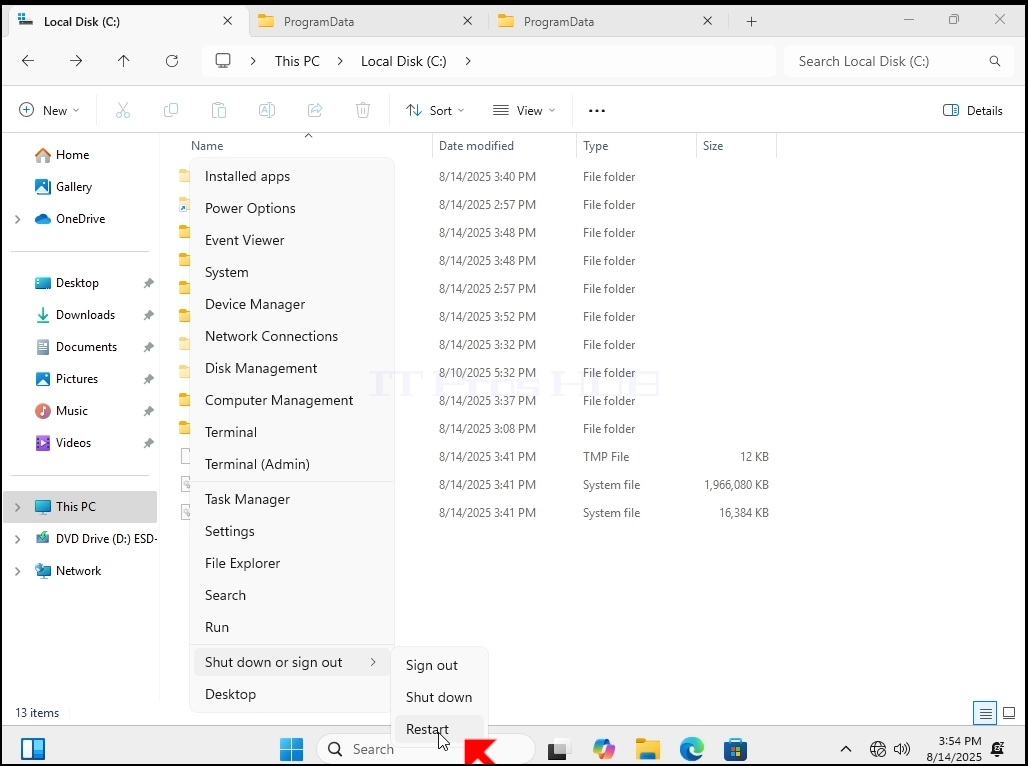
7. Изглежда, че Windows започва нормално без никакви проблеми.