



A laptop refresh used to be a predictable exercise: choose a CPU tier, pick a screen size, standardize on a dock, and move on. In 2026, that “good enough” checklist breaks more often—because modern fleets are shaped by power efficiency targets, hybrid work expectations, stronger baseline security, and a new performance dimension that doesn’t show up in traditional benchmarks: on-device AI acceleration. For IT professionals, the challenge is not simply buying faster laptops, but buying the right mix of capability, reliability, and manageability that will still feel modern at the end of the lifecycle.
This guide is written for people who have to make the refresh work in the real world: imaging, patching, endpoint security, warranty logistics, remote users, conference rooms, docking chaos, and a procurement process that wants a single SKU while your users demand three. The goal is to help you build a practical standard that balances battery behavior, NPU capability, memory headroom, and storage performance—without chasing marketing terms.
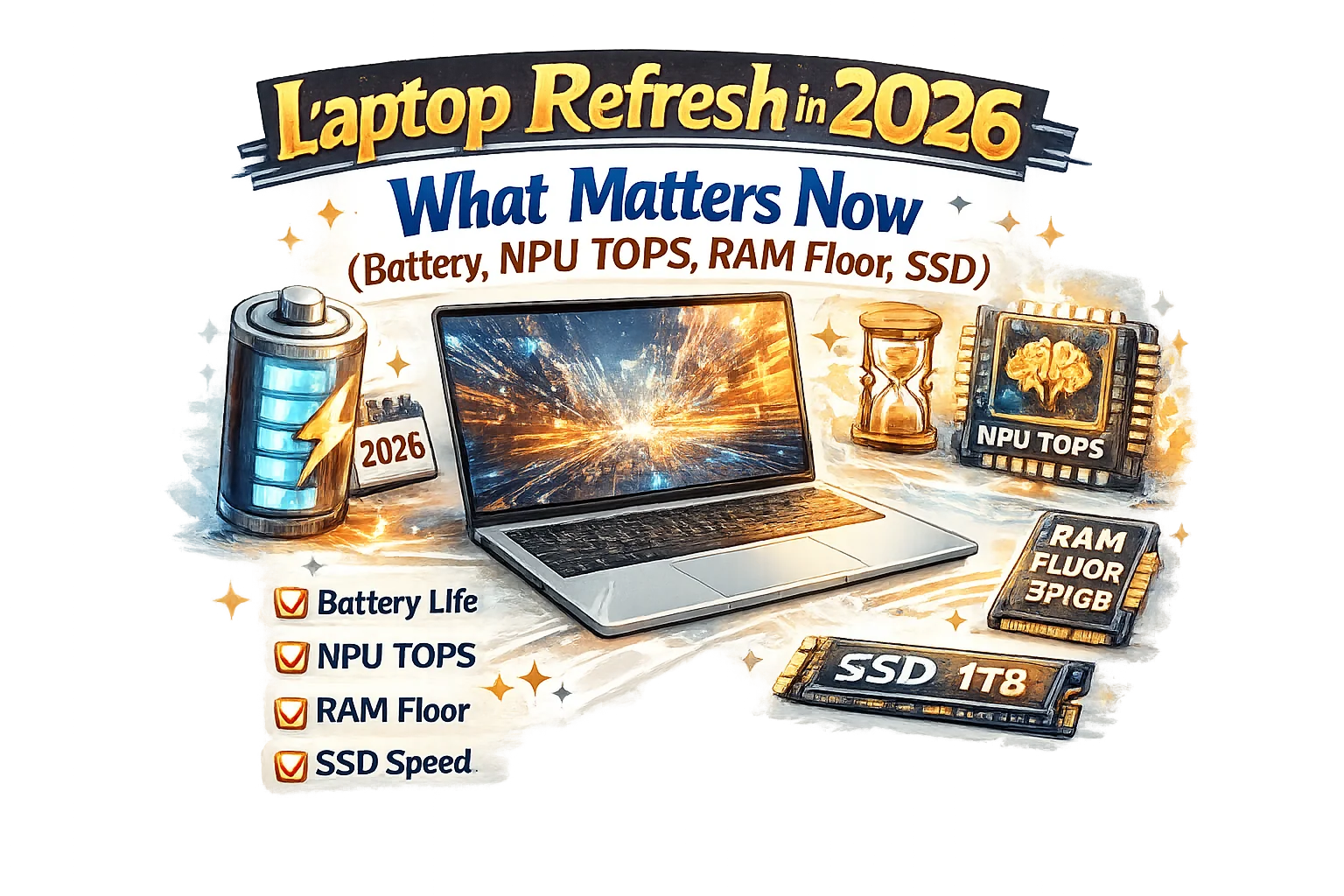
Start with a fleet lens, not a spec sheet
Before diving into battery watt-hours and NPU TOPS, it helps to decide what “success” looks like for your environment. A refresh goes sideways when IT buys to the benchmark charts while the organization lives in browsers, video calls, VPN tunnels, and endpoint agents. Your baseline should be measured in user experience and operational friction: how many tickets does the device generate, how often does it fail in the field, how quickly can you recover it, and how consistent is performance across common workloads over time.
A useful way to frame the decision is to separate requirements into four layers:
- User experience layer: responsiveness under load, camera and mic quality, thermal comfort, keyboard/trackpad reliability, and real-world battery.
- Security and compliance layer: firmware protections, TPM, modern authentication, device encryption, and compatibility with your endpoint stack.
- Manageability layer: BIOS/UEFI controls, driver maturity, automation readiness, and support for your management platform.
- Lifecycle economics layer: warranty terms, parts availability, repair turnaround time, and standardization options.
Once those layers are defined, battery, NPU, RAM, and SSD choices become easier: you are no longer “maxing specs,” you are engineering a stable fleet.
Battery in 2026: think “behavior,” not just capacity
Battery life claims rarely match how managed endpoints behave. Corporate laptops carry background load: device encryption, endpoint detection agents, posture checks, VPN clients, browser extensions, collaboration apps, and sometimes VDI. Battery capacity (watt-hours) still matters, but IT should focus on battery behavior—how the device manages power in modern mixed workloads.
The most important battery-related questions for a refresh are practical: Will the laptop make it through a day of meetings and document work without “battery anxiety”? Does it drain rapidly in sleep while traveling? Does it throttle aggressively on battery, creating the perception of “slow laptop”? Can it charge quickly enough during short breaks to recover meaningful runtime?
In testing, look beyond a single video playback number. Reproduce a workload that resembles your organization: a browser with multiple tabs, a collaboration app with camera and background blur enabled, a VPN tunnel, and typical office software. Then watch two things: battery drain rate and sustained responsiveness. A laptop that lasts longer but becomes sluggish at low battery can be a worse experience than one that is slightly shorter but consistent.
Also pay close attention to sleep and modern standby behavior. In large fleets, “battery died in the bag” becomes a hidden cost: damaged batteries, user frustration, and emergency charger purchases. If your environment is sensitive to this, prioritize models with a strong history of stable sleep states and reliable firmware updates, and validate it with a pilot group that includes travelers.
Charging is the other half of battery reality. USB-C charging and docking are now common, but fleets still run into underpowered adapters, cable quality issues, and inconsistent behavior across docks. Standardize power delivery where you can: match charger wattage to the performance class you deploy, and consider whether high-power users need a dedicated adapter rather than relying on whatever is on a desk.
NPU TOPS: what it means for IT in day-to-day operations
NPU TOPS has become a headline metric because more software is trying to run AI features locally: noise suppression, camera effects, transcription, search, summarization, and selective on-device inference. For IT, the NPU is less about “cool demos” and more about resource isolation. If an AI task can be handled by the NPU, the CPU and GPU are left available for the rest of the system—helping responsiveness, thermals, and, in many cases, battery.
The catch is that TOPS numbers alone don’t tell you how the device will behave in your stack. The real questions are: Which of your applications actually use the NPU today? Are the drivers stable and supported by your management policies? Does your security tooling interfere with AI acceleration paths? And does the laptop remain consistent across OS updates and driver revisions?
A practical approach is to treat NPU capability as a future-proofing lever, not a single go/no-go threshold. If you refresh on a multi-year cycle, buying machines with credible NPU performance can reduce the risk that new collaboration and productivity features later become “unusable on older hardware.” That said, avoid overpaying for theoretical capacity that your environment can’t take advantage of yet.
When evaluating NPU readiness, focus on compatibility and manageability: confirm that firmware/BIOS controls are enterprise-friendly, drivers are available through your standard channels, and your endpoint platform has a clear story for monitoring device health without breaking acceleration. If you run strict application control, confirm that AI components won’t create surprise deployment hurdles.
You’ll also want to separate NPU use cases into two buckets. The first bucket is “always-on” enhancements such as background noise reduction and camera processing, which are frequently used and can influence battery and thermals. The second bucket is “on-demand” tasks like local summarization or retrieval. For IT, the always-on bucket tends to matter more because it impacts daily experience and support volume.
RAM floor: the new minimum is about multitasking reality
RAM is one of the most expensive places to be wrong in a laptop refresh. Under-specifying memory leads to a long tail of tickets that look like “the laptop is slow” but are actually paging, browser memory pressure, heavy collaboration clients, and endpoint security overhead. Over-specifying across every user wastes budget that could have improved displays, warranties, or SSD quality. The right move is to define a sensible RAM floor for the majority of users, then create a controlled path for exceptions.
In 2026, typical corporate multitasking patterns are heavier than they look on paper. Browsers are effectively application platforms, and each tab can be a mini-app. Add a video call, a few documents, background syncing, and security agents, and memory headroom disappears quickly. If your organization uses web apps extensively, the floor should reflect that reality rather than the memory requirements of classic desktop software.
The key is not just the number of gigabytes, but how the device behaves under pressure. Your pilot should include a “worst normal day” scenario: lots of tabs, a long meeting, screen sharing, a heavy spreadsheet, and a device encryption + endpoint stack running. If users can do that without stutter, your floor is probably safe.
Also account for the fact that many modern laptops use soldered memory, meaning the purchase decision is permanent. If you cannot upgrade later, your floor should include enough buffer to cover OS growth, collaboration app updates, and the gradual creep of “one more tab” behavior. For organizations that standardize on a single configuration, it is often better to choose a memory level that reduces operational friction across the whole fleet, even if some users never fully utilize it.
For power users, make the exception process clear and boring: define eligible roles and workloads, and standardize one higher-memory option. That prevents random one-off purchases that complicate support and imaging.
SSD choices: performance, endurance, and reliability beat raw capacity
SSDs are often reduced to a single number: capacity. But in corporate reality, SSD selection affects boot times, patch cycles, encryption performance, virtual memory behavior, and long-term reliability. If your RAM floor is tight, SSD behavior matters even more because paging turns storage into a performance bottleneck. A weak SSD can make an otherwise good laptop feel inconsistent.
For IT professionals, the SSD discussion should include: sustained performance (not just peak), endurance characteristics (how the drive handles write-heavy patterns), and quality-of-life features like predictable thermal behavior. A drive that spikes fast but throttles hard during updates and scans can create the perception that “the laptop slows down randomly,” which is exactly the kind of complaint that burns helpdesk time.
Another practical angle is lifecycle management. If you rely on full-disk encryption, ensure the SSD and platform combination performs well under encryption and remains stable across firmware updates. If your organization frequently reimages devices, consider how long each imaging cycle takes, and how the SSD behaves under repeated write load.
Capacity still matters, but choose it based on your reality, not an old baseline. Modern operating systems, collaboration caches, browser profiles, local sync folders, and developer toolchains can consume space faster than expected. If you support offline work, large media files, or local VMs, storage requirements jump quickly. Create tiers if needed, but keep them minimal so you don’t create operational complexity.
Thermals and sustained performance: the hidden driver of “good” laptops
Thin-and-light designs can be excellent, but only if the thermal profile matches your users. IT frequently sees devices that benchmark well for a short burst and then degrade under sustained load: long meetings with camera effects, code builds, large spreadsheet recalcs, or heavy multi-monitor use on a dock. That degradation shows up as lag, fan noise, and user dissatisfaction—especially in quiet offices and conference rooms.
During evaluation, insist on a sustained workload test. Run a realistic set of tasks for a long session and observe: keyboard temperature, fan behavior, performance consistency, and whether the laptop remains comfortable to use. A device that performs slightly lower but stays stable can be a better fleet choice than one that oscillates wildly depending on heat.
Remember that docking can change thermal behavior. Many users push laptops harder when connected to multiple displays, ethernet, and external devices. Validate your standard dock setup during pilots, not as an afterthought.
Ports, docking, and the “conference room tax”
Port selection is not glamorous, but it directly impacts support cost. Every missing port becomes an adapter, and every adapter becomes a ticket. In 2026, USB-C is dominant, but reality is messy: projectors, legacy USB devices, wired headsets, and conference room setups that lag behind.
Standardization helps here more than raw specs. Decide what your organization’s docking story is: single vendor docks, USB-C power + display standards, and a small, approved set of adapters with known-good cables. When you control the accessories ecosystem, you reduce “random incompatibility” support calls.
Also consider which users truly need multiple external displays and high-refresh setups. Some roles benefit heavily, while others are fine with a simpler configuration. If you can match device tiers to role profiles, you can spend money where it reduces friction rather than trying to buy a one-size-fits-all machine that satisfies nobody.
Security baseline: buy what you can enforce
Most organizations already require encryption, TPM-backed keys, and modern authentication. The laptop refresh is a chance to reduce security exceptions, not expand them. Prioritize platforms with mature firmware security features, stable BIOS update mechanisms, and management hooks that let you enforce policy at scale. A strong hardware security baseline makes your endpoint stack more predictable and reduces “special case” devices that drift out of compliance.
In pilots, validate your full security posture: device encryption performance, endpoint detection behavior, VPN and posture checks, and any application control policies. A laptop that is fast in a clean test environment but unstable under the real security load is not a win.
Manageability: drivers, firmware, and the boring stuff that saves you
The best fleet laptops are rarely the flashiest. They are the ones with predictable driver availability, consistent firmware updates, and minimal surprises during OS updates. For IT, driver maturity and update tooling are often more important than a small performance advantage.
Choose models with a clear enterprise support story: centralized driver catalogs, BIOS configuration options that can be automated, and a warranty process that won’t strand remote users. If you operate globally or support remote work, parts logistics and repair turnaround time should be part of the selection criteria from day one.
If you have an established imaging pipeline, test it early. Confirm that storage, Wi-Fi, camera, audio, and power management behave correctly out of the gate. If you are moving toward cloud-based provisioning, validate device enrollment flows and policy application speed. A refresh that complicates provisioning increases the time-to-productivity cost even if the hardware is excellent.
Build role-based “profiles” to keep the refresh simple
Most organizations can cover the majority of needs with a small set of profiles. This keeps procurement sane while still matching real workloads. A practical approach is to define profiles that differ primarily in memory, storage, and thermal headroom—while keeping as much else consistent as possible.
For example, you might align your selection with common patterns: a general productivity profile for most users, a mobility-first profile for frequent travelers who value battery and webcam quality, and a performance profile for engineers, analysts, and creators who need more sustained capability. The goal is to keep the SKUs few, the documentation clear, and the exceptions controlled.
Make NPU capability part of these profiles as well. If your organization expects increasing adoption of on-device AI features, it can be worth ensuring that all profiles meet a consistent baseline, so you don’t accidentally create a “two-tier” experience where some users get new features and others don’t.
Pilot like you mean it: what to measure before you commit
A pilot is not a demo. It is a controlled stress test of your future support reality. Choose pilot participants that represent real pain points: remote workers, heavy meeting schedules, engineers, and people who live on multiple monitors. Collect feedback on battery behavior, sleep reliability, docking stability, performance consistency, and webcam/mic quality. Track support tickets and time-to-resolution. Those numbers often reveal more than any benchmark.
Instrument the pilot where possible. Even simple metrics—boot time trends, crash frequency, driver update success rates, and battery health—help you identify models that look good at purchase time but degrade over months. A laptop refresh is a multi-year commitment, and the cost of picking “almost right” is paid later in helpdesk time and user frustration.
The 2026 refresh takeaway: standardize on headroom and stability
In 2026, a good laptop refresh is defined by headroom and stability. Battery matters, but measured as behavior under real corporate load. NPU TOPS matters, but evaluated as practical readiness and consistency, not a single marketing number. RAM matters as a floor that prevents paging-driven sluggishness across everyday multitasking. SSDs matter as durable, predictable components that keep systems responsive during updates, scans, and heavy workloads.
The best refresh outcomes come from treating the laptop as a managed endpoint, not a consumer gadget: choose models with mature drivers, stable firmware, predictable docking, and a security baseline you can enforce. Keep SKUs limited, align them to role-based profiles, and run a pilot that mirrors your real environment. If you do that, the refresh won’t just deliver “new laptops”—it will reduce friction across your entire endpoint estate for the whole lifecycle.


 12995
12995  IT Pro






















