Online: 1114 online | Members: 0 | Guests: 1114
Luni, Iunie 15, 2026
Page Minimap
Reading time: 2 min read
Tagline:CeseîntâmplăcândștergețidosarulvechiWindows.oldînWindows11

Introducere:
În acest articol vom testa ce se întâmplă atunci când Windows.old dosarul este șters în ferestrele 11. Vom examina în mod specific în Windows 11 ar putea porni în mod normal fără nici o problemă după ștergerea acestui dosar.

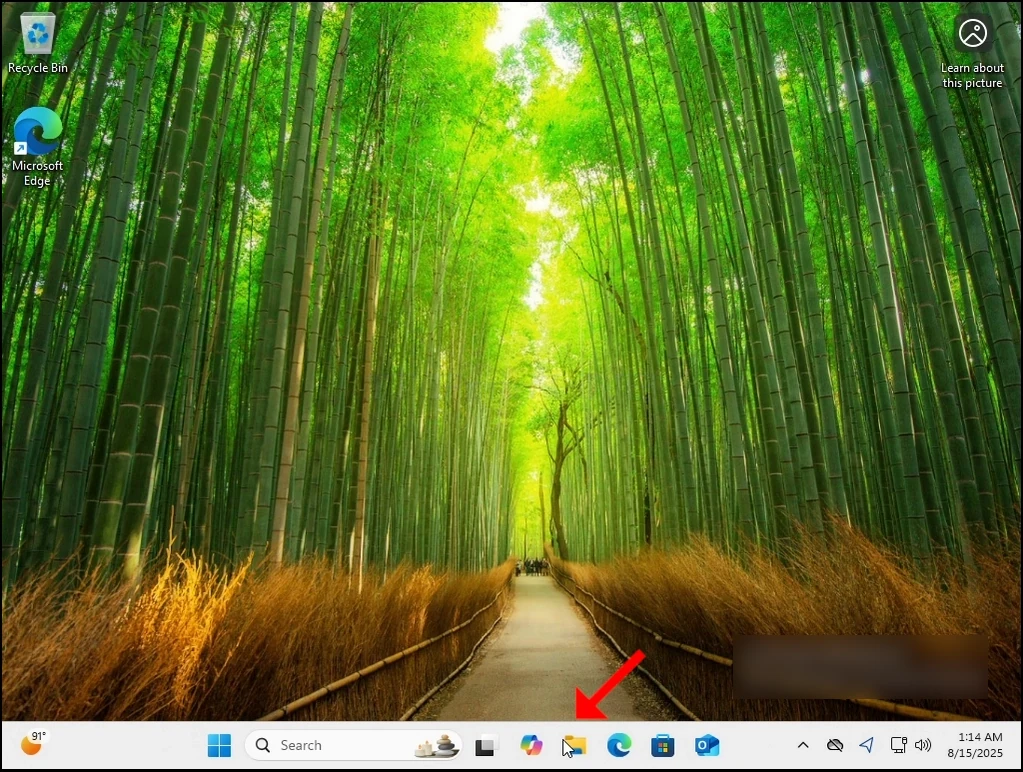
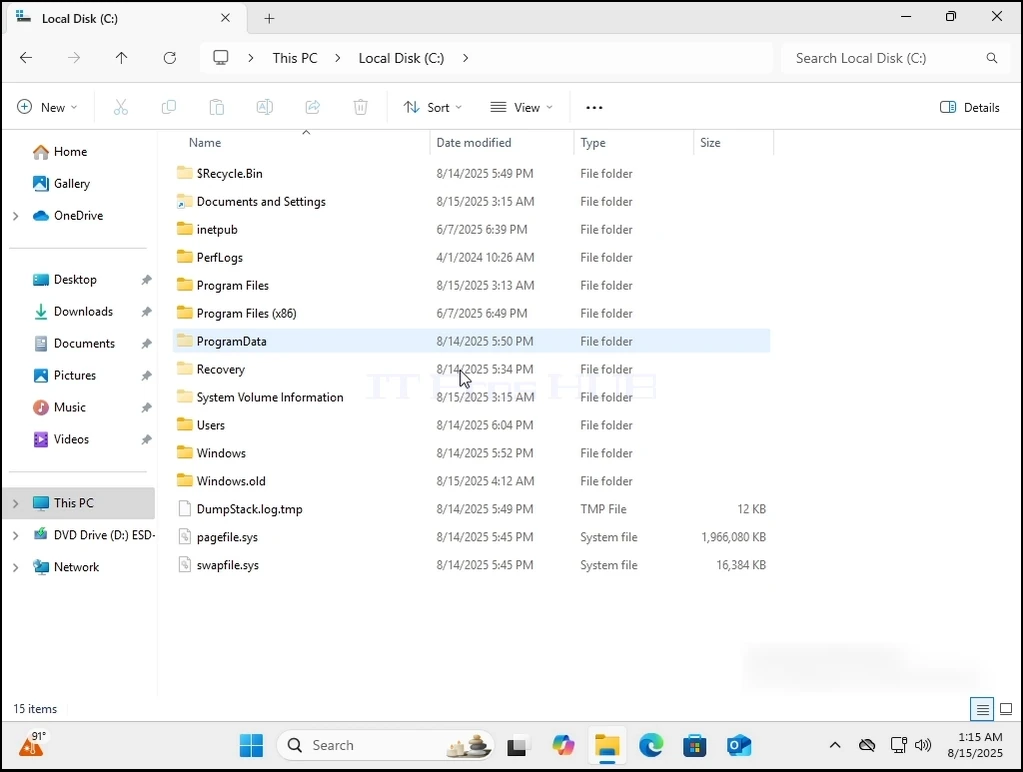
1. Lets merge la locul în care se află instalarea Windows. În 99% din cazuri este C: unitate.

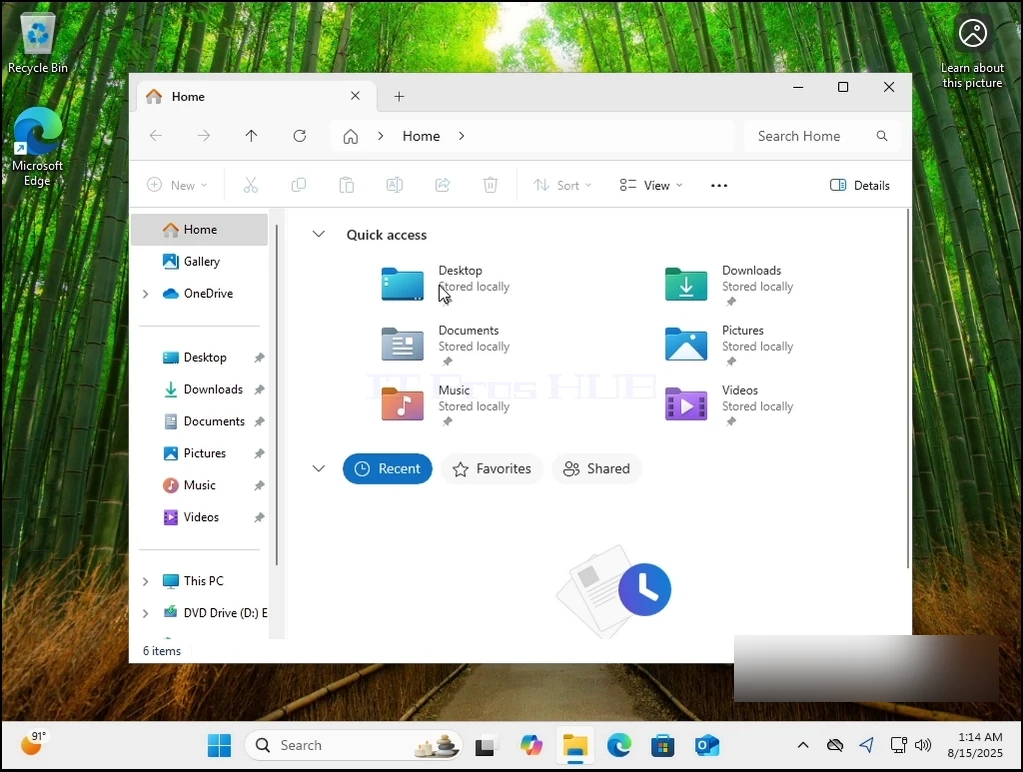
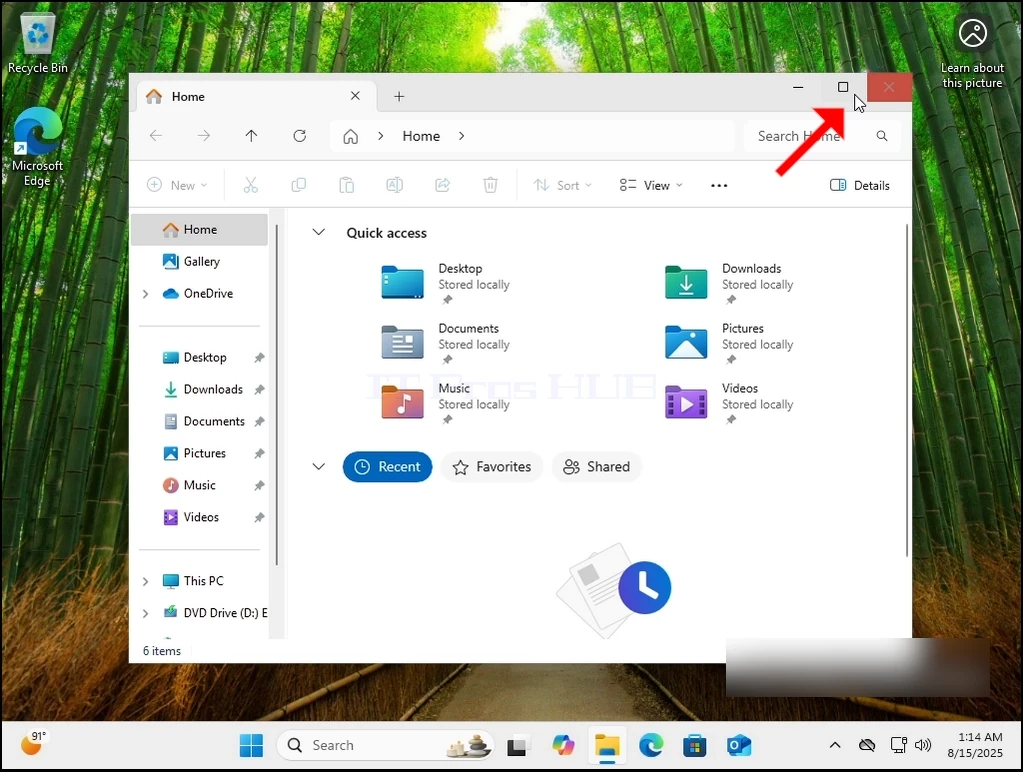
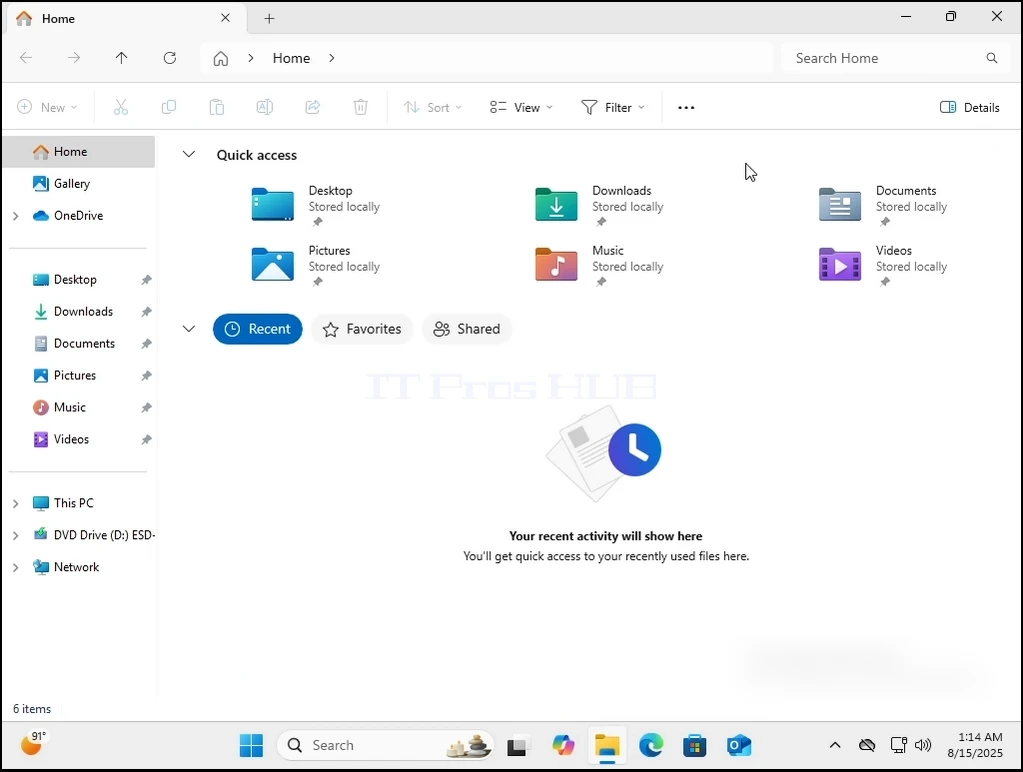
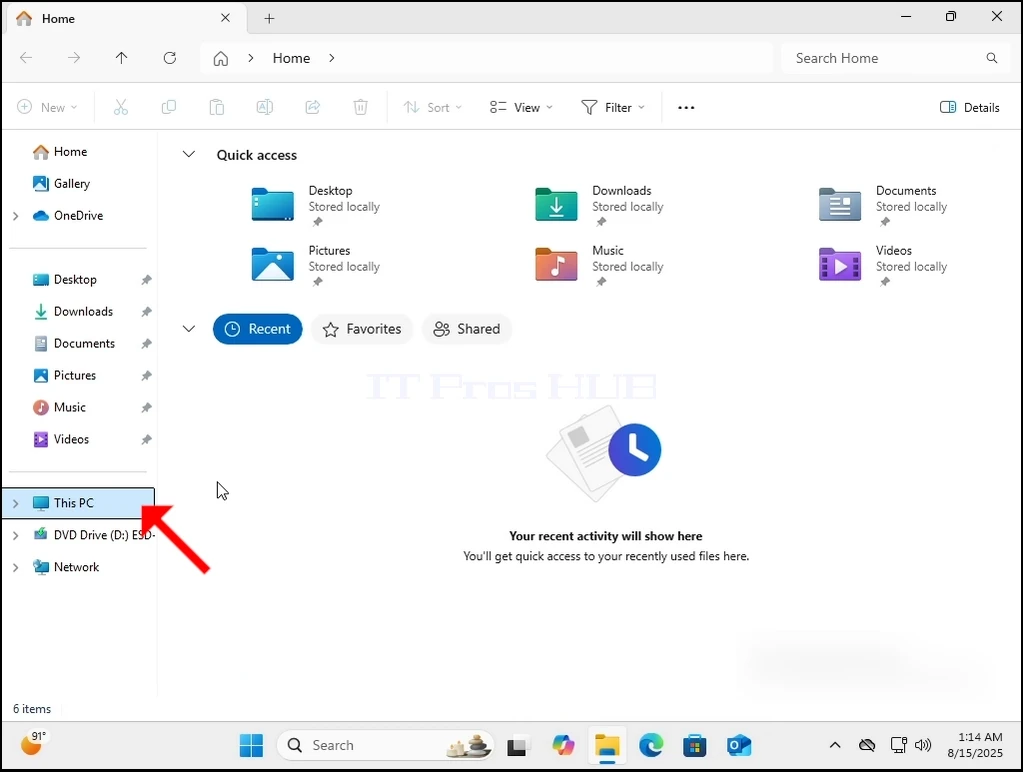
2. Vom merge la Windows Explorer apoi la Acest PC şi apoi la C:\.
can-windows-11-boot-without-the-windows.old-folder-2.webpcan-windows-11-boot-without-the-windows.old-folder-3.webpcan-windows-11-boot-without-the-windows.old-folder-4.webpcan-windows-11-boot-without-the-windows.old-folder-5.webpcan-windows-11-boot-without-the-windows.old-folder-6.webp

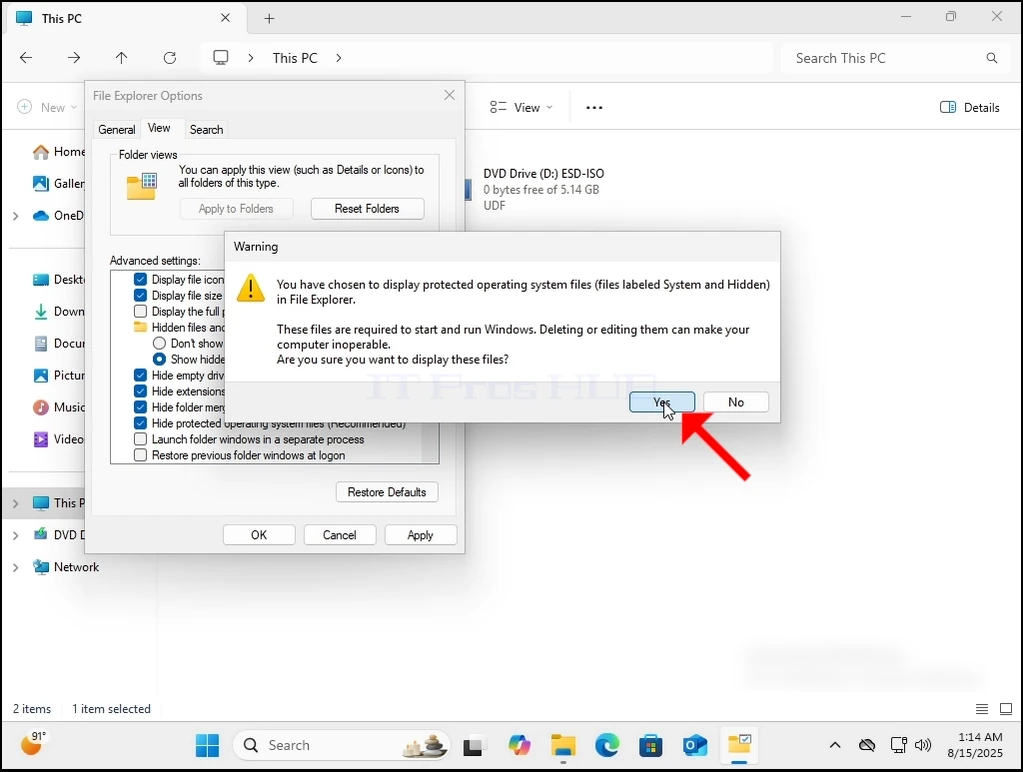
3. În mod normal, Windows.old nu este vizibil chiar din cutie. Va trebui să-l facem vizibil, permiţând Windows-ului să arate fişiere şi foldere ascunse după cum se poate vedea aici:
can-windows-11-boot-without-the-windows.old-folder-27.webp

can-windows-11-boot-without-the-windows.old-folder-24.webp

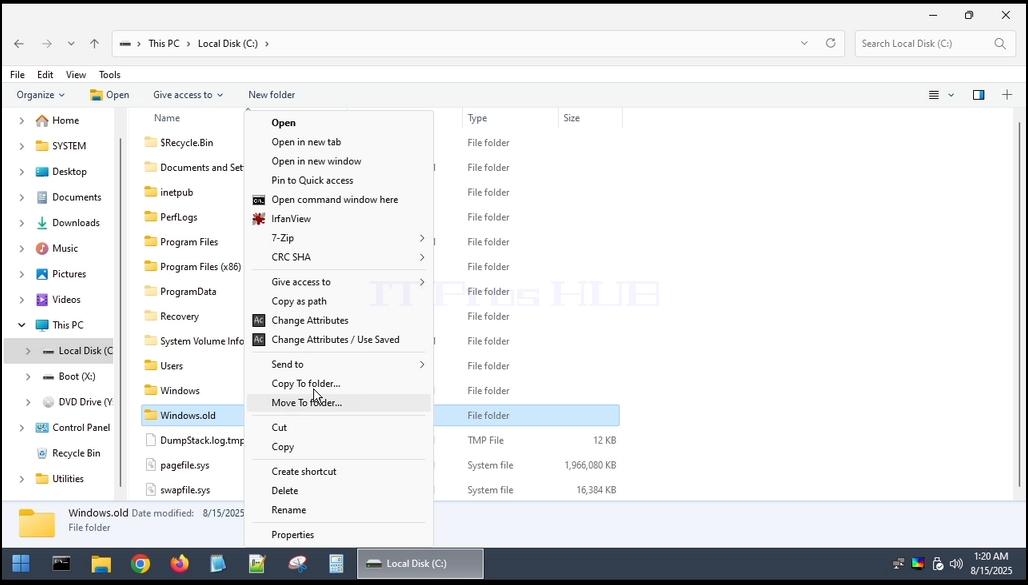
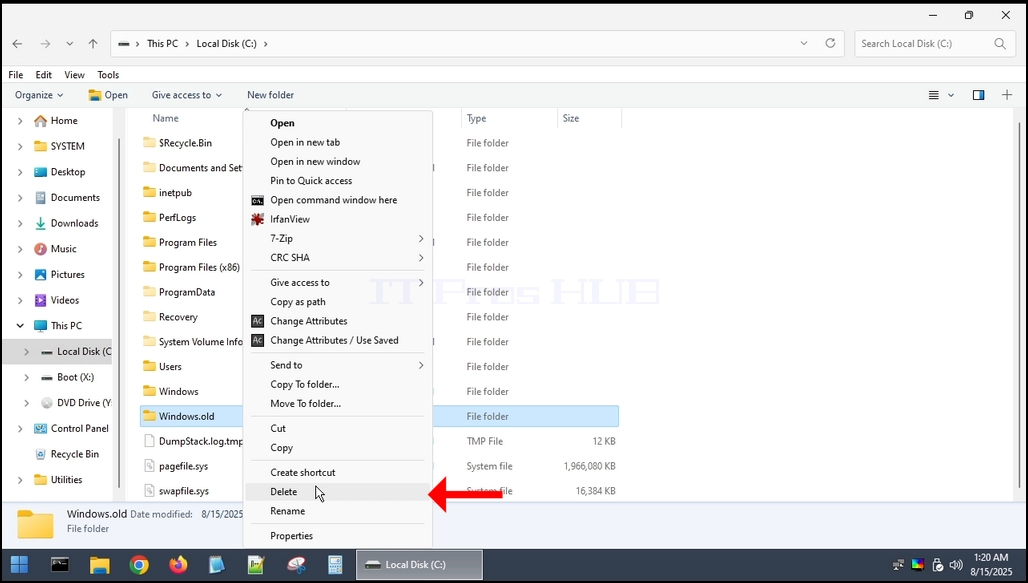
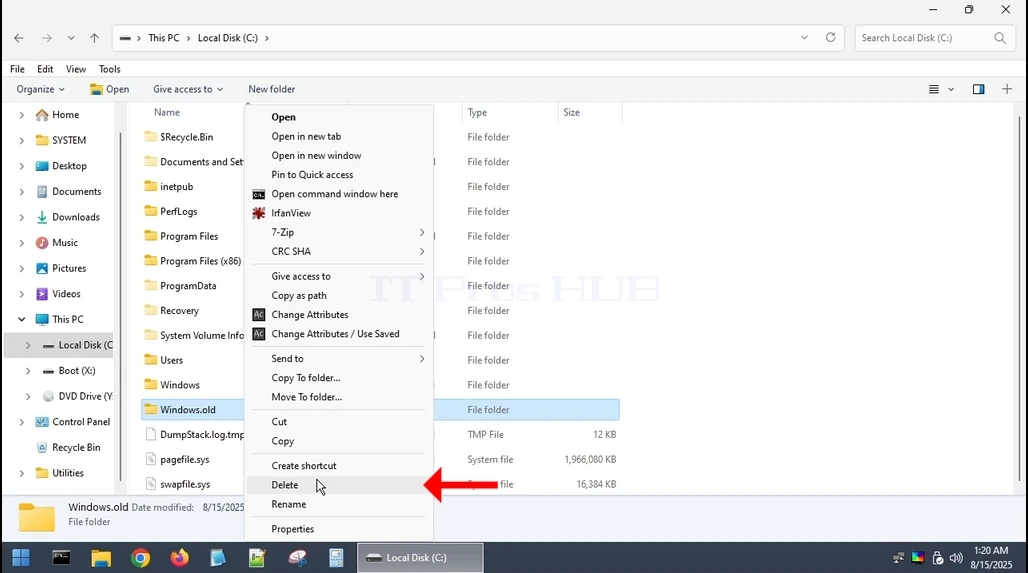
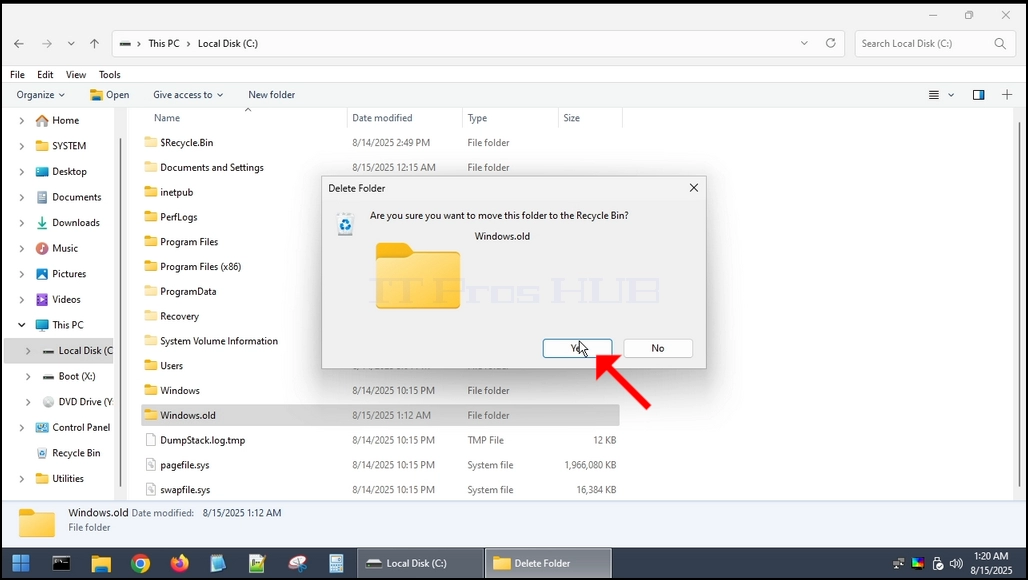
4. Deoarece Windows.old nu poate fi complet șters din interiorul Windows 11 în sine, va trebui să o facem printr-un sistem de operare diferit. Vom folosi CD-ul BOOT pentru HirenHBCD) pentru a porni în Windows PE și ștergeți-l de acolo.can-windows-11-boot-without-the-windows.old-folder-7.webpcan-windows-11-boot-without-the-windows.old-folder-8.webpcan-windows-11-boot-without-the-windows.old-folder-9.webpcan-windows-11-boot-without-the-windows.old-folder-10.webpcan-windows-11-boot-without-the-windows.old-folder-12.webpcan-windows-11-boot-with-the-windows.old-fold-fold-fold-folder-13.webp
"margin-bottom: 50px;" />can-windows-11-boot-without-the-windows.old-folder-14.webpcan-windows-11-boot-without-the-windows.old-folder-15.webpcan-windows-11-boot-without-the-windows.old-folder-16.webpcan-windows-11-boot-without-the-windows.old-folder-17.webp

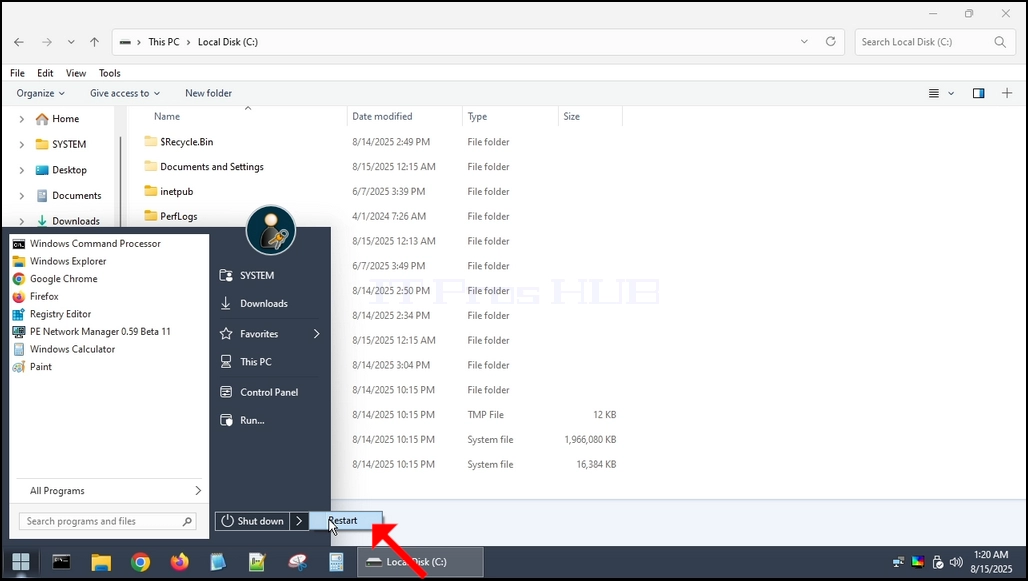
5. Odată ce este șters, vom porni înapoi în Windows 11.
can-windows-11-boot-without-the-windows.old-folder-18.webp

6. După cum puteți vedea, cizme Windows 11 în mod normal, fără nici o problemă.
can-windows-11-boot-without-the-windows.old-folder-19.webpcan-windows-11-boot-without-the-windows.old-folder-20.webp