Online: 1250 online | Members: 0 | Guests: 1250
木, 6月 4, 2026
Page Minimap
Reading time: 1 min read
Tagline:CouldWindows11BootUpWithoutitsProgramFilesFolder

導入:
この記事では、完全に削除されたプログラムファイルフォルダで起動するためにWindows 11の能力を探求します。

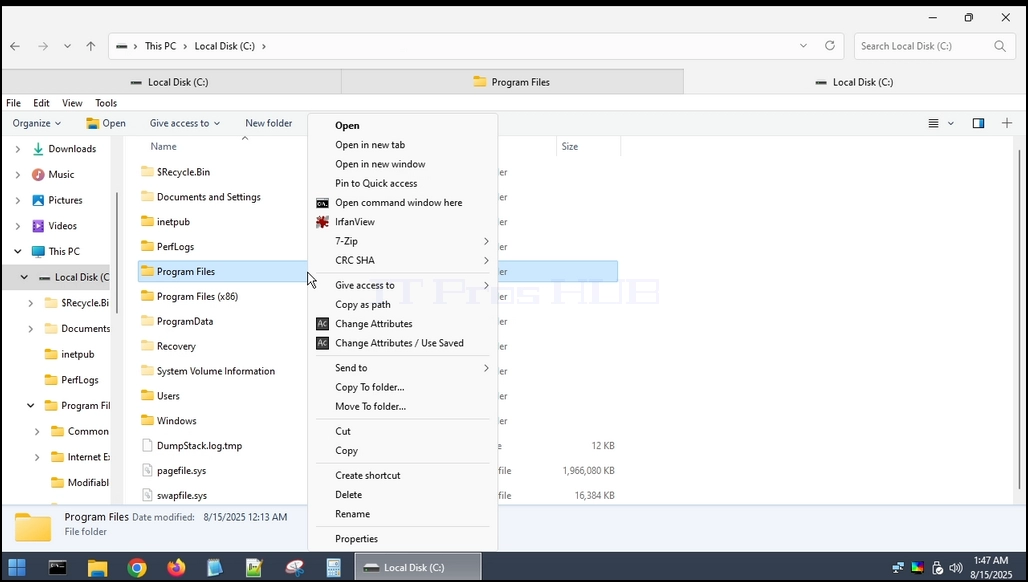
1。 まず、フォルダを見つけ、そこにいることを確認してください。 ご覧のとおりです。

could_windows11_boot_without_its_programfiles_folder1.webp

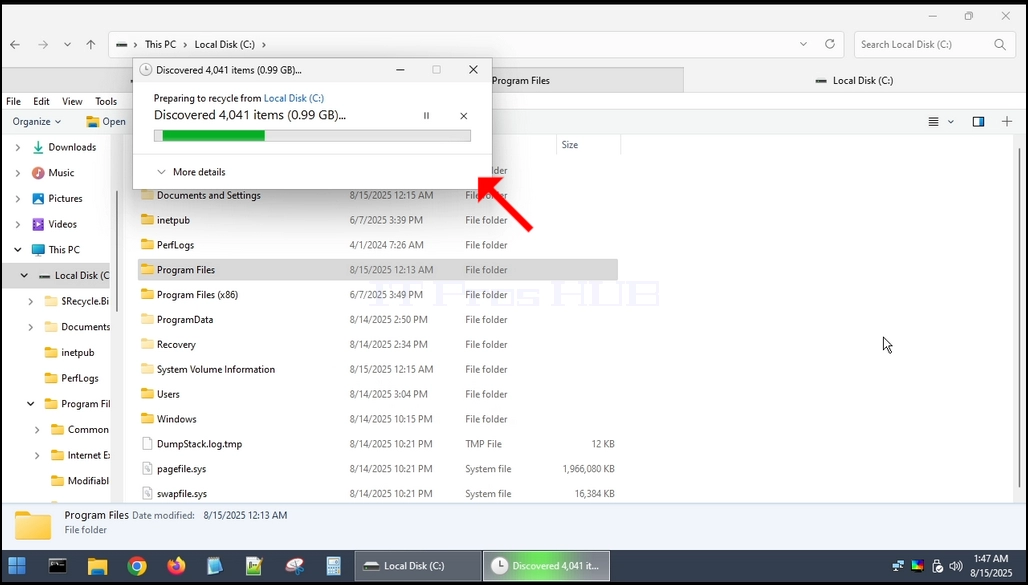
2。 このフォルダは、Windows自体から完全に削除することはできませんので、外部OSを介して行います。 この場合、ハイレンの BootCD PE (HBCD) を使用します。https://www.hirensbootcd.org/ )could_windows11_boot_without_its_programfiles_folder2.webpcould_windows11_boot_without_its_programfiles_folder8.webpcould_windows11_boot_without_its_programfiles_folder9.webpcould_windows11_boot_without_its_programfiles_folder10.webpcould_windows11_boot_without_its_programfiles_folder11.webpcould_windows11_boot_without_its_programfiles_folder12.webpimages=

s/articles/657-could-windows-11-boot-up-without-its-program-files-folder/could_windows11_boot_without_its_programfiles_folder14.webp」alt="could_windows11_boot_without_programfiles_folder14.webp" 幅="1028" 高さ="581" スタイル="50"

4。 削除プロセスが完了したら、HBCDをWindows 11に再起動します。could_windows11_boot_without_its_programfiles_folder15.webpcould_windows11_boot_without_its_programfiles_folder17.webpcould_windows11_boot_without_its_programfiles_folder21.webpcould_windows11_boot_without_its_programfiles_folder24.webpcould_windows11_boot_without_its_programfiles_folder25.webp

5。 ご覧のとおり、Windows 11は無限のブートループに入り、正常に起動できません。

結論:
Windows 11からプログラムファイルフォルダを削除すると、オペレーティングシステムに間違いなく損傷を引き起こし、起動して起動できません。