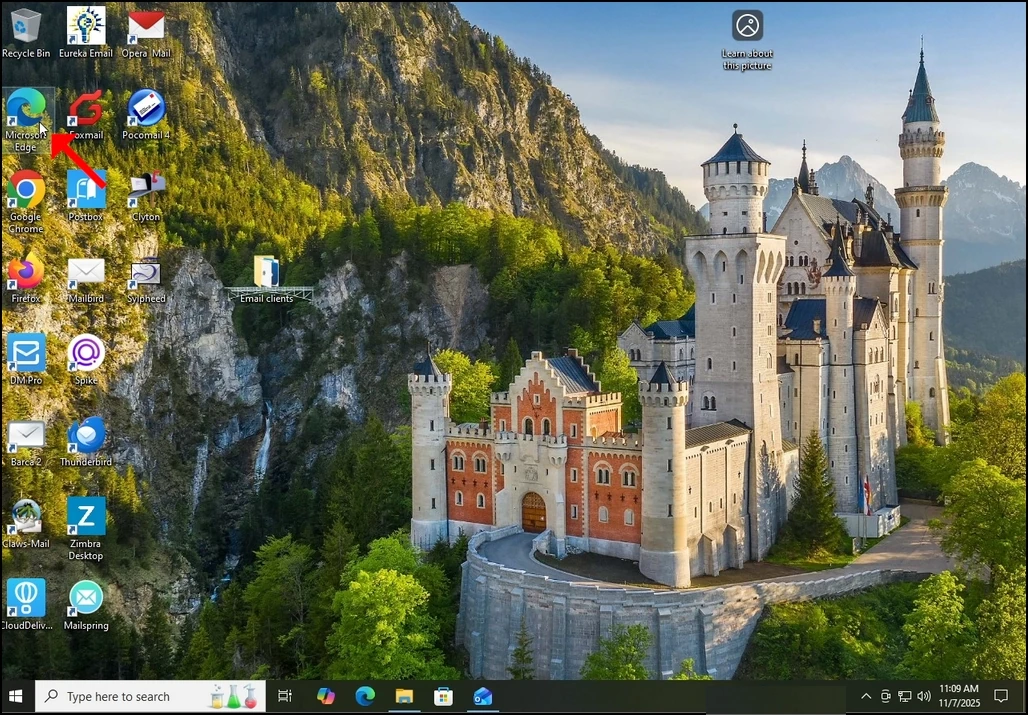
- Açık Microsoft Edge
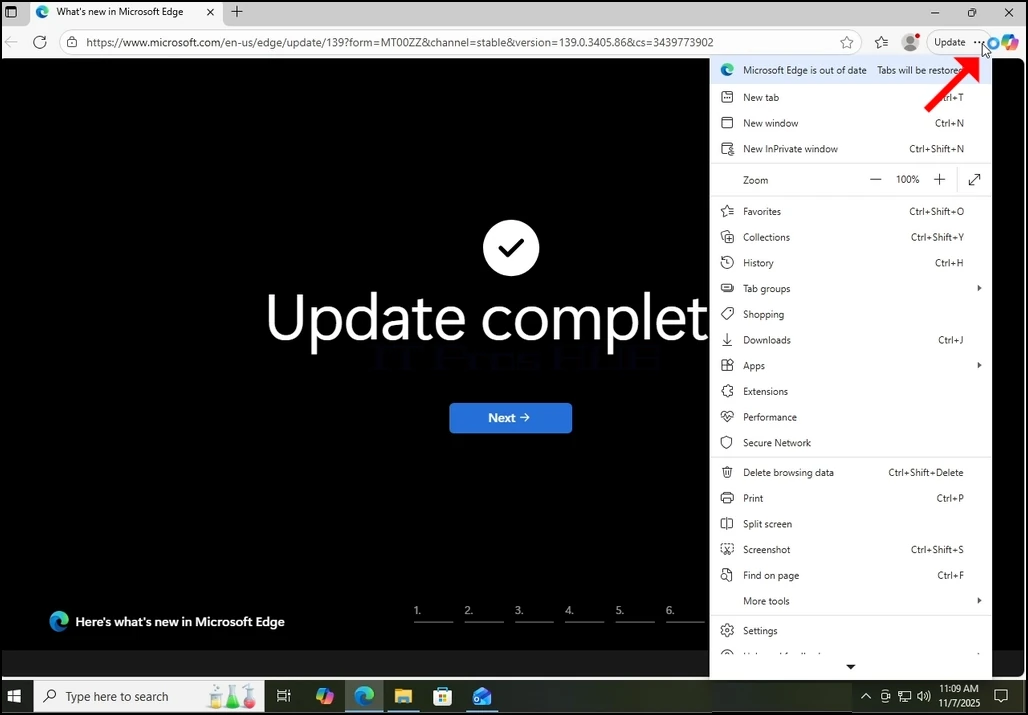
2. Tarayıcının üst köşesinde, 3 dots ikonuna bakın ve bir kez tıklayın. Bir yan menü görünmeli.
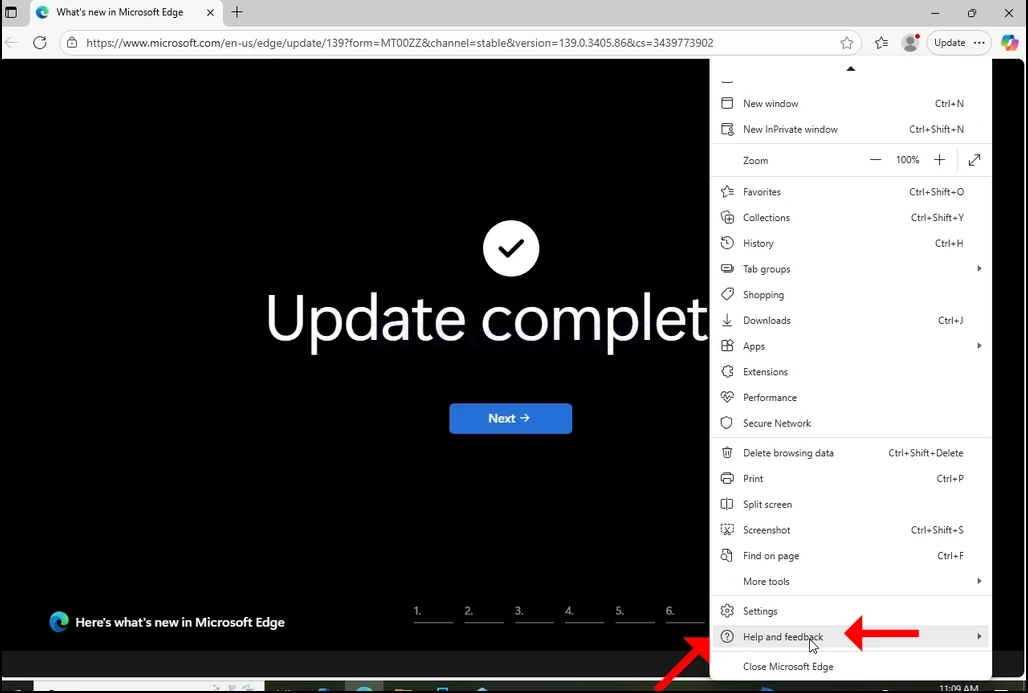
3. Bu tarafta menü, orada son seçenekten önce olan Yardım ve geri bildirim seçeneğine gidin. Bir menü uzatmasına kadar farenizle geçin. Değilse, bu uzatma ortaya çıkana kadar bir kez tıklayın.
4. Bu uzatmada, arayın Microsoft Hakkında Edge Edge Edge Cümle ve bir kez tıklayın. Pencerenin görünmesi için bekleyin
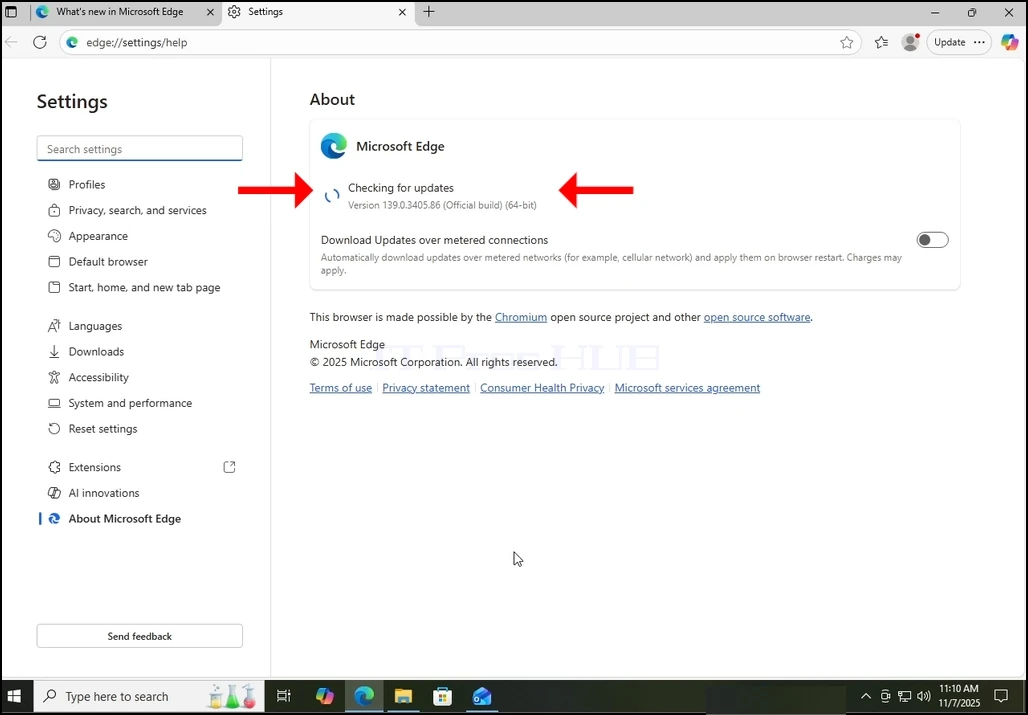
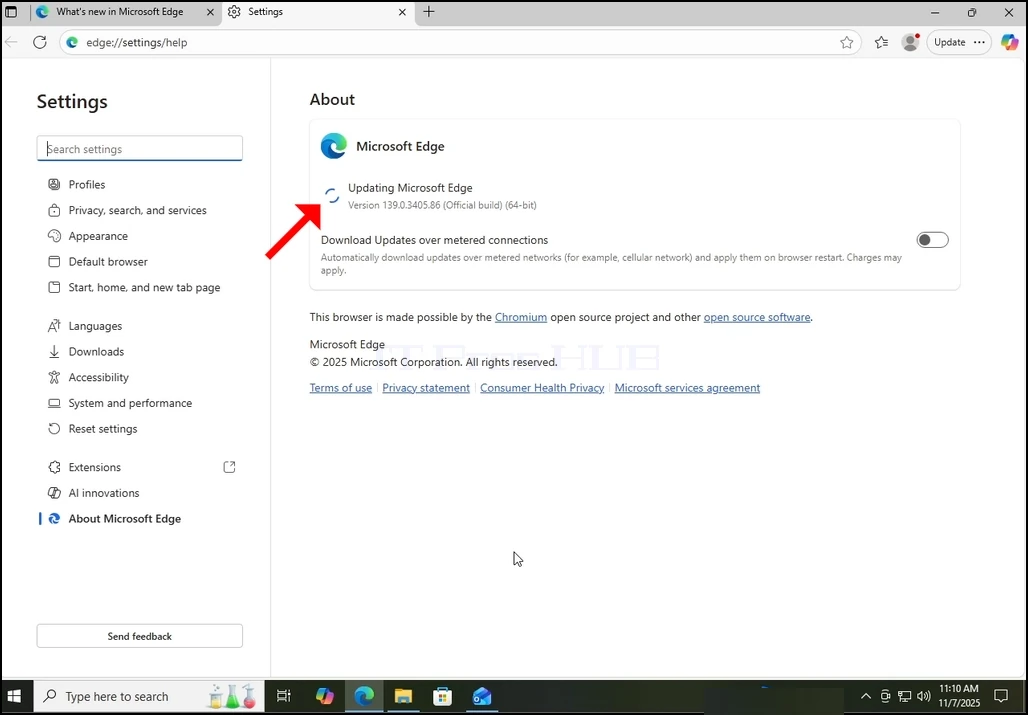
5. Pencerenin ortaya çıktığı zaman, Edge browser hemen güncelleştirmelere bakmaya başlayacaktır. Şunu bileceğiz ki, "Güncellemeler için kontrol etmek“Küçük bir animasyon simgesi tarafından cümle.
6. Edge browser'ın mevcut versiyonu bu cümle altında sunulacaktır.
7. Bir güncelleştirme Edge browser tarafından bulunursa, “Güncellemeler için kontrol etmek" cümle" olarak değiştirildi.Updating Microsoft Edge".
8. Ölçülü bağlantılarla ilgili önemli bir not:
a. Bir mobil nokta veya bir LTE bağlantısı gibi bir metreküp bağlantı kullanıyorsanız ve Edge'i güncellemek istiyorsanız, işaret ettiğinizden emin olun Updates over metreed connections Hangi seçenek o kadar çok yaşıyor Pencere hakkında.
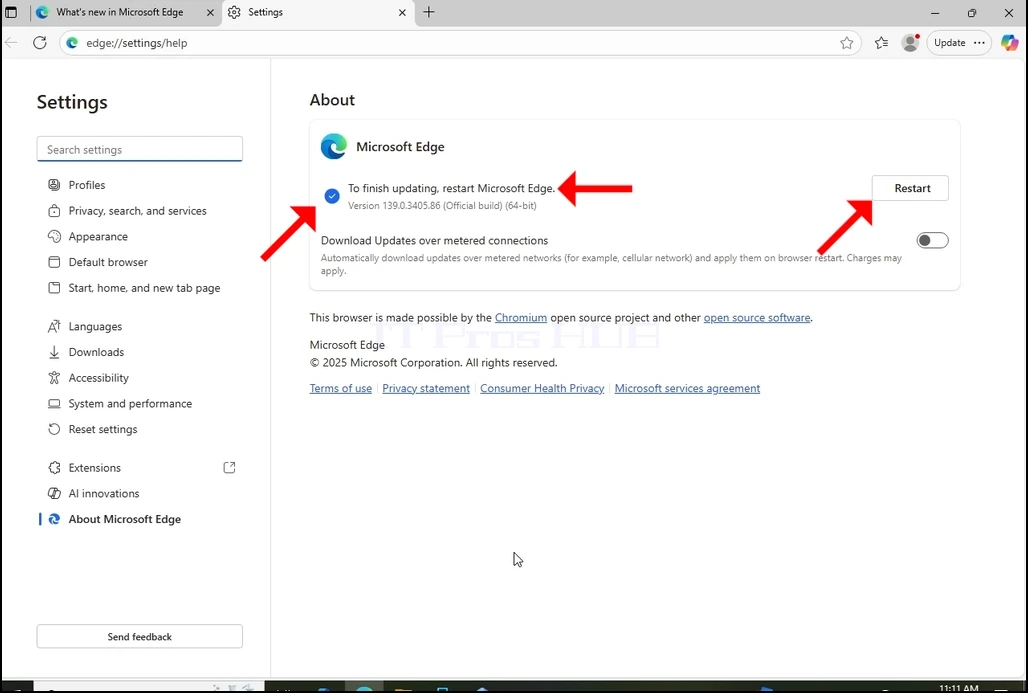
9. Edge, güncellemeyi indirdiğinde, size “Microsoft Edge'i güncellemeyi bitirmek için“ Aşağıdaki resimde görebileceğiniz gibi.
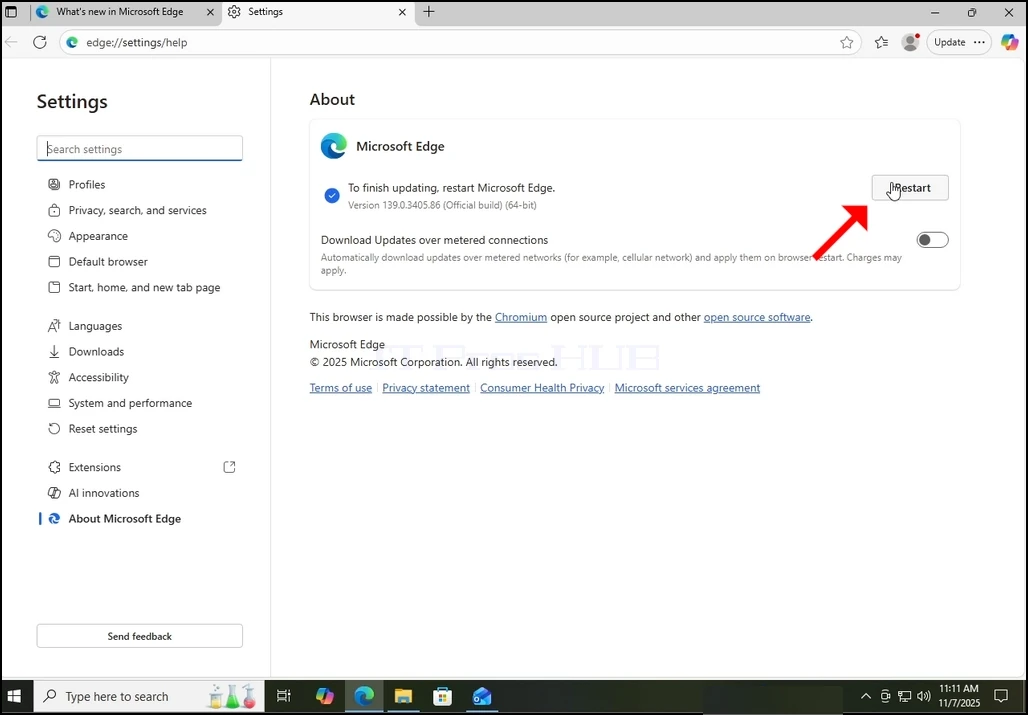
10. A A A A A A A A A A A A A A A A A A A A A A A A A A A A A A A A A A A A A A A A A A A A A A A A A A A A A A A A A A A A A A A A A A A A A A A A A A A A A A A A A A A A A A A A A A A A A A A A A A A A A A A A A A A A A A A A A A A A A A A A A A A A A A A A A A A A A A A A A A A A A A A A A A A A A A A A A A A A A A A A A A A A A A A A A A A A A A A A A A A A A A A A A A A A A A A A A A A A A A A A A A A A A A A A A A A A A A A A A A A A A A A A A A A A A A A A A A A A A A A A A A A A A A A A A A A A A A A A Restart düğme pencerenin sağ tarafında görünmelidir. Microsoft Edge'i yeniden başlatmak ve güncel süreci bitirmek için tıklayın.
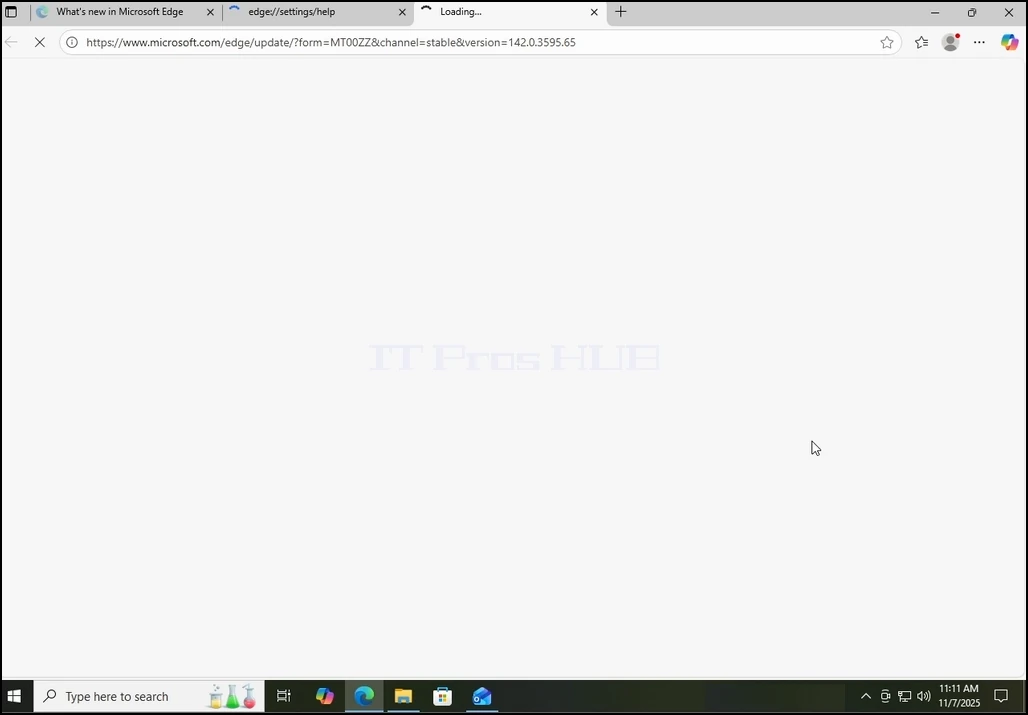
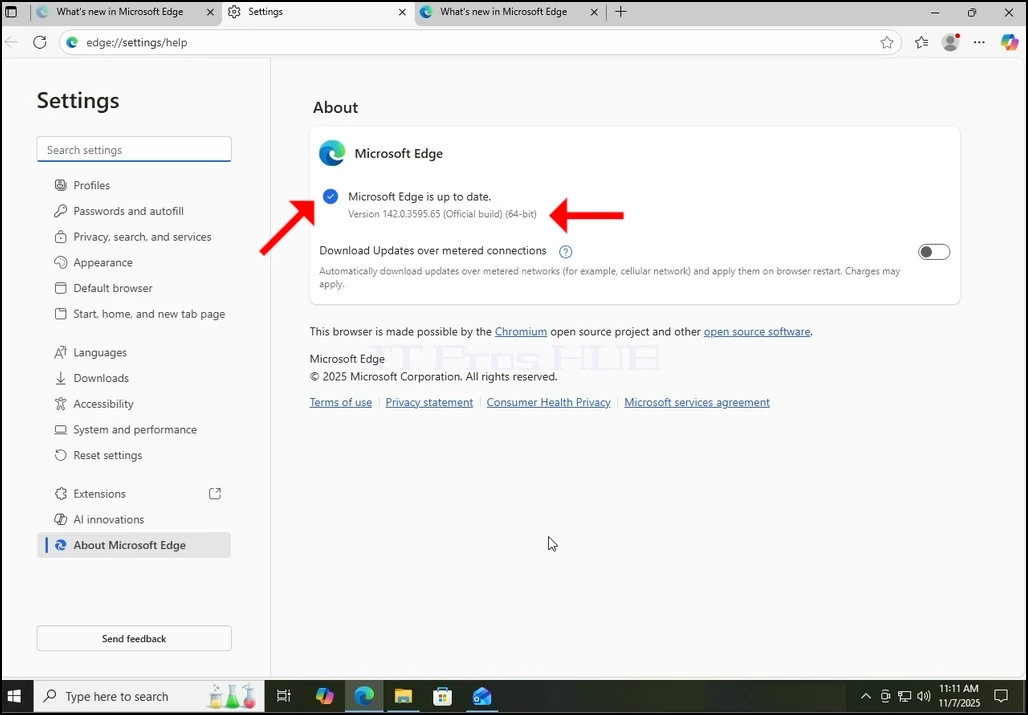
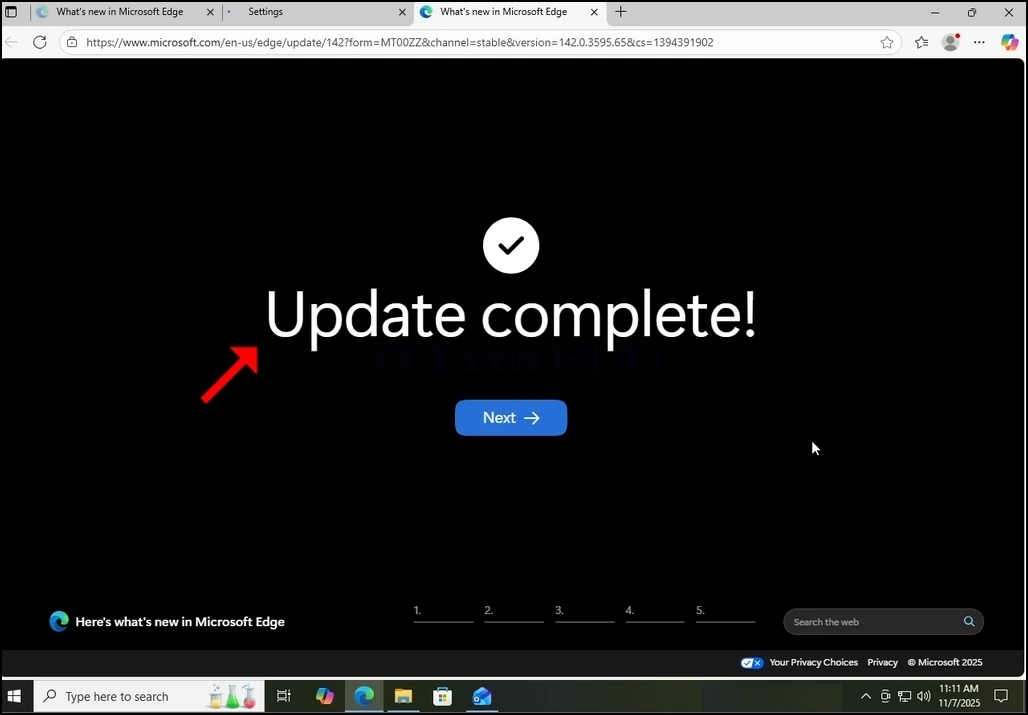
11. After Edge kendini yeniden başlattıktan sonra, sunmaya başlamalıdır Update Complete Yeni bir sekmede mesaj. Bu sekmeyi kapatın. Geri dön About About About About About About About About About About About About About About About About About About About About About About About About About About About About About About About About About About About About About About About About About About About About About About About About About About About About About About About About About About About About About About About About About About About About About About About About About About About About About About About About About About About About About About About About About About About About About About About About About About About About About About About About About About About About About About About About About About About About About About About About About About About About About About About About About About About About About About About About About About About About About About About About About About About About About About About About About About About About About About About About About About About About About About About About About About About About About About About About About About About About About About About About About About About About About About About About About About About About About About About About About About About About About About About About About About About About About About About About About About About About About About About About About About About About About About About About About About About About About About About About About About About About About About About About About About About About About About About About Pencere ve gerçekten tarayıcının sürümünün güncellenmesinden önce birinden farklı olduğunu kontrol edin.
12. Ayrıca, pencere hakkında geri dönecek, daha beklemeli güncellemeler olup olmadığını kontrol etmenize izin verecek. Burada gördüğünüz gibi, mesajla sunulduğumuzdan bu yana daha fazla bekleyen güncelleştirme yoktur. Microsoft Edge tarihe kadar.