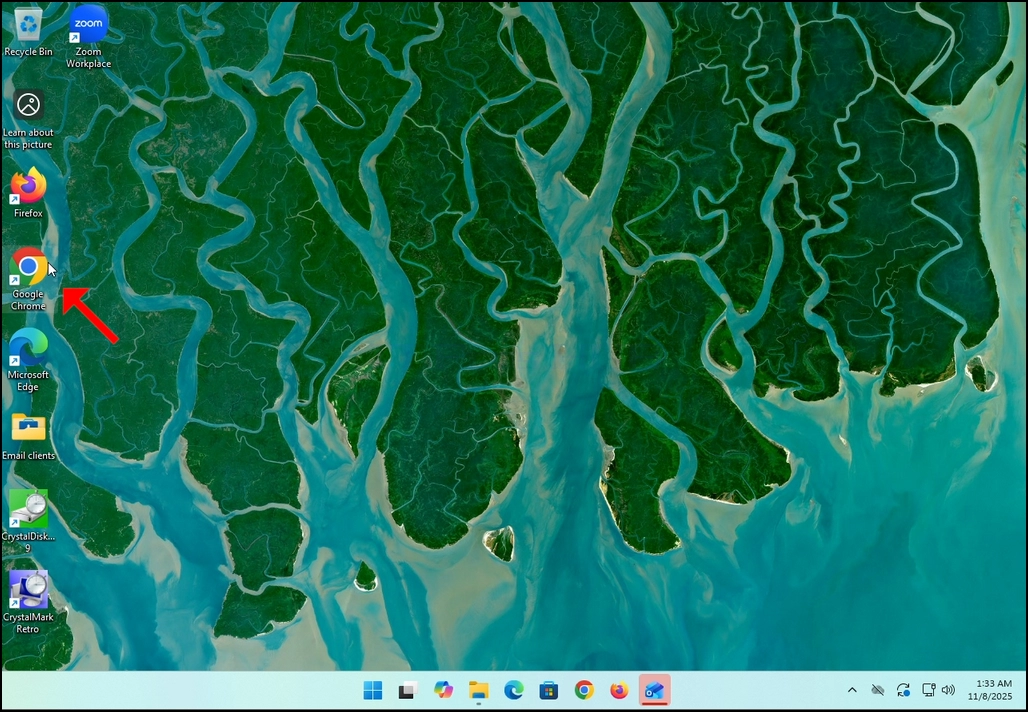
1. Go to your internet browser. In this article’s case we will use Chrome.
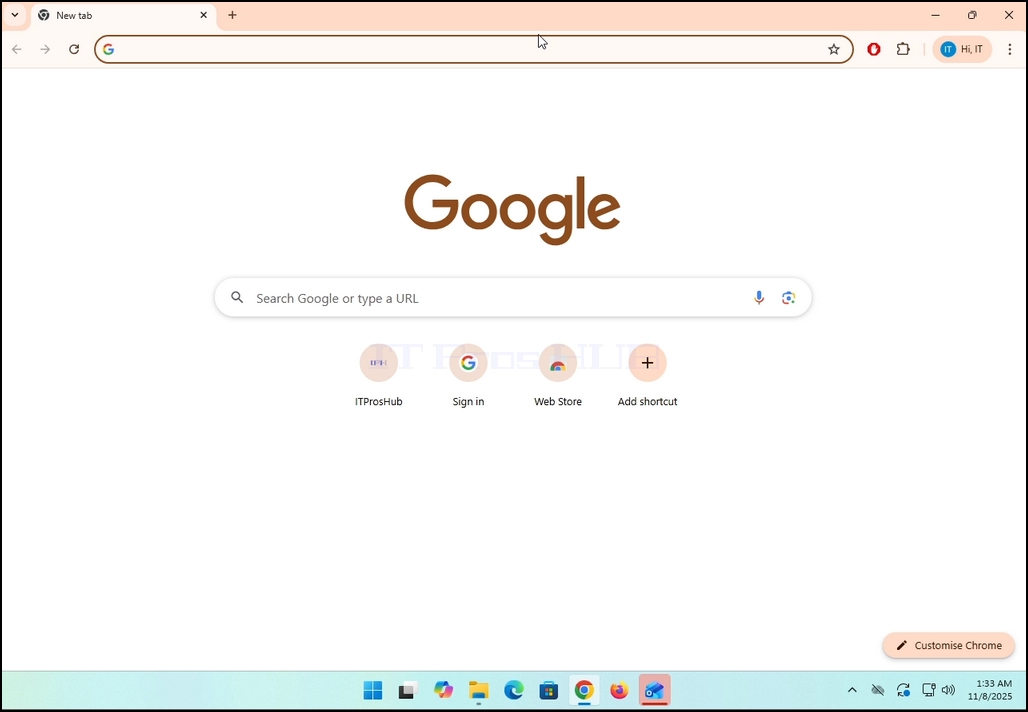
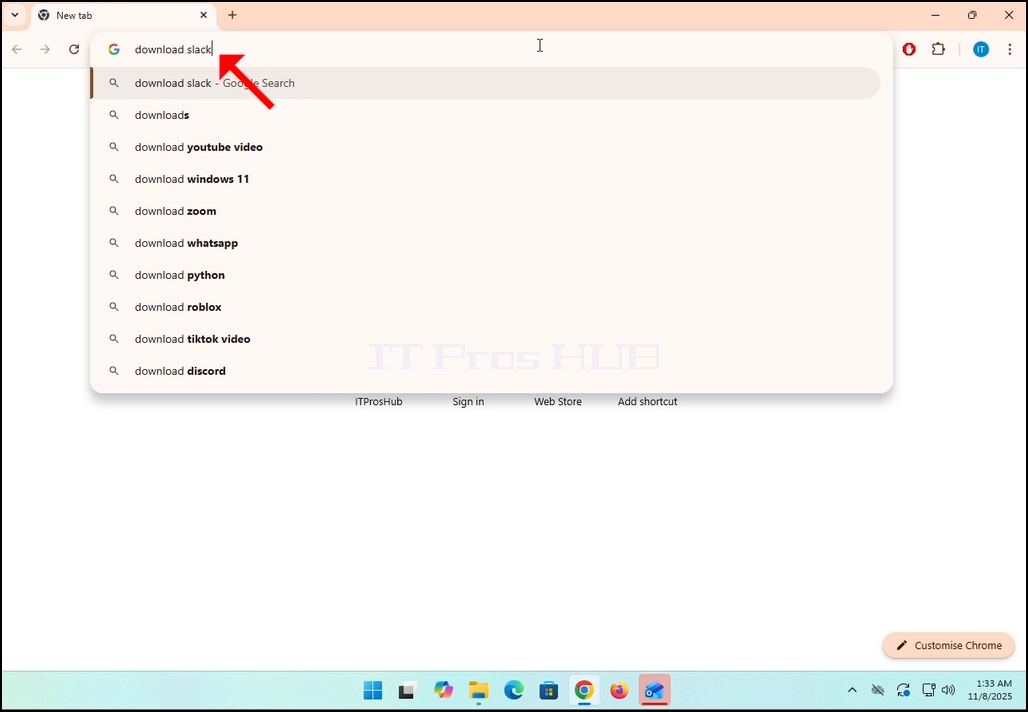
2. Go to Google and type Download Slack in the search bar. Hit the Enter key afterwards. Wait for the search results to appear.
3. In the search results, look for a result that is titled as “Windows | Downloads” and click on it. Wait for a new
page to load.
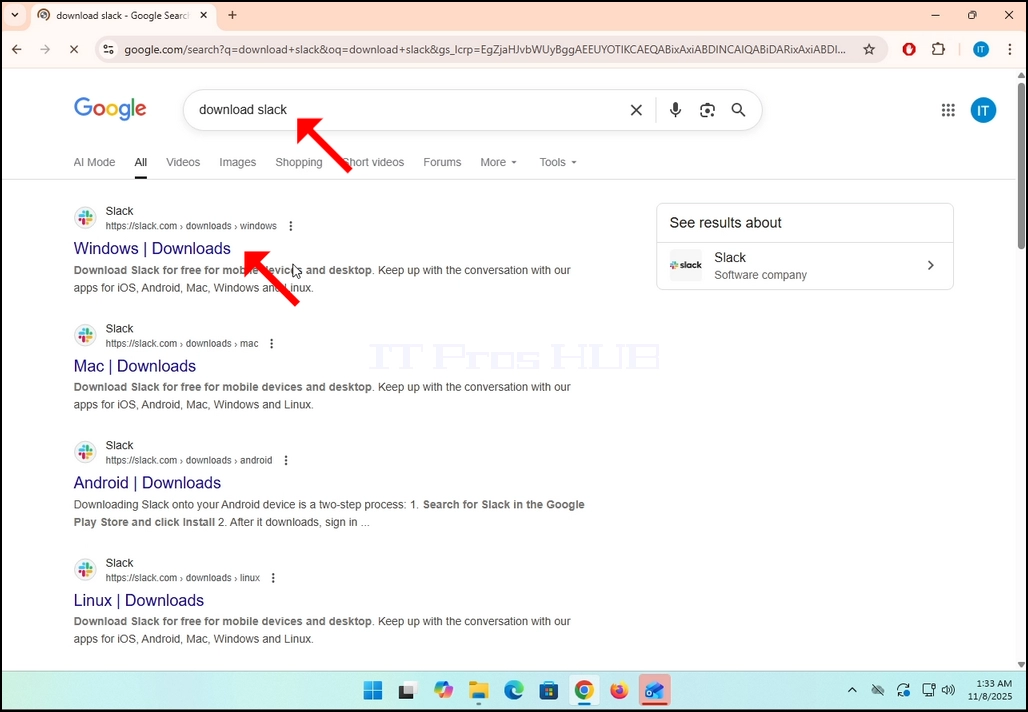
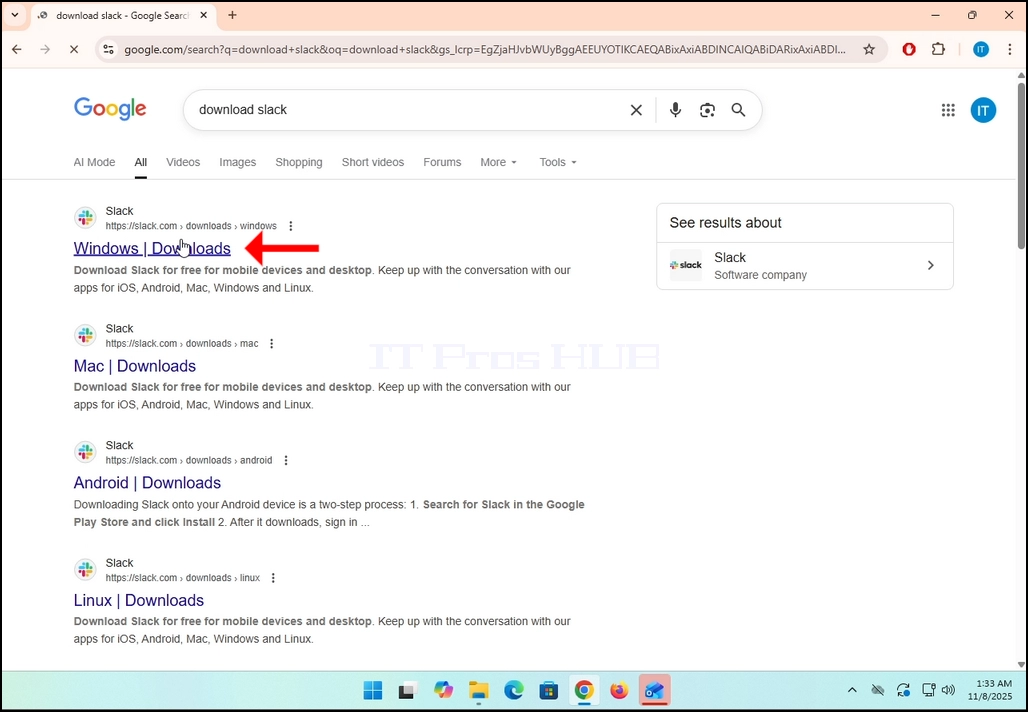
4. The newly loaded page will be under Slack’s domain (slack.com). look for a Download (64-BIT) button on the left side of the page. Click on that button to begin the downloading process of Slack’s installation file.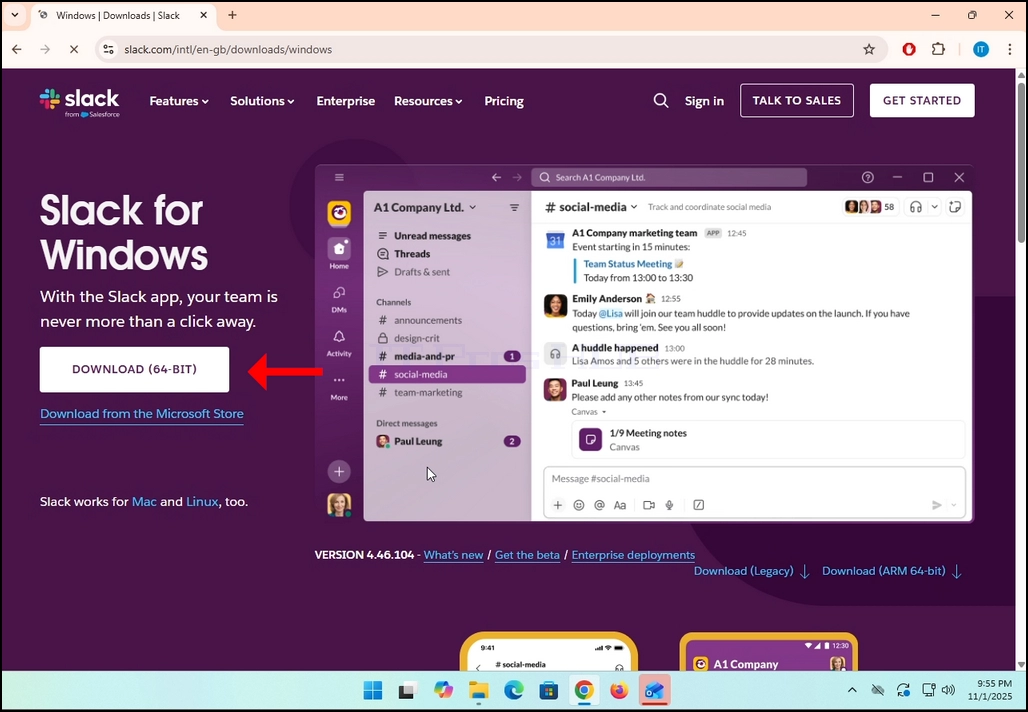
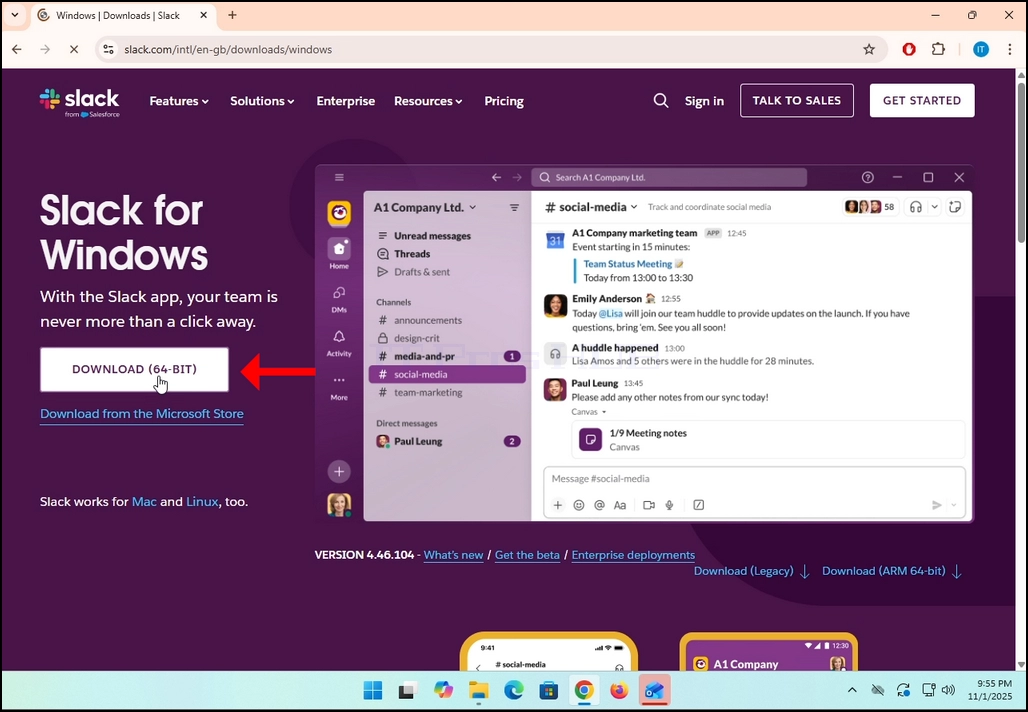
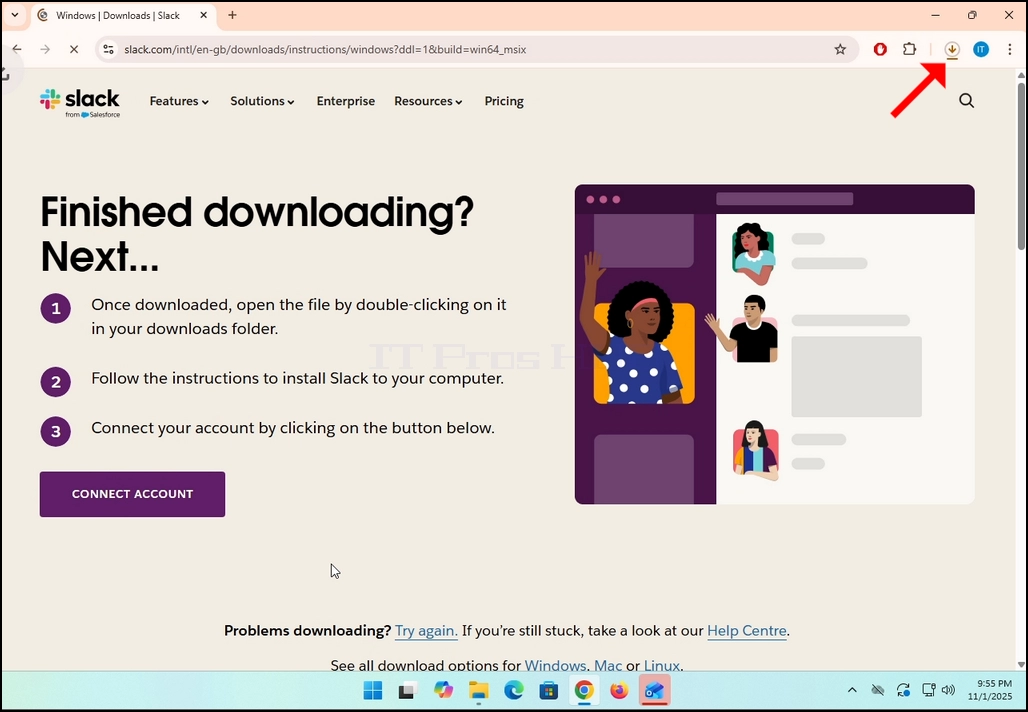
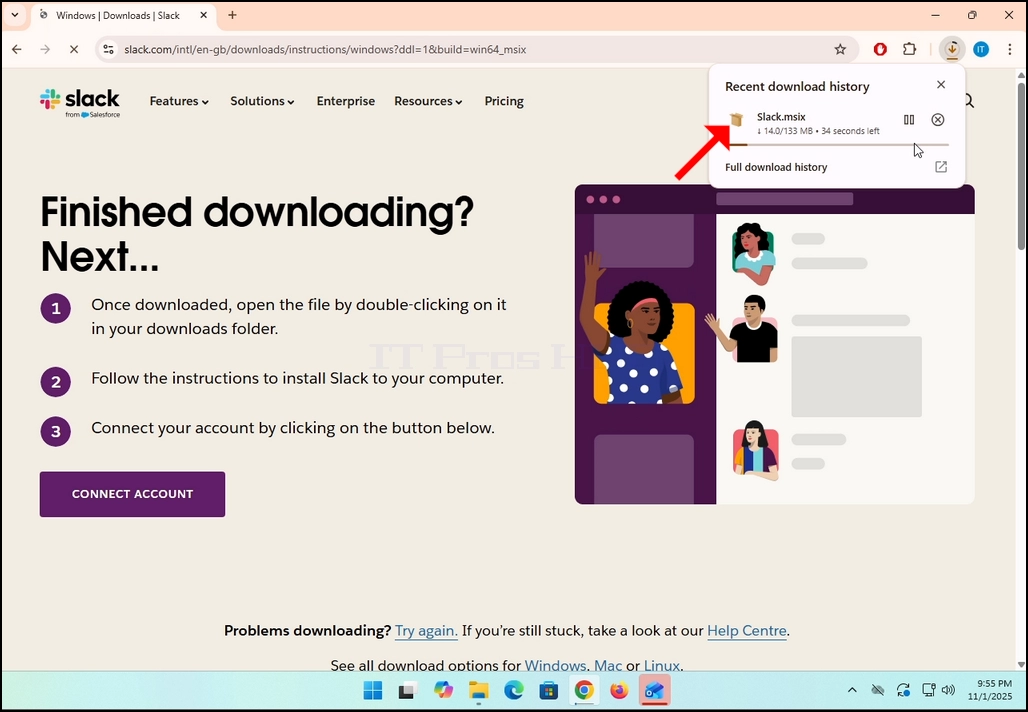
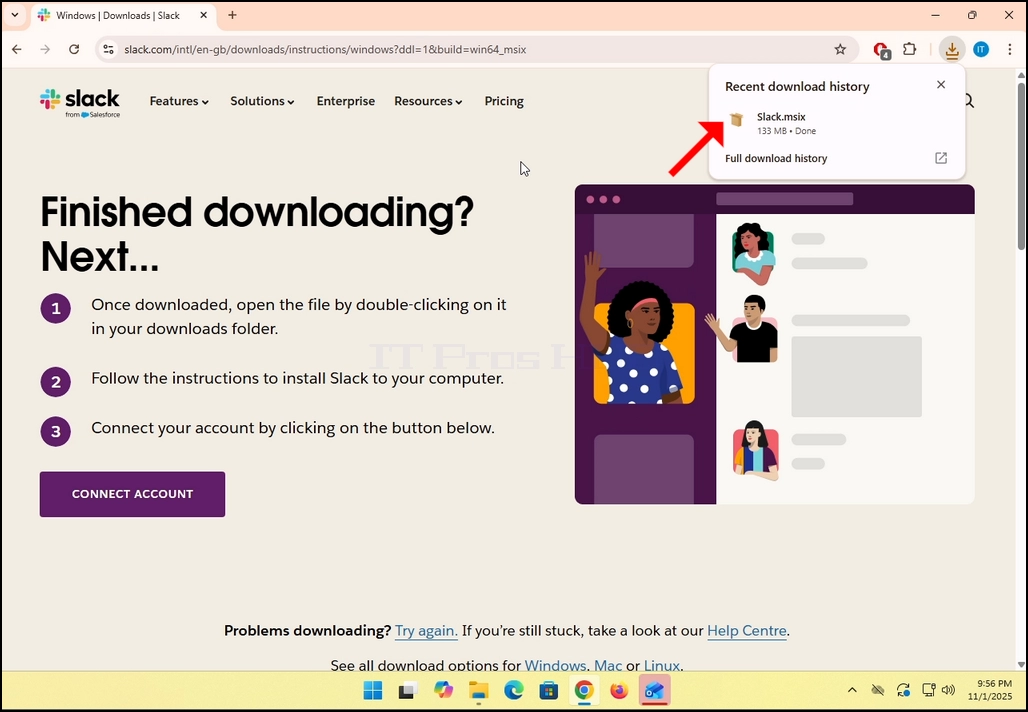
5. Once clicked, you will see the installation process being done in your browser. Make sure that the file being downloaded is called Slack.msix and not anything else.
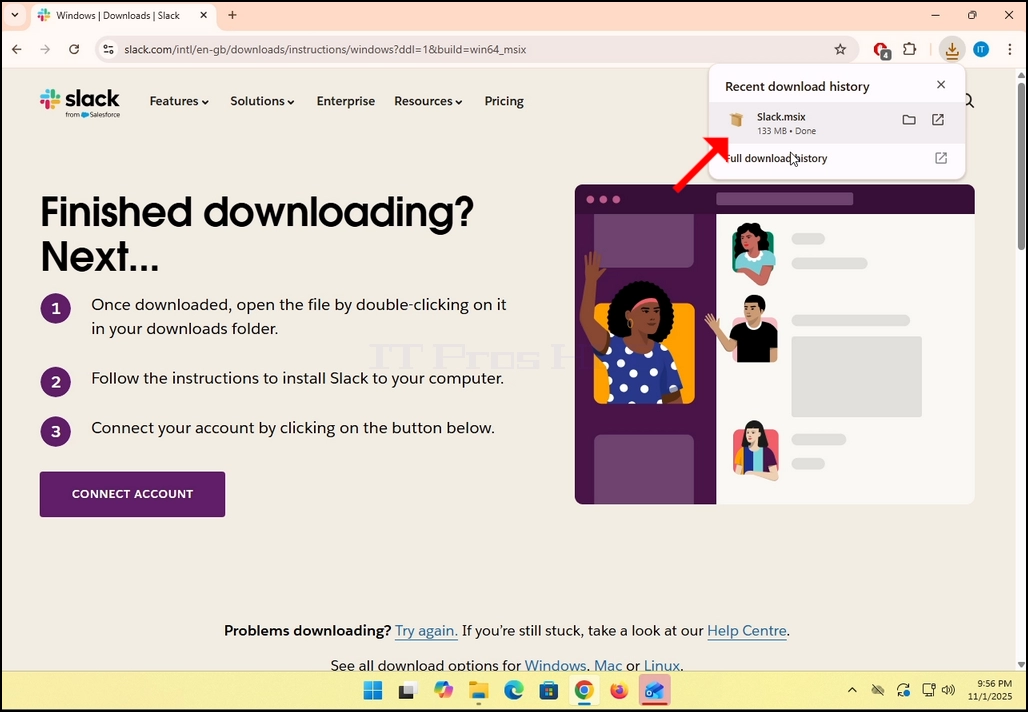
6. Once done, click on the Slack.msix file to open the file and begin the installation process.
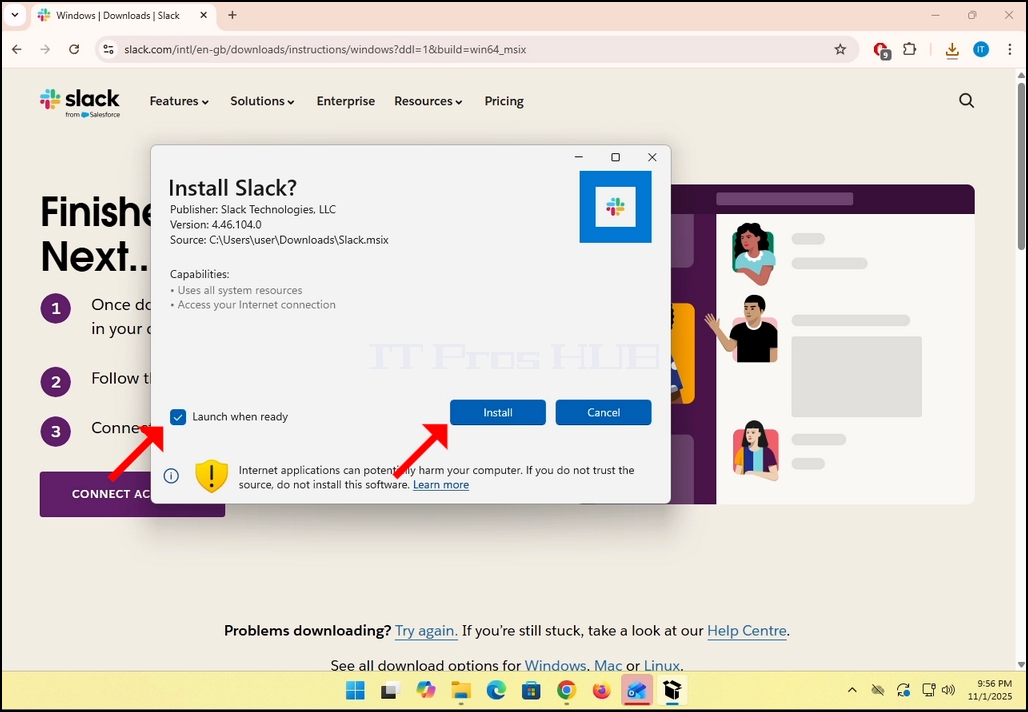
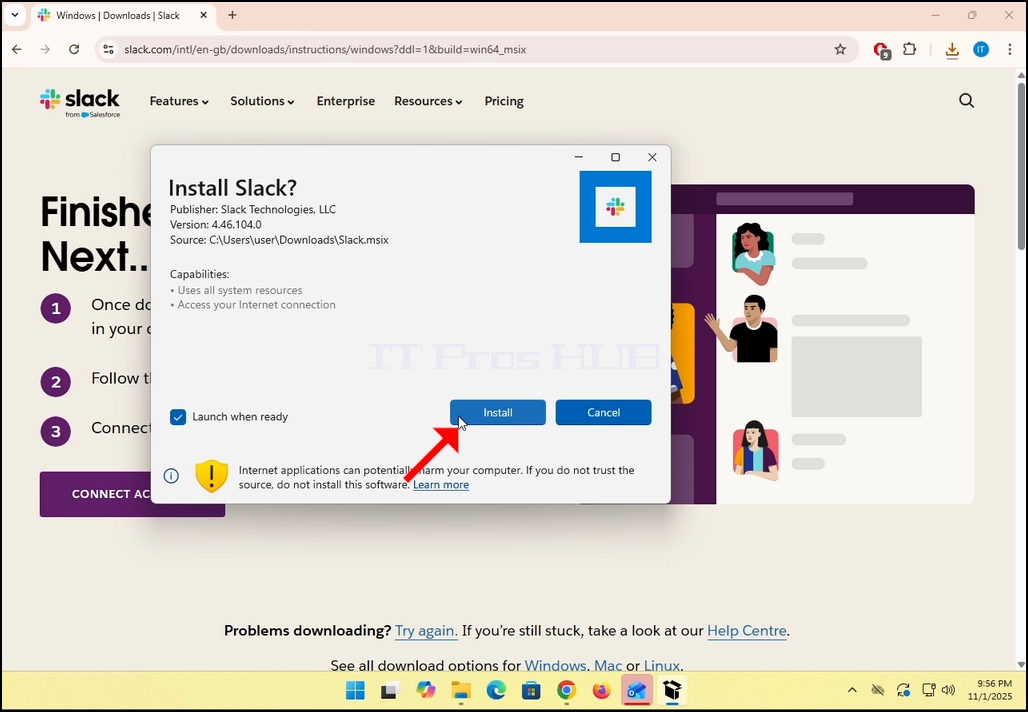
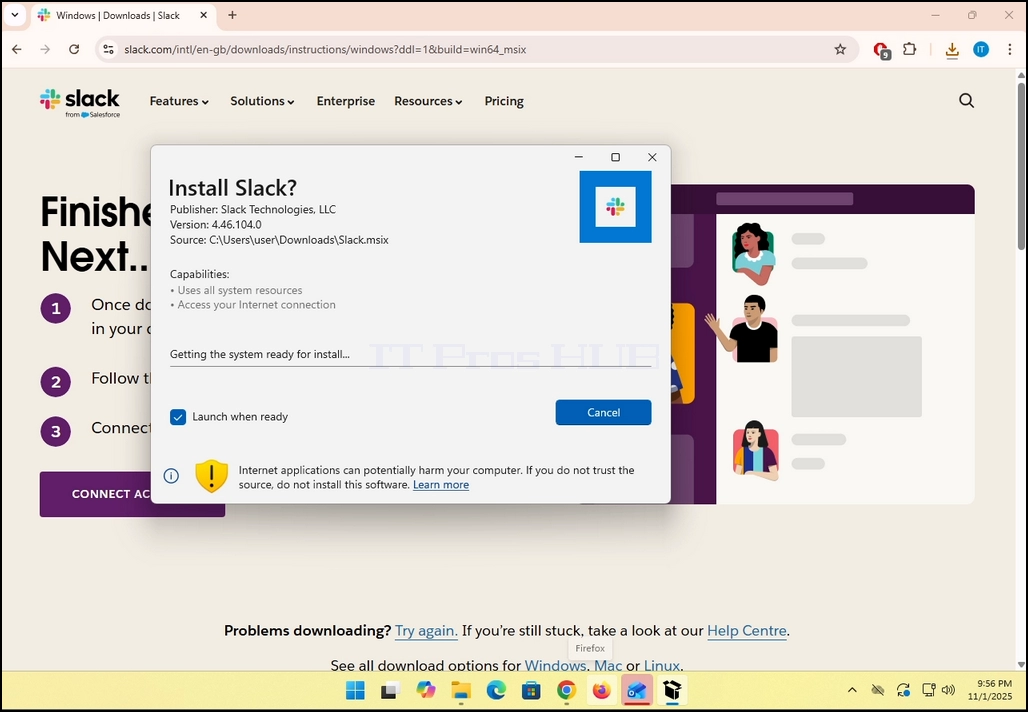
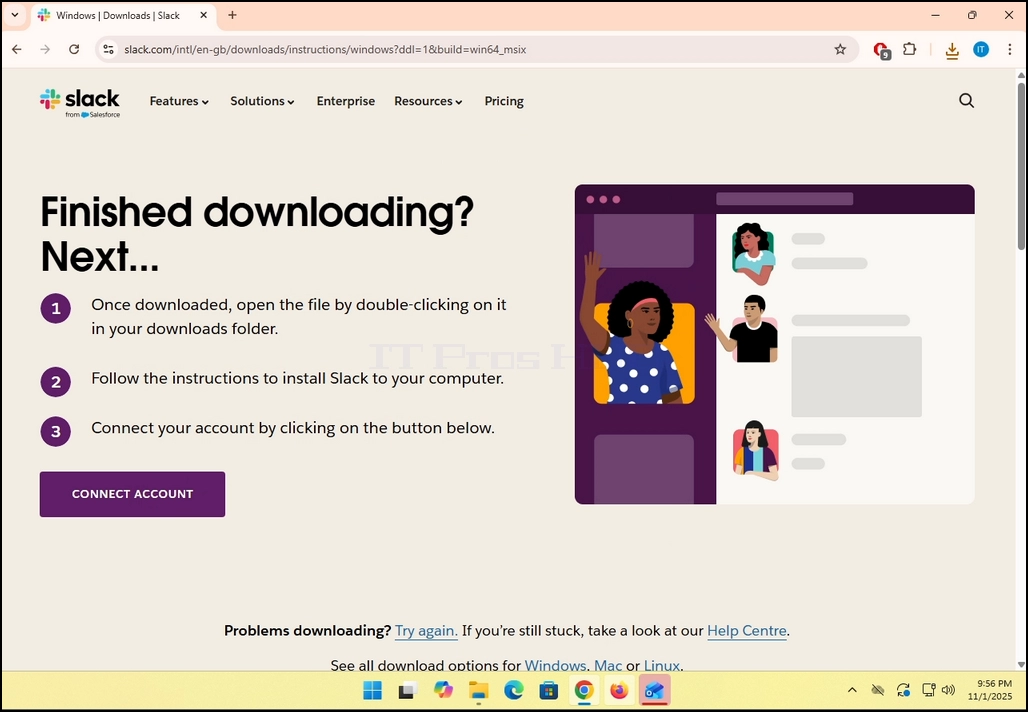
8. Once the installation process is complete, you will be notified by Windows Store with the message “Slack is Ready”. Click the blue Launch button to start Slack.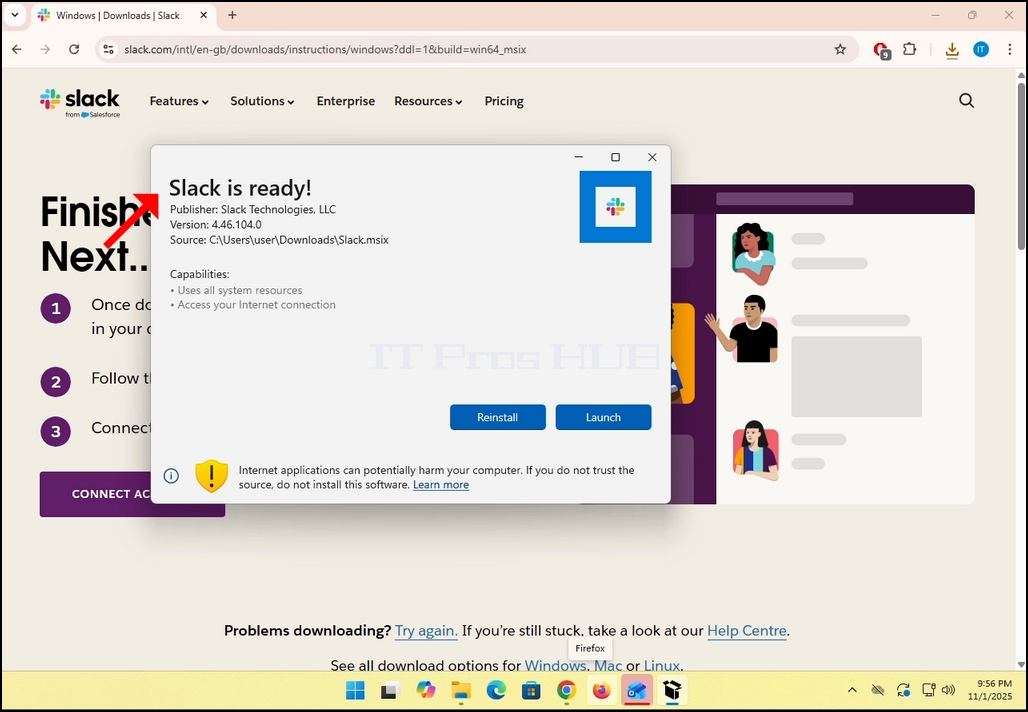
9. You are done! Slack is now installed in Windows.