- Besonderhede
- Geskryf deur: IT Pro
- Kategorie: Windows
- Trefslae: 17166
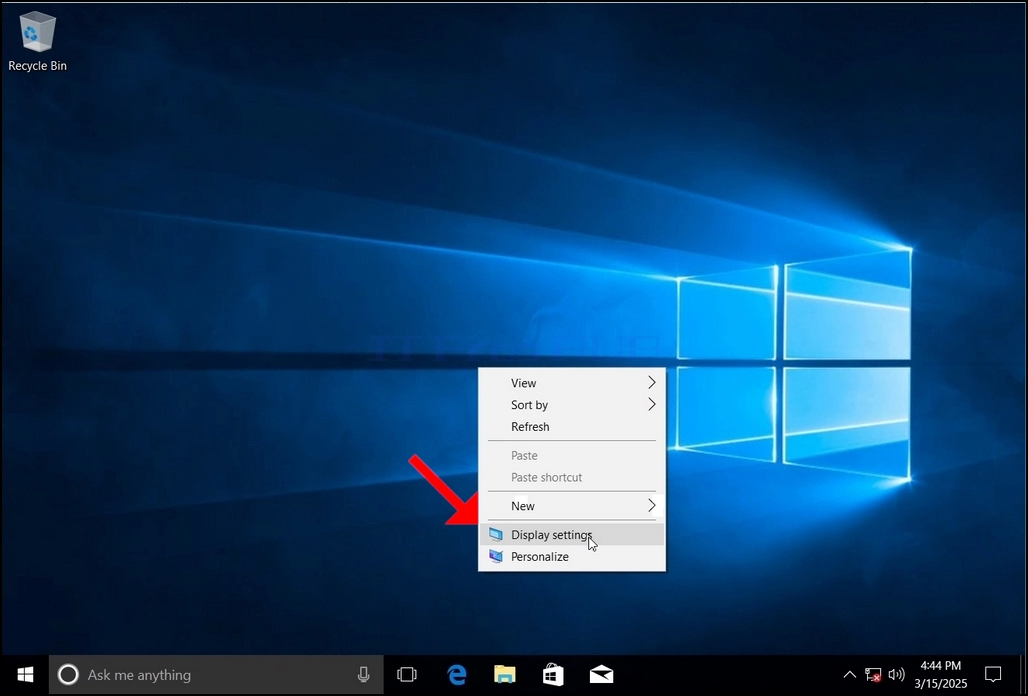
1. Regskliek op 'n leë spasie op die agtergrond totdat 'n kieslys verskyn
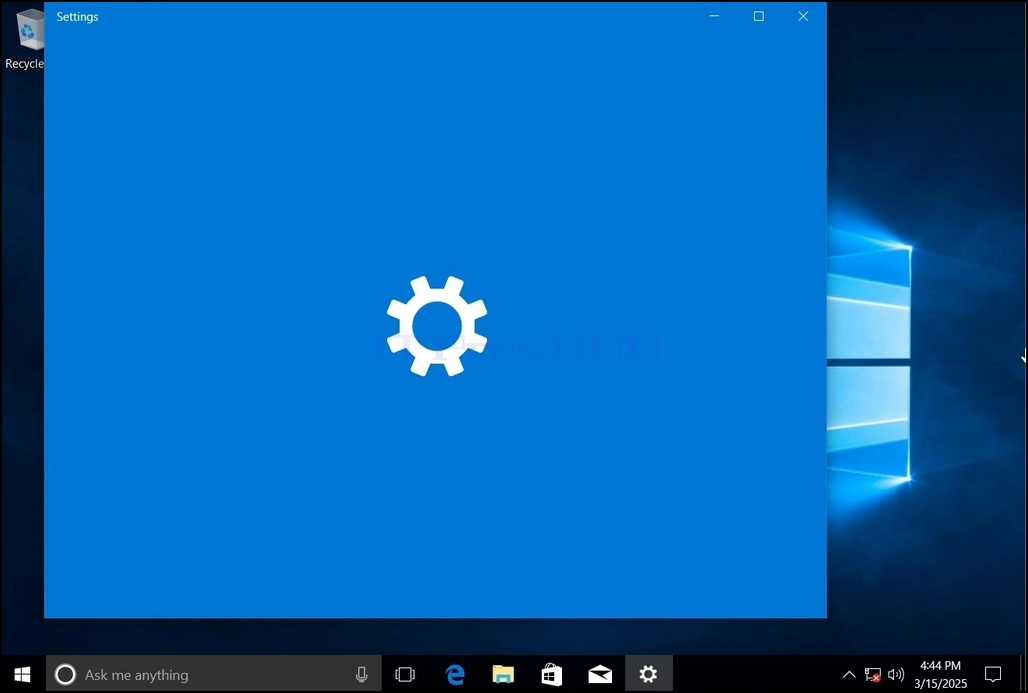
2. Soek in die nuwe kieslys na die opsie Skerminstellings en klik daarop en wag vir die Instellingsvenster om te verskyn
3. In die Instellings-venster, onder die Stelsel > Vertoonopsies, soek vir die Vertoonresolusie-opsie
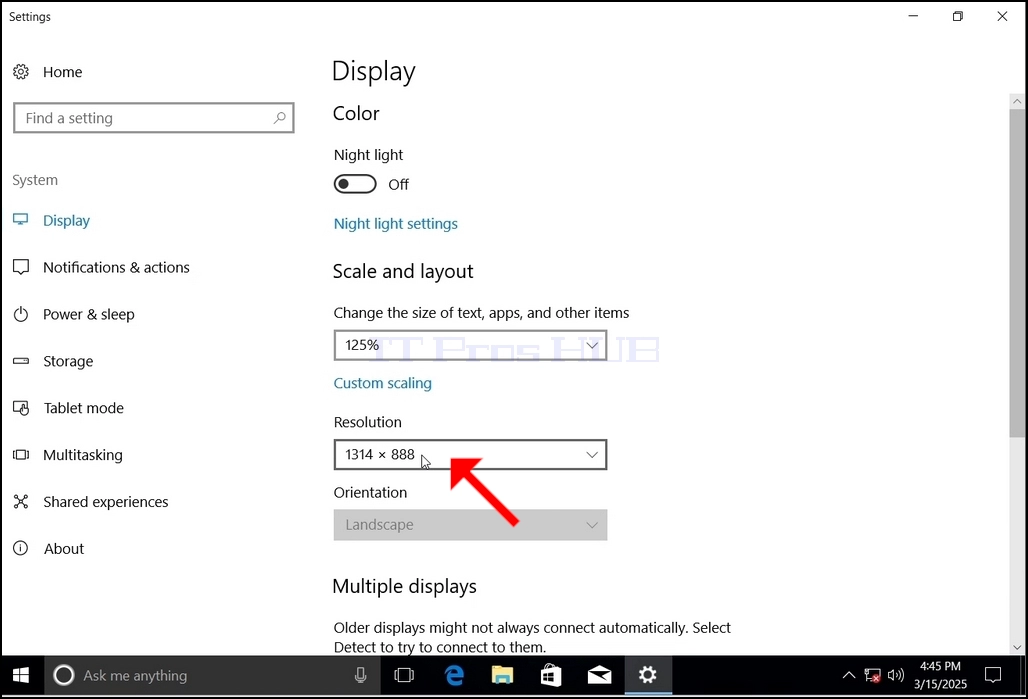
4. Klik die huidige resolusie-instellings-aftreklys om daardie kieslys uit te brei.
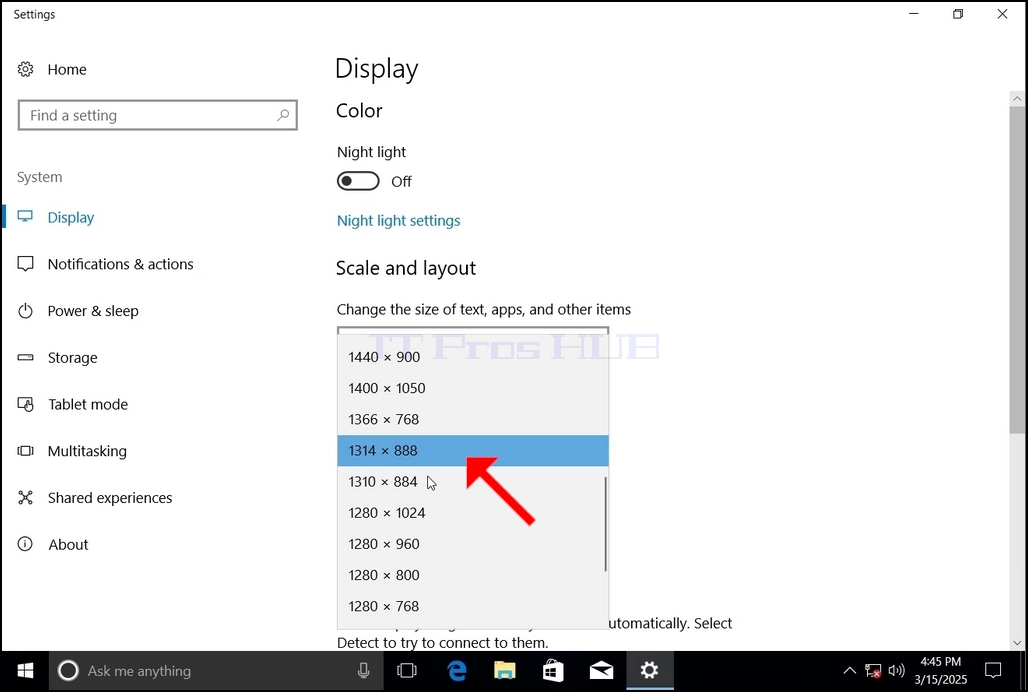
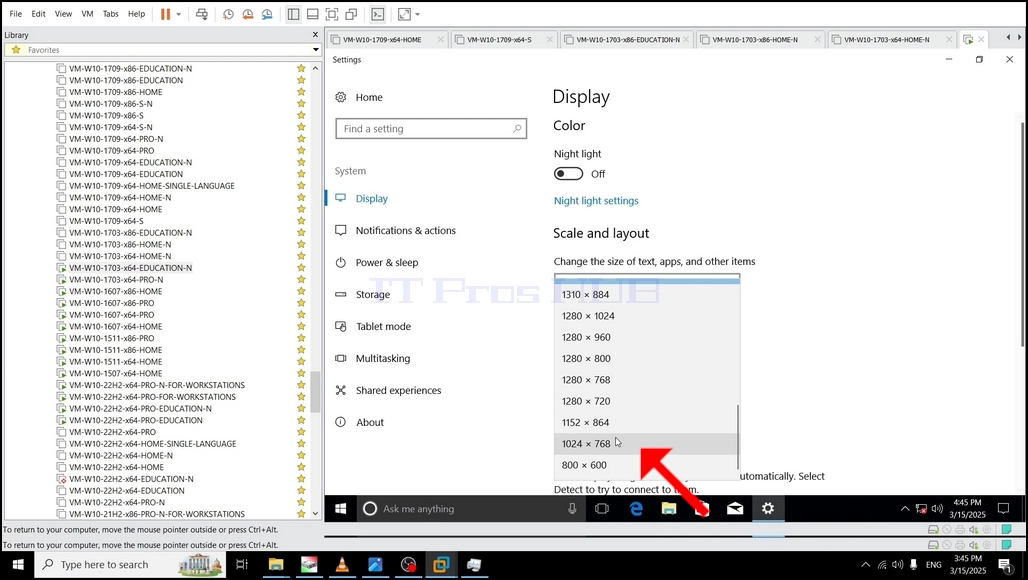
5. Kies die een wat die beste by jou behoeftes pas uit die verskeie resolusie-opsies deur daarop met die linkermuisknop te klik (In hierdie voorbeeld is die gekose een 1024x768).
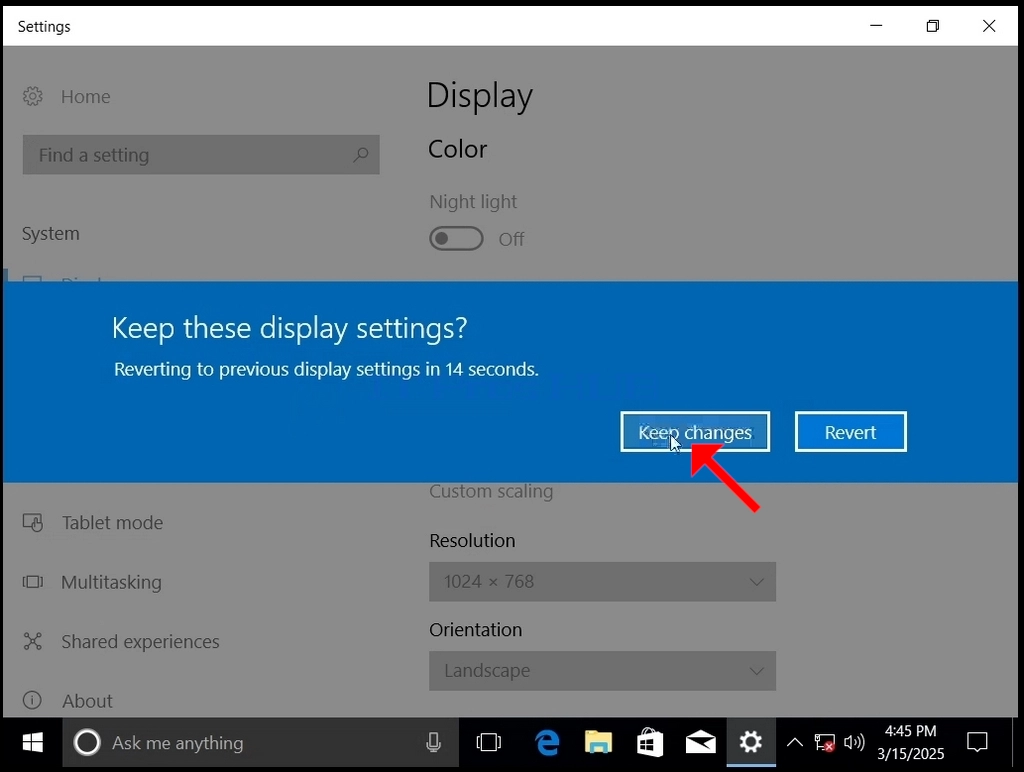
6. Nadat jy die nuwe resolusie-instelling gekies het, sal Windows jou vra of jy veranderinge wil behou of terug wil stel. Indien 'n opsie nie binne 'n toegekende aantal sekondes gekies word nie, sal Windows terugkeer na die voorheen gekonfigureerde resolusie. Dit word gedoen indien die monitor nie die gekose resolusie ondersteun nie en die gebruiker nie die video-uitset kan sien of tans kan sien nie, om die nuut gekose resolusie handmatig terug te keer.
As die nuut gekose resolusie versoenbaar is met die monitor, kies Hou Veranderinge en klik daarop.
- Besonderhede
- Geskryf deur: IT Pro
- Kategorie: Windows
- Trefslae: 11471
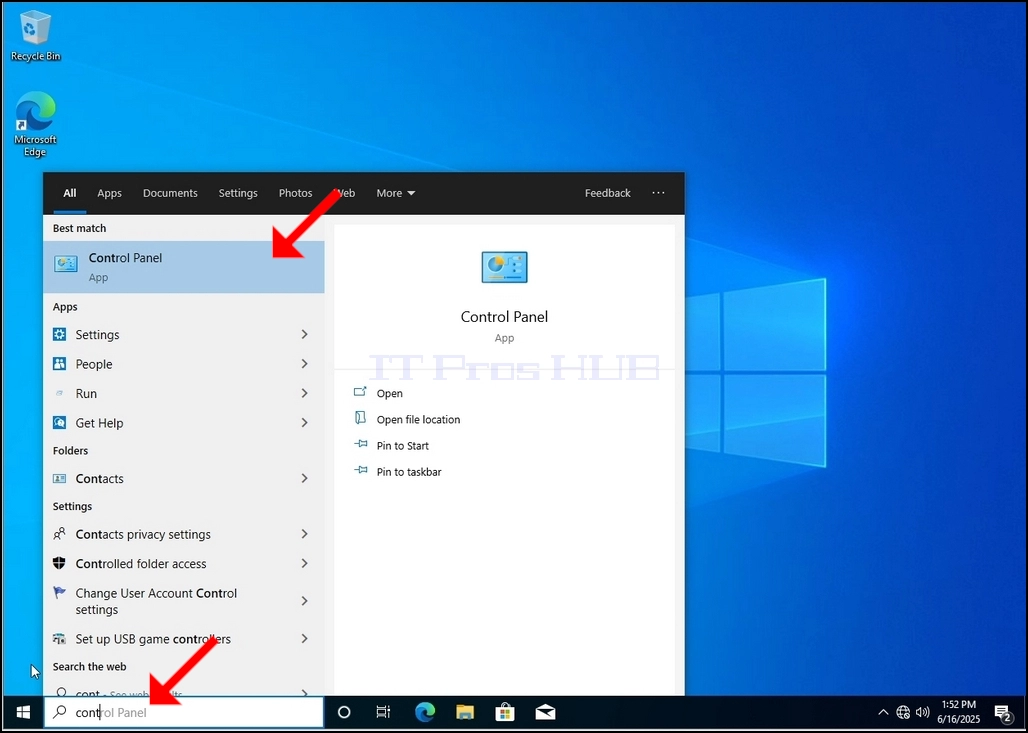
1. Go to Windows Desktop
2. Click Start
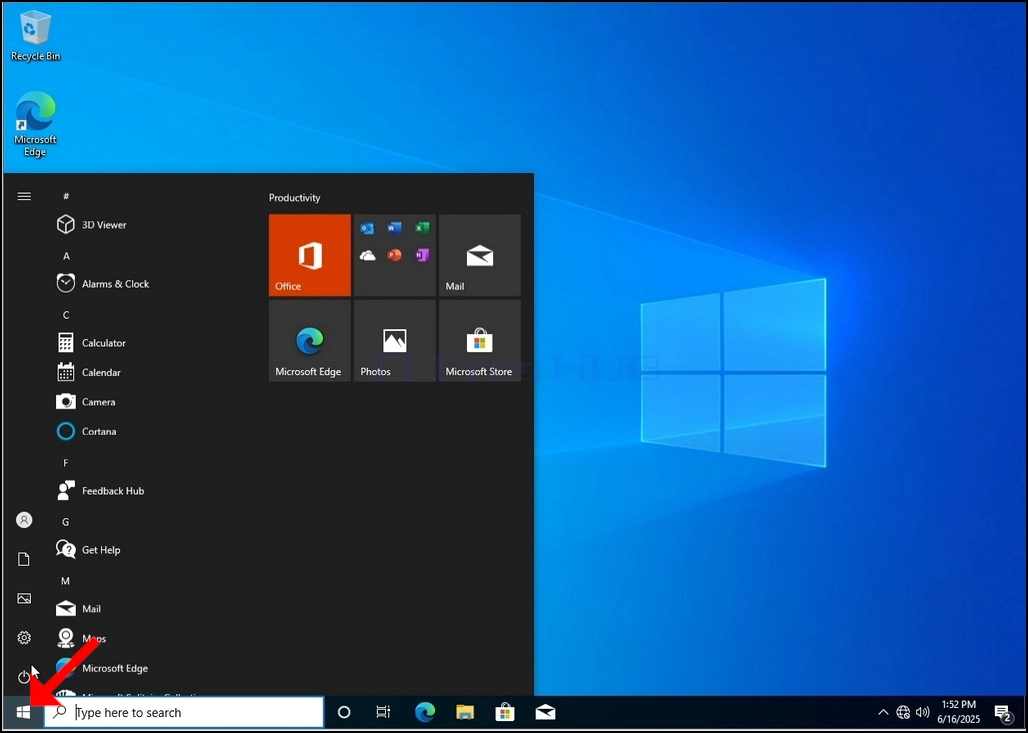
Once it finds it, click it and wait for the Control Panel window to appear.
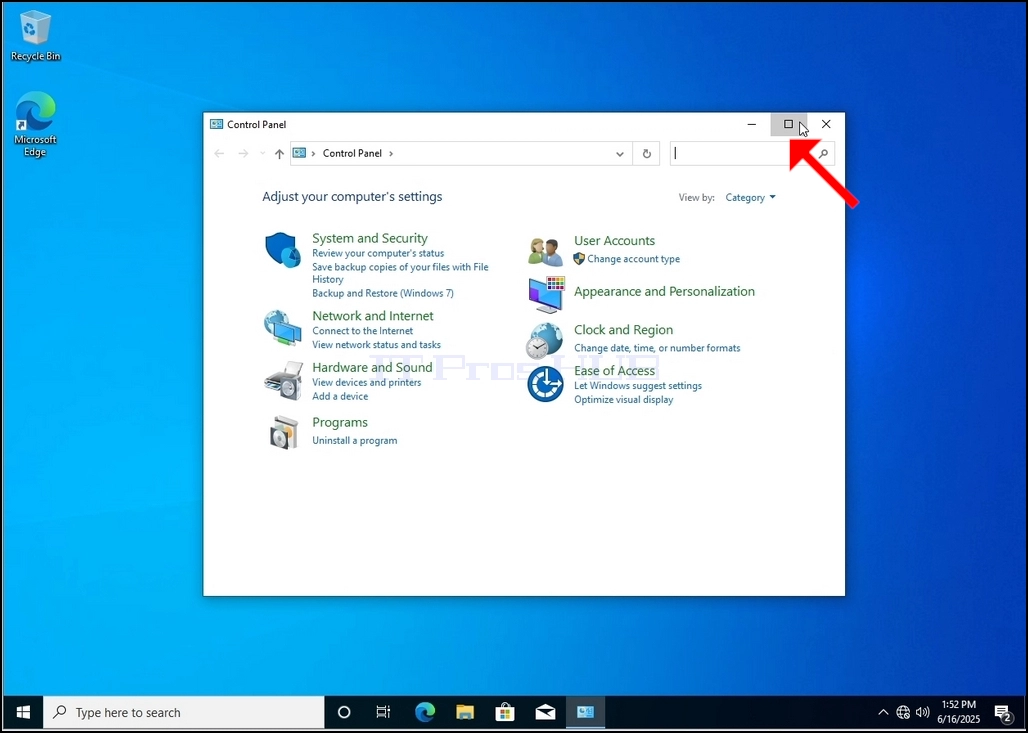
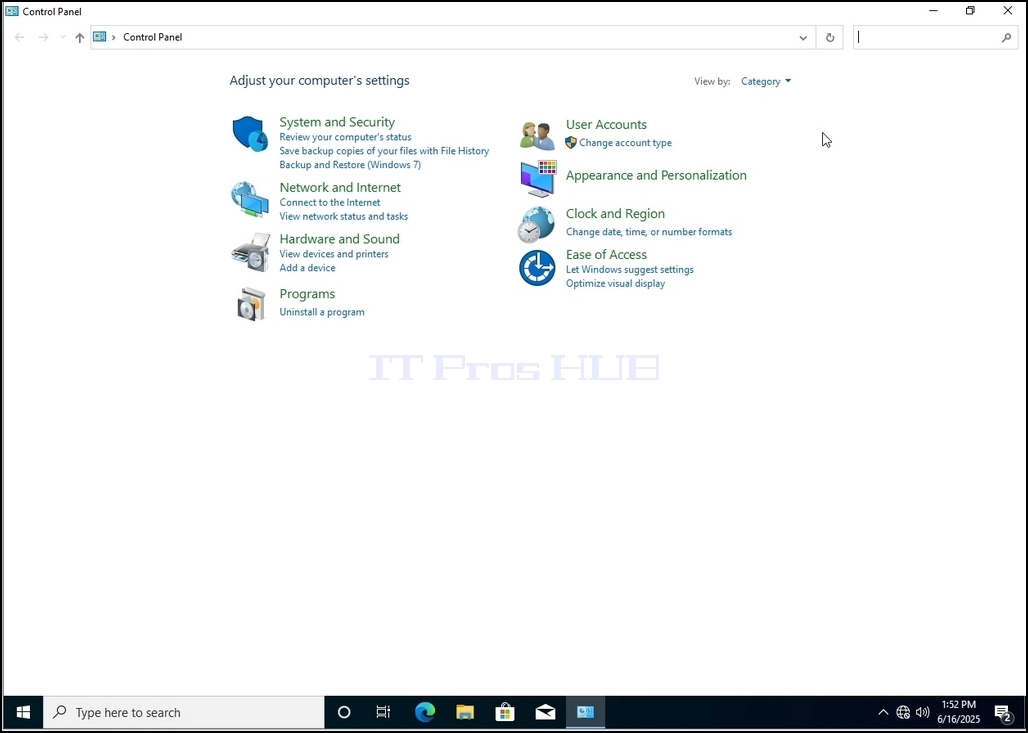
4. Once the Control Panel window is open, enlarge it by clicking the enlarging icon on the top right corner of that window.
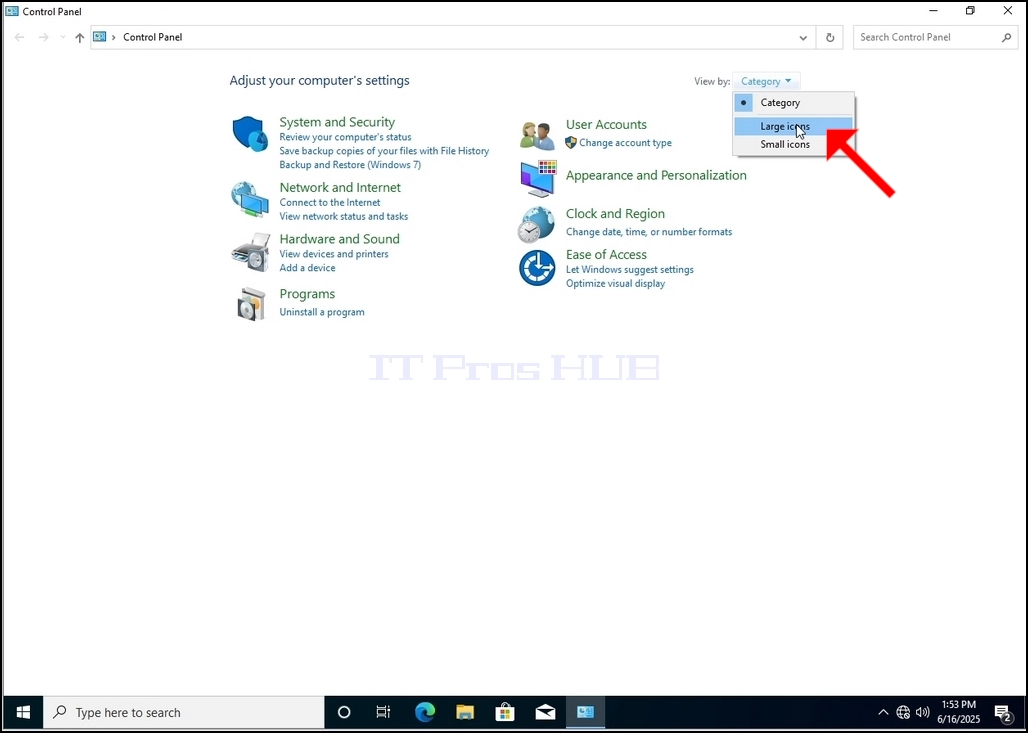
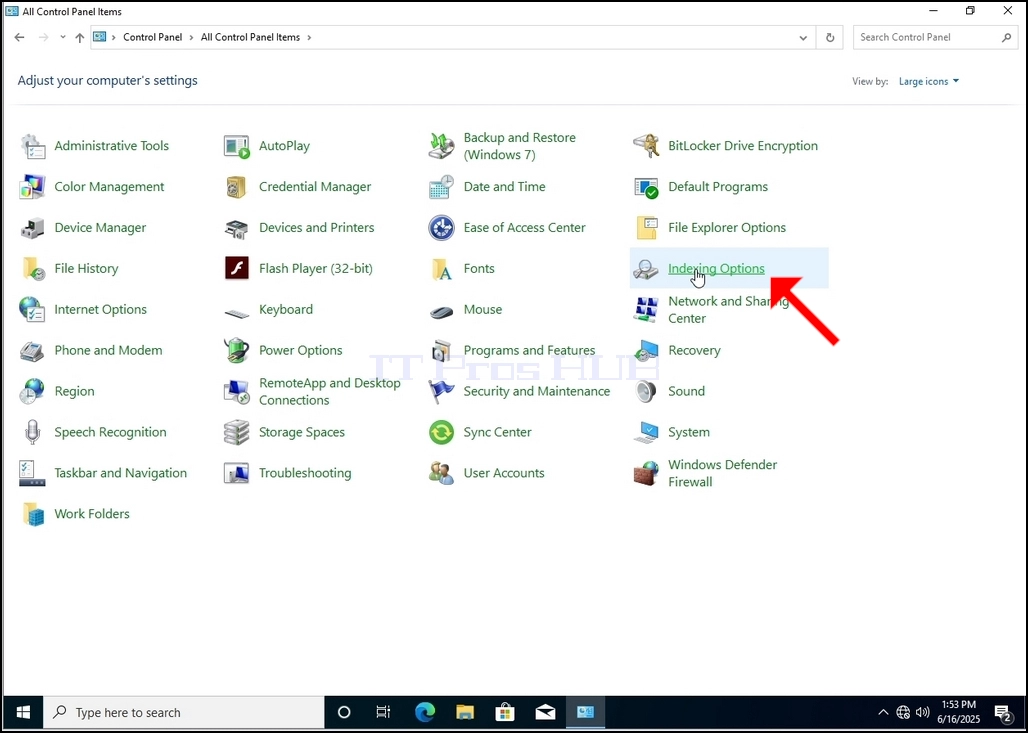
6. Look for the Indexing Options icon and click it. Wait for the Indexing Options window to appear.
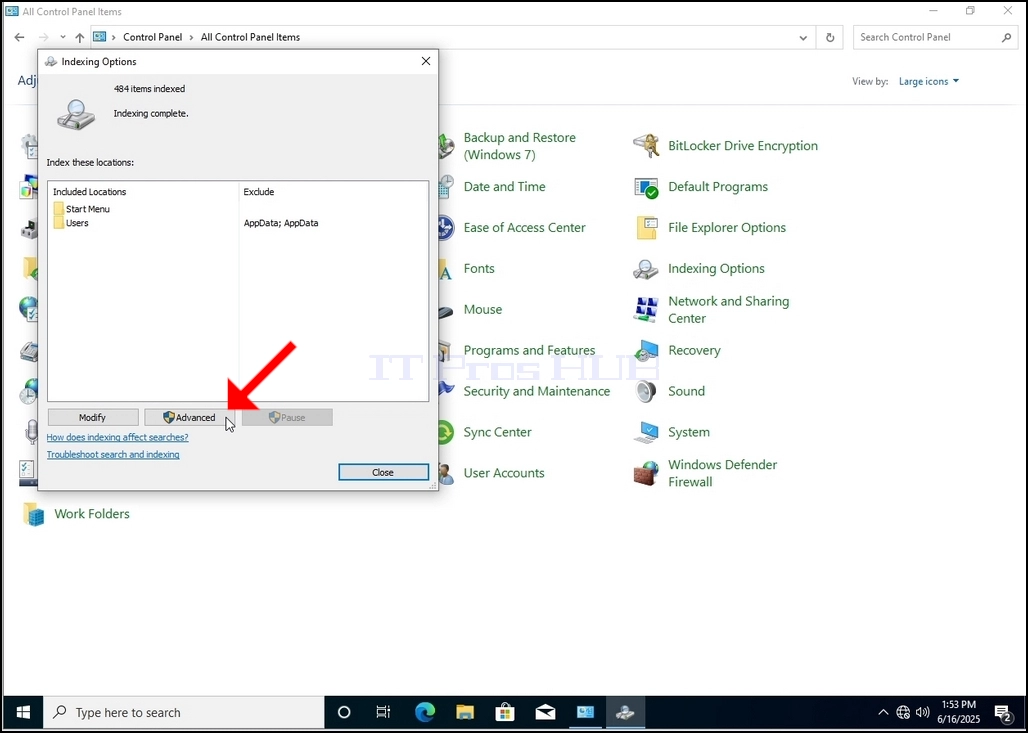
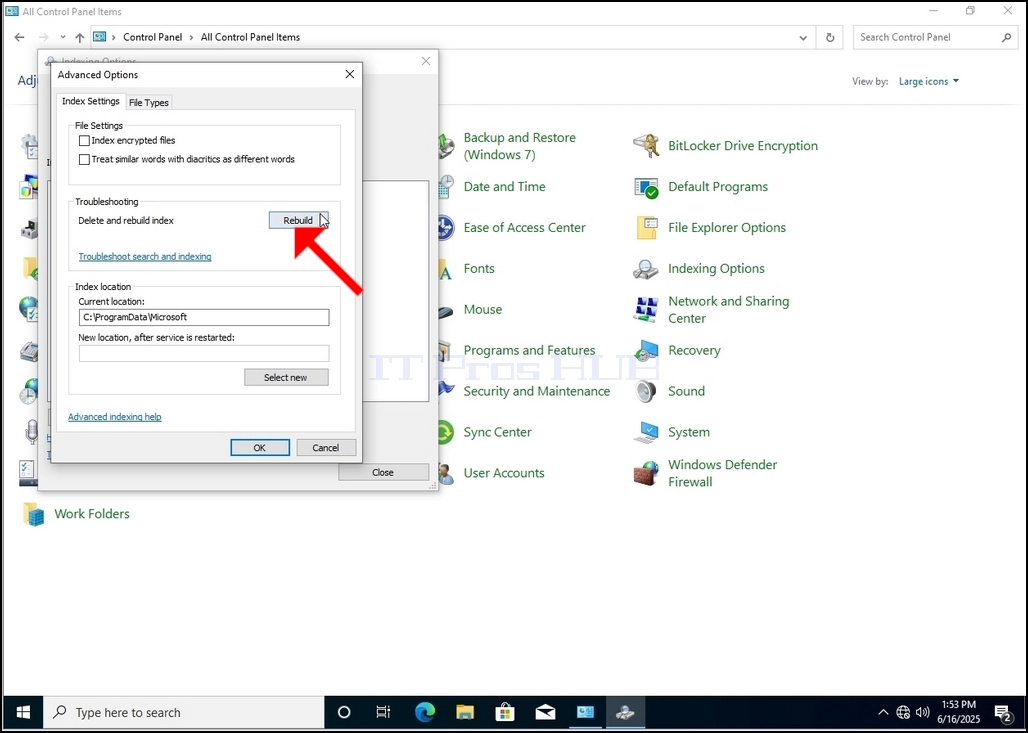
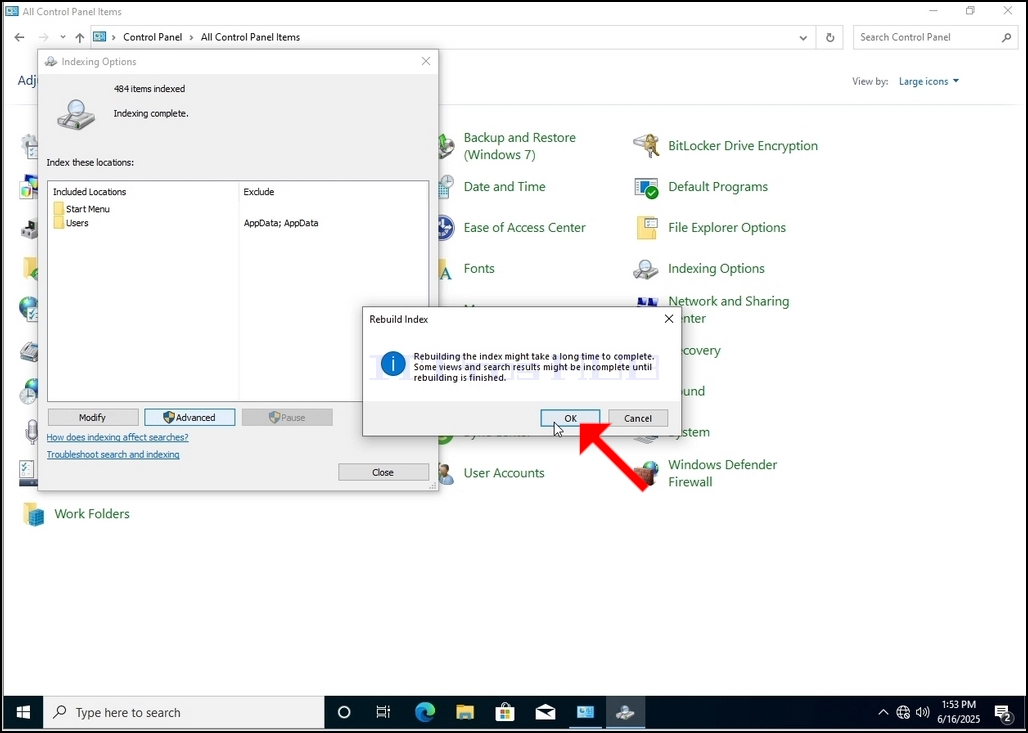
9. After clicking OK in the confirmation box, Windows will start rebuilding its index. It might take some time for the actual process to start, Wait patiently a few seconds to a few minutes. The moment the process starts, the "Indexing Complete" sentence will be replaced with "Indexing in progress. Search results might not be complete during this time."
In addition, The number of items indexed will be reset to 0 for a moment and then start to increment.
Note that All of the windows that are related to the Indexing process can now be closed and the rebuilding process would still be running in the background.
Note that the Indexing process' speed might be reduced due to user activity on the computer. The more intense the activity the less the Indexing speed would be.