



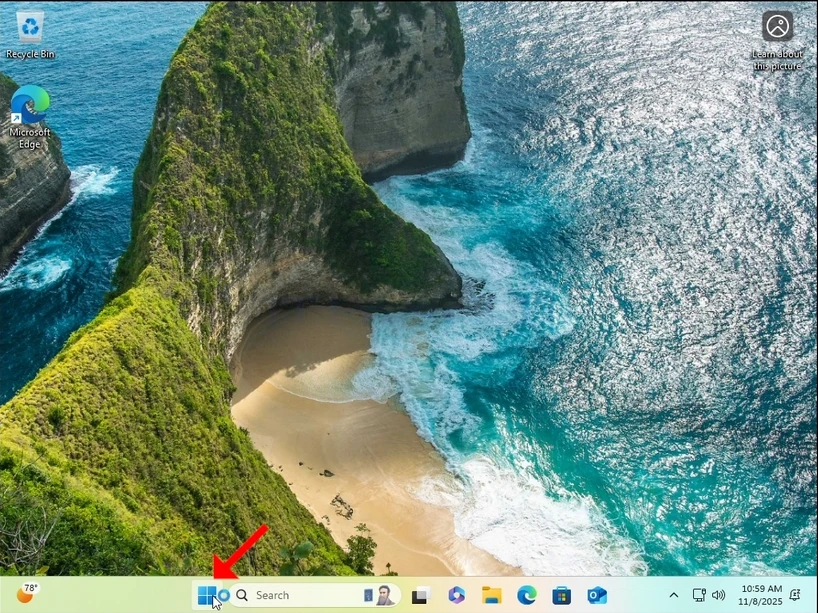
1. Links klicken Sie auf Beginn Knopf und warten Sie, bis das sekundäre Menü erscheint
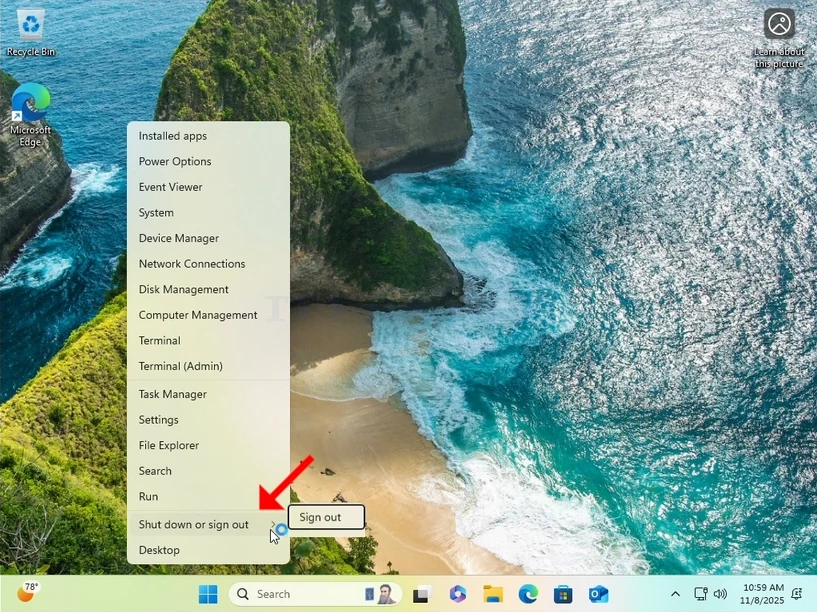
2. Im sekundären Menü suchen Sie nach Herunterfahren oder Abmelden Option, schweben Sie mit dem Mauscursor darüber und warten Sie, bis es sich selbst erweitert. Wenn nicht, klicken Sie einmal darauf.
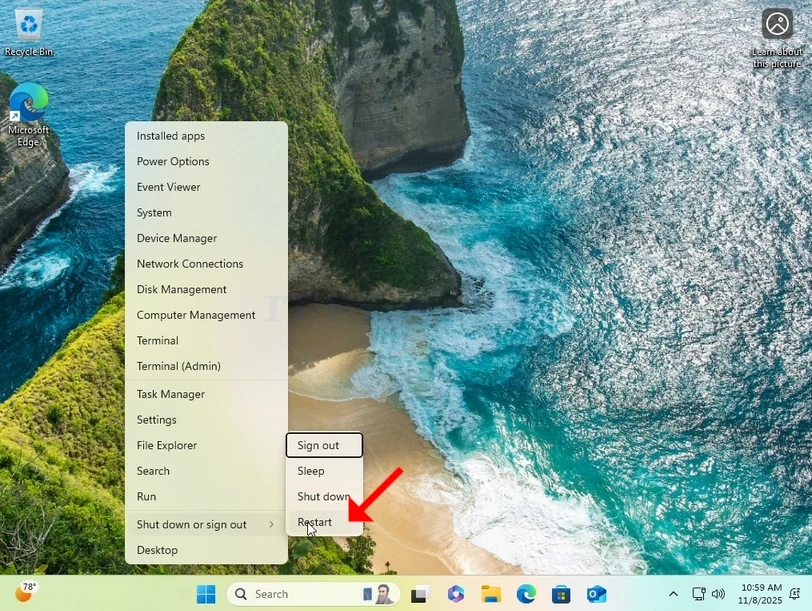
3. Im erweiterten Menü klicken Sie auf Neustart beim Drücken und Halten des SHIFT Taste auf Ihrer Tastatur.
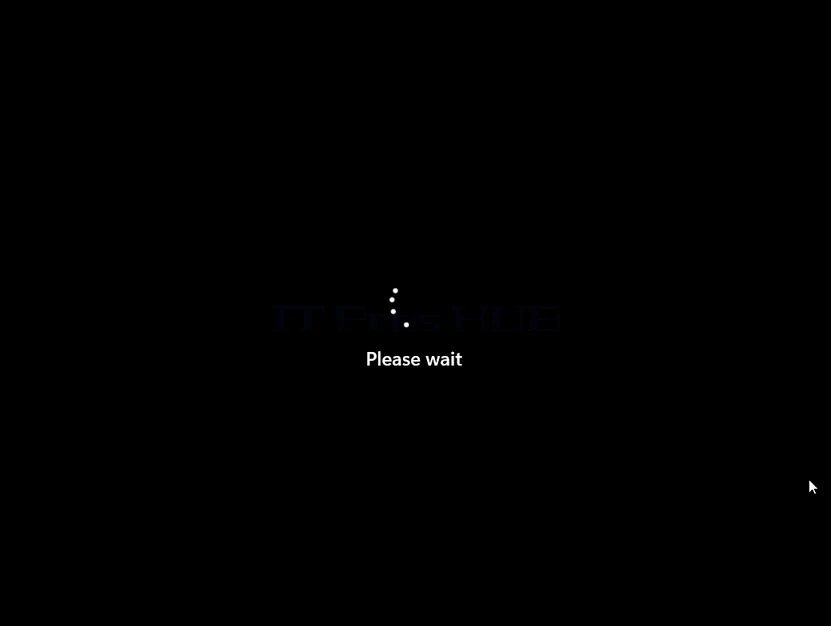
4. Warten Sie, bis der Computer neu gestartet wird und Windows in seine Erholungsmodus.
5. Klicken Sie auf Fehlerbehebung
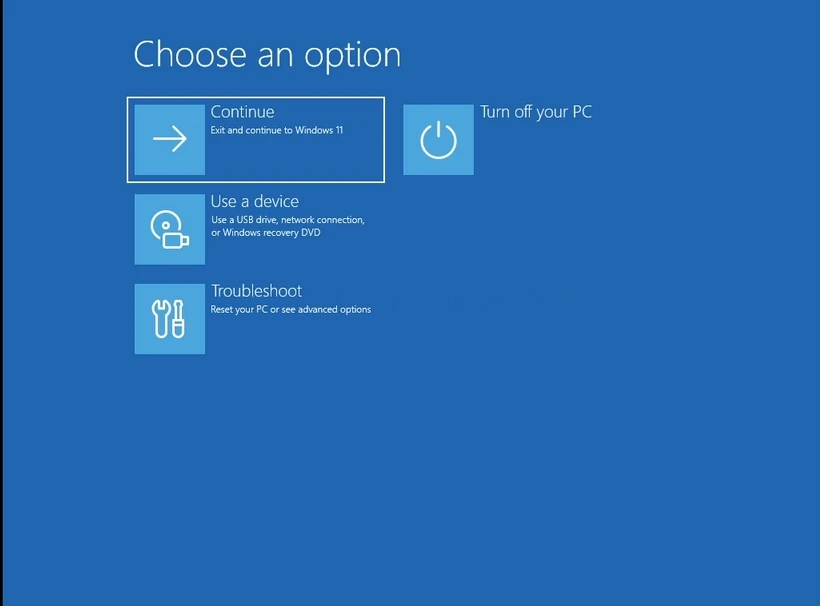
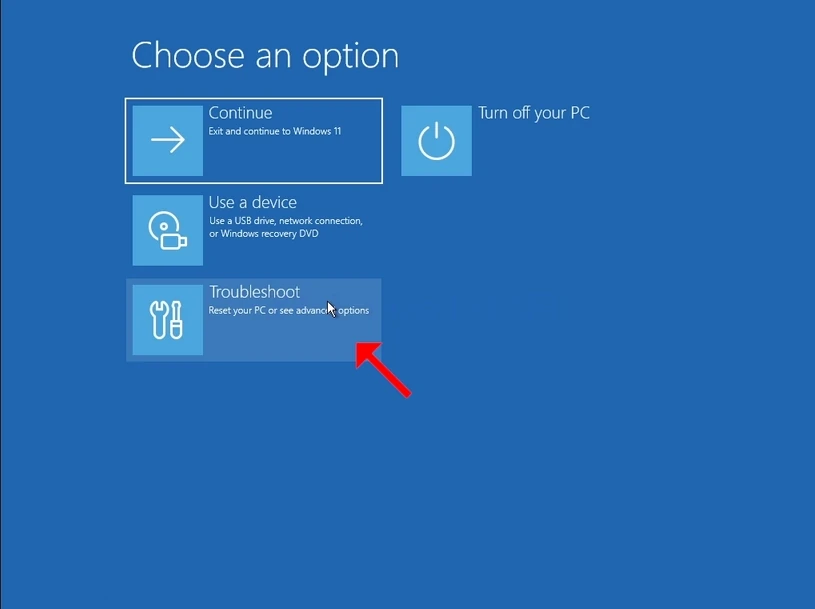
6. Klicken Sie auf Erweiterte Optionen.
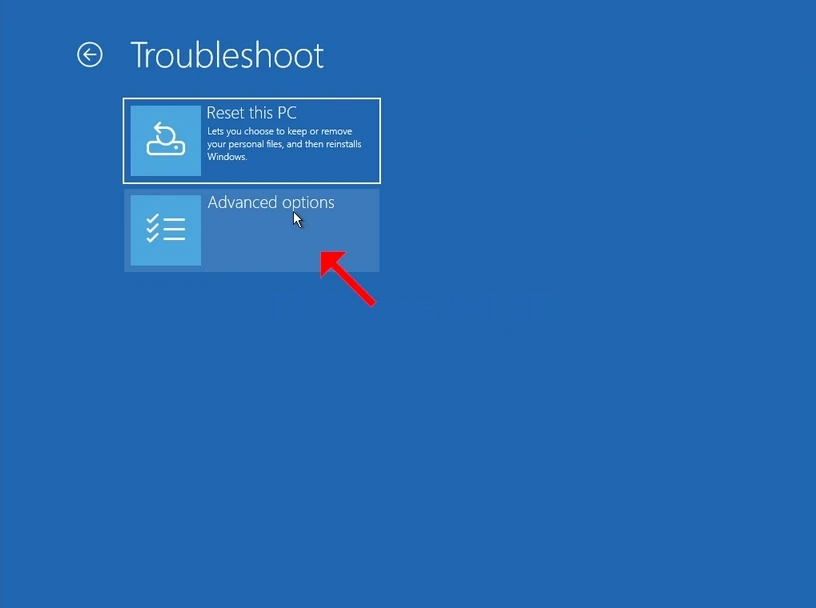
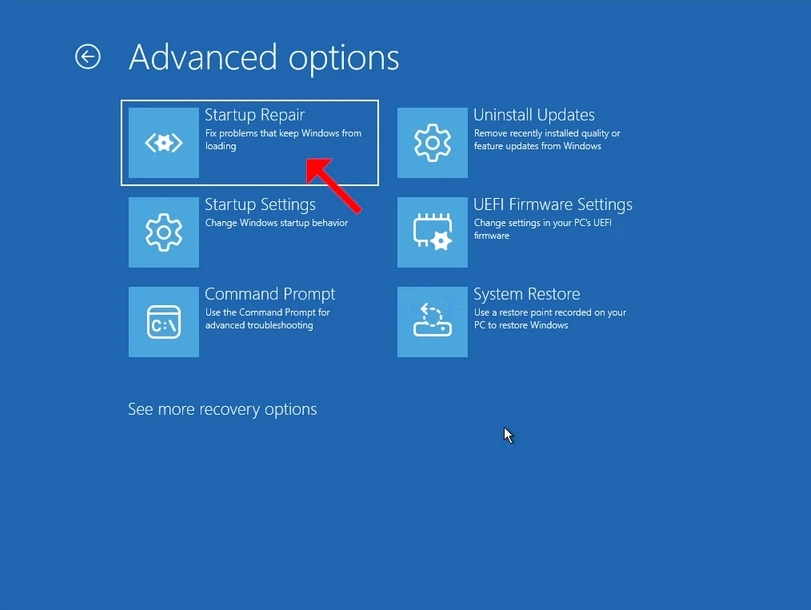
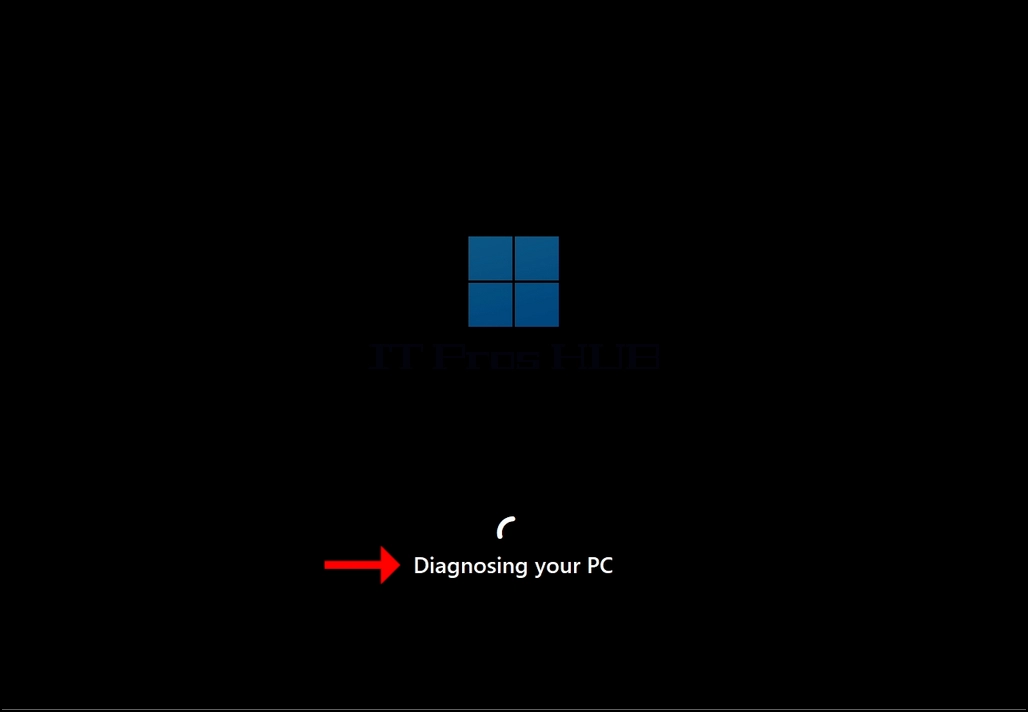
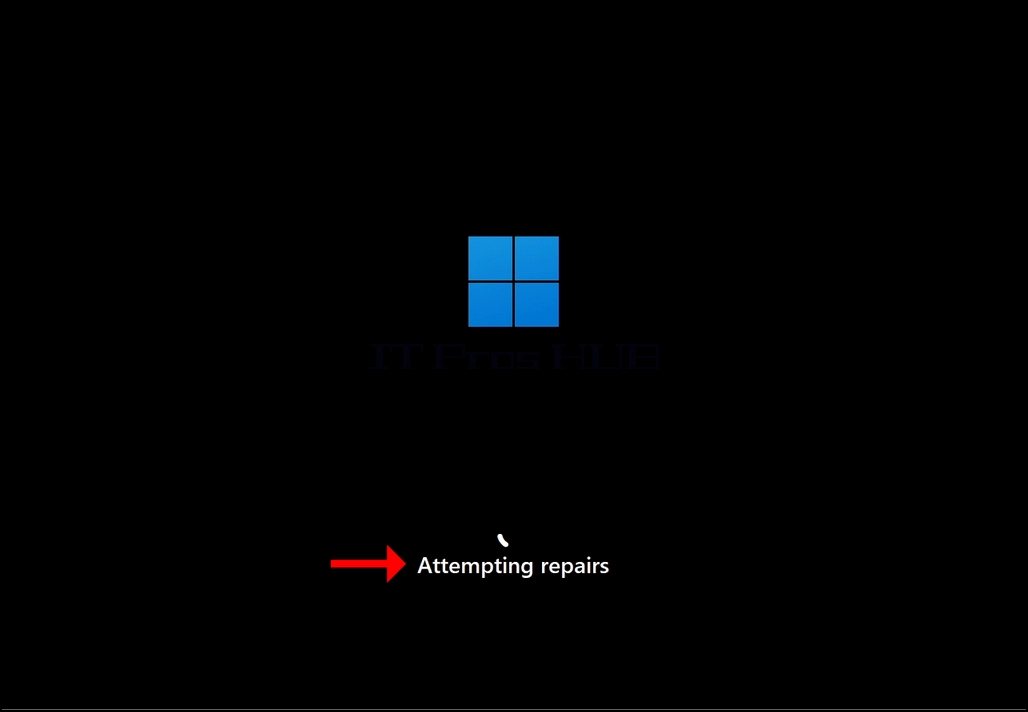
7. In Erweiterte Optionen, klicken Sie auf Start Reparatur Warten Sie geduldig, bis Windows versucht, Startprobleme zu beheben.


 12994
12994  IT Pro






















