Online: 635 online | Members: 0 | Guests: 635
Нядзеля, ліпеня 19, 2026
There is no translation available.

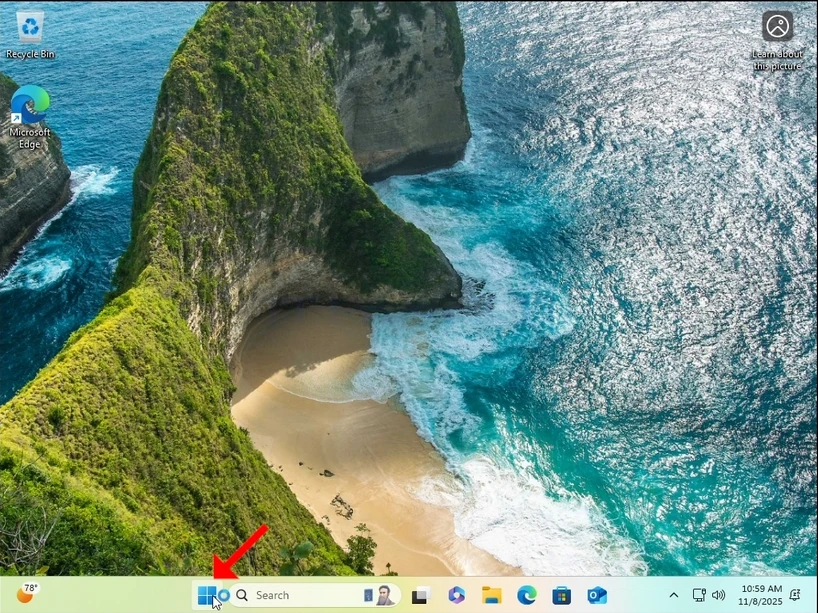
1. Left click the Start button and wait for the secondary menu to appear
how-to-perfom-a-typical-backup-with-windows-backup-in-windows-11-1.webp

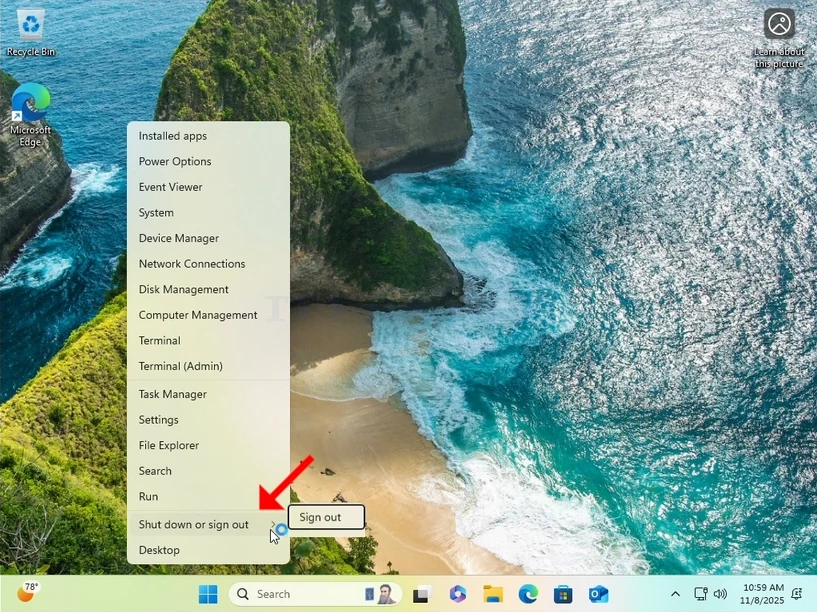
2. In the secondary menu, look for the Shutdown or sign out option, hover over it with the mouse cursor and wait for it to extend itself. If it doesn’t, click on it once.
how-to-perfom-a-typical-backup-with-windows-backup-in-windows-11-2.webp

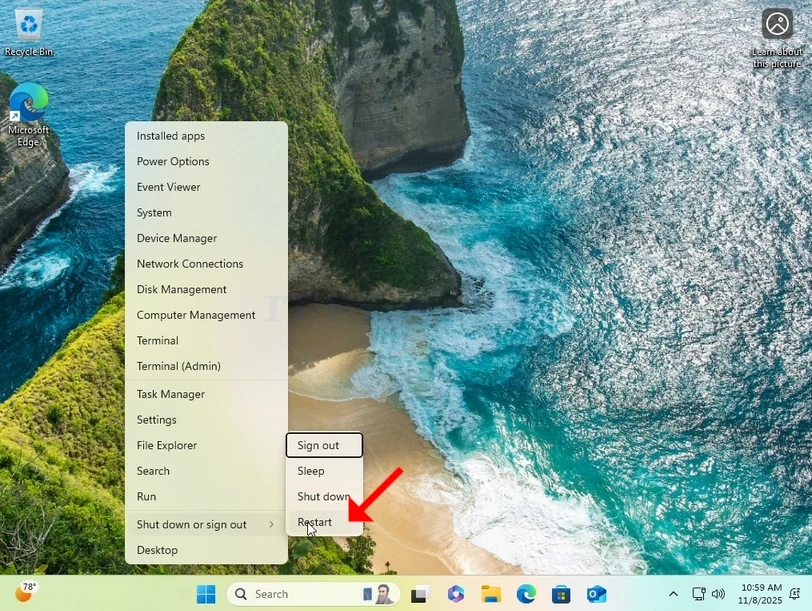
3. In the extended menu, click on Restart while pressing and holding the SHIFT key on your keyboard.
how-to-perfom-a-typical-backup-with-windows-backup-in-windows-11-3.webp

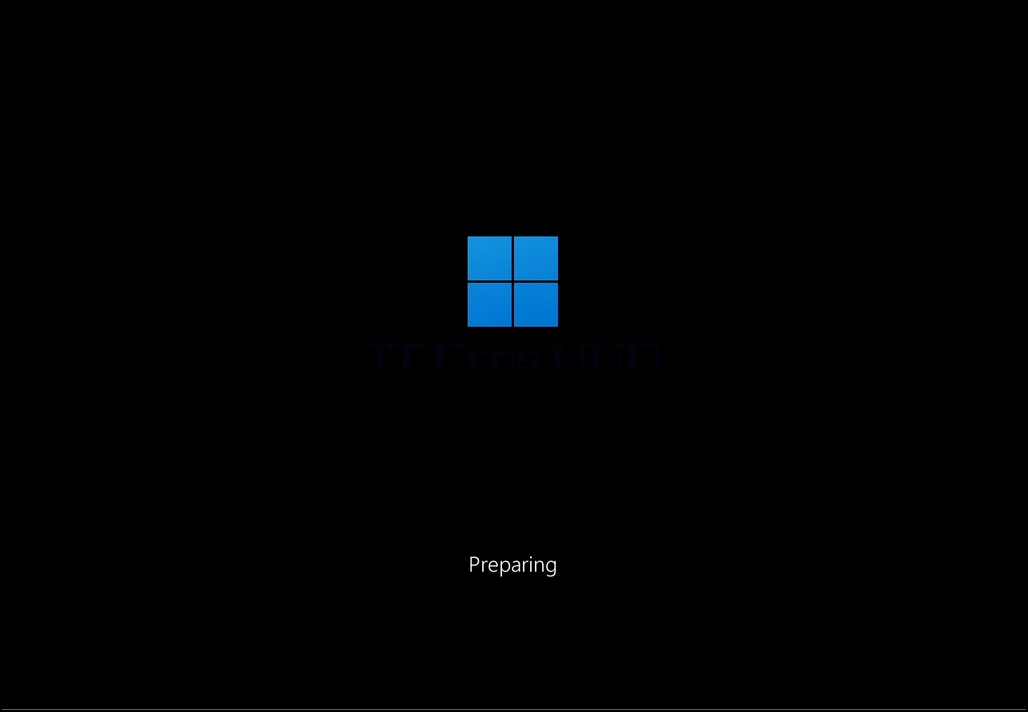
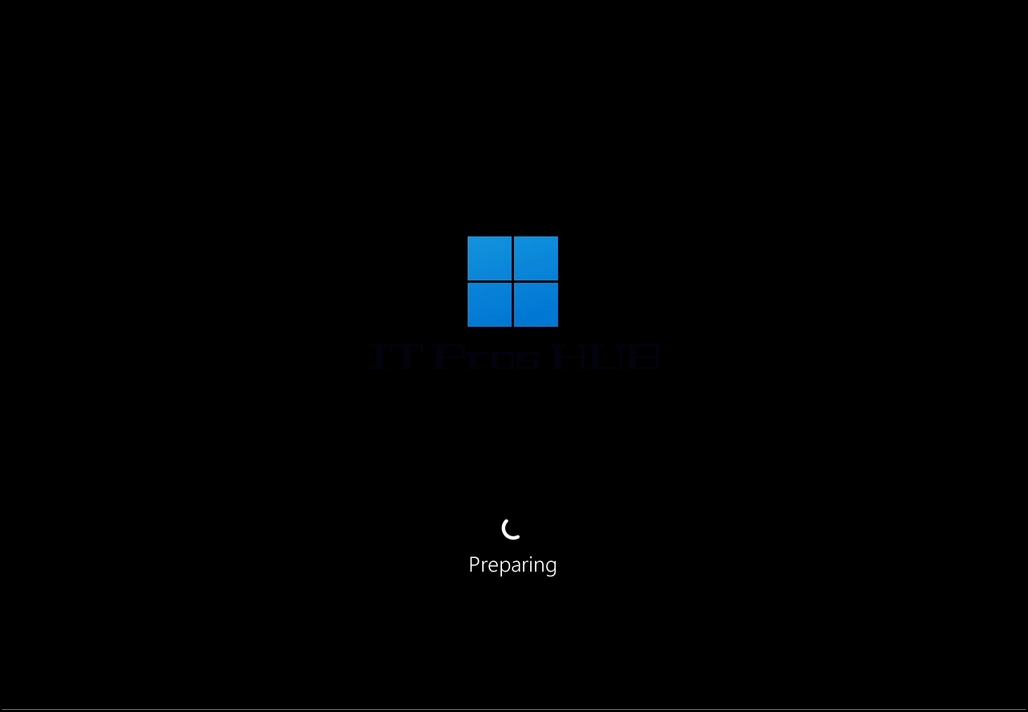
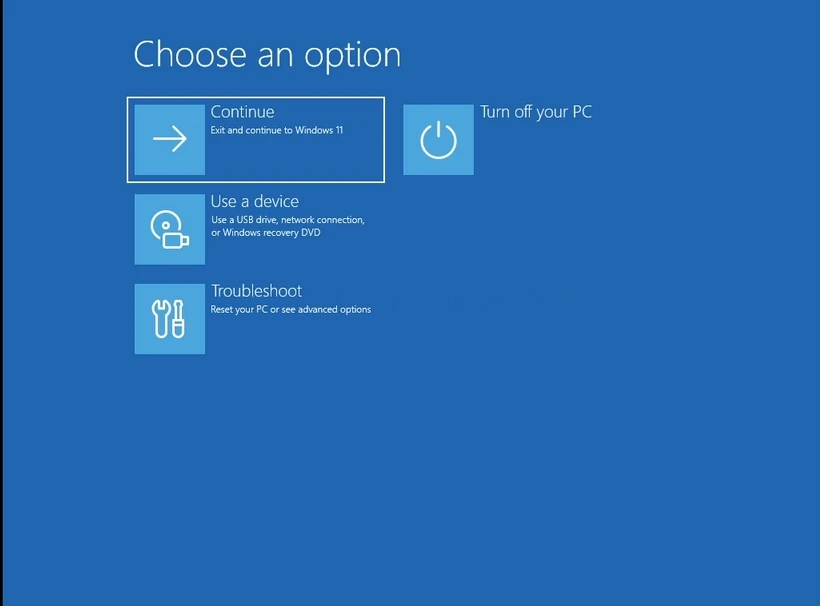
4. Wait for the computer to restart and to Windows to boot into its Recovery Mode.

how-to-perfom-a-typical-backup-with-windows-backup-in-windows-11-4.webphow-to-perfom-a-typical-backup-with-windows-backup-in-windows-11-7.webphow-to-perfom-a-typical-backup-with-windows-backup-in-windows-11-8.webp

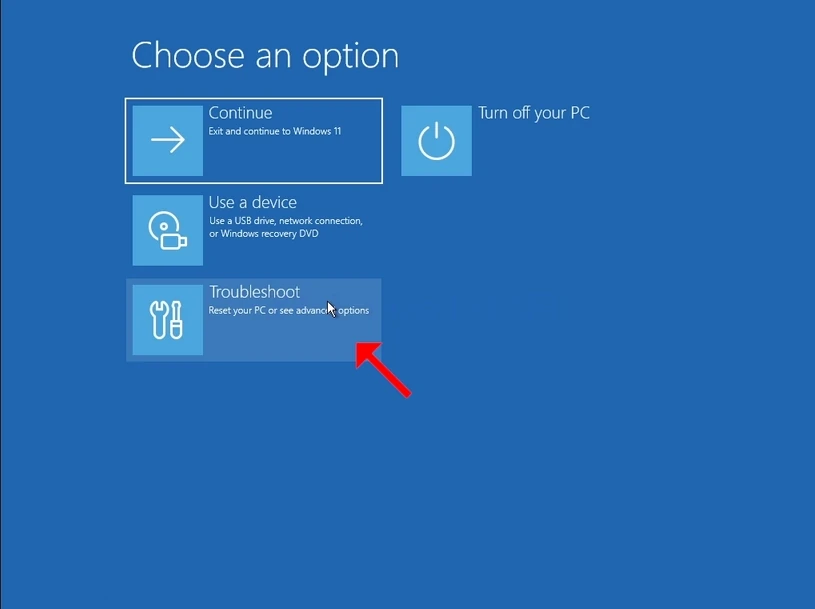
5. Click on Troubleshoot

how-to-perfom-a-typical-backup-with-windows-backup-in-windows-11-9.webphow-to-perfom-a-typical-backup-with-windows-backup-in-windows-11-10.webp

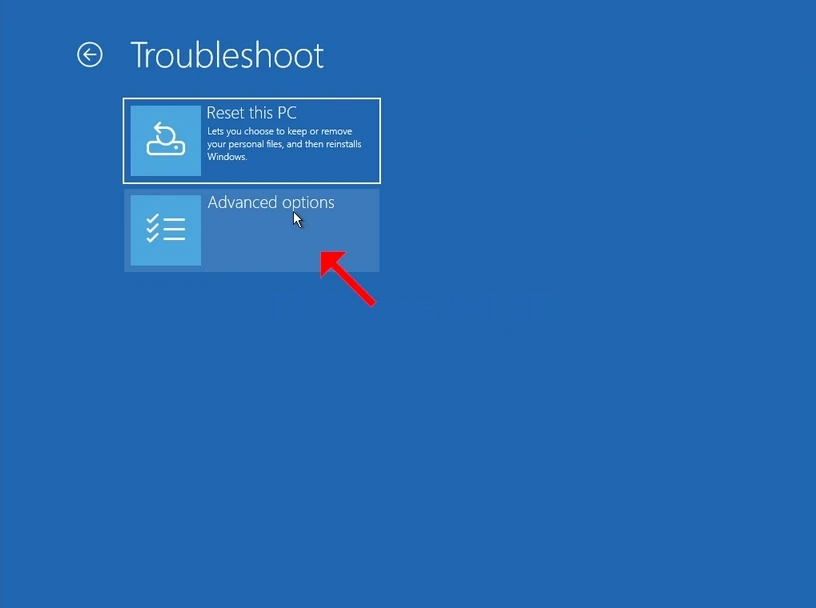
6. Click on Advanced options.

how-to-perfom-a-typical-backup-with-windows-backup-in-windows-11-12.webp

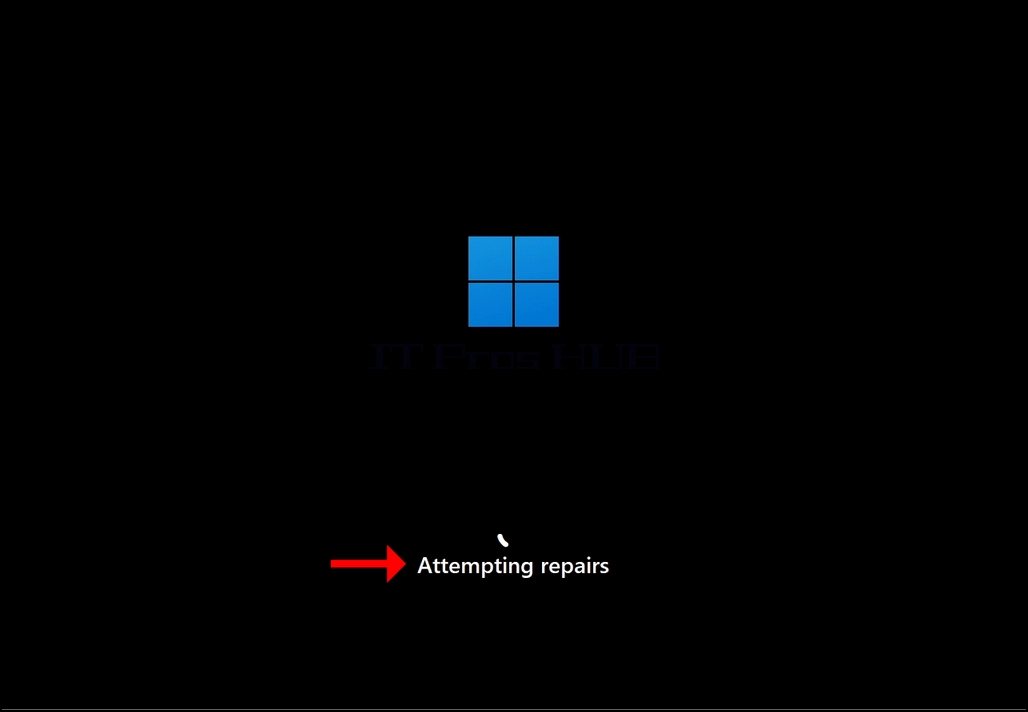
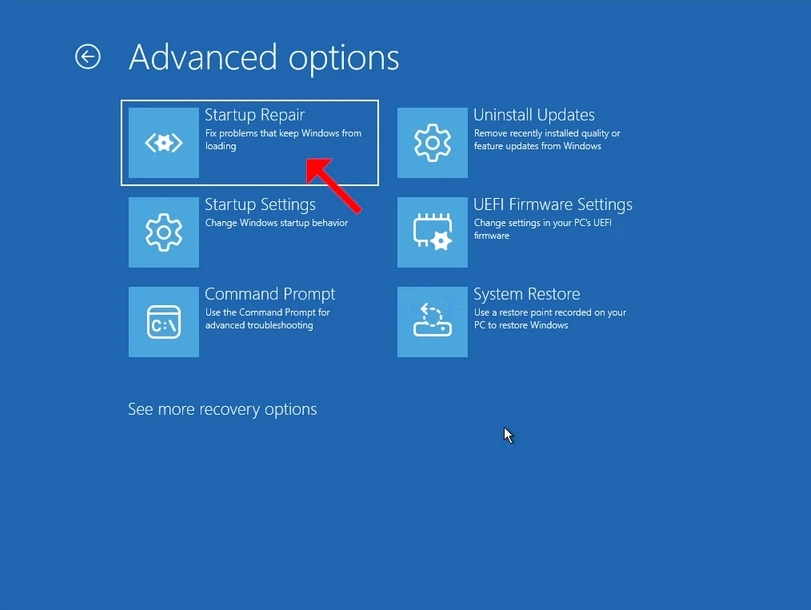
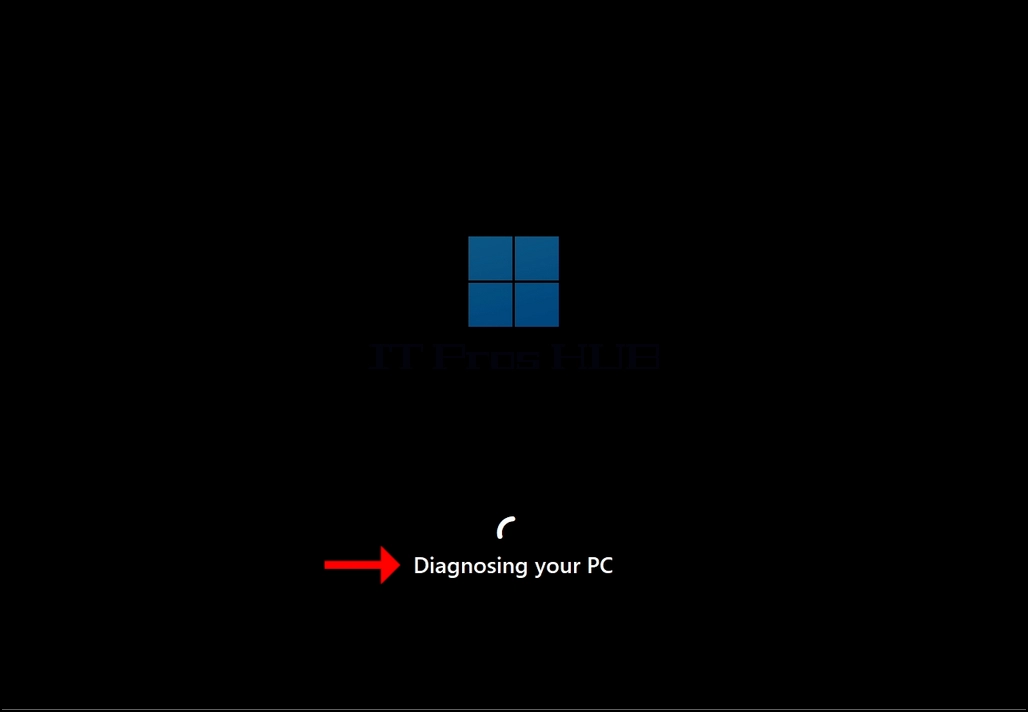
7. In Advanced Options, click on Startup Repair and wait patiently for Windows to attempt repairing any startup issues.
how-to-perfom-a-typical-backup-with-windows-backup-in-windows-11-13.webphow-to-perfom-a-typical-backup-with-windows-backup-in-windows-11-15.webphow-to-perfom-a-typical-backup-with-windows-backup-in-windows-11-17.webp

Latest Articles

Read More...
date dark
hits dark 7858
Read More...
date dark
hits dark 8944
Read More...
date dark
hits dark 8380
Read More...
date dark
hits dark 6780
Read More...
date dark
hits dark 9576
Read More...
date dark
hits dark 8193
Read More...
date dark
hits dark 8818
Read More...
date dark
hits dark 4575
Read More...
date dark
hits dark 5192
Read More...
date dark
hits dark 4562
Read More...
date dark
hits dark 5825