



- Tietoja
- Kirjoittanut: IT Pro
- Kategoria: How to Articles
- Osumat: 5362
1. Avaa Microsoft Word

2. Valikkopalkissa, kotoa, siirry arvosteluun:
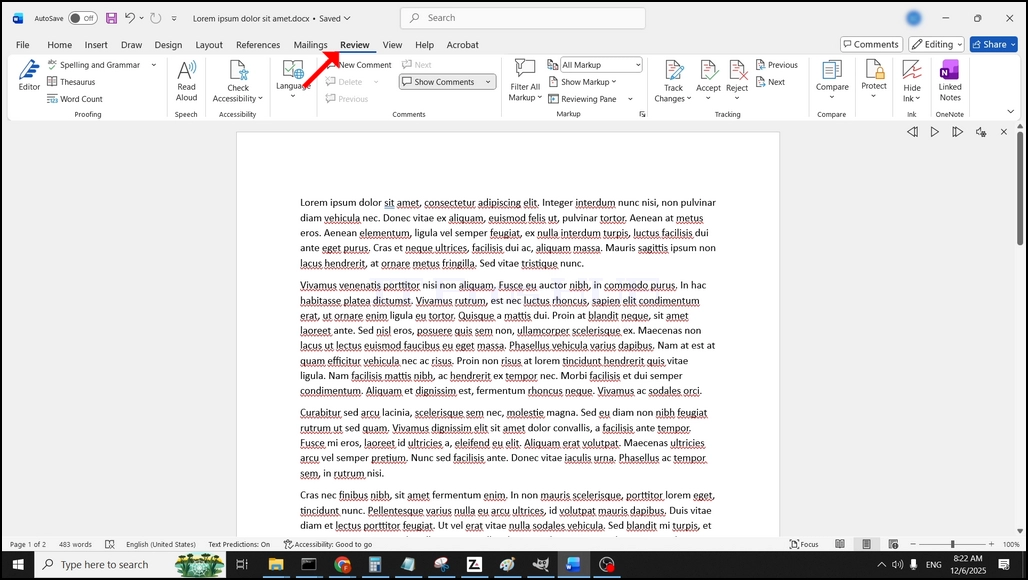
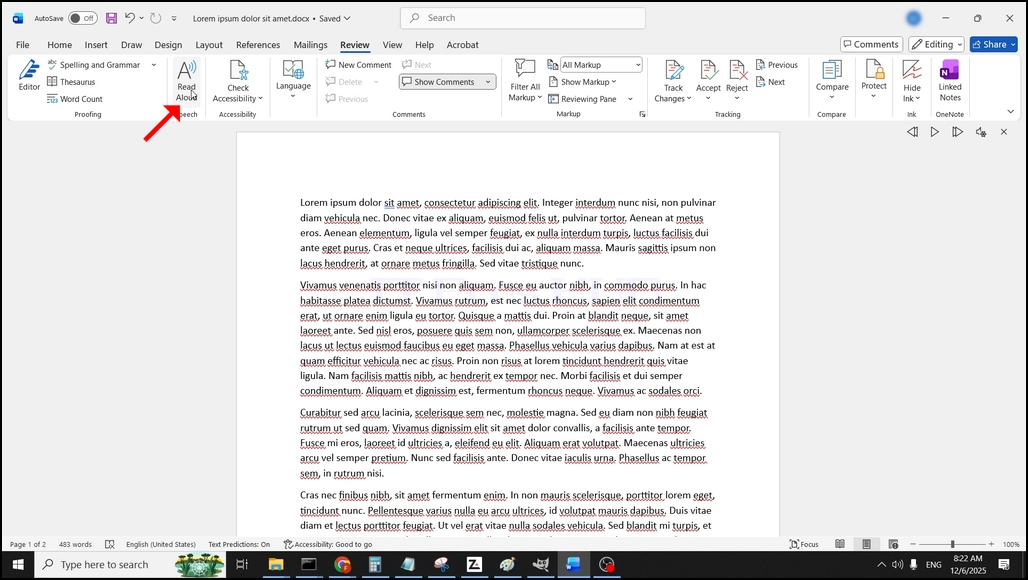
3. Under Review, etsi iso "A"kuvake, jossa lukee "Lue Aloud" ja klikkaa sitä aktivoida Tekstin Puhe ominaisuus Word:
- Tietoja
- Kirjoittanut: IT Pro
- Kategoria: How to Articles
- Osumat: 5742
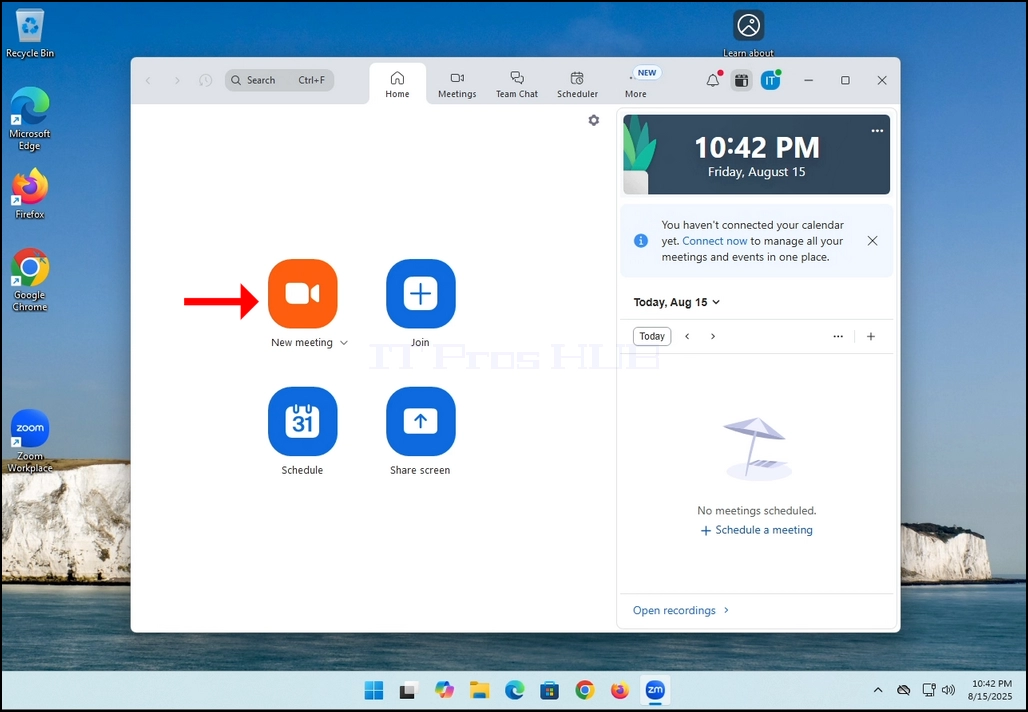
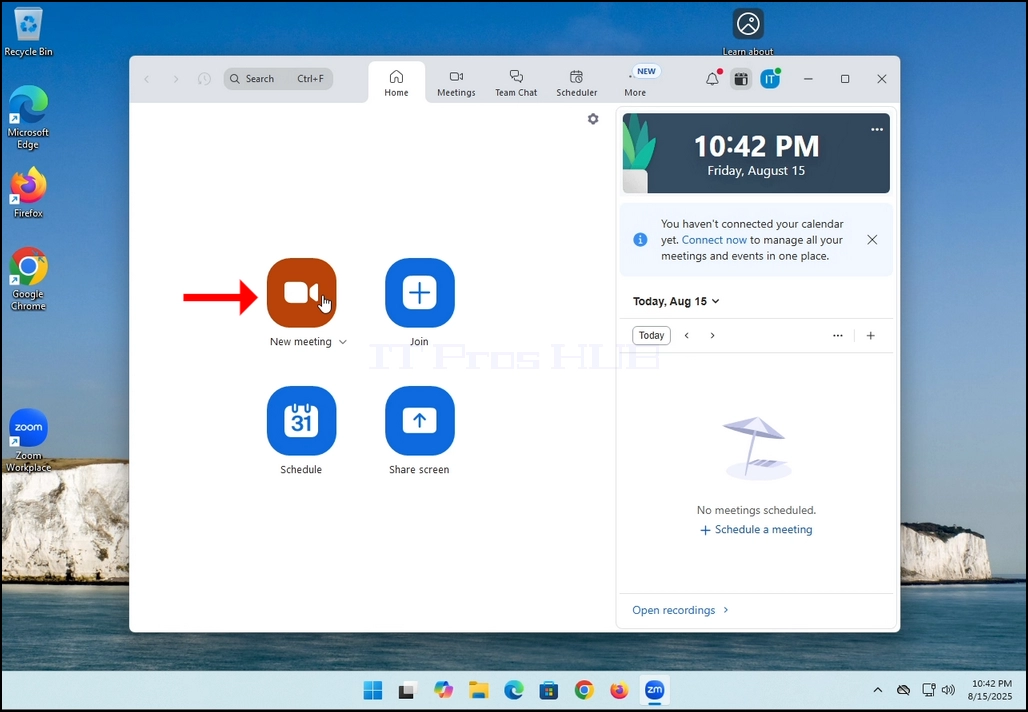
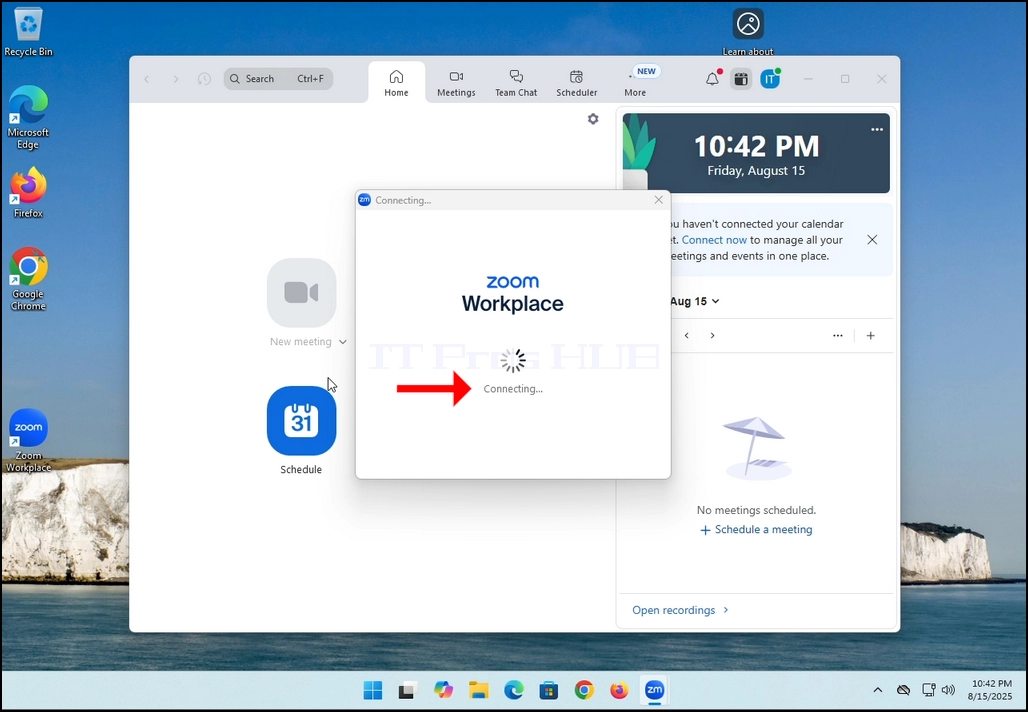
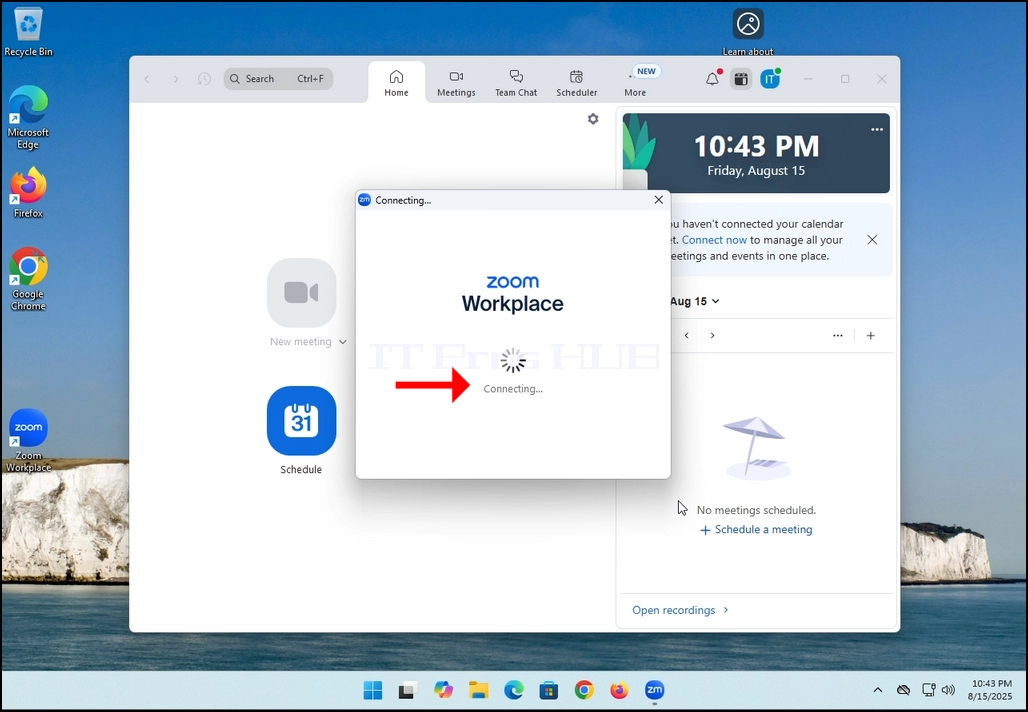
2. Once clicked, a new small window should appear. The window will show "connecting" and an animation progress circle.
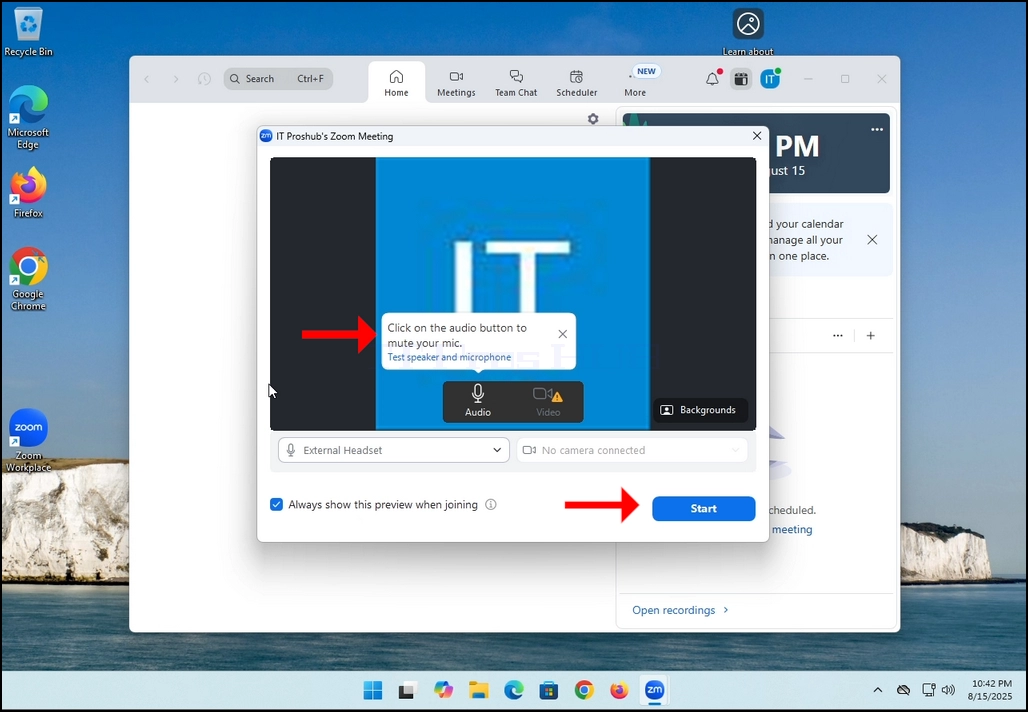
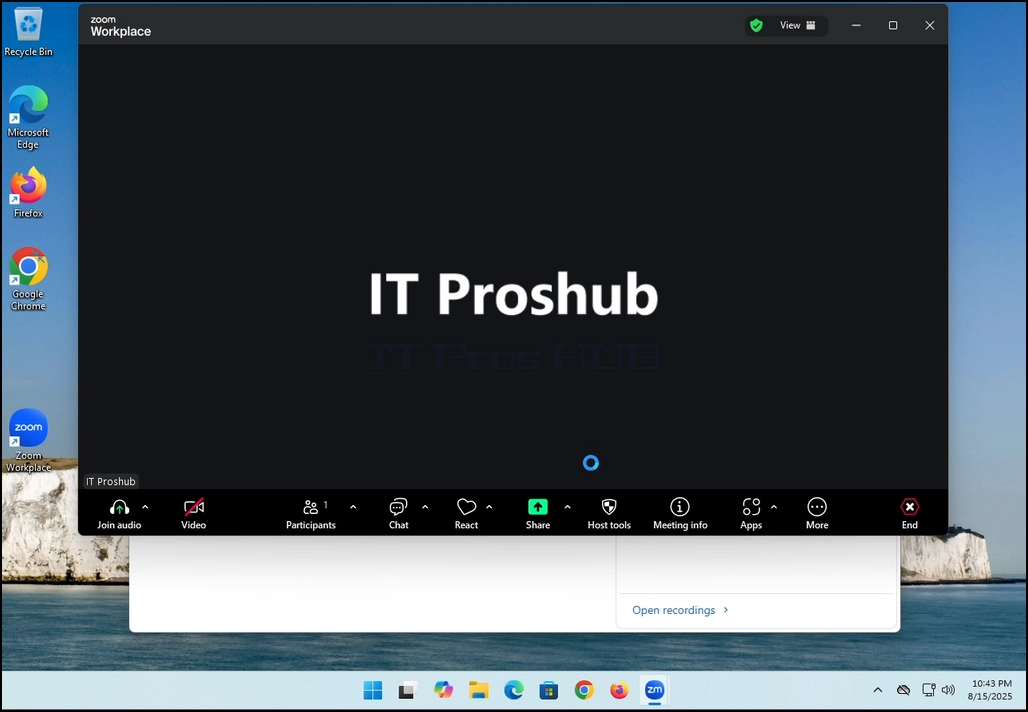
3. Once it's done loading, a new window will appear. Usually its title should say something along the lines of: "User's Zoom Meeting". In this article's case, it says "IT Proshub's Zoom Meeting" since the user that uses Zoom is called that way.
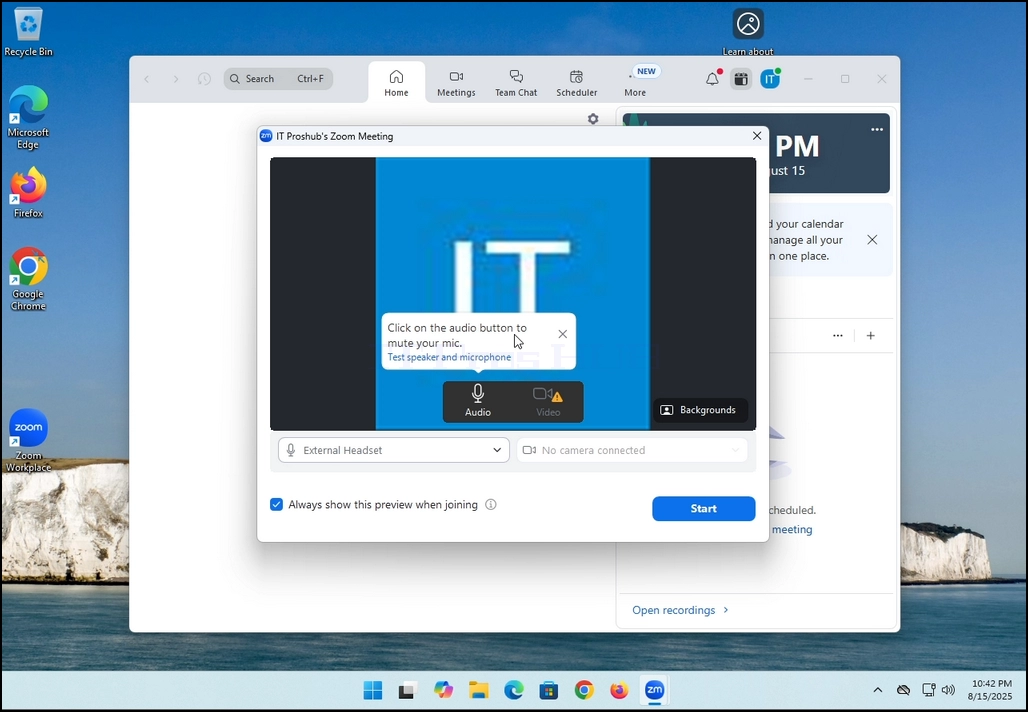
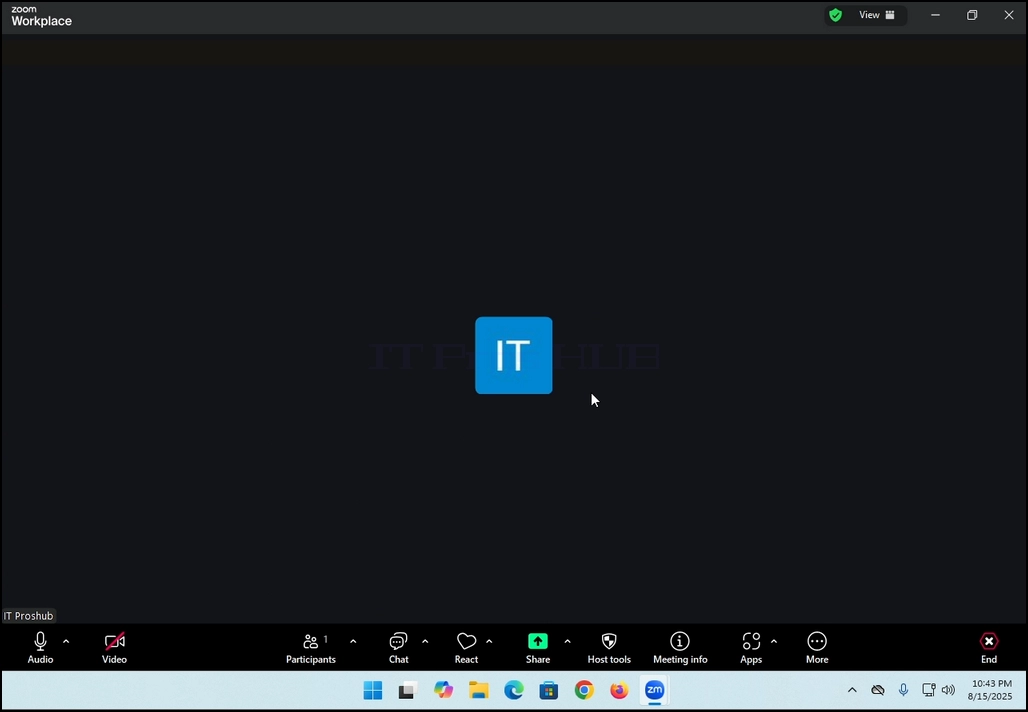
4. Here, you can mute your mic by clicking on the mic icon and you can also turn your camera off/on by clicking the Video icon.
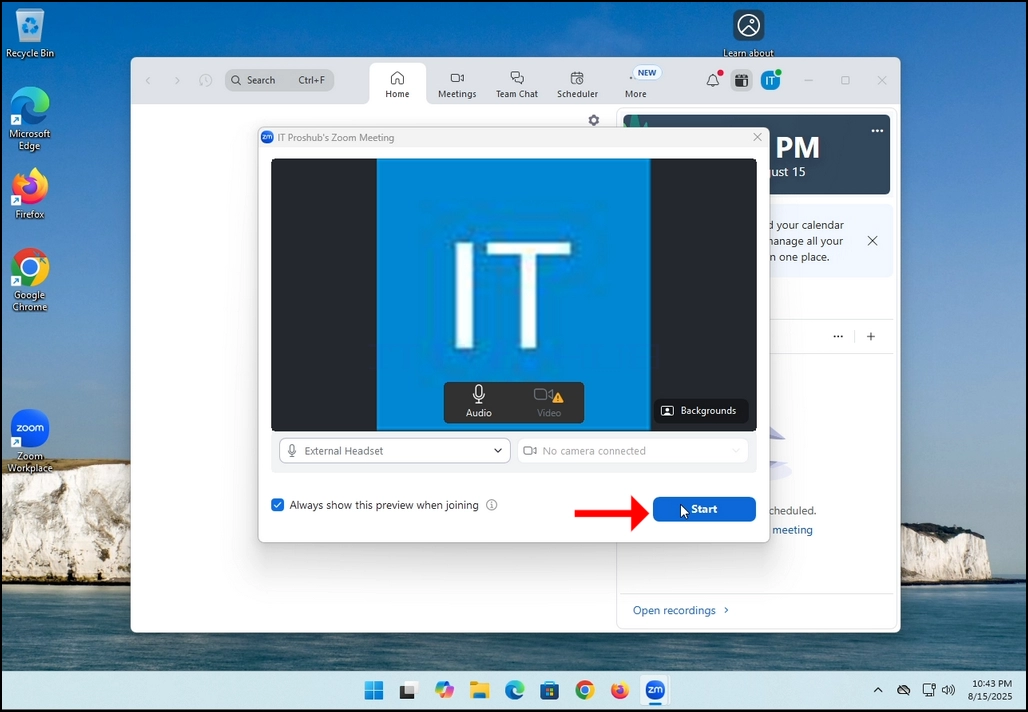
7. That's it! the new meeting is in progress. At this stage the meeting contains only the host which is IT Proshub in this article's case.
- Tietoja
- Kirjoittanut: IT Pro
- Kategoria: How to Articles
- Osumat: 5429
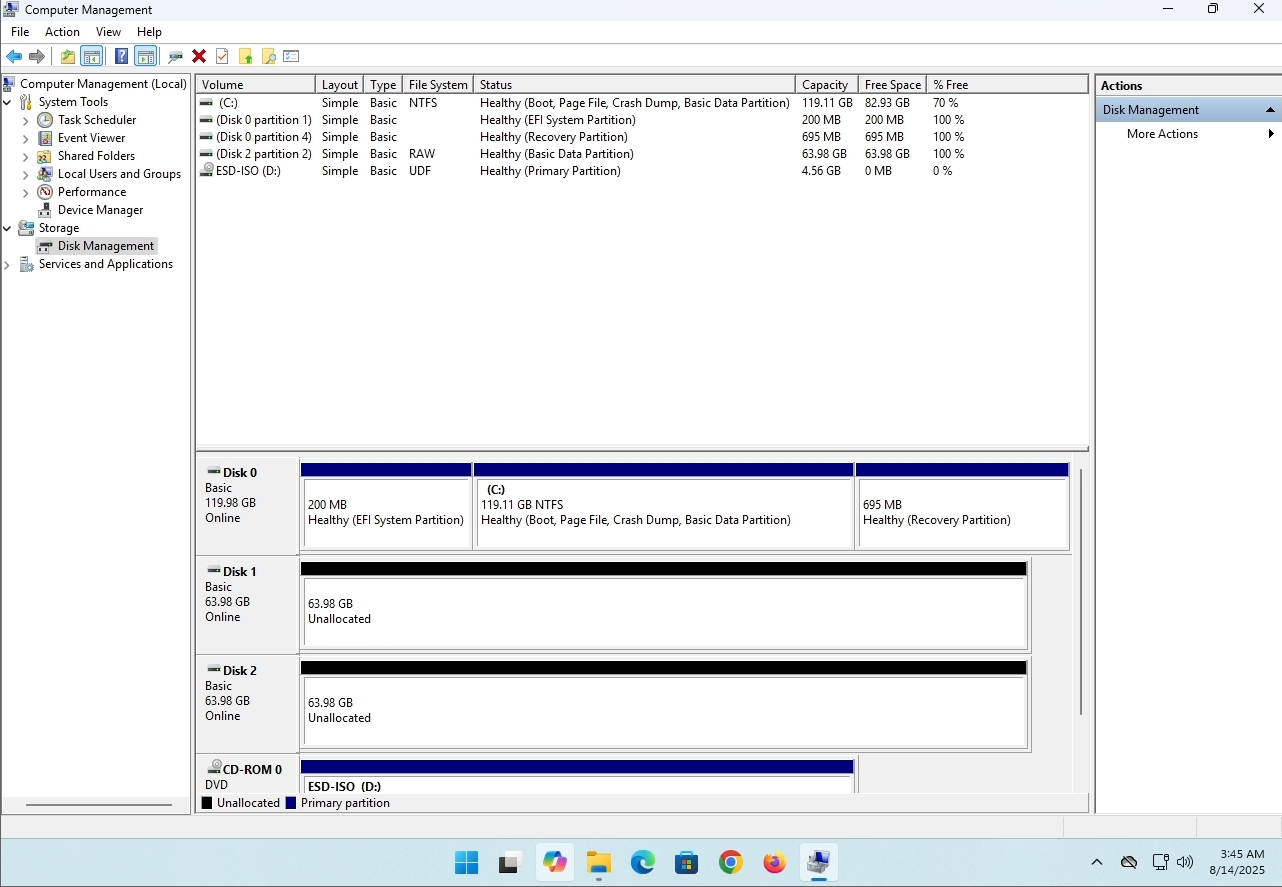
In this article we will demonstrate how to delete a stripped volume in Windows 11
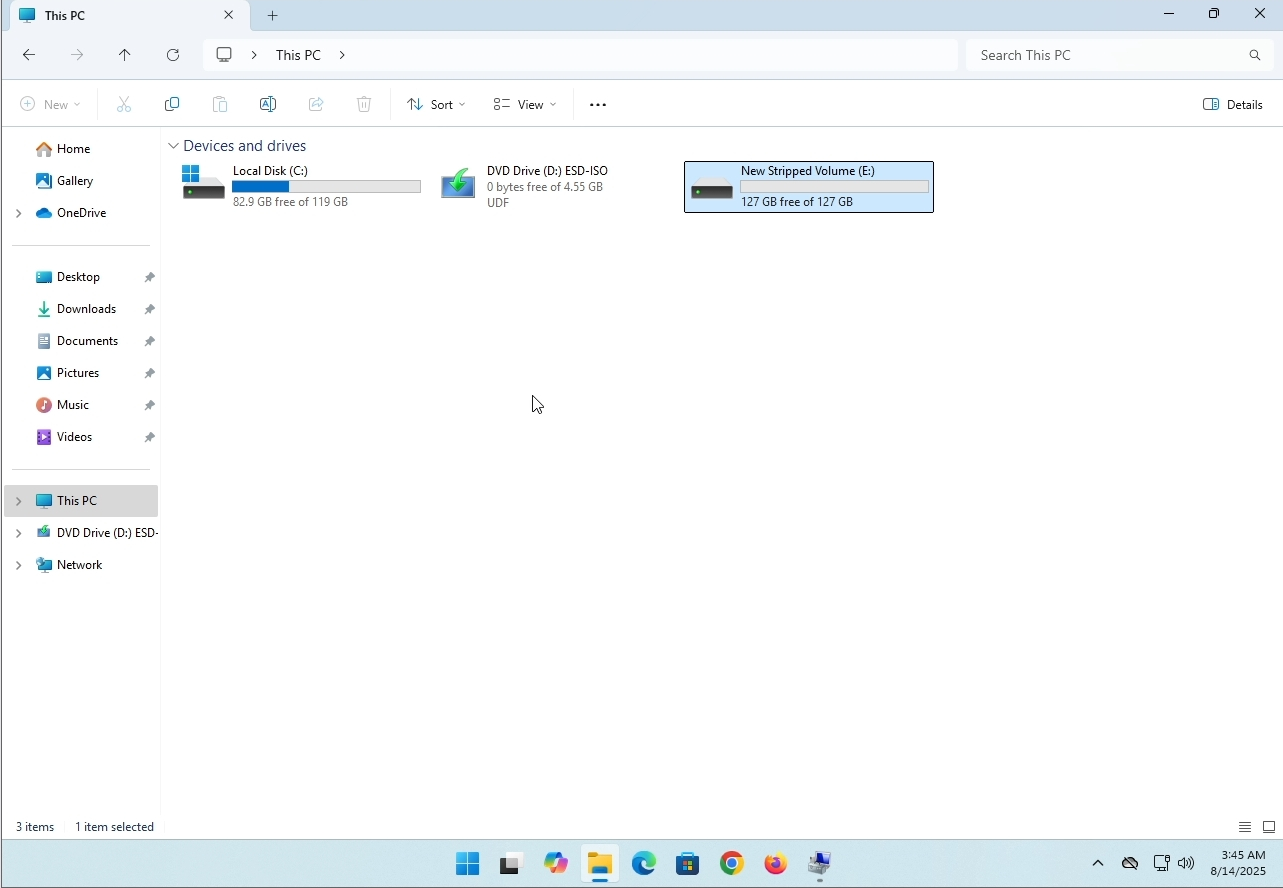
1. Make sure what is the stripped volume's drive letter is. In this case the drive letter is (E:):
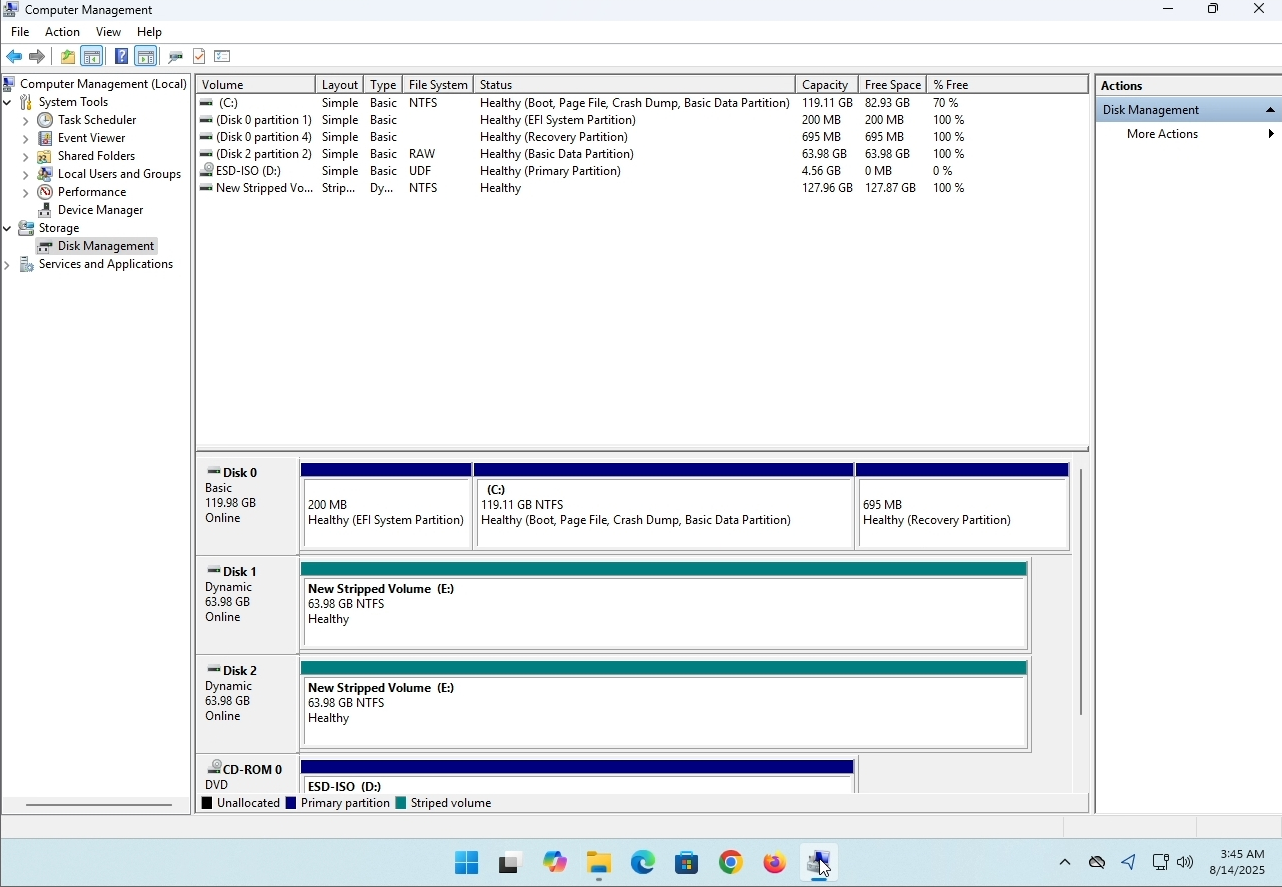
3. On the left pane. Look for Disk Management and click on it once.
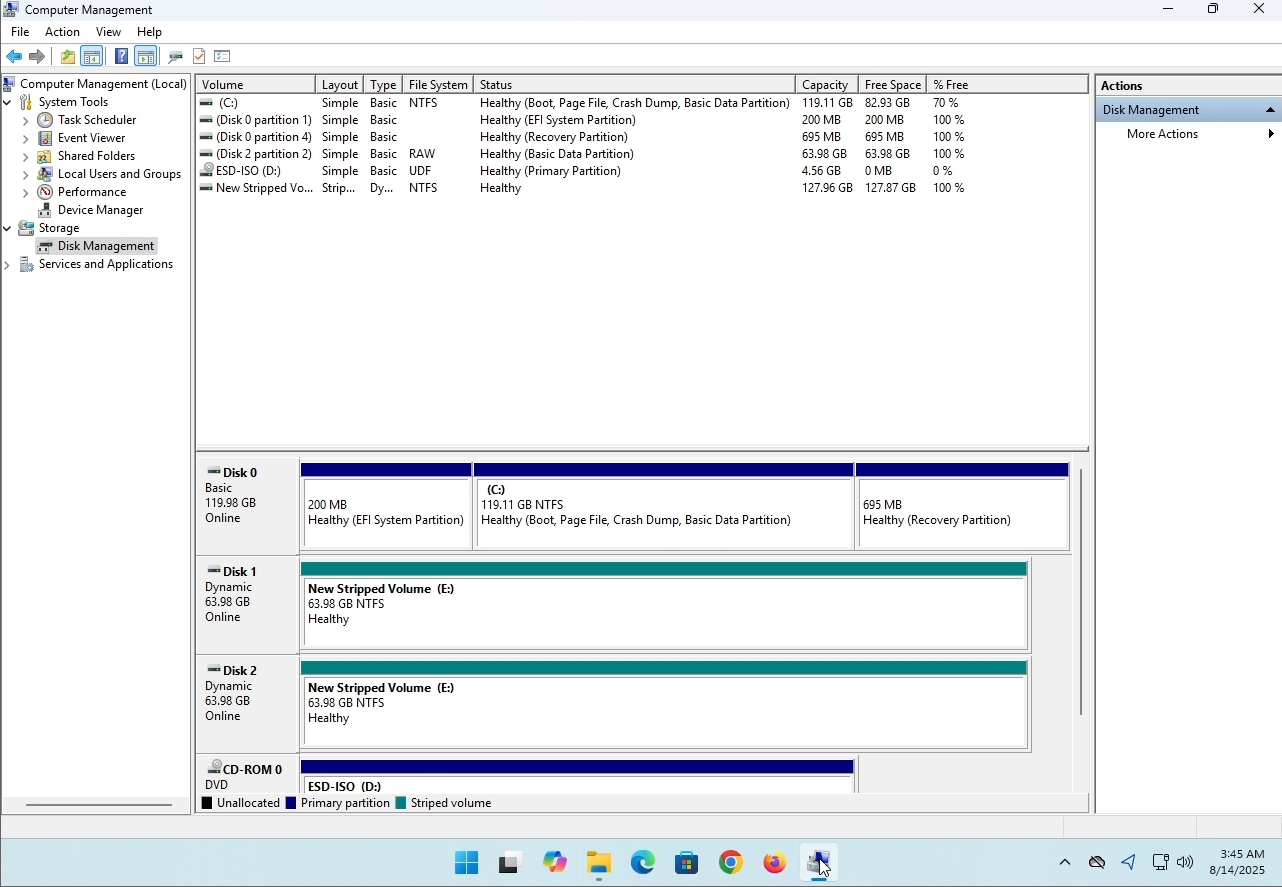
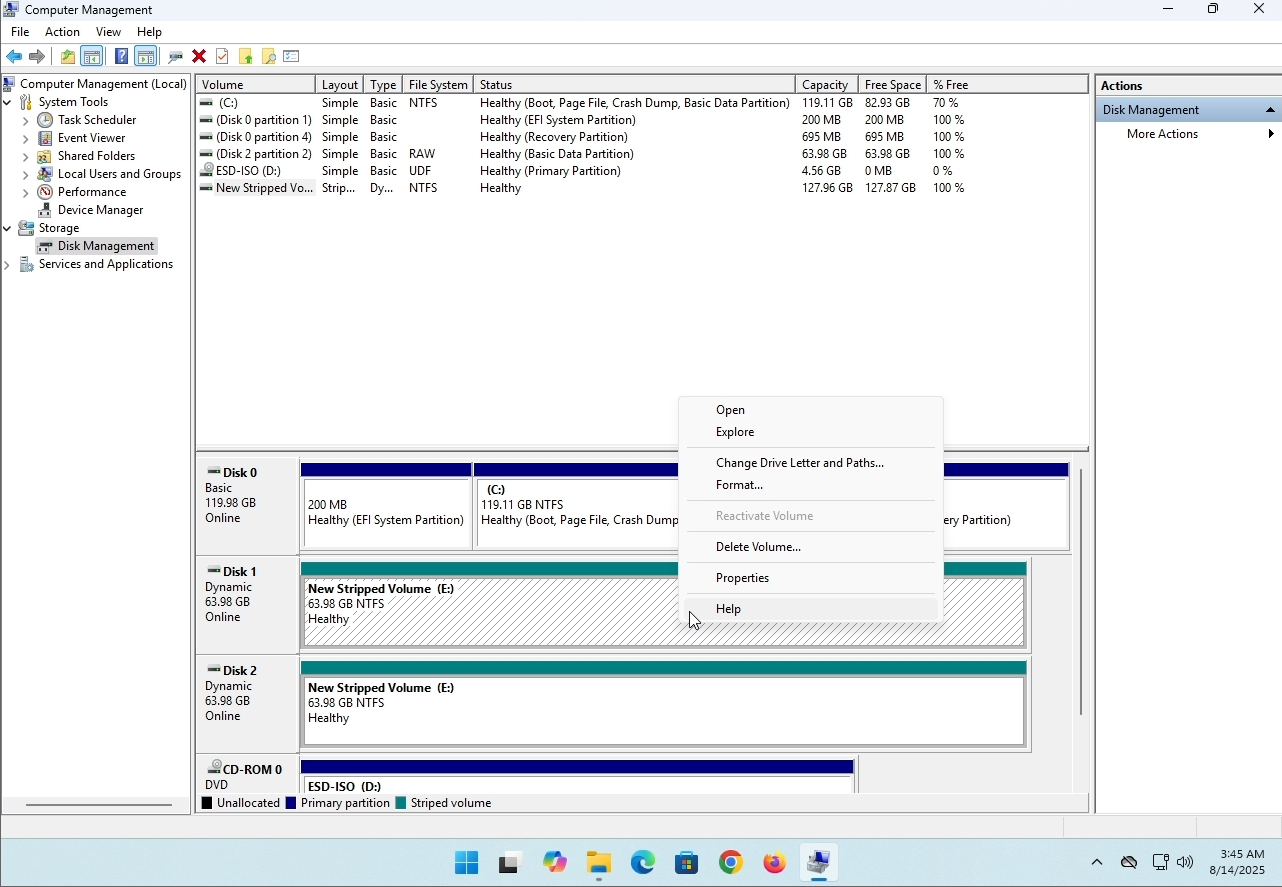
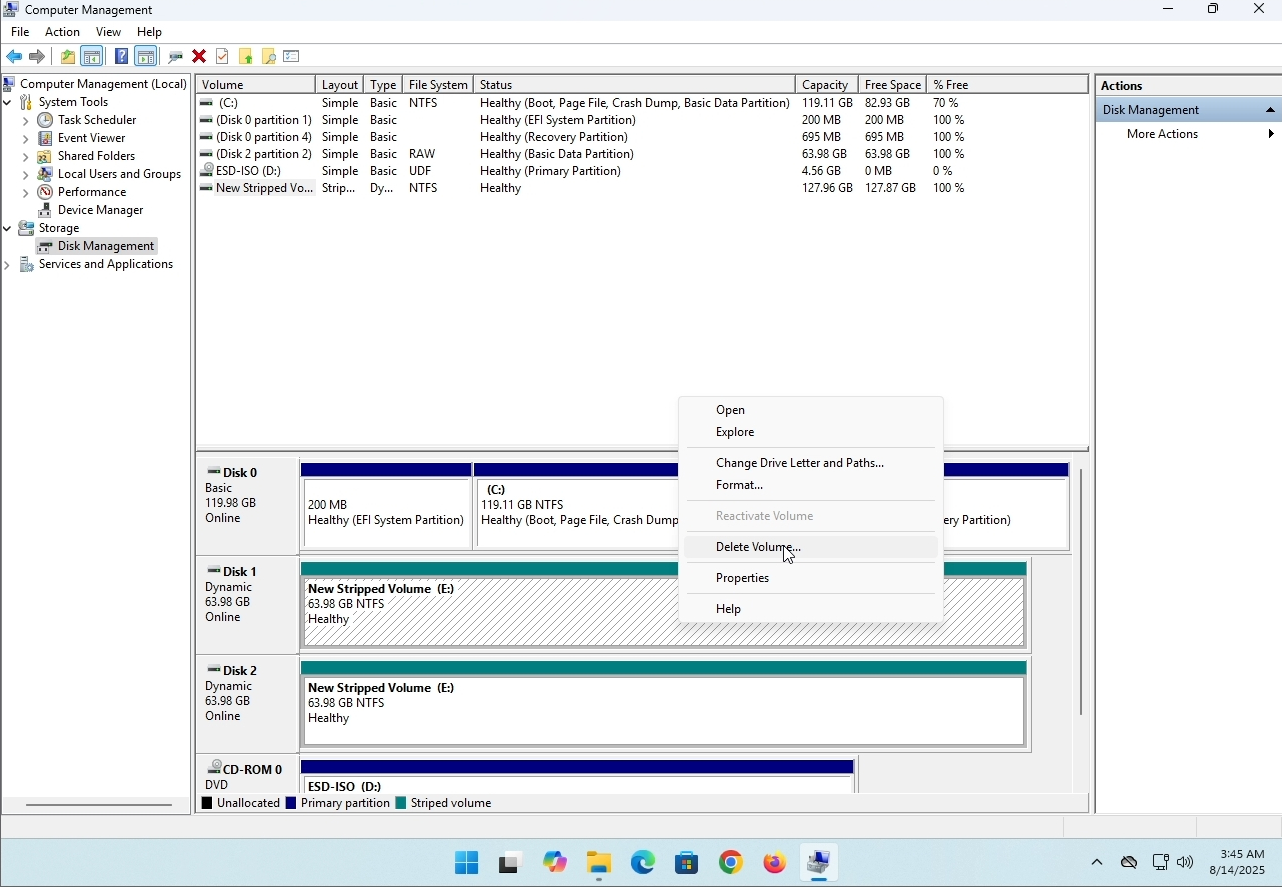
6. You will be shown a confirmation window. Click on Yes to confirm deleting the drive.
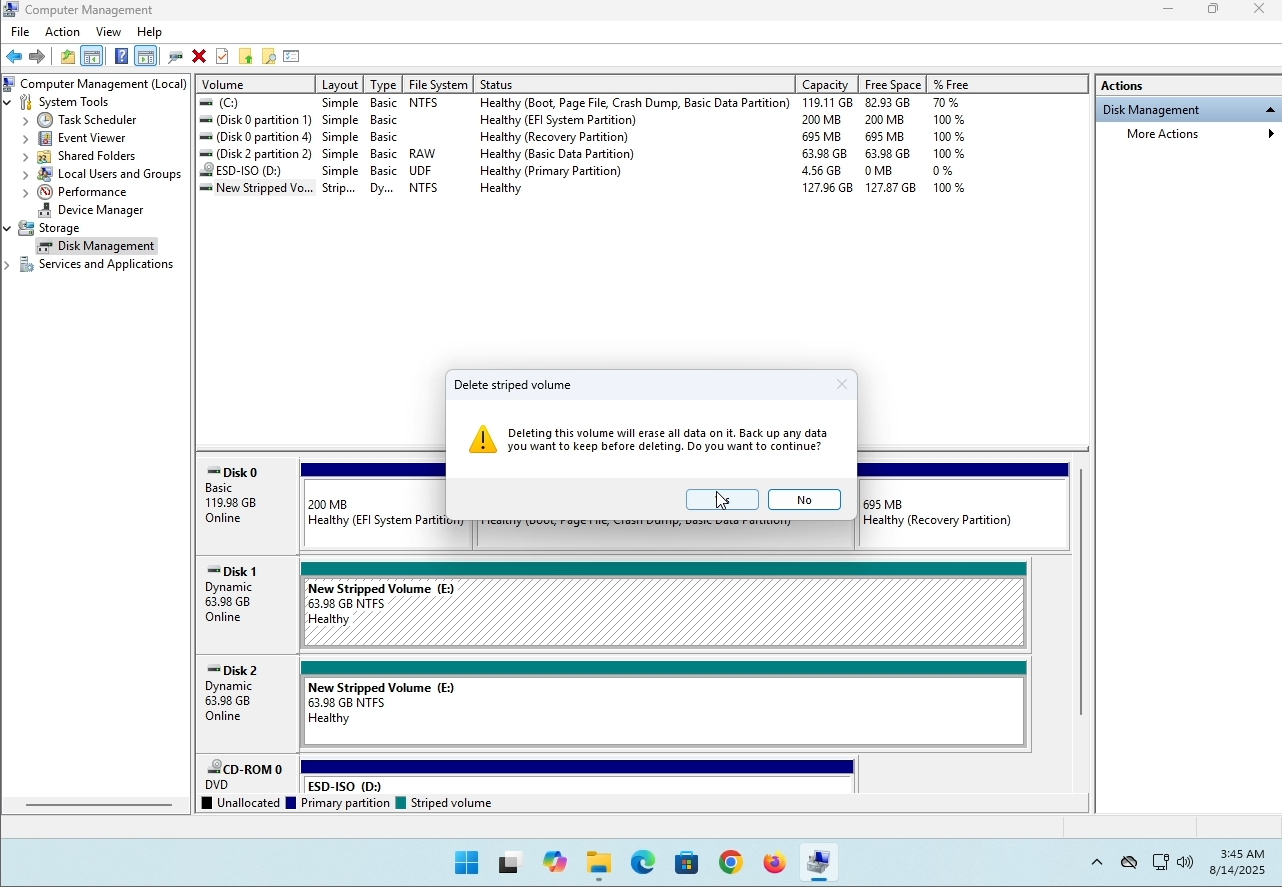
7. The drive is now deleted and the disks that were part of the stripped array are now unallocated.
- Tietoja
- Kirjoittanut: IT Pro
- Kategoria: How to Articles
- Osumat: 8229
Johdanto
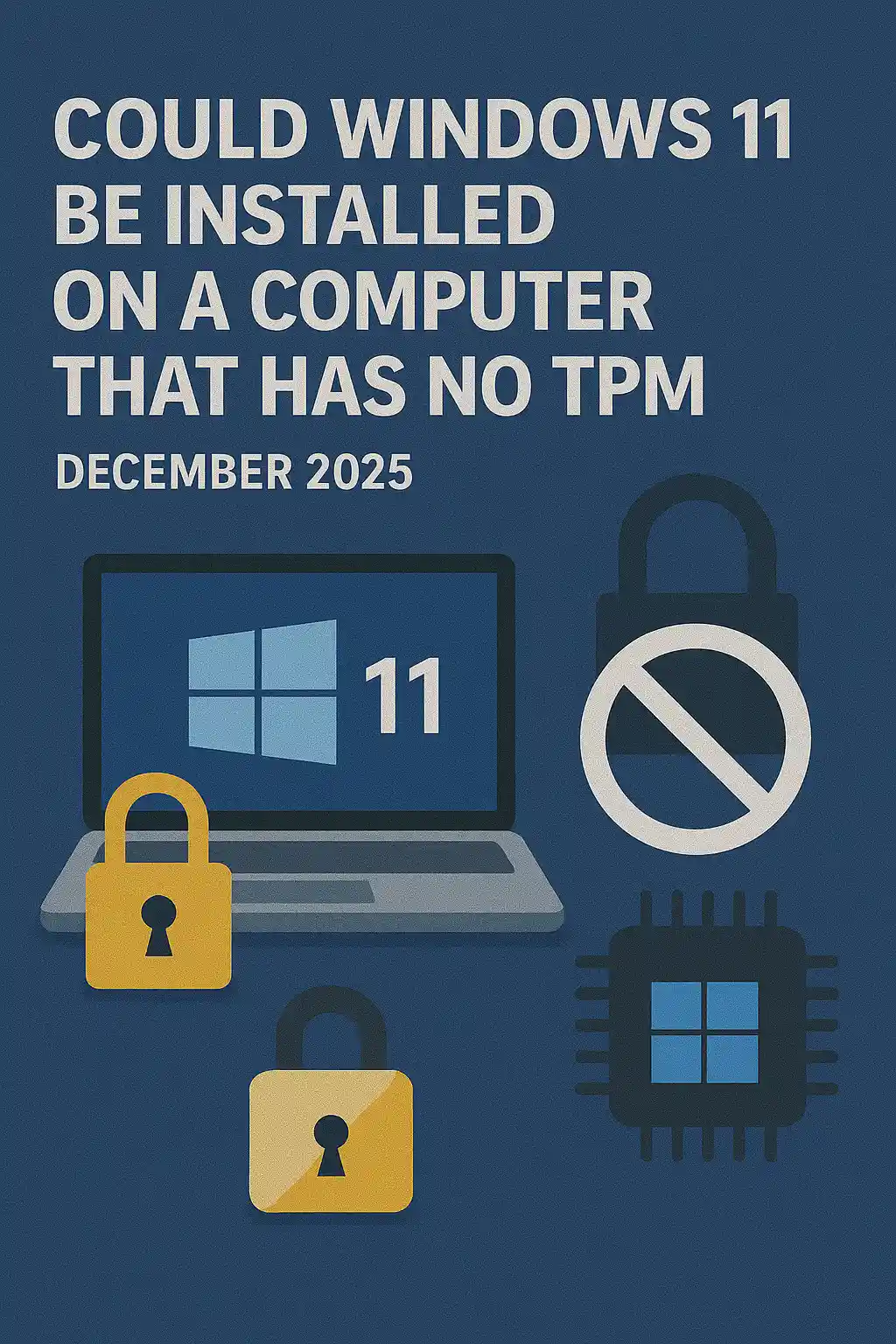
Tässä artikkelissa tutkimme, voitaisiinko Windows 11 asentaa tietokoneelle, jolla ei ole TPM-sirua.
Lyhyesti: EI.
Windowsia 11 ei voi asentaa tietokoneelle ilman vähintään TPM versio 2.0 -sirua.
Seuraavassa on esimerkki yrityksestä asentaa Windows 11 tällaiselle tietokoneelle.
Windows-versio, joka yritettiin asentaa oli 24H2.
1. Siirrytään Windowsin asennukseen


2. Määritellään kieltä

3. Asennusmenetelmä

4. Tuotteen avainvaihe


5. Valitaan Windows 11 Pro


6. PC-vaiheen tarkistus

7. Blokkeri

Päätelmä:
Täällä ei ole paljon sanottavaa. Meidän oli nähtävä se itse. Tästä aiheesta on puhuttu paljon, ja se näyttää pitävän paikkansa tässä tapauksessa. Asennuksen kannalta Windows 11 ei voi asentaa tietokoneeseen tai järjestelmään ilman TPM versio 2.0 siru.
Tämä ei tarkoita, etteikö Windows 11:ää voitaisi ajaa kyseisessä järjestelmässä. Lisätietoja, käy meidän artikkeli tästä aiheesta: https://itproshub.com/en/windows/can-windows-11-run-on-a-tietokone-the-has-no-tpm-chip-at-all-decembet-2025
- Tietoja
- Kirjoittanut: IT Pro
- Kategoria: How to Articles
- Osumat: 7279
1. Käynnistä asennus Thunderbird klikkaamalla sen asetustiedosto
2. Tervetuliaisnäytössä, klikkaa SEURAAVA.
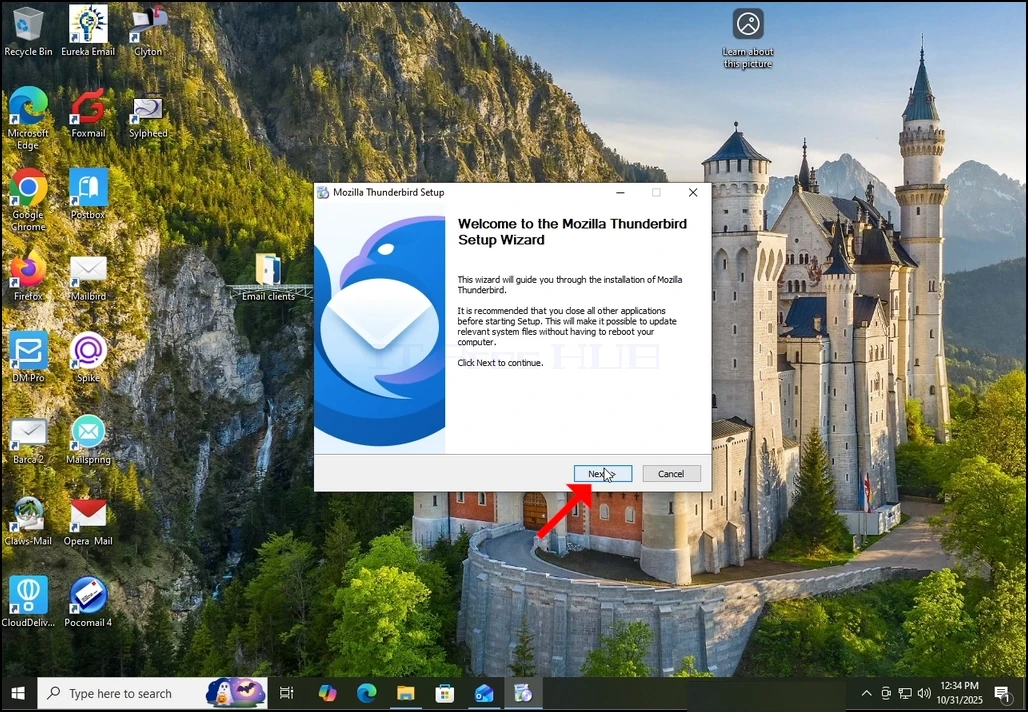
3. Valitse Standard vaihtoehto ja valitse SEURAAVA.
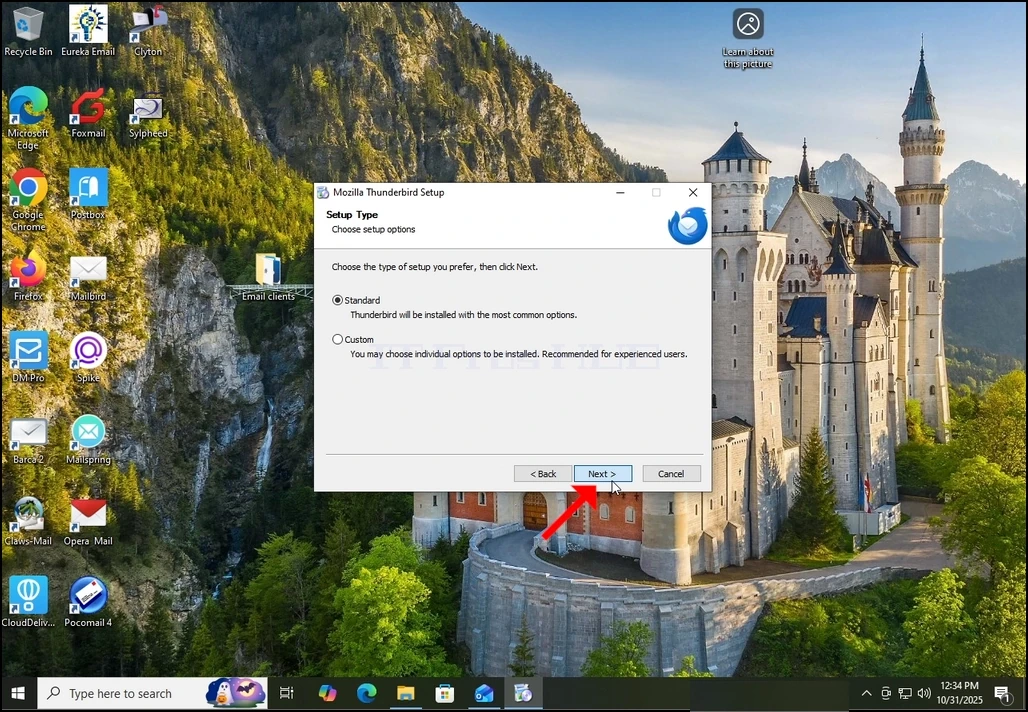
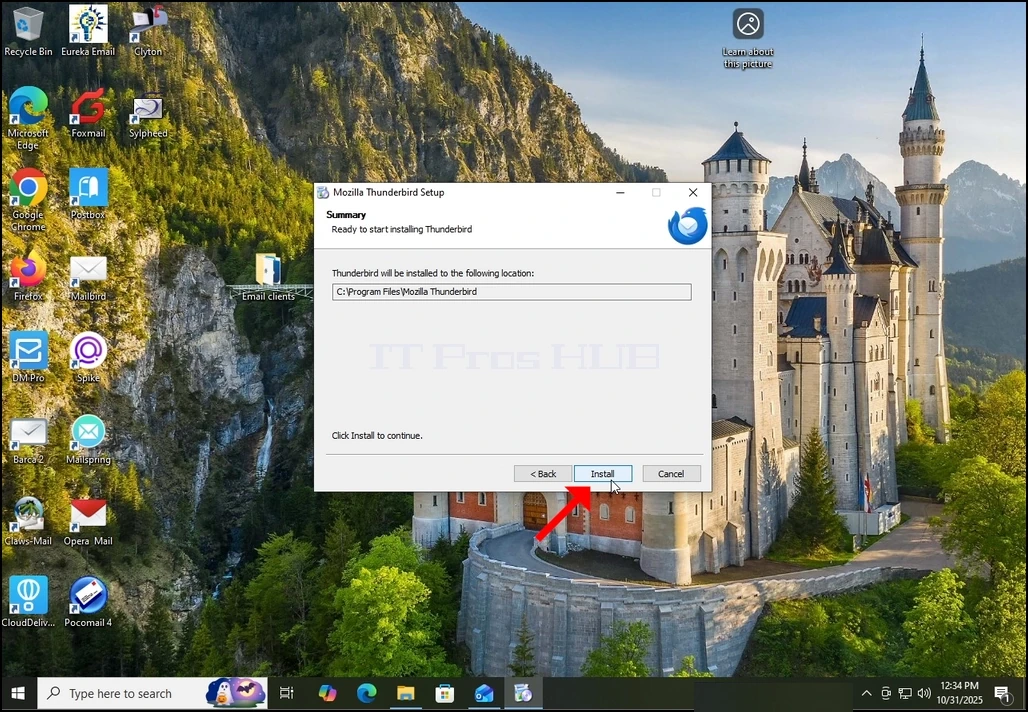
4. Napsauta Asenna-painiketta.
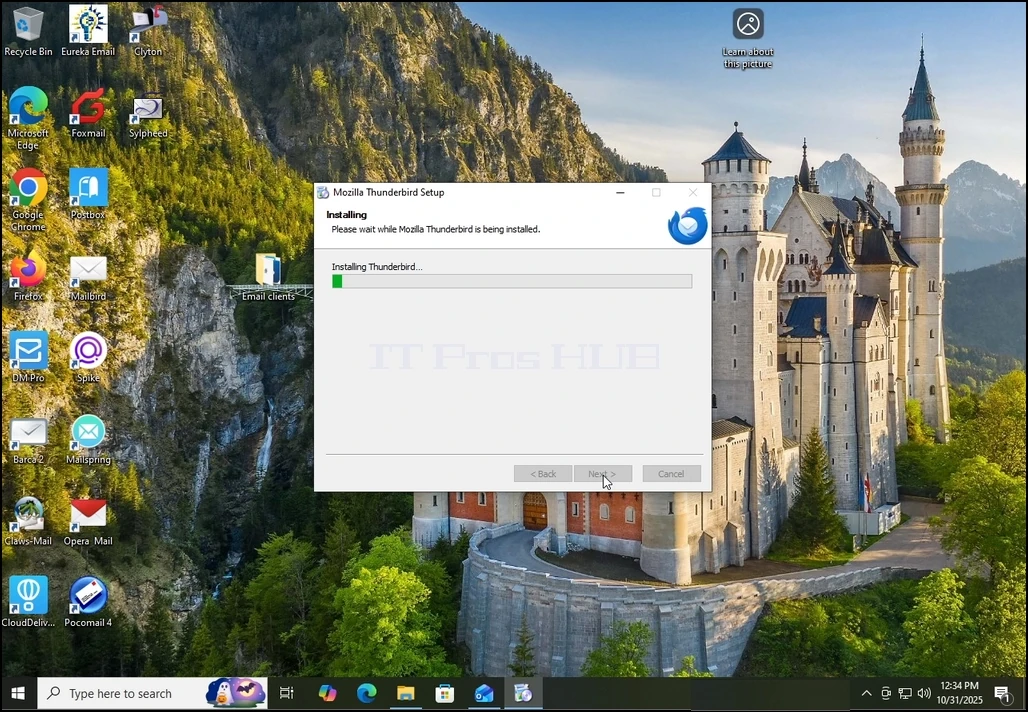
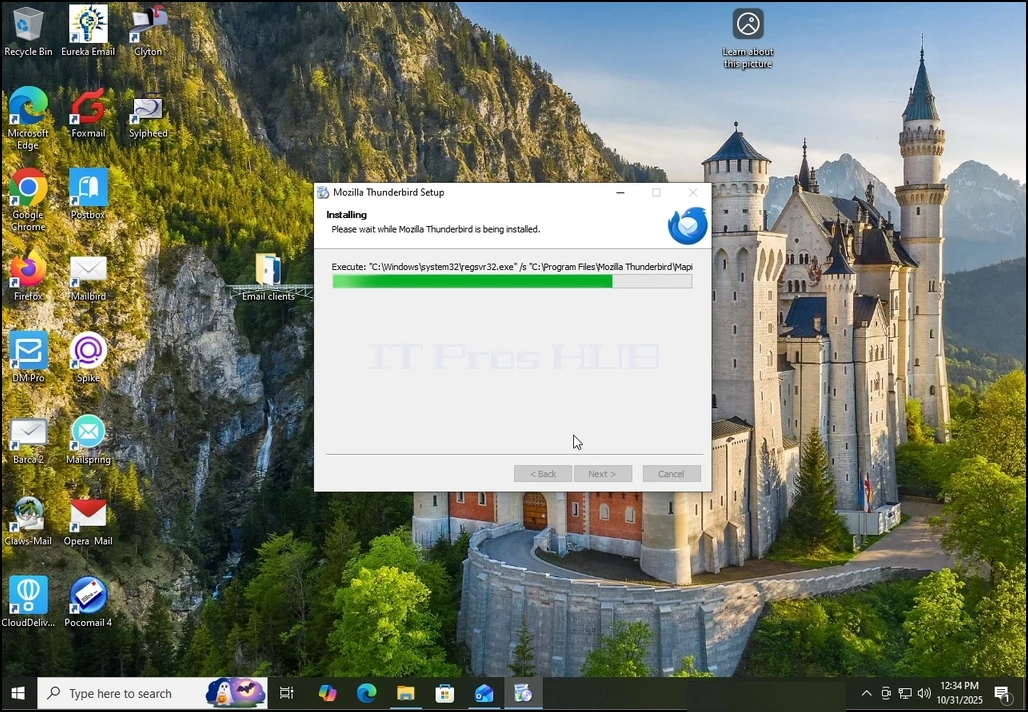
5. Odota kärsivällisesti asennusprosessin päättymistä
6. Avaa Launch Mozilla Thunderbird nyt vaihtoehto ja paina viimeistelypainiketta
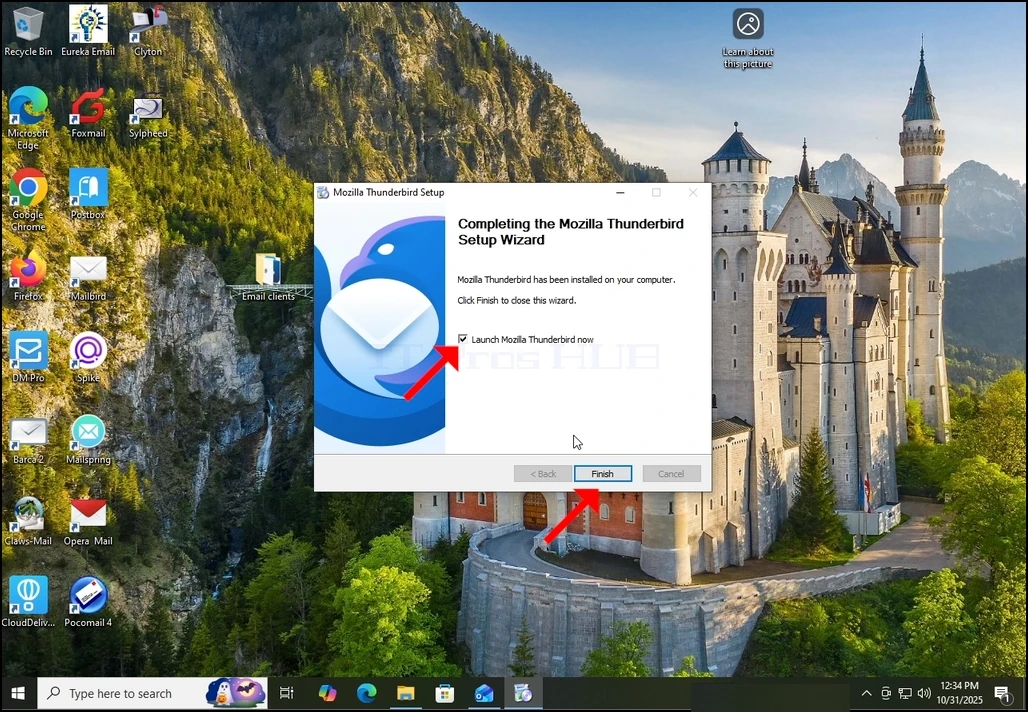
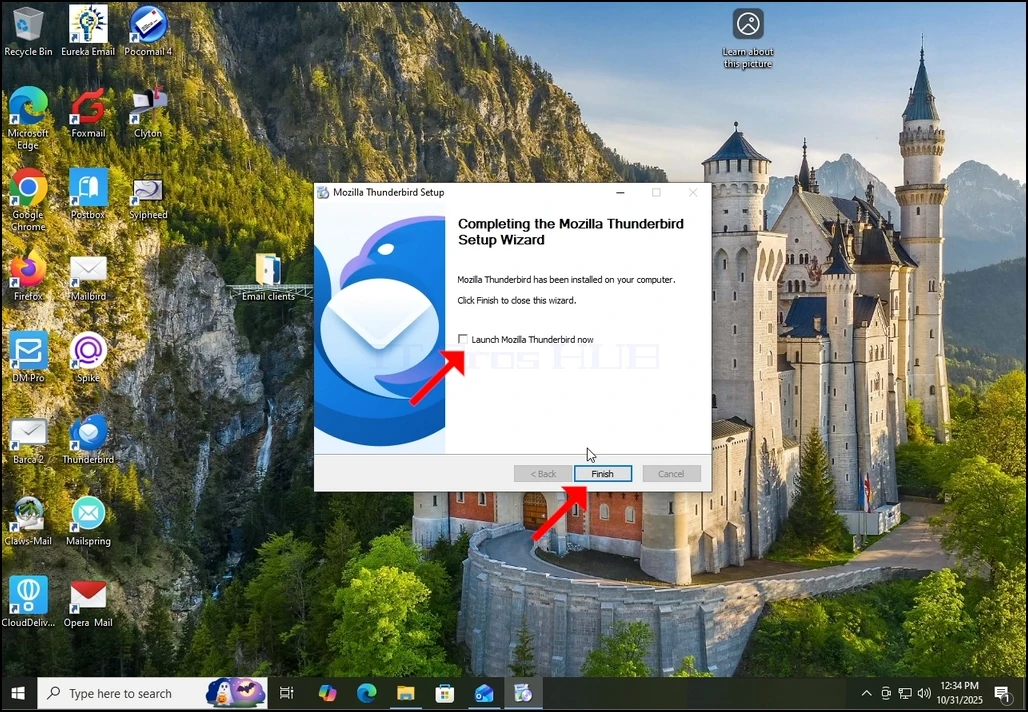
7. Mozilla Thunderbird on nyt asennettu!